RR Chat Scheduler - Auto Messages
- By
Automate your server's chat effortlessly! This addon features rotating custom announcements, built-in Minecraft tips, periodic rule reminders, and personalized welcome messages, all with fully customizable time intervals.
RR Chat Scheduler - Auto Messages (12).jpg
RR Chat Scheduler - Auto Messages (10).jpg
RR Chat Scheduler - Auto Messages (11).jpg
RR Chat Scheduler - Auto Messages (13).jpg
RR Chat Scheduler - Auto Messages (14).jpg
RR Chat Scheduler - Auto Messages (18).jpg
RR Chat Scheduler - Auto Messages (17).jpg
RR Chat Scheduler - Auto Messages (15).jpg
RR Chat Scheduler - Auto Messages (16).jpg
RR Chat Scheduler - Auto Messages (19).jpg
RR Chat Scheduler - Auto Messages (7).jpg
RR Chat Scheduler - Auto Messages (8).jpg
RR Chat Scheduler - Auto Messages (6).jpg
RR Chat Scheduler - Auto Messages (9).jpg
RR Chat Scheduler - Auto Messages (4).jpg
Description
Whats up guys racing raftaar here again. Today i am bringing you a very special and highly requested utility addon for your minecraft bedrock servers. If you host a realm or a multiplayer survival world with your friends or even public players from discord you probably know how stressful it can get. When you have a lot of players joining your world you constantly have to type the same things over and over again in the chat. Like telling new players to read the rules, or sharing your discord link, or just telling people to not steal from each others bases.
It gets super annoying to manually type this every 10 minutes while you are just trying to build your house or mine diamonds. Some people use command blocks for this but it is very messy and hard to setup. So i completely fixed this problem by coding the RR Chat Scheduler addon. This pack automates your entire server chat and makes your bedrock realm look like a premium professional java server.
The Setup And Menu Items
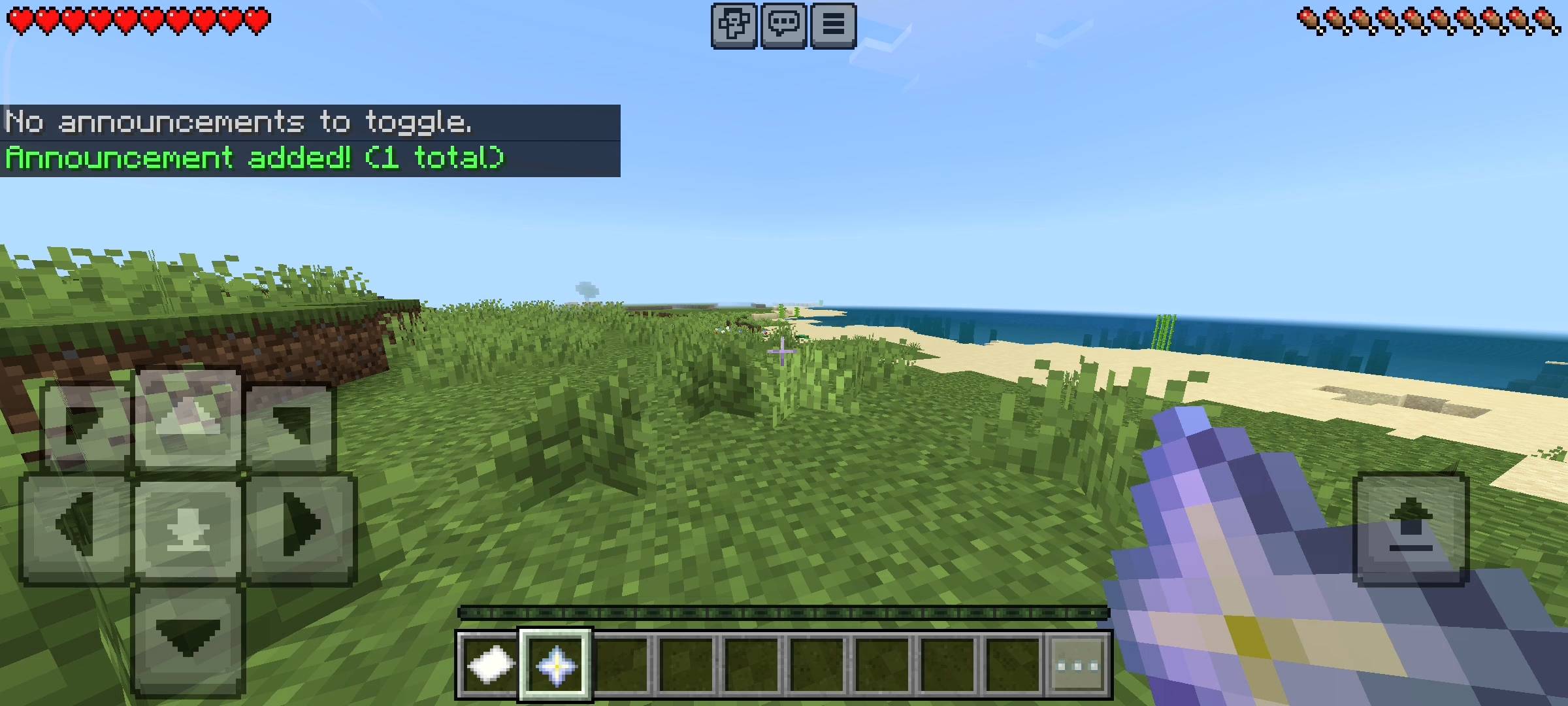
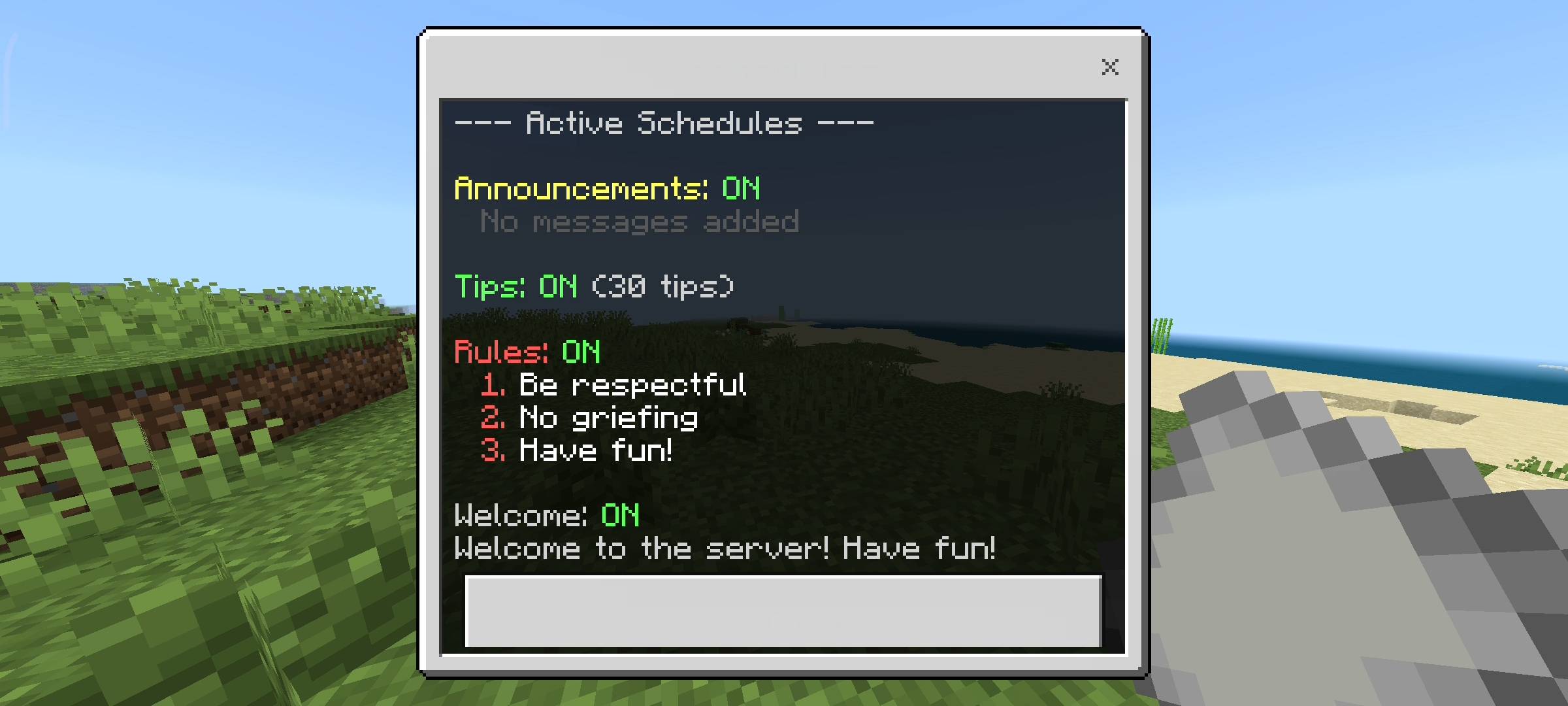
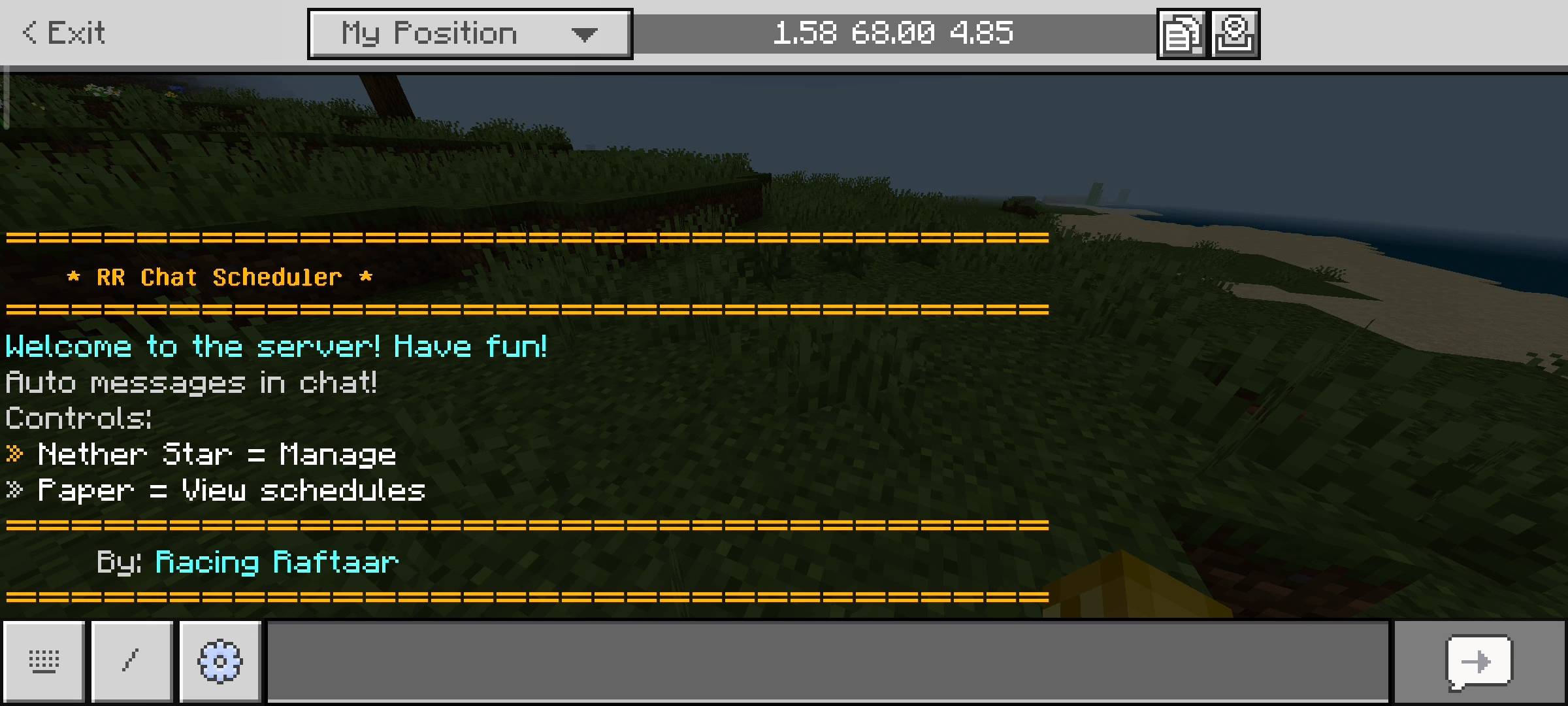
I wanted this pack to be as easy to use as possible for server owners. You dont have to type any long slash commands to set this up. When you first install this addon and join your world, the game will automatically give you two items in your inventory. You get a Nether Star which is your main Scheduler menu and a piece of Paper which is just for viewing active schedules.
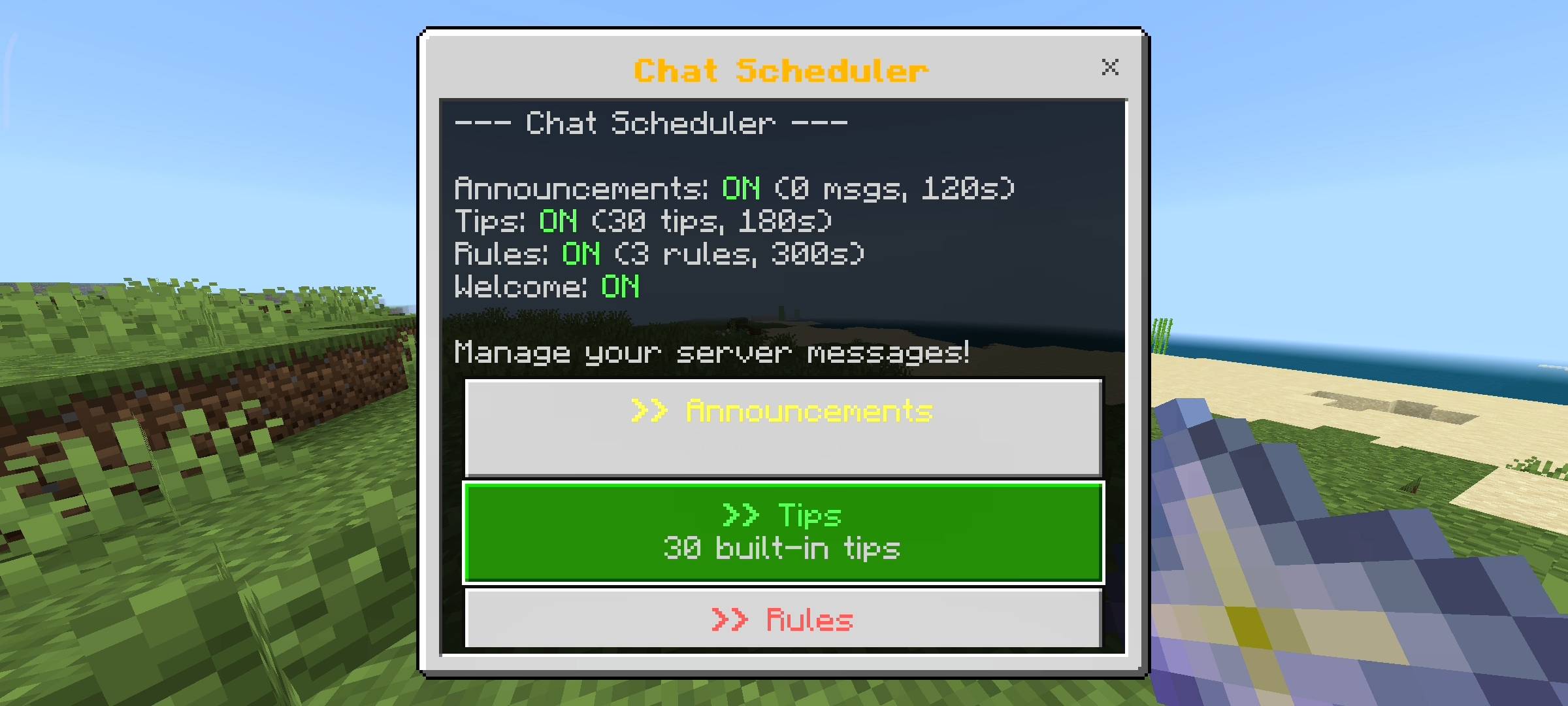
If you hold the Nether Star and sneak it will pop open a massive UI menu right on your screen. From this main menu you can control every single aspect of your server chat. You can turn features on or off with just one click without doing any complicated redstone stuff.

Auto Announcements And Welcome Messages
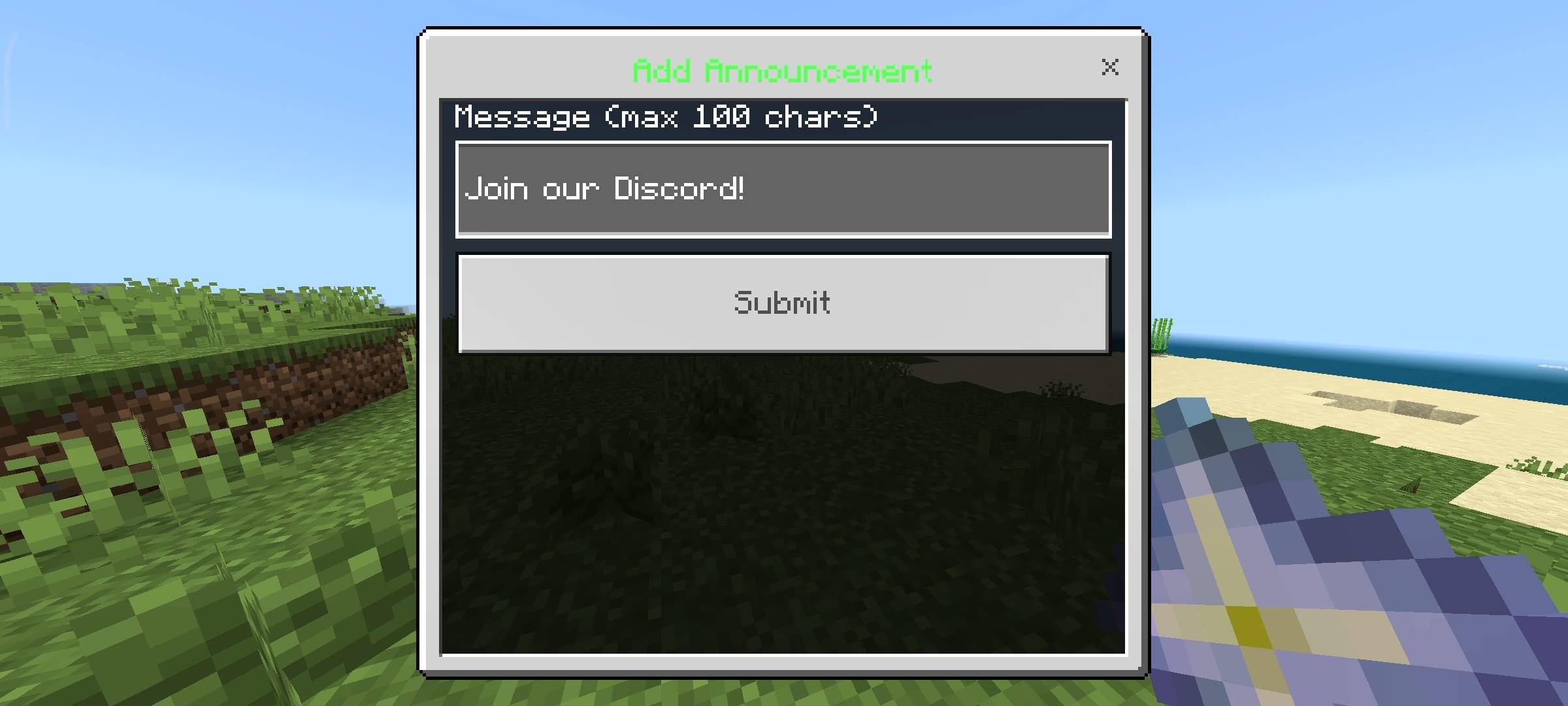
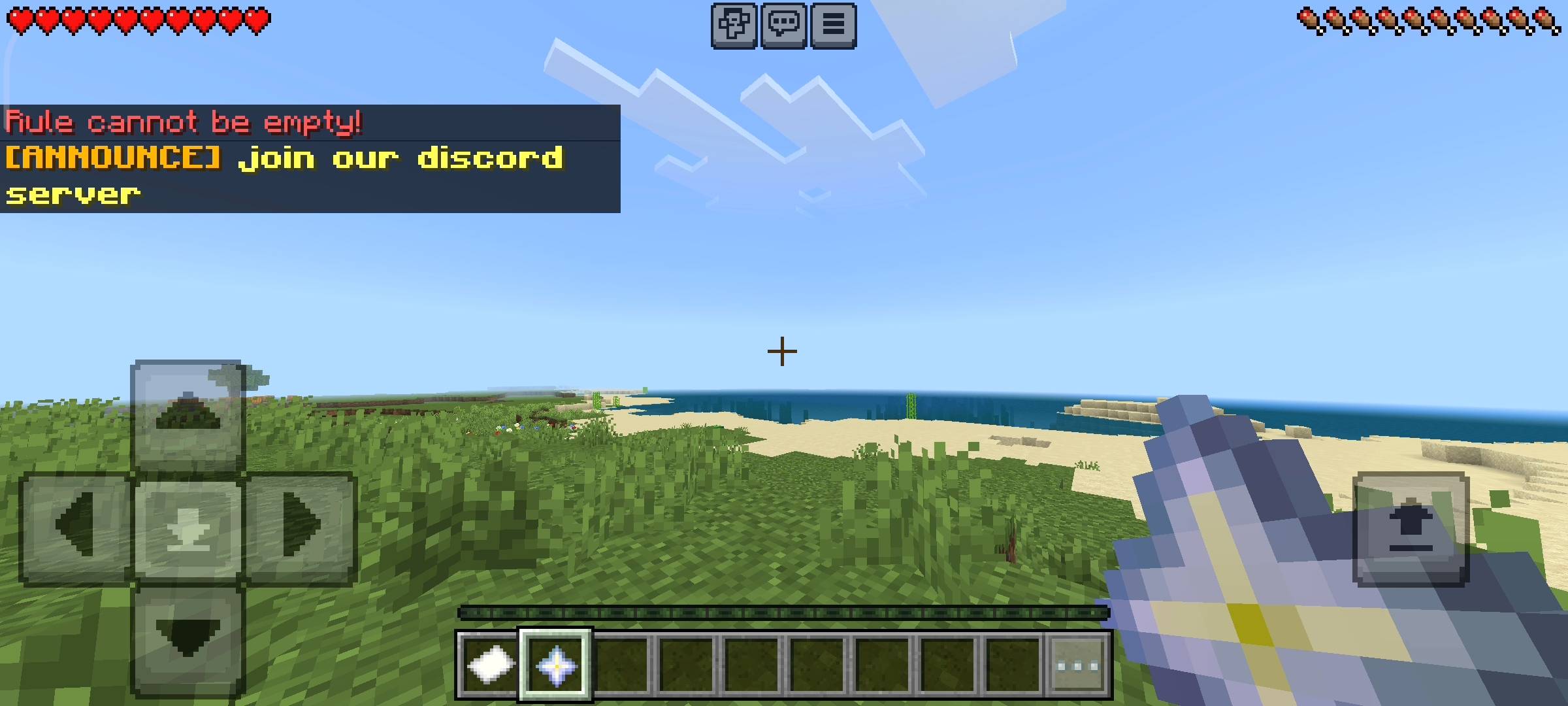
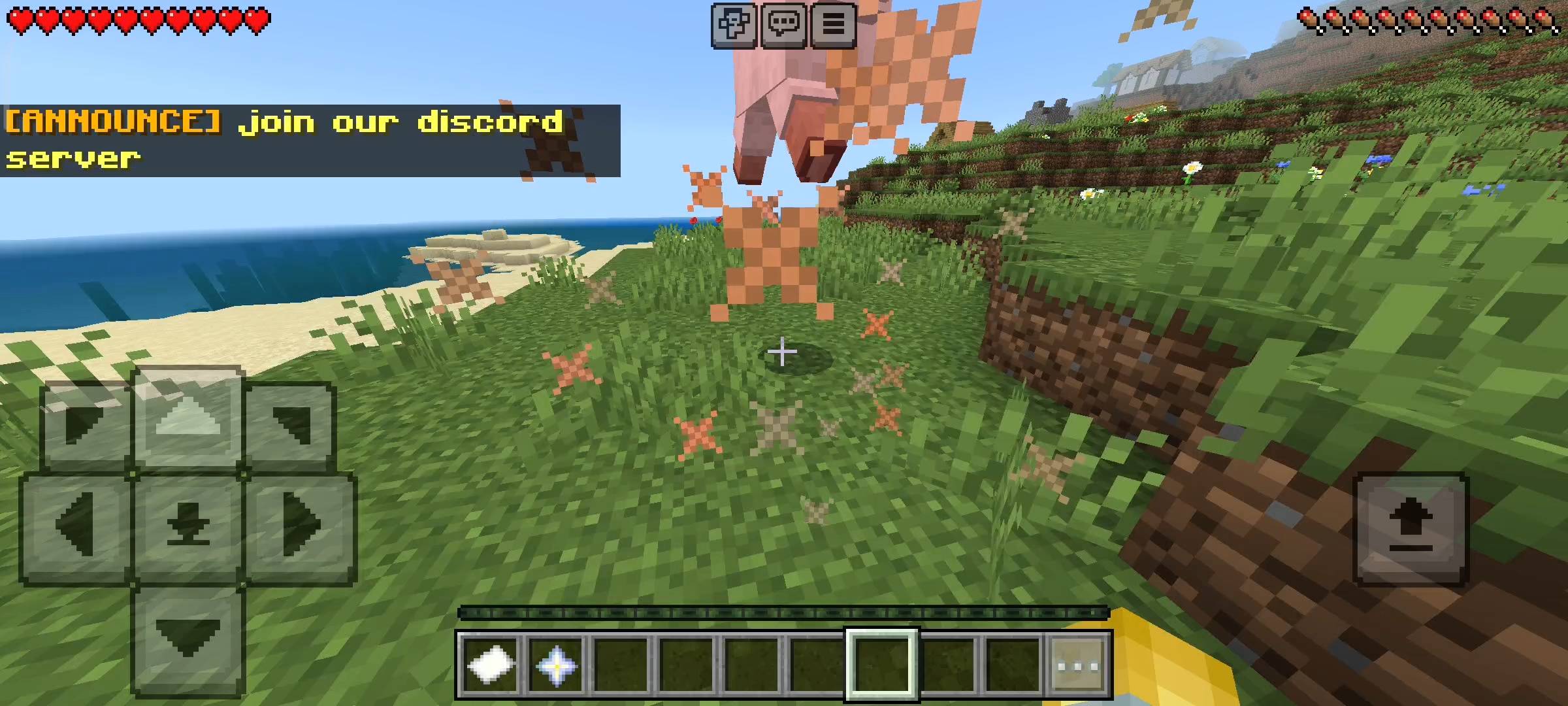
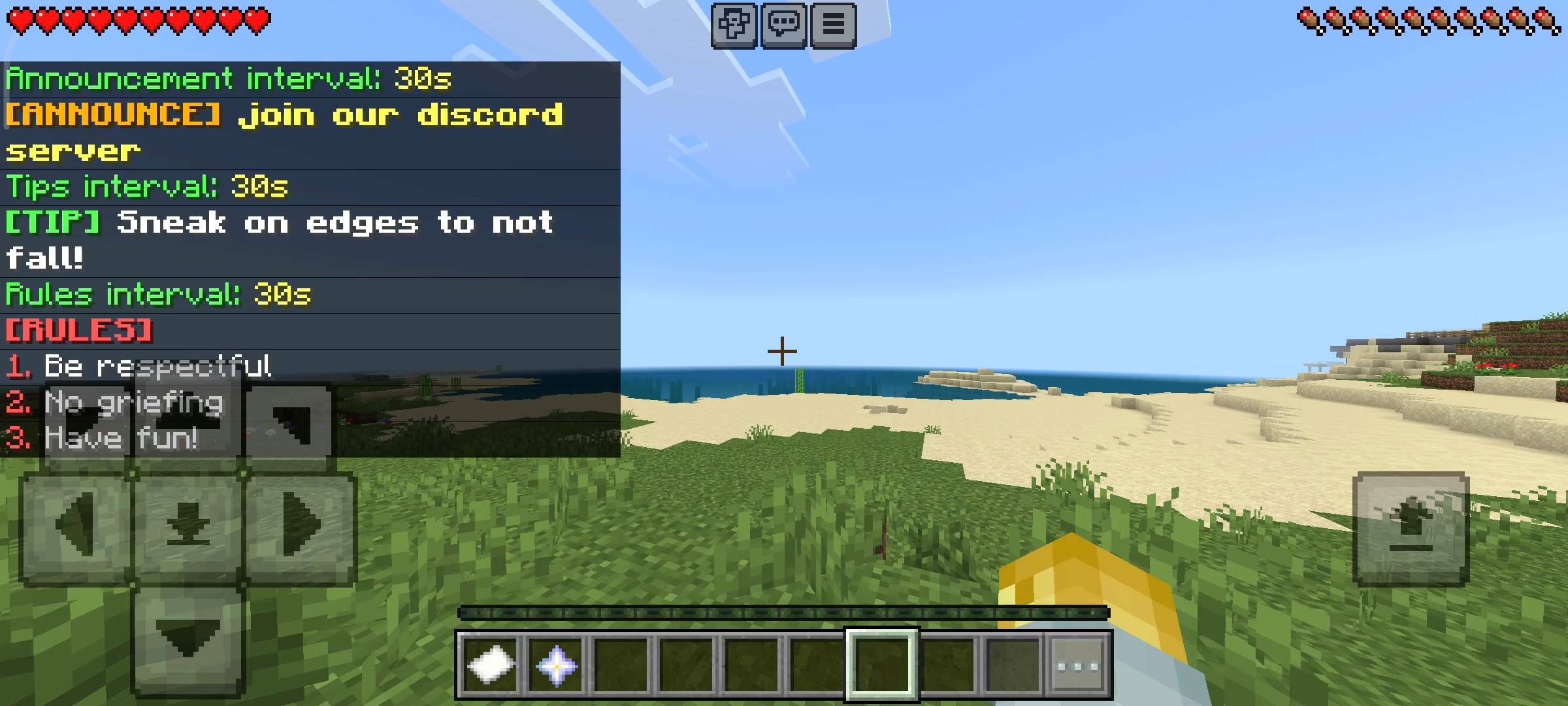
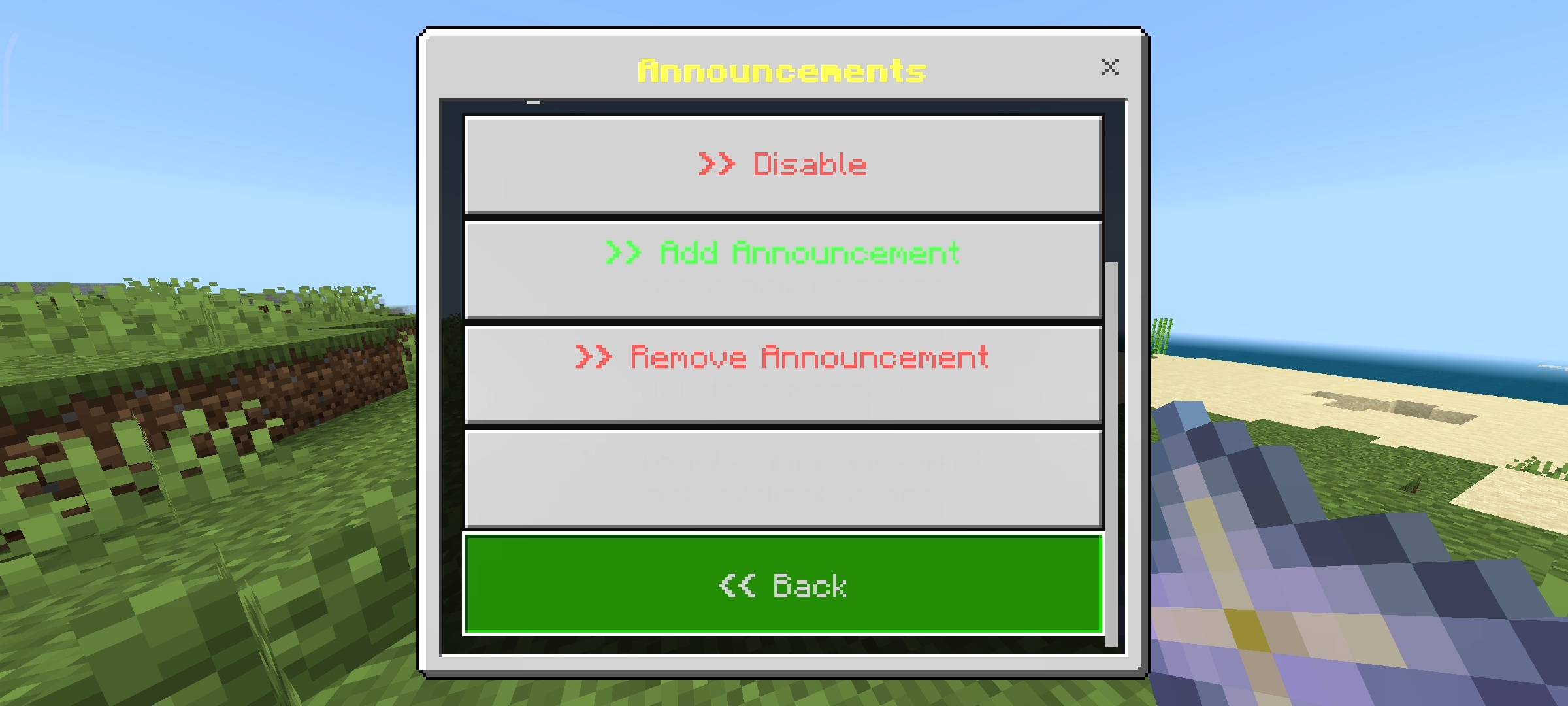
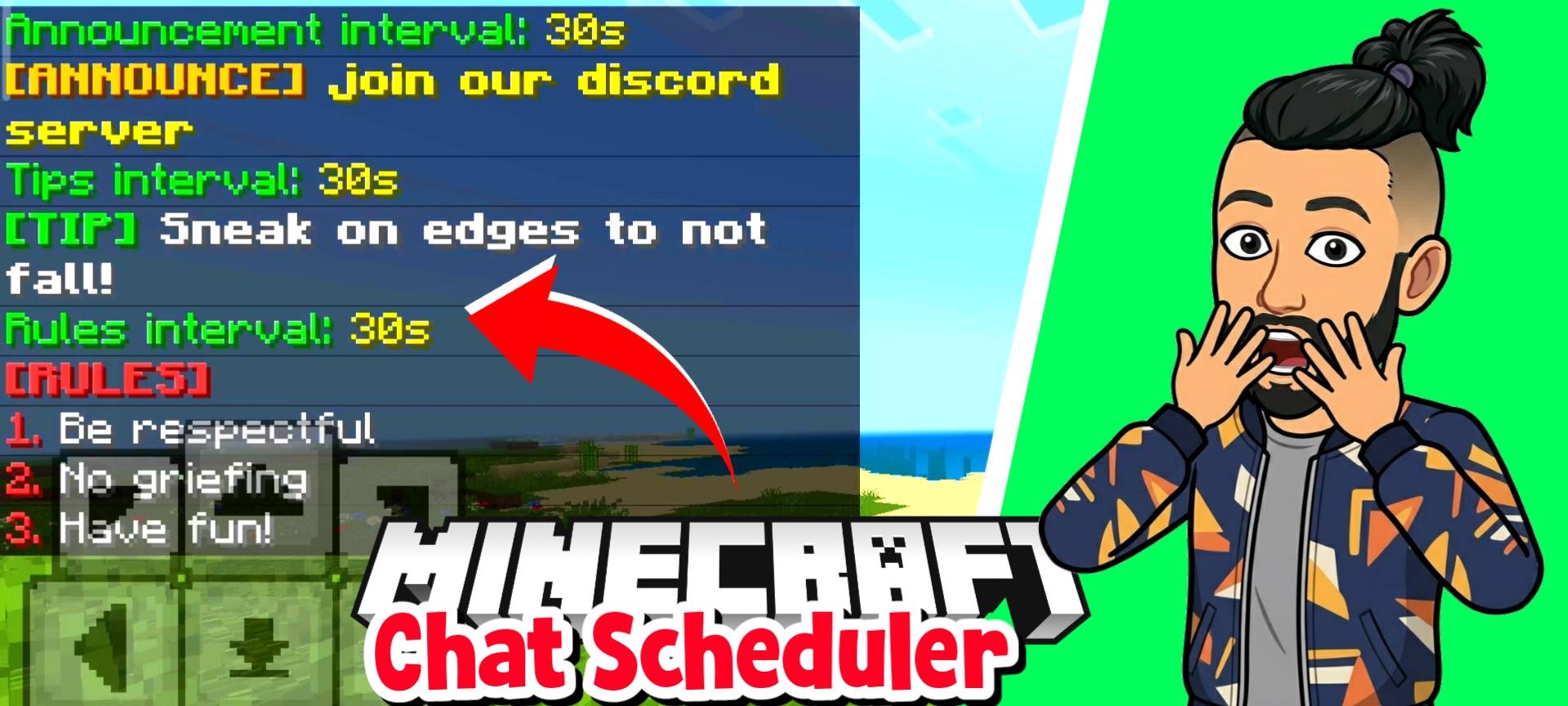
The first big feature is the announcements system. In the menu you can type your own custom messages like Join our discord server or Dont forget to vote for the realm. The addon will save these messages and automatically rotate them in the chat on a timer. The chat will literally say ANNOUNCE in yellow text before your message so it looks very official. If you want to temporarily stop one specific announcement you can just toggle it off in the menu without deleting it.
I also added a Welcome Message system. You can write a custom greeting in the menu and whenever a brand new player spawns into your server for the very first time, it greets them in the chat. It gives them a very warm welcome and makes your community look super friendly right from the start.
Rules Reminder And Built In Tips
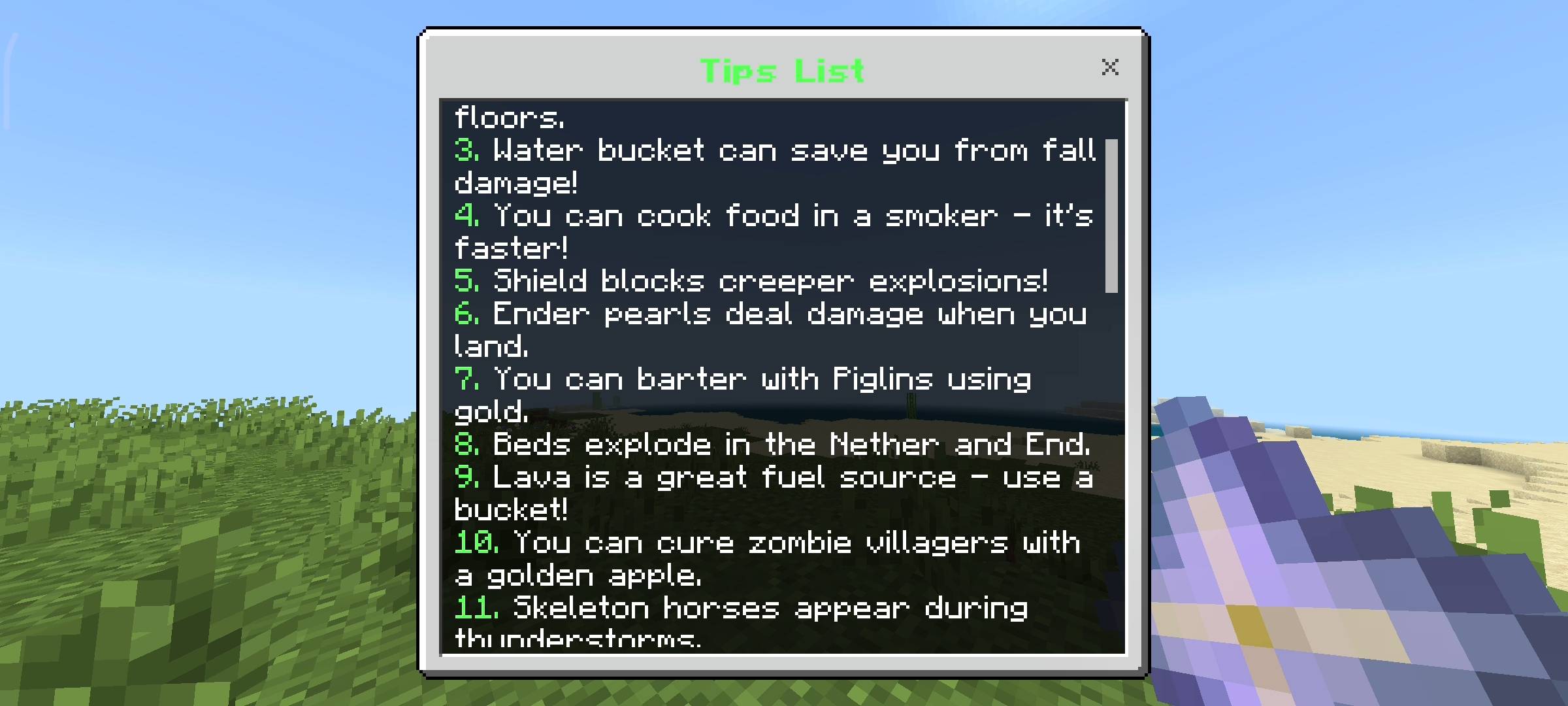
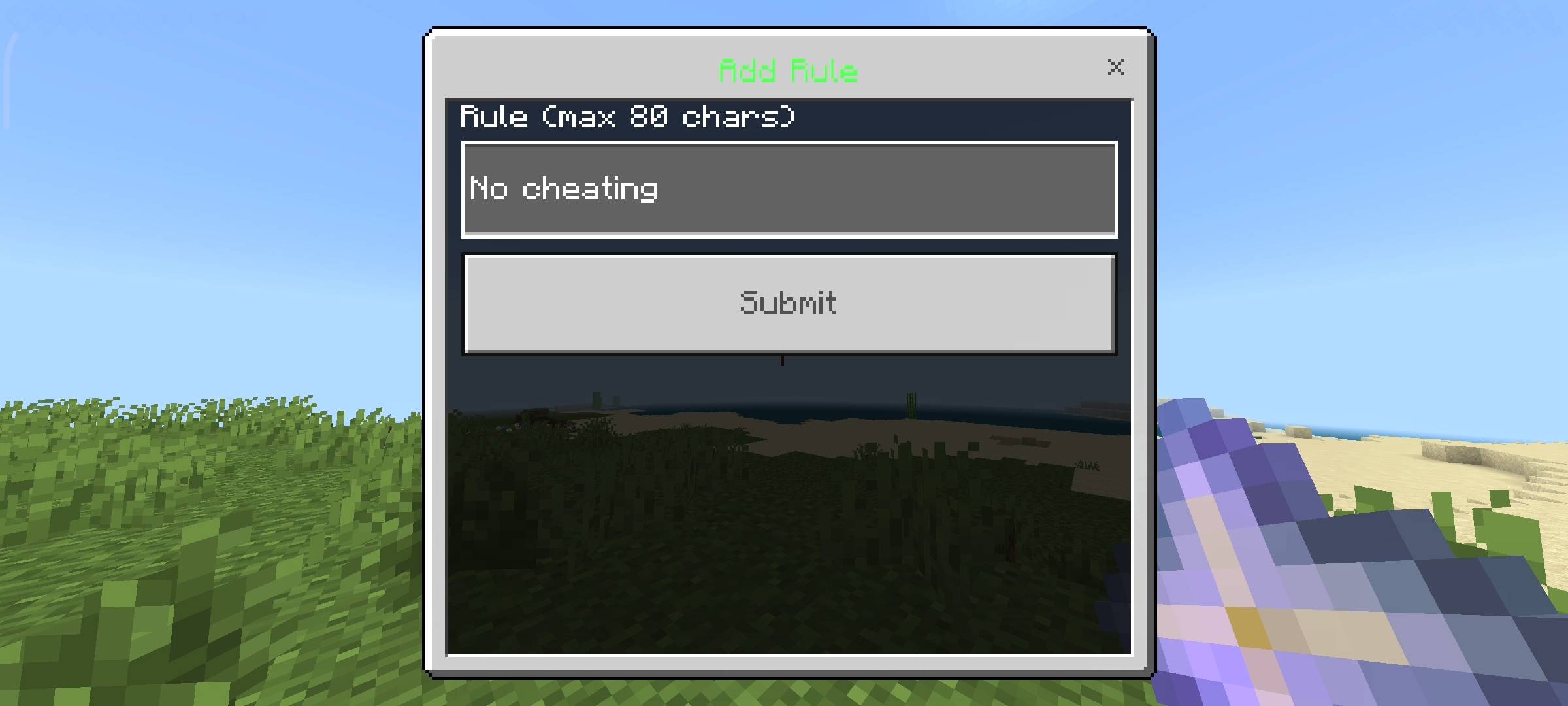
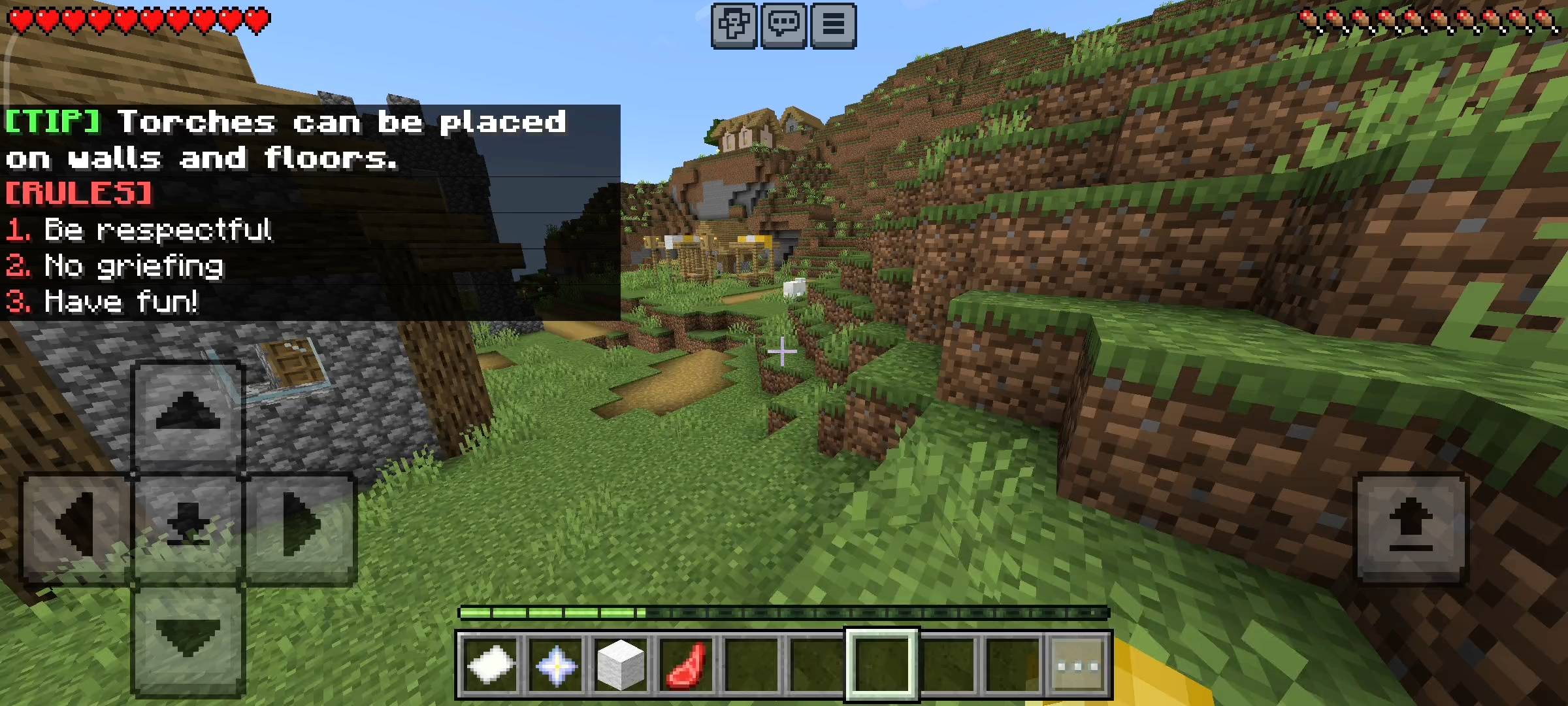
One of the biggest issues on multiplayer servers is griefing and stealing. Kids will join your server and break rules and then say they didnt know the rules. To stop this I made a Rules Reminder system. You can add all your server rules into the menu like 1. No griefing 2. No stealing. The scheduler will automatically broadcast the entire rule list in the chat periodically so nobody has any excuses anymore. Beside the rules I also coded a really cool Tips system.
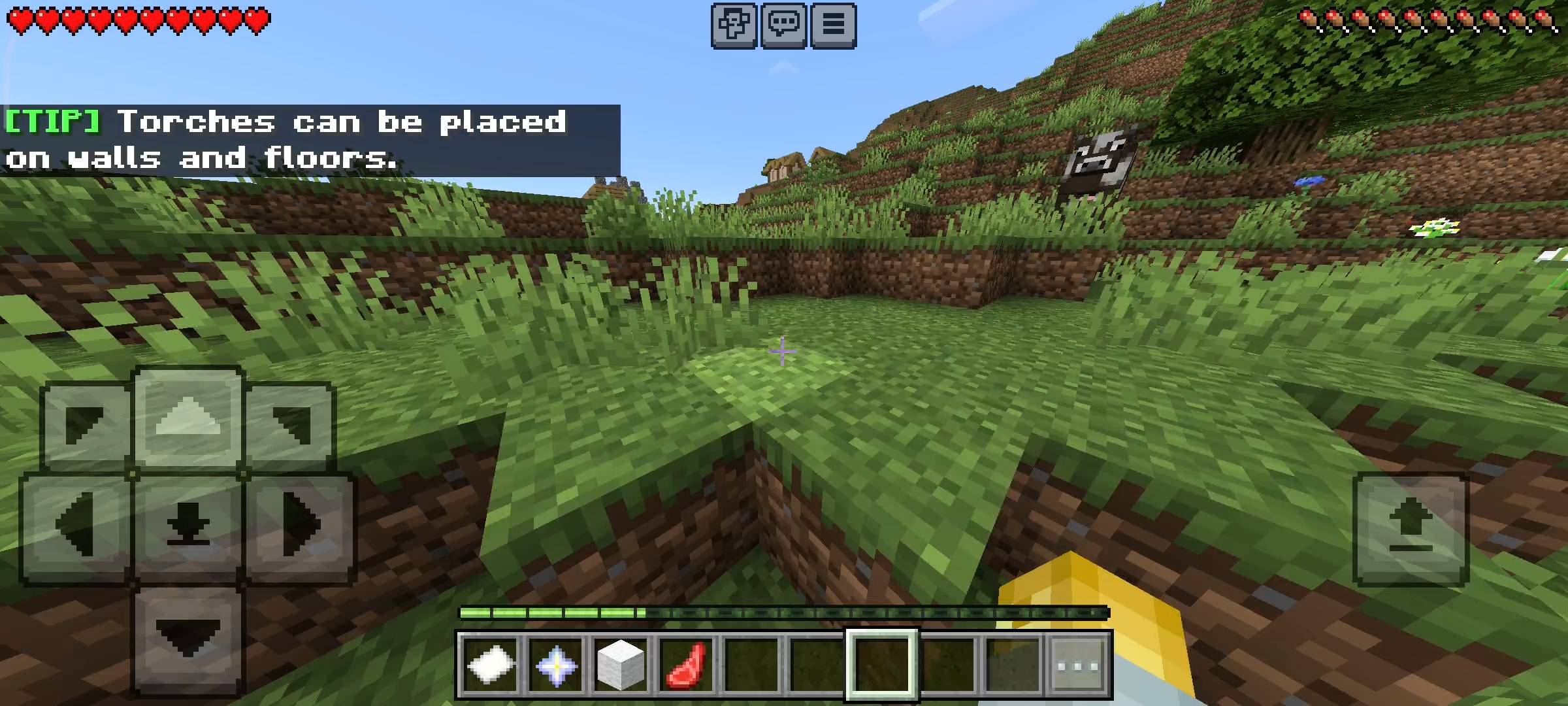
I manually wrote 30 different helpful minecraft survival tips into the code. Things like honey blocks reduce fall damage or how to cure zombie villagers. If you turn this on the chat will randomly broadcast these helpful tips to your players. It is super useful for beginners who are new to the game and it keeps the chat active and fun.
Custom Intervals And Timers
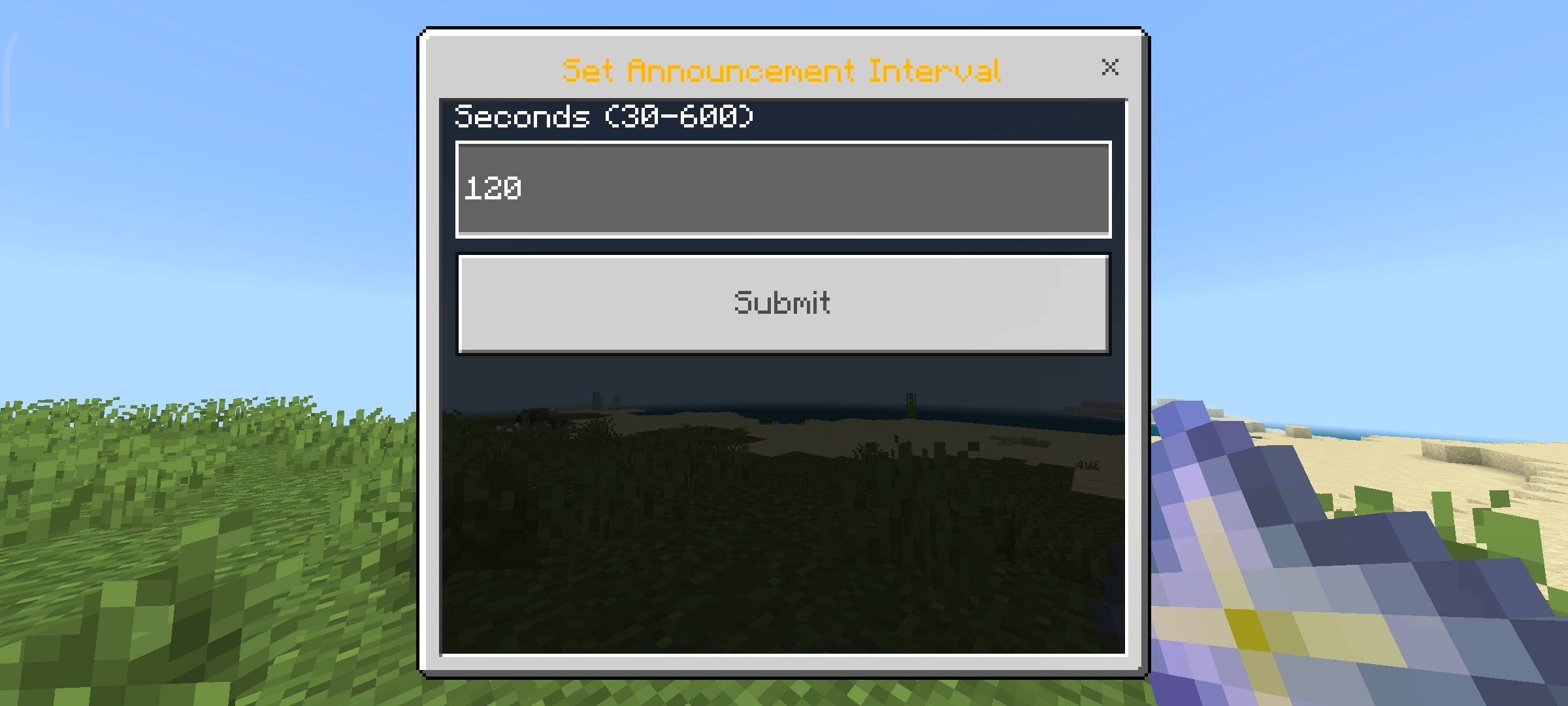
Now obviously you dont want your chat to be completely spammed with robot messages every two seconds because that will ruin the gameplay. So i added a full Intervals menu. From here you can literally change the timers for everything.
You can set the announcements to show every 120 seconds and make the rules show every 300 seconds. The minimum time is 30 seconds and the max is 600 seconds which is 10 minutes. This gives you total control over how quiet or busy your server chat is.
Beta APIs Setup
Because this Add-on uses the new UI forms to make the menus work and uses dynamic properties to permanently save all your custom text messages and rules into the world data, you absolutely must turn on the Beta APIs experiment in your world settings. If you forget to toggle this on the nether star menu will simply not open and the chat schedules will not broadcast at all so please make sure you check that before inviting players.

AI Disclaimer
The main cover picture and the screenshots in the gallery were enhanced using ai image generators. I use ai to make the visuals look cinematic and high quality for you guys.
RR Chat Scheduler - Auto Messages Team

Owner