RR Chat Bot - Custom Commands
- By
Enhance your server with a functional chat bot! Add custom commands, teleport to friends with TPA, set personal homes, and create automatic chat responses using an easy in-game menu.
RR Chat Bot - Custom Commands (11).jpg
RR Chat Bot - Custom Commands (10).jpg
RR Chat Bot - Custom Commands (14).jpg
RR Chat Bot - Custom Commands (12).jpg
RR Chat Bot - Custom Commands (13).jpg
RR Chat Bot - Custom Commands (15).jpg
RR Chat Bot - Custom Commands (16).jpg
RR Chat Bot - Custom Commands (5).jpg
RR Chat Bot - Custom Commands (4).jpg
RR Chat Bot - Custom Commands (6).jpg
RR Chat Bot - Custom Commands (8).jpg
RR Chat Bot - Custom Commands (7).jpg

RR Chat Bot - Custom Commands (3).jpg
RR Chat Bot - Custom Commands (9).jpg
Description

Whats up guys racing raftaar here back with another really huge addon for your survival worlds. So if you guys run a multiplayer realm or an smp server with your friends you probably know that vanilla minecraft is missing a lot of basic features.
On java edition servers people always use plugins to get stuff like tpa and sethome but on bedrock edition we dont really have those plugins easily available. You have to use command blocks and it gets super messy and buggy. So i decided to completely fix this issue by coding a fully functional chat bot directly into a behavior pack. This addon brings all the essential multiplayer commands and a really smart auto responder system to your world without needing any crazy setups or external apps.
Teleport Commands And TPA System
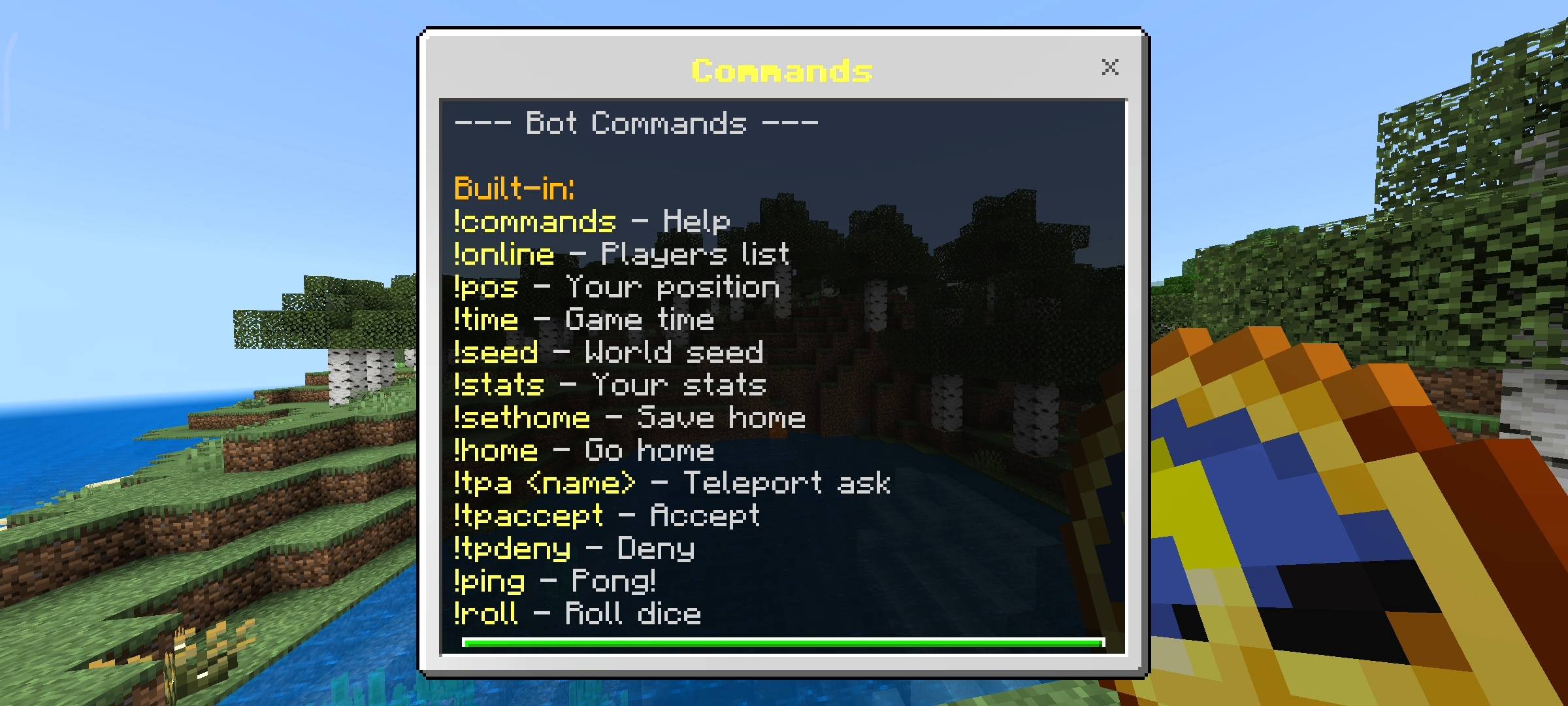
The most important thing i added in this pack is the teleportation system. Exploring the world is fun but walking thousands of blocks back to your base is just super annoying and takes forever. Now you can just type !sethome in the chat and it will permanently save your exact coordinates. Whenever you want to go back you just type !home and it teleports you instantly.
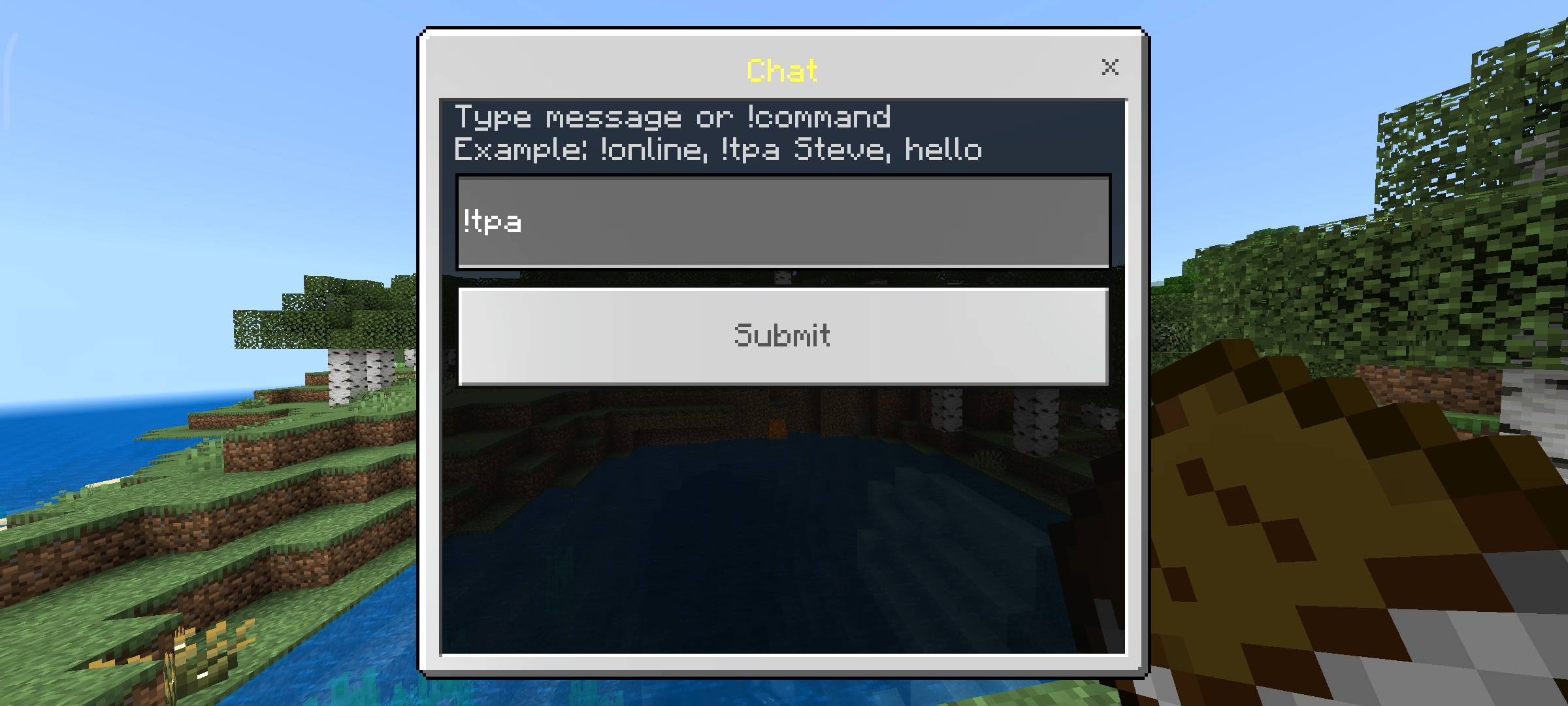
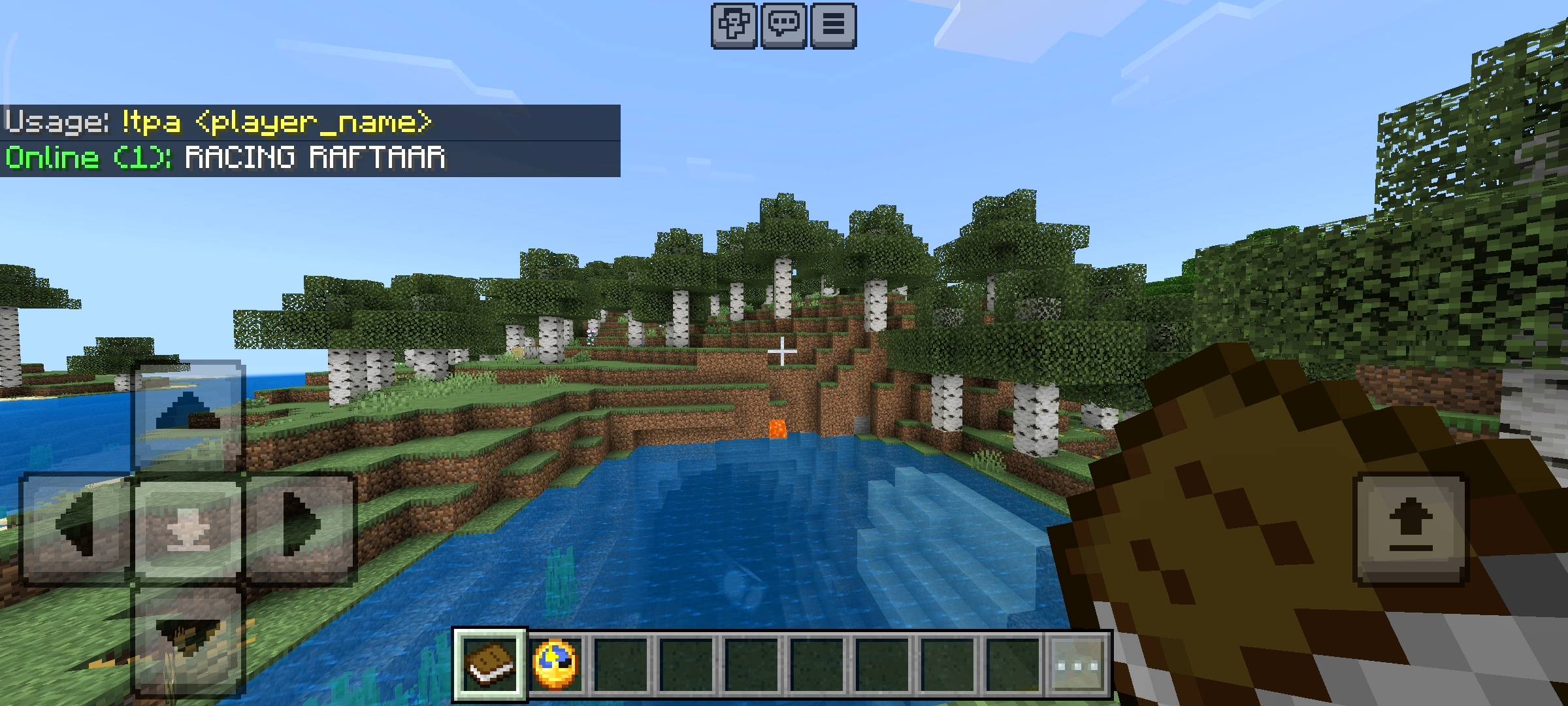
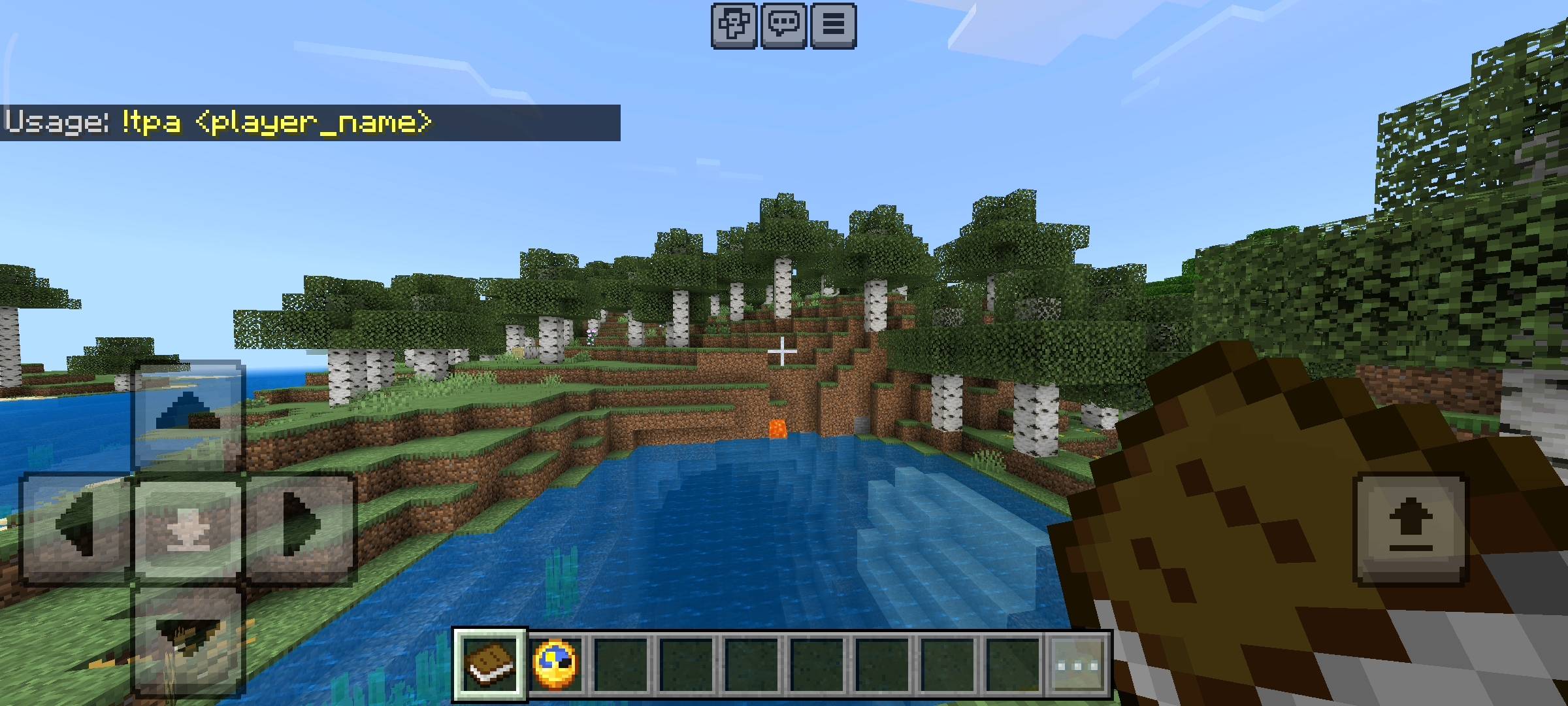
I even added dimension checking so if your home is in the overworld and you try to use the command in the nether it will actually tell you that you are in the wrong dimension instead of glitching you into a wall or dropping you in lava. I also added a full tpa system. If your friend finds a rare biome or a huge diamond vein you dont have to walk to them. You just type !tpa and their name. They will get a message on their screen and they have 30 seconds to type !tpaccept or !tpdeny. It is so much easier and safer than using operator commands to teleport people around because it requires their permission first.

Smart Auto Responder And Fun Commands
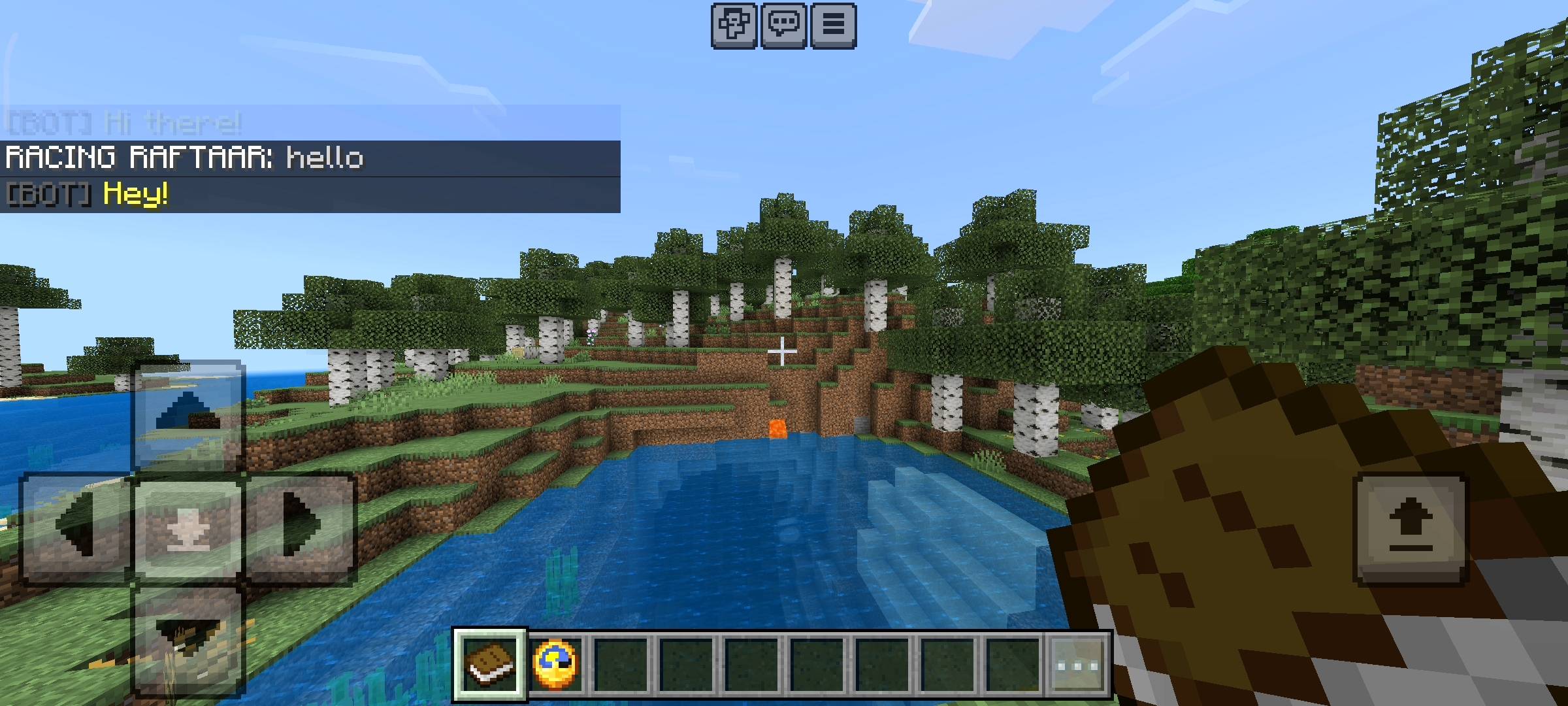
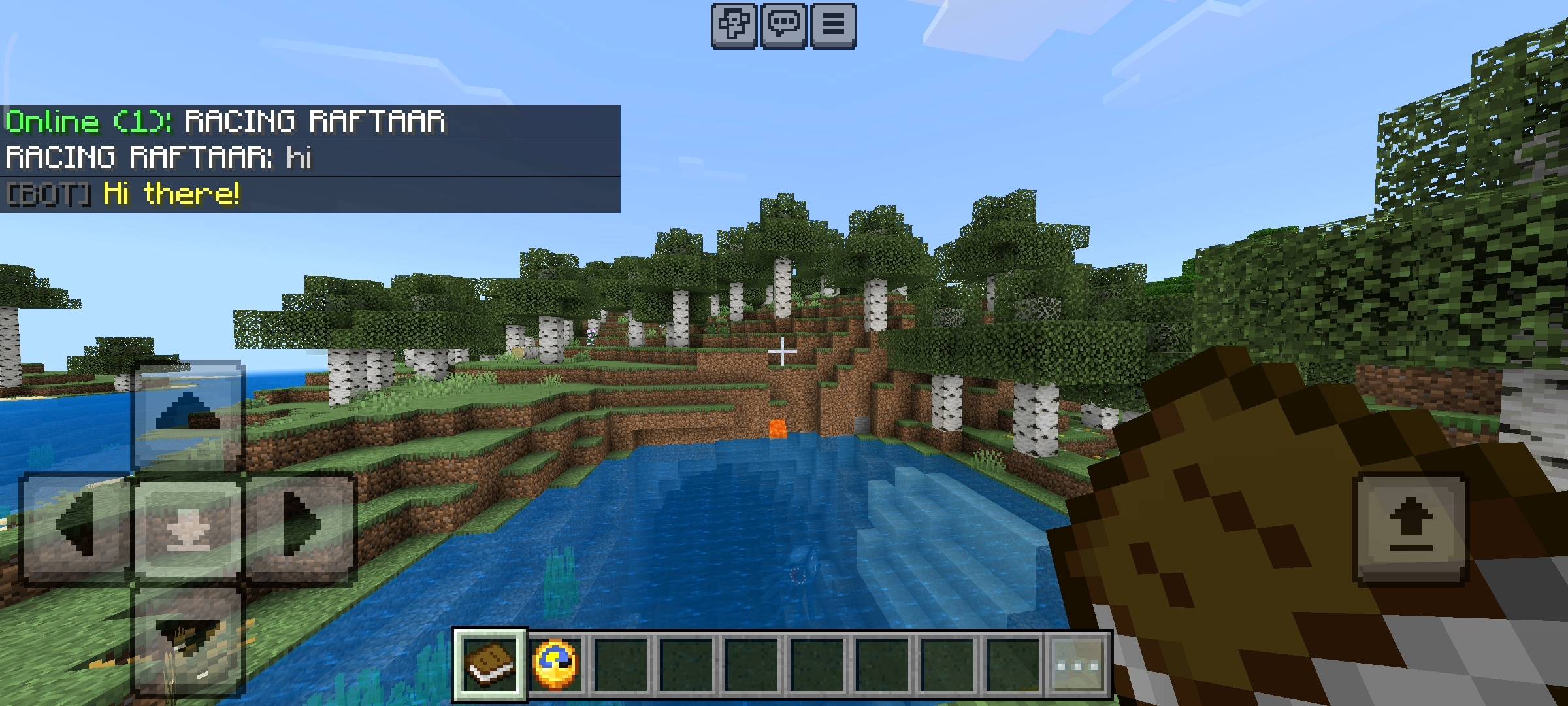
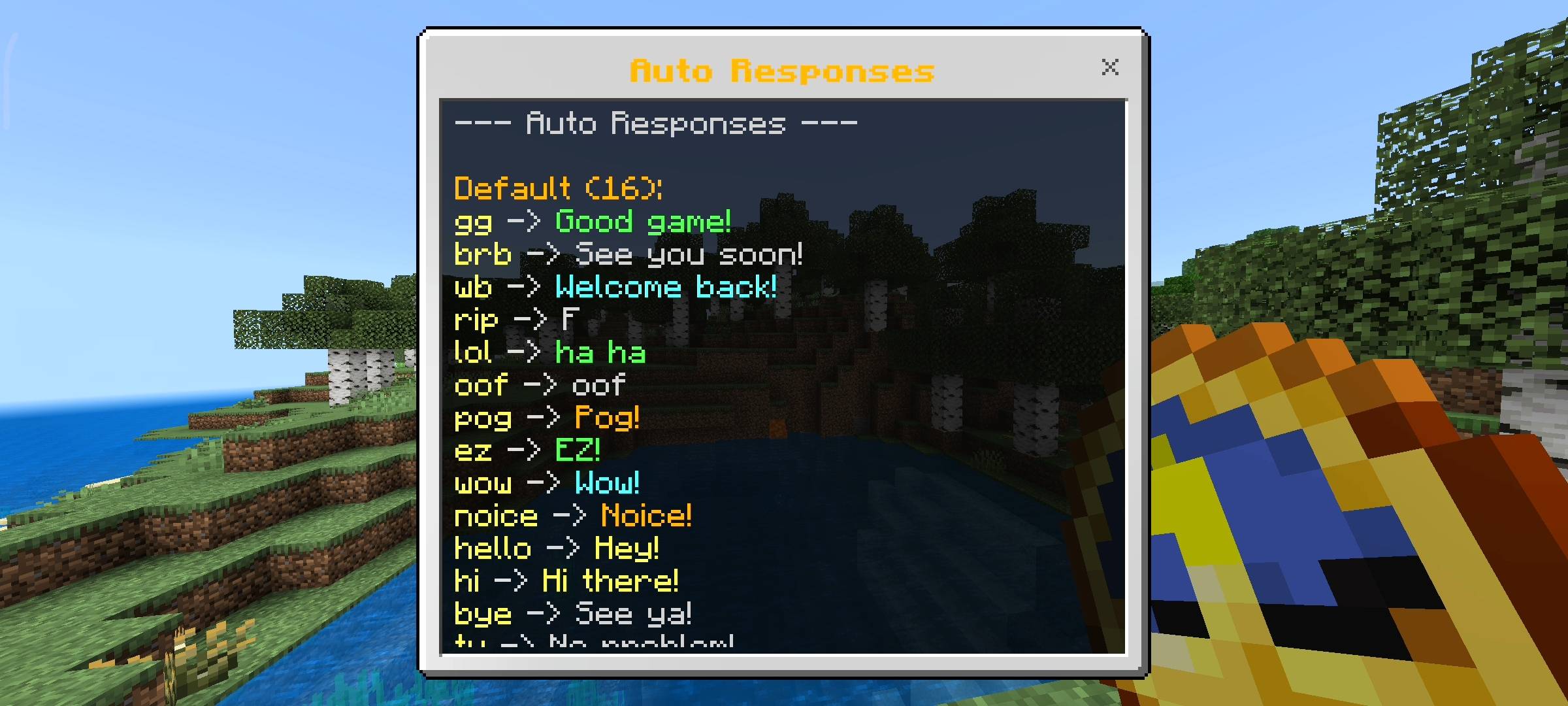
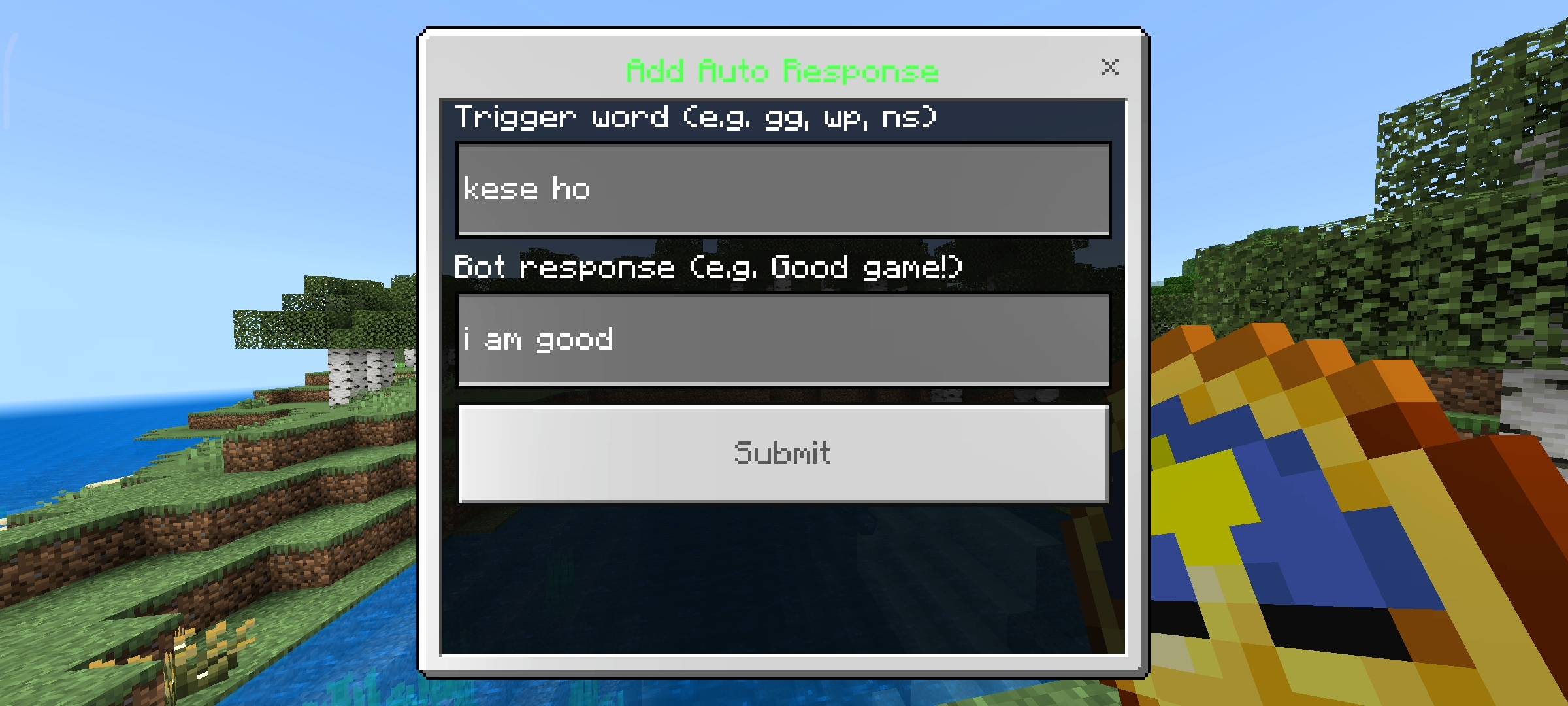
I also wanted to make the server feel a bit more alive and interactive so i programmed an auto responder into the bot. It constantly reads the chat and looks for specific keywords. If someone dies and you type rip in the chat the bot will automatically reply with a F. If you type gg after a boss fight the bot says Good game.
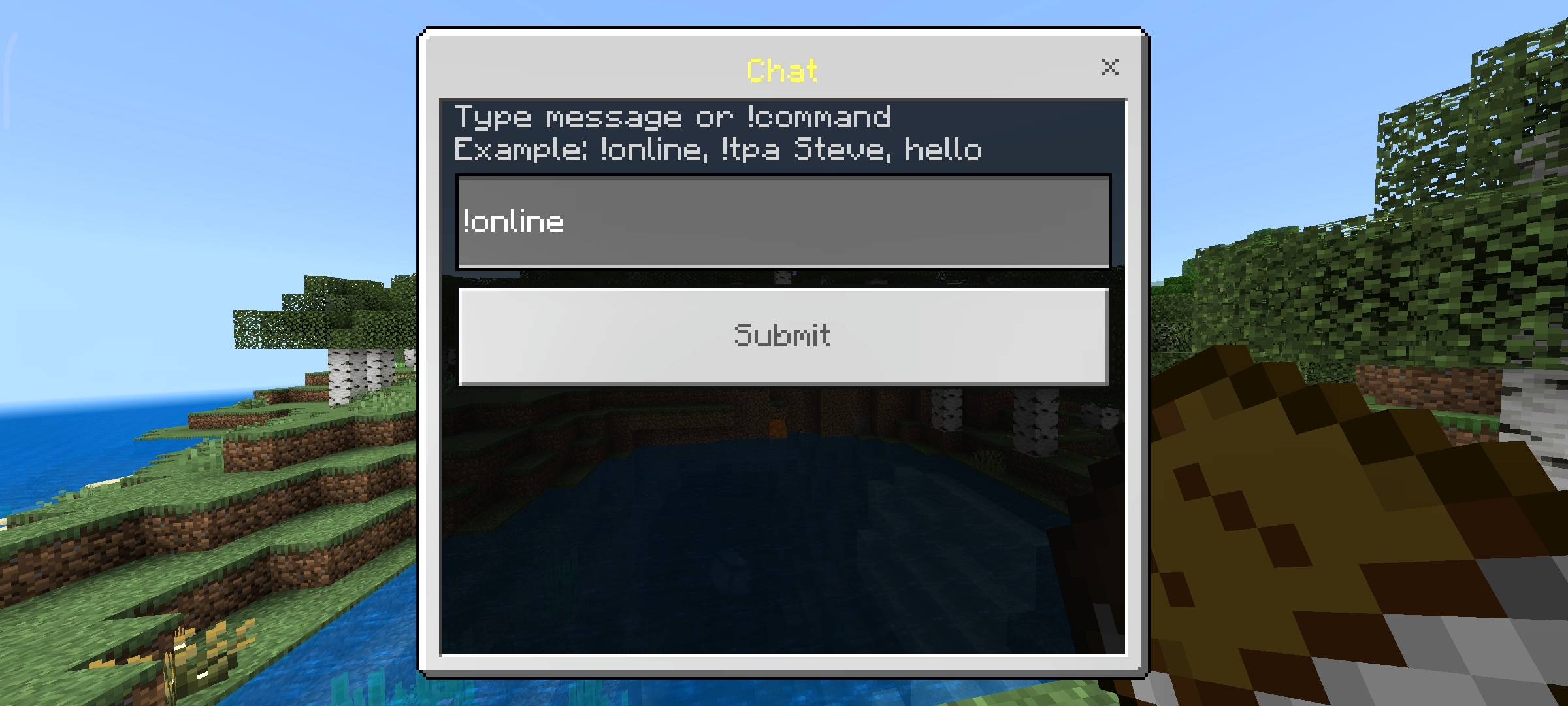
It responds to a lot of common words like brb, wb, lol, pog and ez. It really makes the chat feel fun and active even if there are only a few people online. But dont worry about people spamming words to crash the server because i added a 5 second cooldown to the bot. So it will only reply once every 5 seconds to keep the chat clean and prevent any lag on your realm. I also threw in some extra commands like !online to see exactly who is playing, !pos to share your coordinates, and !roll if you want to roll a random dice in the chat.
Custom Menus And In Game Settings
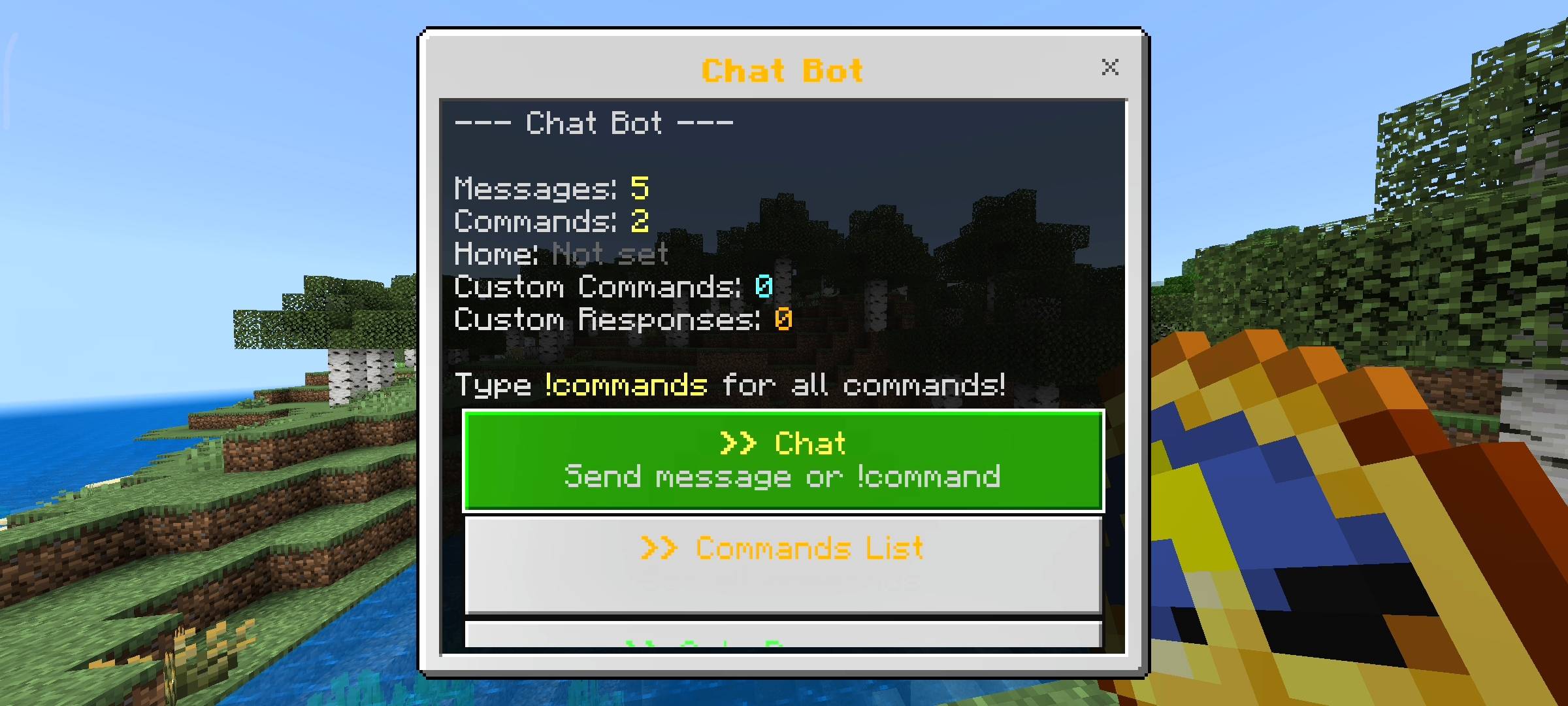
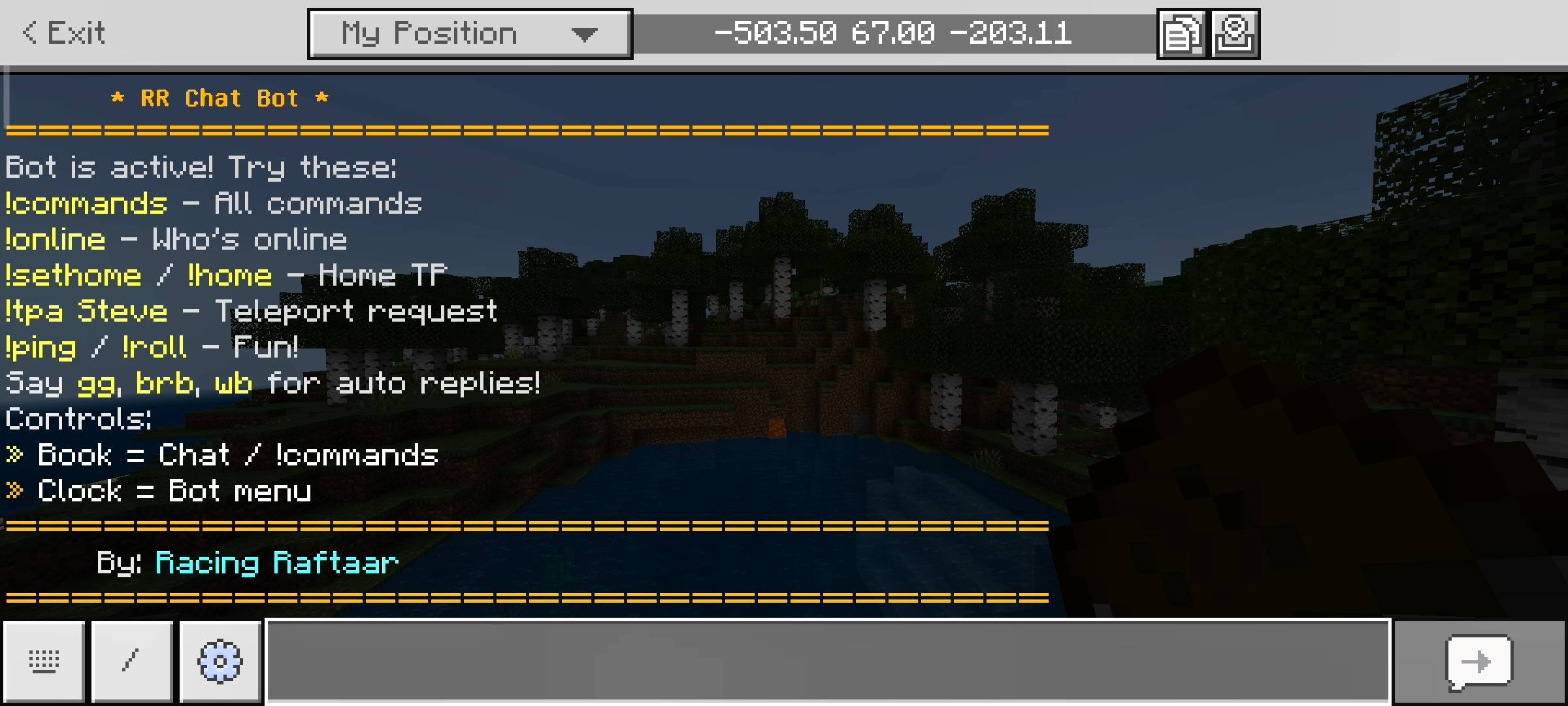
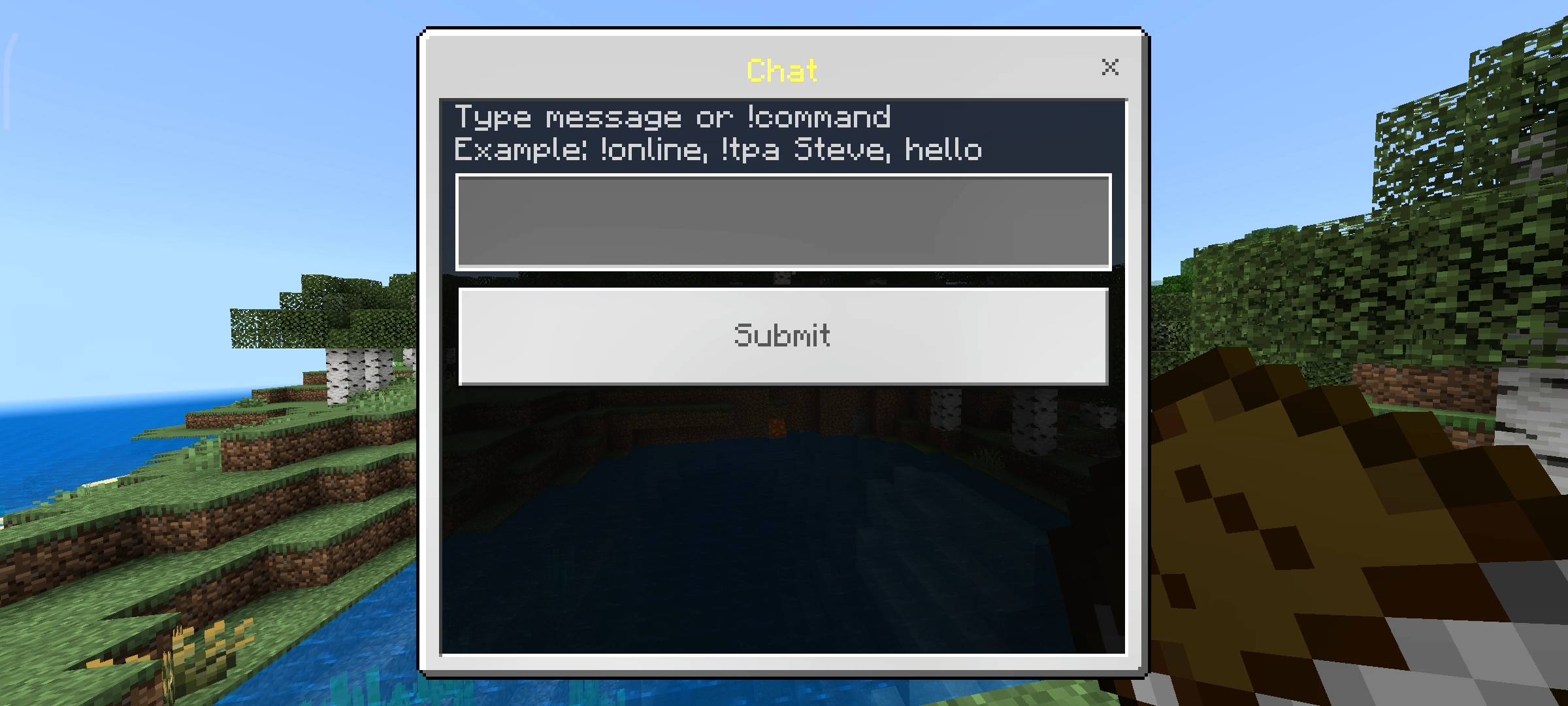
I know typing on a console controller or a phone keyboard can be really slow and frustrating. So when you join the world for the first time the game automatically gives you two items. You get a named Book and a Clock. If you sneak and use the book it opens a chat UI menu where you can type your messages or commands much faster. If you sneak with the clock it opens the main Bot Menu. This menu is amazing because you can check your total messages sent, how many commands you used and your home status. But the best part is the customization.
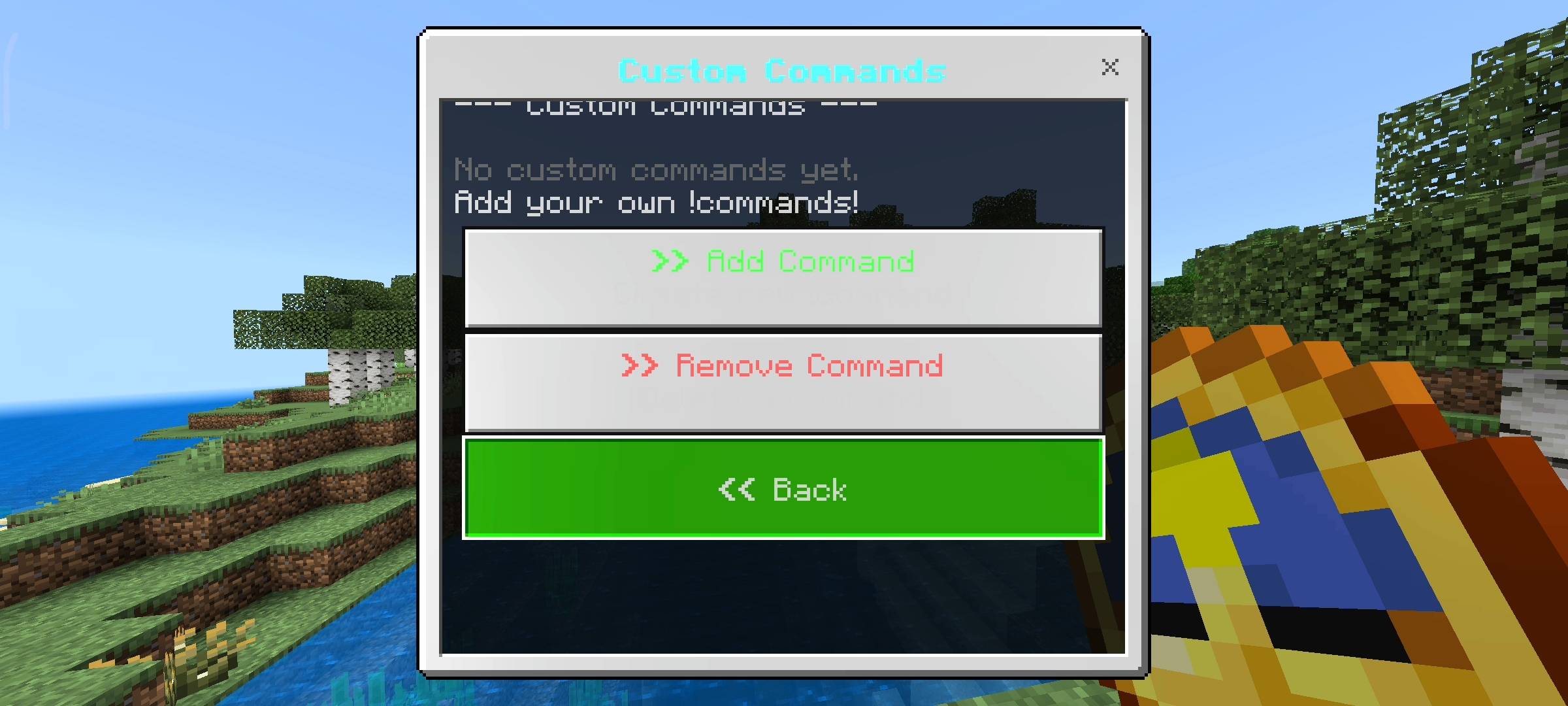
From this menu you can actually add your own custom commands without leaving the game or opening any code files. If you want a !discord command that shares your server link you just click Add Custom Command, type the word discord and type the link. You can do the same thing for custom auto responses. It is totally customizable for whatever your specific server needs.
Beta APIs Setup
You guys probably know the drill by now. Because this pack uses dynamic properties to securely save every players home coordinates and their custom commands, you absolutely must turn on the Beta APIs experiment in your world settings. If you dont toggle this on before you load the world the bot will not read the chat properly and none of the clock menus will open at all so please make sure it is checked.
AI Disclaimer
Just a quick heads up about the visual presentation on this add-on. The main cover picture and the screenshots you see in the gallery were enhanced using ai image generators. I use ai to make my add-on very clean and professional for the community.

RR Chat Bot - Custom Commands Team

Owner