RP Character Scrolls
- By
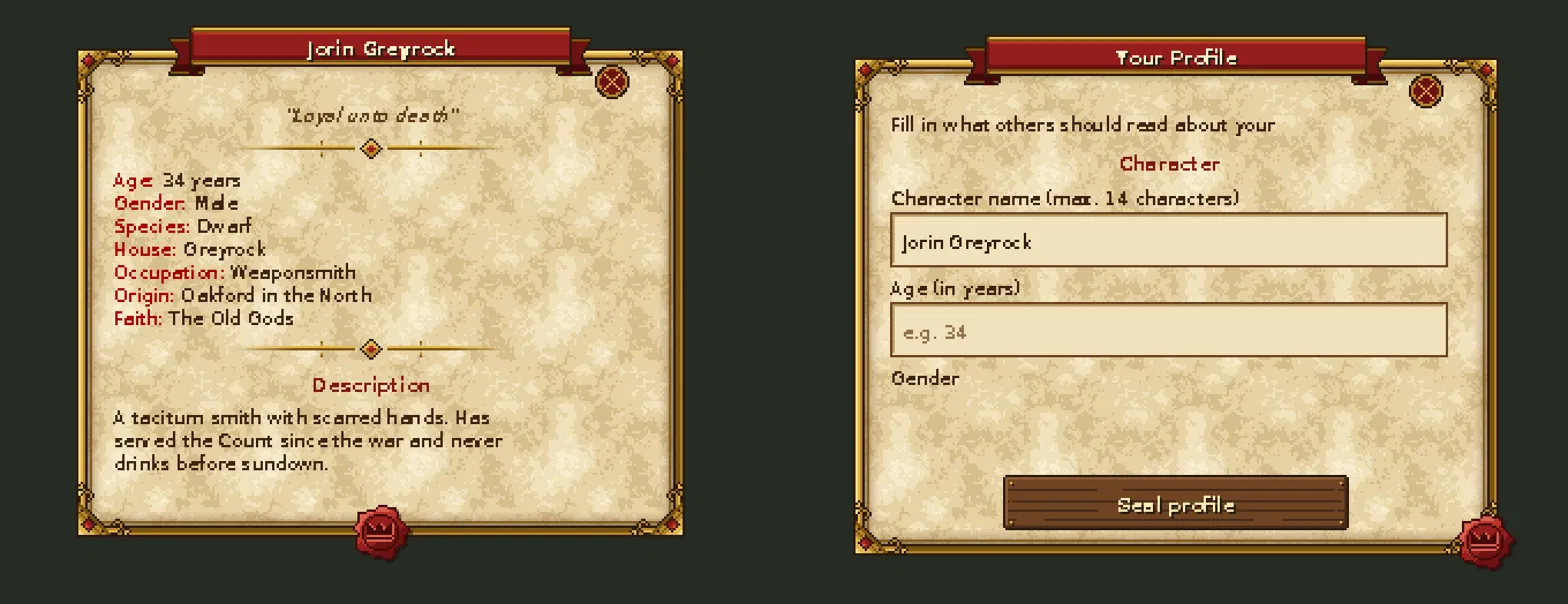
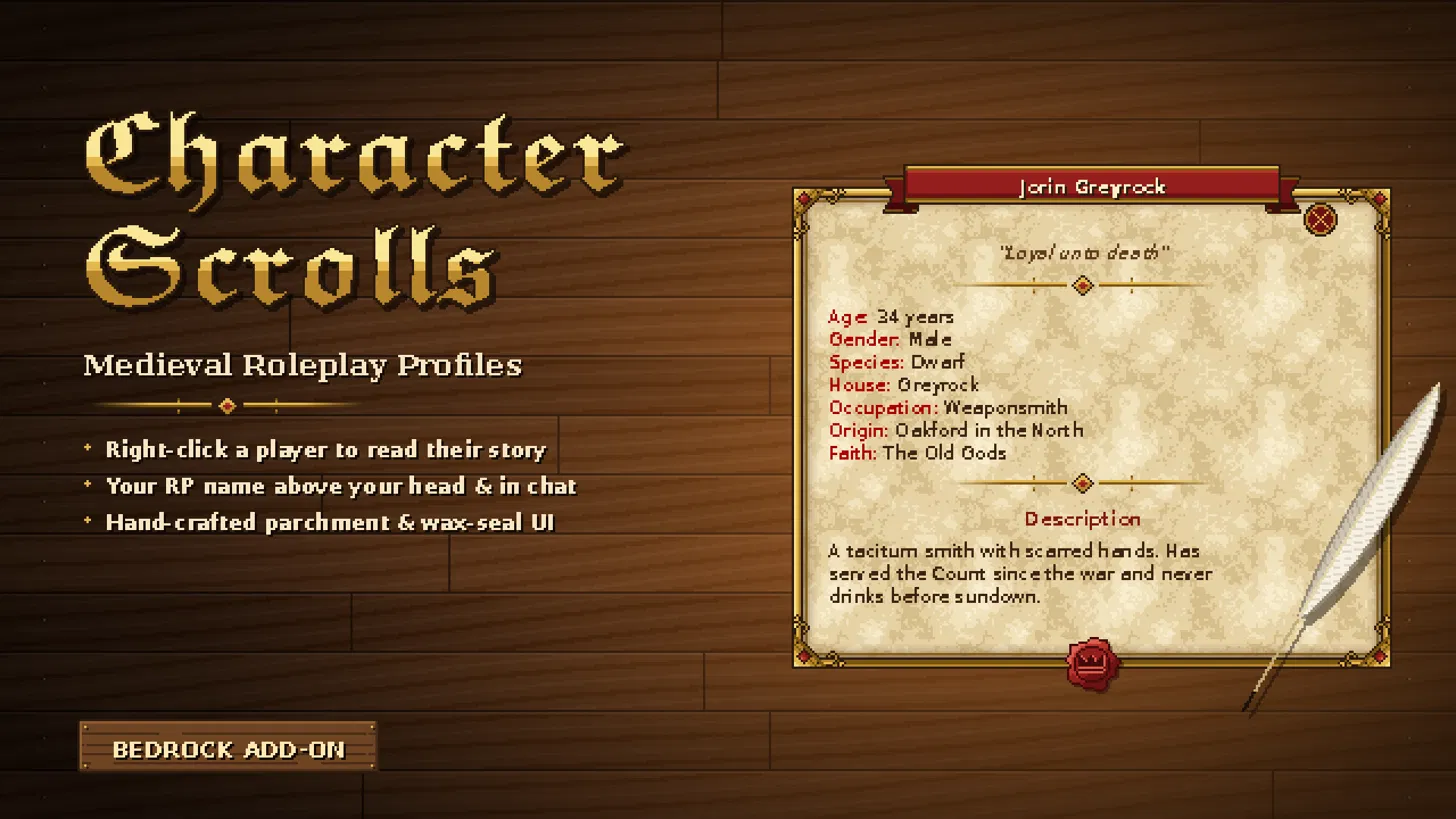
Give every player a medieval character scroll! Right-click anyone nearby to read their story – name, age, species, origin & more on sealed parchment. Your RP name shows above your head and in chat. Write yours with /rp:profile.
preview (1).webp
preview.webp
Description
📜 CHARACTER SCROLLS – Medieval Roleplay Profiles
Who is that stranger at the tavern? Walk up, right-click – and read their story.
Character Scrolls gives every player a hand-sealed character profile on aged
parchment. Choose your name, age, species and origin, write your legend,
and let the realm know who you are.
✦ FEATURES
- Right-click (or long-press on mobile) any player within 3 blocks to read their profile
- Your character name floats above your head – and shows up in chat
- Hand-crafted medieval UI: parchment, gold frame, red banner and wax seal
- Name, Age, Gender, Species, House, Occupation, Origin, Faith, Motto & Description
- Unique names – nobody can steal your identity
- Built for mobile, PC and console
- Operator command to reset inappropriate profiles
✦ HOW TO USE
1. Type /rp:profile to open your scroll
2. Fill in your character – empty fields simply stay hidden
3. Press "Seal profile" – done! Use the same command to edit it anytime
4. Walk up to another player and right-click them (mobile: tap "Read profile")
Admins: /rp:profile_reset <player> clears a player's profile and name.
✦ INSTALLATION
1. Open the .mcaddon – Minecraft imports everything automatically
2. In your world settings, activate "Character Scrolls (Behavior)"
(the resource pack is added automatically)
3. Optional – names in chat: turn on the "Beta APIs" experiment and
activate "Character Scrolls (Chat Names · Beta)"
Requires Minecraft Bedrock 1.26.30 or newer (chat pack: 1.26.50).
Note: this add-on edits player.json and may conflict with other add-ons that do the same.
Made with help from Claude (AI)
RP Character Scrolls Team