


Ropez
- By
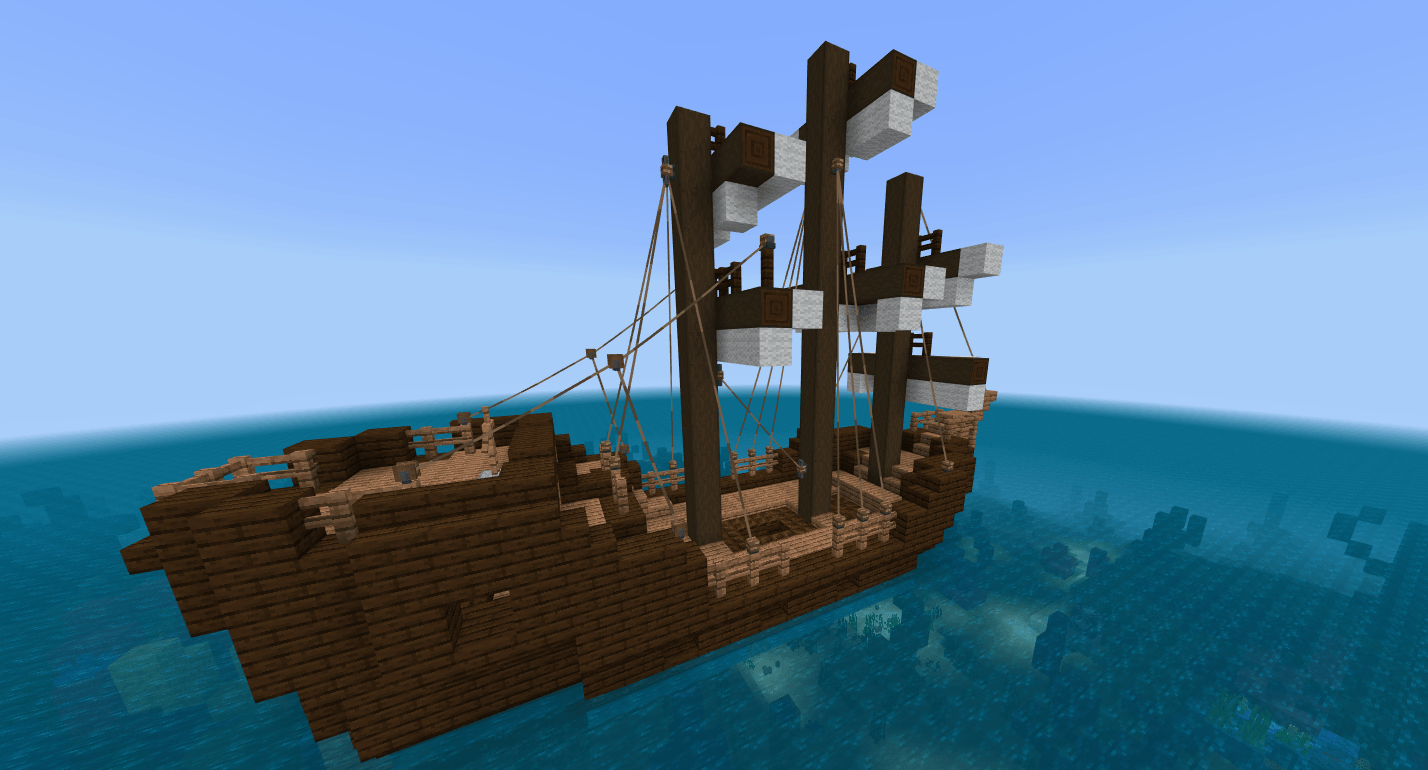
MCPEDL.png
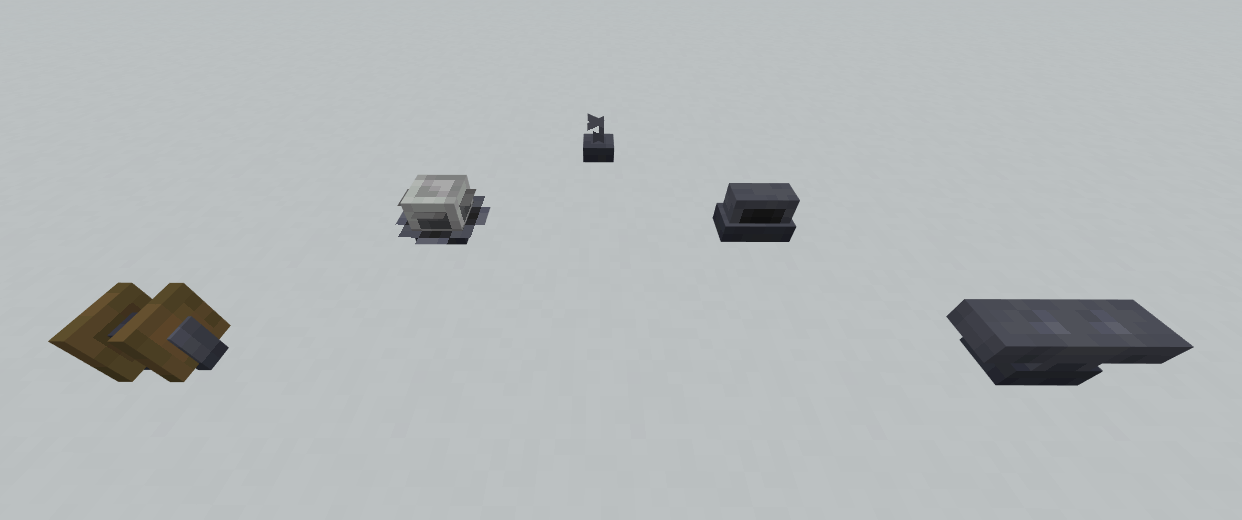
Sreenshot of blocks.png
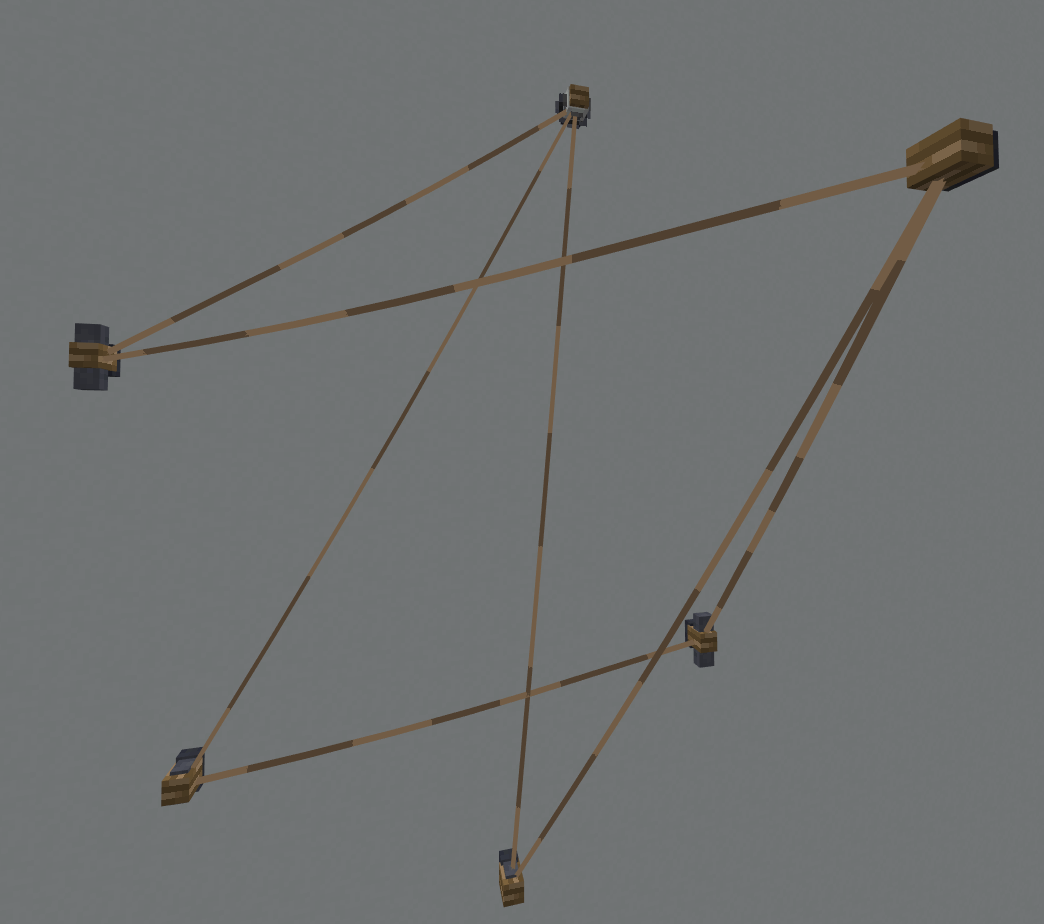
Some rope connections.png
Description
Overview
Blocks - Several blocks that rope connections can be made between. Mobs can also be leashed to these blocks.
Redstone Trolley - A minecart-like vehicle that travels over rope lines. Can interact with redstone for advanced functionality.
This addon currently also contains a workaround for the MCPE-157182 bug as it would otherwise stop the ropes from working correctly. Due to the workaround, leashed entities may occasionally spawn an extra lead item when they are loaded on more laggy worlds (including realms), although it does make regular leashes more useable as a bonus.
This addon does not require any experimental settings as of 1.21.100
Blocks
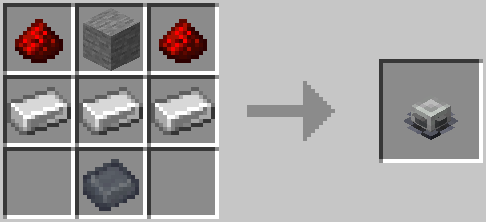
Recipes
Iron base
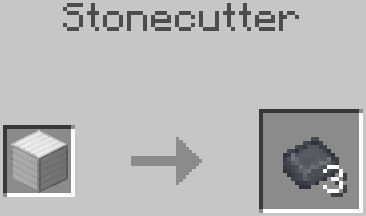
Cleat
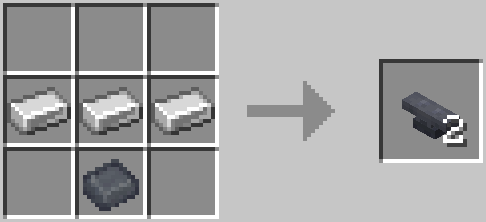
Ring
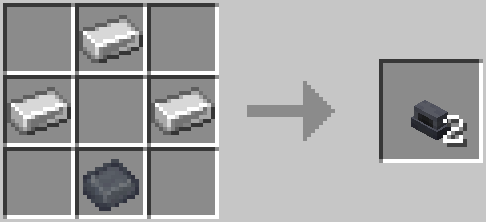
Hook
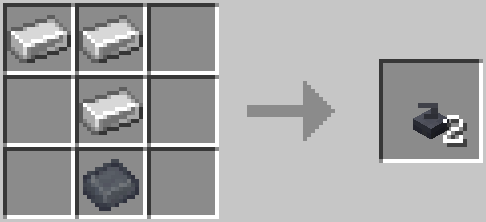
Pulley
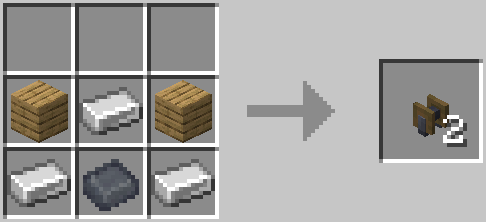 (Any wood type)
Tuner
Usage
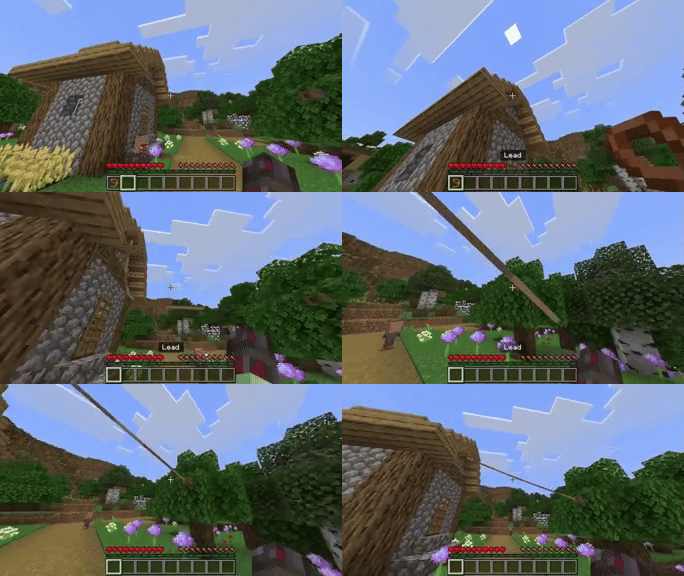
All of these blocks have the same functionality with ropes, only providing an aesthetic difference. Players can interact with all of these blocks in the following ways:
- Using a lead - Attach a rope from the block to the player
- Using shears - Sever all rope connections with the block
- Empty hand (sneaking) - Grab rope connections from the block
- Anything else - Attach any ropes the player is holding to the block
The Tuner can also be adjusted like a note block and can be used to change a Redstone Trolley's speed.
Ropes have a maximum range of 48 blocks, however, it is recommened to keep them relatively short (<24 blocks) when playing on lower simulation distances to avoid visual bugs. Ropes cannot be attached to a waterlogged block.
Redstone Trolley
Recipe
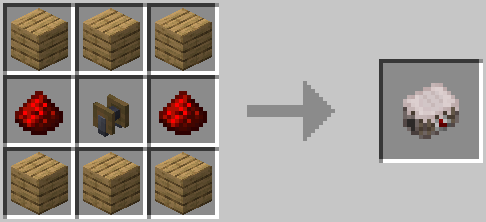 (Any wood type)
Regular Usage
A redstone trolley can be placed on any of the blocks above and can be ridden by the player. Holding the jump button will move the trolley forward along the rope. Leashed entities can be attached to the trolley allowing for the transportation of mobs. The trolley will be destroyed if it touches water or if the rope its on gets removed.
They have 6 inventory slots which can be accessed using hoppers and droppers. They will display the first item in their inventory on their underside.
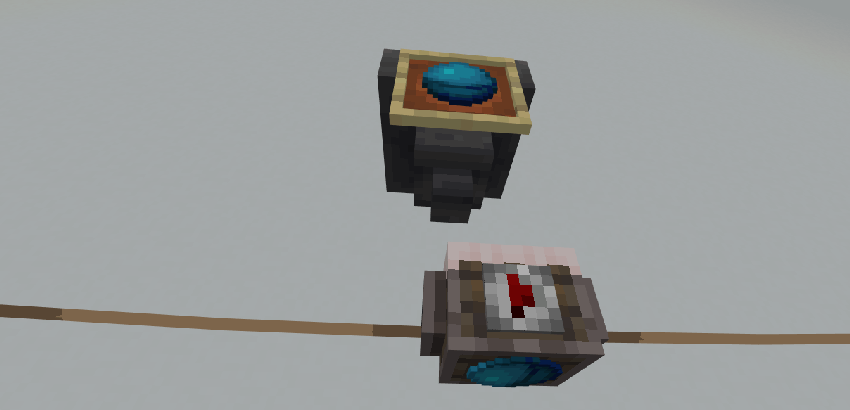
Due to how the trolley collision works, the rope attacheable blocks should be placed one block away from full blocks, slim blocks can be used to act as a visual connector (see the image below).
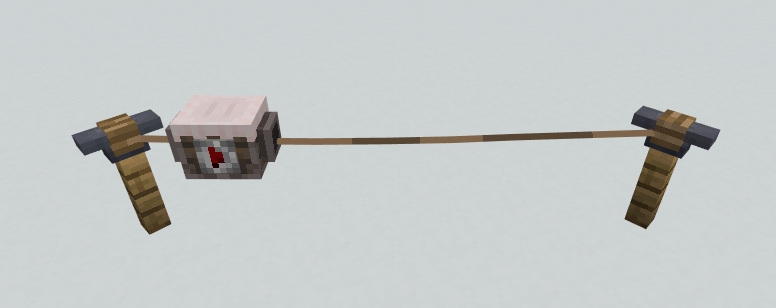
The trolley's default speed is its maximum and a tuner can be used to decrease it. After crossing over a tuner, the trolley will remain at the set speed until it is changed by another.
Additionally, redstone items can be fed to the trolley to power them for a period of time, during which it will move forward with no input from the player. Redstone dust will provide power for 8s and a redstone block for 72s. The power will stack from multiple of these items to a maximum of 120s.
Routing
Its important to distinguish outgoing ropes from incoming ropes. From the perspective of a block with a rope attached, an outgoing rope is a rope that begins at that block (the player used a lead to tie a rope to this block) and an incoming rope is a rope beginning from elsewhere (the player connected a rope they were holding to the block).
Whenever the trolley reaches the end of a rope, it will pick a random outgoing rope from that block and begin travelling along it. If no outgoing ropes are found the trolley will turn around and return to the previous rope end. The trolley also turns around if it collides with a block or entity in front of it, or if there is another trolley already at the end of the rope.
When making a network of ropes for trolleys, care should be taken in the order that rope connections are made so that outgoing ropes are in the direction you want the trolley to move in.
Redstone Functionality
A trolley that reaches the end of a rope will emit a vibration with a frequency of 6. It will also emit a vibration when the redstone lamp its watching becomes powered.
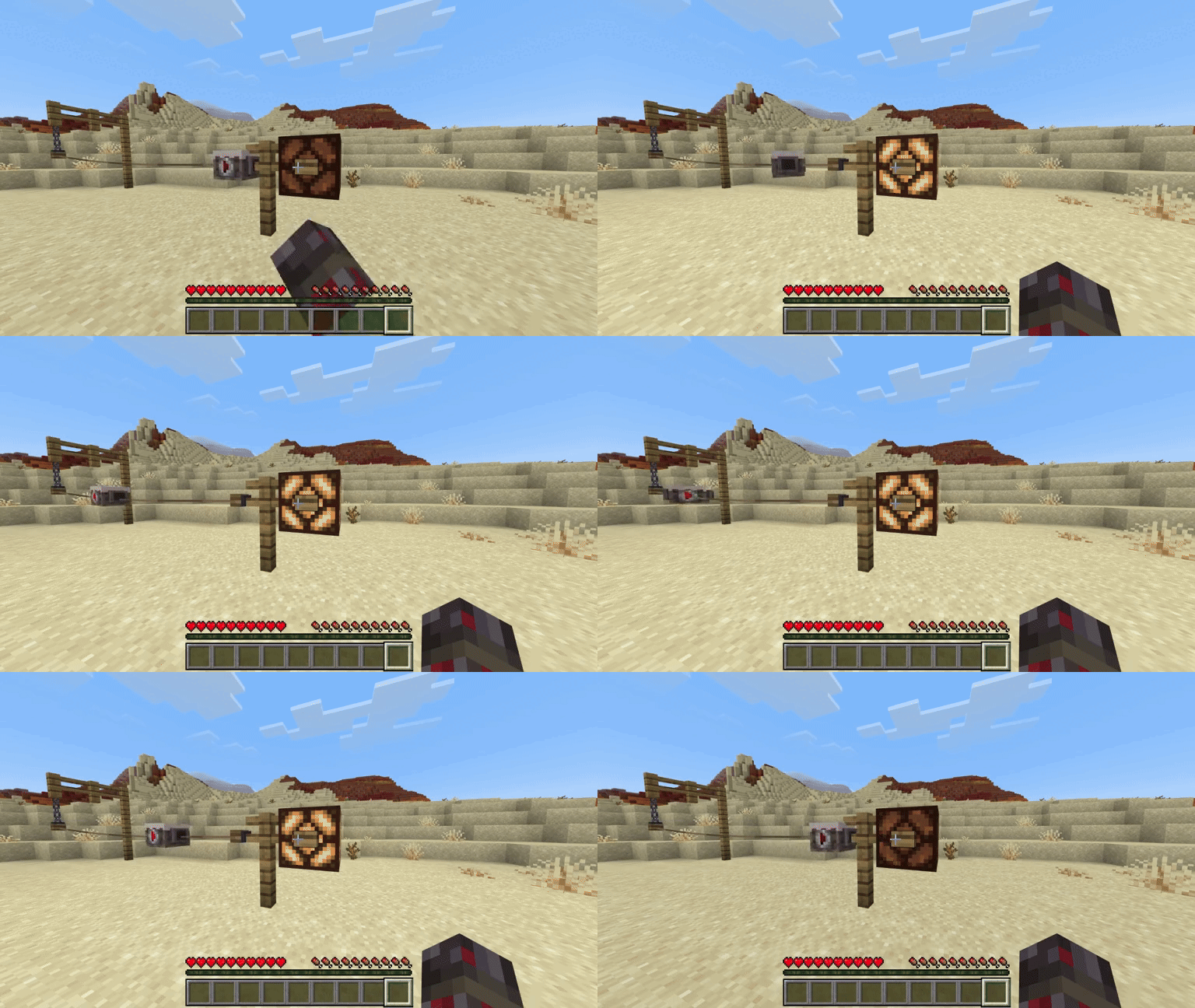
There are two functional blocks: redstone lamps and observers. They must be placed two blocks behind a rope attacheable block to have an effect on a trolley (see examples in the sections below).
Redstone Lamp
An unpowered redstone lamp will stop the trolley from moving, resetting its power to 0s.
A powered redstone lamp will set the trolley's power to 15s, even if the trolley already had more than that.
Observer
The observer can be used to select specific directions for blocks with multiple outgoing ropes. It powers the trolley the same way as a powered redstone lamp.
The trolley will search in a straight line from its block in the direction the observer's arrow is facing. It will select the shortest rope that ends in that line and will begin travelling along it. If no rope end is found within the line it will select a random rope as usual.
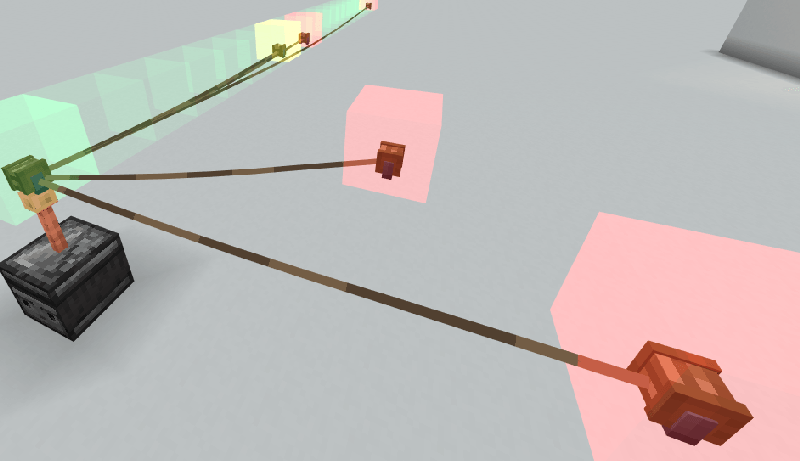 (Highlights added for demonstration)
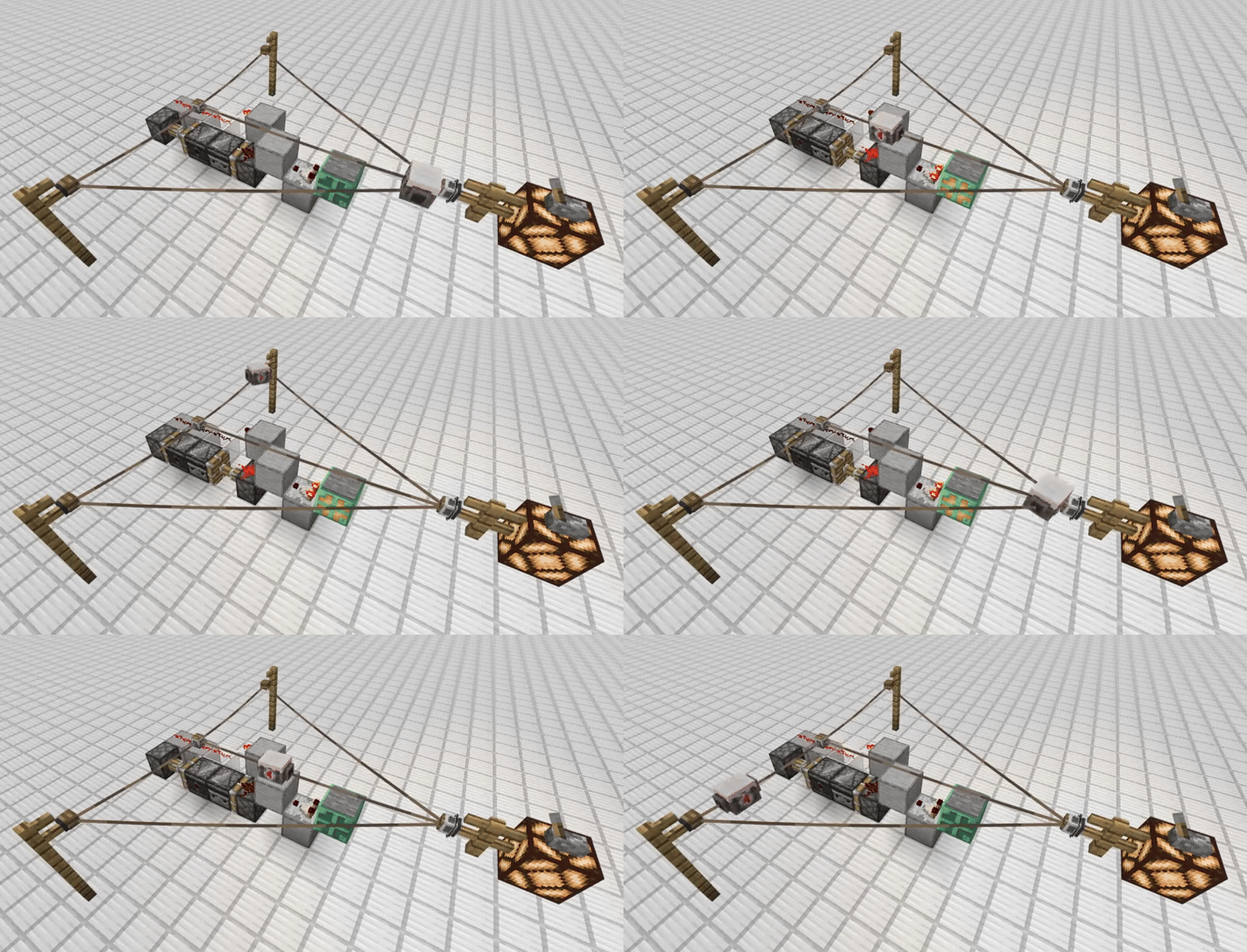
This means observers can be used to make trolleys always select a specific path, or change paths with some added redstone:
The Ropez Team
