


Region Sculptor
- By
Select two points to fill, replace, hollow, or outline large areas with an easy in-game editing command.
Region Sculptor
Build and edit large areas in Minecraft Bedrock with a fast in-game selection tool. Choose two points with the custom mace, then use /edit to fill, replace, or shape the selected region.
Features
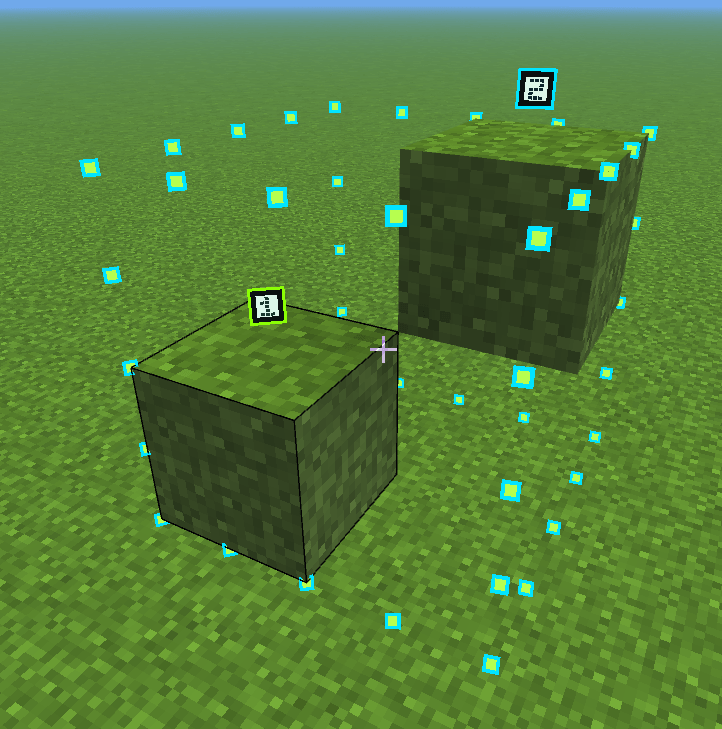
- Select P1 and P2 by sneaking and hitting blocks with the custom mace.
- View P1 and P2 coordinates in the custom Resource Pack HUD.
- See P1 and P2 markers in the world, plus the name of the player who made the selection.
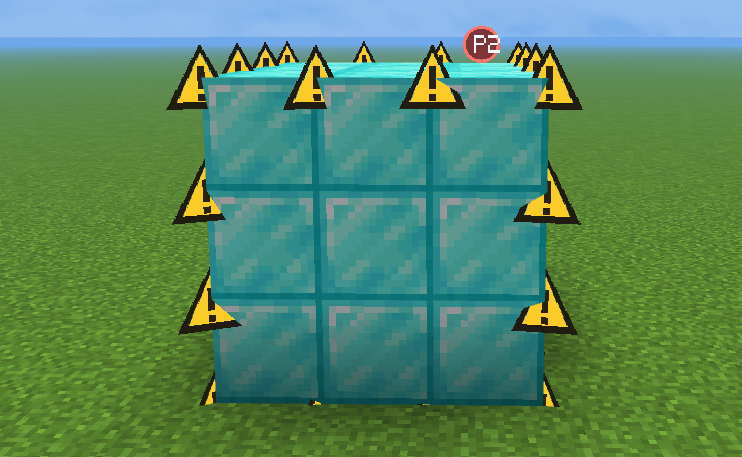
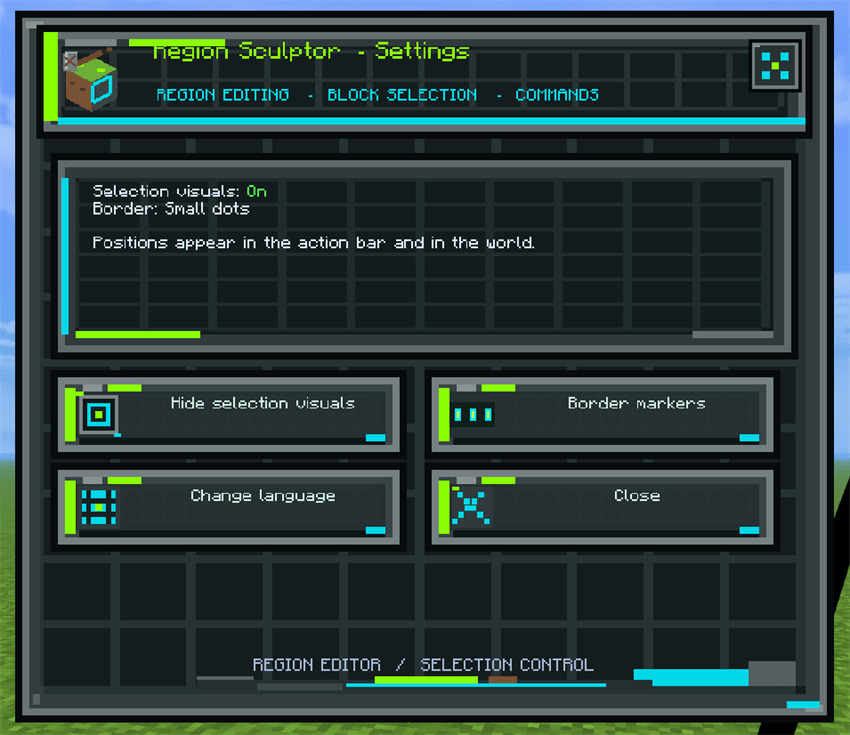
- Choose how the selected region is marked: ⚠️ warning markers or small dots. Change the style in
/edit settings. - Switch the interface language between English, French, and Japanese.
- Edit selections of up to 1,000,000 blocks.

How to Use
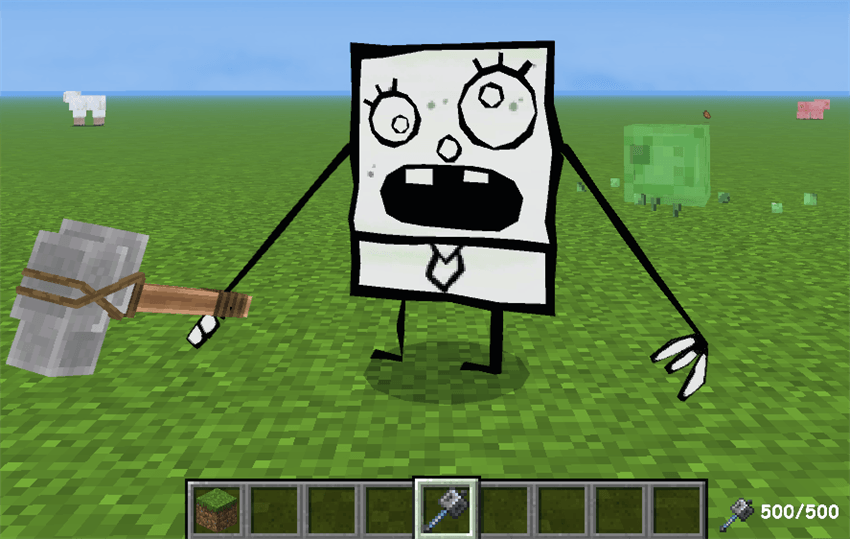
- Hold the custom mace and sneak.
- Hit one block to set P1, then another block to set P2.
- Run
/edit <block>to fill the region with your chosen block.
Command Modes
/edit <block>: Fills the entire selection./edit <block> replace <target block>: Replaces only the specified block./edit <block> keep: Fills only air blocks./edit <block> hollow: Builds the outer shell and clears the inside./edit <block> outline: Builds the outline while keeping the inside intact./edit <block> destroy: Destroys replaced blocks so they drop their items./edit none: Uses the block at P1.
Use /edit help to open the in-game guide. Change the language and selection marker style in /edit settings.
Installation
Import and activate both the Behavior Pack and Resource Pack in your world. Cheats must be enabled, and commands require operator permissions. Keep the selected area within loaded chunks while editing.
Credits
Created by Bunny_White.
Region Sculptor Team
