Redstone Drone
- By
A controllable drone that can be sent out to break blocks, trigger redstone, and even control mobs!
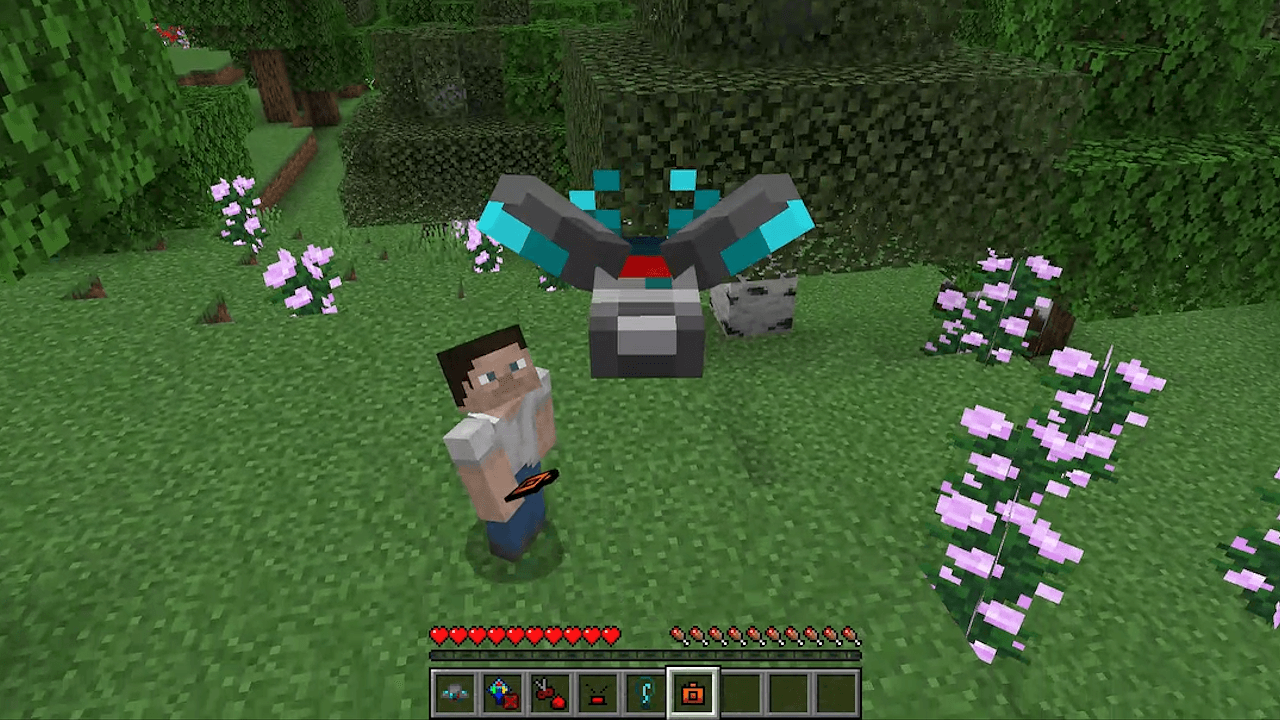
Controlling the Drone,
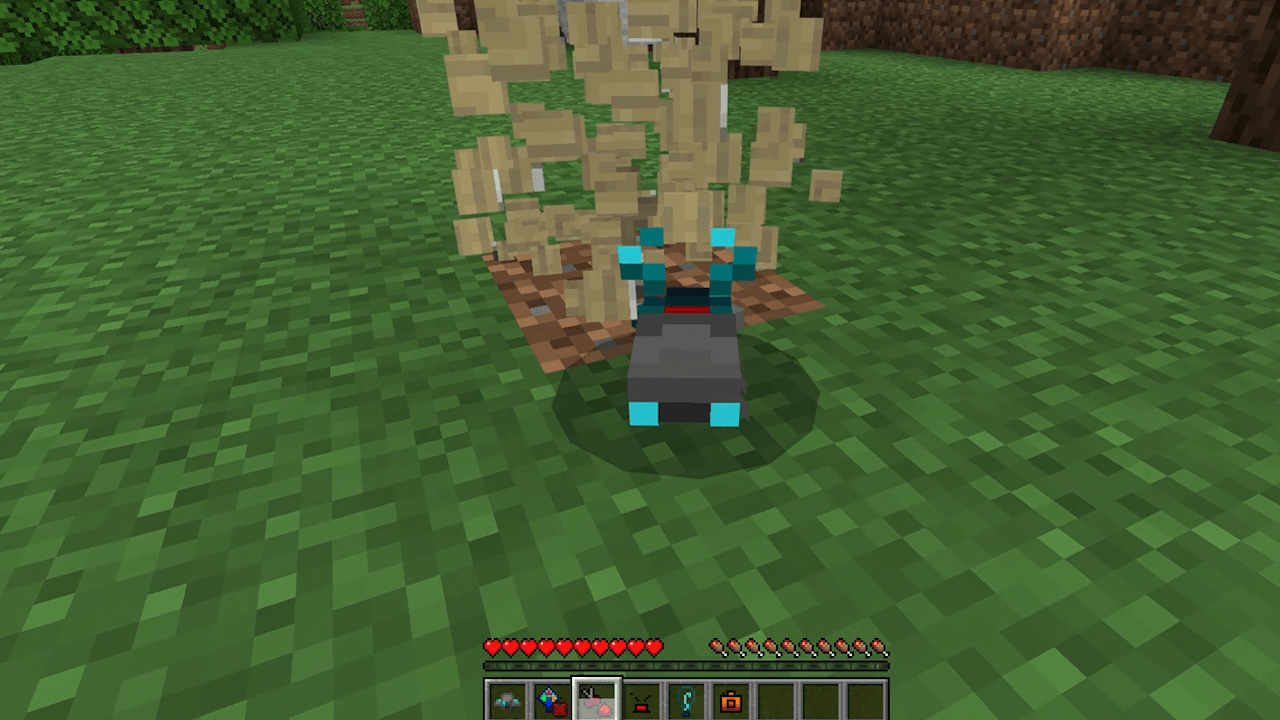
Block Breaking
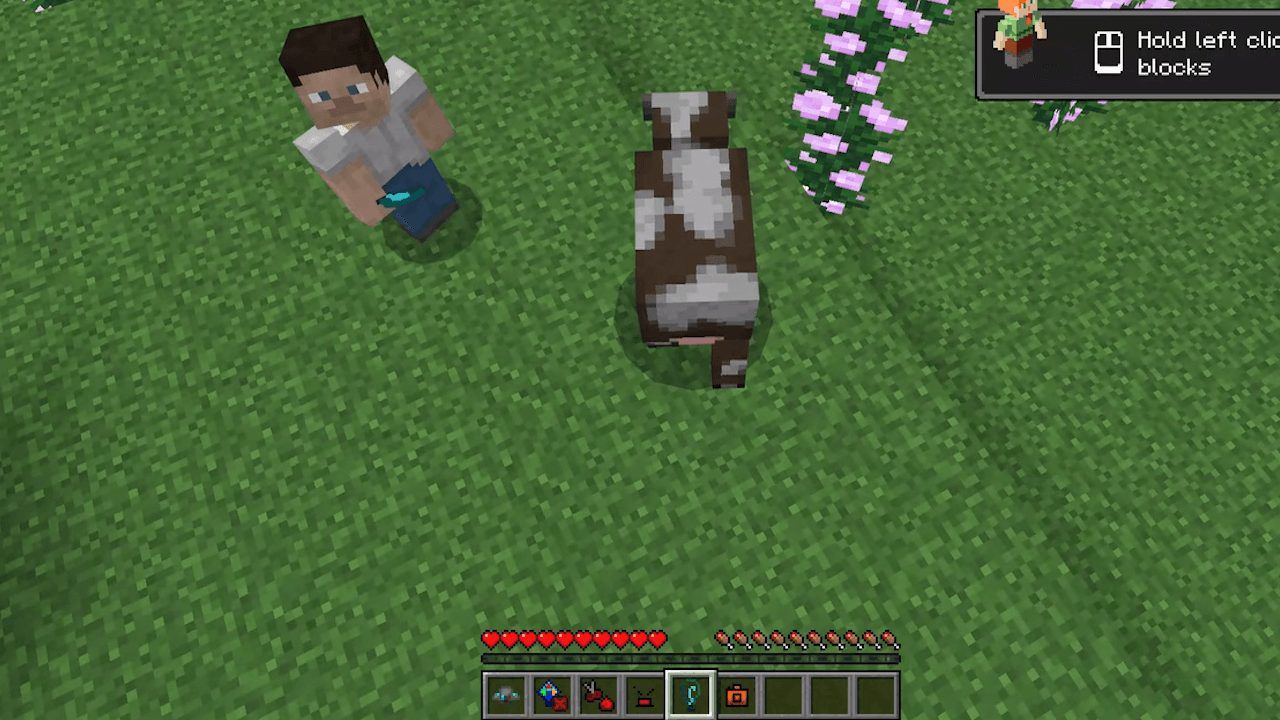
Controlling a Mob
Description
All the information you need to use this Add-On is listed below!
Requirements
- This Add-On works on the latest version of Bedrock Edition and should continue to work for the forseeable future (unless there is a drastic change). Because there are so many versions, it is only listed as 26.40 for now.
How to use this Add-On
- Look in the recipe book to find what you need to craft the Drone! Place it on the ground like a spawn egg and you will be given other items that let you control it.
- While selecting any of the items (except for the first one I believe, forgot last time I checked), you can use WASD (regular controls) to move it around and jump (it works better when you are still) to "fly".
- Right-click block break to break the block in front of the drone. Broken blocks are added to the drones inventory. When you right-click the drone (when not holding any of the items), it will open up the drones inventory so you can grab those items.
- Right-click redstone trigger to place a disappearing detector rail that activates nearby redstone devices.
- Right-click mob controller to take over / control the mob closest to the drone. You can control the mob with WASD and jumping and can use the other drone abilities. Right-click again to stop controlling the mob.
- Right-click camera to focus your view on the drone letting you kind of "spectate" it as you control it. Right-click it again to go back to first person / your regular point of view.
Redstone Drone Team