RealTime Sync: World Clock
- By
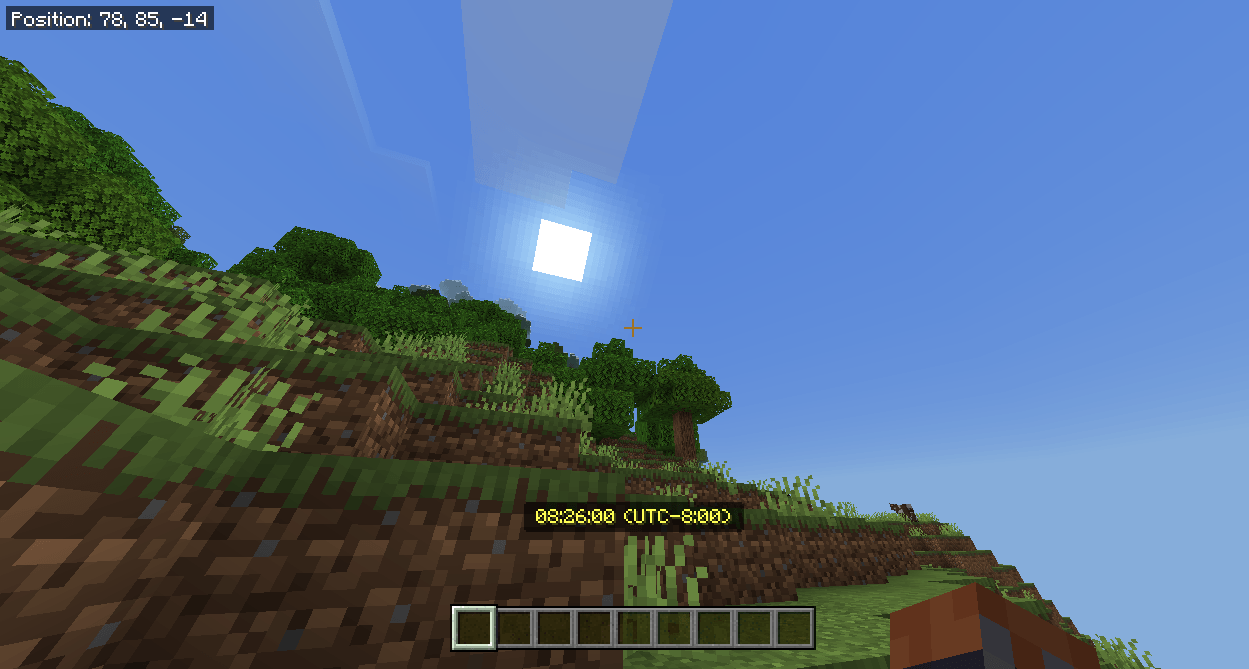
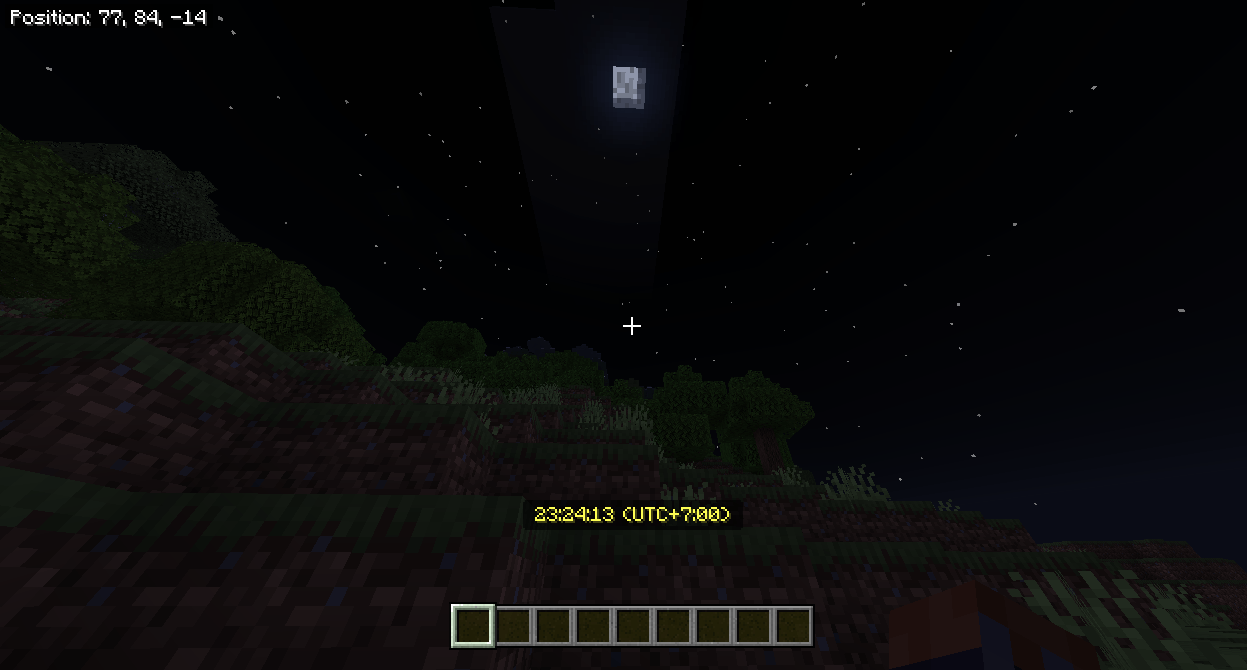
Synchronize Minecraft time with real-world time using UTC-based timezone settings. Fully customizable with live clock display.
Minecraft.Windows_aXYWF2AOIz.png
Minecraft.Windows_sW9L0XILnv.png
Minecraft.Windows_ip1Kn1d0vs.png
Description
Real-Time World Clock for Minecraft Bedrock
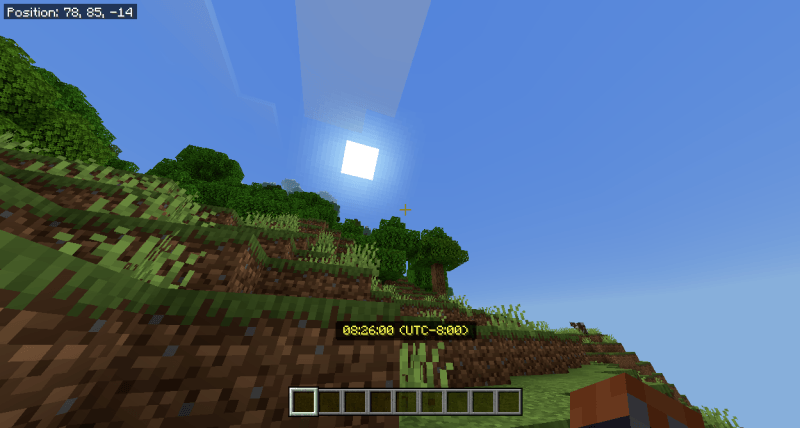
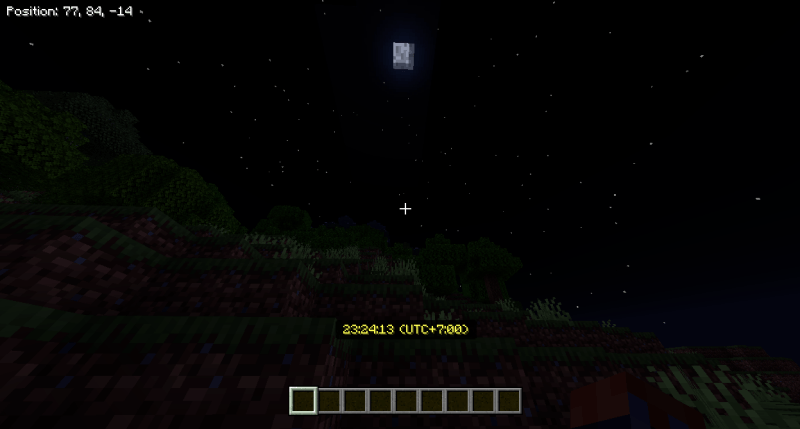
Bring your Minecraft world to life by synchronizing in-game time with real-world time.
This addon uses a UTC-based system with customizable timezone offsets, allowing players to match their in-game experience with their real-world location.
# Features
- Sync Minecraft time with real-world time
- Accurate day/night cycle based on UTC
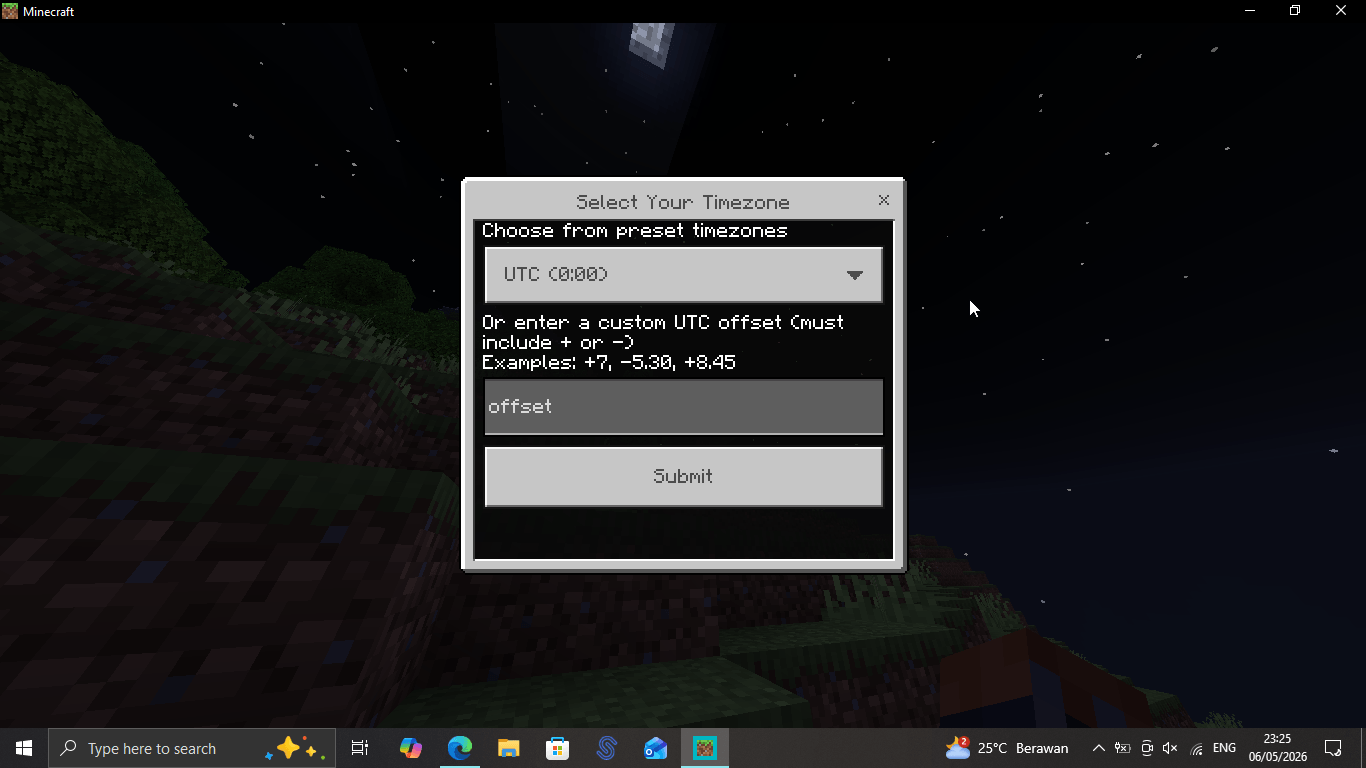
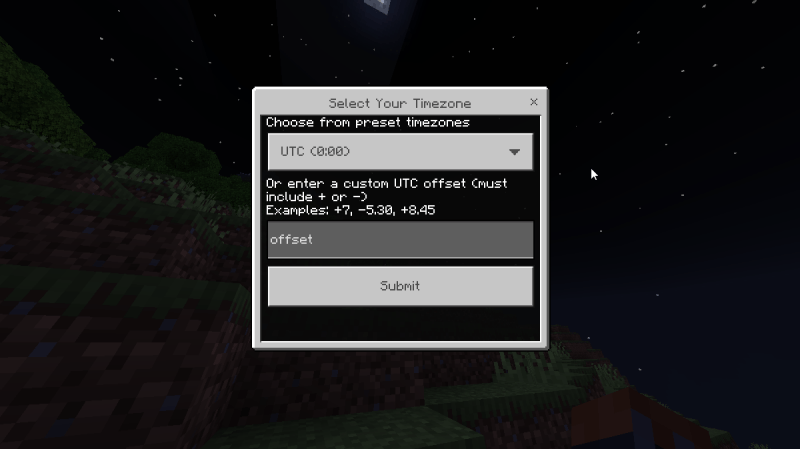
- Choose from preset timezones or enter your own custom offset
- Supports advanced offsets like +5:30, +8:45, +12:45
- Enable or disable real-time sync anytime
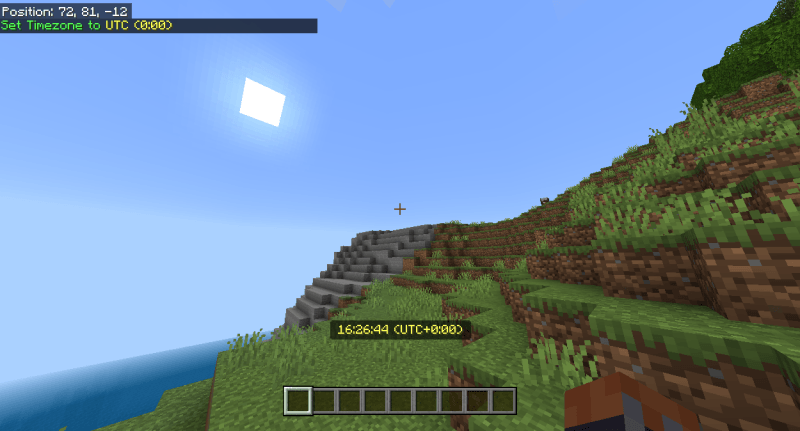
- Toggle live clock display in the actionbar
# How to configure
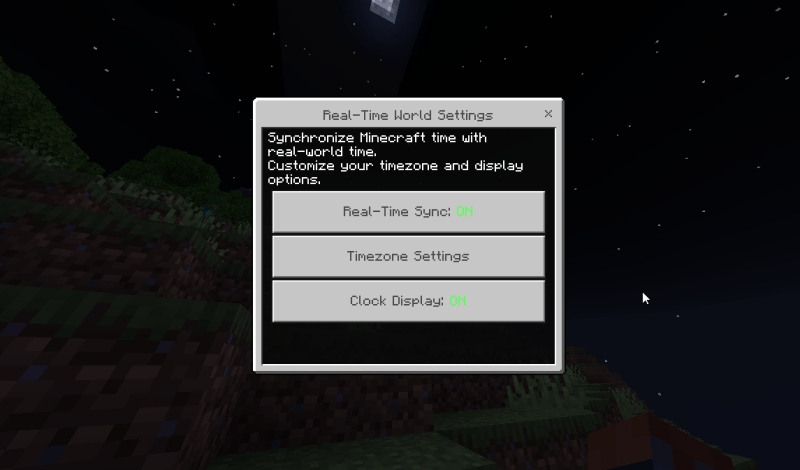
- Use command /realtime to open settings menu
- Tap Real-Time Sync button to enable or disable
- Select your timezone using a preset or enter manually
- Tap Clock Display button to enable or disable live clock display in the actionbar
# Notes
- Uses world time synchronization
- All players share the same world time
- Designed for survival and roleplay immersion
Make your Minecraft world feel alive in real time.
RealTime Sync: World Clock Team