QuickStack
- By
QuickStack — Sneak + right-click a chest to instantly deposit all matching items. By CIServerModding. All rights reserved. Realm & Multiplayer Friendly

A dirt block inside a chest.
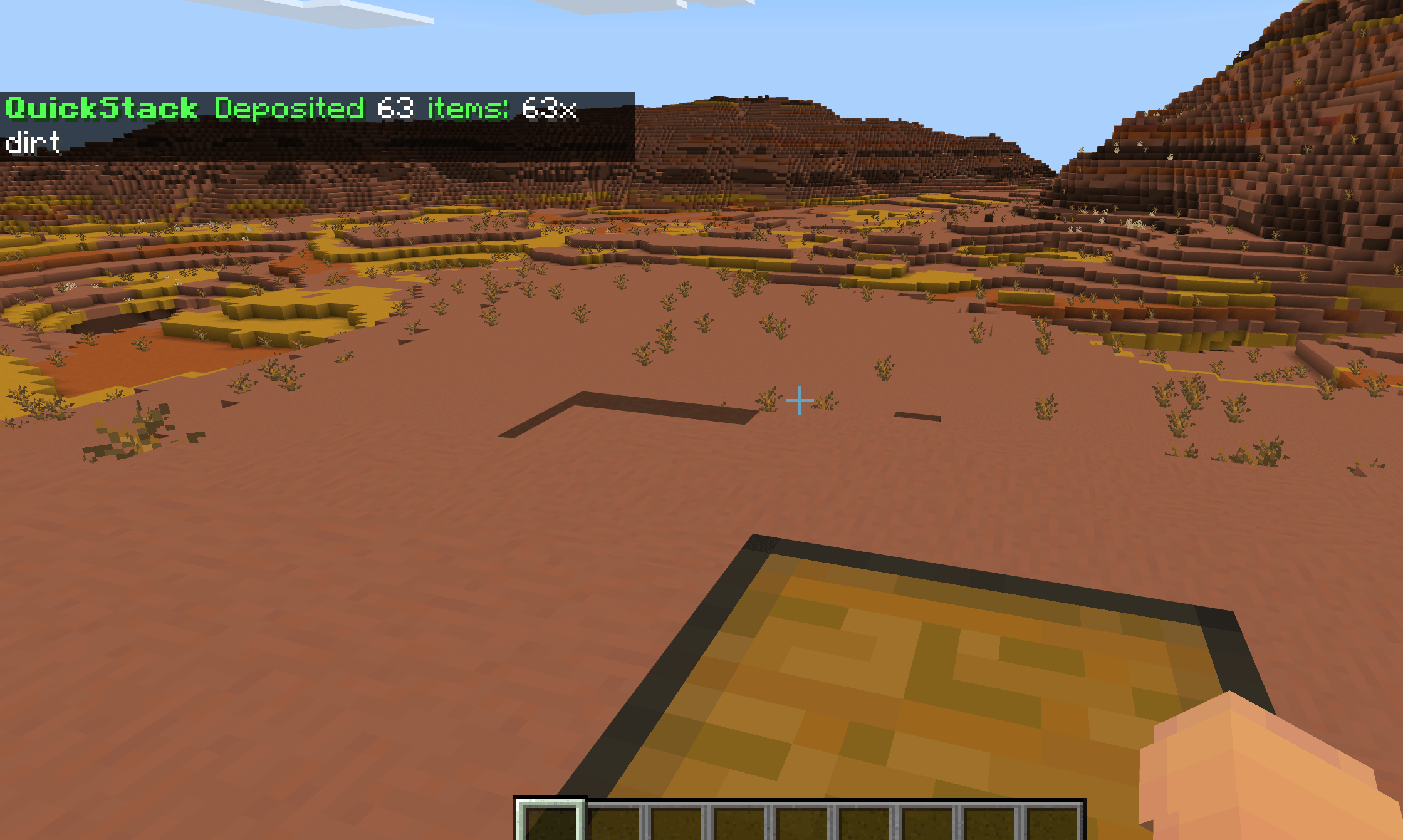
image_2026-06-17_183744679.png
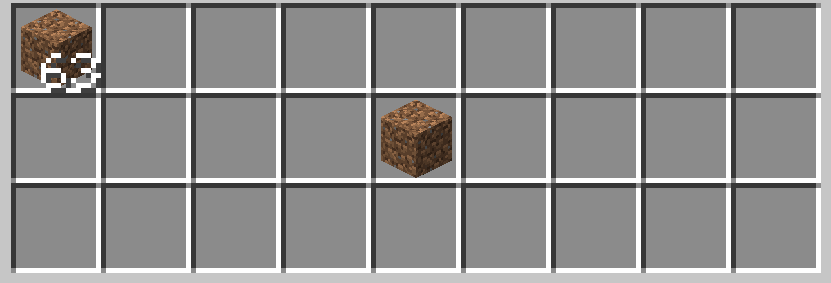
image_2026-06-17_183826562.png
MCPEDL Logo
Description
© CIServerModding. All rights reserved.
Available exclusively on CurseForge and MCPEDL. Do not reupload.
New Minecraft Bedrock Server! - New Dawn
Online ~4:00 - ~6:00 (sometimes online longer, up to 72 hours) PM - MT
IP: newdawnwar.falix.gg
Port: 20069
(If the server is offline, you may start it by clicking here, typing in newdawnwar.falix.gg, and then click the "Start Server" button, watch the ad, and then wait for the server to start.)
PATREON GIVEAWAY - Be one of the first 100 people to redeem a free 1 month membership of Donator!
━━━━━━━━━━━━━━━━━━━━━━━━━━━━━━━━━━━━
QUICKSTACK
by CIServerModding
━━━━━━━━━━━━━━━━━━━━━━━━━━━━━━━━━━━━
Sneak + right-click a chest to instantly deposit all matching items!
A quality-of-life inventory addon that saves you from manually
dragging items into chests one by one. Just sneak and right-click
any container, and QuickStack deposits every item in your inventory
that matches a type already in the container.
★ HOW IT WORKS ★
• Place items in a chest (e.g., 10 dirt, 5 cobblestone)
• Fill your inventory with various items
• SNEAK + RIGHT-CLICK the chest
• All dirt and cobblestone instantly deposit into the chest
• The chest UI never opens — it's seamless!
• You get a chat summary: "Deposited 15 items: 10x dirt, 5x cobblestone"
★ FEATURES ★
• Sneak + right-click ANY container to QuickStack
• Only deposits items that match types already in the container
• Partial stacks handled (leftovers stay in your inventory)
• Works with chests, trapped chests, barrels, shulker boxes, hoppers,
dispensers, droppers, and furnaces
• Chest UI suppressed (seamless — no menu opening)
• Item count summary in chat feedback
• /quickstack command to toggle on/off
• Welcome message on join
★ COMPATIBILITY ★
• Works with ALL other addons
• No experiments required (uses the STABLE @minecraft/server 2.1.0 API)
• No cheats or operator rank needed — any player can use it
• No player.json override — pure script logic, cannot conflict
• No RP entity overrides — cannot conflict with other addons' entities
• Place at the bottom of your Behavior Pack list for command loading
★ REQUIREMENTS ★
• Minecraft Bedrock 26.40+
• Both the Behavior Pack AND Resource Pack must be enabled
★ HOW TO USE ★
1. Download the .mcaddon
2. Open it — Minecraft imports both packs automatically
3. Create or edit a world
4. Enable both the QuickStack BP and RP in your world settings
5. Place a chest and put a few items in it
6. Fill your inventory with matching + non-matching items
7. Sneak (hold Shift) + right-click the chest
8. Matching items instantly deposit! No chest UI opens.
9. Type /quickstack to toggle the feature on/off
★ TIPS ★
• Great for sorting mining loot — put one of each ore in a chest,
then QuickStack to deposit the rest
• Works with barrels for storage rooms
• Works with shulker boxes for portable sorting
• The chest UI is suppressed, so you can QuickStack repeatedly
without closing menus
• Non-matching items stay in your inventory (safe — won't dump
everything)
★ TECHNICAL DETAILS ★
• Architecture: pure script logic (no entities, no player.json, no RP overrides)
• Uses world.beforeEvents.playerInteractWithBlock (cancellable)
• Chest-type snapshot ensures only pre-existing types match
• Container.addItem() handles auto-stacking + partial leftovers
• All mutations deferred via system.run() (restricted-execution mode)
★ CREDITS ★
Publisher: CIServerModding (All rights reserved)
Developer: ClockSplice
Available exclusively on CurseForge and MCPEDL
★ BUG REPORTS & FEATURE REQUESTS ★
Found a bug? Want a feature added or removed? Let me know in the
comments! I read all feedback and will address issues as quickly
as possible.
"They literally just dropped this masterpiece to save our inventories, and it is a total game-changer for Bedrock players!"
© CIServerModding. All rights reserved.
Available exclusively on CurseForge and MCPEDL. Do not reupload.
QuickStack Team