Quick Farm
- By
🌾 Build farms automatically in Minecraft Bedrock! Use the Builder Pickaxe to access a simple menu, choose your farm, and build with fewer resources. Includes 7 farm structures! ⛏️
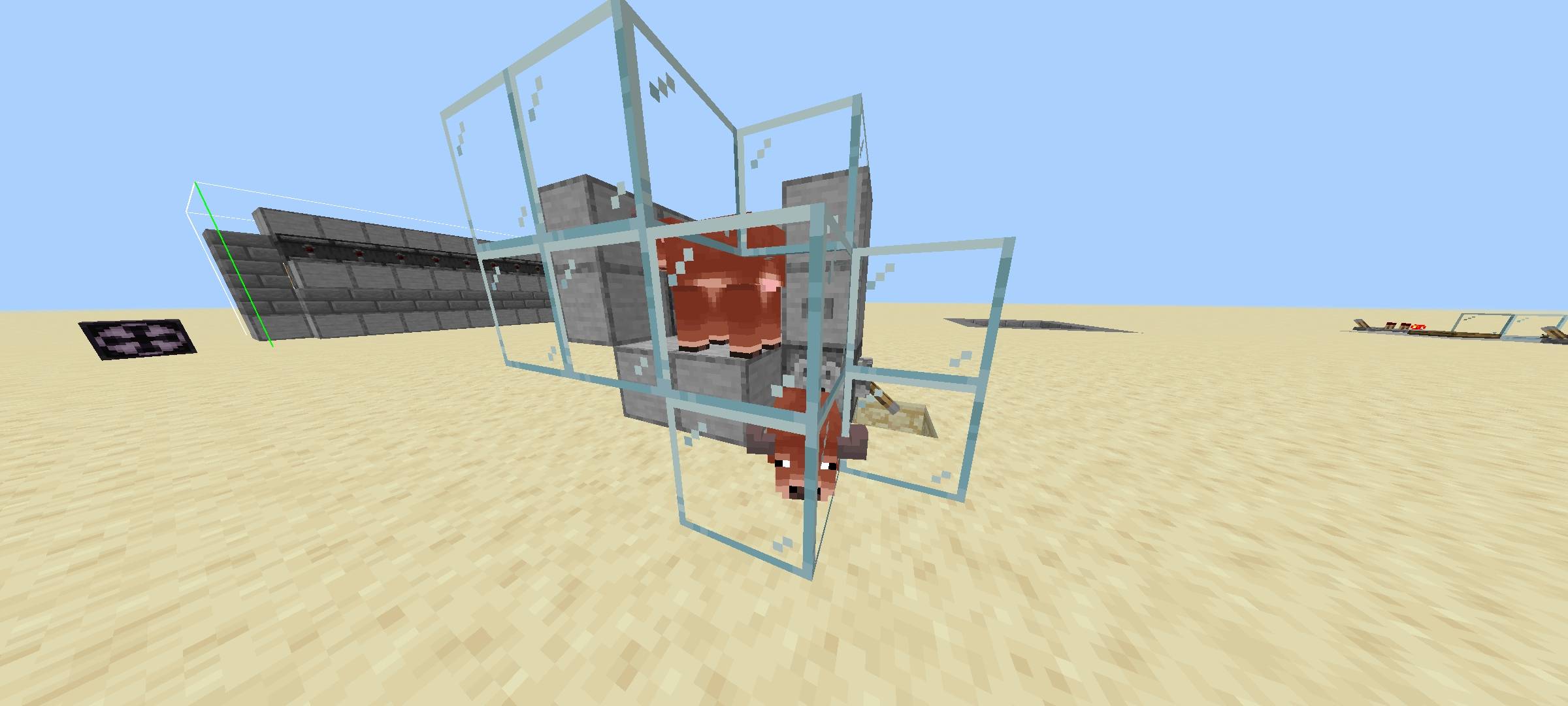
This is cow farm
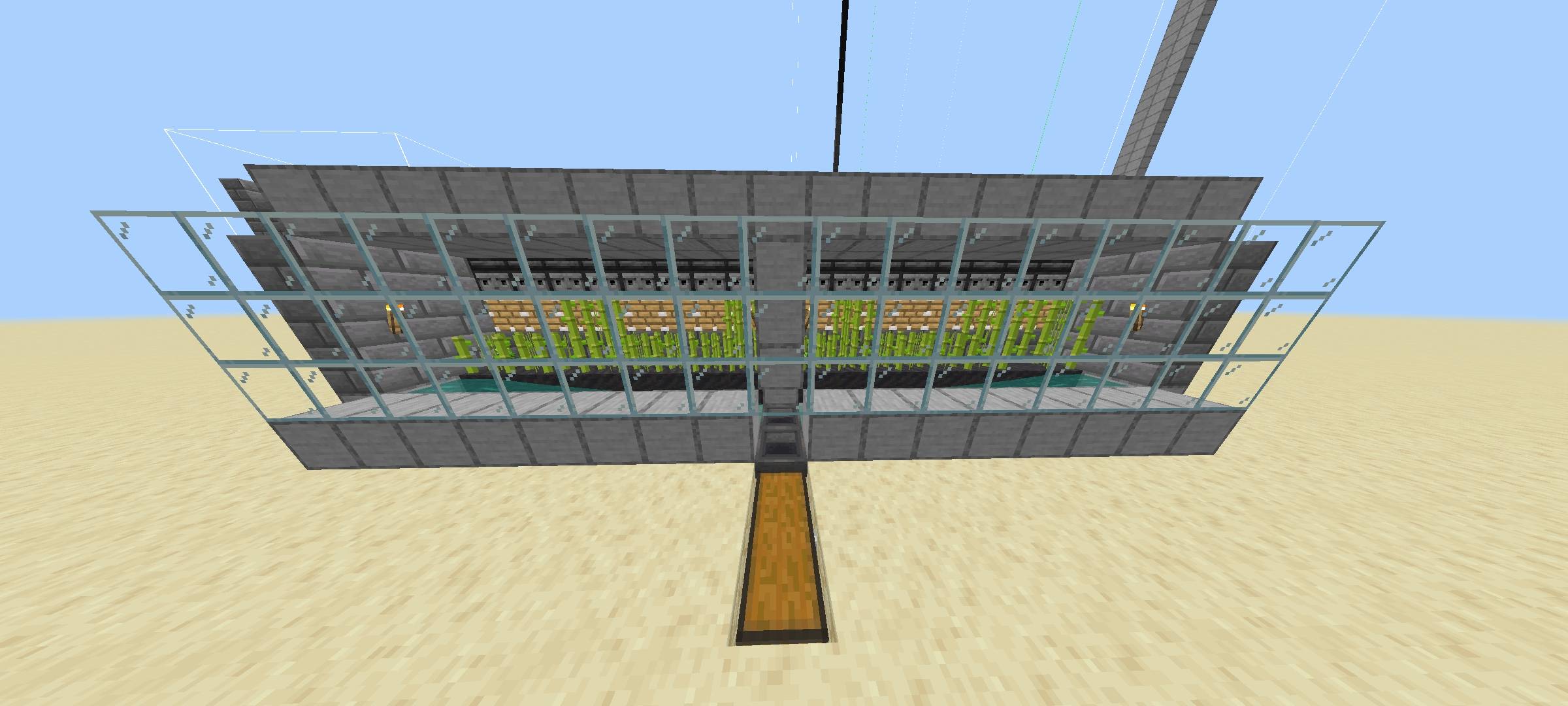
This is sugar cane farm
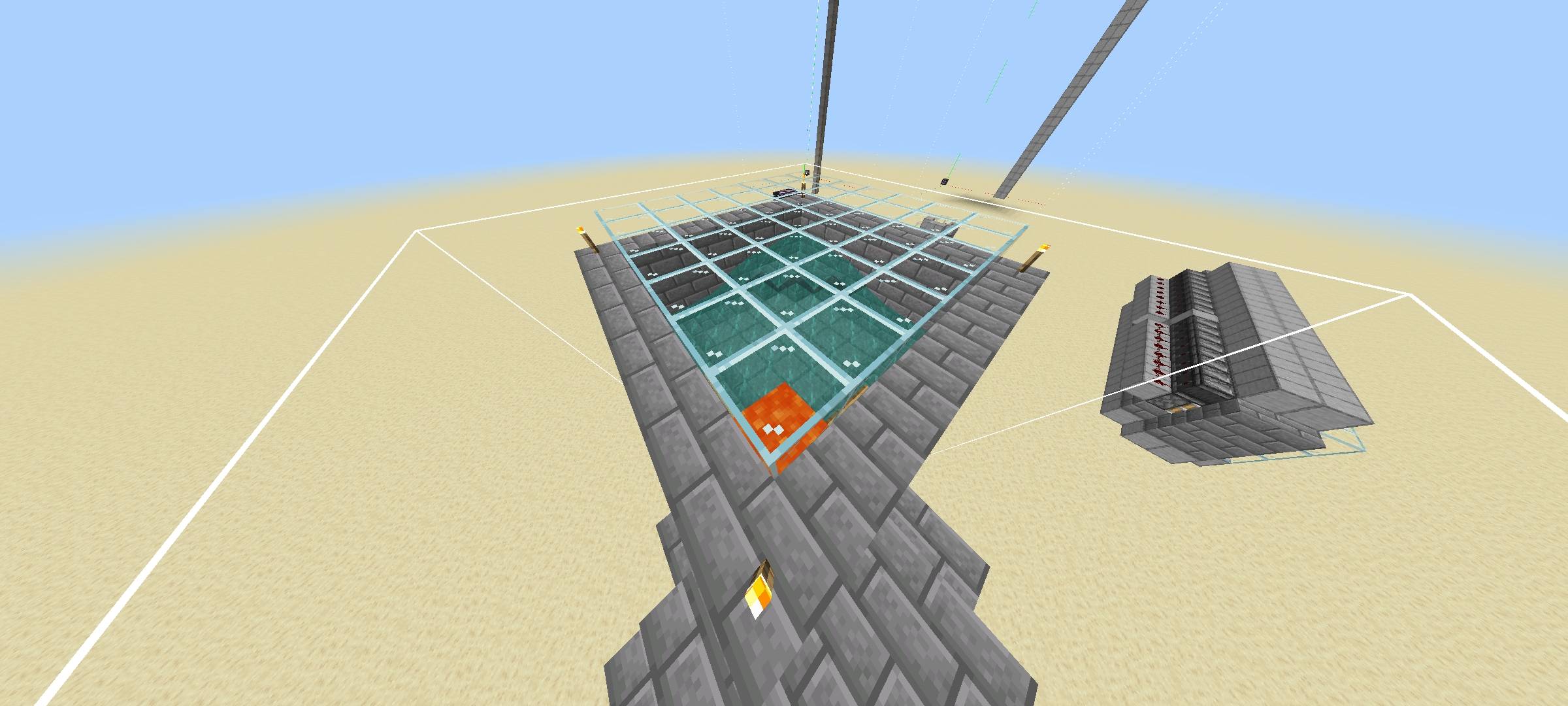
This is iron farm
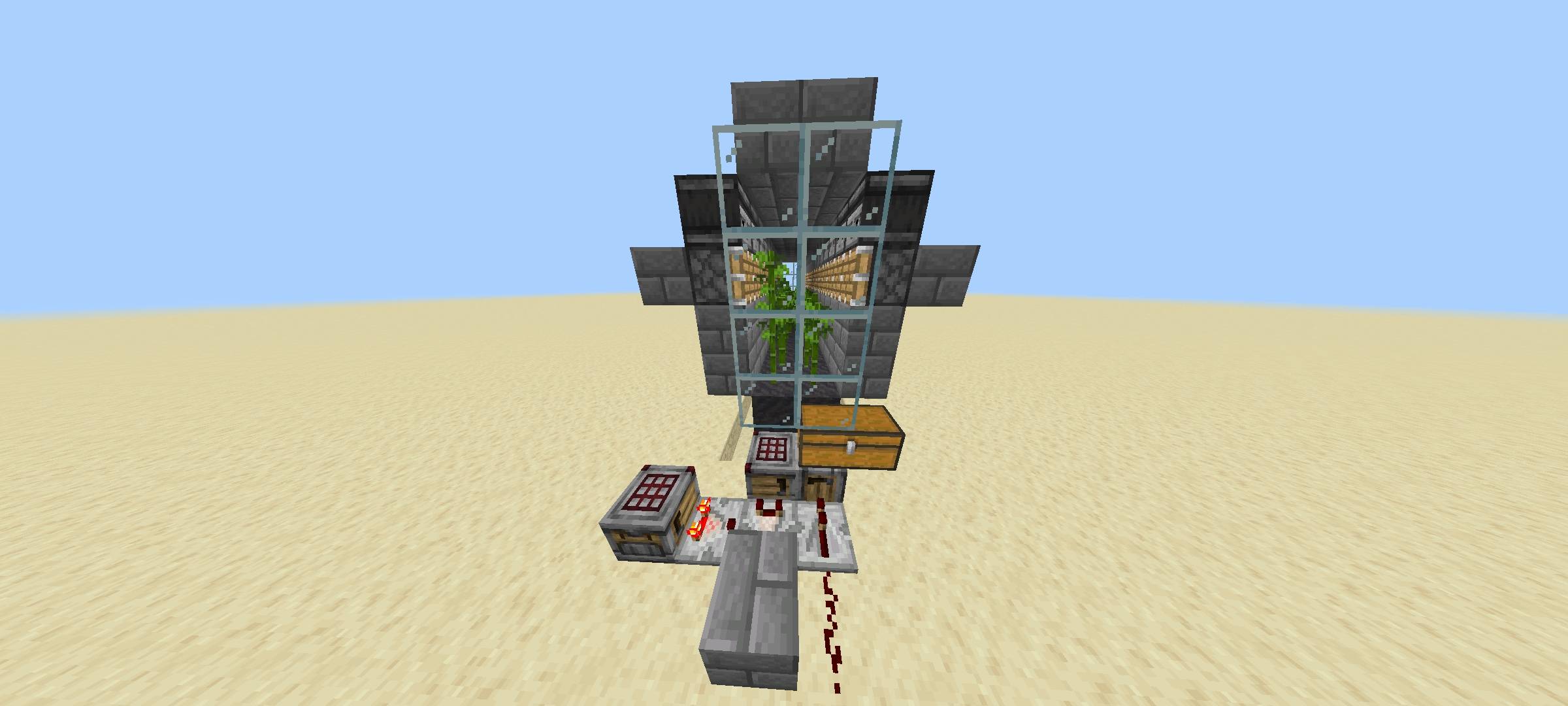
This is bamboo farm
Description
🌾 Quick Farms
Build faster. Gather more. Enjoy survival! ⛏️
Quick Farms is a Minecraft Bedrock add-on designed to make farm building easier and faster. Instead of manually placing every block, use the special Builder Pickaxe to open a menu, choose a farm, check the required materials, and let the add-on place the structure for you!
Whether you want to collect resources, automate farming, or save time in your survival world, Quick Farms makes building more convenient. 🚀
✨ Features
- ⛏️ Builder Pickaxe: Rename an iron pickaxe to "Builder" using an anvil to access the farm menu.
- 📱 Simple menu: Choose your preferred farm through an easy-to-use interface.
- 📦 Resource requirements: Each farm has a simplified material recipe.
- 🏗️ Automatic construction: Select a farm and confirm to place its structure.
- 🌾 7 included farm structures: A selection of farms for different survival needs.
- 🔥 Nether restriction: The Piglin Bartering Farm can only be built in the Nether.
🏗️ Available Farms
🤝 Piglin Bartering Farm — A structure for piglin bartering.
⛓️ Iron Farm — A structure intended for iron production.
⚔️ Mob Farm — A structure for hostile mob farming.
🛡️ Raid Farm — A structure designed for raid-related farming.
🐄 Cow Farm — A compact structure for raising cows.
🎋 Bamboo Farm — A structure for bamboo production.
🌱 Sugar Cane Farm — A structure for sugar cane production.
Farm functionality depends on Minecraft Bedrock mechanics, the structure design, and your game version.
Nothing for now, just logging in to help pay the bills 😅
https://do.webjogos.top/sC12sWl
📖 How to Use Quick Farms
Step 1 — Install the add-on
Import the ".mcpack" file into Minecraft Bedrock.
Step 2 — Activate the Behavior Pack
Open your world's settings, go to Behavior Packs, and activate Quick Farms and also activate the experimental beta apis.
Step 3 — Get your Builder Pickaxe
Craft or obtain an iron pickaxe and place it in an anvil.
Step 4 — Rename the pickaxe
Rename it to exactly "Builder", with a capital B.
Step 5 — Open the menu
Hold the renamed iron pickaxe and use it to open the Quick Farms interface.
Step 6 — Choose a farm
Select the farm you want to build and review its material requirements.
Step 7 — Build!
Make sure you have the required materials, choose the build option, and confirm your selection.
Step 8 — Enjoy your farm! 🎉
Give the structure enough room and make sure there is sufficient vertical clearance for taller farms.
🔥 Important: Piglin Bartering Farm
The Piglin Bartering Farm must be constructed in the Nether. Piglins outside the Nether can become zombified, so the add-on restricts this farm to the correct dimension.
⚠️ Important Notes
- Build in a clear area. Placing a structure may replace existing blocks, including blocks with air.
- The simplified recipe controls the construction cost; it does not redesign the original structure.
- Some farms may require additional setup, entities, or suitable conditions to function correctly.
- Compatibility depends on your Minecraft Bedrock version and the available Script API.
- The add-on has not been fully tested in-game, so some adjustments may be necessary.
💚 Enjoy your farms!
Spend less time building and more time playing Minecraft!
If you encounter a bug, please report it with your Minecraft version and a description of what happened.
Do not distribute this Addon using shortened links. Do not publish it on other websites and stores to claim rewards from it.
You may record and publish the video on social networks as long as you give me credit and use the link from this page. Modification is for personal use only.
Quick Farms — Build smarter, survive better! 🌾⛏️
Quick Farm Team