Quality of Survival (QoS) | Minecraft Bedrock Essentials Addon
Everything You Need. One Survival Experience.
What is Quality of Survival?
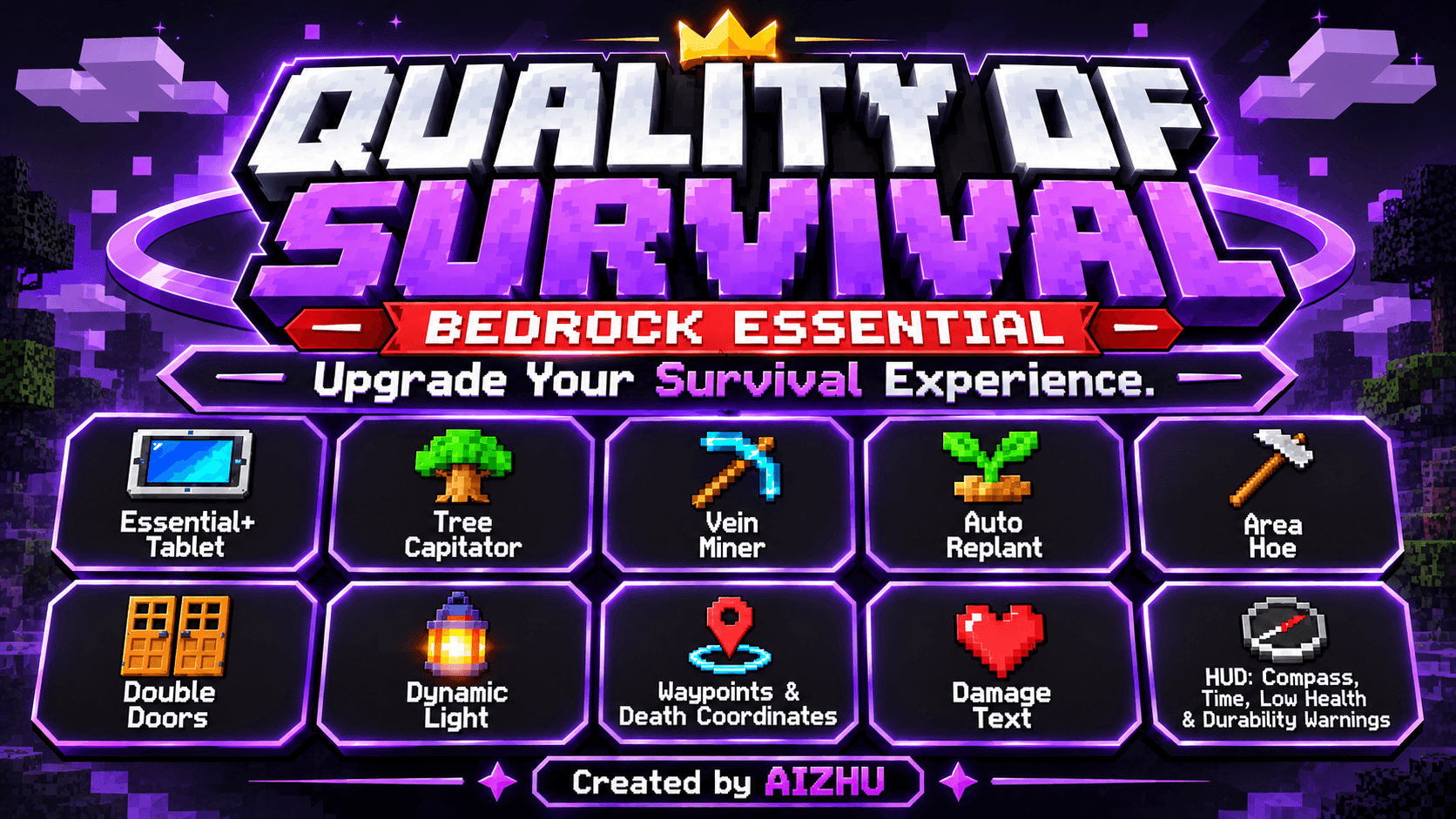
Quality of Survival (QoS) is an All-in-One Minecraft Bedrock Essentials Addon designed to enhance your survival gameplay with useful utilities, smart Quality of Life (QoL) features, and convenient gameplay improvements.
Instead of installing multiple Minecraft Bedrock addons for different features, QoS brings essential survival tools together in one convenient package with its own interactive Tablet Dashboard.
From resource gathering and farming to exploration, navigation, and combat, QoS provides practical survival utilities in one addon. Enable only the features you need, customize their settings, and enjoy a smoother Minecraft survival experience.
🟢 Achievement Compatible - Designed to support Minecraft achievements.
Tablet Dashboard
Your survival experience, under your control.
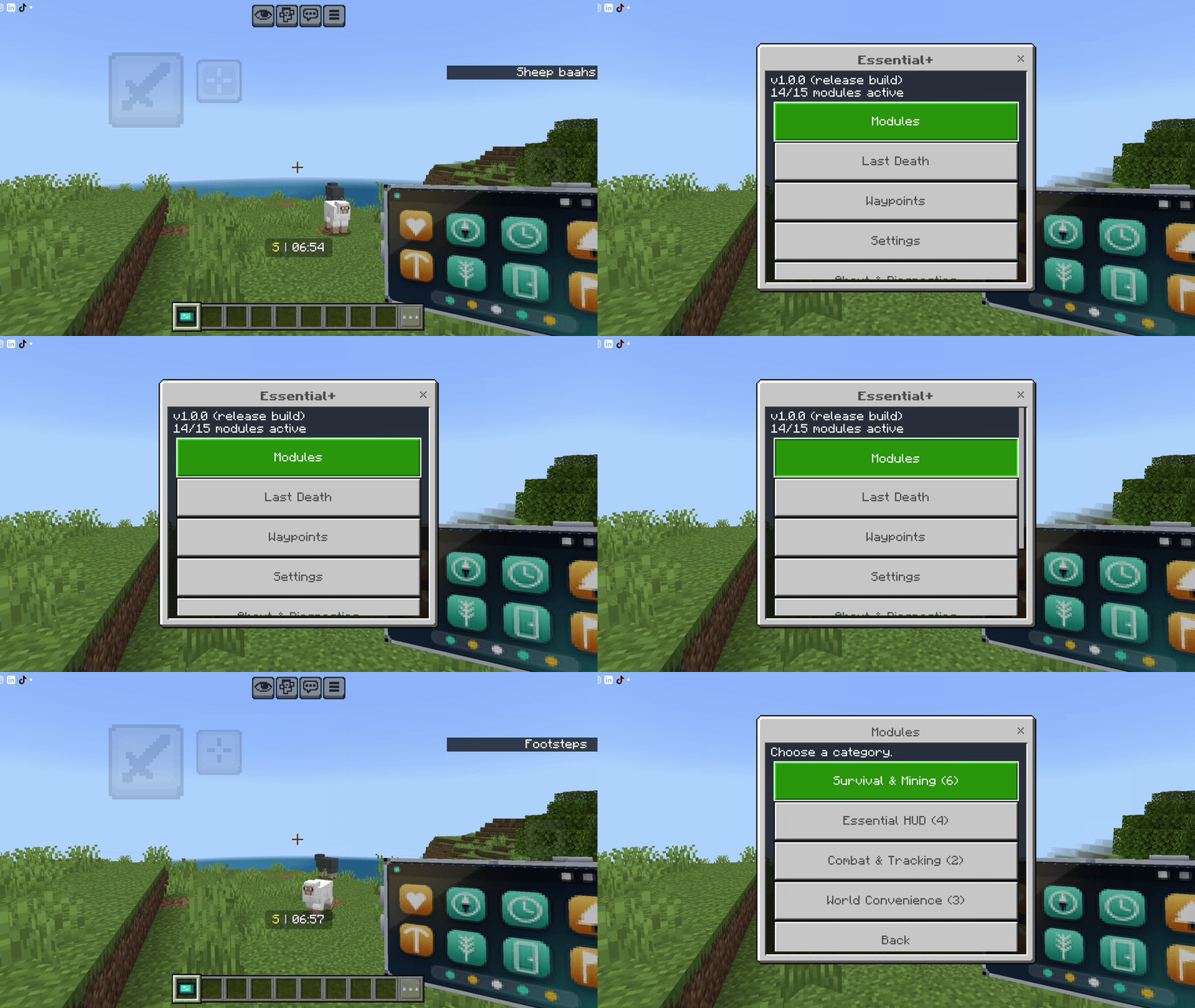
The QoS Tablet is your central control hub for accessing and managing Quality of Survival features. Open the interactive dashboard to enable, disable, and customize individual utilities without having to manage multiple addon settings.
You receive the tablet when joining a world and after each death. Lost your tablet? Craft a replacement using one Rose Bush.
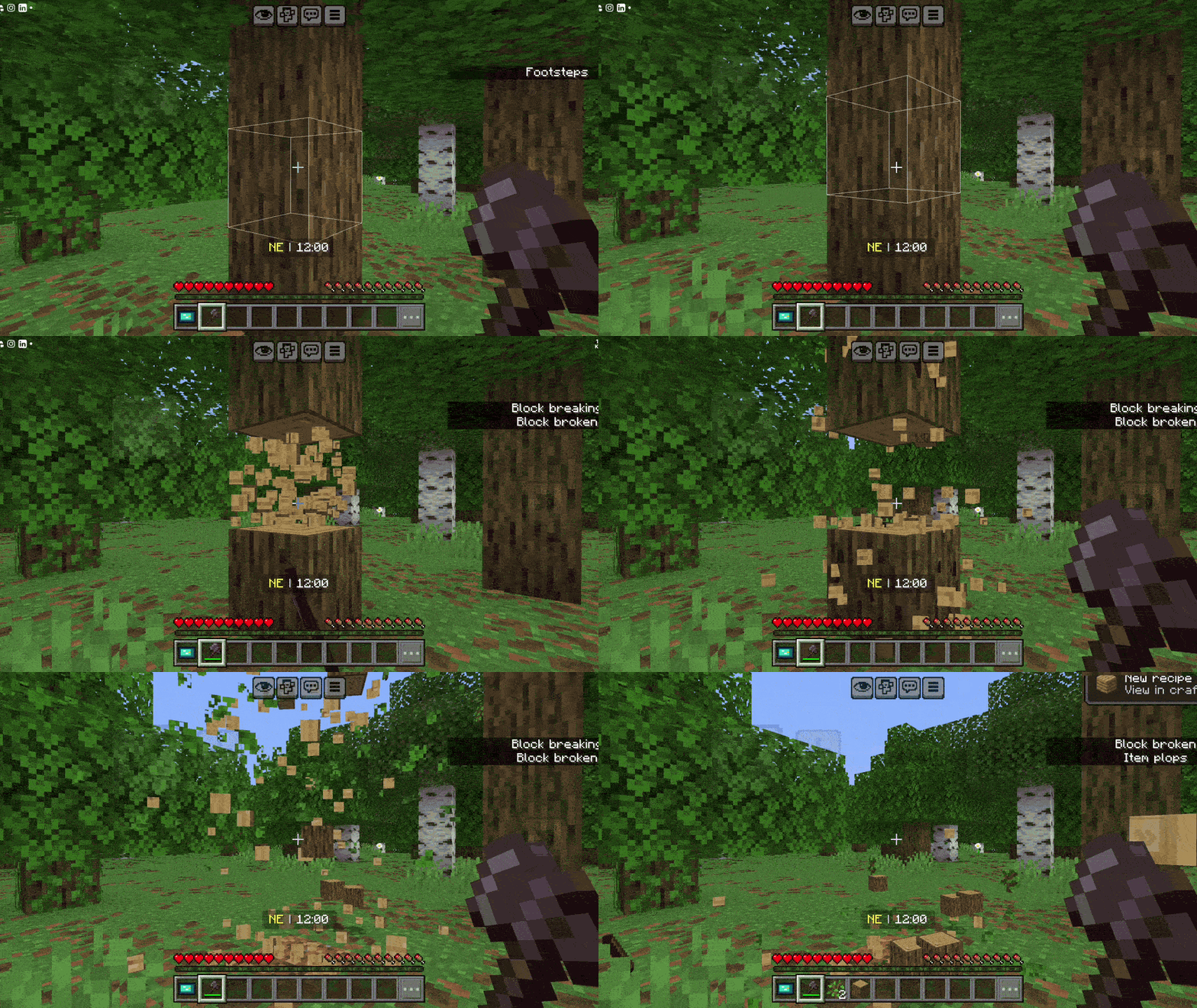
Tree Capitator
Chop down entire trees with a single action!
Make wood gathering faster and easier. Sneak and break one log using an axe to automatically chop the connected tree, including its leaves.
- Natural trees only by default to help protect player builds.
- Adjustable log and leaf limits.
Vein Miner
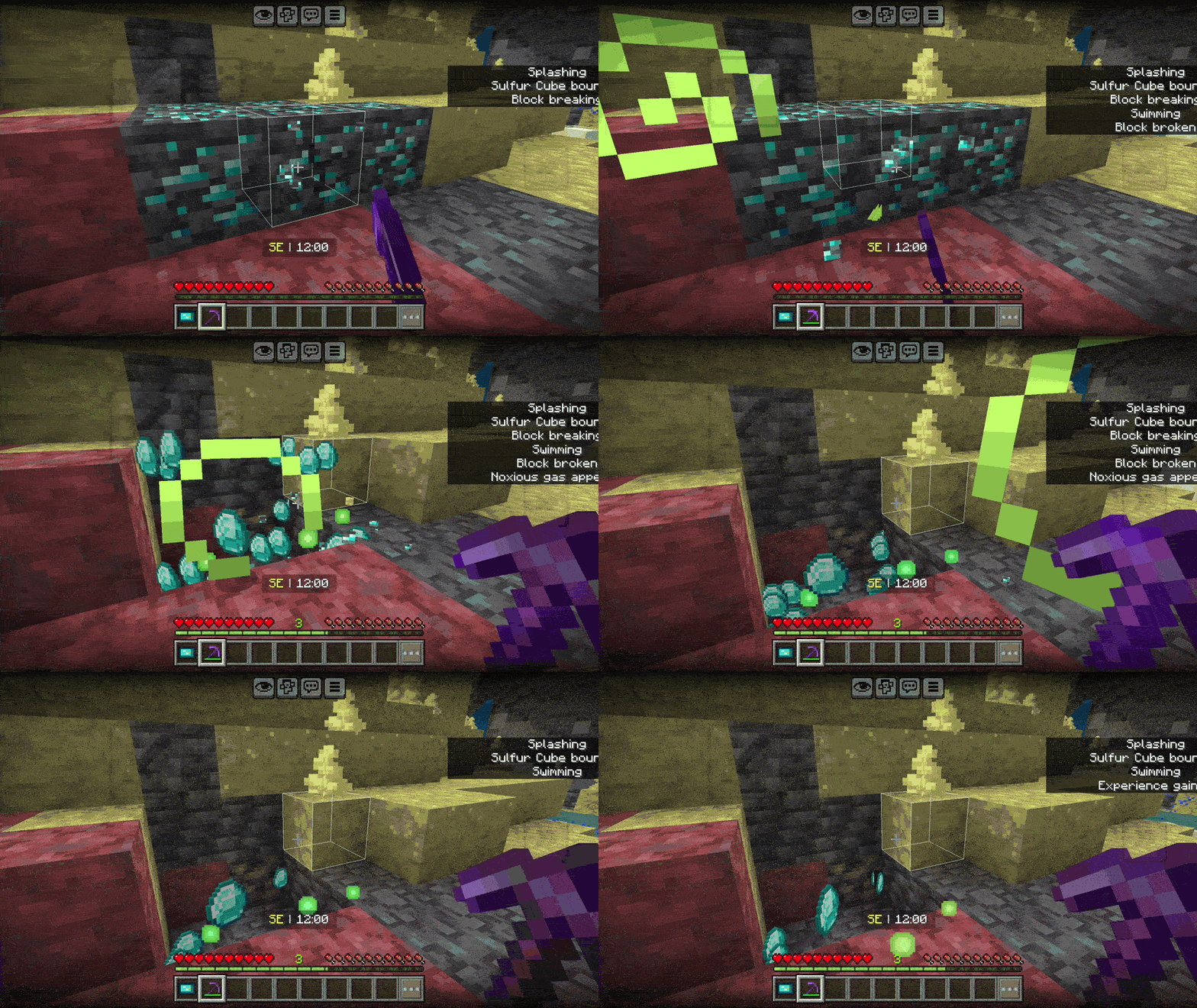
Mine entire connected ore veins without breaking every block individually!
Vein Miner makes resource gathering faster in Minecraft Bedrock. Sneak and mine an ore using a pickaxe to collect the connected vein.
Supports Fortune, Silk Touch, Unbreaking, tool durability, and XP mechanics.
Auto Replant
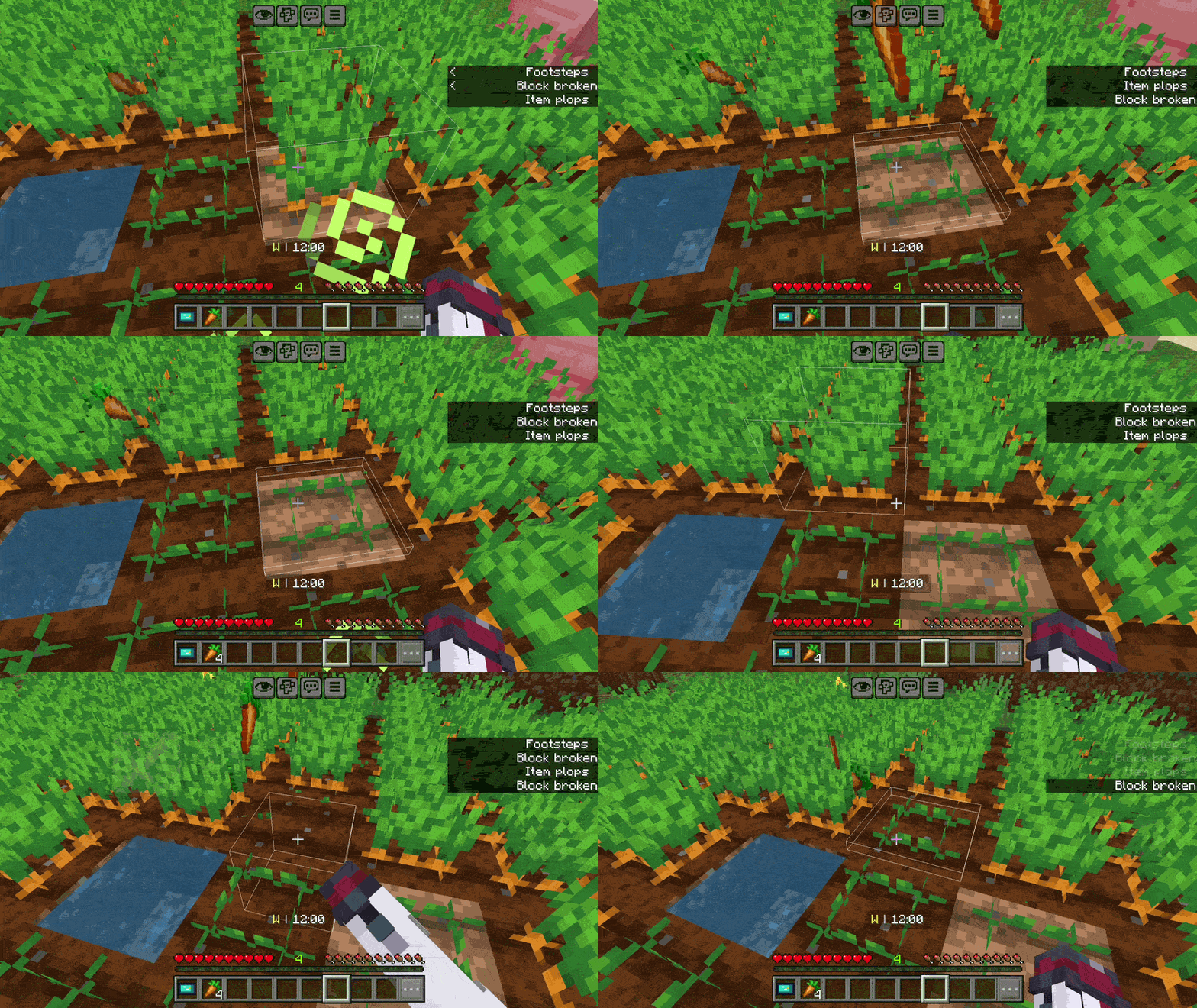
Make Minecraft farming more convenient with automatic crop replanting!
Harvest fully grown crops and QoS automatically replants them using seeds from the drops or your inventory.
Area Hoe
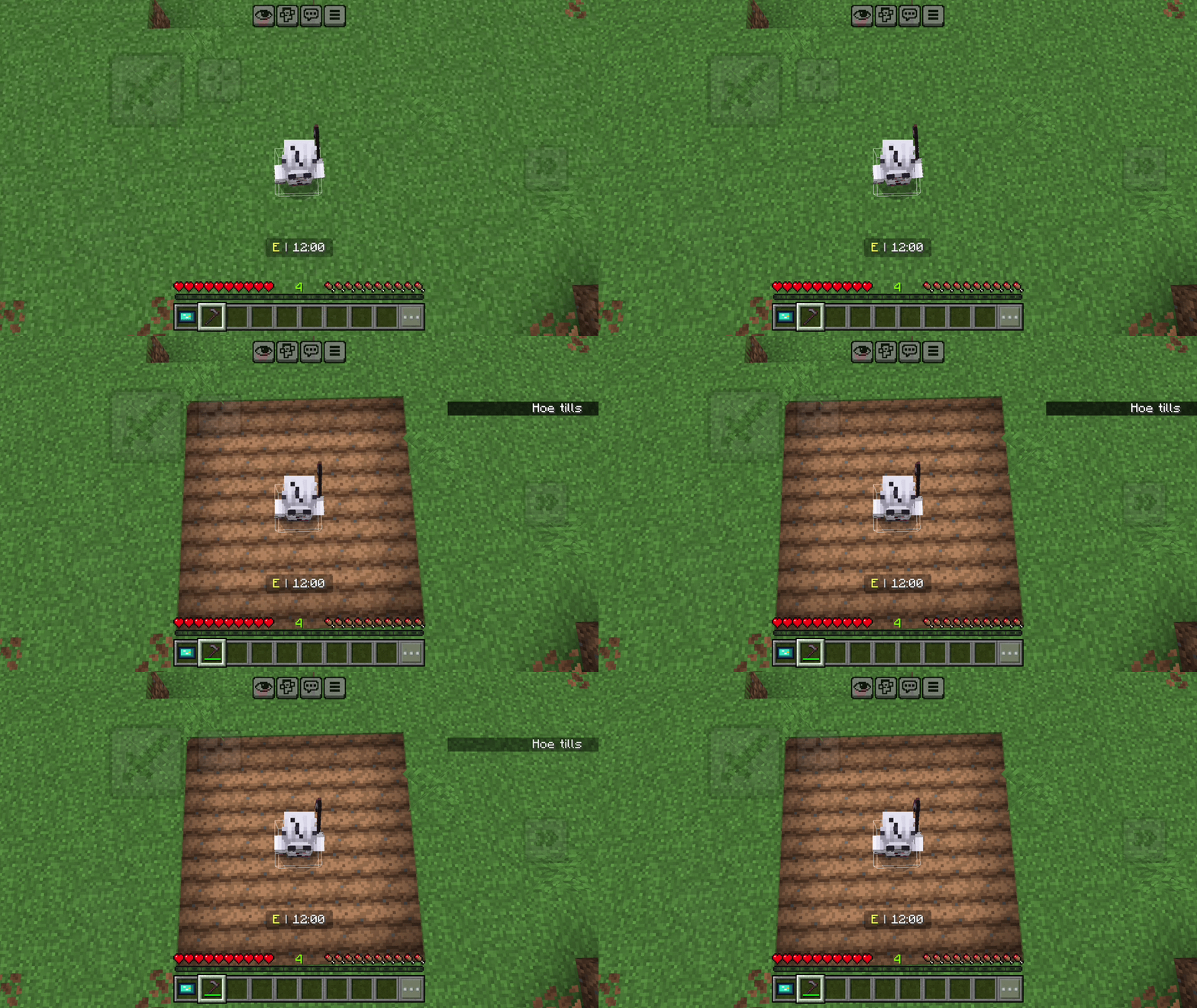
Prepare farmland faster with a single click!
Till multiple farmland blocks in an adjustable area, with width and length settings up to 15 blocks.
- Only tills farmland, nothing is harvested.
- Sneak to till a single block.
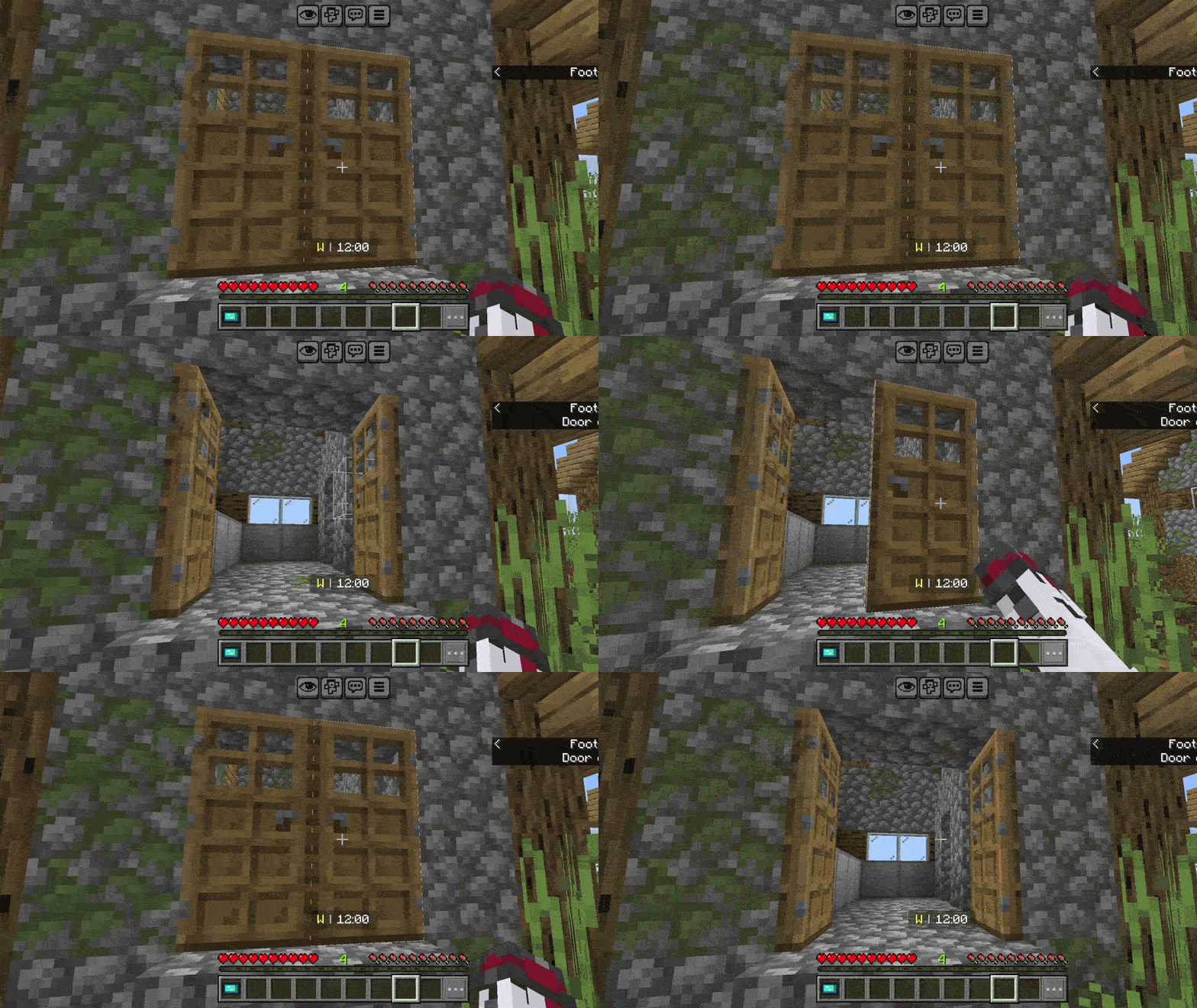
Double Doors
Open or close paired doors automatically!
Open or close one door and its paired door automatically follows, making entrances more convenient.
Works with paired doors while leaving iron doors unaffected.
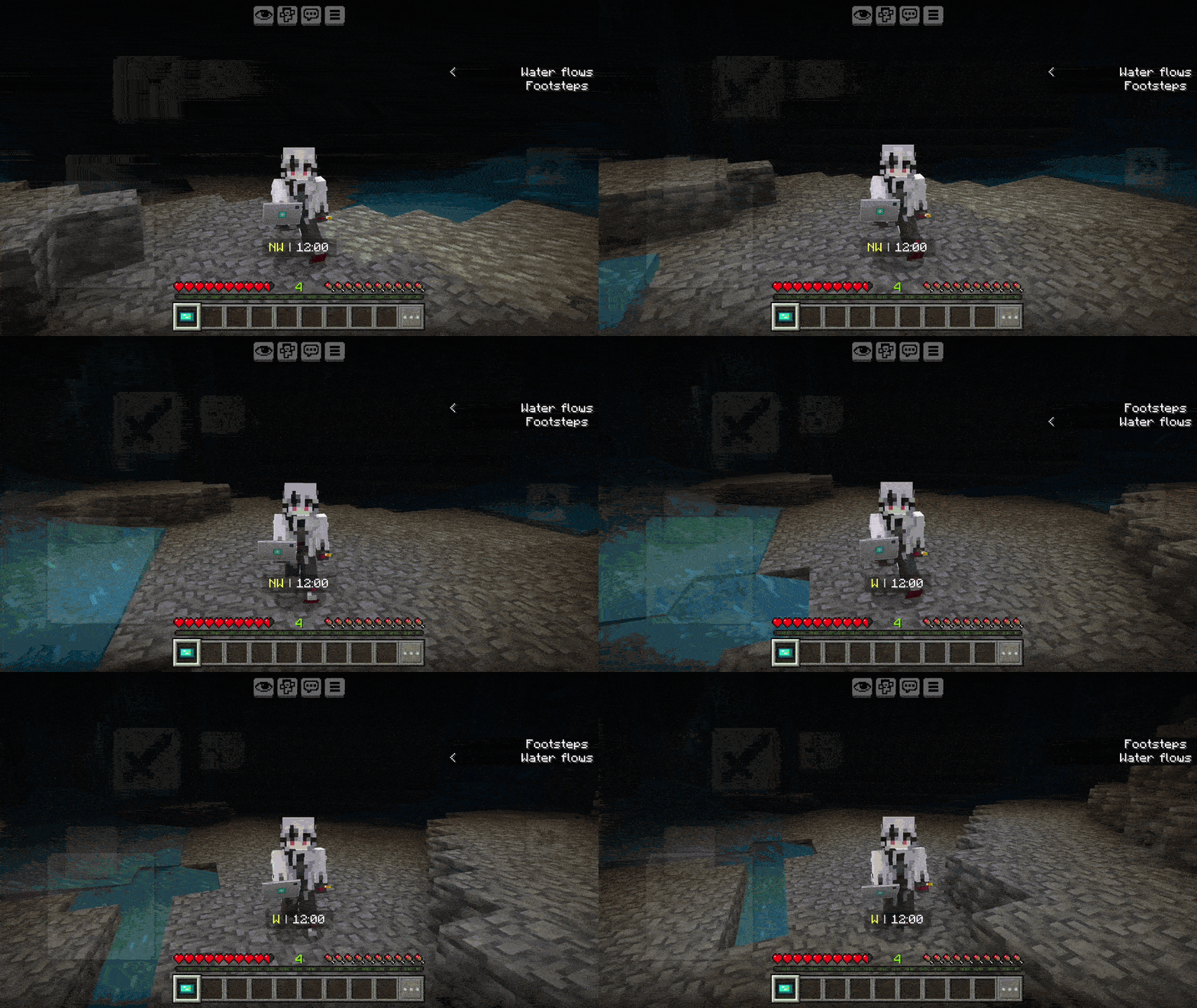
Dynamic Light
Bring portable lighting wherever you go!
Hold a torch, lantern, or another supported light source to illuminate your surroundings as you explore.
You can also use Sneak + Right Click with a torch or lantern to move it into your off-hand.
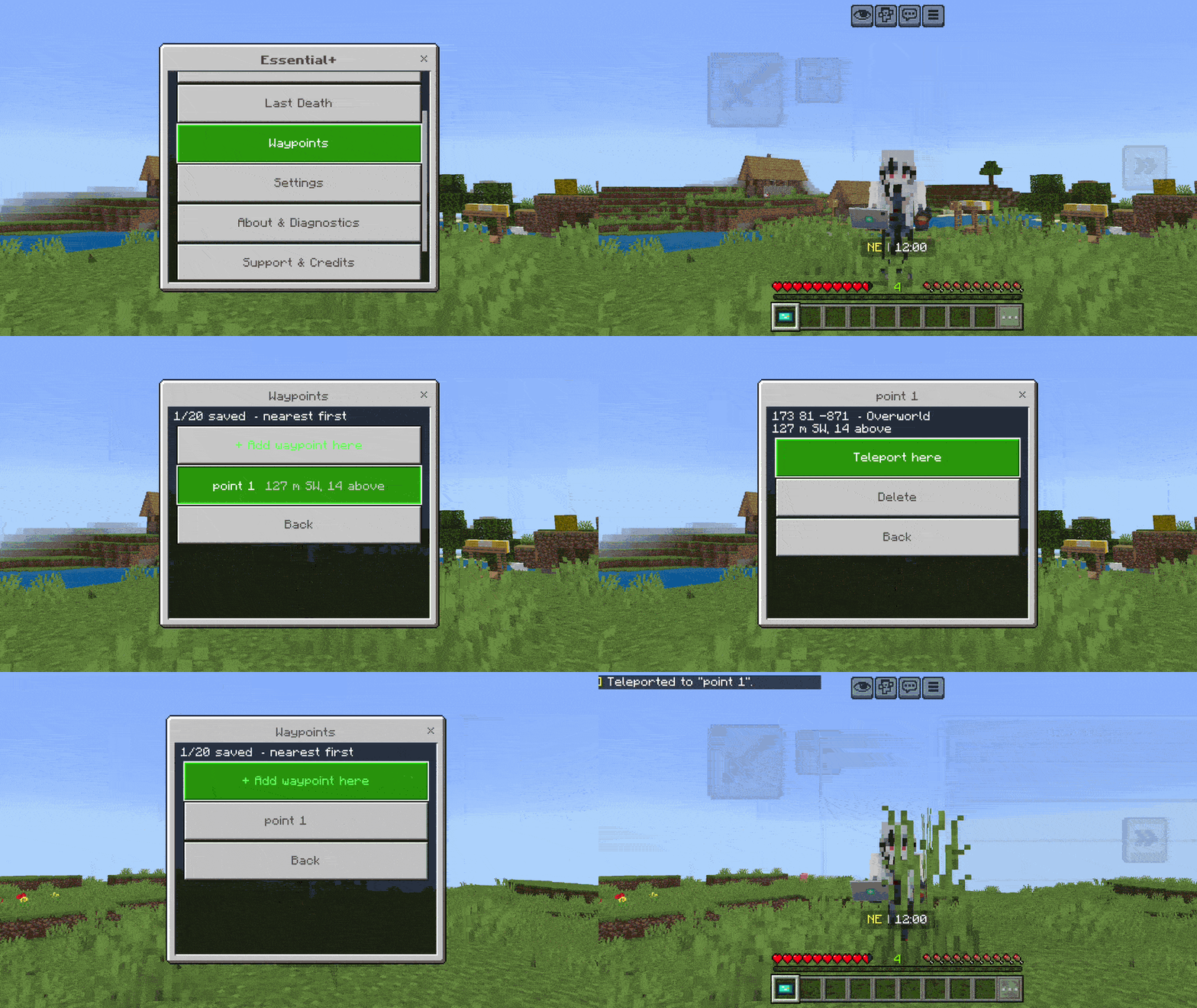
Waypoints & Death Coordinates
Never lose track of important locations!
Create named waypoints for your homes, mines, portals, and other destinations. Check directions and distances to saved locations while exploring your Minecraft world.
- Save and manage named waypoints.
- Optional waypoint teleportation with cooldown.
- Automatically record your death coordinates.
- View your recent death locations through Last Death history.
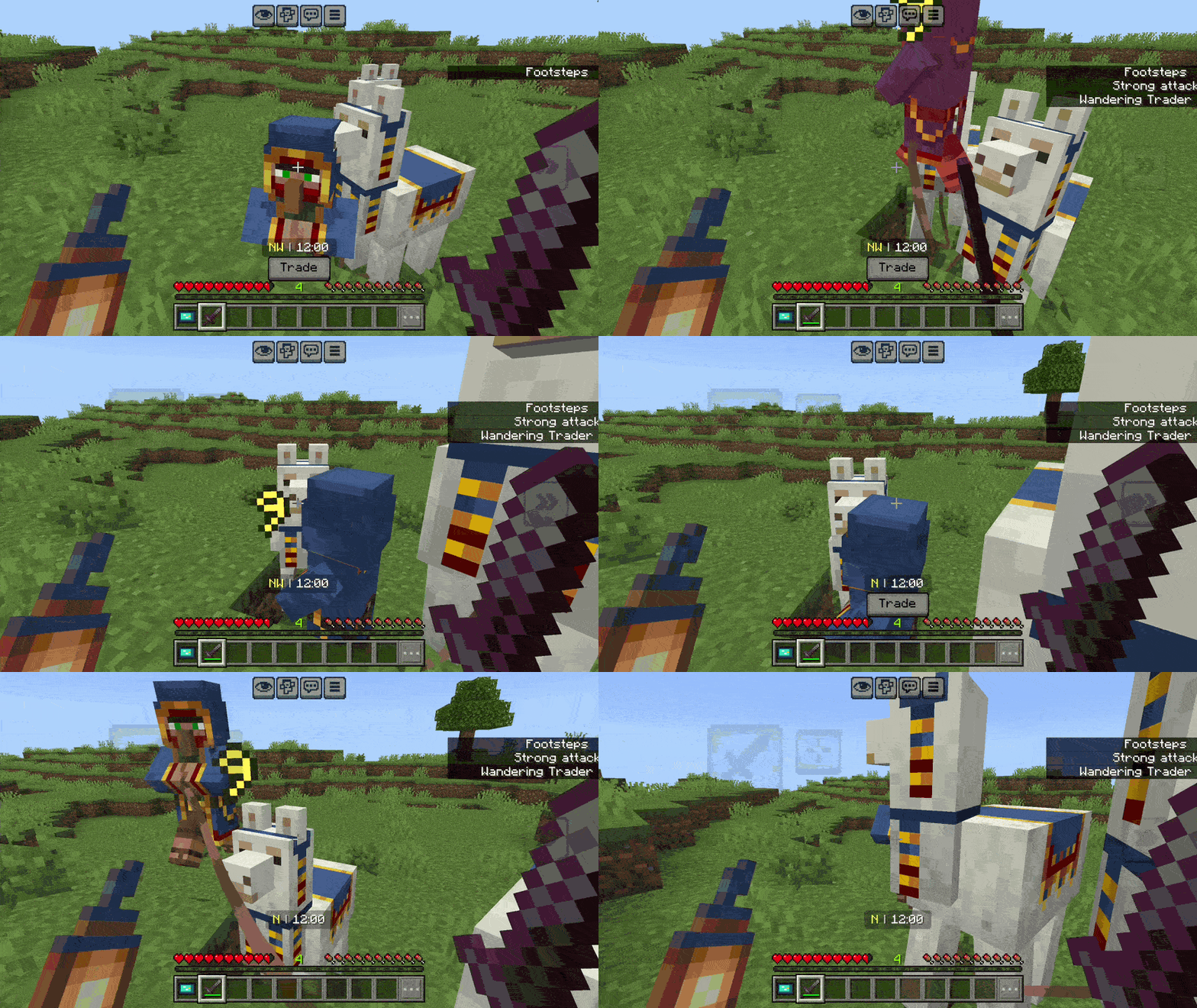
Damage Text
See how much damage you deal during combat!
Damage numbers appear as particles when attacking mobs, giving you instant visual feedback during combat.
Custom HUD
Get useful survival information without cluttering your screen!
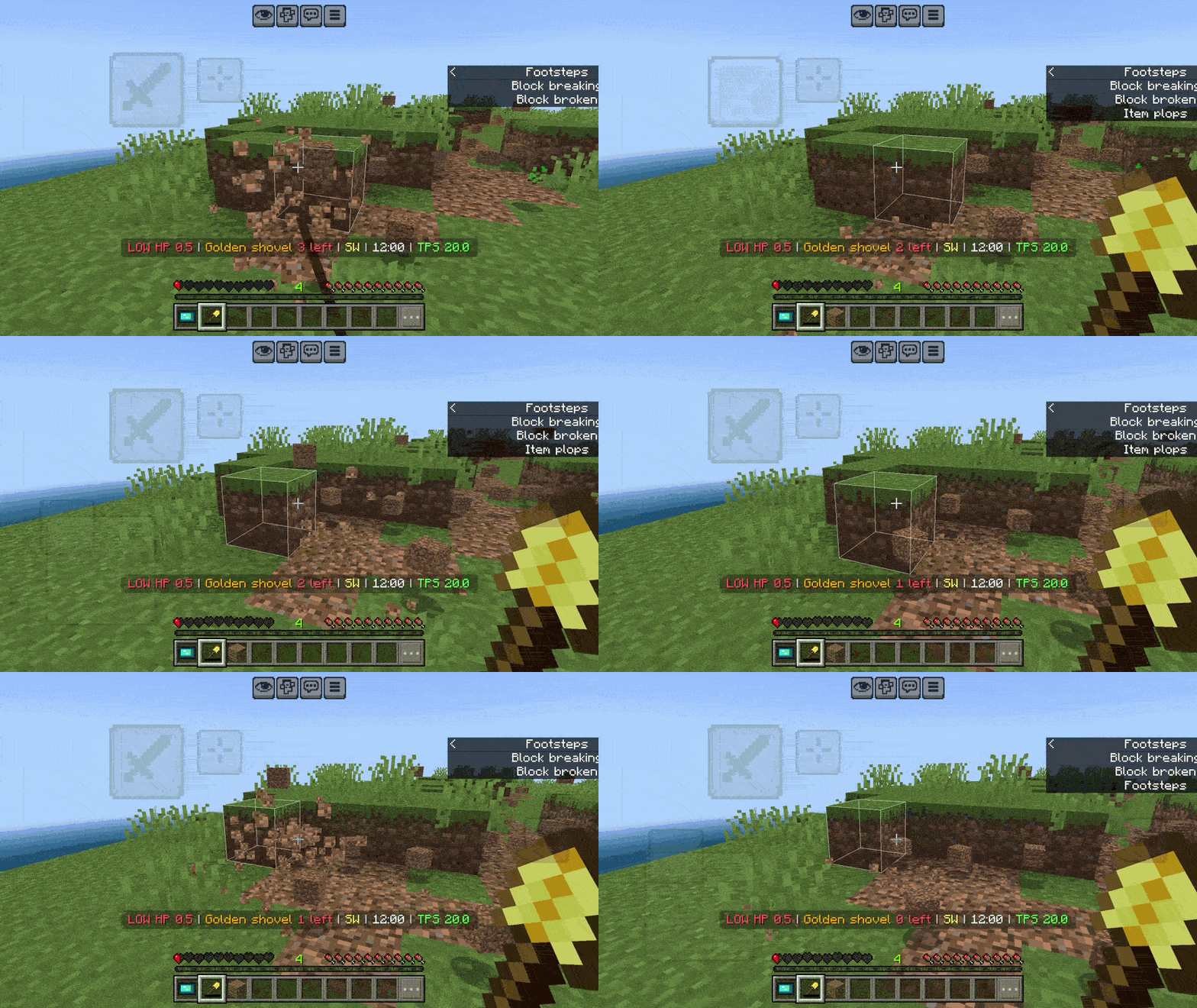
QoS provides lightweight HUD elements to help you keep track of important information during gameplay.
- Direction Compass
- In-game Time
- Low Health Warning
- Durability Warning
Every HUD element can be individually enabled or disabled.
How to Install
- Import the
.mcaddon file.
- Open your Minecraft world settings.
- Activate both packs included with Quality of Survival:
- Behavior Pack (BP)
- Resource Pack (RP)
- Make sure both packs are enabled before entering your world.
The Resource Pack contains the tablet visuals, icons, and damage text assets.
No experimental toggles are required.
If you use standalone Tree Capitator+ or VeinMine+ addons, disable them in that world to avoid feature conflicts.
Support & Community
Enjoying Quality of Survival? Follow Aizhu and stay connected for more Minecraft Bedrock addons, development updates, and upcoming projects.
Creator: Aizhu
Follow Aizhu
Join the Community
Explore More Projects
Support Future Development ❤️
Enjoying my addons? Your support helps me continue developing free Minecraft Bedrock projects, improving existing addons, and creating new features for the community.
Every coffee makes a difference. Thank you for supporting independent development!

You can also support through:
Thank you for being part of the journey. Every bit of support helps keep Aizhu creating! ❤️
© All rights reserved by Aizhu.