Quality of Feature
- By
A Minecraft Bedrock addon that adds small vanilla-friendly features. Each module is configurable through the in-game pack settings panel.
MCPEDL.png
offhand.png
crop.png
mobdrop.png
Description


Quality of Feature
Releases | Behavior Packs | Curseforge & MCPEDL | Resource Packs | WiKi | LICENSE & COPYRIGHT
Due to CurseForge's 2-week update cycle, the addon files here may be outdated. Please check GitHub for the latest version.
A Minecraft Bedrock addon that adds small vanilla-friendly features.
Each module is configurable through the in-game pack settings panel.
Requires BetaAPIs enabled under Experiments.
Overview
- Dynamic lighting
- Open adjacent doors with a single interaction
- Repair damaged anvils with iron ingot
- Hardens Concrete powder when touches water
- Composter, Cauldron accepts more items
- Carry containers while preserving their contents
- Swap mainhand and offhand with a double sneak
- Harvest crops with automatic seed replanting, supports offhand seed priority
- Extra mob drops
- Battering Bat with glow berry
- Extra crafting and smelting recipes
Modules
Dynamic Light
Held or dropped items emit light based on their type. The light smoothly fades after the source moves away or is removed. burning entities, glowing entities and item frames also emit light based on what they contain.
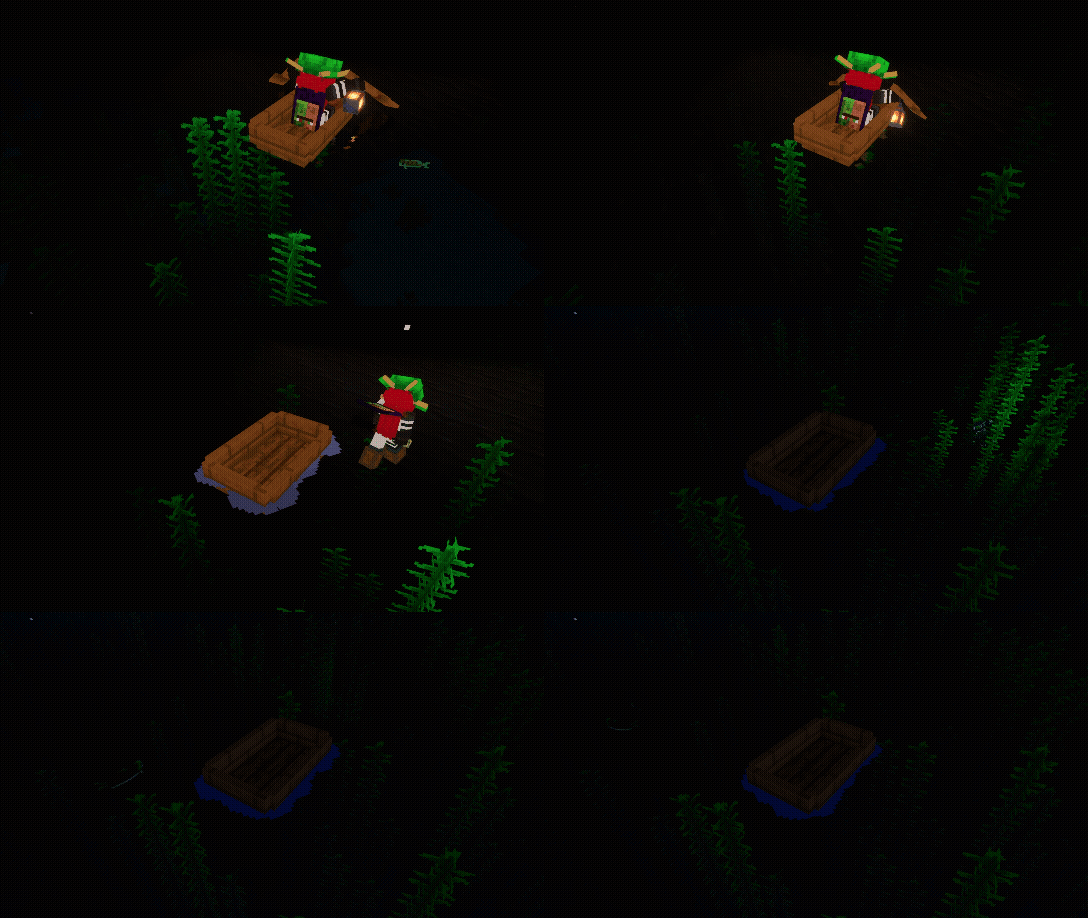
alt-message In the open ocean, the player rows a boat while holding a lantern, making the water surface glow below. They stop, jump in, switch to a conduit, and swim deeper. The qof:light_block is placed inside the water itself, illuminating the seafloor and kelp.
How It Works?
- Some items are prevented from emitting light underwater
- Table at github.com/aitji/QoF
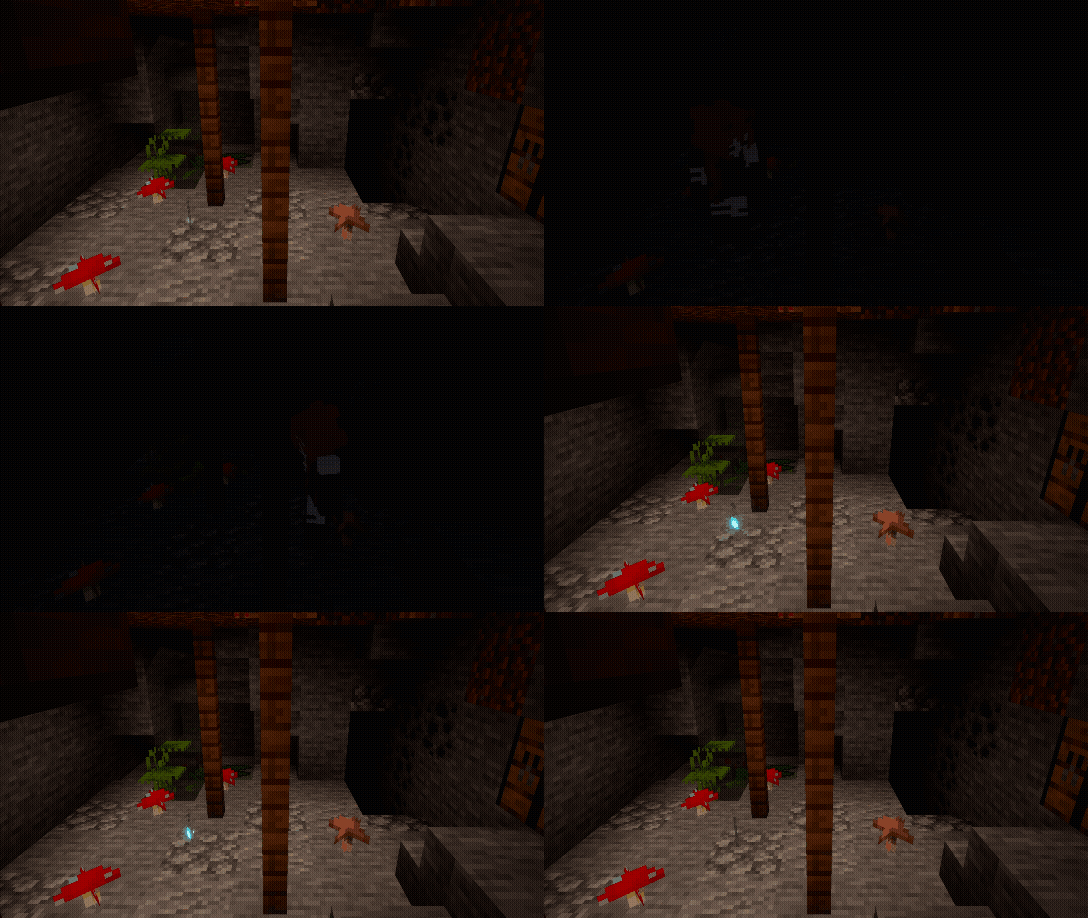
alt-message In a mushroom cave, a soul lantern sits on the ground emitting light. The player walks in from the right, picks it up, and the room goes dark. And then drops it back in the same spot and walks away.
- When a player holds or drops a light-emitting item, a
qof:light_blockis placed at the relevant position each tick.- When the source is gone, the light level decreases linearly each tick until it reaches zero, then the block is restored to air or water.
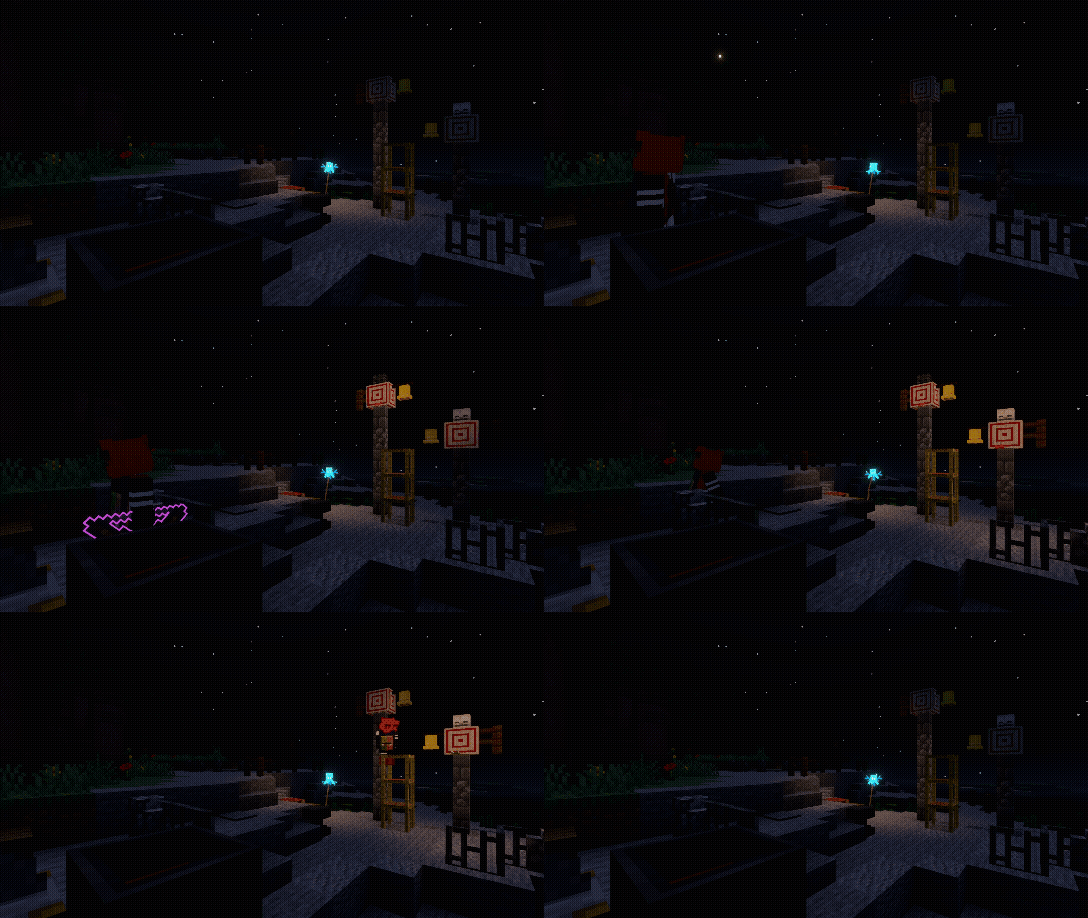
alt-message A flaming arrow is fired into a target block. While the arrow is burning, it emits light. The player walks through the lit area, picks the arrow up, and leaves. Light disappears when the source is gone.
- Nearby glowing or burning entities also emit light passively.
Double Door
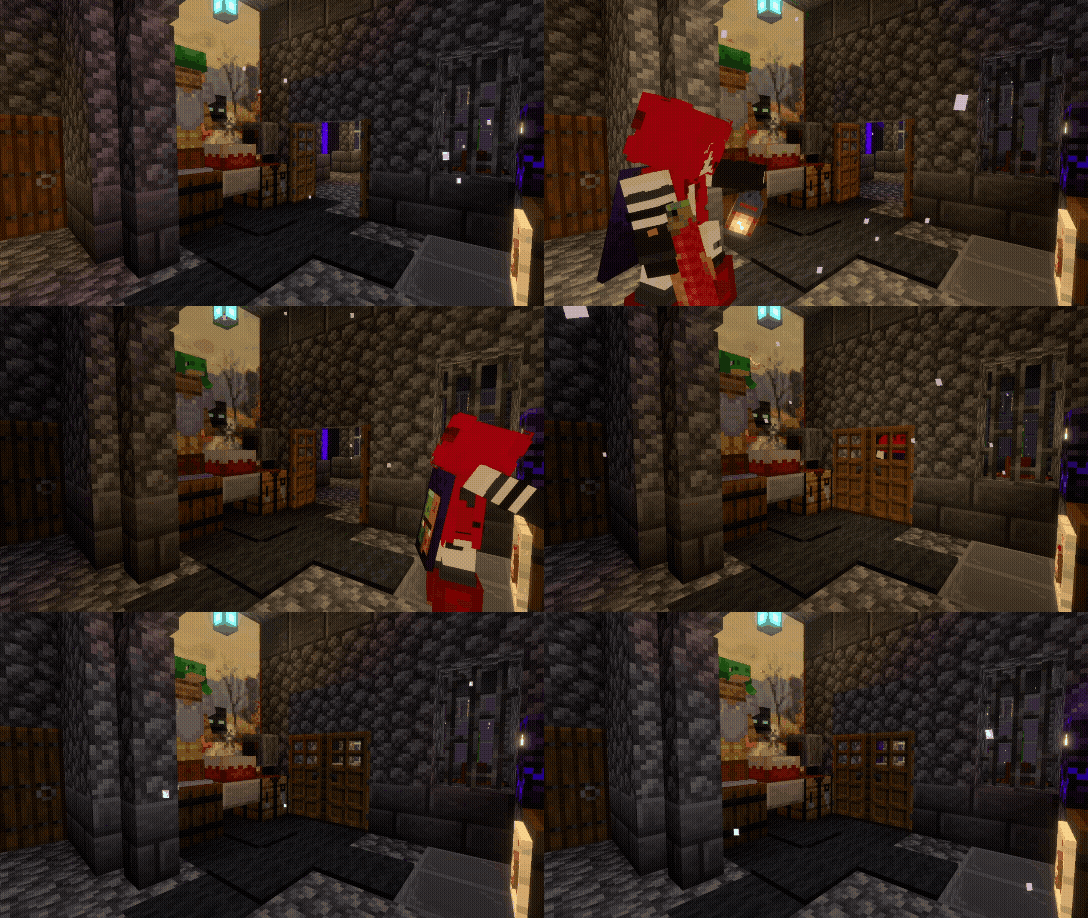
Interacting with one door automatically opens or closes the adjacent door at the same time*. Works with all door types, keeping paired doors in sync without any extra input.
*script might take up to 2 tick to update block permutation
Anvil Repairing
Damaged anvils can be repaired by interacting with them while holding an iron ingot. The anvil steps up one stage per ingot consumed.
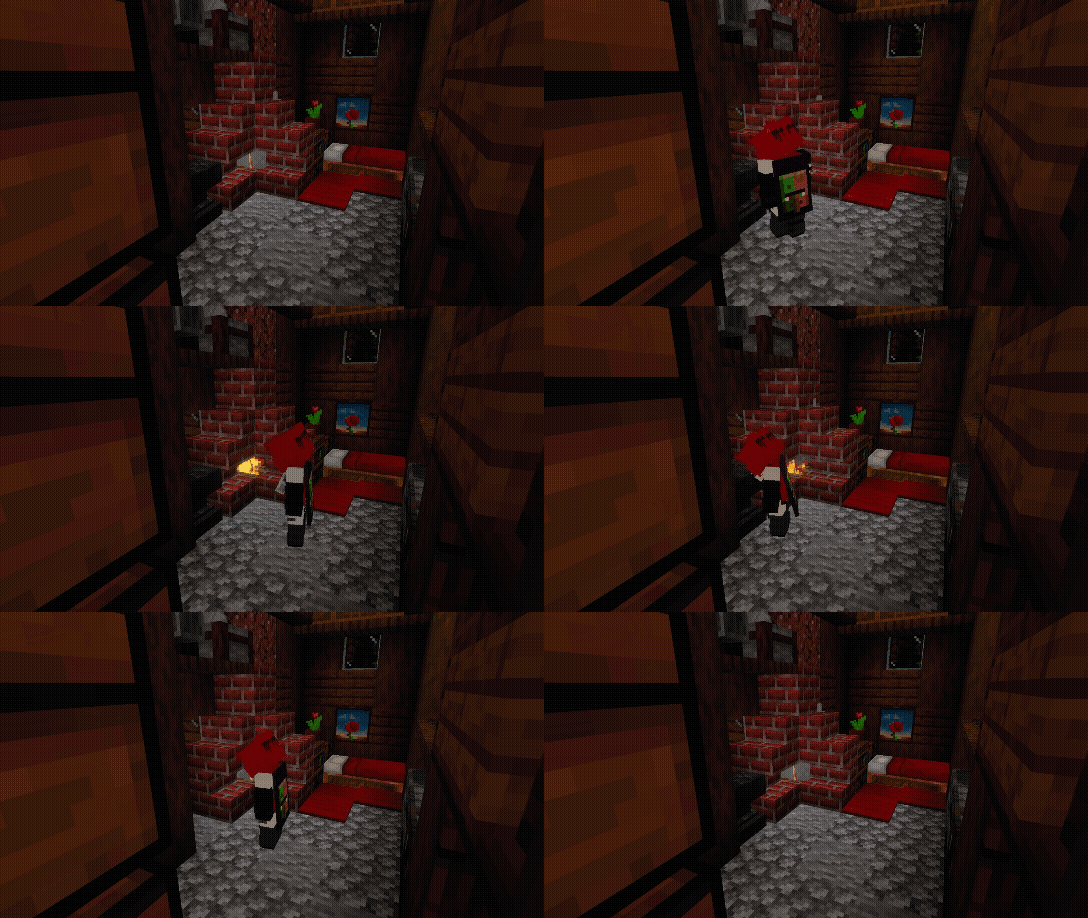
alt-message The player walks into a cozy spruce house, repairs a damaged anvil twice to bring it back to full, mines it with an iron pickaxe, places a new damaged anvil, and walks out.
Repair chain:
Damaged Anvil -> Chipped Anvil -> Anvil[TIP] Hold the interact button to repair continuously. A short delay between repairs is applied to prevent accidental over-use.
Hardens Concrete Powder
Concrete powder items will automatically convert to concrete when they enter water. The conversion happens after a short delay that scales with the stack size*, and the resulting concrete.
*non linearly
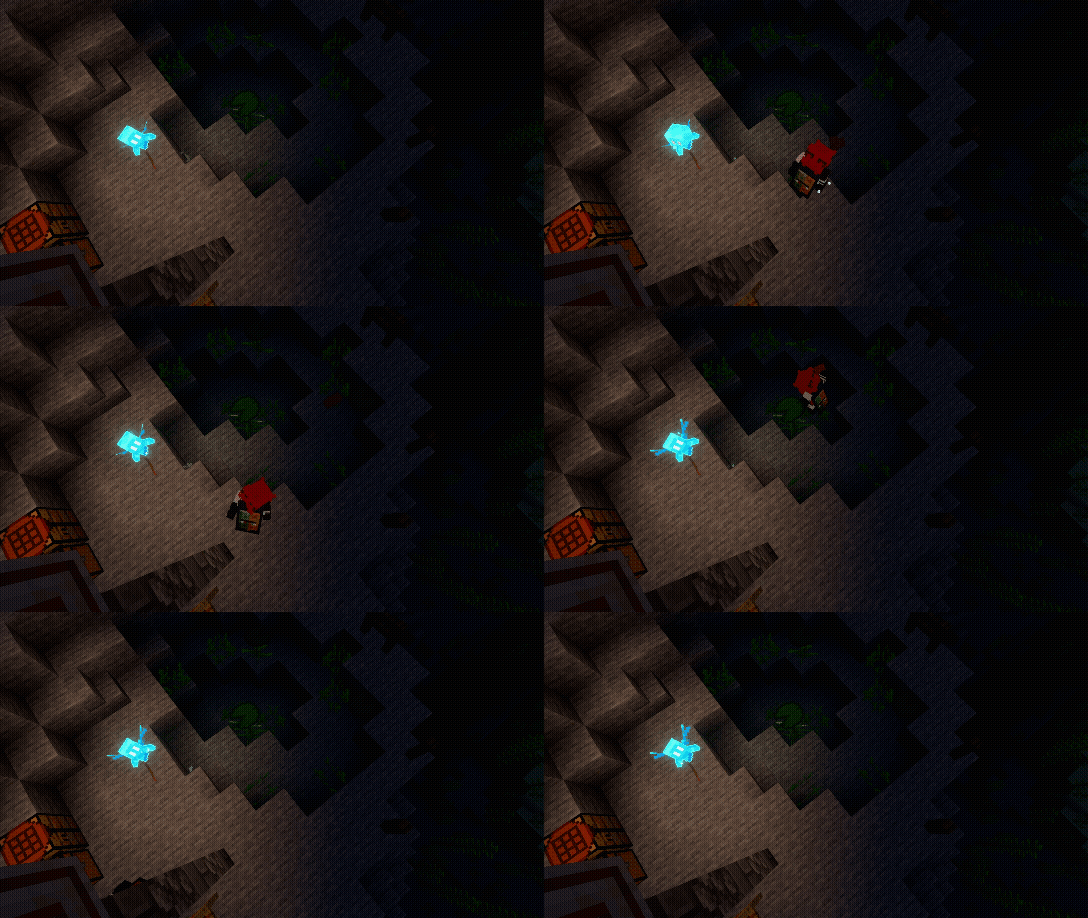
alt-message Top-down view centered on a water pool with an allay floating nearby emitting soft light. The player walks in from the bottom-center and throws concrete powder into the pool. After a short delay the powder converts, and the player picks up the resulting concrete and walks off.
Cauldron+
Sorry we didn't have a GIFs to show (yet)
Cauldrons in Bedrock Edition now have expanded functionality with QoF (Quality of Feature)
Composter+
Expands the composter to accept many more item types not supported in vanilla, including mob drops, food, wool, and various materials.
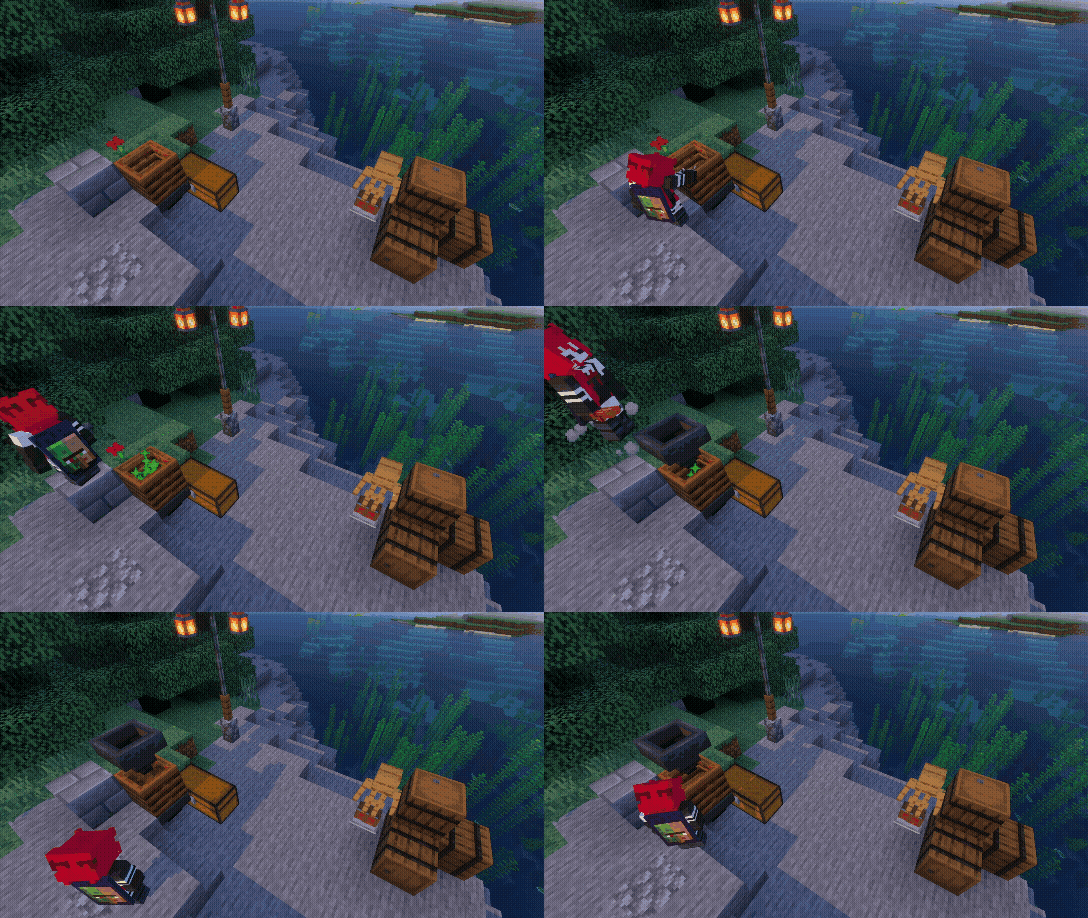
alt-message The player manually composts some string (not in the vanilla list), then places a hopper above the composter and throws in rotten flesh (also not in the vanilla list). The hopper feeds the composter automatically until it fills and becomes ready.
How It Works? (nerd warning)
- Player interaction with supported items triggers compost fill with a per-item success chance.
- On reaching level 7, a short delay passes before the composter becomes ready (level 8).
- Hoppers check for composting items on a configurable interval and process one item per check.
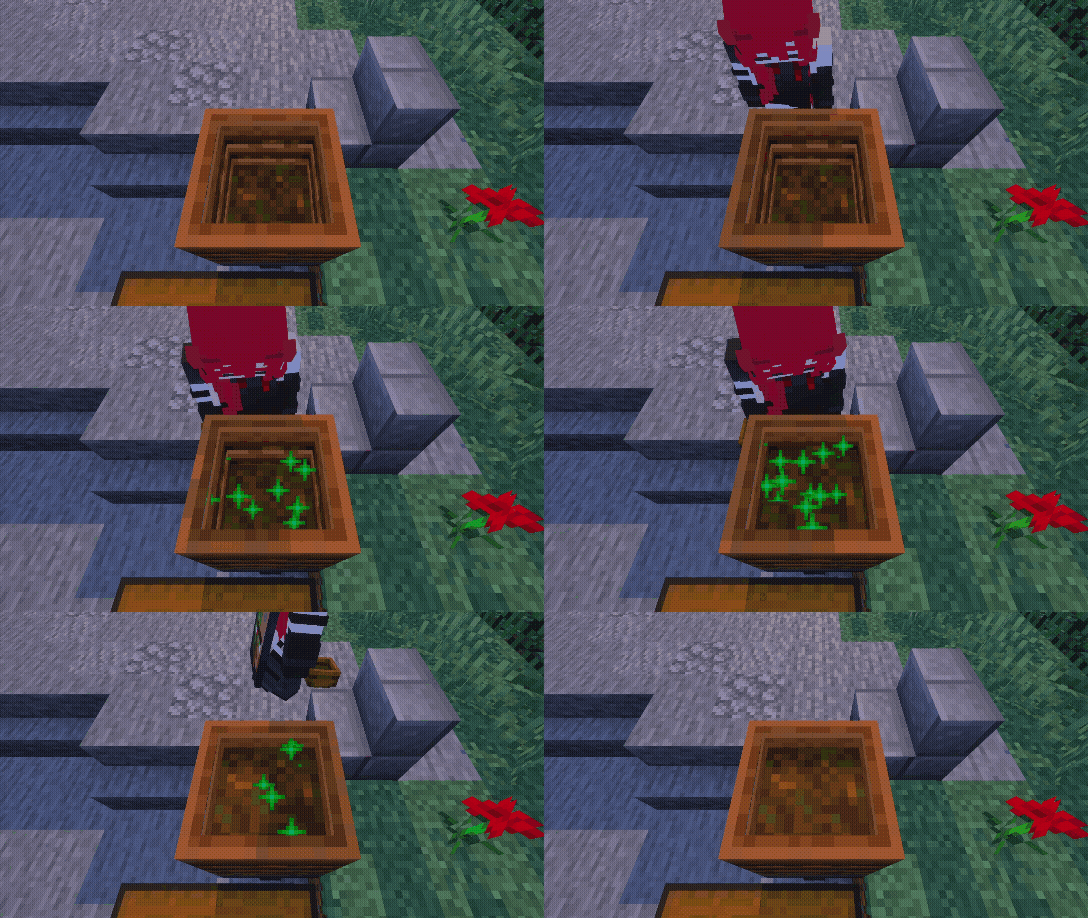
alt-message Stew and soup items are composted one by one. After each is consumed, an empty bowl is returned in player hand matching the vanilla eating behavior.
Offhand
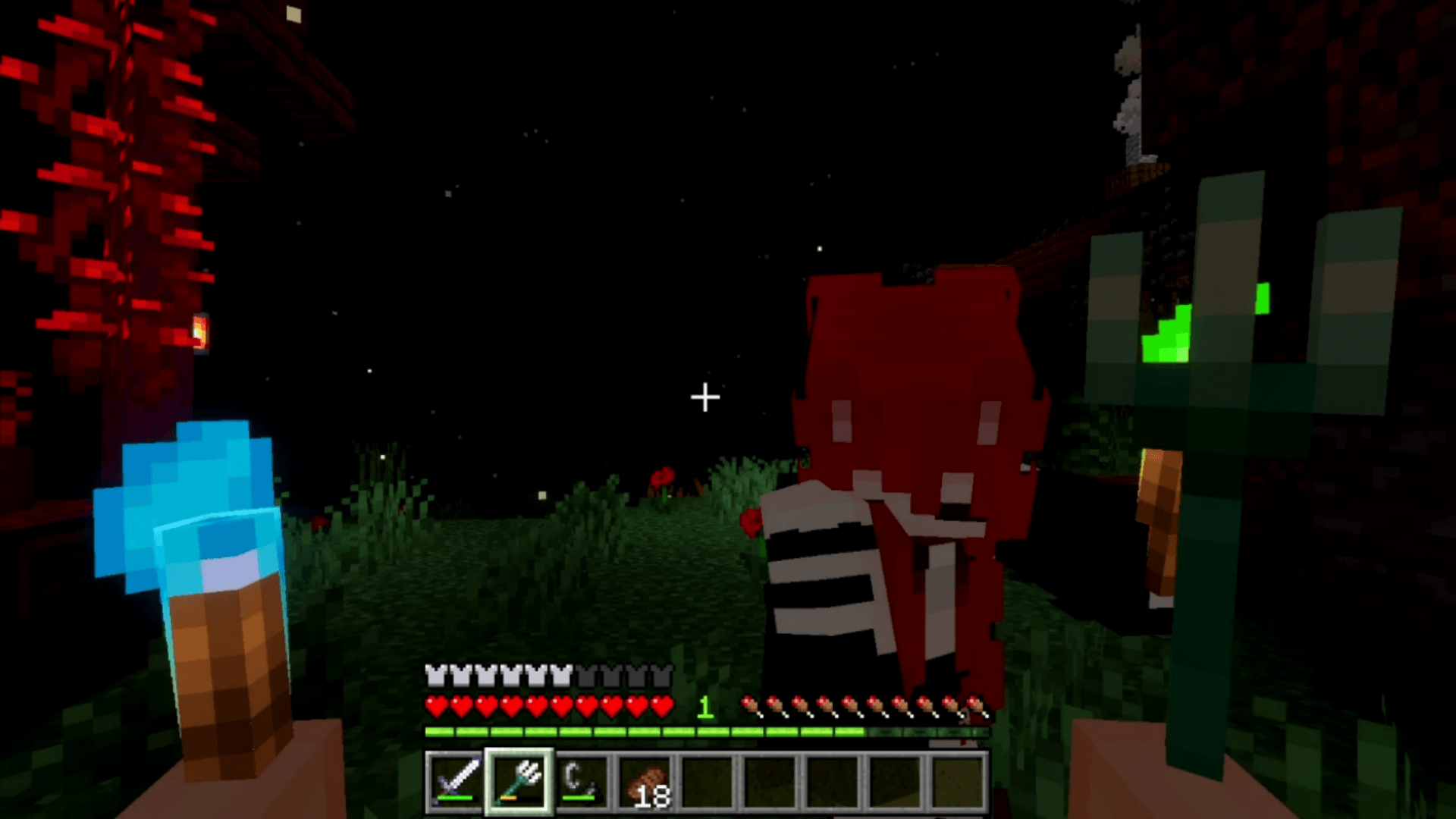
Allows players to double-sneak to swap items between their mainhand and offhand. Additionally, block crops and torch in the offhand can be placed directly.
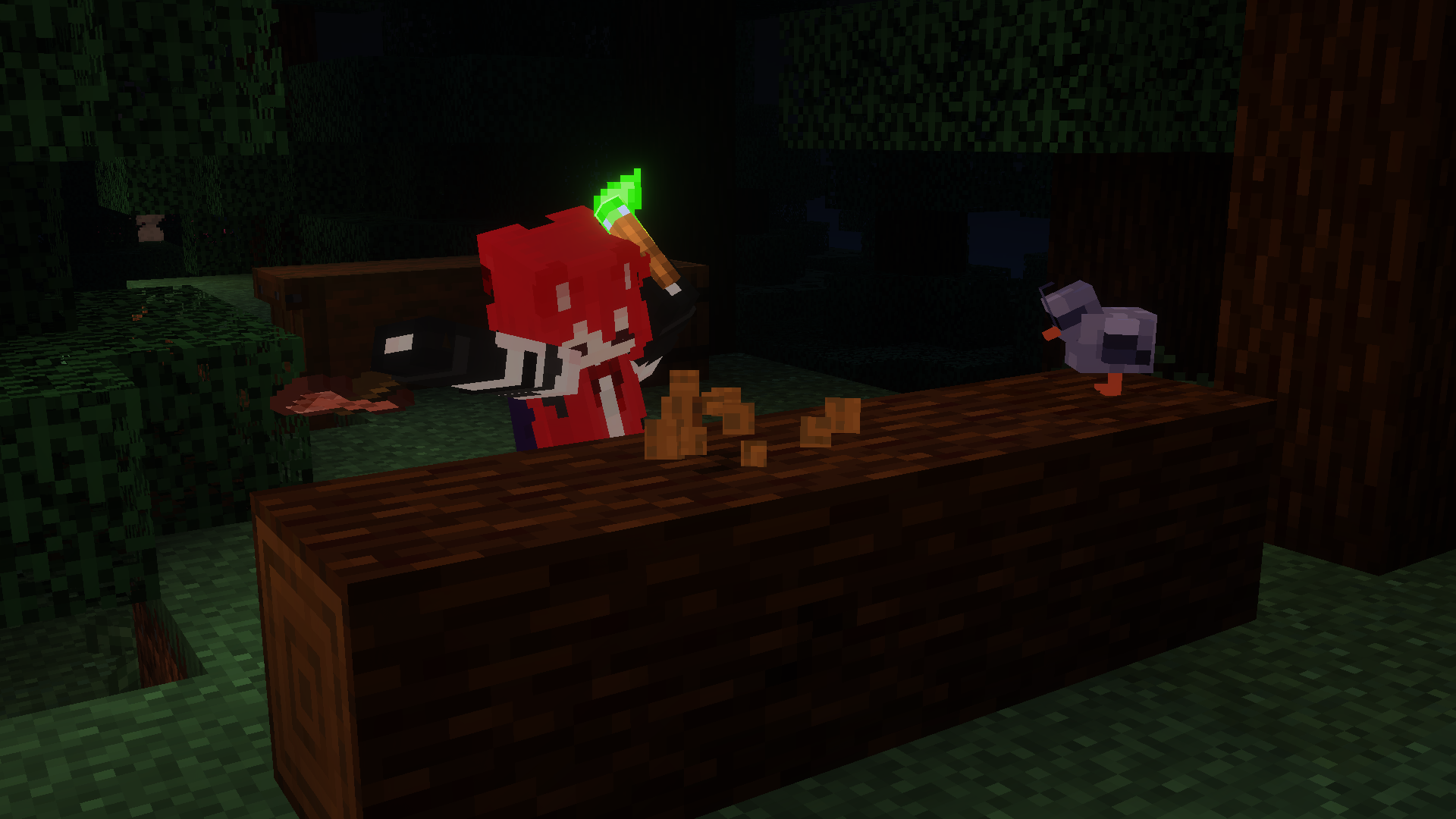
How It Works?
- Double sneak within time window to swap mainhand and offhand.
- Block placed from the offhand will consume the offhand item stack.
- Seeds held in the offhand can be planted directly this also integrates with the Harvest module for auto-replanting priority.
[NOTE] Enchantments and item color cannot be transferred between hands due to API limitations that do not allow editing the offhand cleanly.
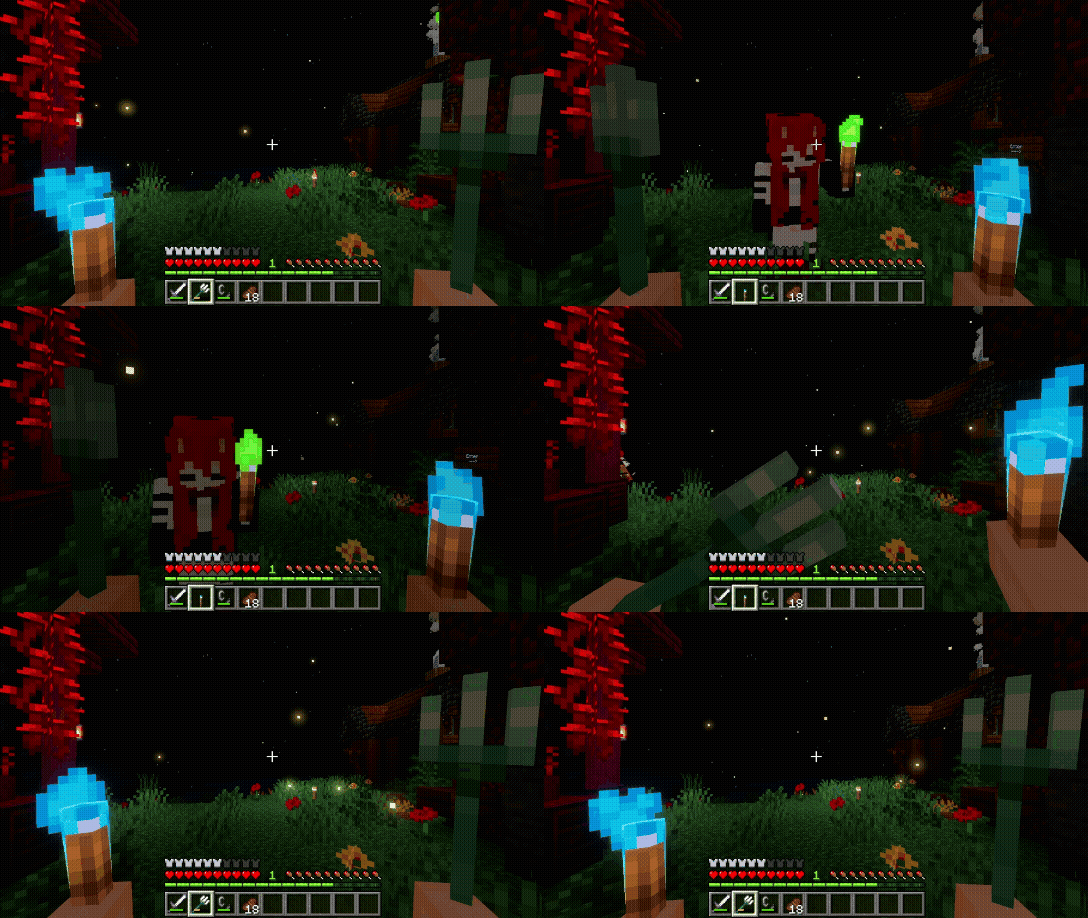
alt-message First-person view. The player is holding a Trident in the main hand and a Soul Torch in the offhand. They double-sneak, causing the Trident and Soul Torch to swap places, while another player walks across the screen.
Unwaxed Sign
Sorry we didn't have a GIFs to show (yet)
Signs can now be unwaxed using an axe. Durability is consumed by default, but this can be configured in the in-game settings panel
Carrying Container
Allows players to pick up chests and other containers while preserving their contents. Sneaking and interacting with a container picks it up. Placing the carried item puts the container back down with all items restored.
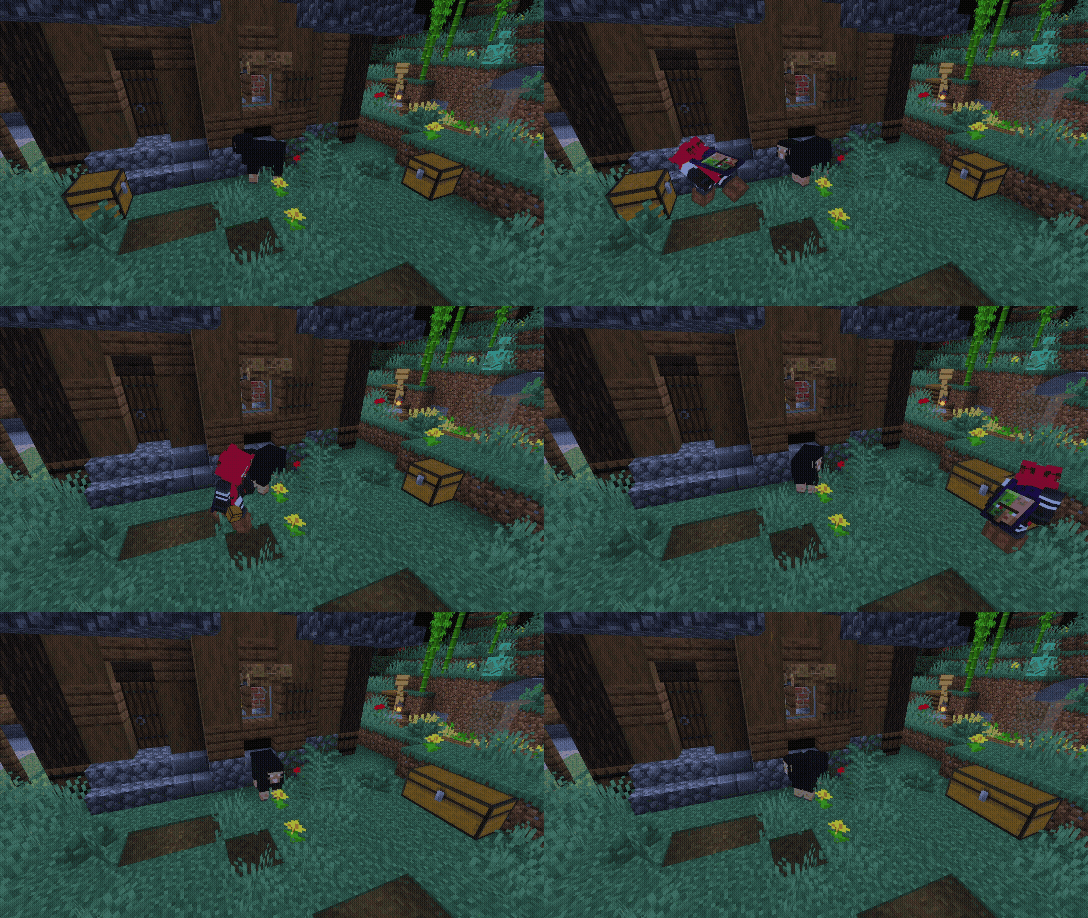
alt-message The player runs in, picks up a chest next to a black sheep, then visibly slows down while carrying it. They walk to a second chest and place theirs beside it, forming a double chest. Contents from both halves are preserved.
- Slowness is applied continuously.
- Players in Creative mode are exempt from jump restrictions.
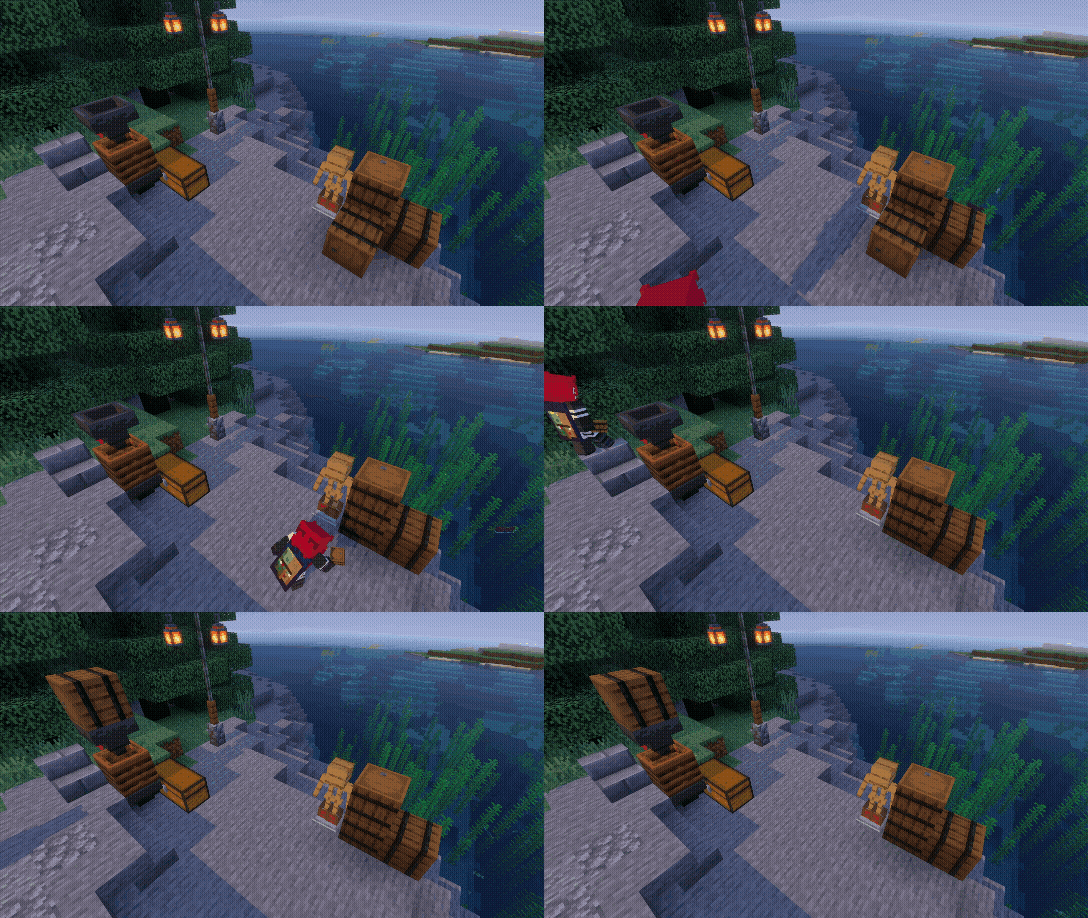
alt-message The player walks in holding a cod, places it inside a barrel, then picks the barrel up. They carry it slowly across the scene, with slowness visible, and place it on top of a hopper. The barrel lands with its contents intact.
Harvest
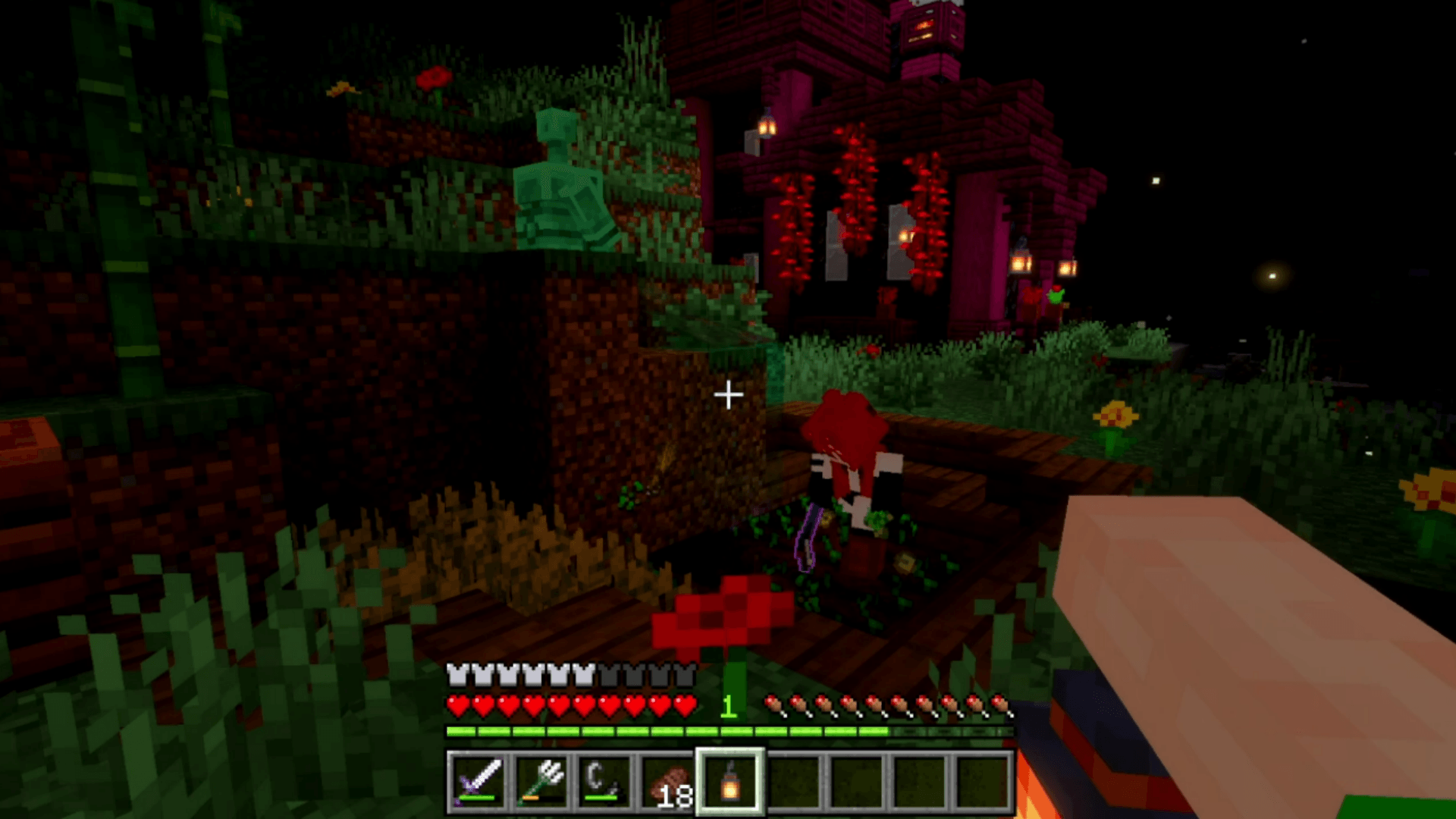
Allows players to harvest fully grown crops while holding any hoe/axe. Seeds are automatically replanted after harvesting, and the hoe loses durability on each harvest to balance the automation.
Seeds placed in the offhand are prioritized for replanting over inventory seeds
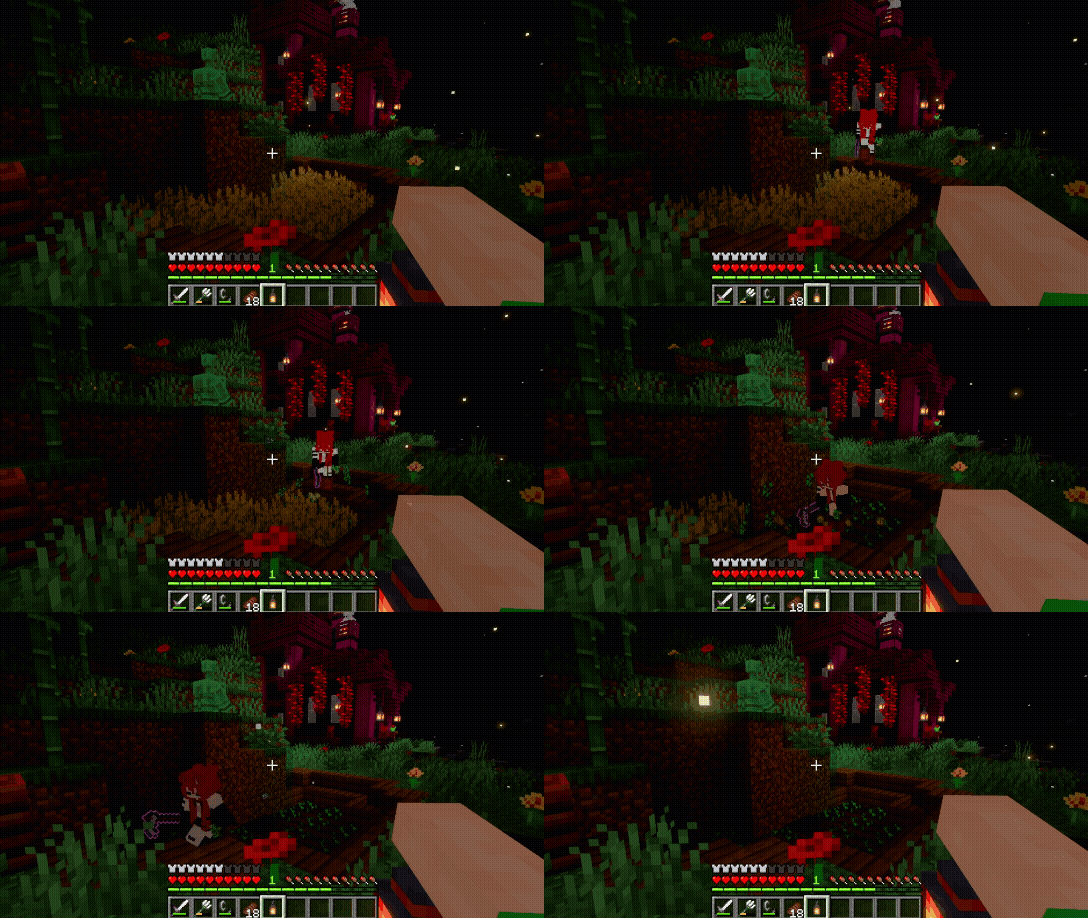
alt-message First-person view. The player holds a hoe and interacts with a fully grown wheat crop. The wheat is harvested, the drops are collected, and a wheat seed is automatically replanted in the same spot.
How It Works?
- Hold any hoe/axe and interact with a fully grown crop to harvest it.
- Seeds are automatically replanted in the same location, If seeds are in the offhand, they are used first.
- If seeds drop on the ground and the player has none in inventory, dropped seeds used for replanting are reduced by 1, with a
40 gametickdelay before the player can pick them up. - Hoe durability loss follows the vanilla formula
[TIP] Using a hoe with high Unbreaking reduces durability loss significantly on large farms.
Mob Loot+
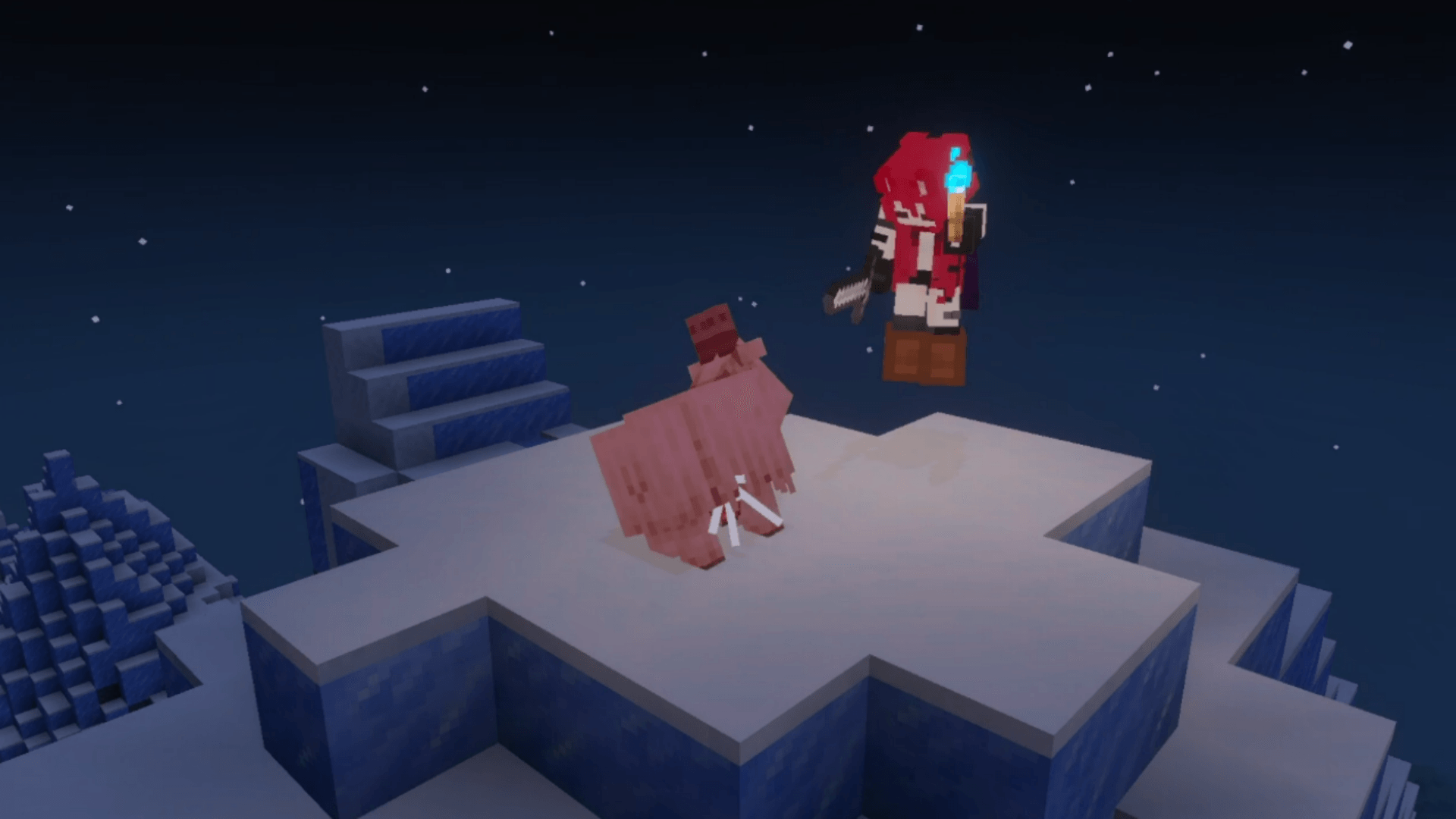
Adds drops to previously mobs without loot, making them more rewarding to farm.
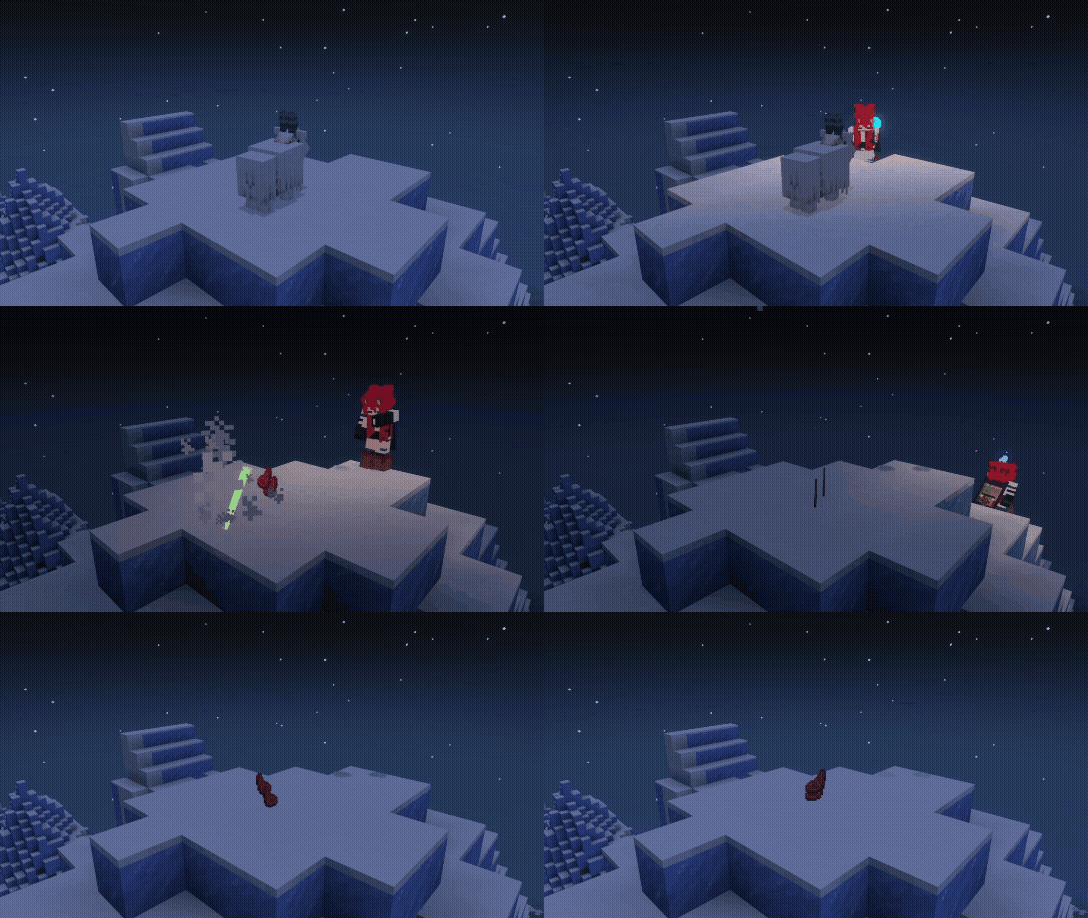
Mob Loot Table
- Goat drops
Raw Mutton
2. Silverfish drops String3. Sniffer drops Moss Block4. Piglin Brute drops Gilded Blackstone
[NOTE] Read full loot tabl at github.com/aitji/QoF
Recipe+
Adds new crafting, smelting, and stonecutter recipes for a more accessible way to obtain items.
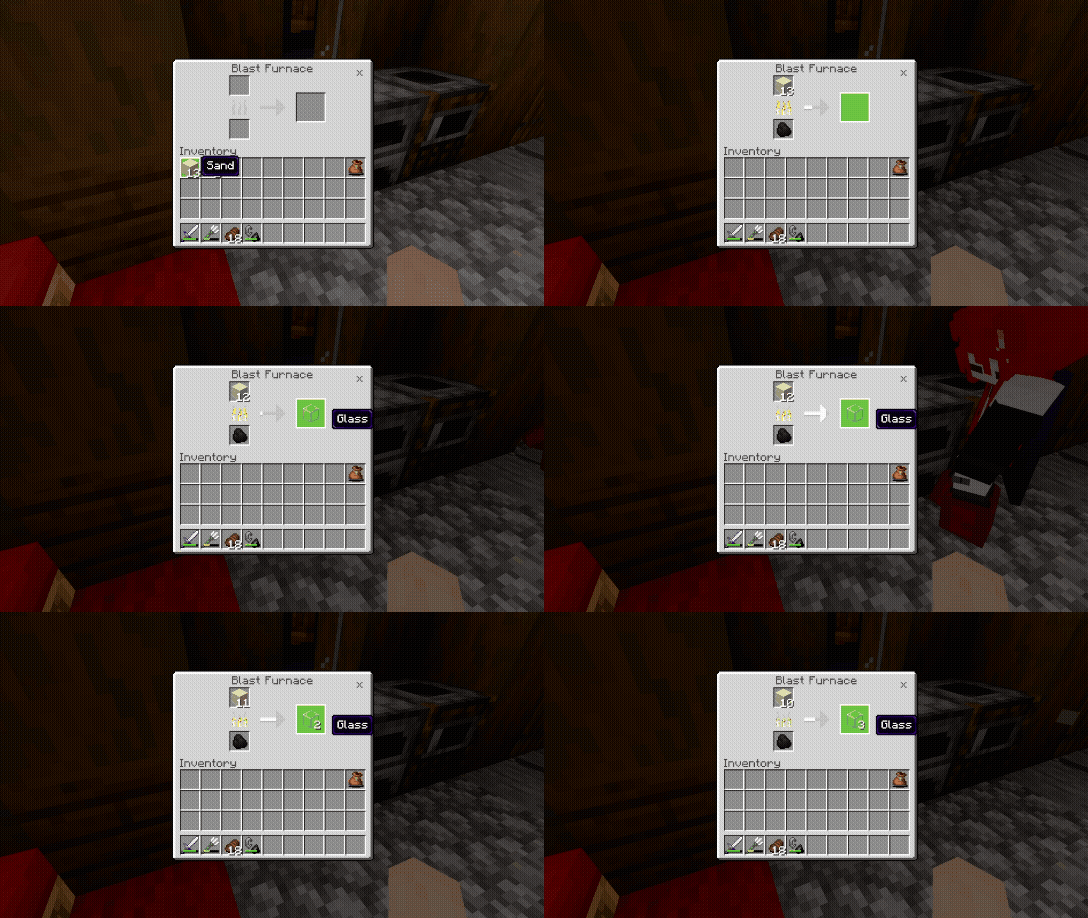 This may be (outdated). You can find the most up-to-date information here: QoF's WiKi
Configuration
All settings are accessible through the pack settings panel in-game. No manual file editing is required.
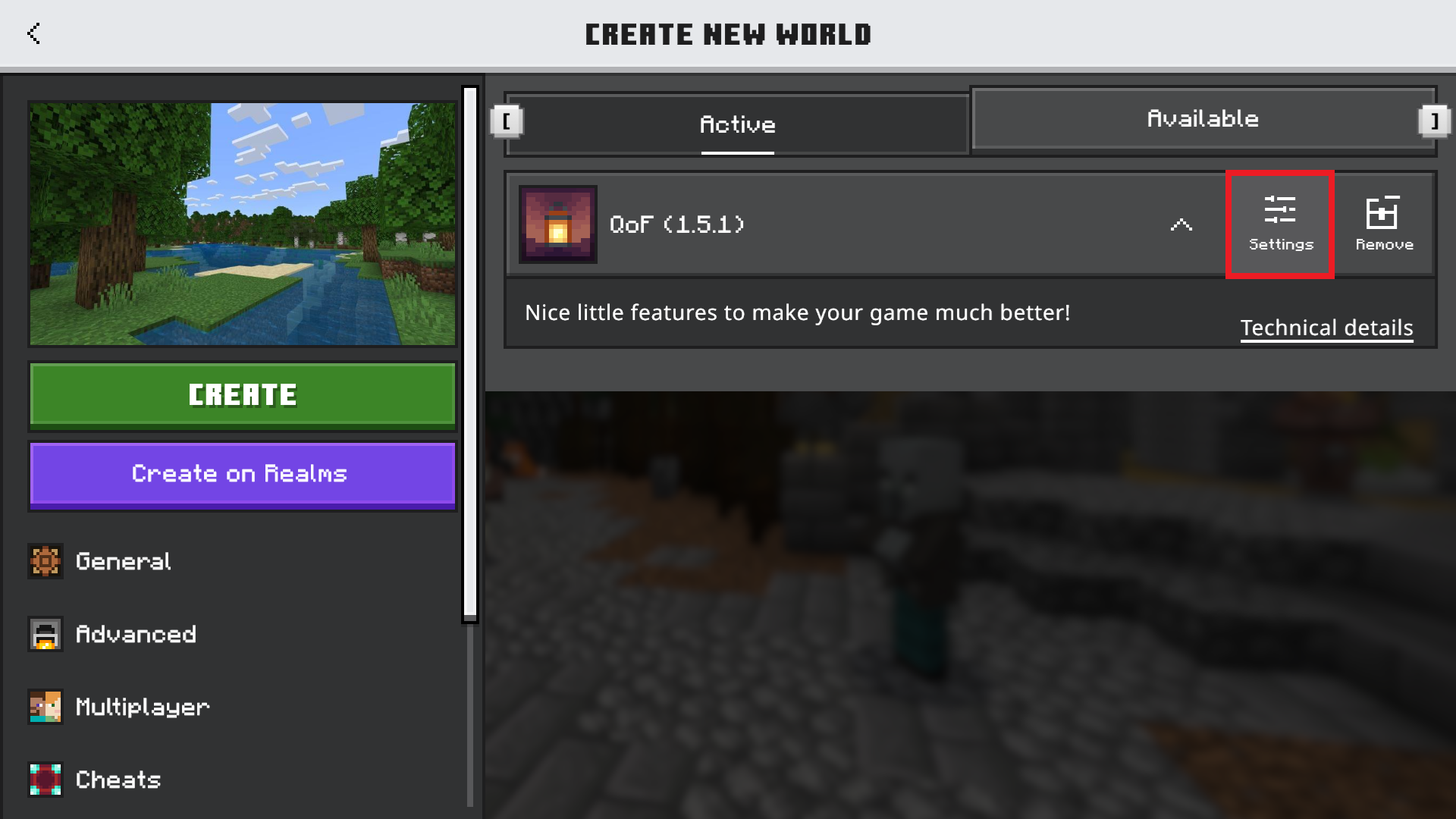
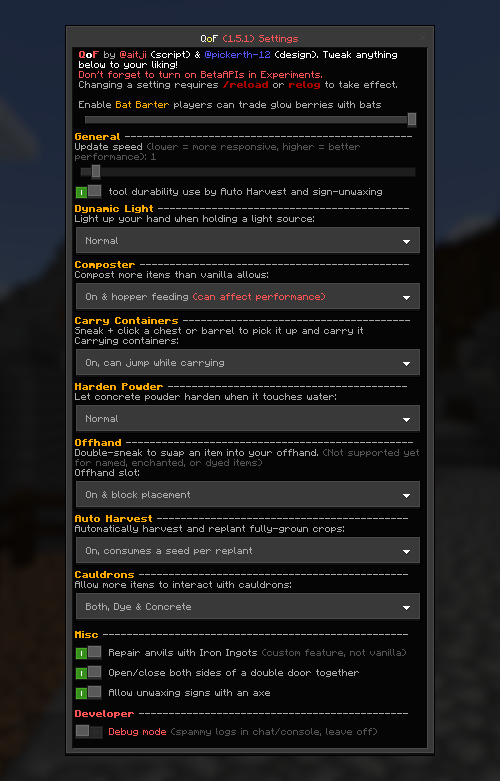
Take a Look
If you enjoyed this project, be sure to check out our other project:
- CoM (Chain o' Mining) breaking a single block to instantly mine an entire ore vein, tree, crop field, or cluster of leaves.
License
This project's software components, including source code, scripts, behavior definitions, configuration files, and compiled addon files (.mcaddon / .mcpack), are licensed under the QoF Noncommercial License 1.0.
The software may be used, modified, and redistributed for free noncommercial purposes with proper attribution. Commercial use, monetized distribution, or inclusion in paid products requires separate written permission from the maintainers.
Branding, trademarks, media, documentation, screenshots, promotional materials, and other non-code assets are not covered by the software license and remain subject to separate restrictions. See COPYRIGHT.md for full details.
Disclosure
All gameplay footage, images, and GIFs were recorded using Vibrant Visual and Action And Stuff.
LLMs were used to assist with wording and grammar in this documentation.
English is not our native language. Thank you for your understanding!
Credits
- @aitji scripting & design
- @pickerth-12 design, json & molang
QoF™ / Quality of Features™ Copyright © 2026 @aitji & @pickerth-12
Software licensed under the QoF Noncommercial License 1.0.
Branding, media, and other protected materials are reserved under COPYRIGHT.md.
  README INFO
Version: v1.5.0
Last updated: 10 Jun 2026
Has README Update: False

  PACK INFO
Last Release: v1.5.0
Last Pre-Release: v1.5.3
Last Minecraft Version: 26.33
Used Dependencies: ^2.9.0-beta.1.26.33-stable
Quality of Feature Team