Poser Stand
- By
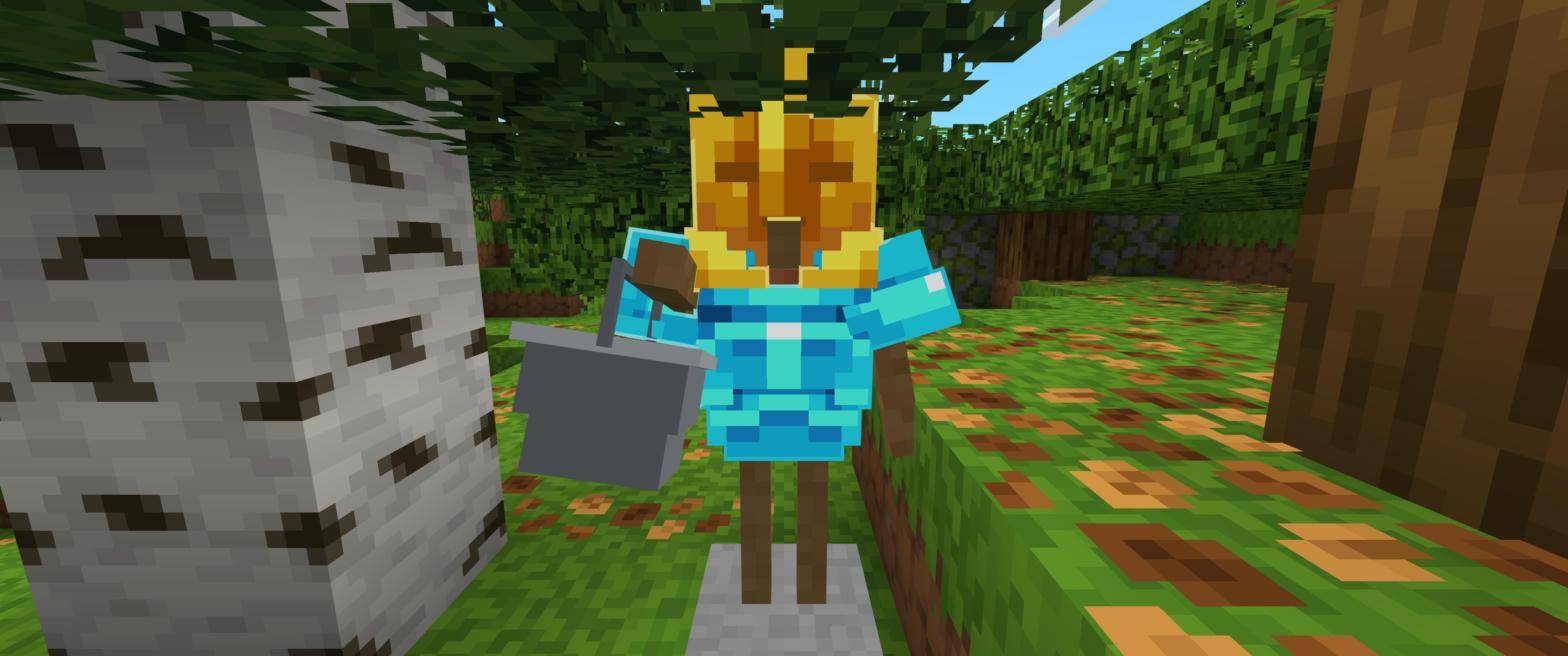
An armor stand you pose limb by limb from a menu, with presets, small size and copy and paste.
poser_stand_shot.jpg
Description
Vanilla armor stands on Bedrock only cycle through a few poses. The Poser Stand lets you set every limb exactly how you want it.
Compatible with Actions & Stuff: works with and without it, and keeps Vibrant Visuals on.
Posing
- Use the stand with an empty hand to open its menu.
- Pose a limb: head, body, either arm or either leg, each turned on three axes with sliders.
- Presets: Default, Wave, Salute, Point, Sit, Run, Zombie and Dance.
- Copy pose from one stand and paste it onto another.
- Options: small size, arms on or off, base plate on or off.
Dressing it
- Use the stand with armor, a weapon or any item to put it on. Sneak to put an item in the off hand.
- Breaking the stand drops everything it wears.
Crafting
Sticks around a smooth stone slab, with a copper ingot at the bottom:
S . S
S X S
S C S
S = stick, X = smooth stone slab, C = copper ingot.
Requirements
- Minecraft Bedrock 26.60 or newer. No experimental toggles needed.
- Works beside Actions & Stuff and keeps Vibrant Visuals on. It replaces no vanilla file, so it sits safely beside other packs.
Licence
Free to play in your own worlds, Realms and servers, and to show in videos and streams. Please share the CurseForge link rather than re-uploading.
Poser Stand Team