![Portal Gun [Add-On] logo](https://media.forgecdn.net/avatars/thumbnails/1984/420/64/64/639223395778244720.png)
Portal Gun [Add-On]
- By
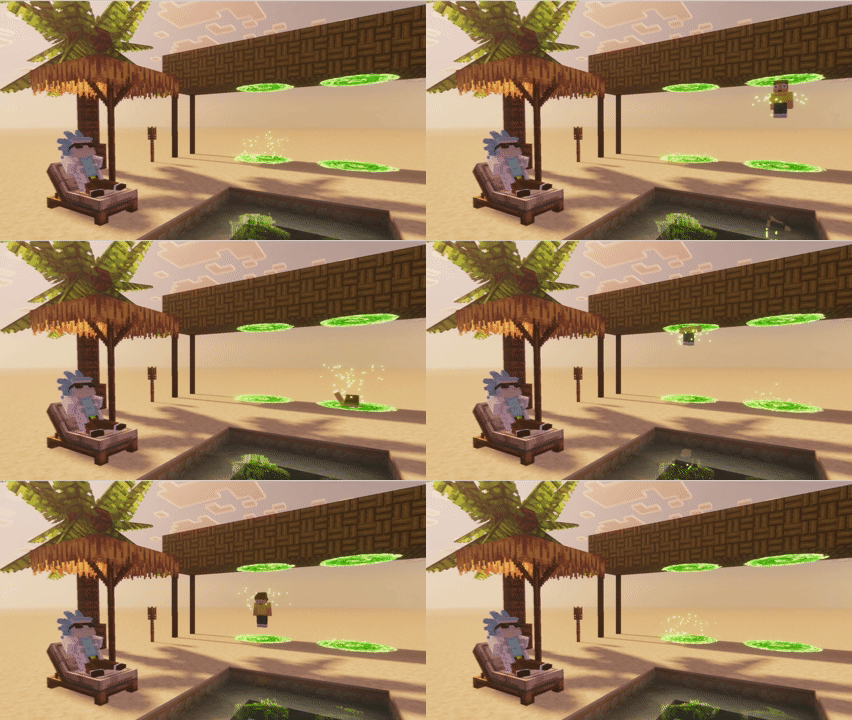
Portal Loop
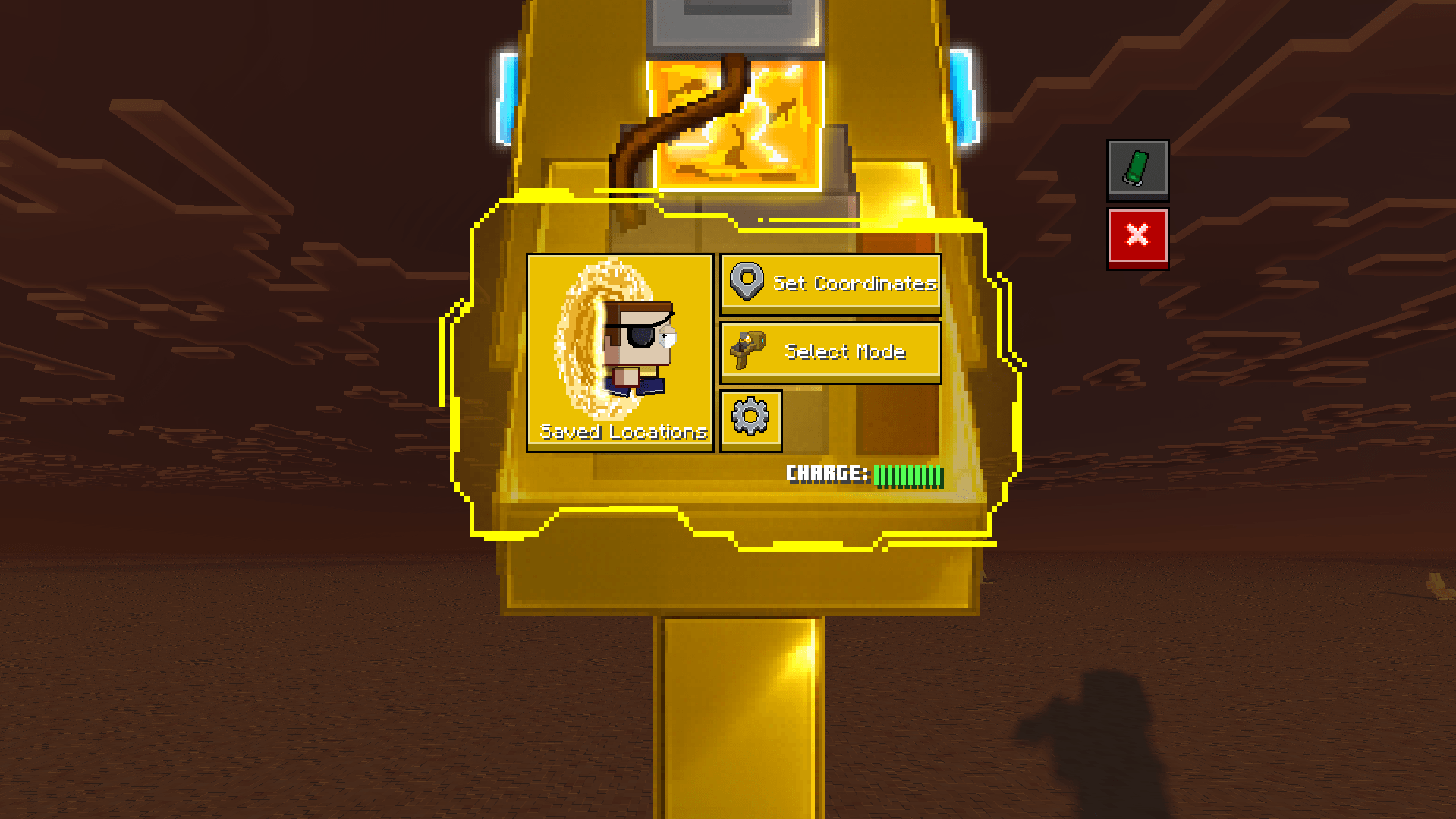
Evil Morty's Portal Gun Interface
Description
Hey! Read this before you keep scrolling!
This add-on is still under active development and is far from its final version. You may encounter bugs, unfinished features, or unexpected behavior while playing.
If you encounter any bugs or issues, feel free to report them on our Discord server. Your reports help us identify problems and improve the add-on.
You can also join the Discord to follow development, get updates, share feedback, and stay up to date with upcoming features and releases.
Ever wanted to travel through dimensions like Rick and Morty? Now you can!
The Portal Gun Add-On brings fully functional portal guns to Minecraft Bedrock, allowing you to create portals, travel across your world, and even explore custom dimensions.
Create your portal gun, choose your destination, and step through the portal. Whether you're building massive transportation systems, escaping dangerous situations, or simply experimenting with portals, the possibilities are endless.
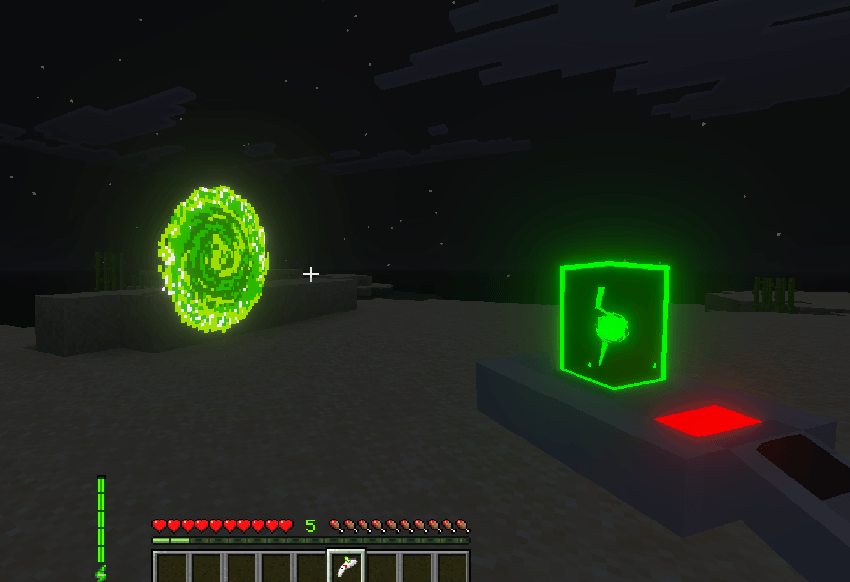
Features:
- Create and link multiple portals
- Travel between different dimensions
- Support for most custom dimensions
- Save your favorite locations
- Choose from multiple Portal Gun skins
- Configure your Portal Gun's behavior
- Portals adapt to different sizes and orientations
- Linked portals can protect you from fall damage
- Create Portal Fluid and refill your gun whenever necessary
- Track your Portal Gun if it's dropped or lost after death
- Rick and Morty-inspired accessories
Recipes:
Chip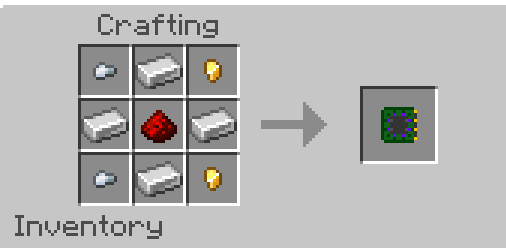
Dark Matter Dust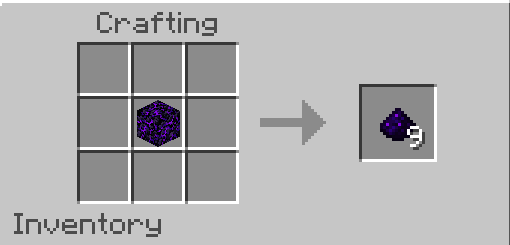
Phase Matter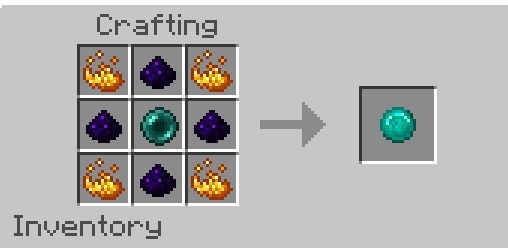
Empty Tube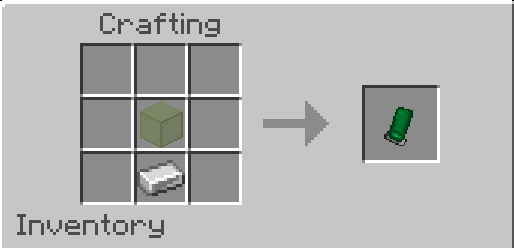
Beaker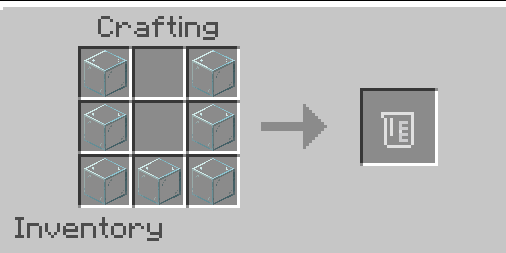
Portal Gun Bases
Prototype Portal Gun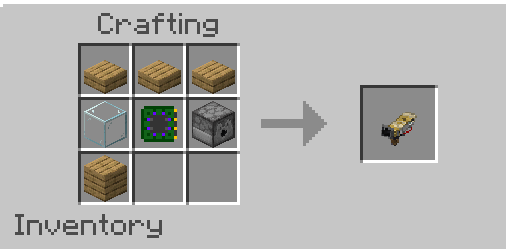
Standard Portal Gun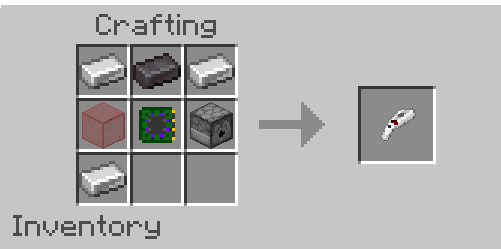
Prime Portal Gun
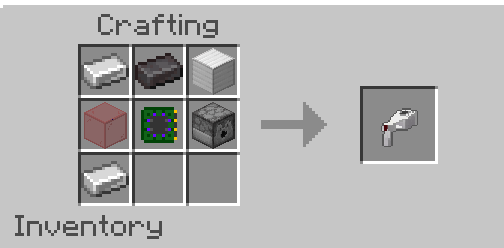
Evil Morty's Portal Gun
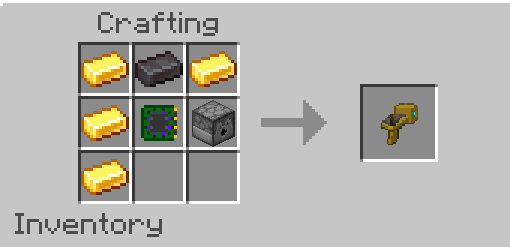
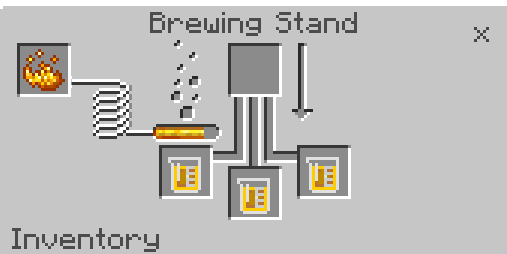
Portal Travel Solutions
Quantum Isotope R-426
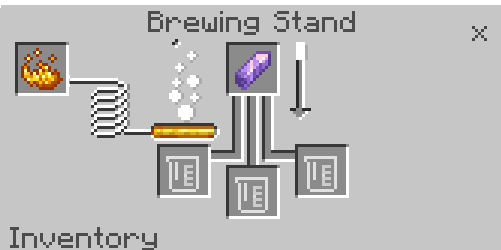 ->
-> 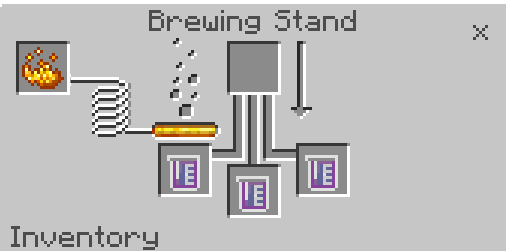
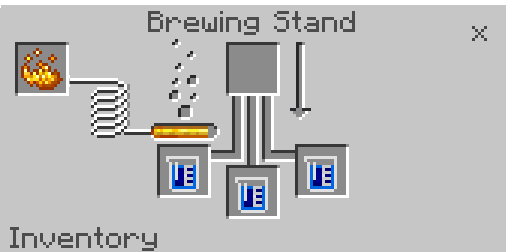
Interspatial Travel Solution
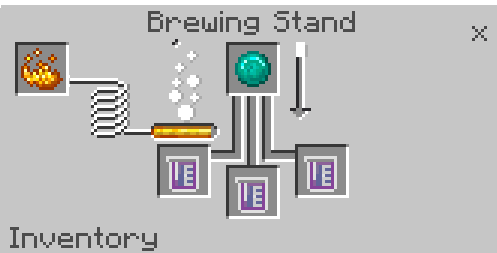 ->
-> 
Interdimensional Travel Solution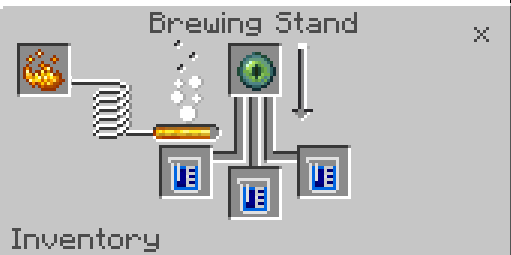 ->
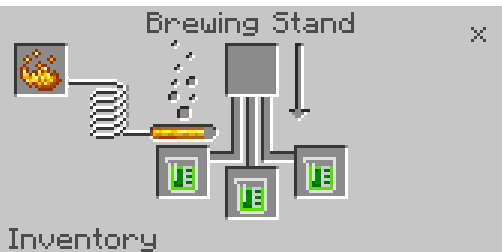
-> 
Extradimensional Travel Solution
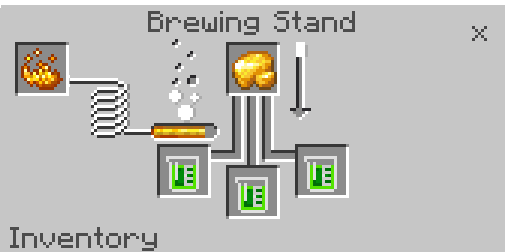 ->
-> 
Accessories
Rick Sanchez Hair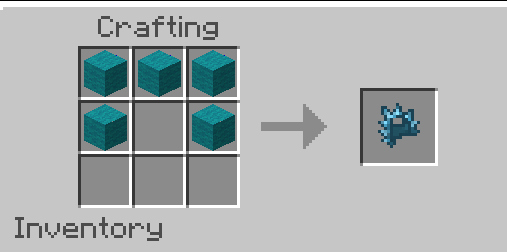
Lab Coat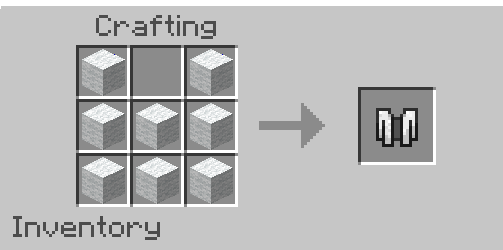
Eye Patch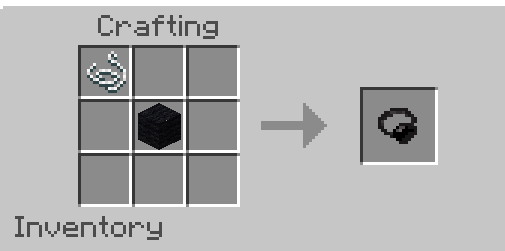
After creating your Travel Solution, place it on the ground and interact with an empty tube to fill it with Portal Fluid.
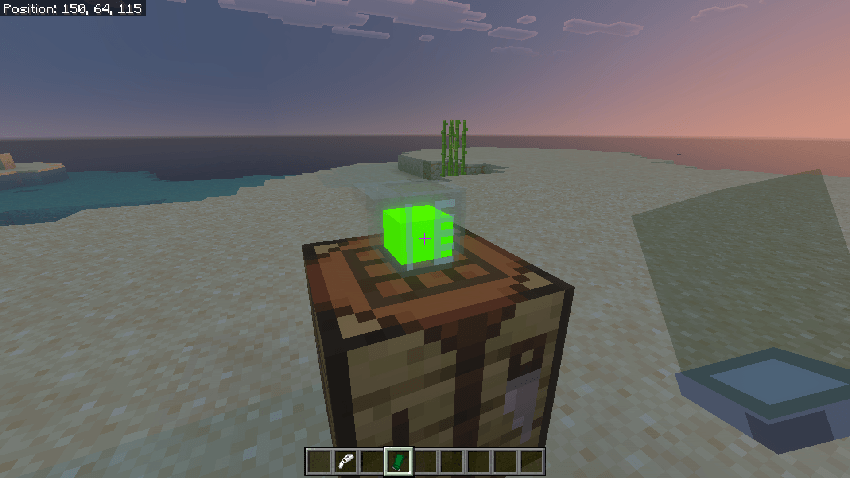
Next, place the Portal Fluid in your offhand and interact with the Portal Gun Base to assemble your Portal Gun. You can also use empty tubes instead of charged ones.
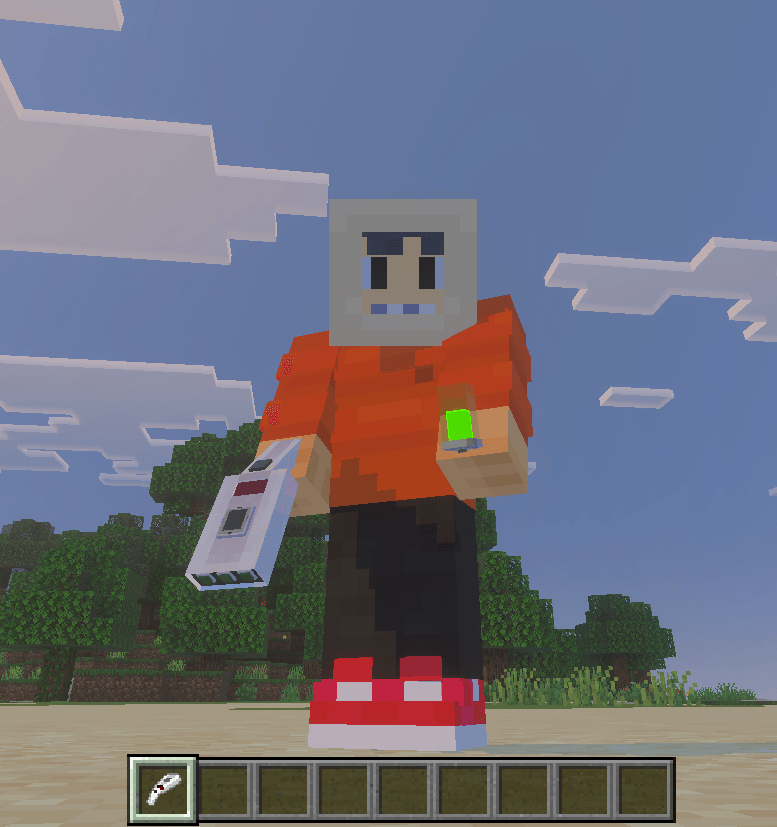
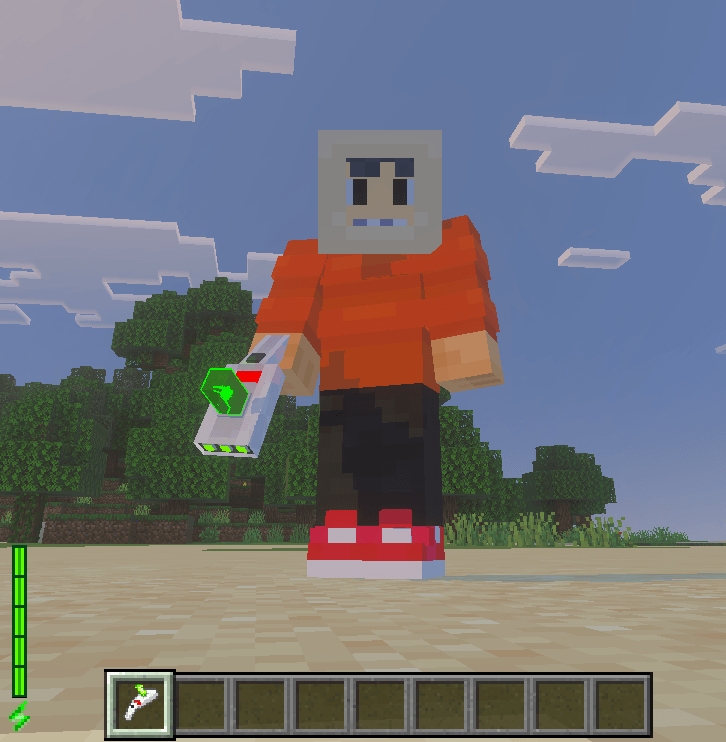
Once assembled, simply interact to shoot a portal, or Shift + Interact to open the Portal Gun's menu. Each Portal Gun has its own unique interface!
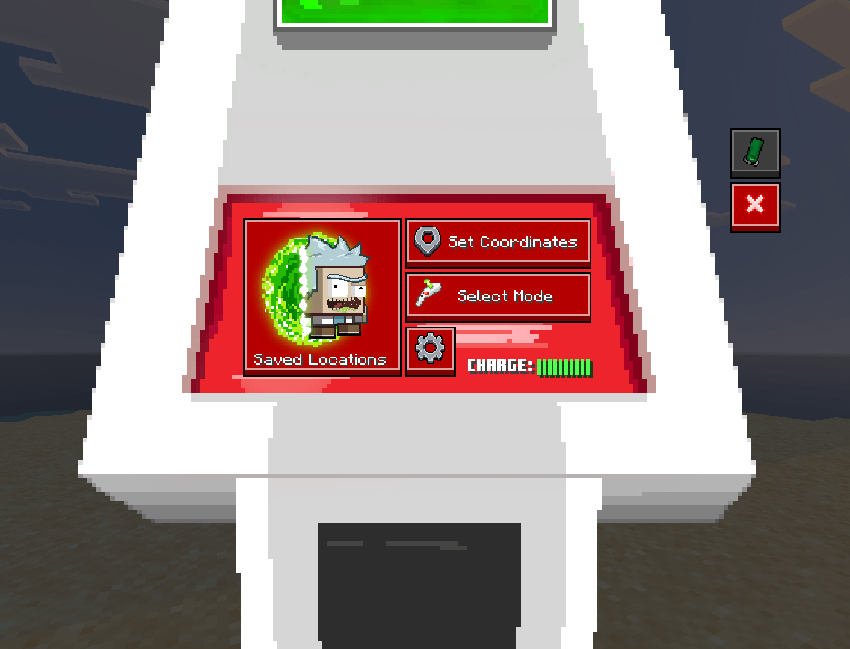
Setting Coordinates
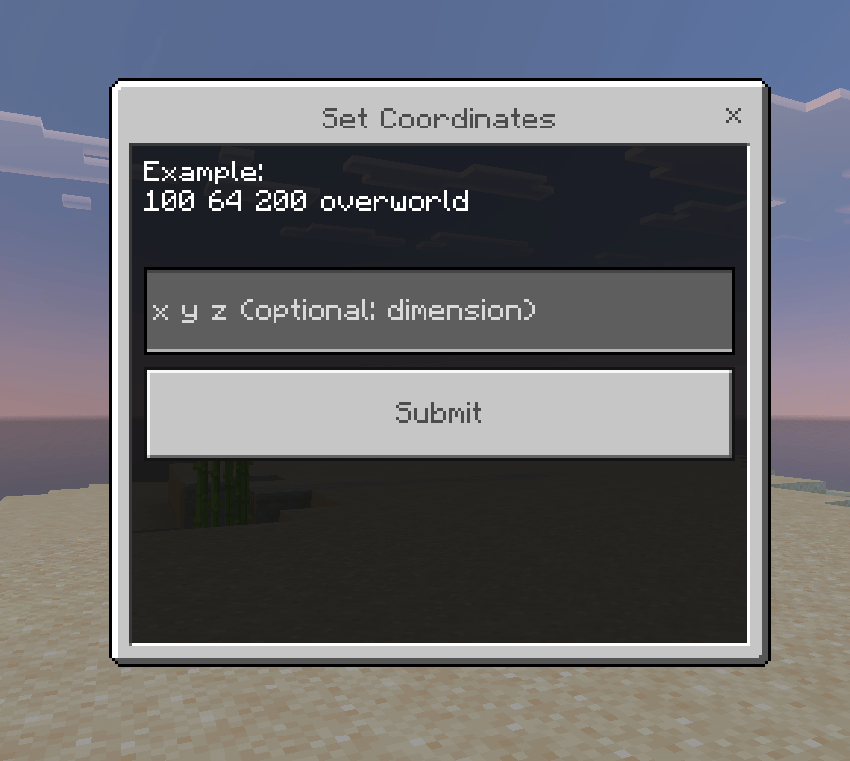
The Portal Gun allows you to set specific coordinates as a destination for your portals.
When entering a coordinate, use the following format:
x y z dimension_idFor example:
100 64 200 overworld
The dimension ID specifies which dimension the portal should be connected to.
For vanilla Minecraft dimensions, the minecraft: namespace is optional.
Both of these formats work:
For custom dimensions, you must use the exact dimension ID, including its namespace.
For example:
Make sure the ID matches the dimension's registered ID exactly. Otherwise, the Portal Gun will not be able to find the destination dimension.
Finding a Custom Dimension ID
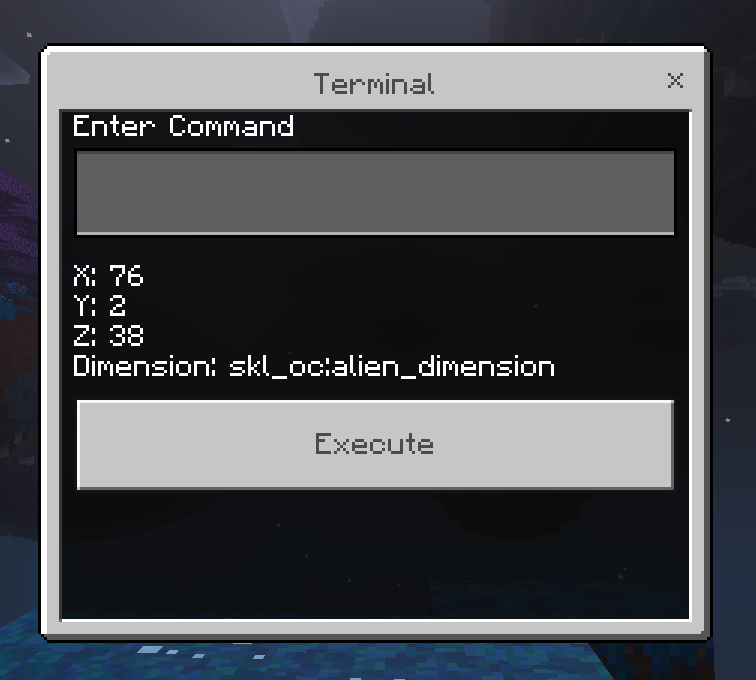
If you don't know the ID of a custom dimension, you can easily find it using the Portal Gun's terminal.
First, travel to the custom dimension by any other means. Then, open the Portal Gun's Terminal, which can be found under Settings.
Run the following command:
coordsThe terminal will display your current coordinates along with the exact ID of the dimension you're in. You can then use this ID when setting a destination coordinate.
Installation
First, download the latest version of the Portal Gun Add-On that is compatible with your version of Minecraft Bedrock. Once downloaded, you should have the addon .mcaddon file.
The next step depends on your device:
- Windows: Simply open the
.mcaddonfile with Minecraft. The addon will be imported automatically. - Android: Open the downloaded
.mcaddonfile using a file manager and select Minecraft when prompted. - iOS: Open the
.mcaddonfile using the Files app and choose Minecraft to import it.
After importing, create or edit a world and activate the addon from the Behavior Packs and Resource Packs sections.
Do not redistribute, re-upload, claim as your own or publish this add-on without permission. If you want to contribute to the project, contact us on Discord.
Portal Gun [Add-On] Team