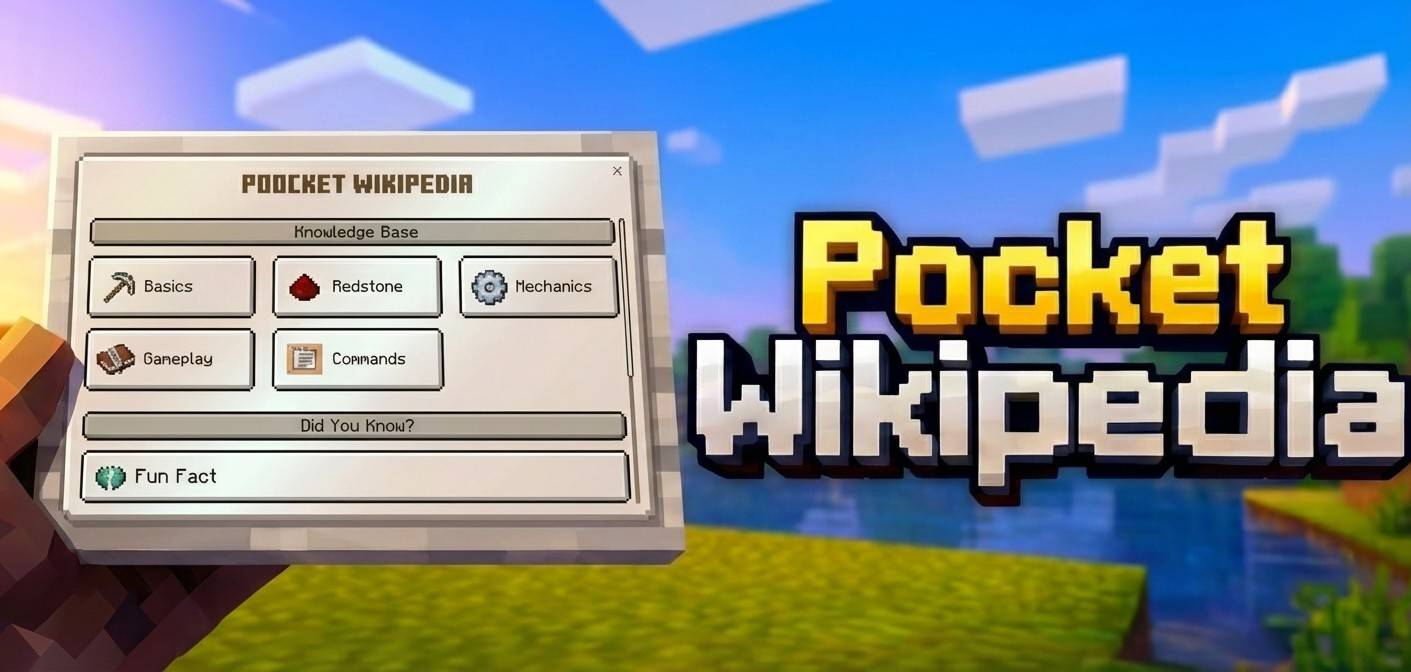
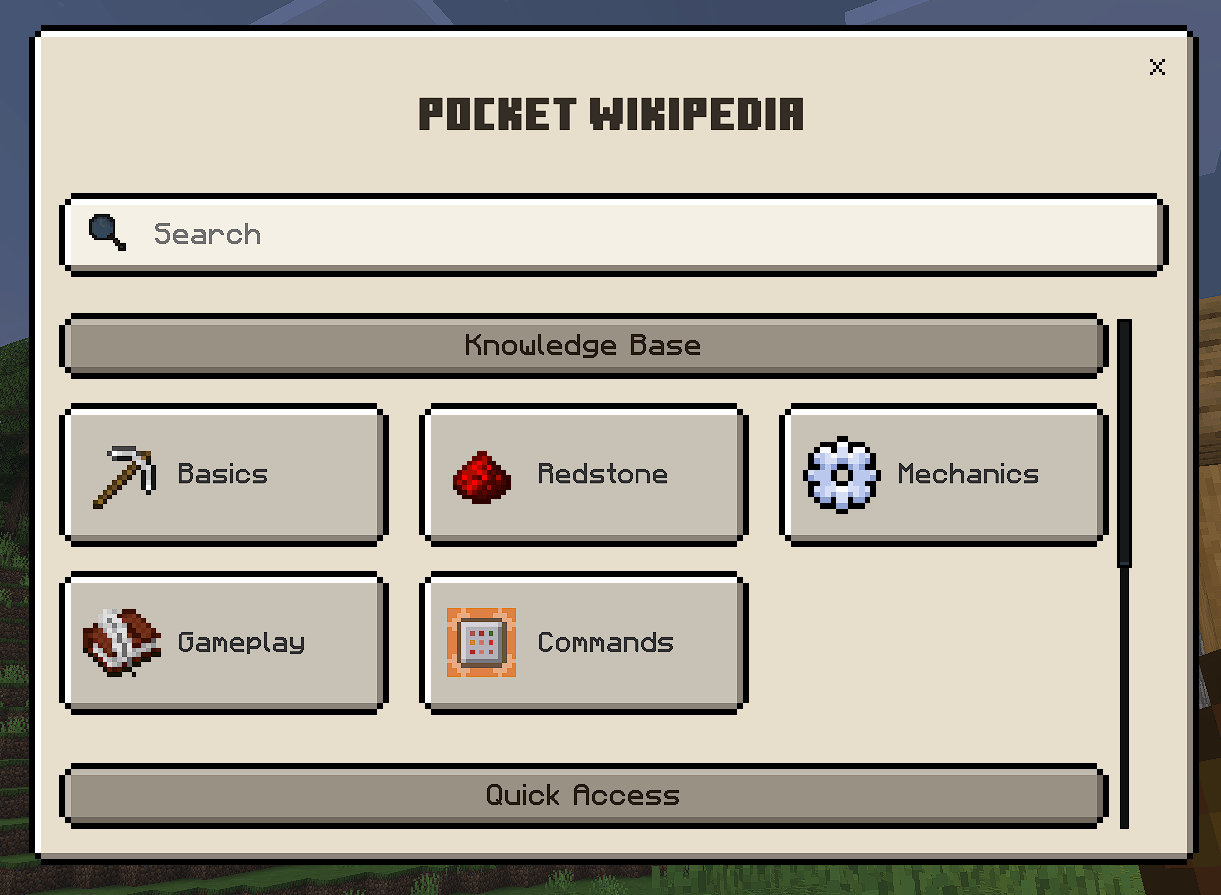
Beautiful Ui with many Guides for Minecraft, from basics to mechanics and gameplay strategies to redstone concepts, commands, and progression all wrapped up in a clean, beautiful UI targeted at understanding.
Want to host a powerful and reliable Minecraft or Hytale server? Get started with Godlikeclick here
Your Complete In-Game Minecraft Encyclopedia*
Ever wanted to look up a redstone circuit or command syntax without alt-tabbing to a browser? Pocket Wikipedia brings a encyclopedia directly into your Minecraft world!
✨ Features
📖 5 Comprehensive Knowledge Categories
Category
Description
🏠 Basics
First day survival, mining techniques, crafting, and essential survival tips with step-by-step guides
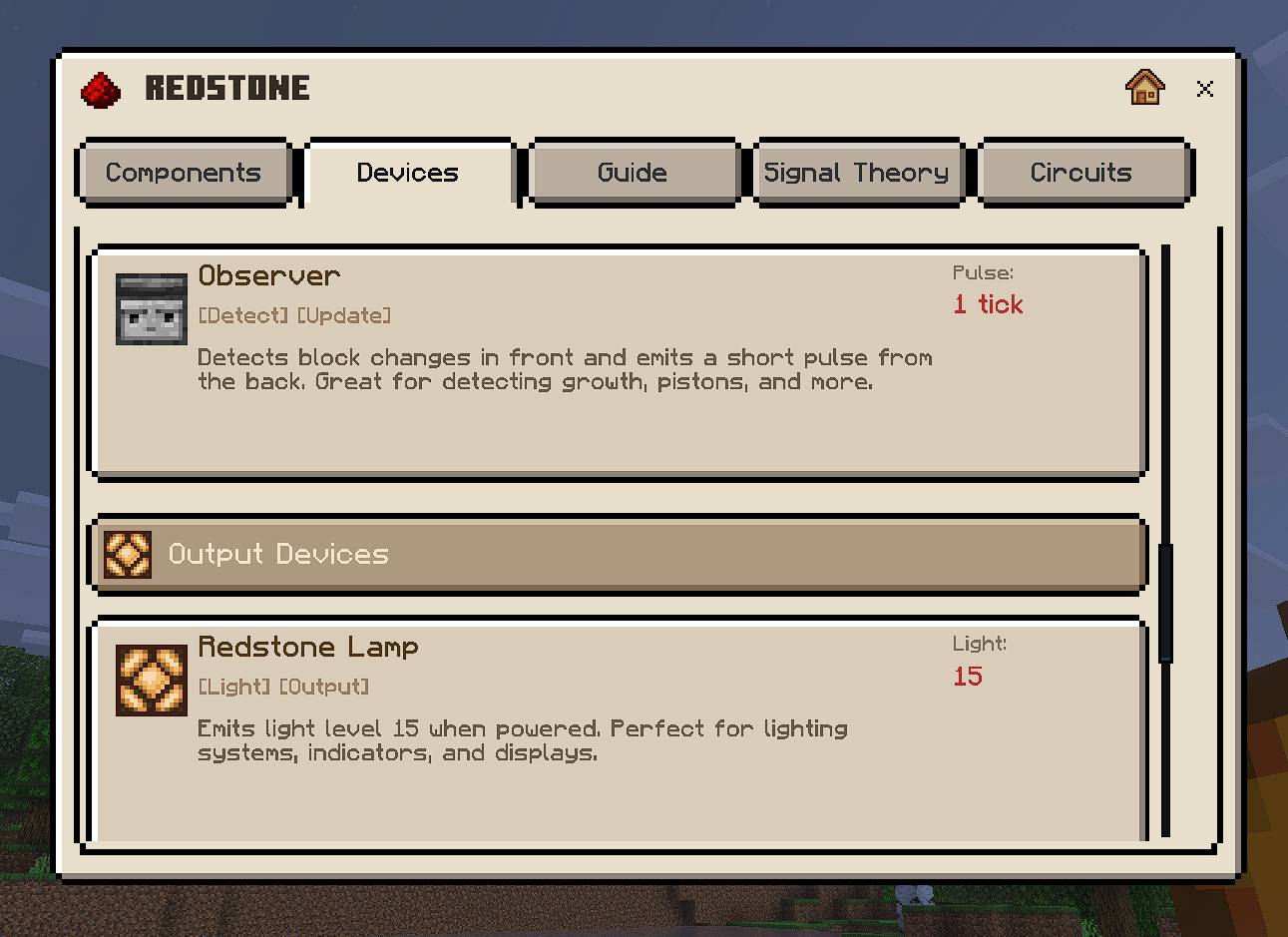
⚡ Redstone
Components, devices, signal theory, circuits, and advanced techniques (NOT gates, T-flip-flops, flying machines, item sorters, and more)
⚙️ Mechanics
Player systems (hunger, health, combat, enchanting), mob behaviors (spawning, despawning, breeding), and world mechanics (light levels, weather, day/night cycles)
🎮 Gameplay
Survival strategies, dimension guides (Nether, End, End Cities), progression paths, combat tips, and various playstyles (Hardcore, Speedrun, Creative)
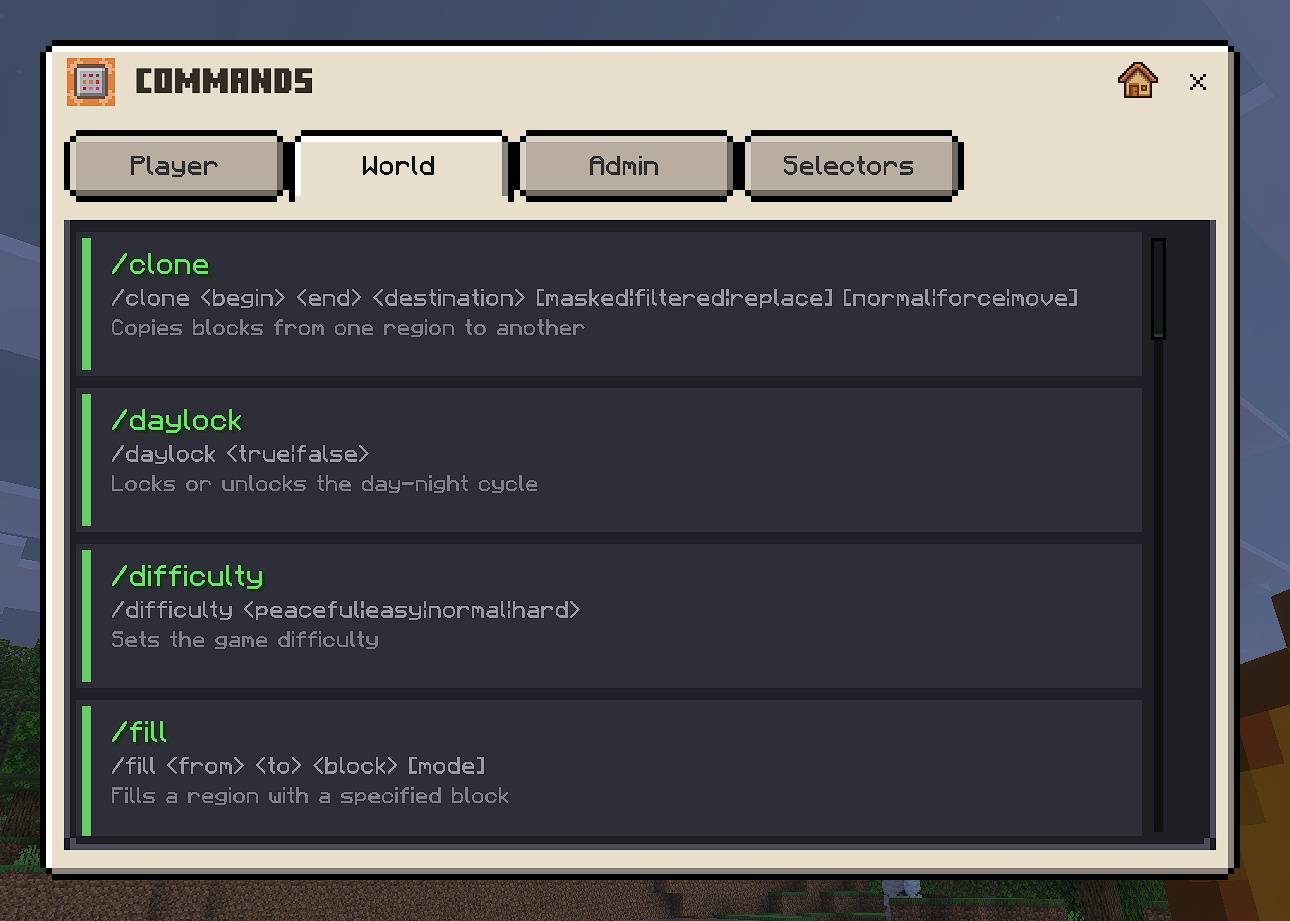
💻 Commands
Complete command reference with syntax, examples, and operator requirements for all player, world, and admin commands
🎨 Custom UI Experience
Beautiful Dark Theme — Easy on the eyes during long gaming sessions
Tabbed Navigation — Quickly switch between sub-categories within each topic
50+ Custom Illustrations — High-quality preview images for topics including:
Redstone circuits and components
Game mechanics demonstrations
Gameplay guides and strategies
Dimension exploration visuals
Dynamic Tips & Tricks
🗺️ Multi Language Support!
English (US) – en_US
French – fr_FR
Spanish (Spain) – es_ES
Spanish (Mexico) – es_MX
Arabic (Saudi Arabia) – ar_SA
Chinese (Simplified) – zh_CN
📱 How to Use
Get a Book — Craft or find any regular book item
Use the Book — Right-click (or tap on mobile) while holding the book
Browse the Wiki — Navigate through categories and topics
Learn & Play — Apply your newfound knowledge in-game!
Video Showcase
Combine it with: Knowledge-Pocket Wikipedia Index You can use the Index varient of this addon along with this. When both are installed together, they get linked with each other and provide double value. link🔗: https://mcpedl.com/pocket-wikipedia-index/
Want The texture pack customized with other knowledge for you server or addon?
> Connect to me on discord to talk!
1. You are allowed to make video on the addon but give credits in video description. 2. You are allowed to use it in your project, but only with my permission. Discord username: grumm7613 3. You are not allowed to publish the texture on any other website and claim it as yours.
Download the New Bedrock Manager application to easily install and manage your minecraft addons, worlds and more! Download Now! (Windows only, android in future)
Enjoy!
👉 Click the banner or [start here] to get going. Use code MODMCPE40 for 40% off! 💬 Curious what players think? Check out the community discussion on [Best Minecraft Server Hosting].
A low-res beautiful texture pack makes your Minecraft world not only lag free but enhances the textures and look. With the 4x4 texture pack, the world looks like a miniblock world. Cool thing it also adds new 4x4 Ui/GUI.
Easy cinematics is like a replay mod For Minecraft bedrock and MCPE! Shoot Stunning in-game Cinematic Scenes Easily with this addon in minecraft. Great addon for content creators and for those who want to showcase their work!
Lunac Shaders 3d is a another version of The Lunac Shaders with Heightmaps and MERS textures. This PBR (Physically Based Rendering) version is much better version in terms of Details, shadows and lightning with 3d blocks.
This fantastic texture pack introduces a collection of beautifully crafted custom crosshair's that greatly enhance the game's visuals compared to the default ones.
A low-res beautiful texture pack makes your Minecraft world not only lag free but enhances the textures and look. With the 4x4 texture pack, the world looks like a miniblock world. Cool thing it also adds new 4x4 Ui/GUI.
Easy cinematics is like a replay mod For Minecraft bedrock and MCPE! Shoot Stunning in-game Cinematic Scenes Easily with this addon in minecraft. Great addon for content creators and for those who want to showcase their work!
Lunac Shaders 3d is a another version of The Lunac Shaders with Heightmaps and MERS textures. This PBR (Physically Based Rendering) version is much better version in terms of Details, shadows and lightning with 3d blocks.
This fantastic texture pack introduces a collection of beautifully crafted custom crosshair's that greatly enhance the game's visuals compared to the default ones.