📊 Player Stats
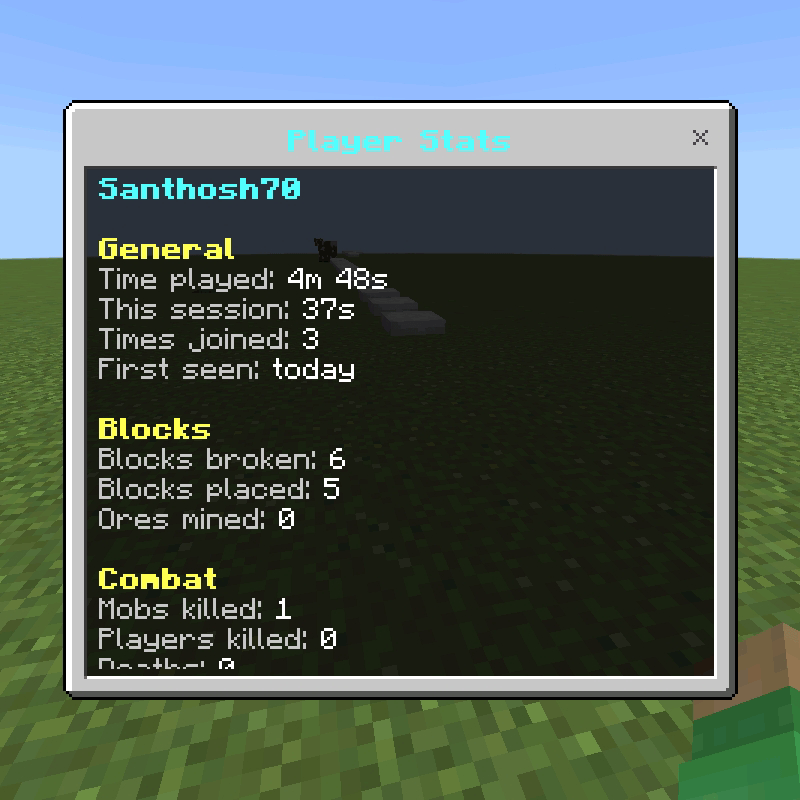
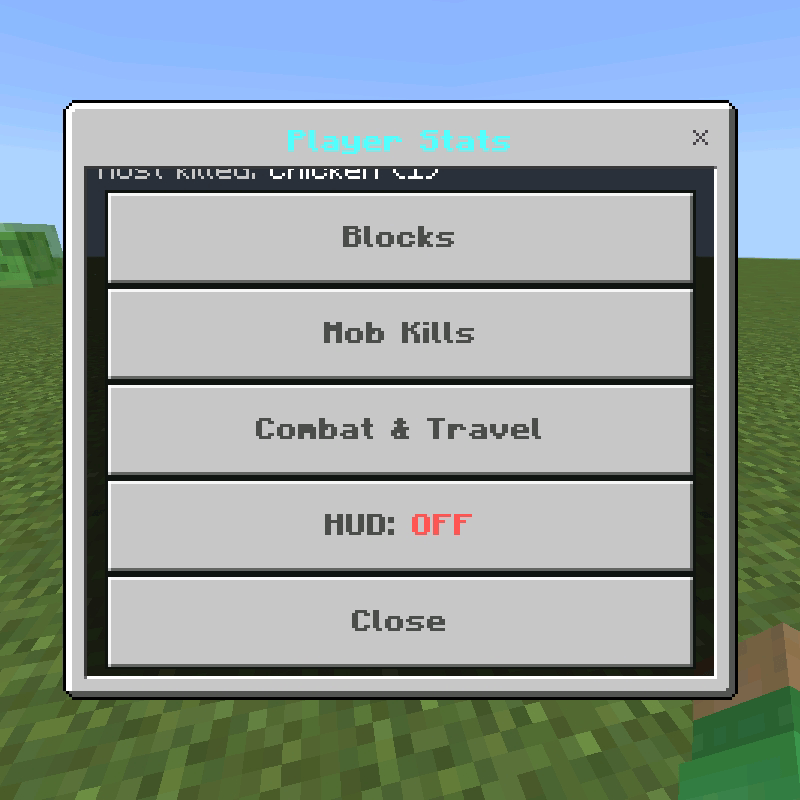
A stats tracker for Minecraft Bedrock. It records what you do and shows it in a clean menu and a live HUD.
Tracks
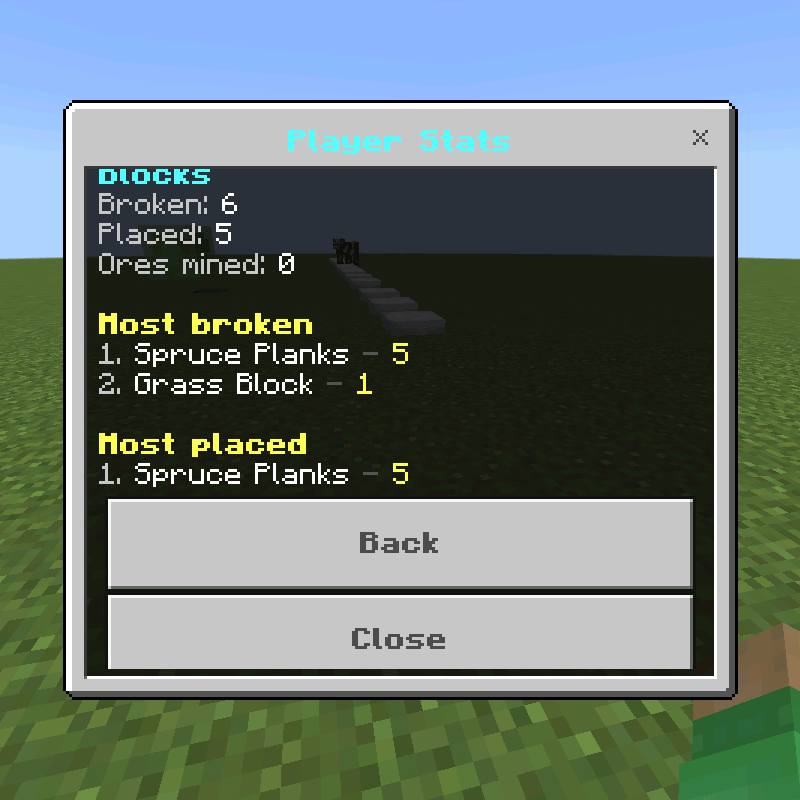
•Blocks broken, blocks placed and ores mined
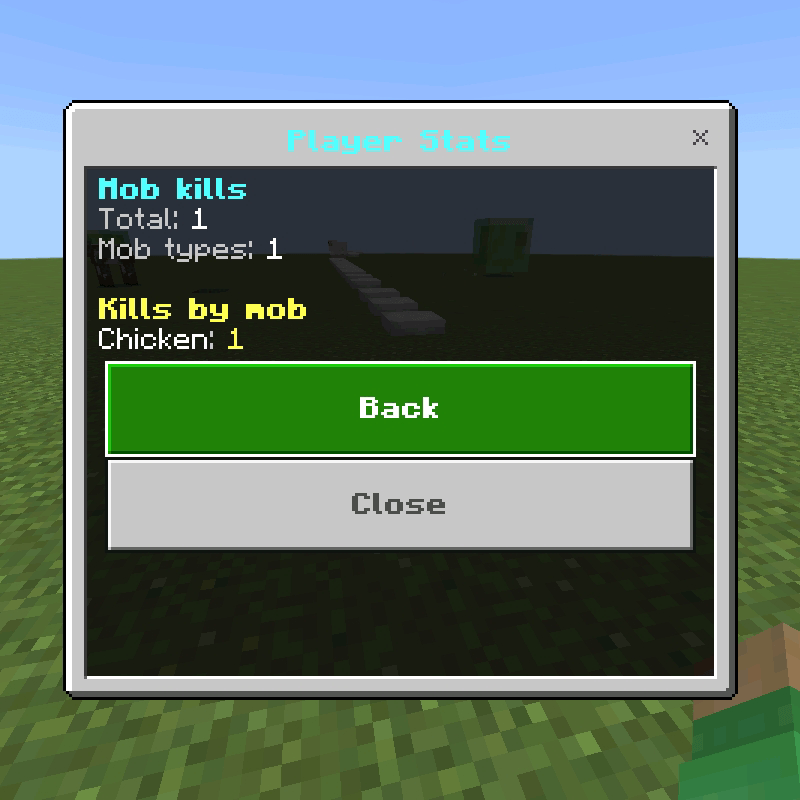
•Total mob kills, plus a counter for each mob (a popup shows Enderman: 1 when you kill one)
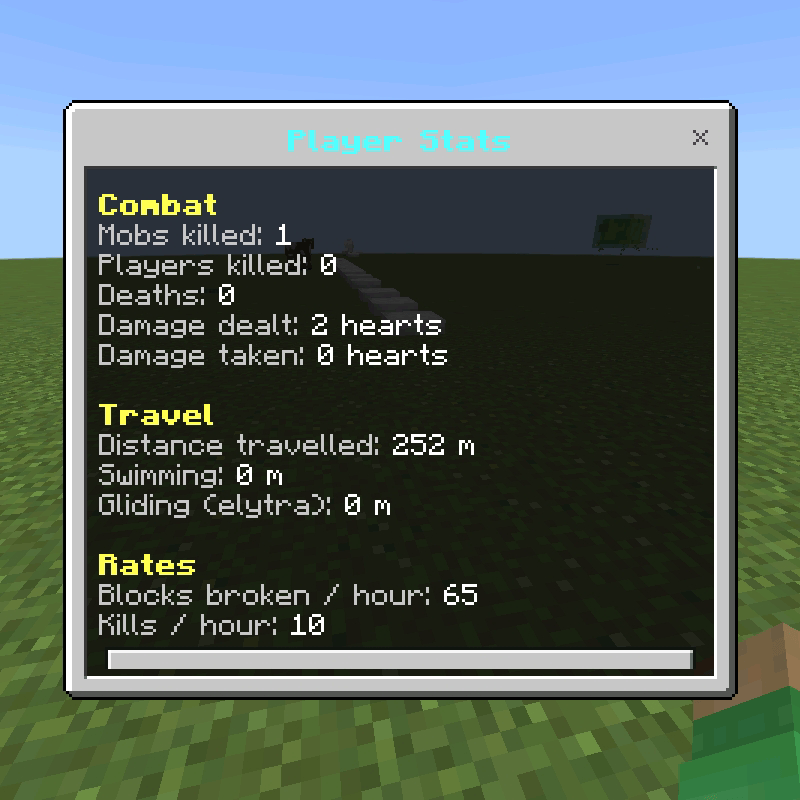
•Player kills, deaths, damage dealt and taken
•Time played, current session, times joined and days since first join
•Distance travelled, swimming and elytra distance
•Your most broken block, most placed block and most killed mob
Commands
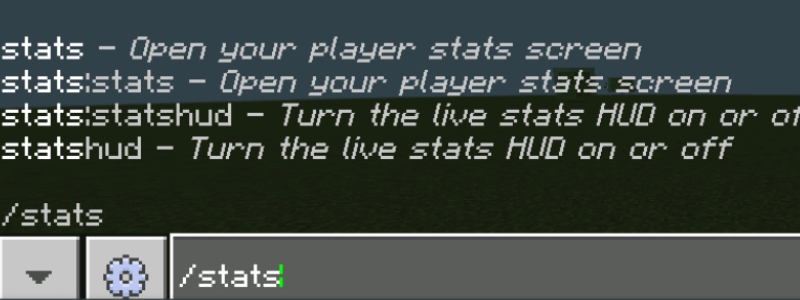
/stats opens the stats screen.
/statshud turns the live HUD on or off.
Installation
•Download PlayerStats.mcaddon.
•Tap the file and open it with Minecraft. It imports automatically and you'll see "Import successful".
•Create a new world or edit an existing one.
•Go to Behavior Packs, find Player Stats and tap Activate.
•Play. Stats are saved per player and autosave every few seconds.
PlayerStatss Team