


Plant a QR code
- By

What's new
QR-Tree: Plant a Real QR Code in Minecraft
Plant a link. Grow a tree. Scan it with your phone!
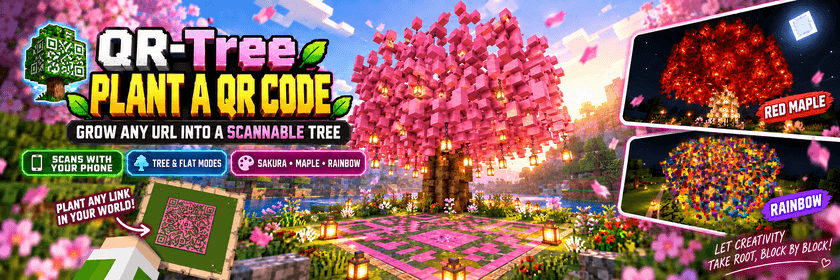
QR-Tree turns any URL into a real, fully scannable QR code inside Minecraft Bedrock Edition. Enter a link and watch it grow into a detailed tree with a hollow trunk and a colourful canopy. Take out your phone, scan the QR code on the ground and open the link.
This is not a texture or a decorative imitation. The URL is genuinely encoded into QR modules, and every part of the tree is generated without breaking the scannable pattern.
Features
- Create QR codes that can be scanned with a real phone
- Generate a full QR code tree or a flat ground pattern
- Choose sakura pink, maple red, ginkgo yellow or rainbow styles
- Use your own blocks for the trunk and leaves
- Includes branches, roots, flowers, grass and lanterns
- Undo the structure and restore the original terrain
- Supports English, Simplified Chinese, Traditional Chinese and Japanese
How to Use
-
Download and open the
.mcpackfile. -
Activate QR-Tree in your world’s Behaviour Packs.
-
Enter the world and type
/qr:help. -
Follow the in-game instructions to create your QR code.
One of LW Realm Studio’s 10th anniversary releases.
Created by XiaoPa
The promotional image on this page is AI-generated concept artwork. Actual in-game screenshots are labelled separately.
This mod has no additional files