Personal Scoreboard/ClearBoard
- By
Screenshot 2026-10-22 091043.png
Screenshot 2026-10-22 091055.png
Screenshot 2026-10-22 091120.png
Screenshot 2026-10-22 091133.png
Screenshot 2026-10-22 091145.png
Description
ClearBoard
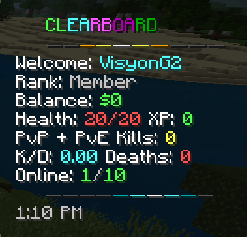
ClearBoard is a customizable scoreboard addon designed to make creating polished, per-player displays simple. Everything is managed through organized in-game menus, allowing server owners to build, edit, preview, and manage scoreboards without manually editing files.
Main Features
-
Six fully editable presets for general, PvP, economy, survival, skyblock, and RPG servers
-
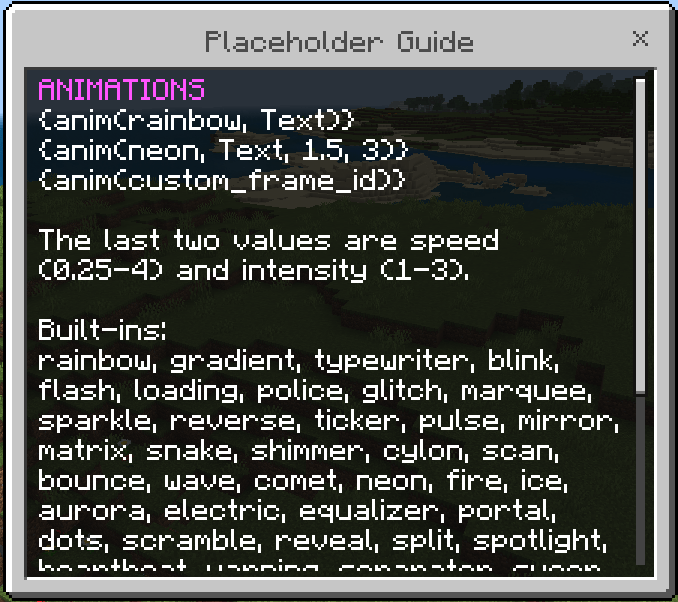
Forty built-in animations with adjustable speed and intensity
-
Animated titles and compact line separators
-
Separate PvP, PvE, or combined kill tracking
-
Currency and custom scoreboard-objective support
-
Guided builders for values, objectives, animations, currencies, and conditional lines
-
Multiple boards with player-tag assignment
-
Rotating information pages
-
Compact, normal, and roomy layouts
-
Left, center, and right line alignment
-
Always visible, hold-item, toggle-item, and required-tag visibility modes
-
Custom themes and frame animations
-
Live previews and configuration backups
-
Performance settings for both small worlds and larger servers
-
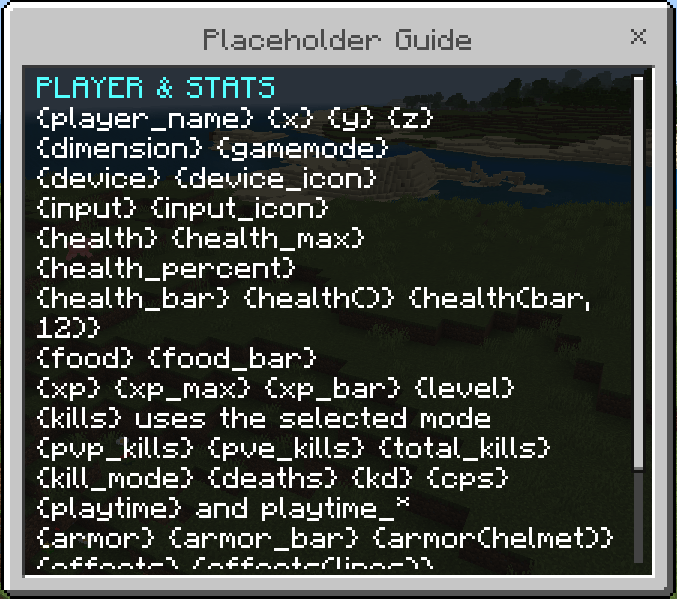
Device, input, player, server, combat, world, and gameplay information
-
Clean blank-board creation for completely custom designs
Easy In-Game Editor
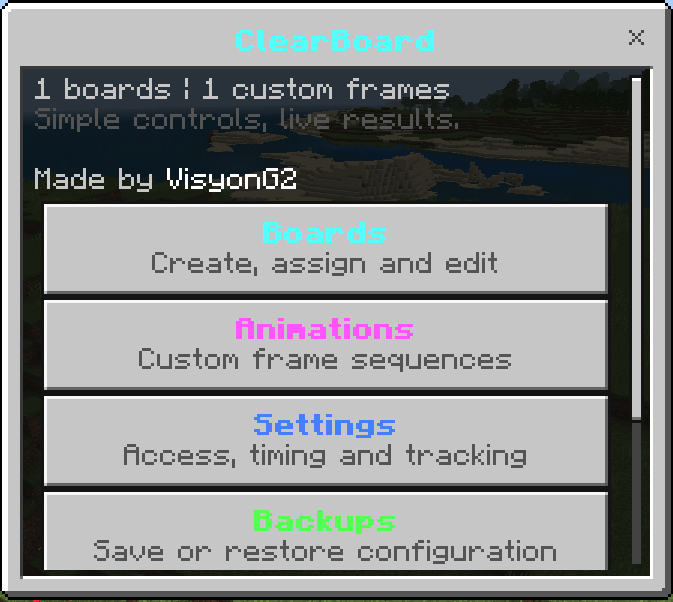
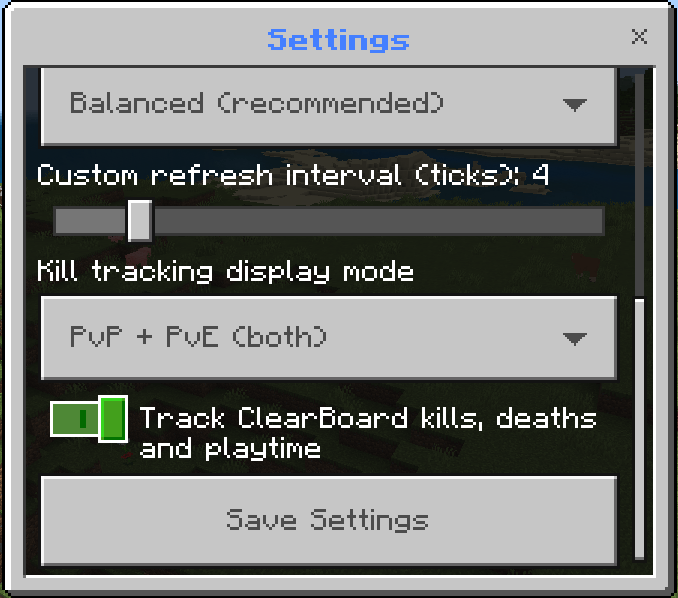
ClearBoard includes a control panel that lets administrators manage the addon without leaving the game. Create new boards, edit individual lines, change themes, manage rotating pages, select animations, configure currencies, preview designs, and choose the default board through straightforward menus.
The scoreboard temporarily hides while the editor is open, keeping every menu easy to read.
Setup
After importing the .mcaddon, enable ClearBoard BP on your world. The connected resource pack should enable automatically.
Enter the world as an operator and run:
/tag @s add clearboard.admin
/give @s clearboard:control_panel
Use the ClearBoard Panel item to complete the first-time setup and open the editor.
Requirements
-
Minecraft Bedrock 1.21.120 or newer
-
ClearBoard behavior and resource packs enabled
-
Operator access for initial administrator setup
Compatibility
ClearBoard uses the action bar to display scoreboards. Other addons that continuously use the action bar may conflict with it.
ClearBoard RP changes the action-bar HUD position. Place it above other resource packs that replace hud_screen.json.
Always back up important worlds before installing or updating addons.
Permissions
You may use and modify ClearBoard for your own worlds and servers.
You may not reupload, redistribute, sell, sublicense, remove ownership notices, pirate, or claim ClearBoard as your own work. See the included LICENSE.txt file for the complete terms.
ClearBoard is created and maintained by VisyonG2. It is not affiliated with Microsoft or Mojang.
Personal Scoreboard/ClearBoard Team