Particle Trails Addon: Custom Walking Effects
- By
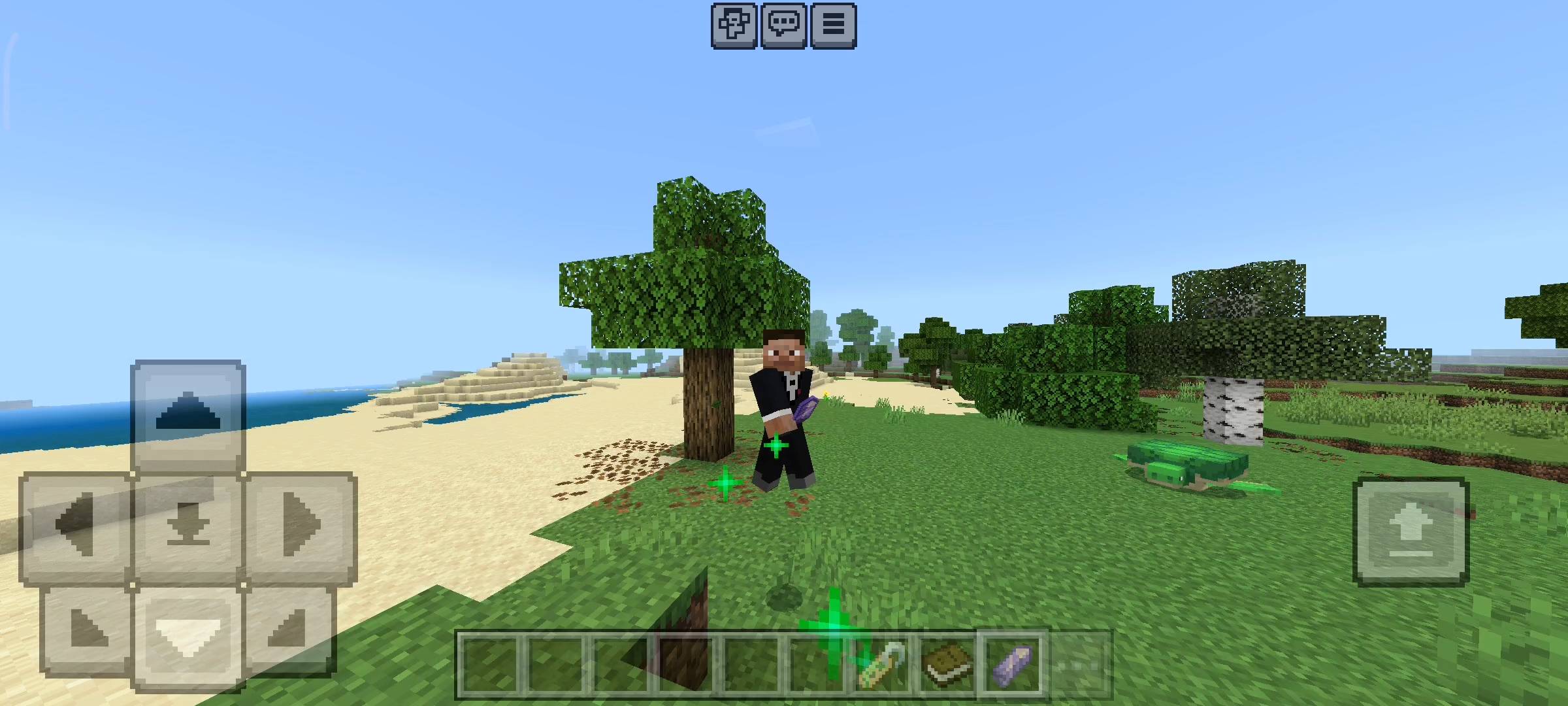
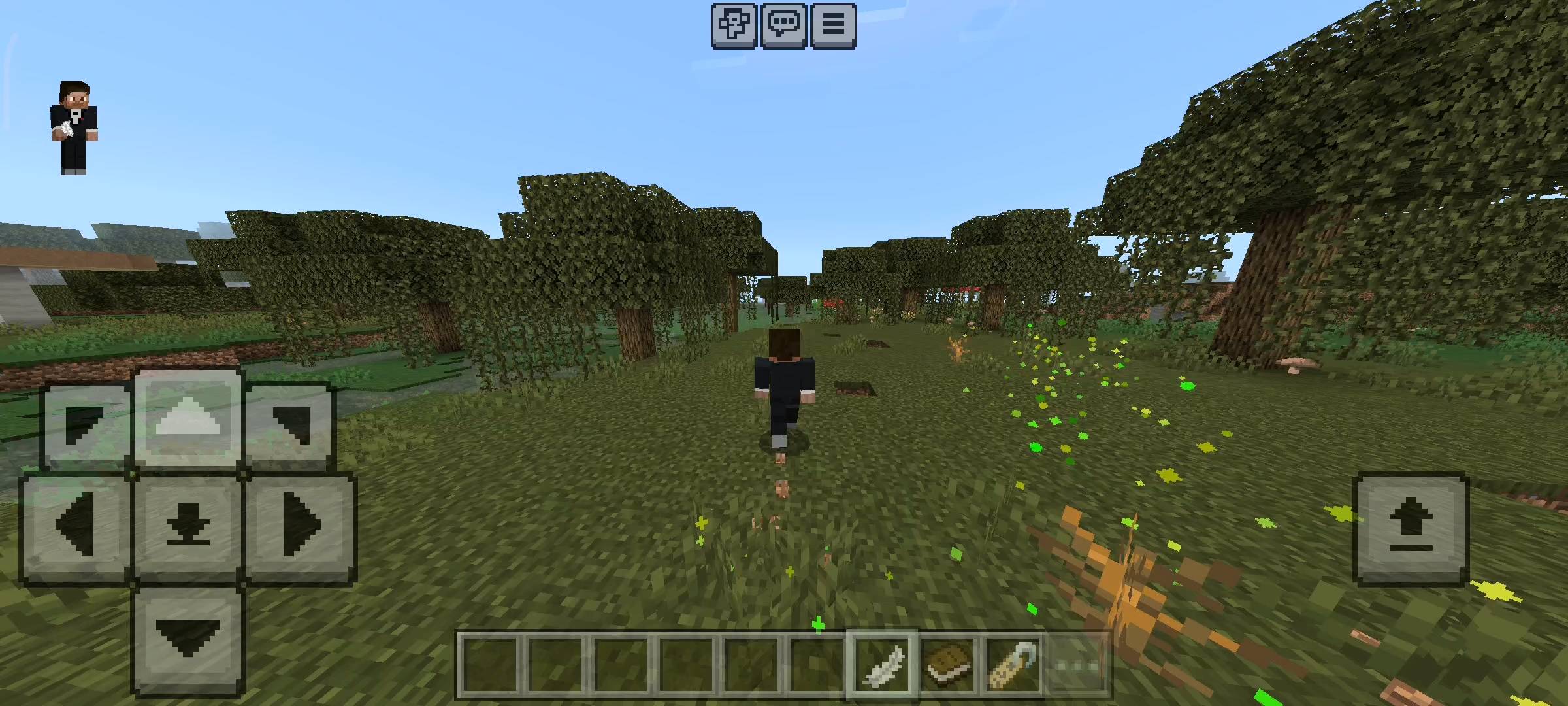
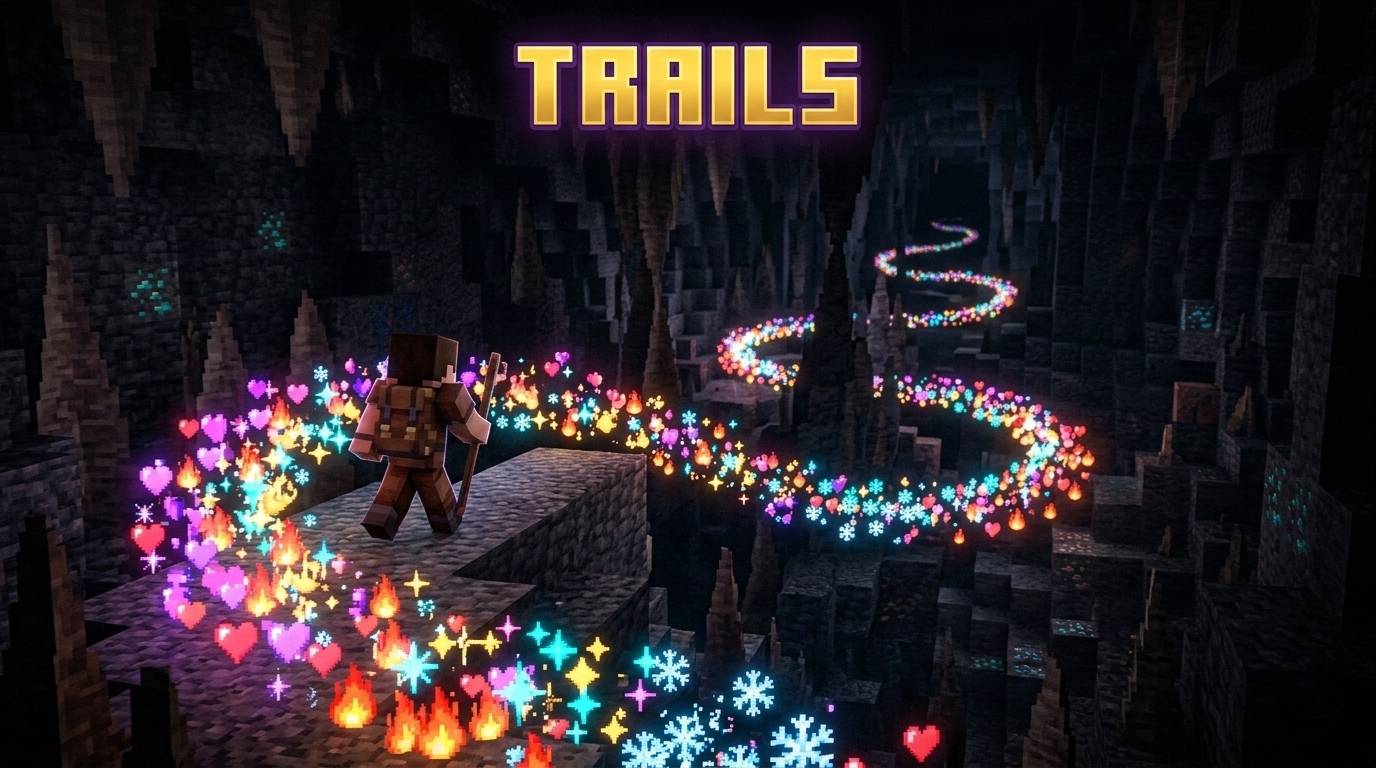
Stand out on your server! Leave a beautiful trail of magic, fire, or galaxy particles wherever you walk. Available in two unique versions!
TRAILS ADD-ON (3).jpg
TRAILS ADD-ON (5).jpg
TRAILS ADD-ON (4).jpg
TRAILS ADD-ON (10).jpg
TRAILS ADD-ON (2).jpg
Description
RR Trails PRO v2.0.0 - The Ultimate Visual Customization Expansion
Hey everyone. In vanilla survival Minecraft, personal customization is pretty limited. You can change your skin and you can wear different types of armor, but beyond that, everyone pretty much looks exactly the same when running around a multiplayer server. There is no real way to stand out in a crowd or show off your personality. On big PC servers, players often buy premium ranks just to get access to cool particle effects that follow them when they walk. I wanted to bring that exact same premium, high-quality visual experience directly to Bedrock Edition players for absolutely free.
That is exactly why I created the RR Trails PRO addon. This visual expansion allows you to equip beautiful, continuous particle trails that follow your character's exact movement wherever you go. For Version 2.0.0, I completely rewrote the particle generation engine to make it smoother and far more customizable. I have also fully unlocked every single premium feature. There are no locked trails, no keys required, and absolutely no hidden paywalls. It is a complete, massive visual upgrade right from the moment you install it into your world.
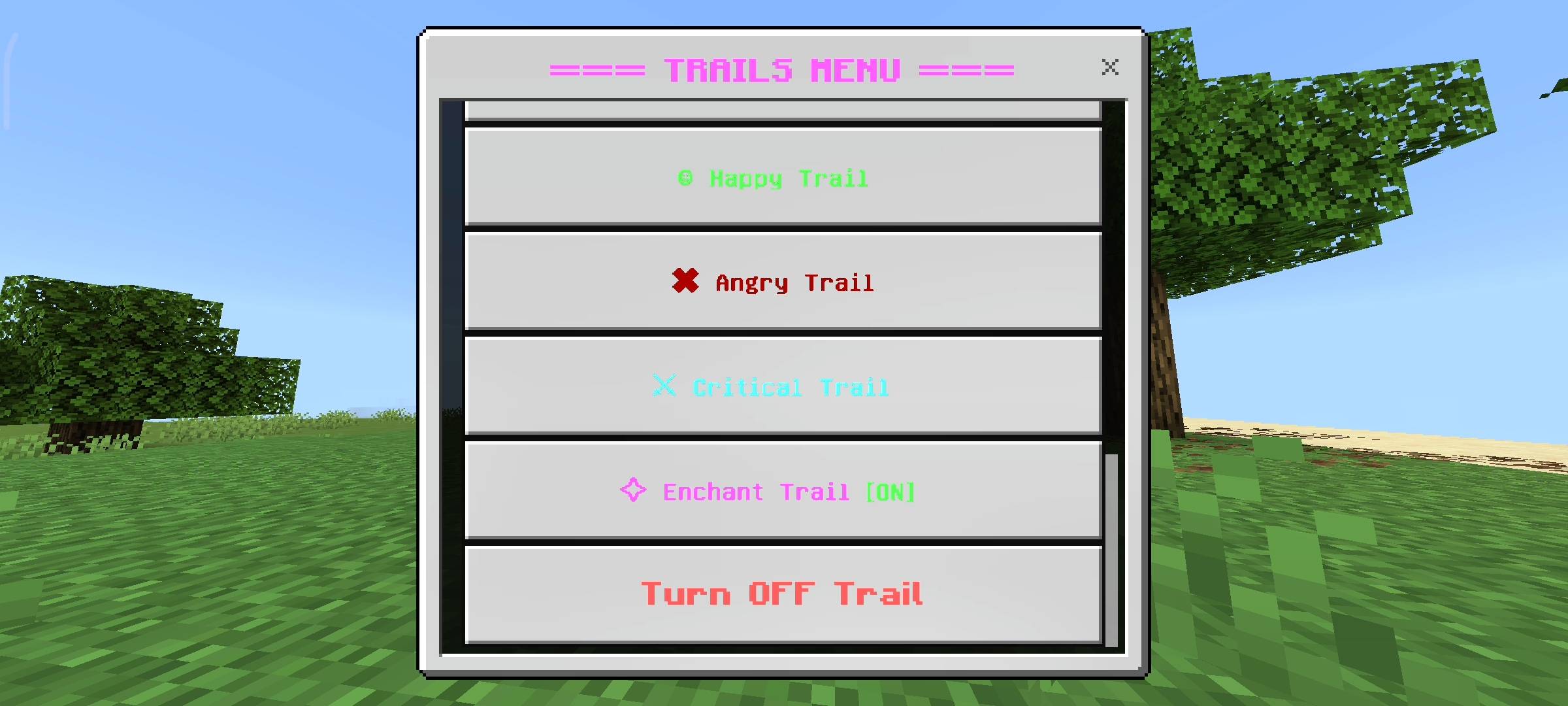
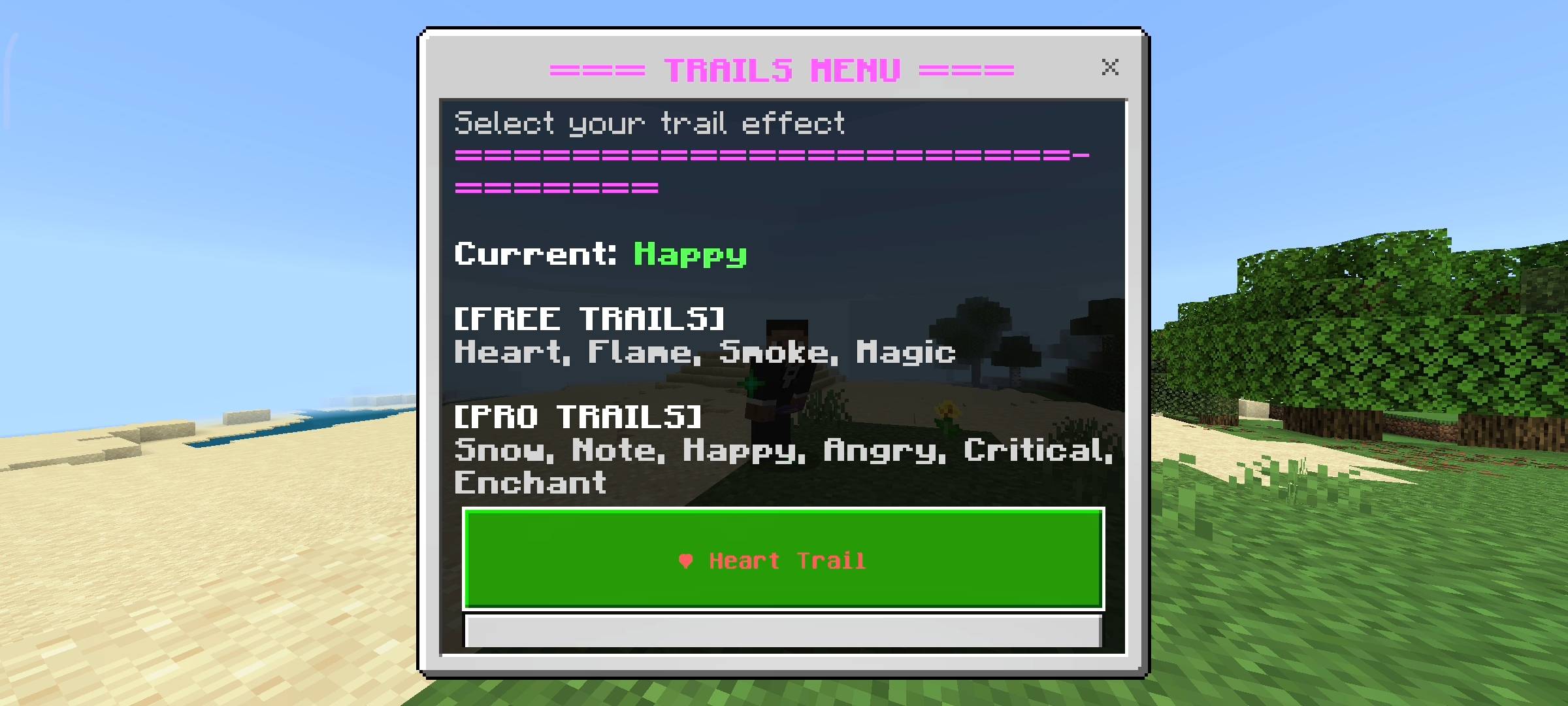
The Twelve Unique Particle Trails
The core of this addon is the massive collection of twelve distinct particle effects. I chose a wide variety of styles so that every player can find something that perfectly matches their skin or their current mood. If you want something classic, you can equip the fiery Flame trail, the red Heart trail, or the subtle gray Smoke trail.
If you want something more magical, you can choose the purple Magic portal particles, the sparkling pink Enchanting table letters, or the bright yellow Music notes. For players who love combat and want to look intimidating, the cyan Critical hit trail and the dark red Angry villager trails are absolutely perfect. In this brand new update, I also added two highly requested endgame trails: the golden Totem of Undying particles, and the dark purple Dragon Breath trail. The variety is massive.
Advanced Performance and Density Controls
One of the biggest problems with particle mods is that they can cause massive frame drops on mobile phones or older consoles. I specifically engineered this addon to be as optimized as possible. The particles only generate when you are actively moving, and the script automatically pauses when you stand still to save memory.
Furthermore, I added a brand new Particle Density control system in the settings menu. If you are playing on a high-end PC, you can set the density to High. This forces the game to spawn particles every two ticks, creating an incredibly thick, beautiful line behind you. However, if you are playing on a budget mobile phone or a crowded server, you can set the density to Low. This spawns particles every eight ticks, giving you the cool visual effect without causing any lag whatsoever. You have total control over your own performance.
I also added a Live Trail Preview feature. Instead of guessing what a trail looks like, you can click the preview button in the settings menu. The game will safely spawn a small burst of those specific particles directly above your head so you can test them out before equipping them.
The Interactive Item Menus
Switching your trails should be fast and easy. I completely despise addons that force players to type long chat commands just to change a basic setting. To fix this, I mapped all the controls to standard in-game items.
If you want to quickly swap your active trail, simply hold an Amethyst Shard in your hand, sneak to crouch, and use the item. This instantly opens the main selection screen. If you want to access the advanced density settings or the preview tool, simply hold a Name Tag and sneak to open the Master Settings Dashboard. It is incredibly intuitive and keeps you fully immersed in the game.
Distance Tracking and Milestones
I did not want this to just be a basic cosmetic menu, so I integrated a deep statistical tracking system. The addon silently monitors exactly how many blocks you walk, sprint, or fly while you have a trail actively equipped. You can sneak and use a Book to open your personal profile and view your total distance walked.
As you use the addon and travel across your world, you will automatically unlock custom milestone titles on your profile. Walking one thousand blocks unlocks the Trail Walker achievement. Reaching five thousand blocks grants you the Trail Blazer title. And for the ultimate explorers who travel ten thousand blocks with an active trail, you will unlock the prestigious Trail Master milestone. It gives you a really fun, passive goal to work towards while you play survival Minecraft.
Disclaimer Regarding Visuals: Please note that some of the promotional images, thumbnails, and gallery screenshots used to showcase this project may have been created or enhanced using AI generation tools to provide better visual presentation for the page.
Important Installation Requirement: The complex background systems required to track your movement speed, spawn specific particle densities, calculate distance traveled, and render the interactive user interface menus rely entirely on advanced scripting. Therefore, you MUST go into your World Settings, navigate to the Experiments tab, and turn on the Beta APIs toggle before you load the world. Without this toggle enabled, the particles will not spawn and the item menus will simply not open.
Developer: Racing Raftaar
Version: 2.0.0
Supported Minecraft Versions: 1.21.0 and above
Particle Trails Addon: Custom Walking Effects Team

Owner