Screenshot 2026-10-06 193146.png
Screenshot 2026-10-06 193204.png
Screenshot 2026-10-06 193301.png
Description
Orders
Minecraft Bedrock Edition
⚙️ Requirements
Beta APIs
📜 Commands
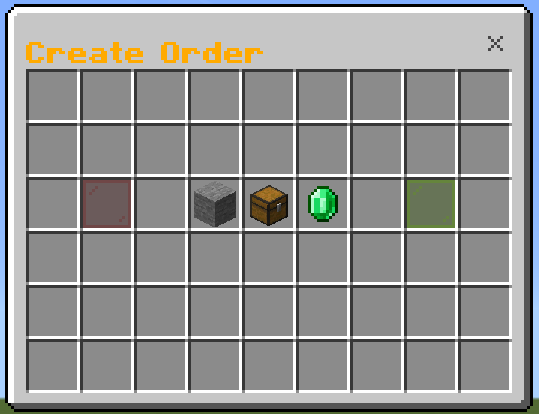
/order — Create a new item order.
/orders — Browse and manage active orders.
/orderconfig — Configure the Orders system. Requires operator permissions or the tag "abc"
/ordersadmin — View and manage active orders as an administrator. Requires operator permissions or the tag "abc"
Use /order to create an order for another player to fulfill.
Choose any item or block.
Set the quantity.
Set the payment per item.
Add specific enchantment requirements to supported items.
Money is placed into escrow when the order is created.
Review the complete order before confirming.
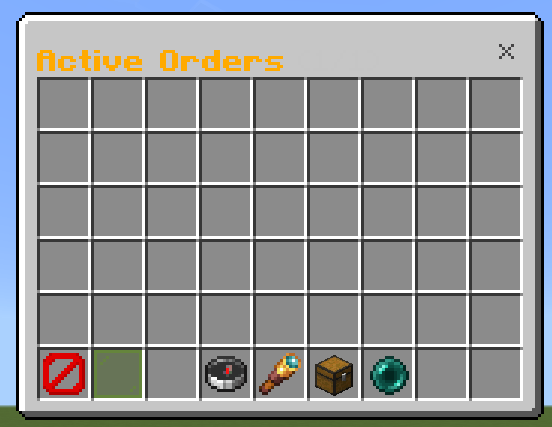
📋 Active Orders
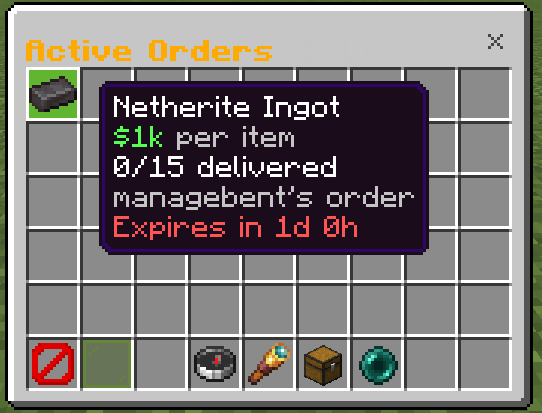
Use /orders to browse available orders.
View requested items and quantities.
See payment per item.
See delivery progress.
Search orders.
Sort orders.
View your own orders.
Reload the order list.
Navigate through multiple pages.
💰 Deliver Items
Players can open an order and submit the requested items.
Only the correct item can be delivered.
Required enchantments are enforced.
Damaged and named item rules can be configured.
Automatically calculates the payout.
Receive payment immediately after a successful delivery.
Order owners are notified when items are delivered.
Order owners are notified when their order is completely filled.
📦 Your Orders
Order owners can view their orders and collect delivered items.
Completed and expired orders remain available until their delivered items have been collected.
⚙️ Admin Configuration
/orderconfig allows administrators to configure:
Maximum orders per player
Maximum items per order
Money scoreboard objective
Blacklisted items
Whether damaged items can be delivered
Whether named items can be delivered
Order expiration time
🛡️ Admin Tools
/ordersadmin allows administrators to:
View active orders
Inspect order progress
See the order owner
See how many items have been delivered
Force-delete orders
/Orders - Order donutsmp addon /order orders chest gui Team