Nuckem Vehicles
- By
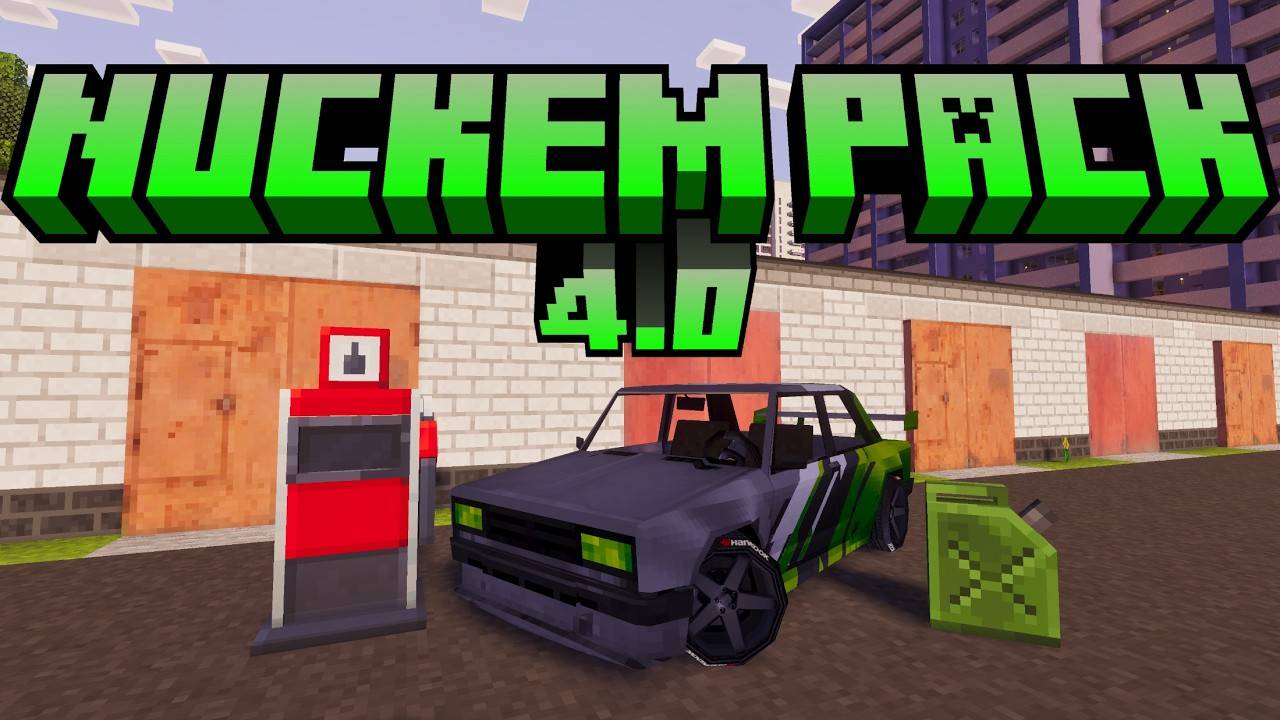
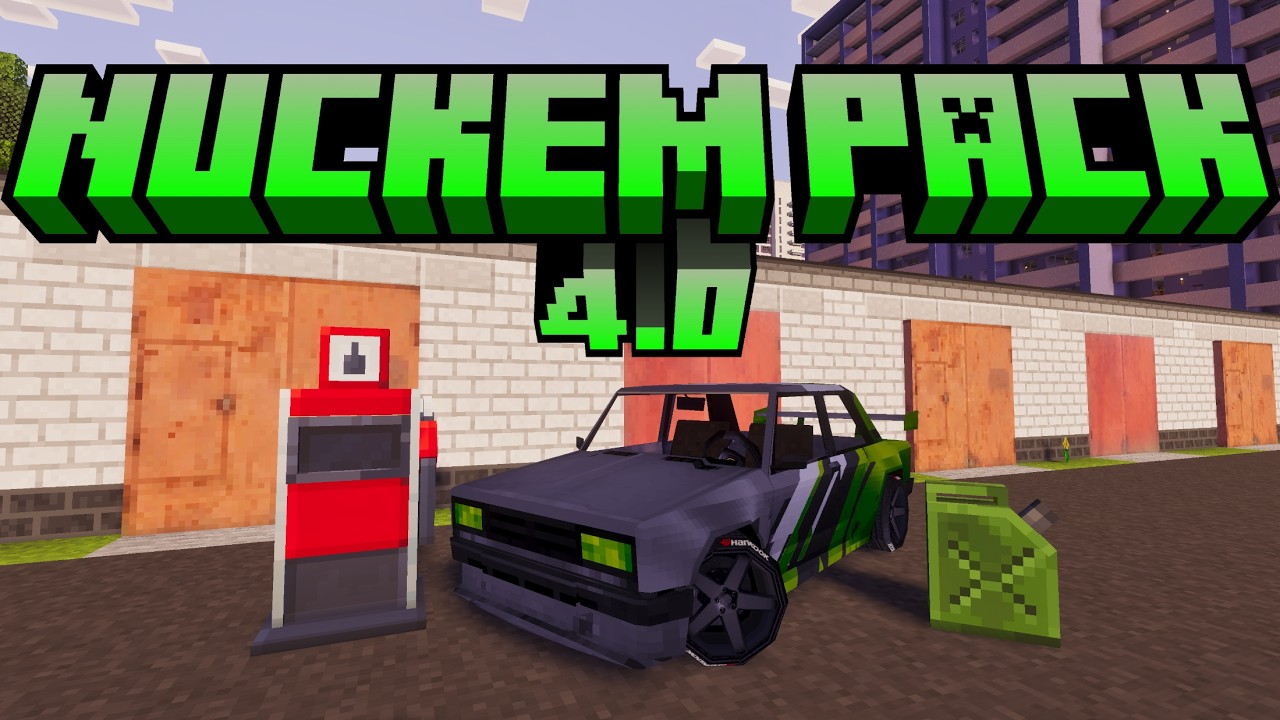
Drive highly detailed cars with realistic terrain alignment, sequential gears, manual drifting, visual damage stages, passengers, custom cameras, and a complete fuel-pump refueling system!
maxresdefault.jpg
Снимок ÑкÑана (229).jpg
Снимок ÑкÑана (230).jpg
Снимок ÑкÑана (231).jpg
Снимок ÑкÑана (232).jpg
Description
Nuckem Vehicles Pack for Minecraft Bedrock
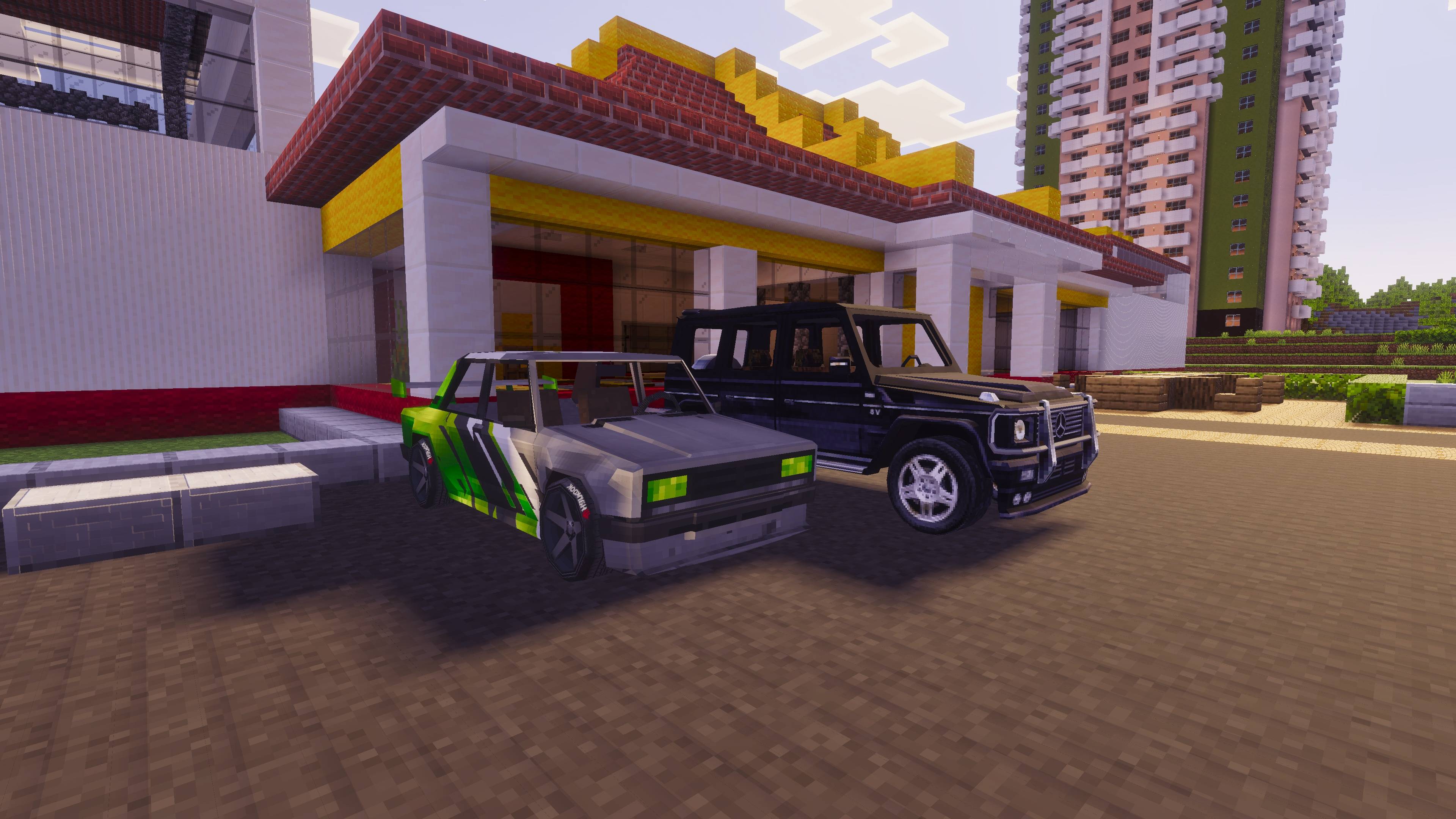
Bring authentic automotive culture to your Minecraft world! The Nuckem Vehicles Pack introduces a massive lineup of domestic Soviet/Russian classics and popular foreign cars, perfectly adapted for city life, rural road trips, and off-road hauling.
⚠️ REQUIRED DEPENDENCY
This vehicle pack REQUIRES the JaGGeR Vehicle Controller to function!
Please download and install the controller first:
👉 Download JaGGeR Vehicle Controller
🚗 Included Vehicles (38+ Models)
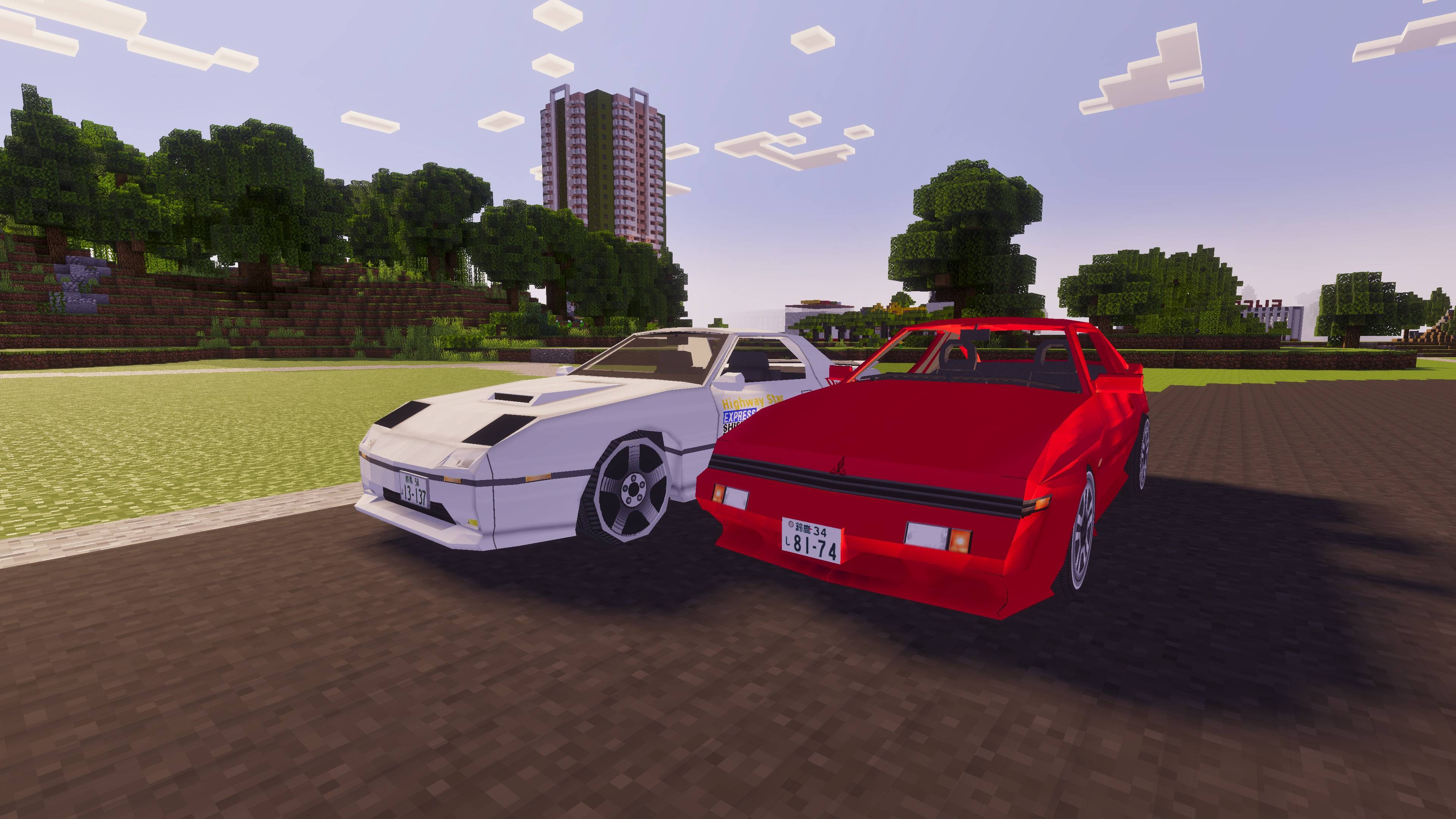
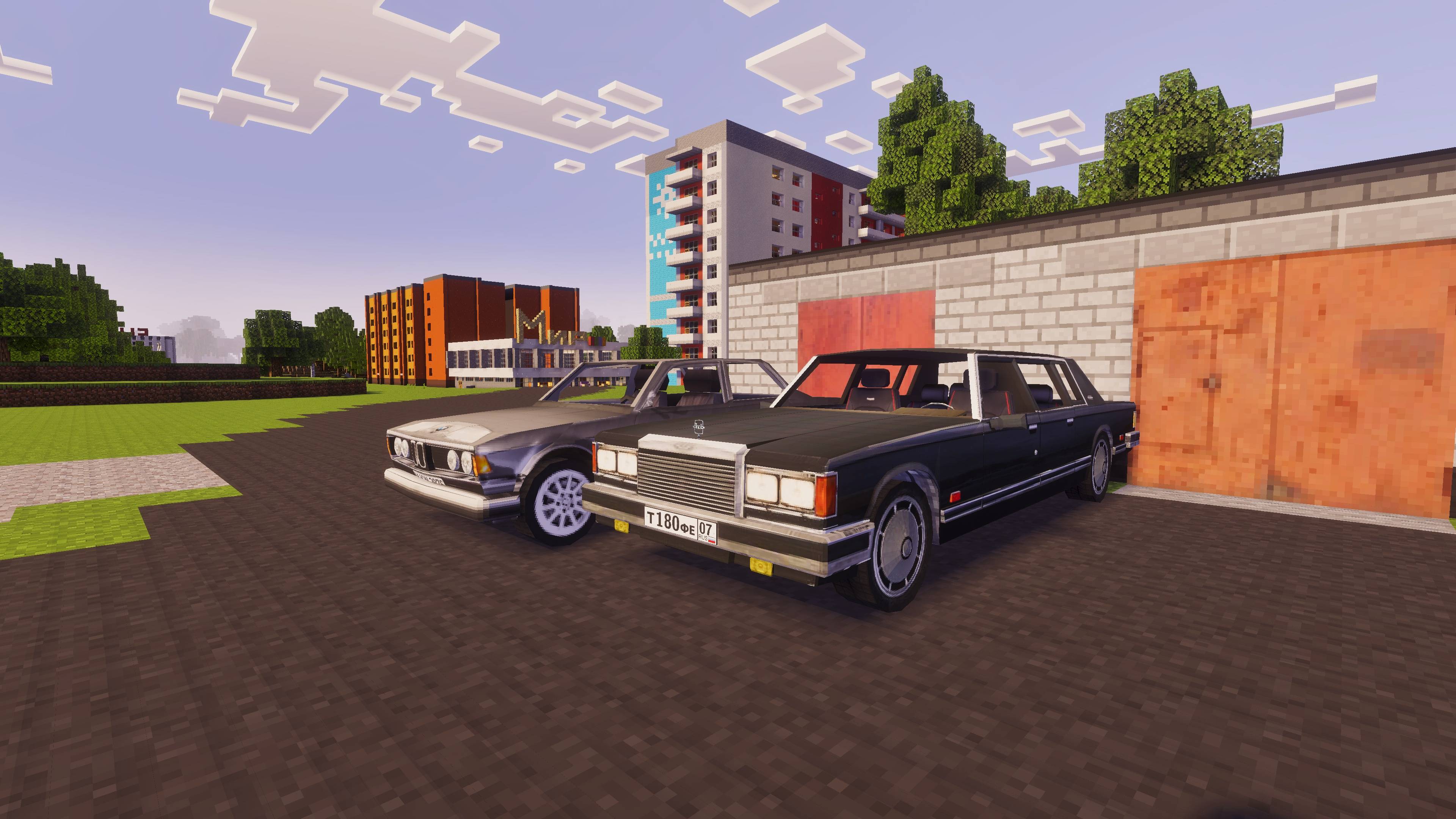
- Classic Sedans & Station Wagons: VAZ 2104, VAZ 2108, GAZ-24 Volga, GAZ-3110, Audi 100C, Audi S3, Ford Sierra, BMW E22, BMW E36, Mercedes W140, Mitsubishi Starion, Mazda RX-7.
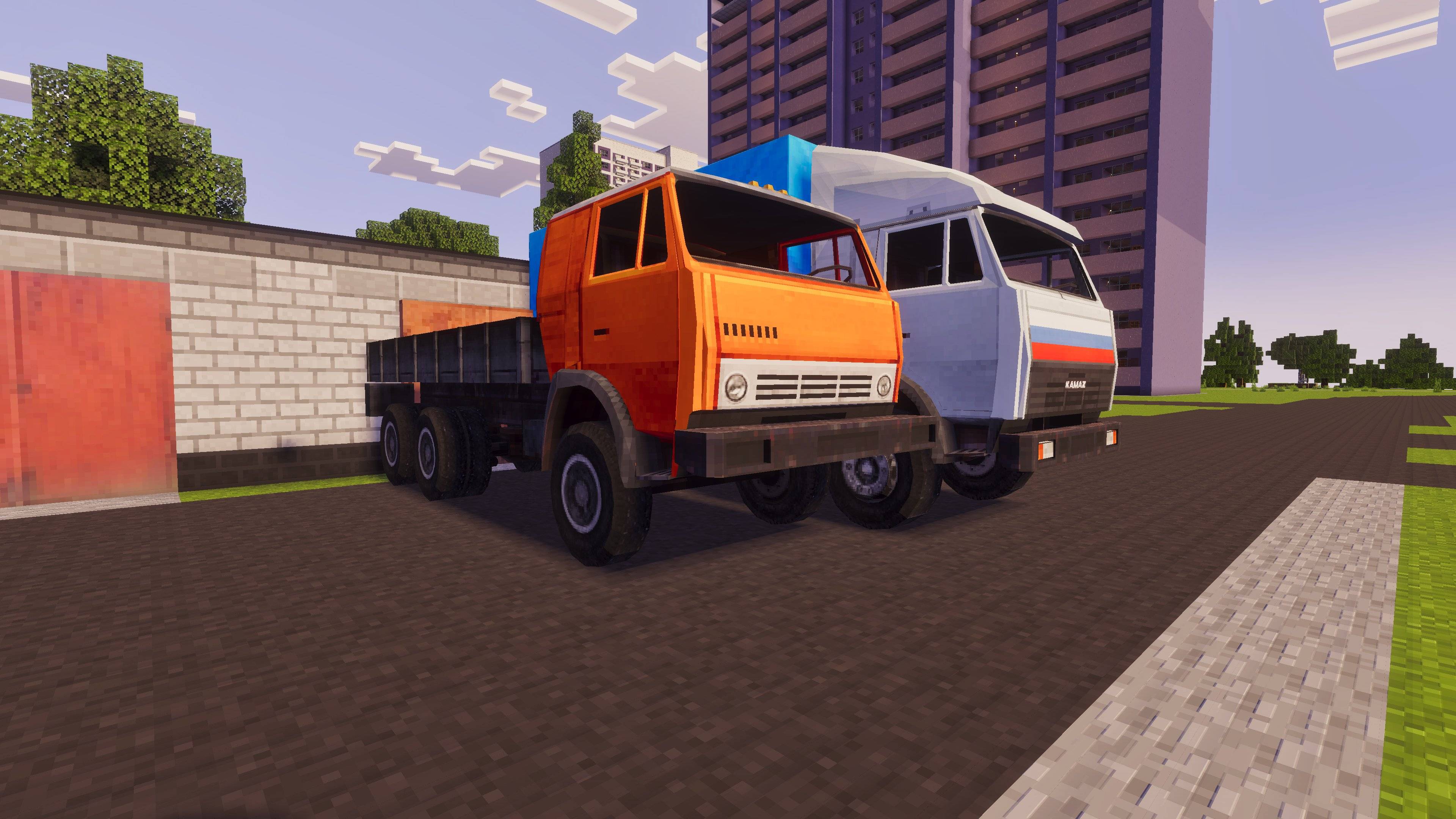
- Off-Road & Heavy Commercial: Lada Niva, Mercedes G-Class (Stock & Rusty), ZIL-130, ZIL-41047, KAMAZ (Stock, Dump Truck, Big Wheels, Rusty).
- Special Vehicles: VAZ Police Cruiser (Ment) and Emergency Patrol (Ohota) with working emergency sirens and lights.
- Tuned & Project Cars: Custom turbo variants, ducktails, spoilers, rusted barn finds, and nuclear concept cars.
🛠️ Vehicle Features
- Custom Color Variants: Hit any vehicle with a Wrench to cycle through official factory and custom color textures (Sneak + hit to cycle backwards).
- Passenger Capacity: Travel with friends! Sedans and trucks feature functional passenger seats with interactive doors.
- Storage Trunks: Open the trunk to store cargo. Storage capacity varies by vehicle class (small trunks use hopper-size storage, heavy trucks feature large chest storage).
- Opening Hoods: Open the hood to inspect engine bays or roleplay car repairs.
- Visual Damage Stages: As health drops from collisions, cars start smoking in 3 distinct visual stages.
- Emergency Sirens & Horns: Police and special response cars feature active sirens, while standard cars have authentic horn sounds.
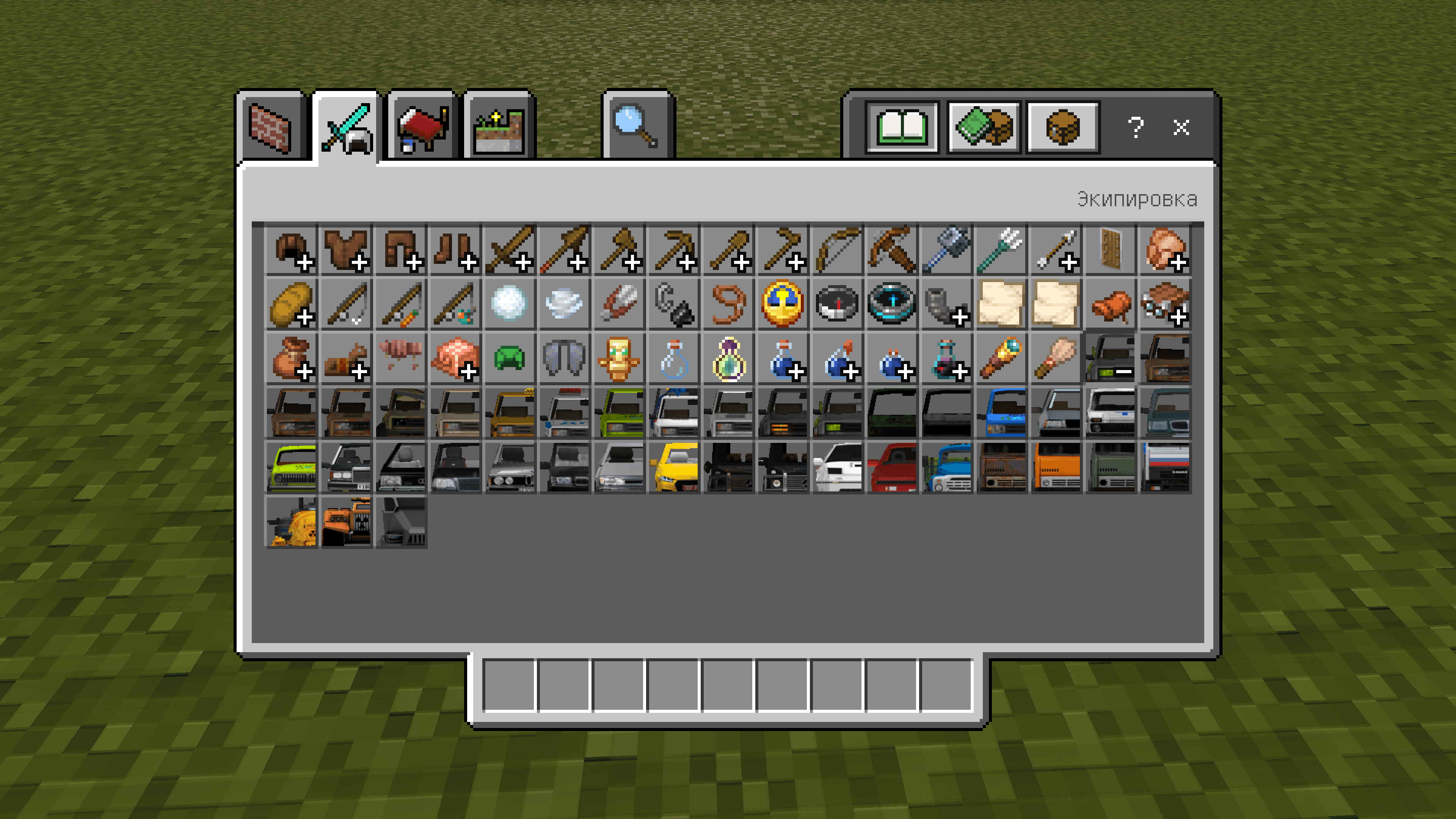
- Survival Crafting: Craft the Vehicle Base in a crafting table, then place it inside a Stonecutter to create any car from this pack!
🔧 How to Drive
- Spawn or craft your car.
- Take the matching Key in your hand and interact with the car to unlock it, sit inside, and start the engine.
- Drive using standard movement controls.
- Shift gears using attack/interact (Manual mode) or drive automatically if Automatic mode is enabled in the Controller.
Nuckem Vehicles Team