Simple NPC Plus
- By
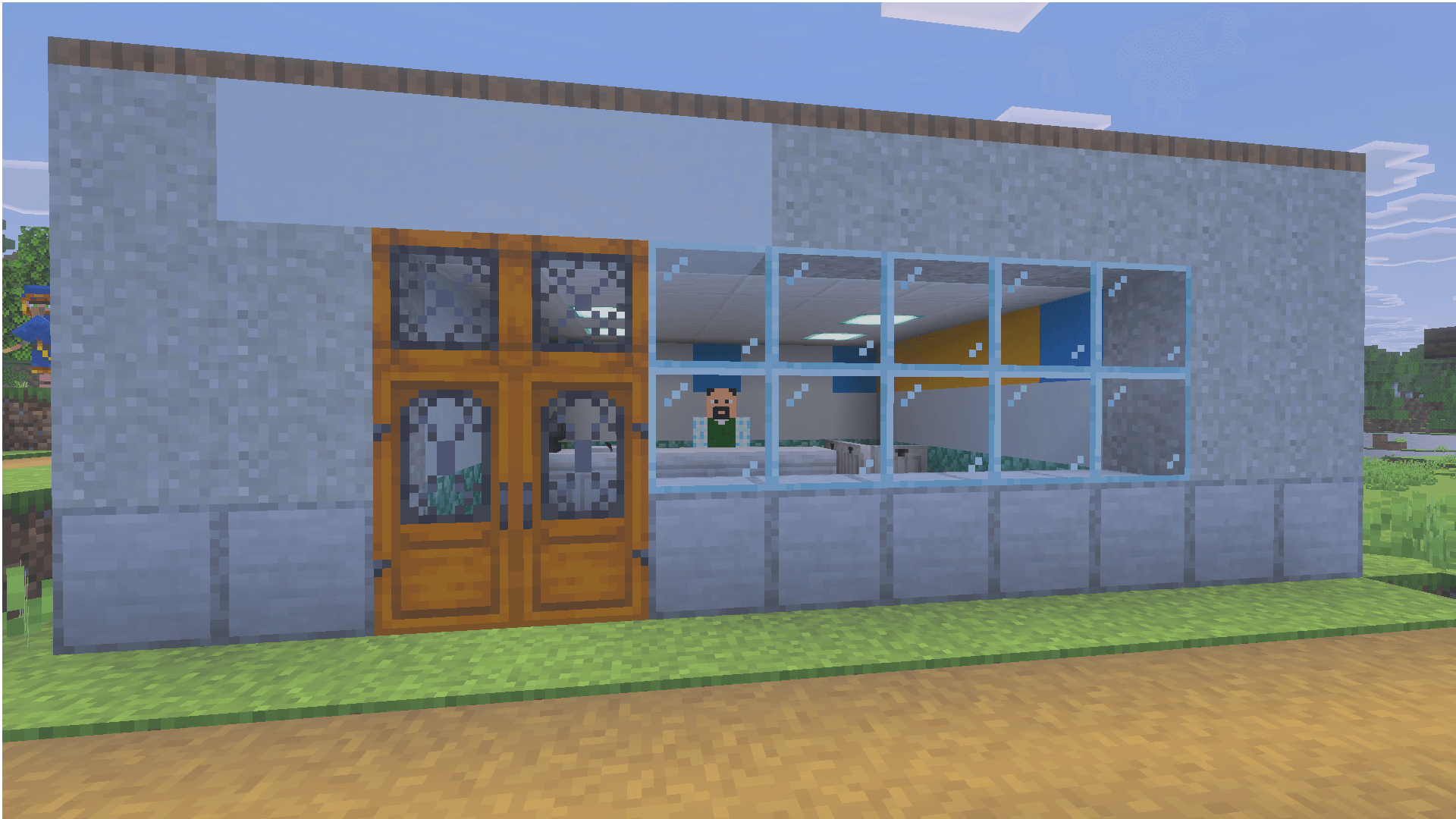
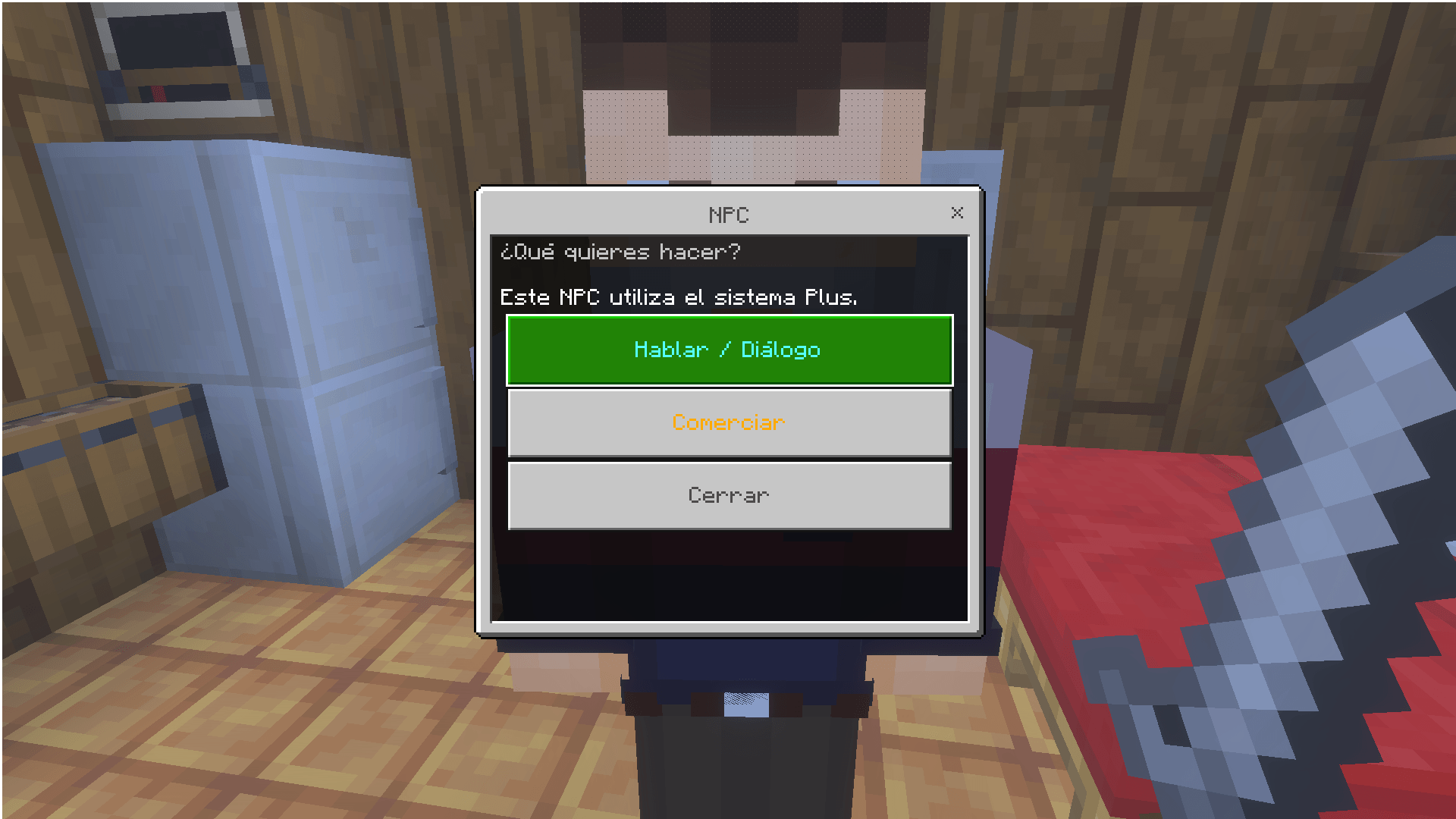
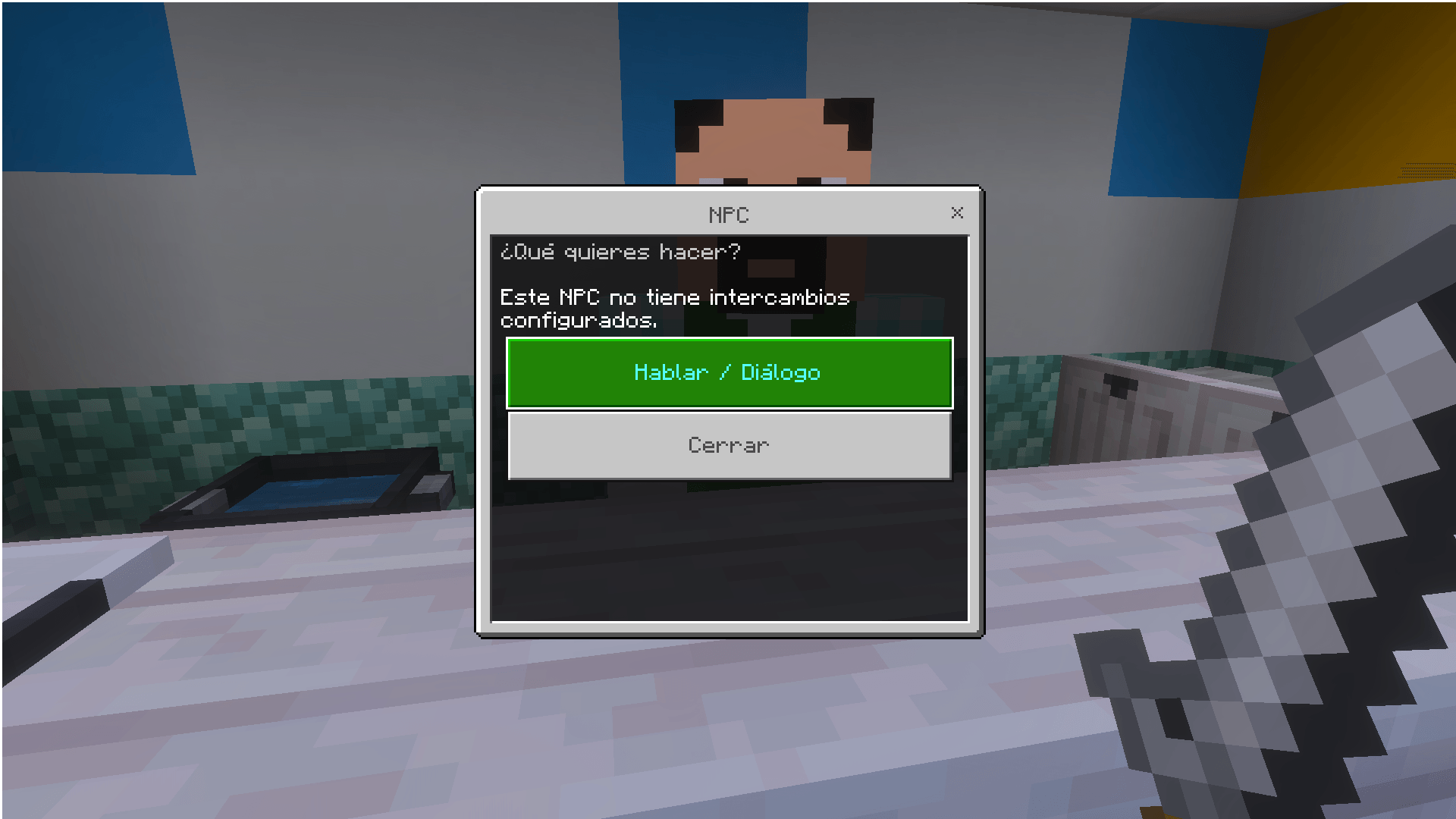
Adds an easy way to introduce trades and also gives you 45 skins for the vanilla Npc
Minecraft for Windows 26_09_2026 18_06_41.png
Minecraft for Windows 27_09_2026 12_59_14.png
Minecraft for Windows 27_09_2026 12_58_56.png
Minecraft for Windows 27_09_2026 12_59_28.png
Description
Commands
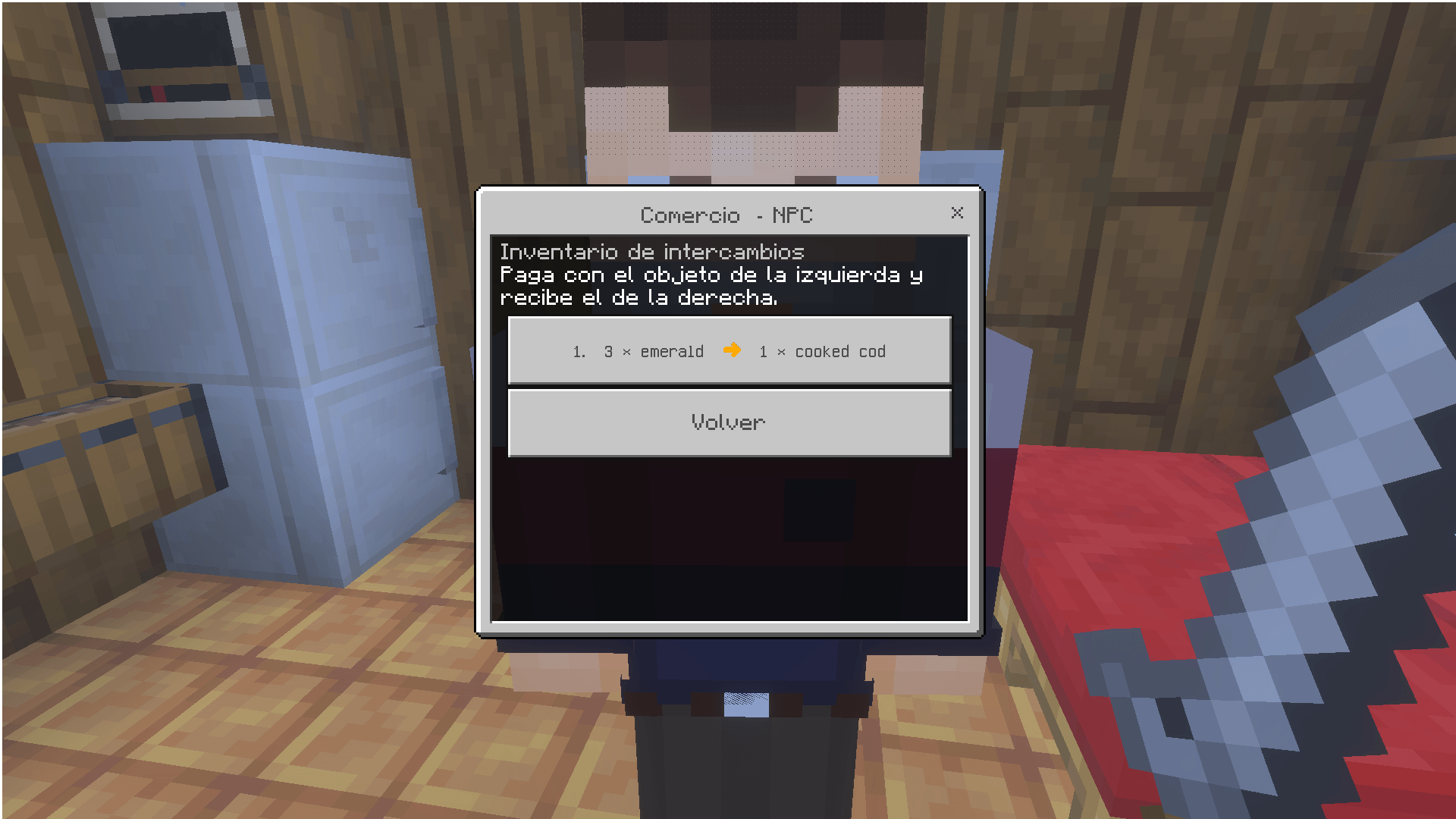
NPC Plus uses Minecraft Bedrock's /scriptevent command to connect the vanilla NPC command buttons with the addon. The command itself is a native Bedrock command; NPC dialogue buttons can execute commands, and Script API receives the event together with the NPC and the player who activated it.
Add a trade
Put this command in the NPC's normal Commands / dialogue button configuration:
/scriptevent npcplus:trade_add diamond x 3 x emerald x 1This creates:
3 Diamonds → 1 EmeraldAnother example:
/scriptevent npcplus:trade_add iron_ingot x 5 x gold_ingot x 1Creates:
5 Iron Ingots → 1 Gold IngotAdd multiple trades
/scriptevent npcplus:trade_add diamond x 3 x emerald x 1, iron_ingot x 5 x gold_ingot x 1You only have to put a , between the trades
Show the NPC's trades
/scriptevent npcplus:trade_showClear the NPC's trades
/scriptevent npcplus:trade_clearCommands are intended to be placed in the vanilla NPC's own command/dialogue configuration, so you can configure each NPC individually. NPC dialogue buttons support commands directly, and
/scripteventis designed to send custom messages into Script API.
Adding your own skins
NPC Plus already includes 45 skins, but you can also request additional skins.
Want more skins?
Create a .zip containing your Minecraft player skins (.png, normally 64×64), and upload the ZIP together with NPC Plus in some IA as ChatGPT.
Important
The NPC itself remains the vanilla minecraft:npc. NPC Plus does not replace it with a separate custom NPC entity. The normal NPC editor remains available, while the addon adds the additional functionality around it.
The Simple NPC Plus Team