Nova Gadgets: Legendary Survival Gear
- By
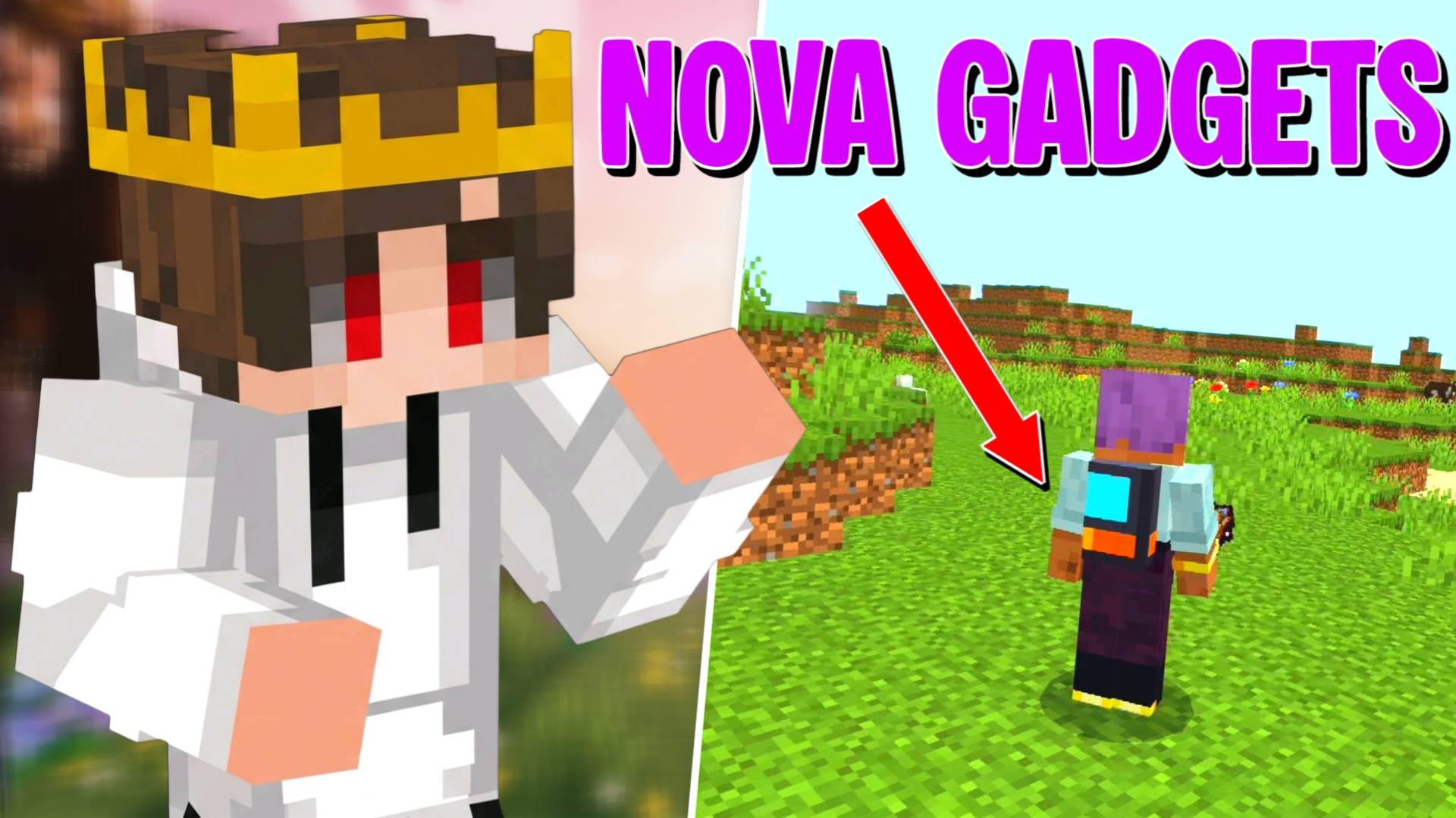
Craft 5 legendary survival gadgets! Soar with a wearable Jetpack, swing with a Grappling Hook, vanish using Smoke Bombs, trigger speed dashes, and magnetize nearby loot and XP.
Description
What is up, guys? Let us talk about a massive problem in early-to-mid game survival Minecraft. Until you actually go to the End dimension, slay the dragon, and find an End Ship for an Elytra, moving around your world is painfully slow.
If you see a massive mountain in front of you, you literally have to pillar up with dirt blocks like a noob. If you mine a vein of diamonds over a deep ravine, half of them fall to the bottom where you cannot reach them. And if a creeper or a horde of skeletons corners you in a dead-end cave, you basically just accept your fate and die.
I was honestly tired of waiting until the absolute end of the game just to have cool movement and utility gear. Here at Novacraft studios, I wanted to create a pack of fun, balanced, and super smooth utility items that you can actually craft in normal survival mode without needing endgame materials.
That is how the Nova Gadgets add-on was born. It brings five legendary, superhero-style gadgets straight into your survival world, and every single one activates with a simple right-click or long-press on your screen.
THE 5 LEGENDARY GADGETS AND POWERS
Every gadget in this add-on is designed to solve a real survival headache while making you feel like an absolute pro. They all have balanced cooldown timers and use durability so they never feel like straight-up cheating:
-
The Grappling Hook: Forget placing dirt blocks to climb cliffs. Just aim at any block up to 28 blocks away and use the hook. It instantly launches you right to your target spot and gives you a temporary Slow Falling effect so you always stick a soft, safe landing without breaking your legs. It only has a 2-second cooldown, making mountain climbing and cave parkour insanely fun.
-
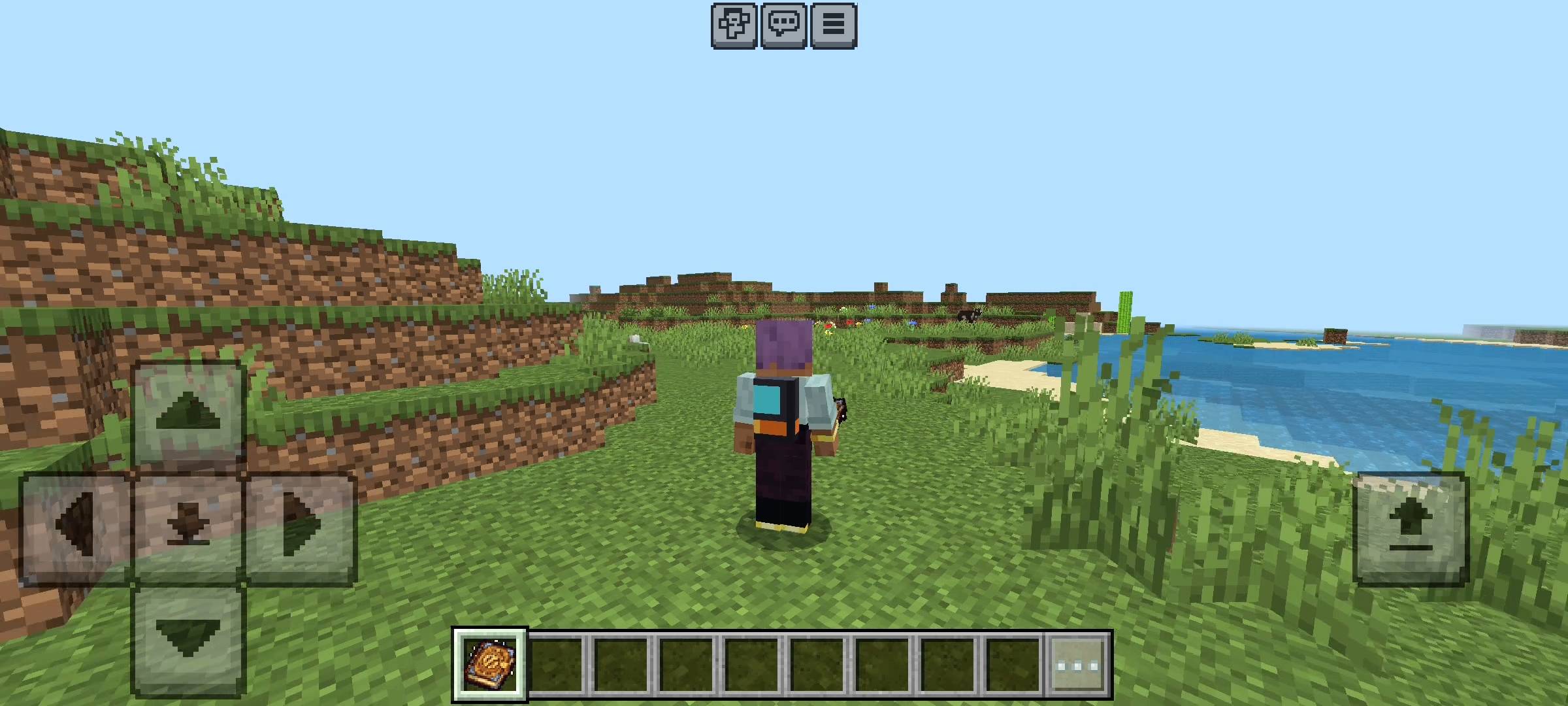
The Wearable Jetpack & Remote: This is easily the coolest item in the pack. You can use the Jetpack directly in your hand for an instant rocket boost into the sky, OR you can equip it right into your Chestplate armor slot so it visibly sits on your back! While wearing it, it acts as an automatic parachute—the moment you fall off a high cliff, it detects your falling speed and triggers Slow Falling automatically to save your life. Even better, you can craft a Jetpack Remote, hold it in your hand, and click it to fire up the thrusters on your back and fly into the clouds!
-
The Dash Charm: Need to cross a massive desert or outrun a pack of angry Piglins? Using the Dash Charm gives you an explosive Speed IV burst for 10 full seconds. With a 10-second cooldown, you can basically sprint across biomes like the Flash.
-
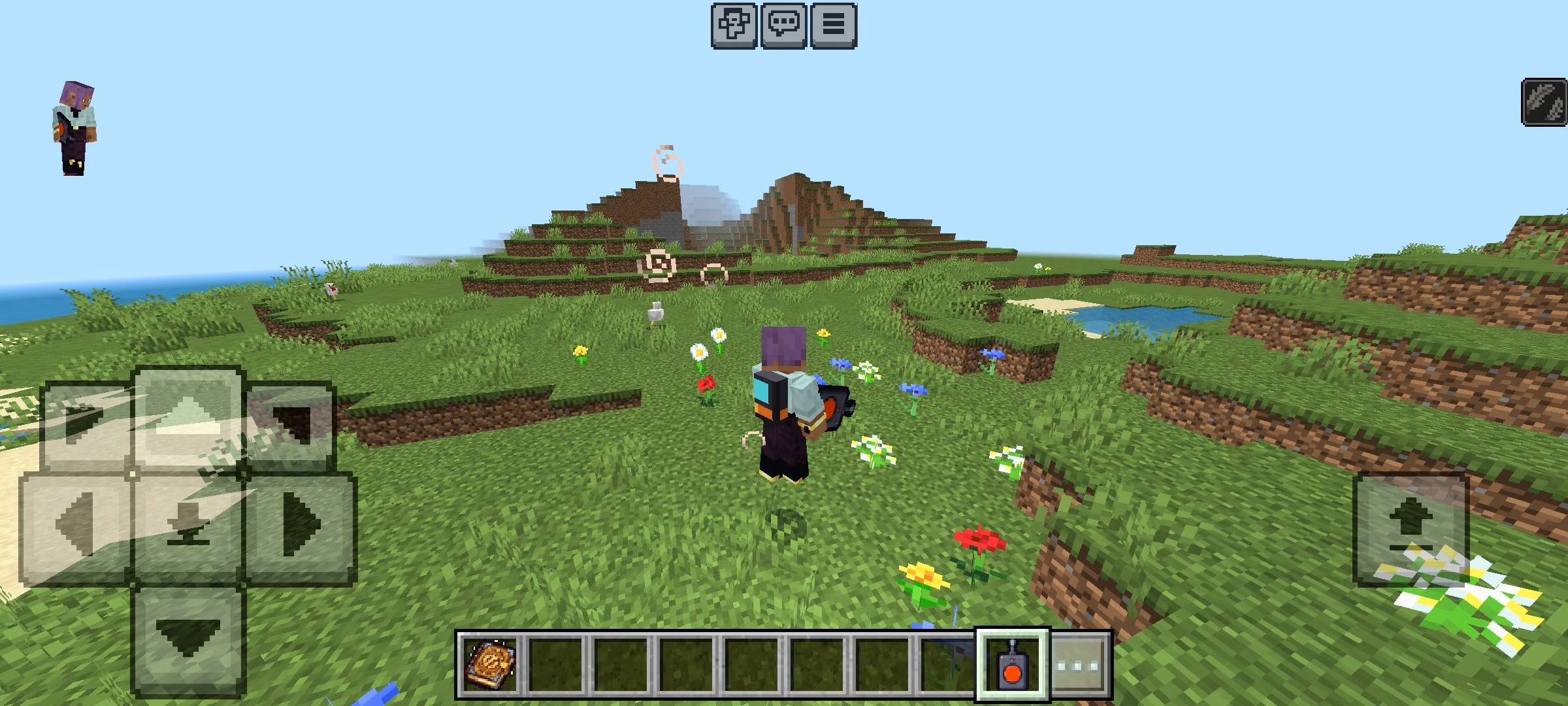
The Smoke Bomb: When you are on half a heart in a dark cave and surrounded by mobs, this gadget is your ultimate panic button. Using the Smoke Bomb drops a huge explosion cloud of smoke right at your feet and turns you completely invisible for 15 seconds, letting you vanish like a ninja and heal up in peace.
-
The Ender Magnet: Never lose hard-earned loot again. Activating the Ender Magnet creates a 2-second magnetic field across a 12-block radius around you. Instead of boringly teleporting items, it uses real physics to pull every nearby dropped item and XP orb flying straight through the air into your inventory.
SURVIVAL CRAFTING AND THE IN-GAME GUIDE PANEL
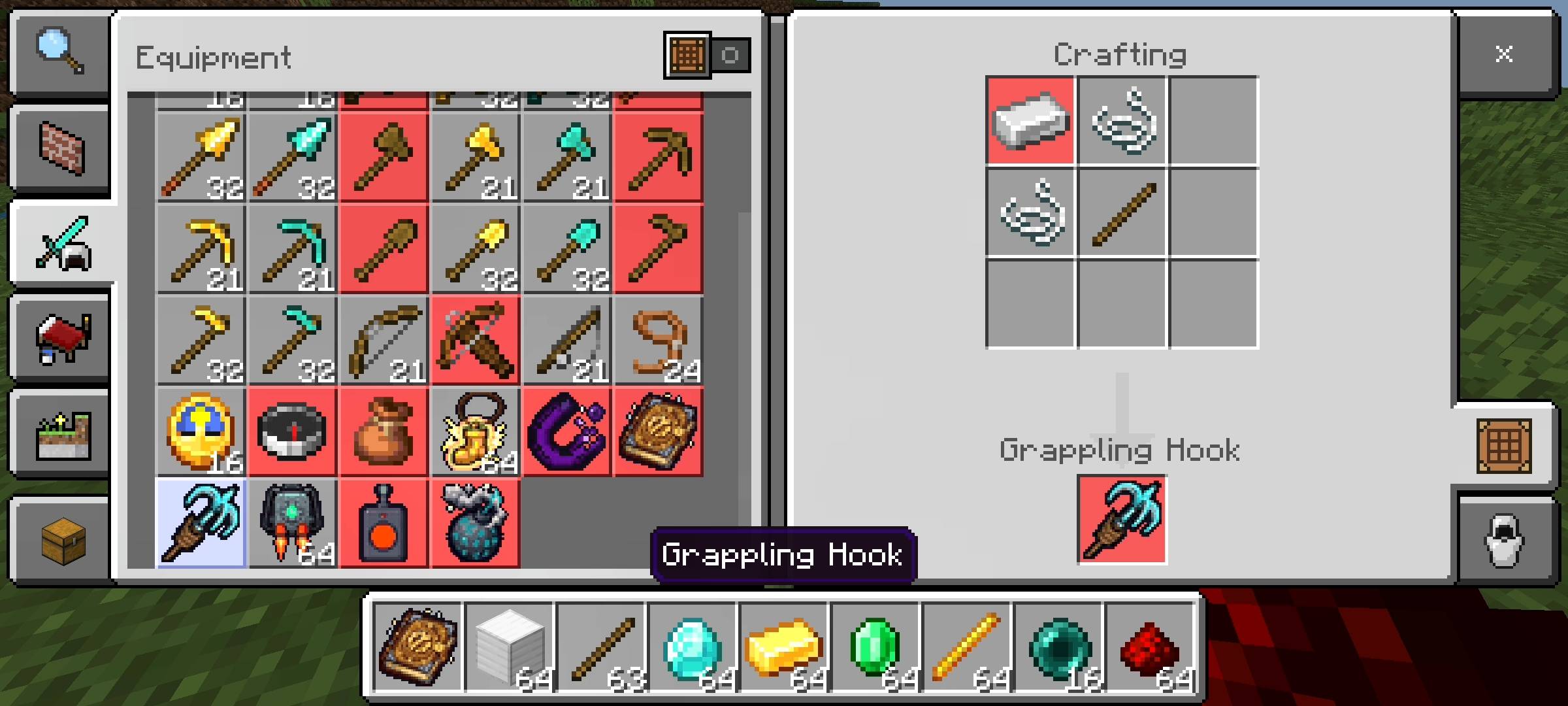
I know nobody likes keeping a browser tab open just to remember crafting recipes. The moment you spawn into your world, the add-on automatically gives you a custom Gadget Panel item (which you can also craft anytime using 1 Iron Ingot and 1 Stick).
Right-clicking or tapping with the Gadget Panel opens a clean, built-in UI menu right on your screen. From there, you can read the full Power Guide or check the exact survival Crafting Recipes for every item:
-
Grappling Hook: 1 Iron Ingot + 2 String + 1 Stick
-
Jetpack: 1 Iron Block + 1 Blaze Rod + 1 Redstone Block
-
Jetpack Remote: 1 Redstone + 1 Iron Ingot + 1 Stick
-
Dash Charm: 1 Sugar + 1 Gold Ingot + 1 Emerald
-
Smoke Bomb: 1 Gunpowder + 1 Coal + 1 String
-
Ender Magnet: 1 Ender Pearl + 1 Iron Ingot + 1 Redstone
All recipes also unlock naturally in your standard crafting table recipe book as you pick up the materials, and when your gadgets start running low on durability, you can easily repair them using Iron Ingots!
HOW TO IMPORT AND ENABLE BETA APIS
Getting these gadgets running in your world is super simple:
-
Download the add-on file from this page.
-
On PC: Double-click the downloaded file to launch Minecraft and import it automatically. On Mobile (Android/iOS): Tap the downloaded file in your file manager and select "Open with Minecraft".
-
IMPORTANT STEP: Before loading into your world, open your World Settings, scroll down to the Experiments tab on the left menu, and toggle ON Beta APIs. If Beta APIs are turned off, the custom gadget powers, magnetic physics, and UI guide panel will not work!
- QUICK COMMUNITY NOTICE REGARDING AI
Just a quick note about the pictures on this Add-on. The main cover thumbnail and the screenshots in the gallery were enhanced using ai image tools.
Nova Gadgets: Legendary Survival Gear Team

Owner