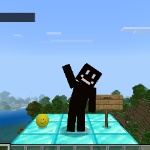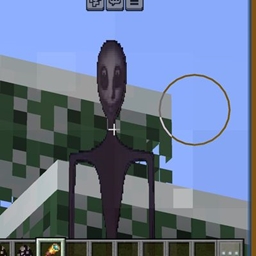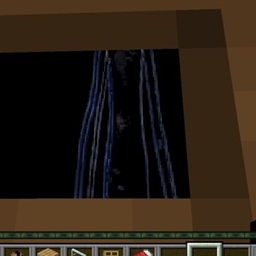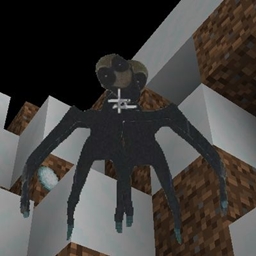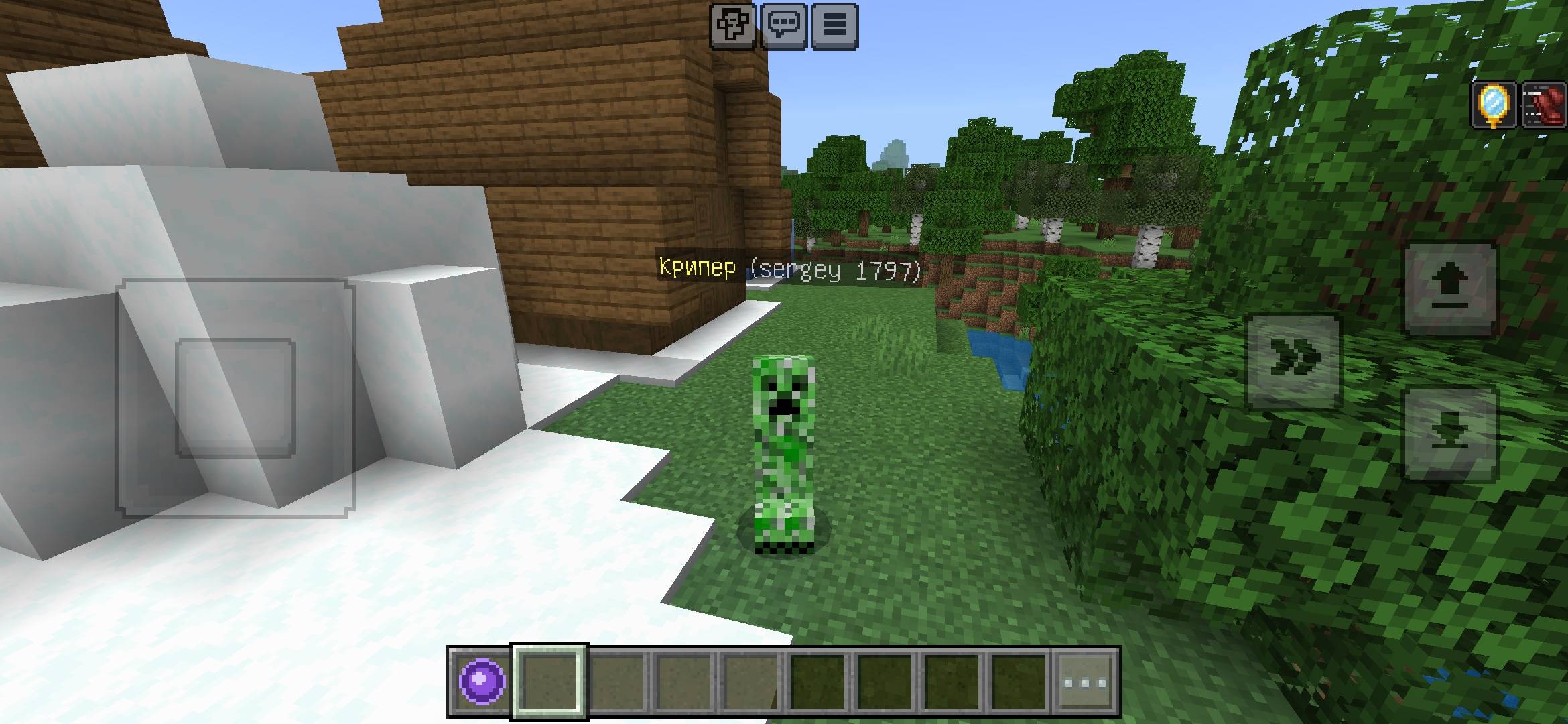
Screenshot_20260816-153613_5c8300b655012b1930f2e0a7b81bf6a9.jpg
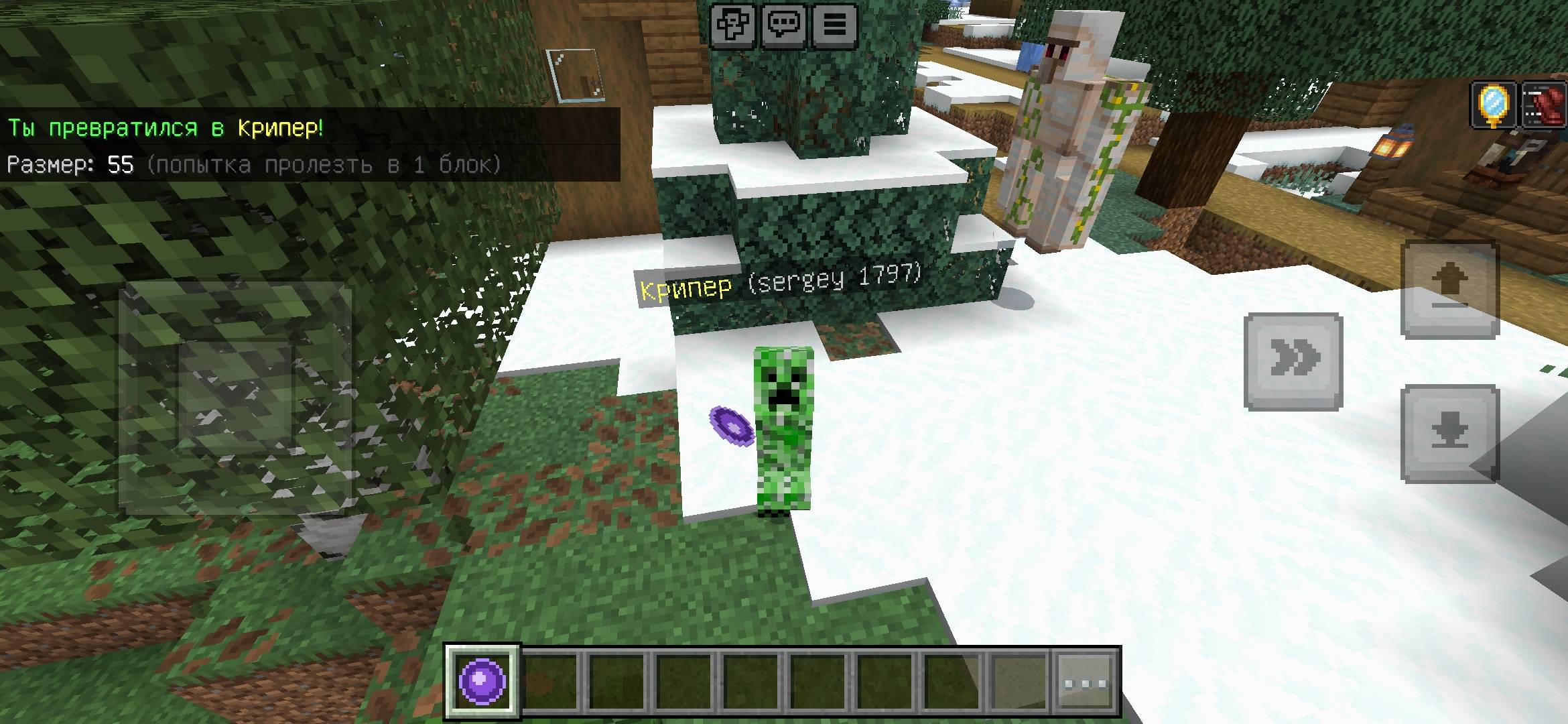
Screenshot_20260816-153603_5c8300b655012b1930f2e0a7b81bf6a9.jpg
Description
Morph Menu — Turn into Mobs!
Minecraft Bedrock 1.26.40+
Transform into dozens of mobs with a simple item!
Features:
• Custom item Morph Menu
• Beautiful UI with 60+ mobs (cow, pig, chicken, zombie, creeper, enderman, spider, wolf, fox, and many more)
• Easy return to human form
• Player becomes invisible + visual mob follows you
• Reduced size / hitbox attempt (try to fit through 1-block gaps)
• Water Breathing while transformed
• Automatic item on join
• Works in Survival & Creative
How to use:
1. Hold the Morph Menu item
2. Use it (right-click / long press)
3. Choose any mob from the list
4. Press "Return to Human" to turn back
Installation:
1. Download the .mcaddon
2. Open it with Minecraft
3. Activate both Behavior Pack and Resource Pack
4. Enable Beta APIs experiment
5. Enter the world
Command:
/give @s morph:menu
Notes:
• Visual morph system (player stays invisible, mob entity follows)
• May conflict with other addons that modify player.json
• Best on Minecraft Bedrock 1.26.40+
Morph menu Team