More Flatworld Presets
- By
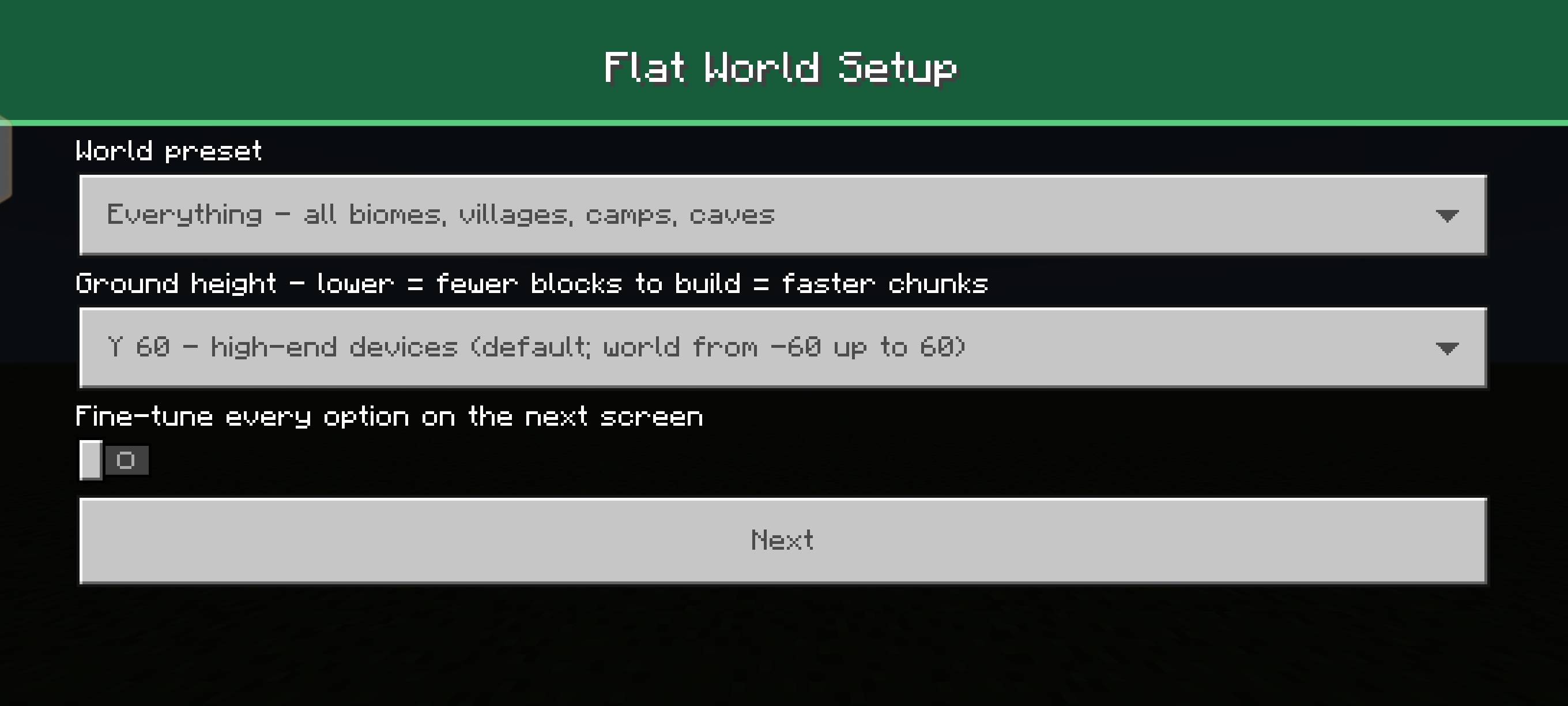
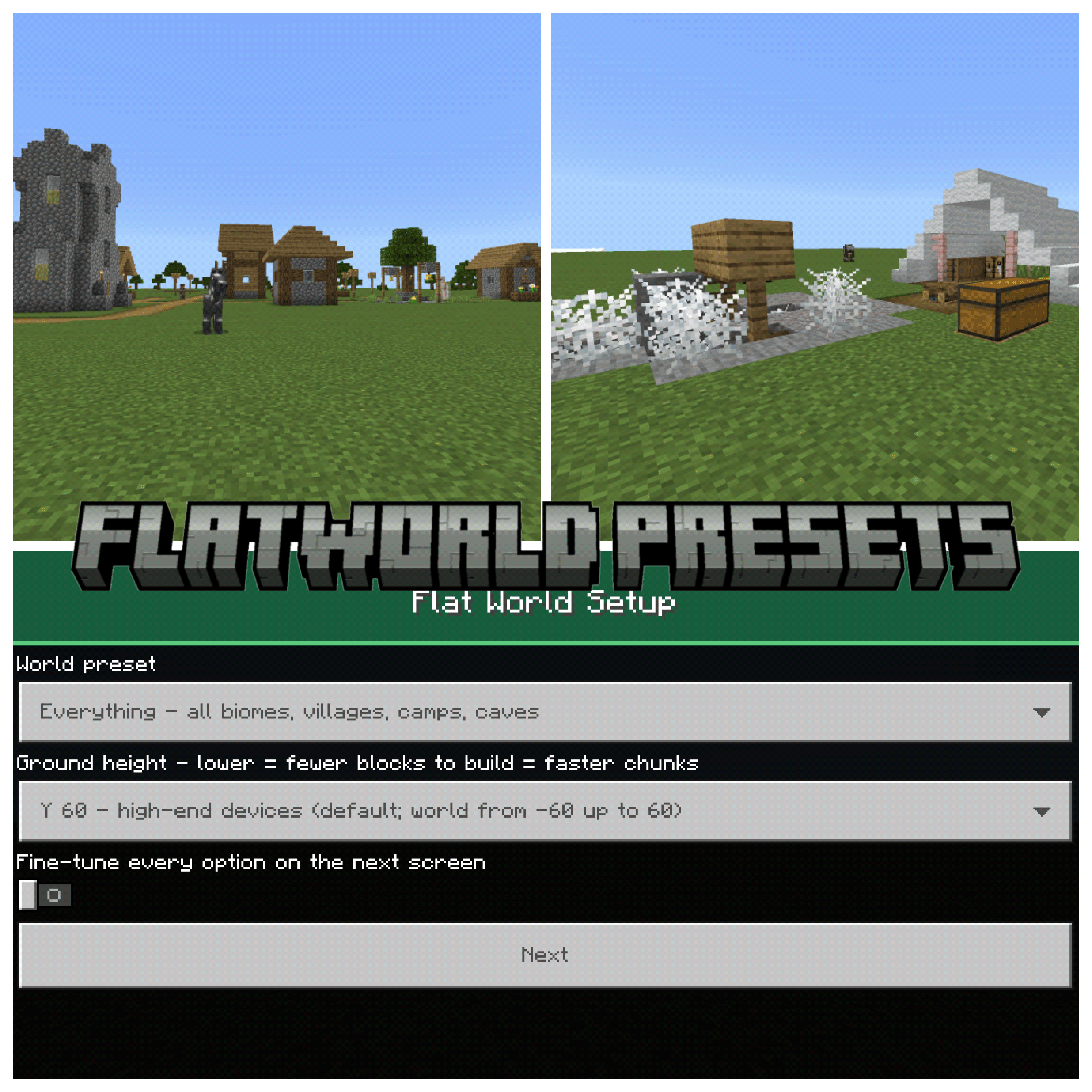
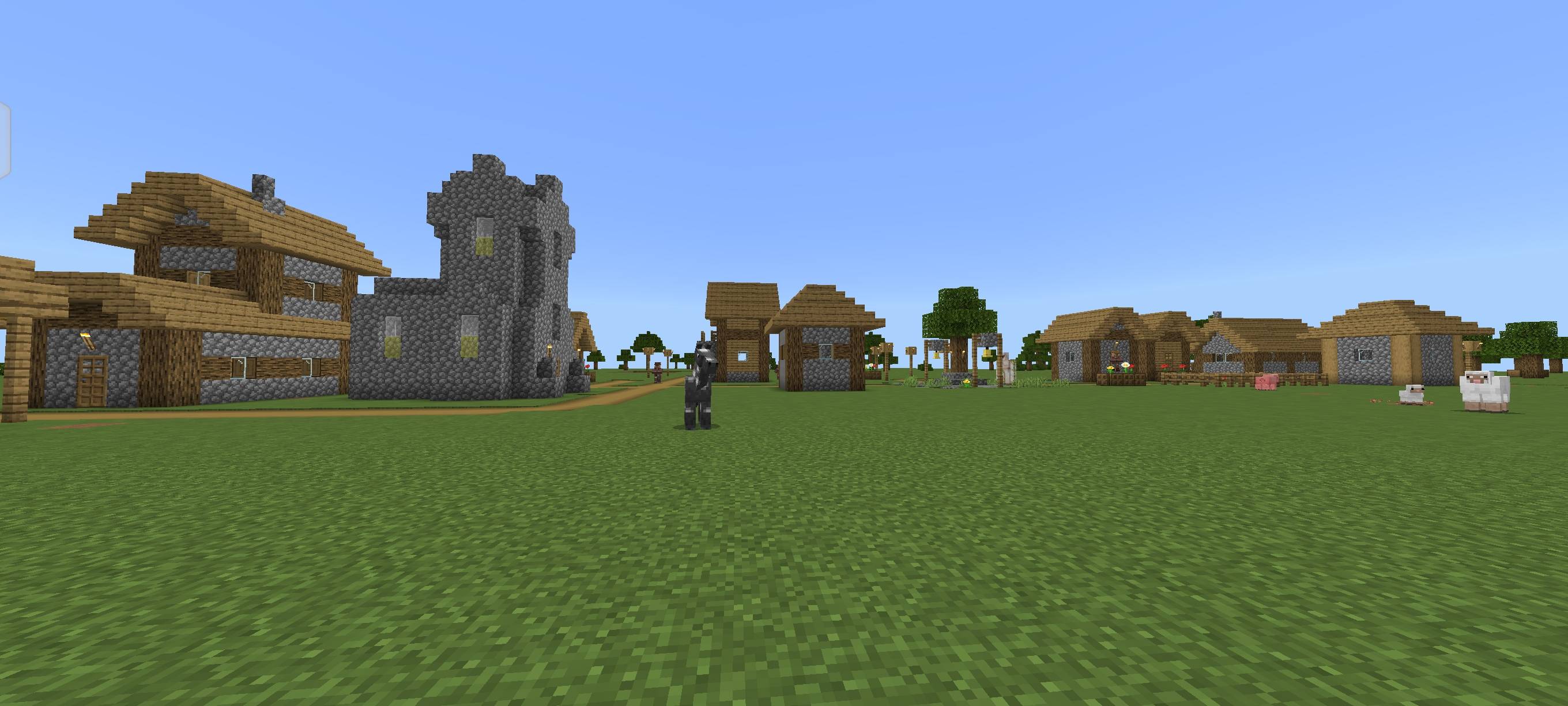
Turns your flat world into a world of presets: scripted biomes, many tree types, lakes with coral and shipwrecks, rivers, villages, camps, strongholds and ruined portals. Pick a preset or build your own in a full-screen menu.
483216.jpg
483217.jpg
483224.jpg
483221.jpg
Description
More Flatworld Presets
Builds on a flat world. As chunks load, it flattens the terrain and adds biomes, structures and water on top of the flat ground. When you first join a new world, a full-screen menu lets you choose a preset, or switch features on and off yourself.
Presets
Everything · Wild Forests · Hot Lands · Frozen North · Peaceful Explorer · Builder's Flat · Structures Only · Flower World · Grassy World · Pure Flat · Custom
What it adds
- Biomes: plains, forest, birch forest, dark forest, swamp, jungle, savanna, desert, snowy taiga, snowy plains, dappled forest, cherry grove
- Trees: dozens of kinds, including dark oak, mega spruce and jungle, mangrove, azalea, snowy spruce, dead trees and fallen logs
- Water: lakes joined by winding rivers, deep and coral lakes, kelp and seagrass, fish
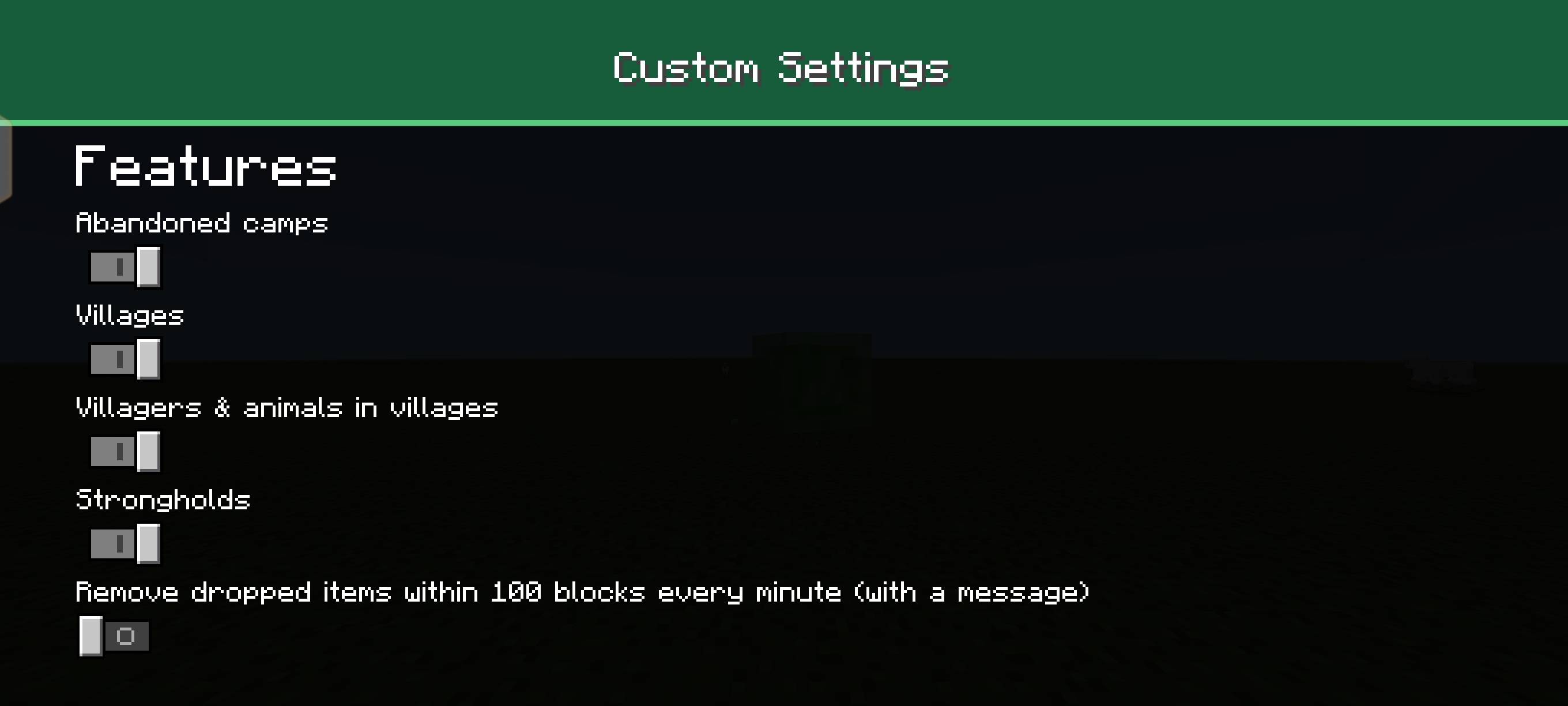
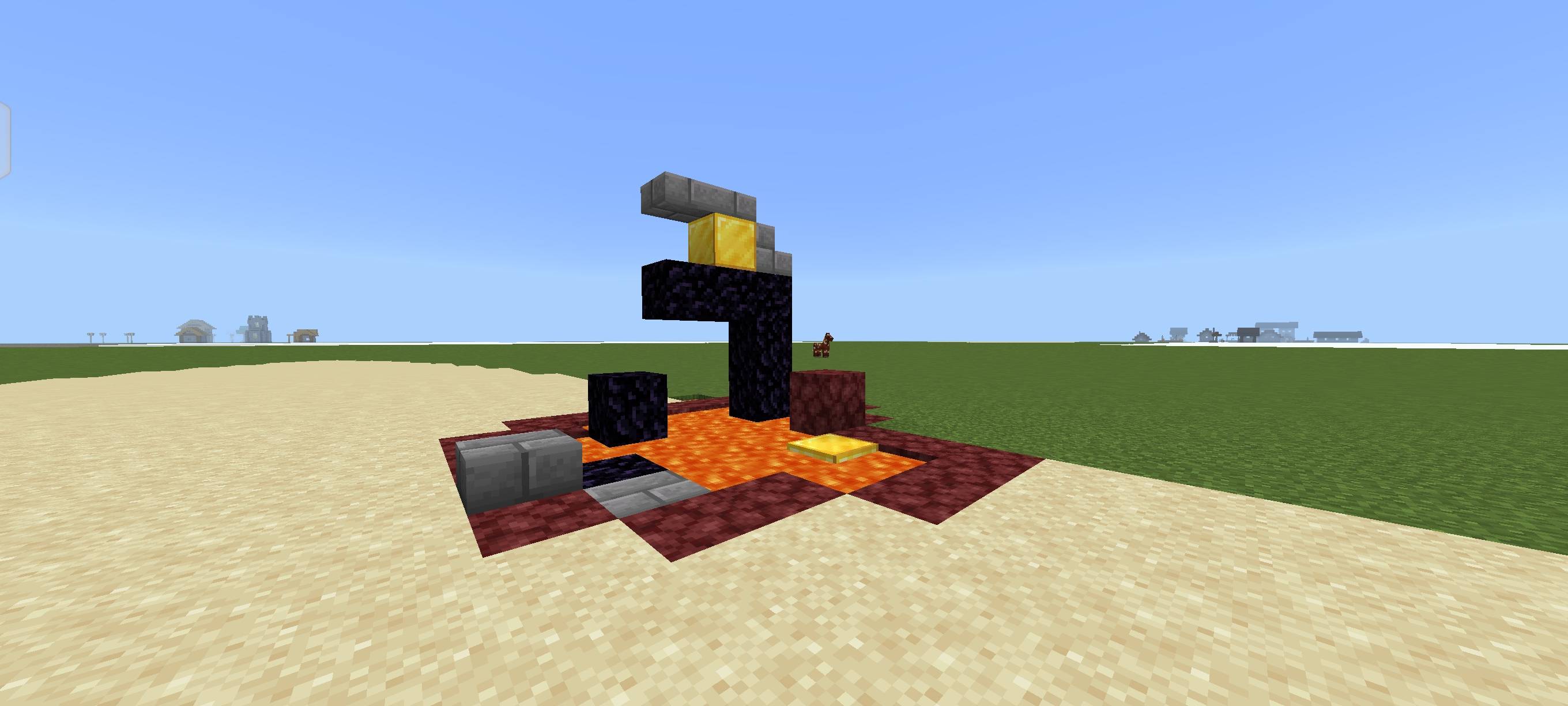
- Structures: villages, abandoned camps, strongholds, ruined portals, and vanilla shipwrecks in big lakes
- Underground: ores, stone types and caves
- Ground height: choose Y 60, Y 20 or Y 0. Lower is faster on weaker devices
- Optional: remove dropped items within 100 blocks every minute, with a chat message (off by default)
How to use
1. Import the .mcaddon.
2. Create a new Flat world.
3. Turn on the behavior pack More Flatworld Presets and its resource pack More Flatworld Presets RP.
4. Join the world and pick a preset in the menu.
The ground height can only be chosen at the start of a world.
Optional grass packs
Resource packs can't be switched by scripts, so grass colours come as two separate optional packs. Turn on one of them in the world's resource pack settings if you want it:
- More Flatworld Presets - Warm Grass: yellow-green savanna colours. Use with *Hot Lands*.
- More Flatworld Presets - Cold Grass: blue-green taiga colours. Use with *Frozen North*.
The colours come from the vanilla colormaps. They apply to the whole world, and other presets look best without them.
Notes
- Use it in a new world (most preferably a FLAT WORLD). Chunks already generated keep their old terrain.
- If you move very fast you can still outrun the flattening, especially when sprint-flying. A higher simulation distance in video settings helps.
Commands
`/scriptevent flatworld:status` shows generation progress. `/scriptevent flatworld:stronghold` gives the nearest stronghold's position, and adding `tp` teleports you into it once it exists.
LVRKmc
More Flatworld Presets Team