More Commands || 1.2.0 Update
- By
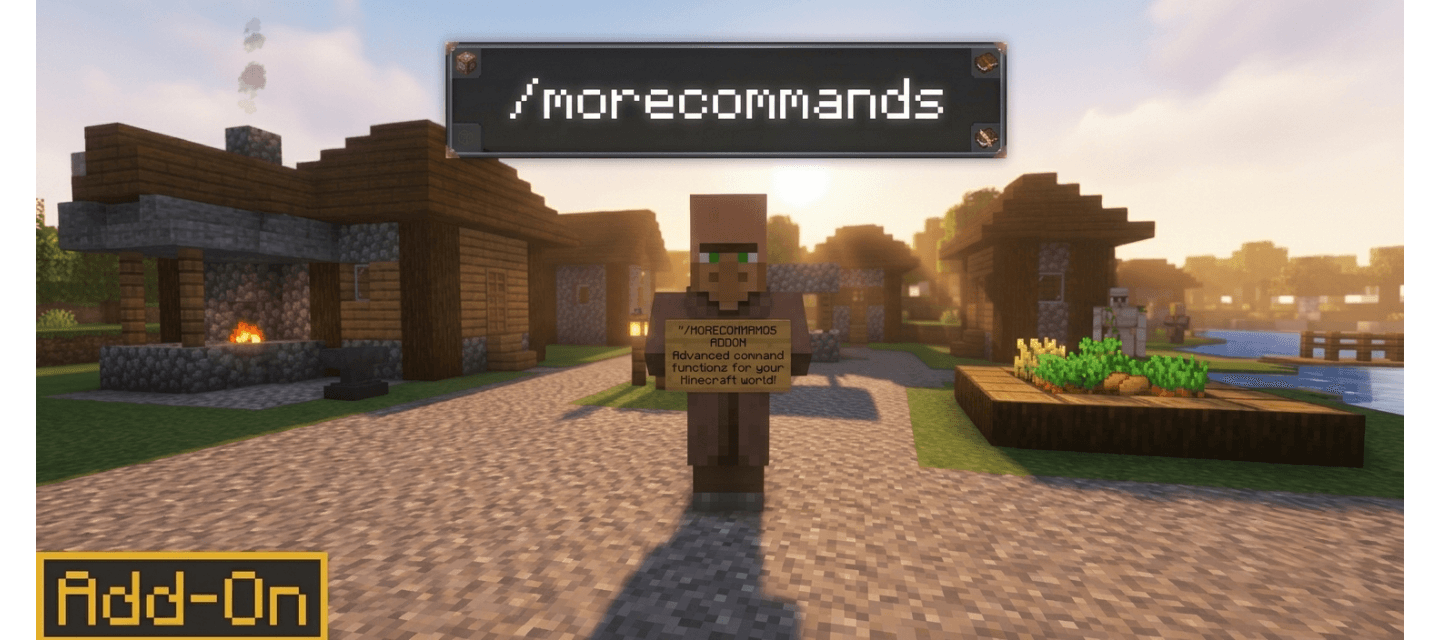
Adds a bunch of new handy commands and shortcuts to the game to enhance your Gameplay!
Description
MoreCommands || By Creator Studios
MoreCommands is a lightweight scripting add-on that adds a huge set of quick chat commands — gamemode shortcuts, teleport tools, quality-of-life utilities, and instant mob/item spawning and much more!
‣ Features
‣ 40+ handy utility commands (teleport homes/warps, fly, god mode, vanish, freeze, particle effects, and more)
‣ No Experimental Mode Needed!
‣ Compatible with Minecraft Version 1.20.70 upto latest 26.40!

‣ Terms Of Use:-
You can use all our projects for non-commercial purposes if you credit the original download page.
(This also includes monetized social media videos / livestreams and small servers up to 20 concurrent players)
Any other use, especially commercial, must be discussed with us in advance!
 ‣ Command List
1. /gs - change gamemode to survival
2. /gc - change gamemode to creative
3. /gsp - change gamemode to spectator
4. /ga - change gamemode to adventure
5. /npc - summon an NPC at your position
6. /heal - restore your health to full
7. /feed - restore your hunger to full
8. /fly - toggle flight on or off
9. /enchants - open a menu to enchant your held item
10. /repair - repair the item in your hand
11. /kit - give yourself a starter kit
12. /day - set the time to day
13. /night - set the time to night
14. /tpa - request to teleport to a player
15. /tpaccept - accept a pending teleport request
16. /god - toggle invulnerability
17. /jump - set your jump boost level (0-10)
18. /vanish - toggle invisibility to other players
19. /warp - teleports players to a saved warp and can used to save a position as a warp with a custom name
20. /setwarp - save your current position as a warp
21. /home - teleport to your home
22. /sethome - set your home to your current position
23. /back - teleport back to your last location
24. /rename - rename the item in your hand
25. /stack - auto-stack your inventory
26. /explode - trigger a safe explosion effect at your feet
27. /freeze - freeze or unfreeze a player in place
28. /spawnmob - spawn several mobs at once
29. /biome - show the biome you're standing in
30. /pe - spawn a particle effect, optionally looping at a position
31. /pestop - stop your active looping particle effect
32. /nick - change your display nametag
33. /invsee - view another player's inventory (read-only)
34. /sit - sit down (or stand back up)
35. /lightning - summon a lightning bolt at your position or a given location
36. /repairall - repair every item in your inventory and armor
37. /mobkill - clear all mobs of a given type in the loaded area
38. /nametag - rename the mob you're looking at
39. /guide - get the More Commands guide book
40. /entitycount - report how many entities are loaded nearby
41. /cdlist - list all commands added by this addon
42. /nether - tp to nether dimension
43. /End - tp to end dimension instantly
44. /Spawn - tp to world spawn
45. /rain - changes weather to rainy
46. /Sunny - clears the weather
47. /Tag - Give permissions to whom can use what Commands, Owners have all commands access, Admins have access to all the admin only commands and Player tagged ones have access to limited commands and not game breaking commands like /mobkill and /invsee.
48. /Warplist - Tells the list of saved warps.
‣ Mob & Item Shortcuts
All mobs and items in the game are available as their own instant one-word commands (e.g. /zombie to summon, /diamond 10 to get 10 diamonds). Run /cdlist in-game for the complete, current list of commands and also a guide containing all commands information is given to player at world creation.
More Commands || 1.2.0 Update Team