promotional bannermobile promotional banner

More 3D Flower [UPDATE]

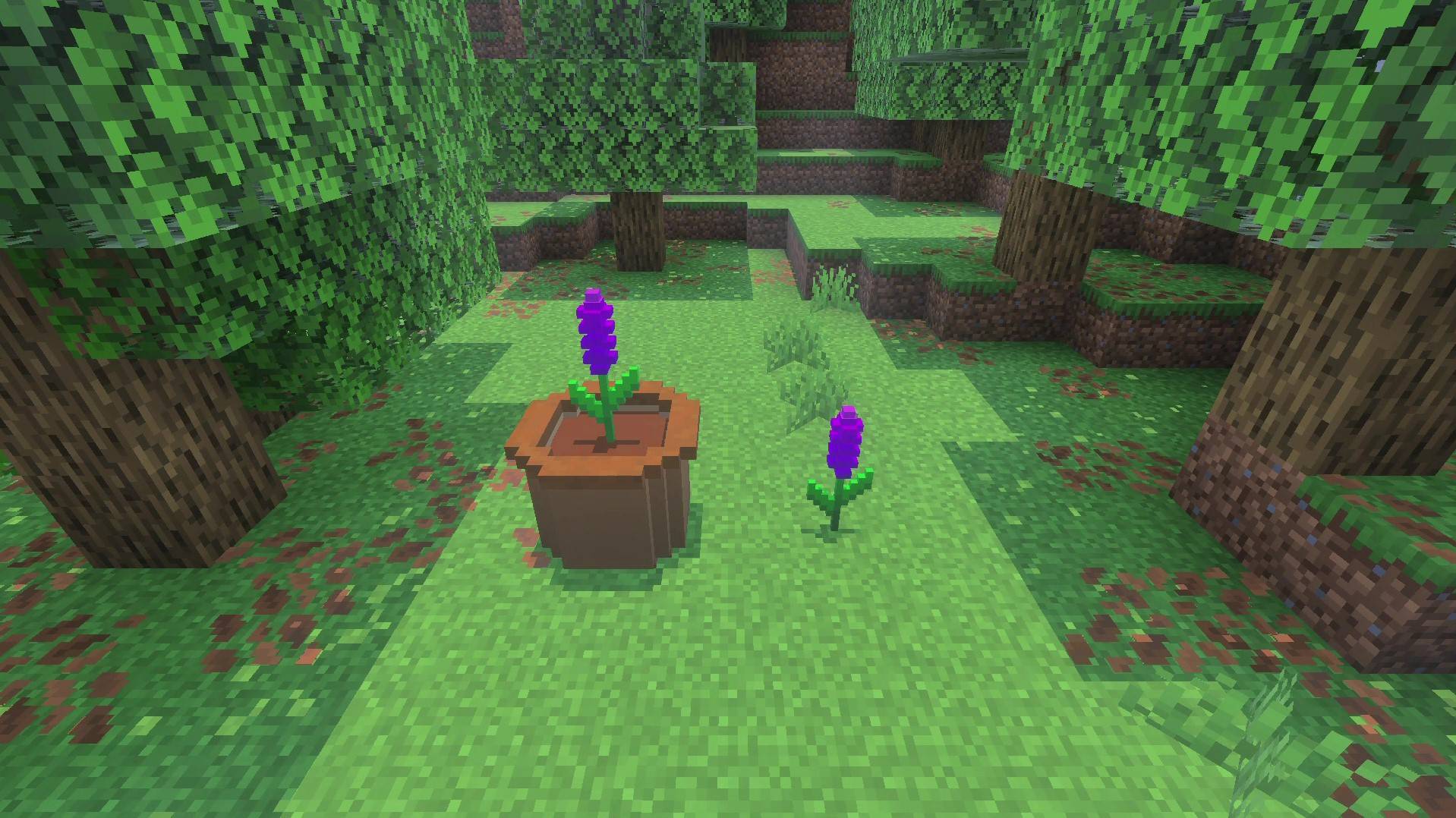
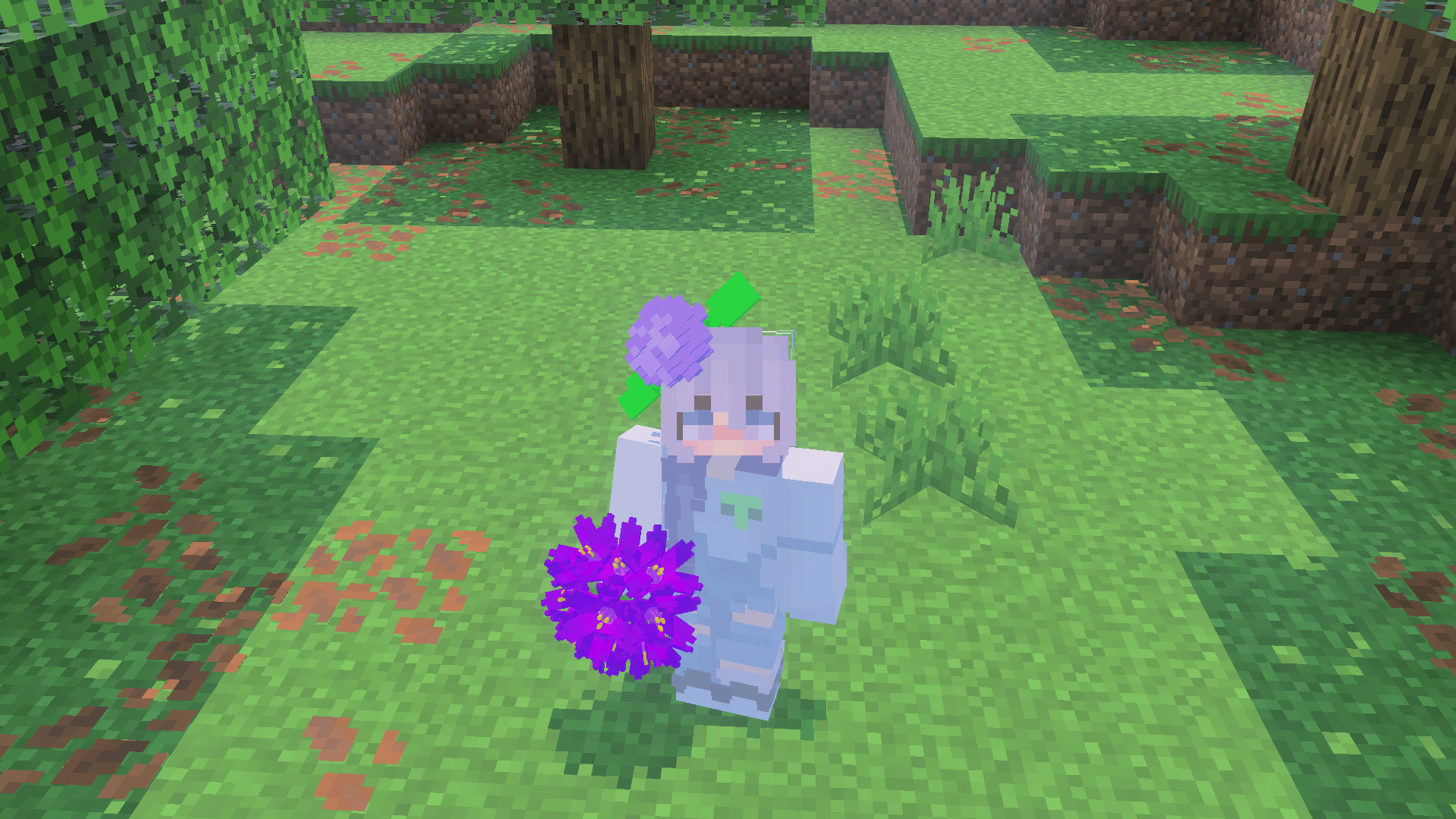
addon add new 3d flower and can flower equip to hat
Screen Recording 2025-11-21 185231 - frame at 0m44s.jpg

Screen Recording 2025-11-21 185231 - frame at 0m44s.jpg

Screenshot 2025-11-21 193834.png

Screenshot 2025-11-21 193834.png

1000242586.png

1000242586.png

MCPEDL

MCPEDL

Description

🌸 Enchanting Blooms –  New 3D Flowers Add-On

Introduction
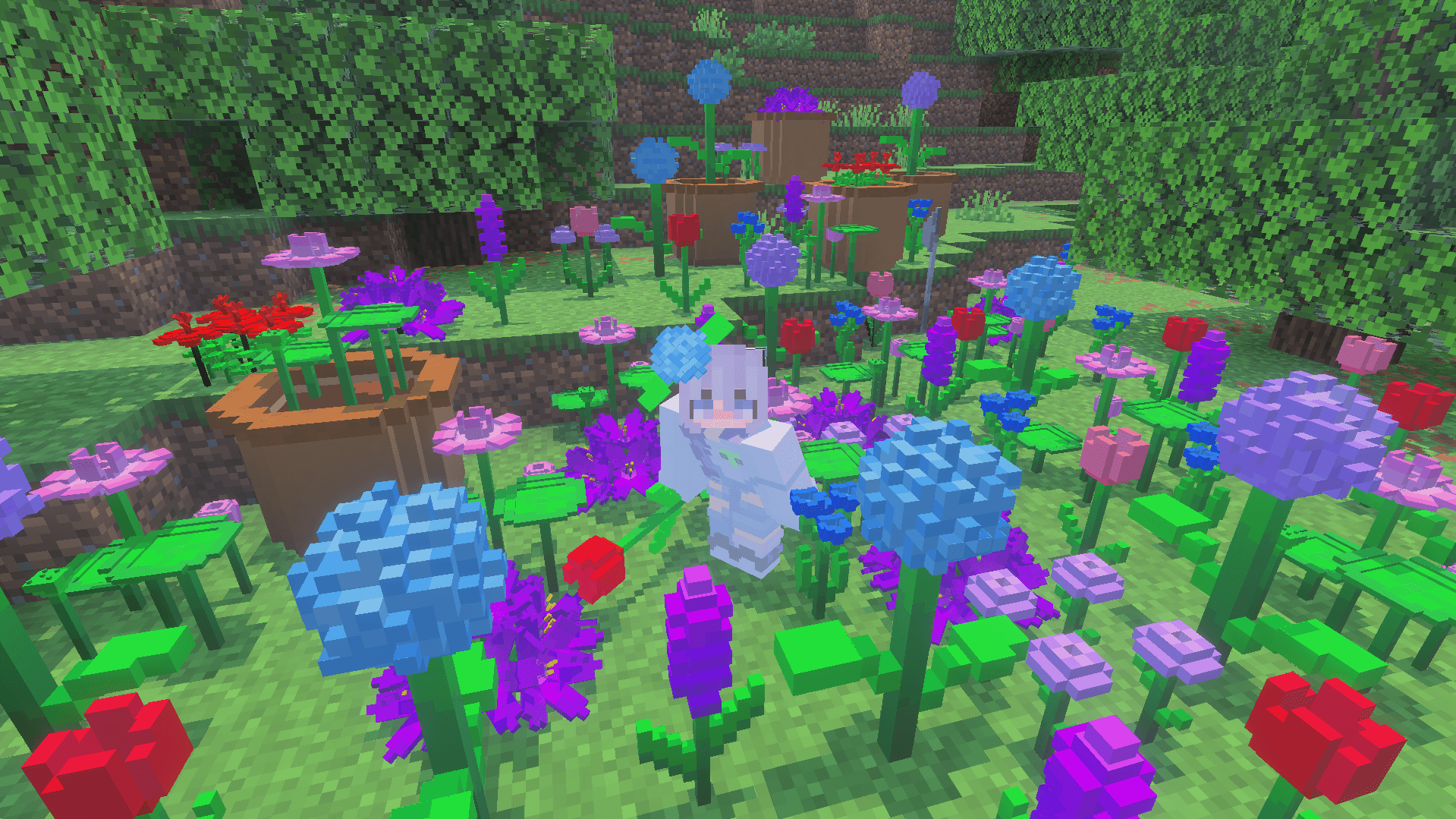
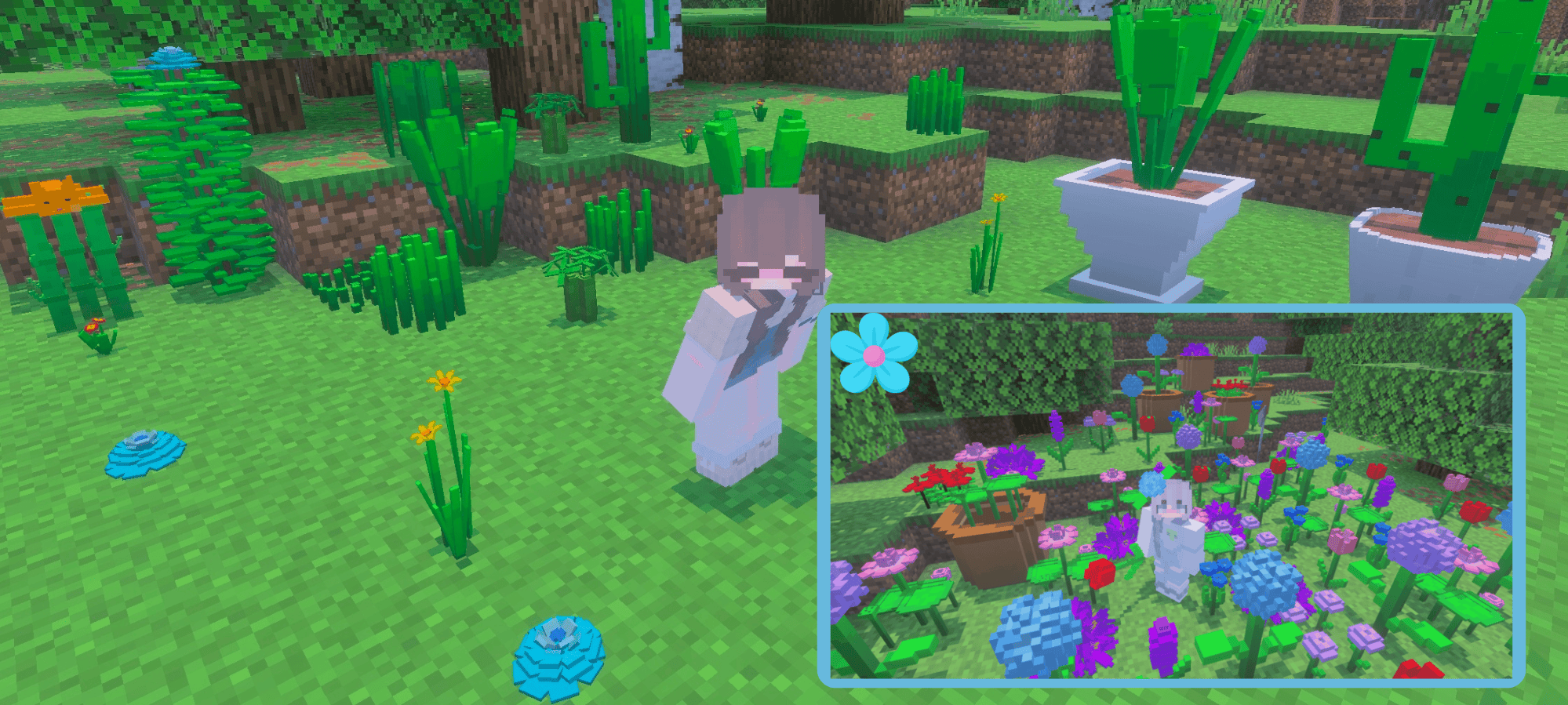
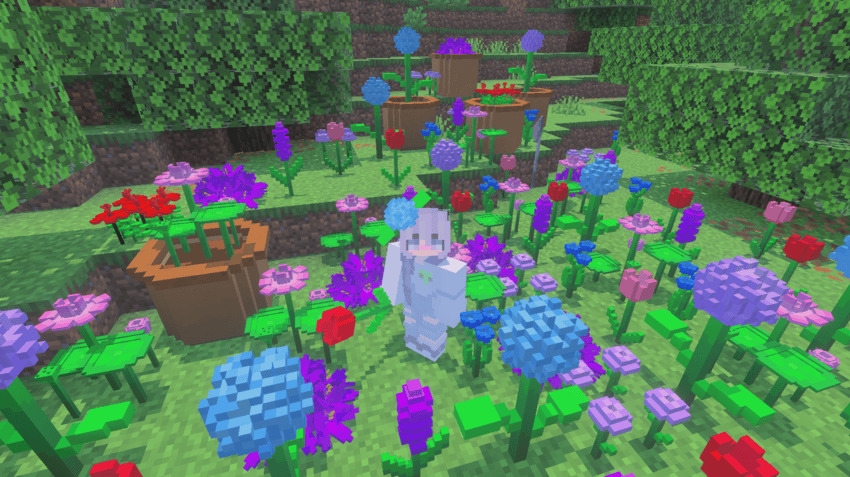
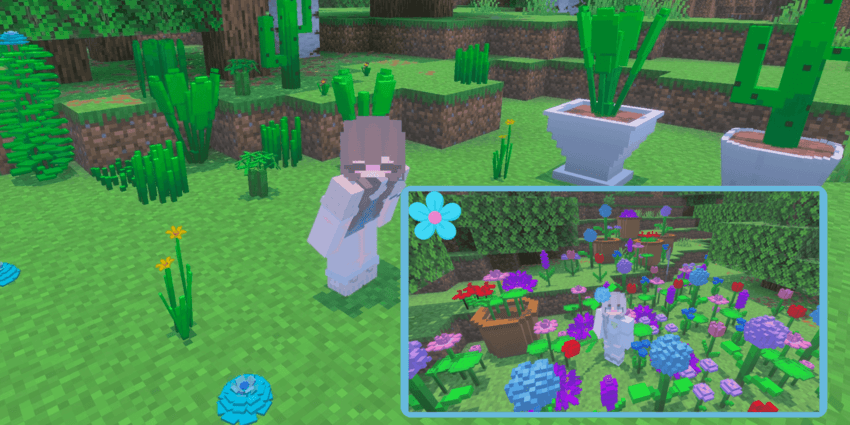
Bring the beauty of a flourishing meadow to your Minecraft Bedrock world with Enchanting Blooms — an addon that adds 10 brand-new 3D flower species. Not only do these flowers enhance your in-game landscapes, but you can also wear them on your head using fun, simple commands.


✨ Key Features

  • 10 Unique Flower Species: Each flower has its own shape, color, and 3D model, making your gardens and biomes more vibrant and diverse.

  • Fully 3D Models: Unlike typical flat flower textures, these flowers are built with full 3D geometry — realistic petals, stems, and leaves.

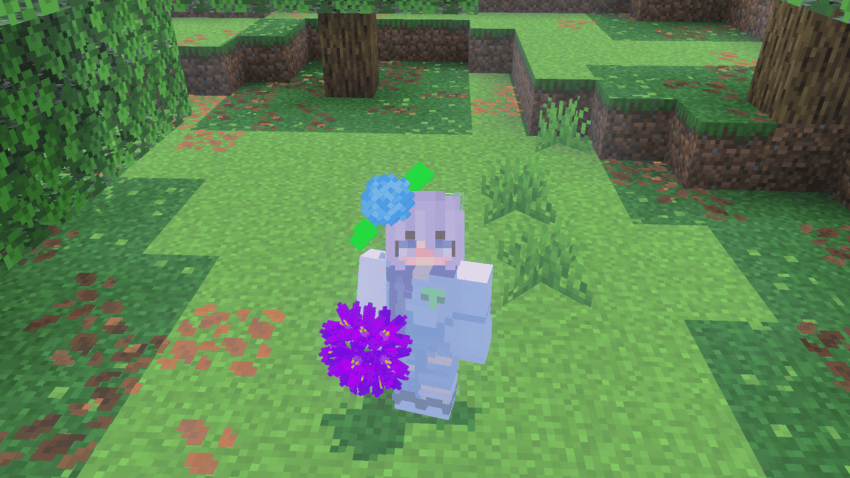
  • Wearable Flowers: Use the command

     
    /function [flower_name]

    to let your character wear the flower as a head accessory. For example, /function lotus will put a lily on your head!

  • Custom Names & Variants: Every flower species has a unique name (e.g., Lavender, Rosebud, Sunpetal), and some have color or size variants for extra variety.

  • Compatible with MCPE / Bedrock: Designed to run smoothly in Minecraft Bedrock Edition, this addon works in both single-player and multiplayer worlds.


πŸ“₯ How to Install

  1. Download the .mcpack file from the download button.

  2. Import it into Minecraft Bedrock Edition (Behavior Pack and Resource Pack).

  3. Activate both packs in your world settings.

  4. Once in-game, enter creative mode and use the /function [flower_name] command to wear any flower you like.


🎨 How to Use in Gameplay

  • Decorate Your World
    Plant these flowers in gardens, along paths, or around your builds to add a realistic and aesthetic touch.

  • Roleplay & Photo Ops
    Wearing a flower crown opens up roleplay possibilities — from fairy-tale gardens to festival-themed builds. They also make for great screenshots!

  • Gardening & Farming
    Mix and match species to create custom floral arrangements. Use bone meal, or simply place them by hand.


πŸ’‘ Why This Add-On Stands Out

  • Immersive Design: The 3D nature of these flowers makes them more than just decorative — they feel like real plants in your Minecraft world.

  • Player Interaction: By adding the wearable feature, the addon encourages exploration (finding and “collecting”” flowers) and personalization.

  • Lightweight & Efficient: Despite the 3D models, the addon is optimized for minimal performance impact.

  • Community Potential: Perfect for creators who build botanical gardens, fairy realms, or floral-themed maps — this addon adds value and versatility.


πŸ”§ Known Issues & Tips

  • Ensure you have both Behavior Pack and Resource Pack enabled; otherwise, the 3D models or wearing function may not work.

  • Using the /function command requires you to have cheats enabled or operator permissions.

  • If a flower is missing, check the spelling of the name in the command — names are case-insensitive, but must match exactly (e.g., sunpetal, rosebud).

  • For best visuals, use a shader or high-quality render settings (optional).

/function blue_hydrangea

use /function [flower_name]


πŸ“„ Credits & License

  • Created by: zaggvn

  • Textures / Models: Custom 3D models, handcrafted for this addon

  • Permissions: Free to use in personal worlds. For redistribution or inclusion in public maps, please credit More 3D Flower and link back to the MCPEDL / CurseForge page.


In game


The More 3D Flower [UPDATE] Team

profile avatar
Owner
  • 1
    Followers
  • 4
    Projects
  • 7.4K
    Downloads
Donate

More from zaggvn

  • Sky Loop – Void Teleport project image

    Sky Loop – Void Teleport

    • 331
    • Scripts

    Sky Loop is a lightweight Minecraft Bedrock addon that teleports players back to the sky when they fall into the void and provides temporary resistance while falling to prevent void death.

    • 331
    • March 15, 2026
    • Scripts
    • +1
  • Placeable Items Blocks project image

    Placeable Items Blocks

    • 1.4K
    • Addons

    Placeable Items Blocks adds 199+ placeable item blocks to Minecraft Bedrock Edition. Players can place many vanilla items as decorative blocks to build detailed structures, custom maps, and creative builds.

    • 1.4K
    • March 15, 2026
    • Addons
    • +2
  • Clean Chat & Scoreboard: No Black Backgrounds project image

    Clean Chat & Scoreboard: No Black Backgrounds

    • 3.0K
    • Texture Packs

    tthis the ultimate solution for Minecraft Bedrock/MCPE. This resource pack completely removes the annoying black boxes from your Chat, Scoreboard, and Titles, giving you a clean, minimalist, and fully transparent HUD.

    • 3.0K
    • February 26, 2026
    • Texture Packs
    • +2
  • Sky Loop – Void Teleport project image

    Sky Loop – Void Teleport

    • 331
    • Scripts

    Sky Loop is a lightweight Minecraft Bedrock addon that teleports players back to the sky when they fall into the void and provides temporary resistance while falling to prevent void death.

    • 331
    • March 15, 2026
    • Scripts
    • +1
  • Placeable Items Blocks project image

    Placeable Items Blocks

    • 1.4K
    • Addons

    Placeable Items Blocks adds 199+ placeable item blocks to Minecraft Bedrock Edition. Players can place many vanilla items as decorative blocks to build detailed structures, custom maps, and creative builds.

    • 1.4K
    • March 15, 2026
    • Addons
    • +2
  • Clean Chat & Scoreboard: No Black Backgrounds project image

    Clean Chat & Scoreboard: No Black Backgrounds

    • 3.0K
    • Texture Packs

    tthis the ultimate solution for Minecraft Bedrock/MCPE. This resource pack completely removes the annoying black boxes from your Chat, Scoreboard, and Titles, giving you a clean, minimalist, and fully transparent HUD.

    • 3.0K
    • February 26, 2026
    • Texture Packs
    • +2