


ModDoctor_PRO
- By
467444.jpg
1000190814.jpg
1000190818.jpg
1000190819.jpg
1000190816.jpg
Description
Mod Doctor PRO — a doctor for your world
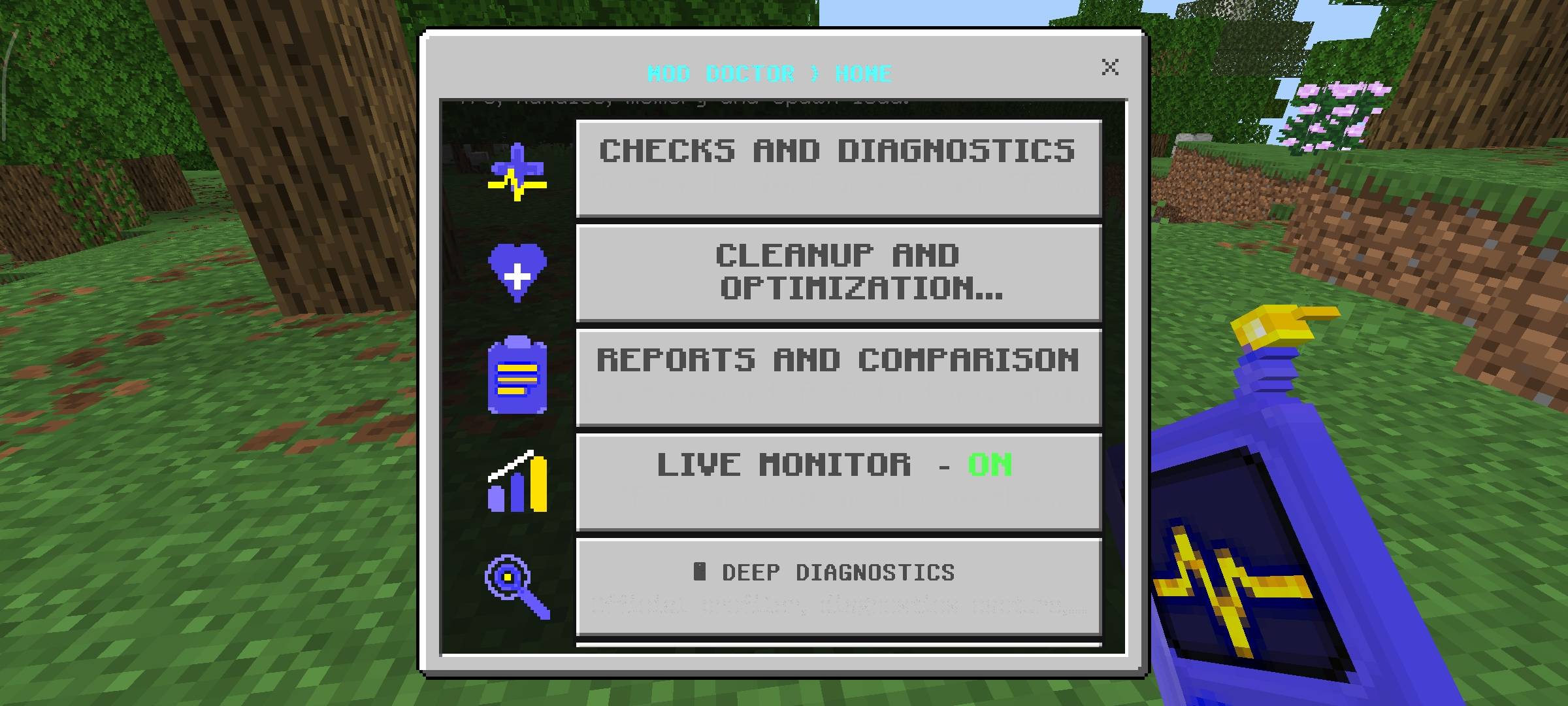
Mod Doctor PRO is a diagnostics and optimization toolkit for Minecraft Bedrock. It doesn't change gameplay, doesn't add cheats, and never touches items or mobs without your explicit confirmation. Everything runs through a clean GUI menu, opened with the "Mod Doctor: Diagnostic Scanner" item or the /scriptevent moddoctor:open command.
Checkup & Diagnostics
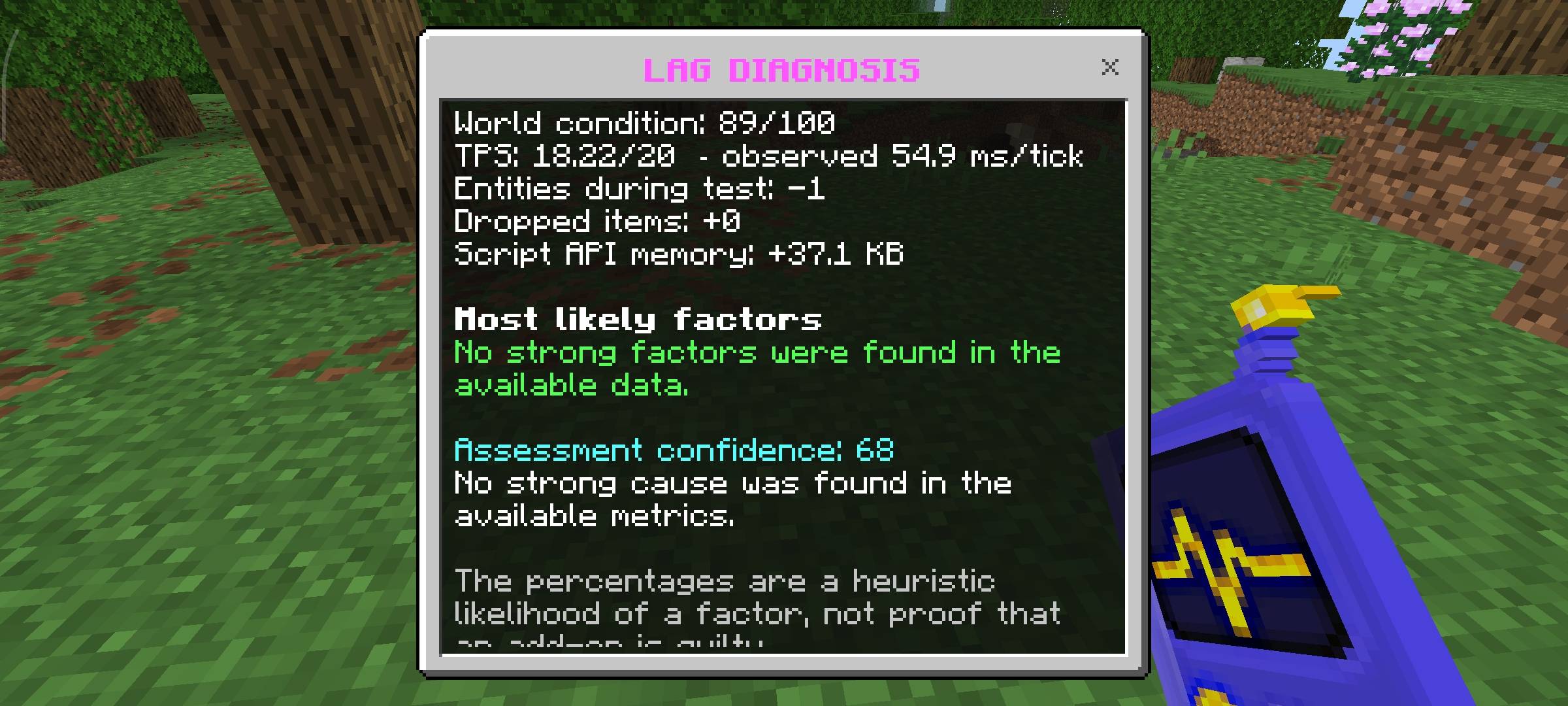
- Doctor Mode — recommended when you don't know what's causing the lag; runs a full diagnosis and gives you conclusions.
- Quick Scan — a report in roughly 3 seconds.
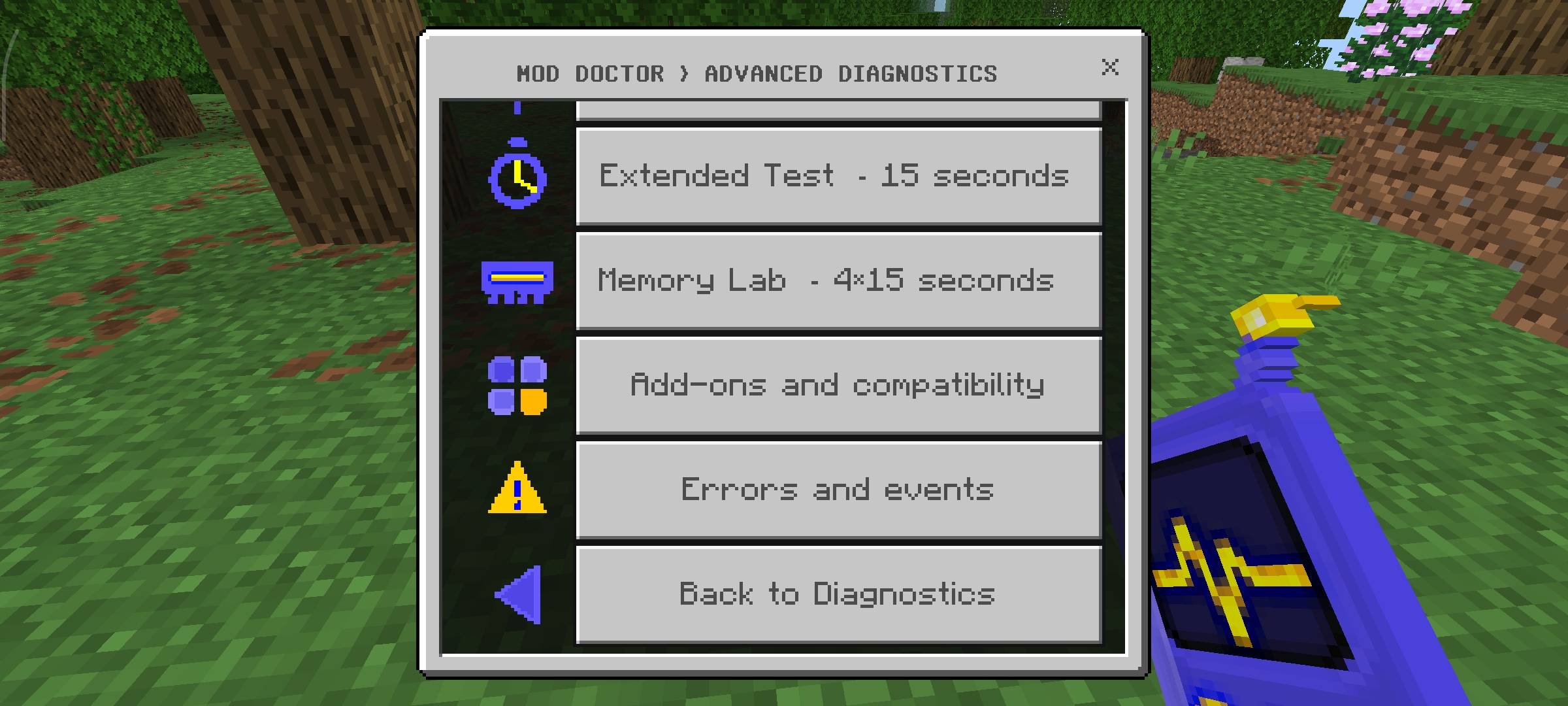
- Advanced diagnostics — TPS, Heatmap/Hotspots, script-plugin monitoring, a 15-second Extended Test, a 4×15-second Memory Lab, addon-compatibility checks, and an error/event log.
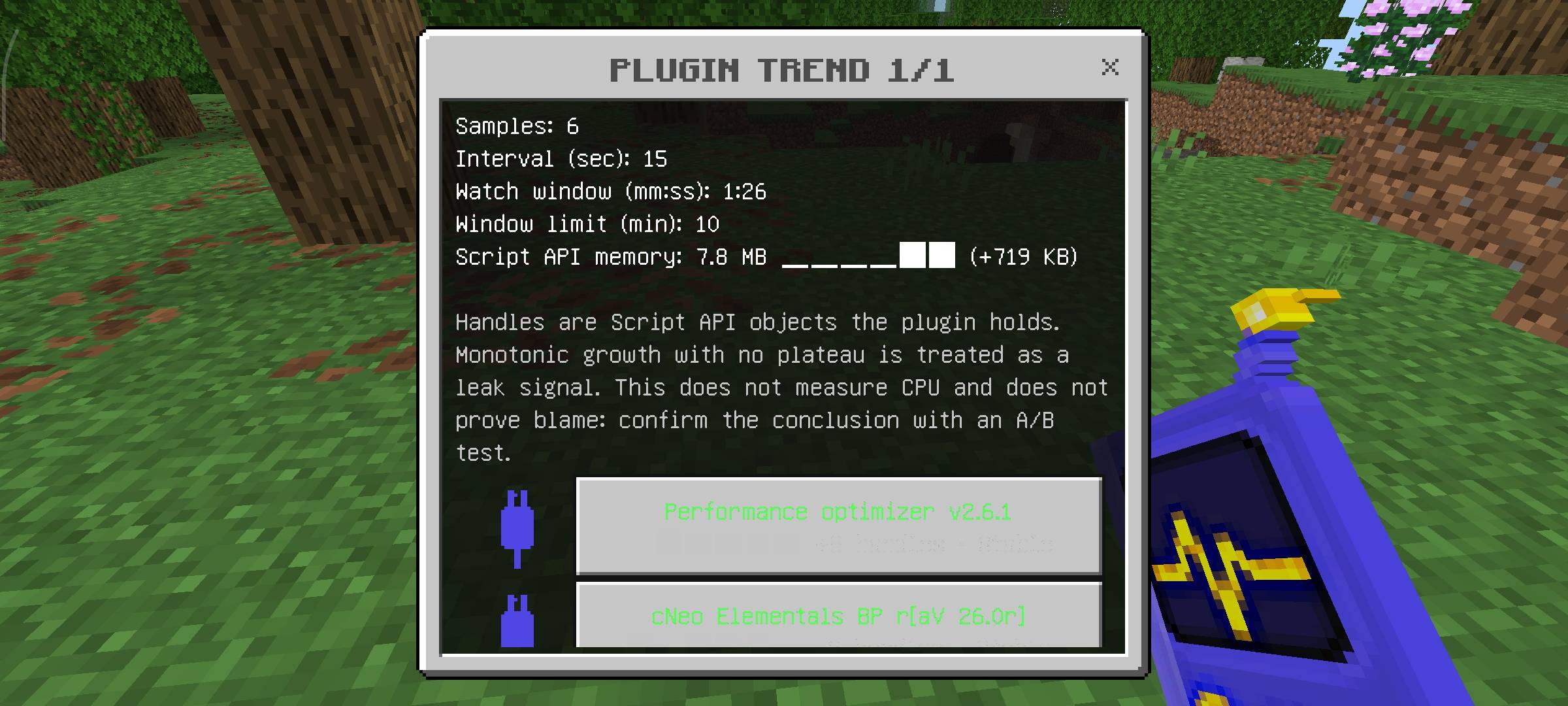
- Background plugin trend watch — tracks per-plugin handle growth over time and flags leak-like dynamics (framed honestly as a signal, not proof of blame) so you know which plugin to inspect.
Deep Diagnostics
An honest, user-acknowledged workflow around the official Script Profiler and Script Diagnostics. Since the Bedrock API doesn't expose their state directly, Mod Doctor uses a manual confirmation flow — you confirm you saw the official Start/Stop response, while the addon keeps history, snapshots, and timer reminders (30/60/120 sec) so an active capture is never forgotten. Includes a step-by-step BDS guide.
Cleanup & Optimization
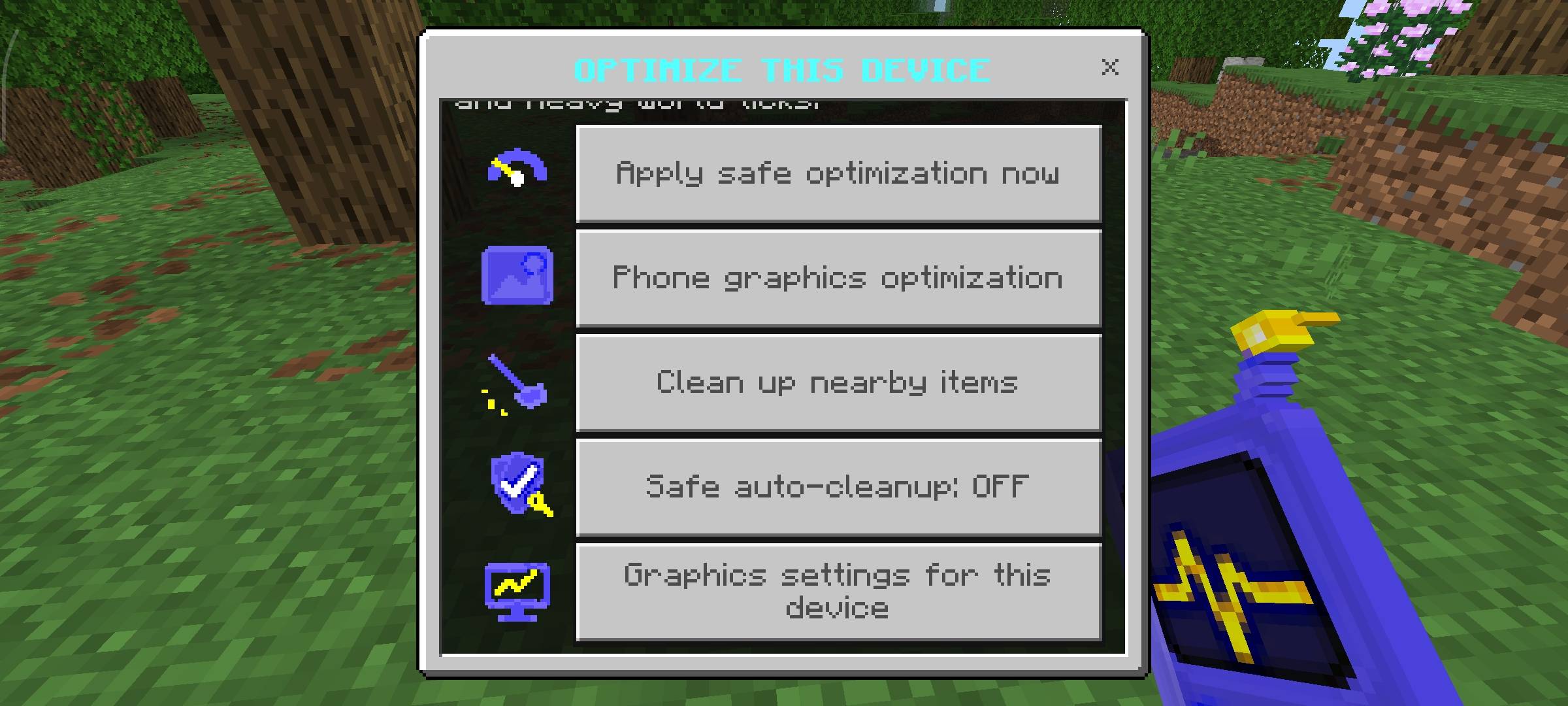
- Safe cleanup — removes only XP orbs and stuck projectiles; items and mobs are never touched. Configurable radius, protected entities, and double confirmation before running.
- Auto-cleanup — the same safe cycle, running in the background on a schedule.
- Device and mobile-graphics optimization suggestions.
- Cleanup history log.
Reports
- A 0–100 world health score.
- Automatic A/B testing, benchmark comparison, and history.
- One-tap report export to chat.
Permissions
World operators get Mod Doctor admin rights automatically. Others can be granted access with /tag @s add moddoctor.admin.
Languages: English and Russian (switchable in the addon's settings).
Before you install
This addon relies on the beta module @minecraft/debug-utilities, so you must enable the Beta APIs experimental toggle when creating your world — it will not function without it. Minimum game version: 1.26.40.
License
MIT. Author: Qwetty
ModDoctor_PRO Team
