GARE: U.C.0088 ZGUNDAM(ver.2.0)
- By
We're adding the Z Gundam to the MCBE universe. You will witness the Tears of Time.
ç¡é¡.png
Description
Description
Hey, you Gundam Addon guys over there, rejoice.
Finally, with the Gundam Add-On, there’s no longer a need to worry about behavior packs for compatibility or the order in which units are deployed, so (depending on your device’s specs) you can now deploy as many Mobile Suits as you want into the world. :)
That concludes the introduction, as explained.
Mobile Suit Introduction
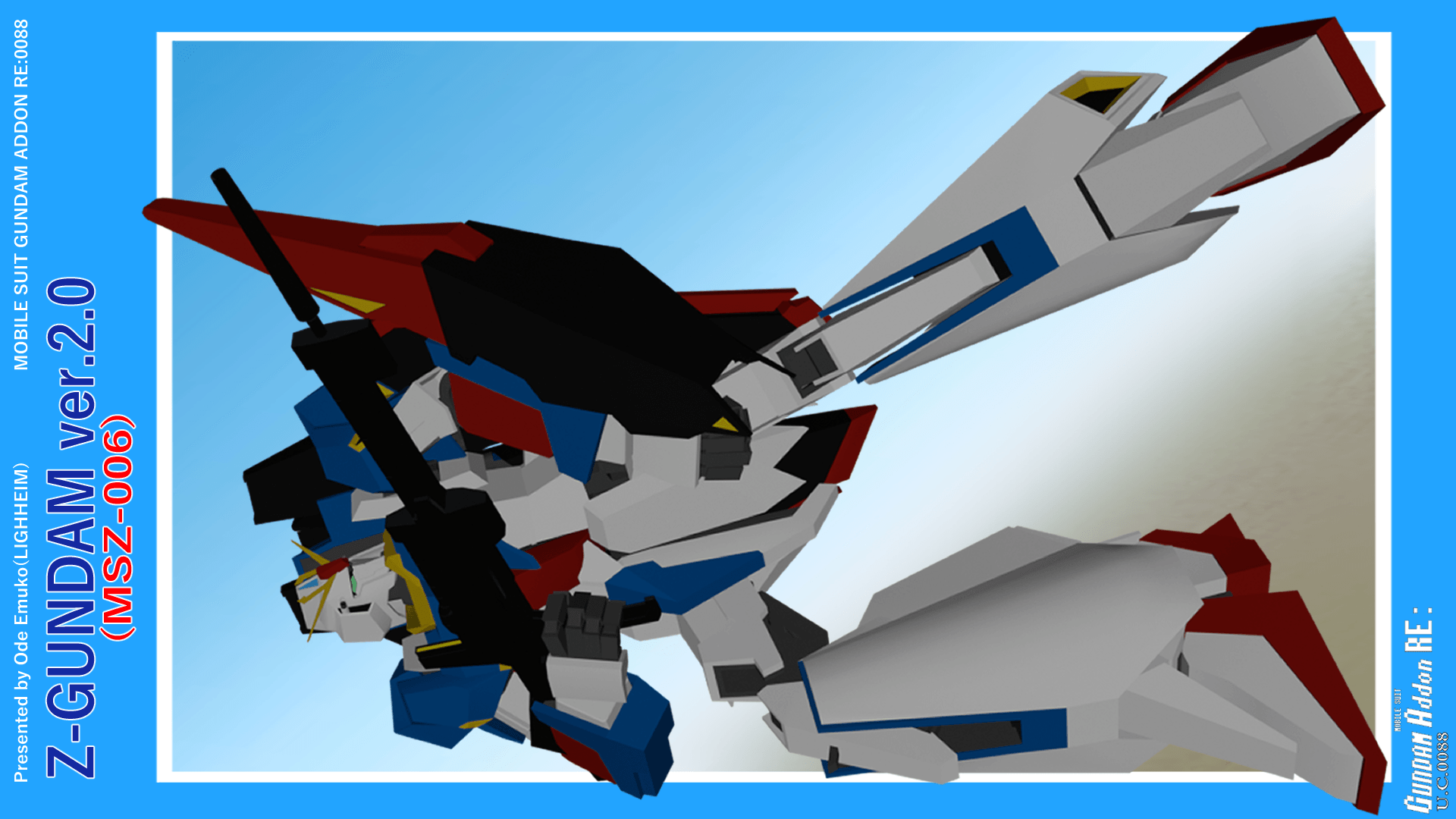
MSZ-006 Z GUNDAM
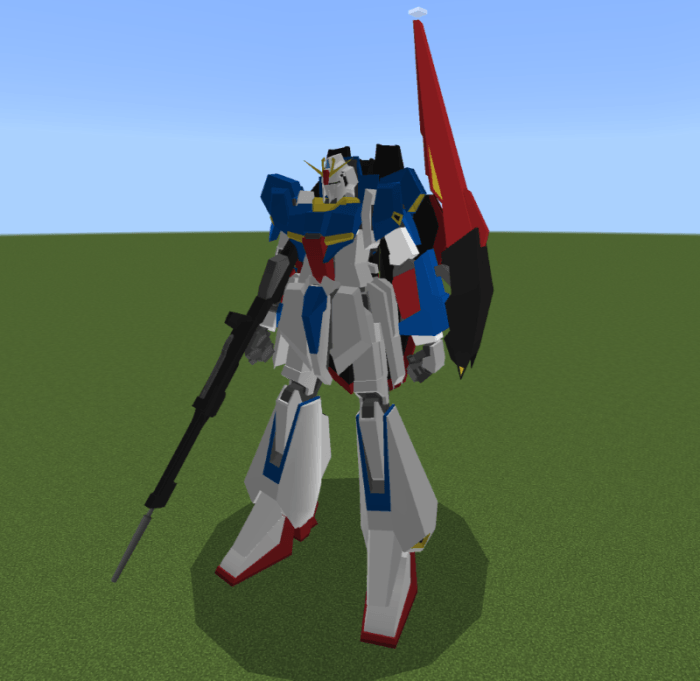
A third-generation transformable mobile suit developed as part of the "Plan Z", a joint project between the anti-Earth Federation group "AEUG" and Anaheim Electronics.
It can transform into "Waverider form".
Instructions for Boarding and Operation
[In Wave Rider (WR) Mode] Approach the mobile suit and right-click (on PC) or press the "Board Mobile Suit" button (on iOS/Android) to board. In WR mode, boarding is only possible via right-clicking.
[In Mobile Suit (MS) Mode] You can board by approaching the mobile suit and right-clicking (PC) or pressing the "Board Mobile Suit" button (iOS/Android). Additionally, the cockpit hatch opens when a player approaches the cockpit; boarding via the cockpit allows you to pilot the unit even if your world permission level is set to "Visitor."
You can board the unit by moving closer to the cockpit while the hatch is open.
While piloting the mobile suit, you can make it fly by pressing the jump button.
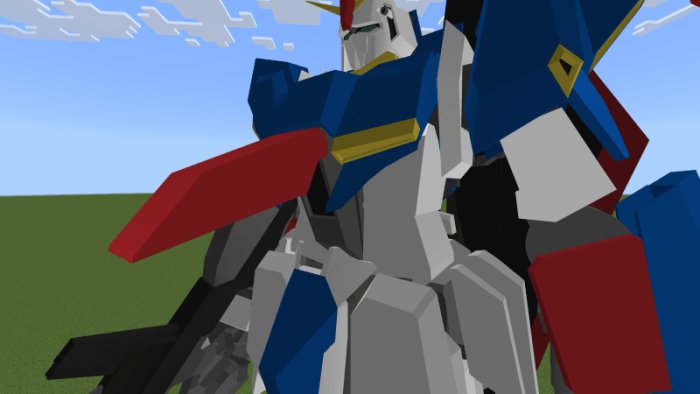
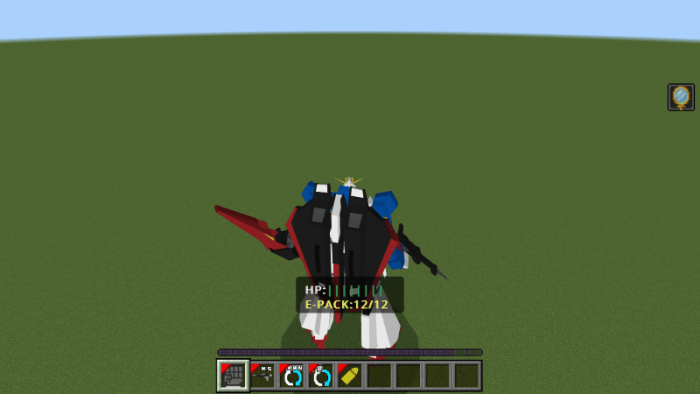
Weapon/Command Description
You can change your Mobile Suit’s equipment by selecting “Change Equipment” and attacking (left-click on PC; tap or press the attack button on smartphones, tablets, etc.). (In GARE0085 (GQX) GQuuuuuuX, the UI allowed you to equip weapons in both hands, but in this version, you can only equip one hand, and equipment changes can only be made via left-click.)
You can use an equipped weapon by selecting “Use Weapon” (PC: right-click) or attacking (PC: left-click).
You can switch the Mobile Suit’s movement mode by right-clicking “Switch to Drive (or Walk) Mode.” In Drive Mode, the Mobile Suit will hover even while in flight.
You can change the viewpoint while piloting the MS to first-person or third-person by right-clicking “Switch to First-Person” or “Switch to Third-Person.”
In Wave Rider mode, you can move the unit forward by using “Activate Thrusters,” which appears in the hotbar slot. Using “Stop Thrusters,” which appears in the same slot, will bring the unit to a stop.
If you re-board while in Wave Rider mode, your weapons and command items will revert to their Mobile Suit mode settings. In this case, right-click “Transform to Mobile Suit Mode” to restore your weapons and command items to their Wave Rider mode settings.
Operation when in Waverider mode
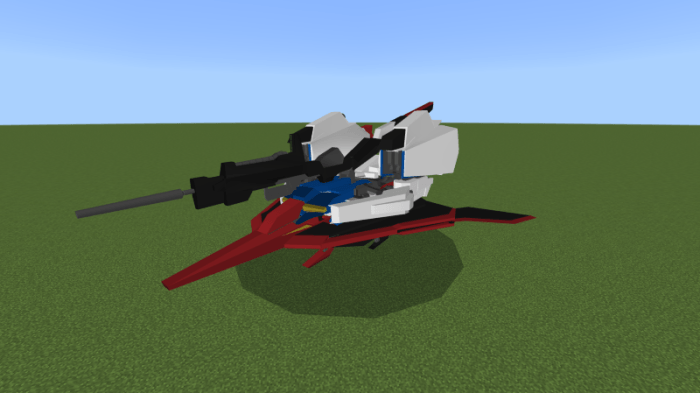
In Waverider form, you can ascend and descend by moving your viewpoint while moving.
If you reboard in Waverider form, your weapons and command items will be in the state they were in when you were in Mobile Suit form, so when you reboard, right-click "Transform to Mobile Suit form." You can revert to the weapons and command items in Waverider form.
When used in conjunction with other GA series (Gundam Add-On Mobile Suits)
You don't need to worry about that anymore.
I'm sure we could make it work as long as there aren't any bugs or anything like that.
Changes in version 2.0
- Particles have been added, and effects now appear on thrusters and beam rifles.
- We have made overall improvements to the camera work when piloting a Mobile Suit.
Notes
This add-on is currently in beta, so glitches and bugs may occur.
If you experience glitches or bugs, try using the "gaplayer:unride_ms" event command or the "roading_reset" function command. This may resolve the issue.
Additionally, it has been confirmed that this add-on may not function properly depending on factors such as the data stored in the game, the device's storage capacity and specifications.
When using this add-on, please check the number of add-ons and worlds installed in the game, the size of the cache data, and the specifications of the device you are using (we recommend using this add-on on the PC version).
- If you are unable to resolve the add-on issue even after using the methods described on this website, please contact me via DM on my X (old Twitter) account (X (old Twitter): @Demu_00096).
Frequently Asked Questions: Why can't I use beam rifles and other weapons?
A: This is due to issues with the Minecraft (app or software) or device capacity or specifications (we recommend using this add-on on the PC version).
First, try reducing the number of resource packs, behavior packs, and worlds installed in Minecraft (app or software) to 10 or less, or close to 10 if possible.
If it still doesn't work, we regret to inform you that this may be due to the device's app or software capacity or device specifications. Thank you for your understanding.
Credits
System development support for ScriptAPI, etc.
Toteta
Dowagi (X (old Twitter): @dowagi632)
Rioto(X: @rion_03127445_2)
Switch Yuta(X:@Switch_Yuuta)
General/Model and animation production
Demu
LIGHTHEIM & M.S.M.C. MEMBERS
The GARE: U.C.0088 ZGUNDAM(ver.2.0) Team