![Lodestone Marker Point [Achievement Friendly] logo](https://media.forgecdn.net/avatars/thumbnails/1923/491/64/64/639198055646696739.png)
Lodestone Marker Point [Achievement Friendly]
- By
A lightweight and seamless way to turn any Lodestone into a reusable, cross-dimensional teleportation marker!
1001102268.jpg
1001102267.jpg
1001102270.jpg
1001102266.jpg
1001102363.jpg
Description

📌 About The Add-on
Tired of using expensive setup processes or complex UI menus just to travel around your world? Lodestone Marker Point simplifies your teleportation system by turning standard Lodestones into reusable waypoint markers!
Unlike other teleportation mods, the Lodestone here acts purely as a marker, not a permanent anchor. Once you have registered a coordinate, the system permanently remembers it. You can safely leave the area or even break the Lodestone to reuse it elsewhere! Best of all, this system works flawlessly across all dimensions (Overworld, Nether, and The End).
🌟 Key Features
One Lodestone to Rule Them All: You don't need dozens of Lodestones. Place one down, register a location, break it, and place it somewhere else to register another point!
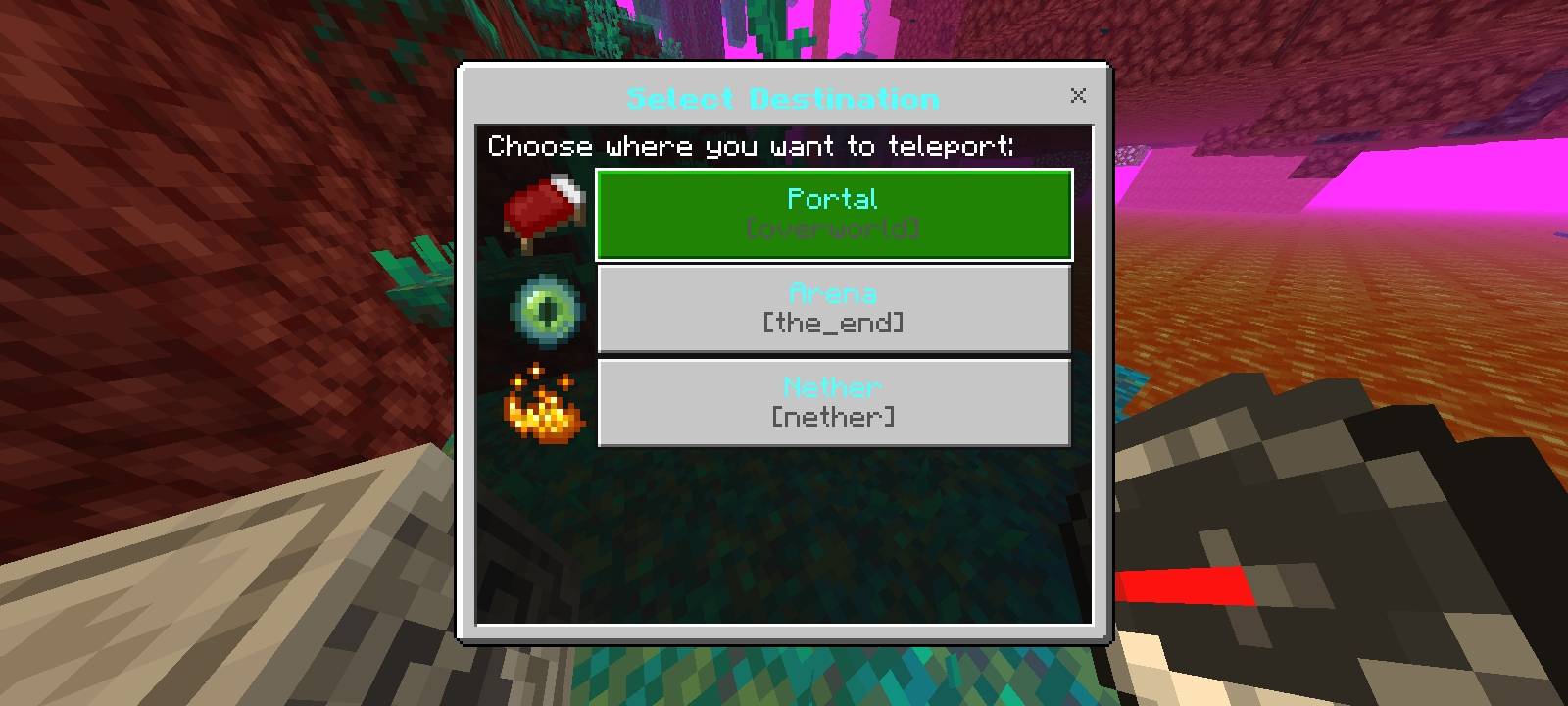
Multi-Dimensional Support: Create teleport points in the Overworld, Nether, or The End. Each dimension displays its own custom icon in your travel menu!
📖 How To Use (Step-by-Step Tutorial)
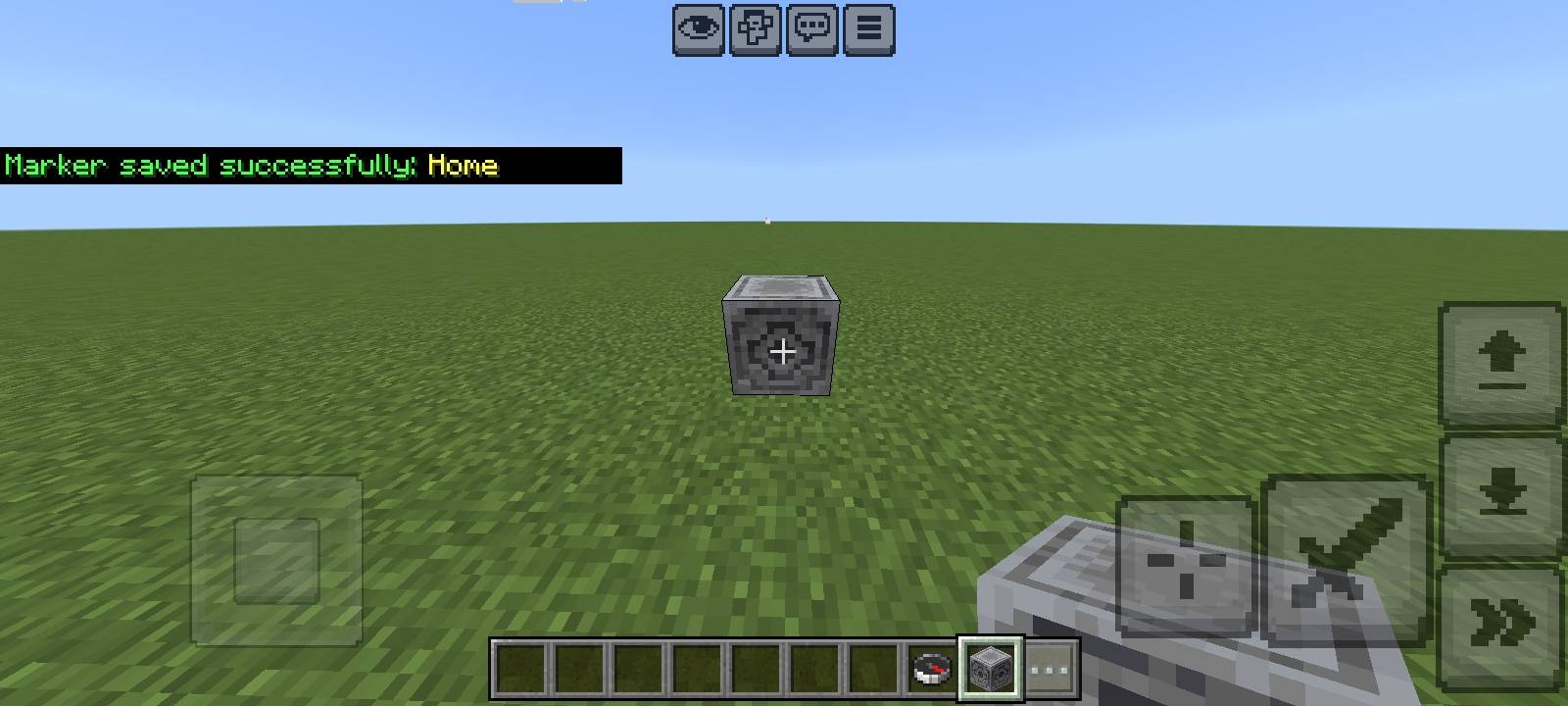
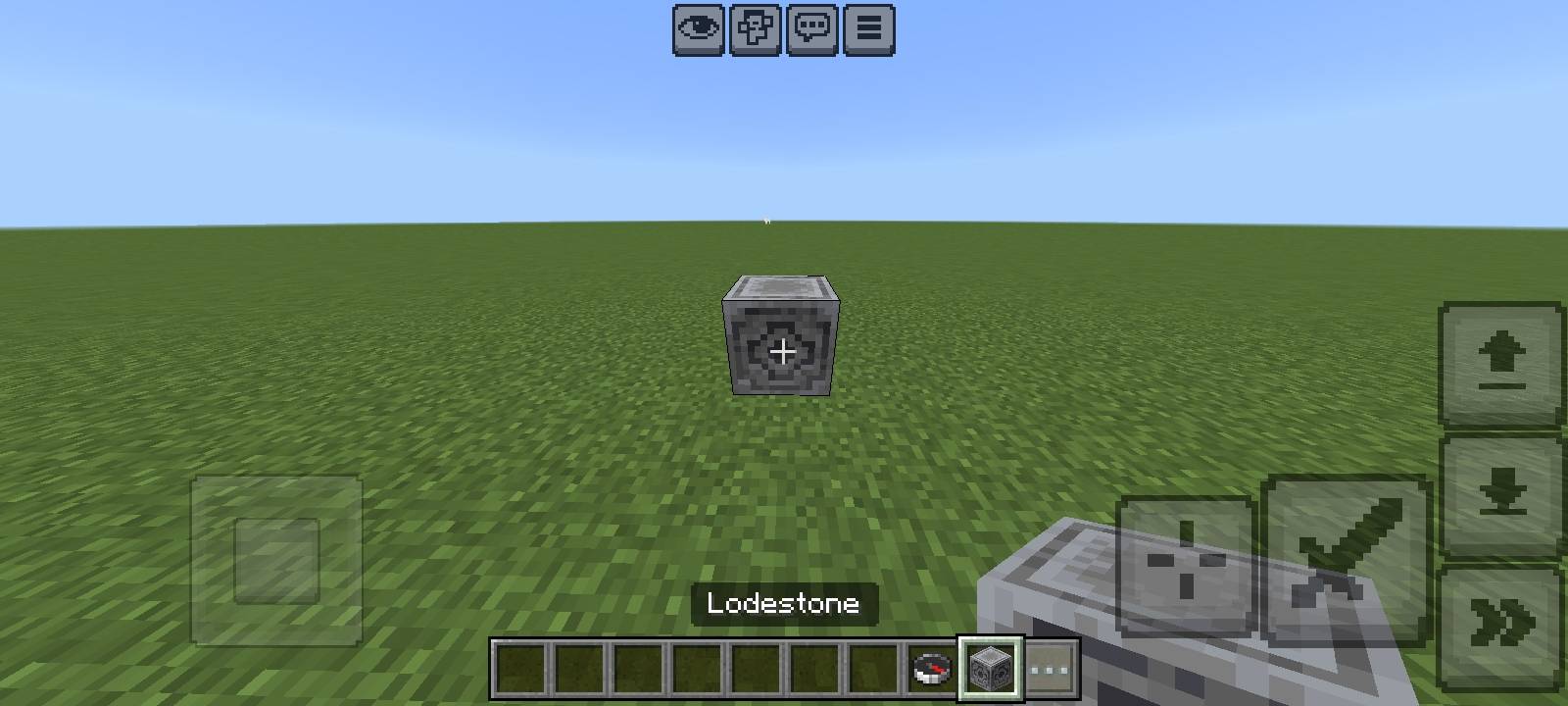
- Place a Lodestone: Put down a single Lodestone block anywhere you want to save.
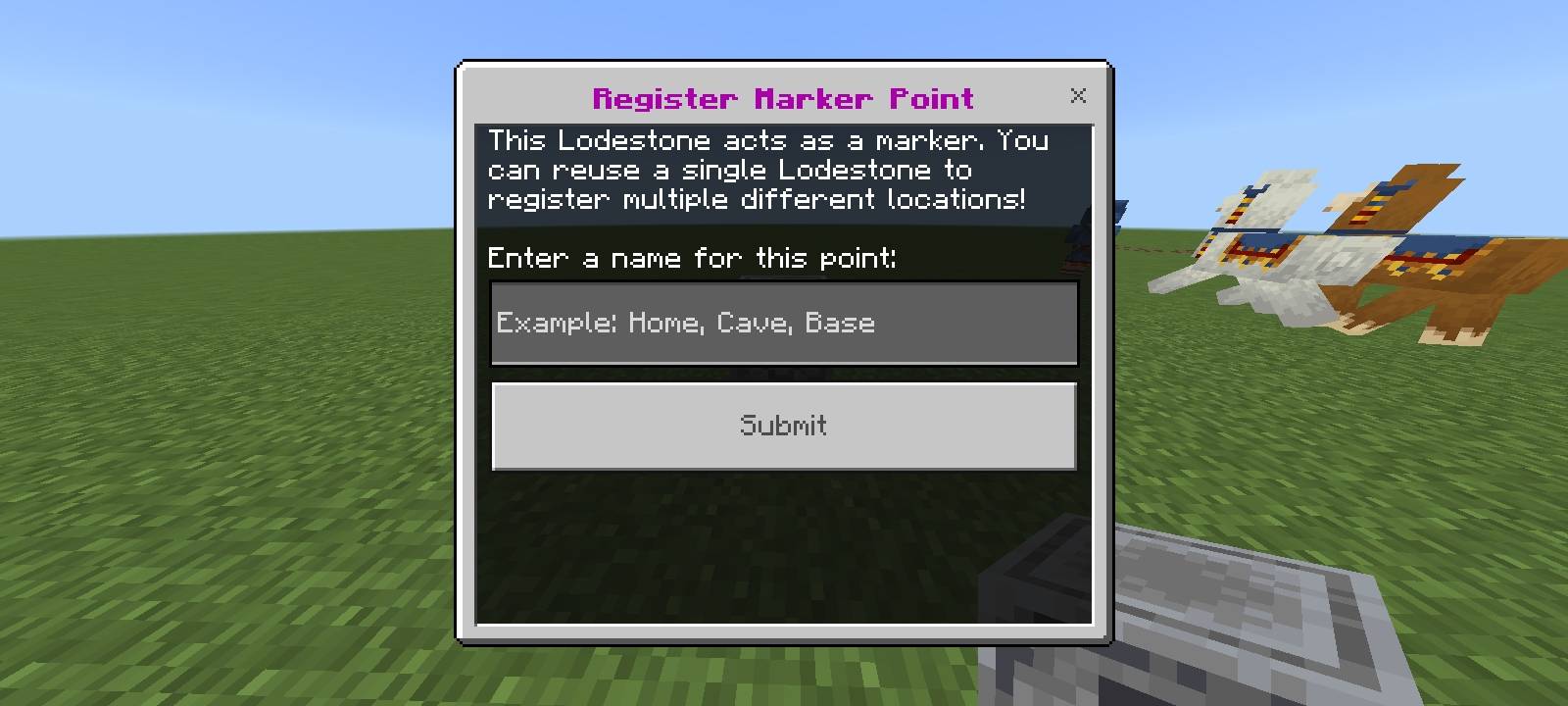
- Register the Point: Interact with the Lodestone block using an empty hand (do not hold a compass). A popup window will appear asking you to name your new teleport point.
- Move or Break (Optional): Once saved, you can leave the Lodestone there or mine it back up! The coordinates are permanently locked in your compass menu.
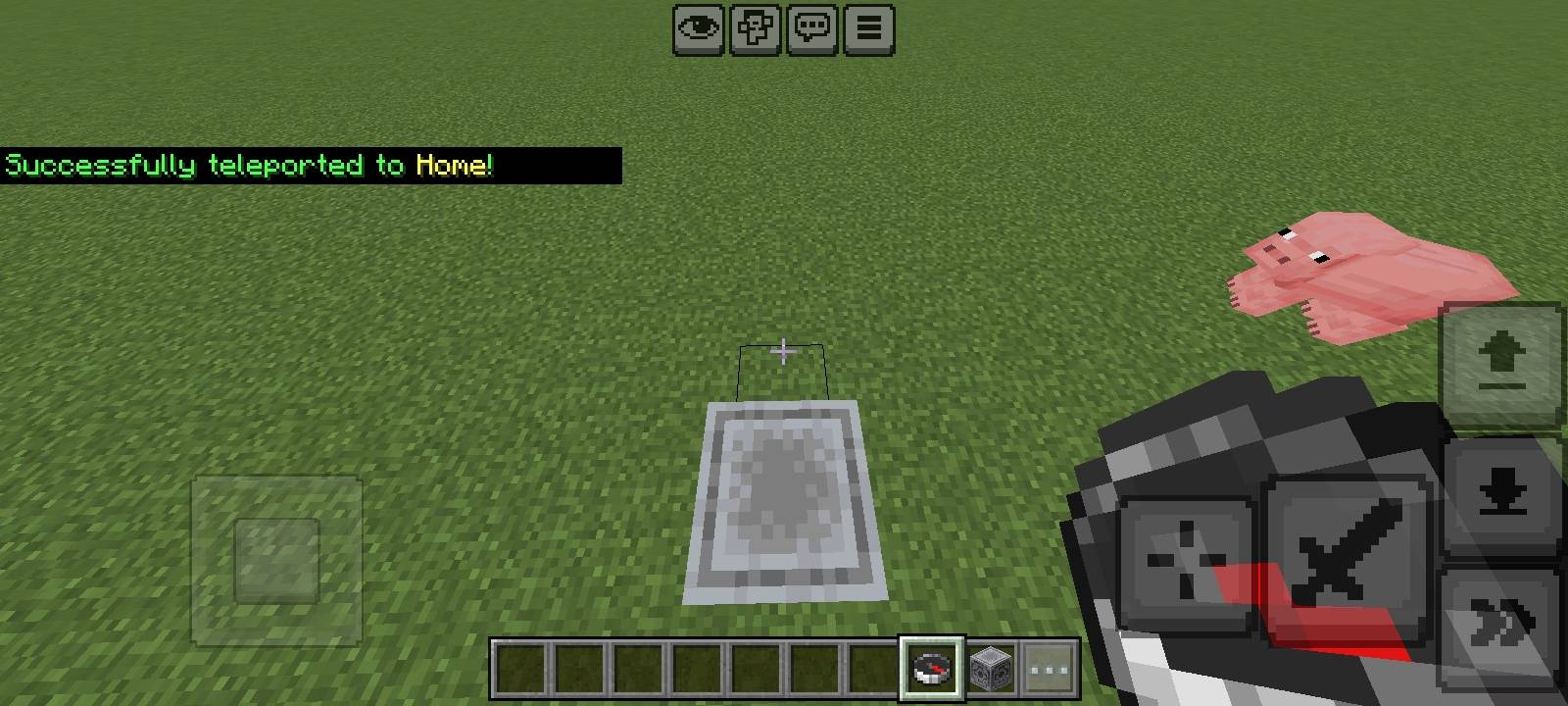
- Teleport & Manage: Hold a Compass and use it (right-click or hold screen) anywhere in the world to open the Lodestone Teleport Point main menu. From here, you can:
- Teleport Point: View your list of saved waypoints and instantly travel to them.
- Delete Point: Manage your saved locations and clean up your list with a safe confirmation window.
- Tutorial: Read an in-game summary of how the add-on works.
Lodestone Marker Point [Achievement Friendly] Team