LinkUp 'Achivements Friendly'
- By
1761769561810.png
Description
Credits
Owner of the addon : @9adifa
Lead Pack developer : @mannooma_0

Show Case
How To Use
Crafting

To make the LinkUp Item 'Massenger' , you need 2x block of dirt and 1x stick
Main Menu
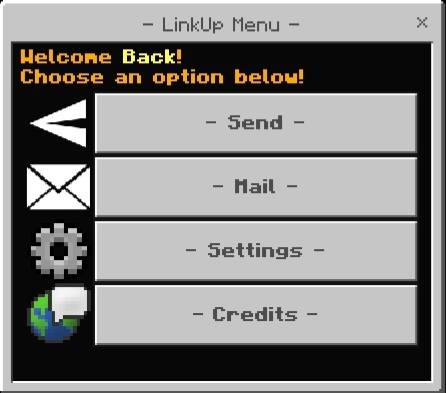
To open this menu you have to hold the 'Massenger' Item, click the aim button if you aree on mobile or click right click with your mouse if you are using a pc
Sending
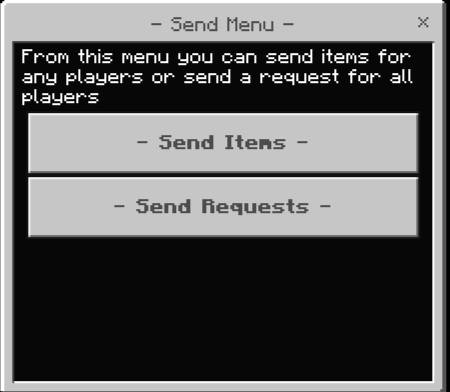
Sending Items
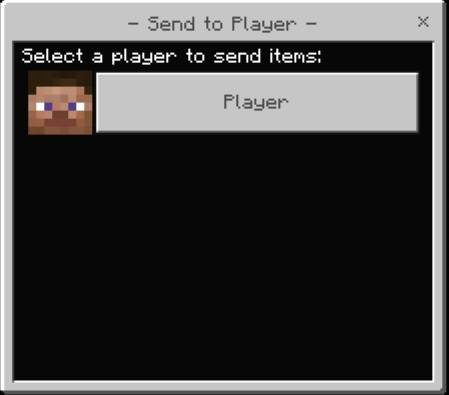
This menu shows all the players in the serve/world at the moment, you can select the player you want then Another Menu will appear
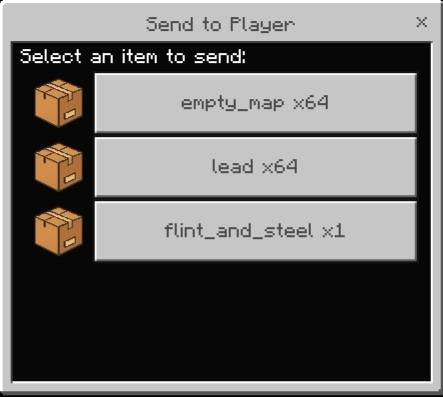
This menu shows the axact items you have in your inventory at the moment besides theCurrent Number of the items, Select the item you want to send
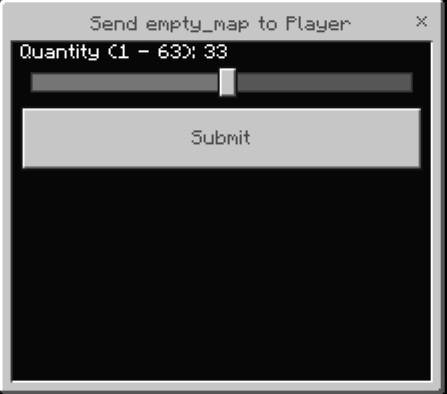
This menu shows current item quantity in your inventory, after that press submit
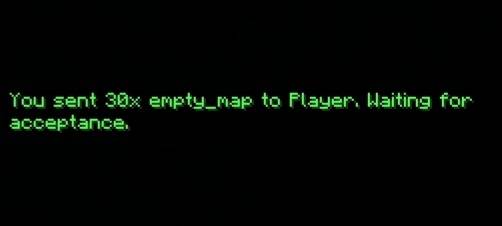
After that you will be waiting from that player to accept the item you send they have to do this manually or they can enable auto Acceptance from the settings menu
Sending A Request
From the send menu select 'send request' button
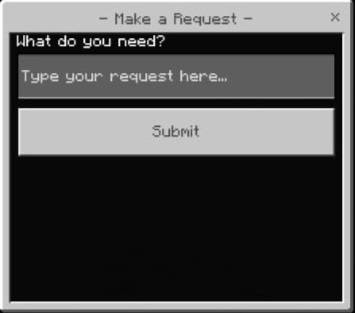
There is a Text Box you will just type the thing you need, after that press submit
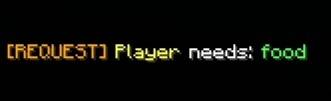
This Message Will be send to every player in the server/world
From the main menu press on the mail button to open the Mail Menu
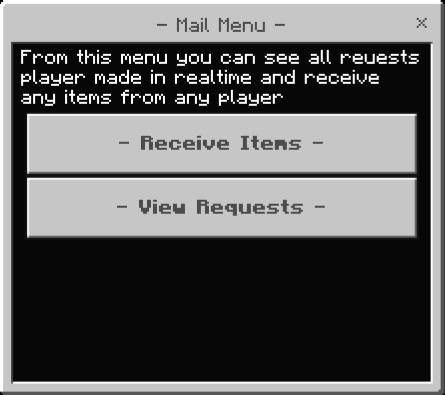
Receive Items

This Menu Shows All items Deliverd in your mail box, select the item you want or you can just toggle the auto accept button from the settings menu and you won't have to do all this

Menu will PoP Up Choose to accept or decline the item, onc eyou accept it its offcially in your inventory, if you declined it will be returned to the sender
View Requests
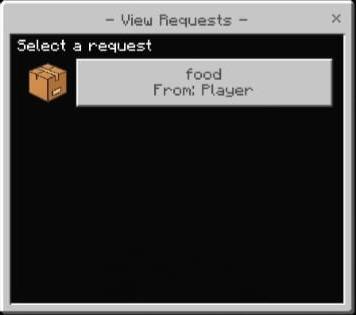
This menu shows every request is currently available, after that you will select the item you will send to the requester (ofc you will send the item player need), after that it will be send to the requester
Settings
From main menu select the settings button
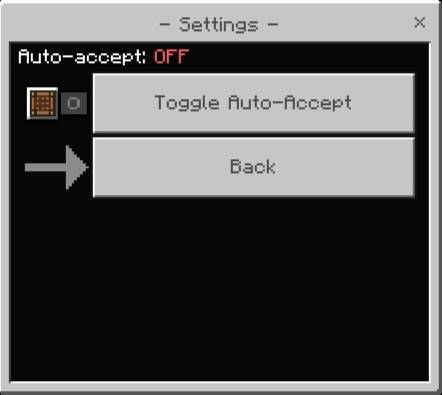
toggle the auto accept to on or off
Support
If you had any problem with the addon you can join our discord server
LinkUp 'Achivements Friendly' Team