Land Protection: Walls & Signs
- By
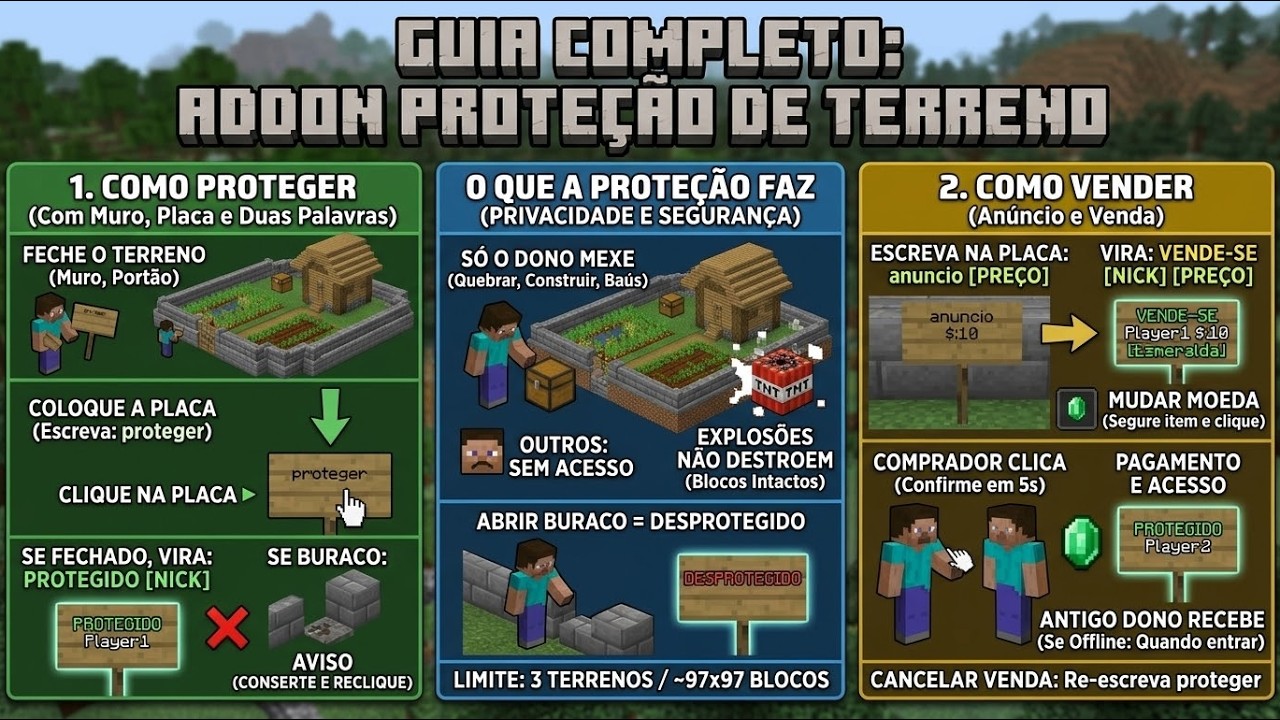
Protect your land with a wall and a sign. Write "proteger" on a sign on top of a closed wall, and only you can build, break or open things inside. You can also sell your land to other players by writing "anuncio" and a price on the sign.
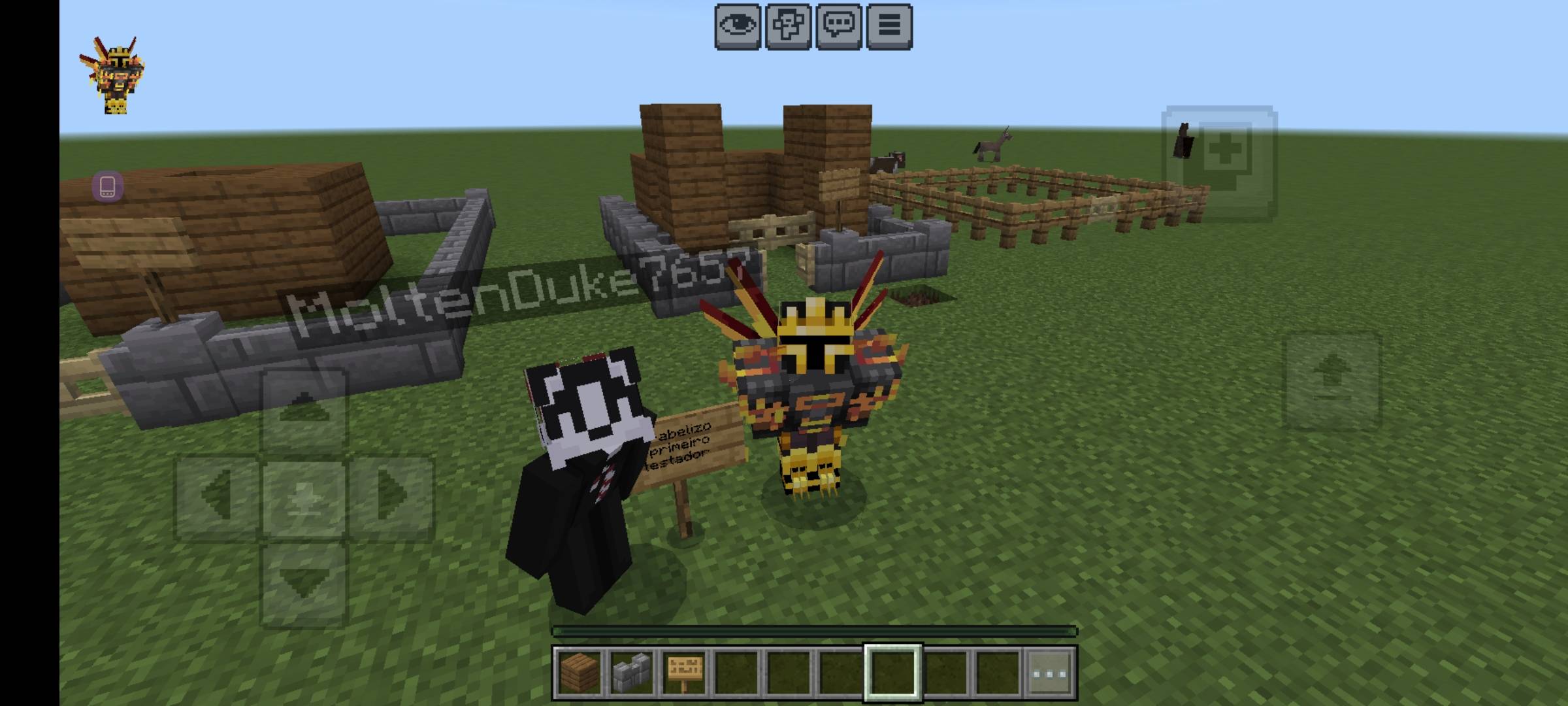
Tested during creation to review related bugs, it is now without
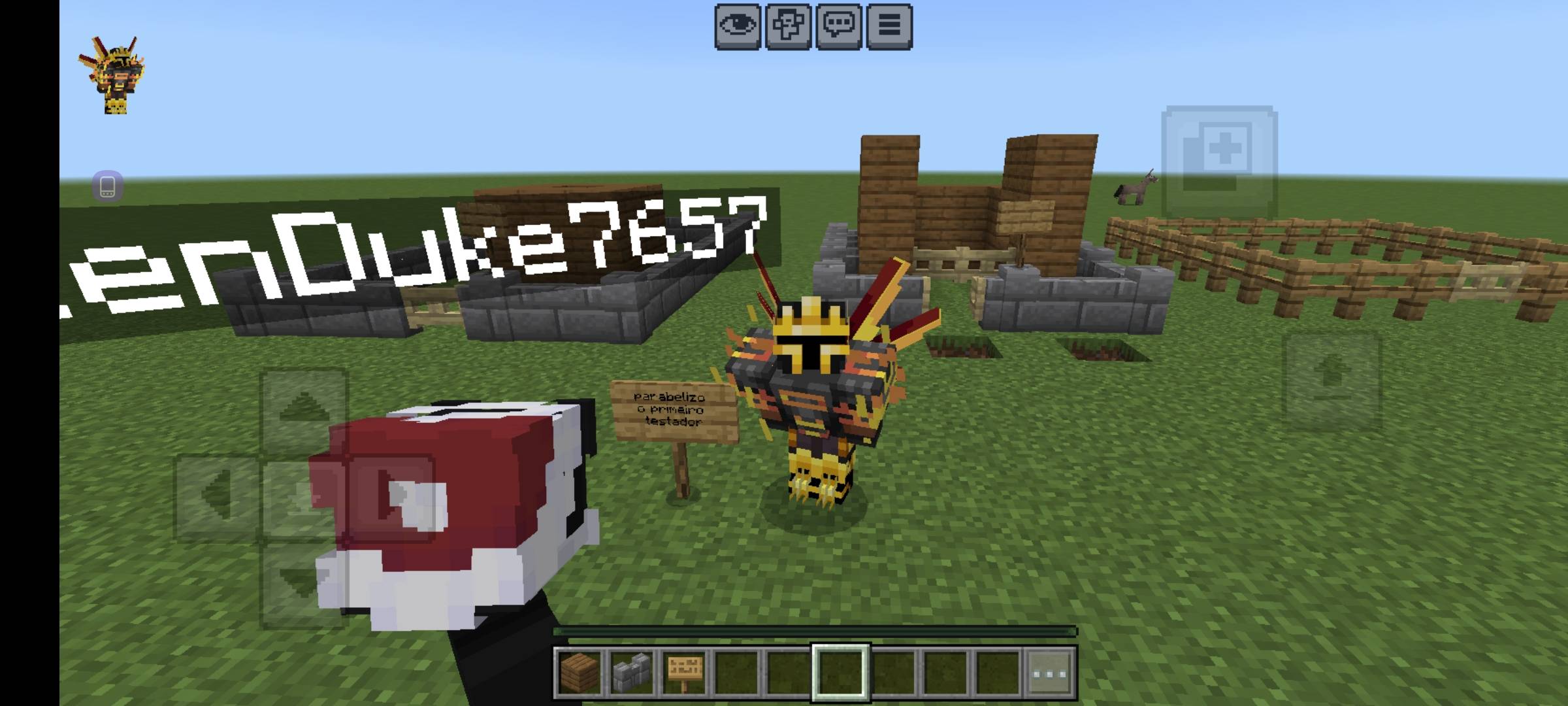
If you find any errors, please report them to me in the comments and I will take a look.
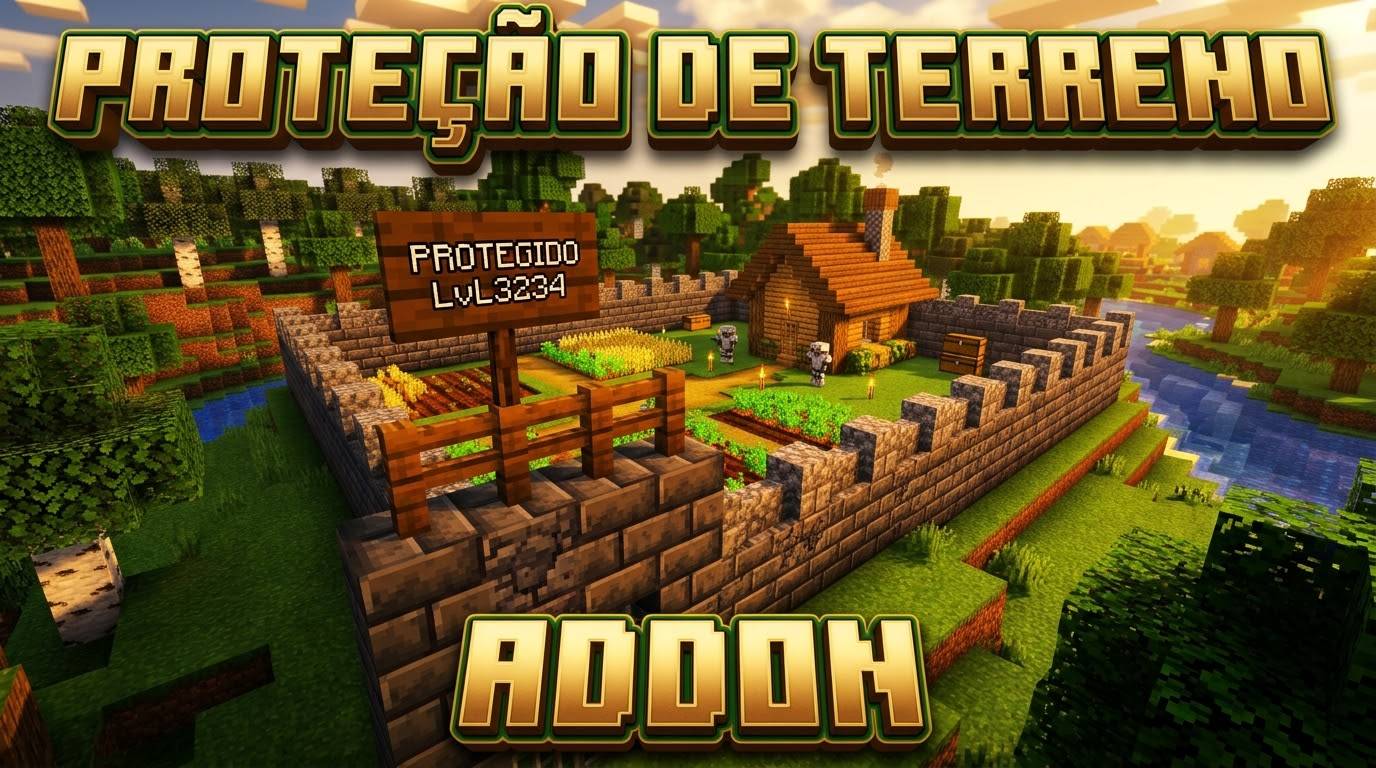
Land protection for sale and rent
1000476440.jpg
erros já teriam deixado de existir aqui nesse mundo 🌎
1000477265.jpg
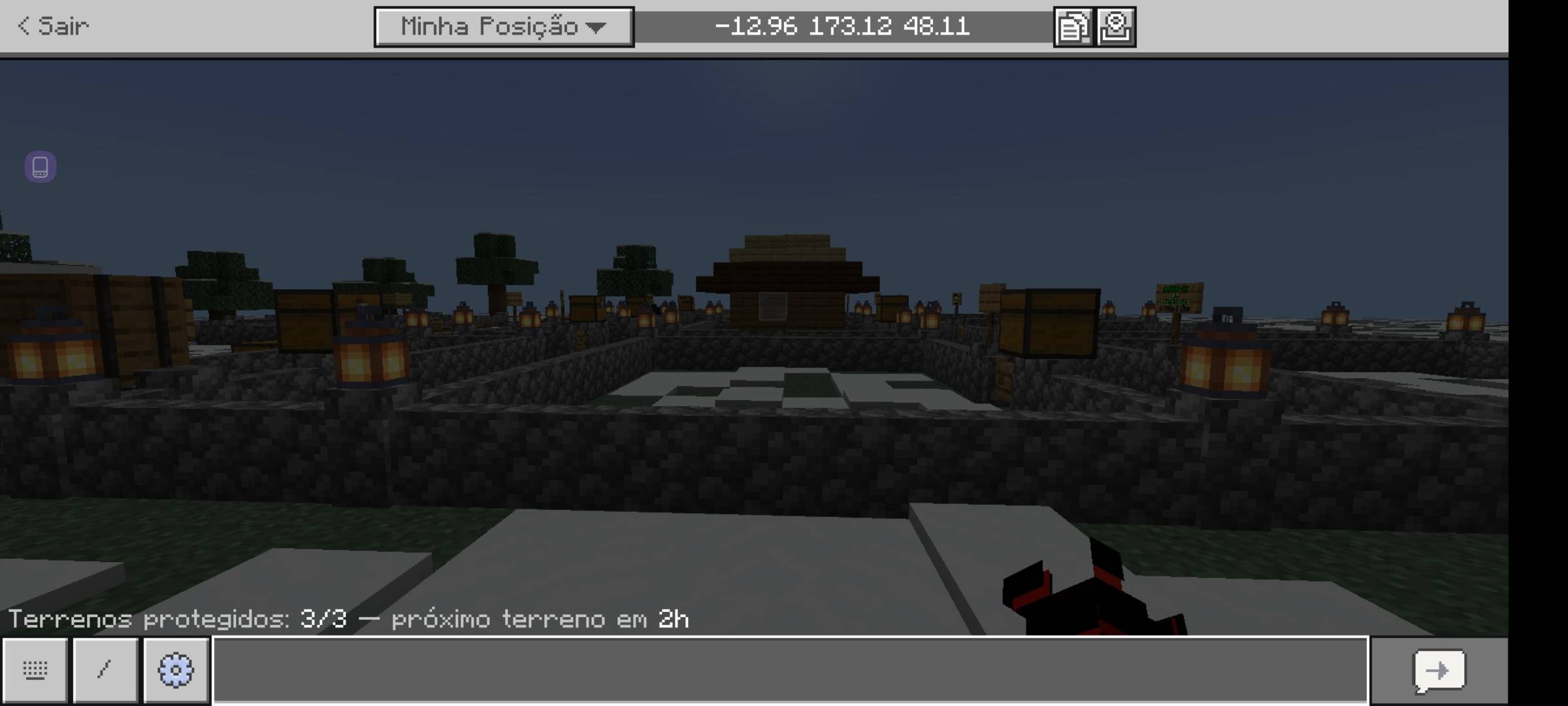
Land limit that grows with playtime: starts at 3 and gains +1 every 2 hours played, up to 10.
1000476441.jpg
Description
Land Protection: Walls & Signs Protect your land with a wall and a sign. Build a wall around your territory, place a sign on top of it and write proteger. If the wall fully encloses the area, only you can build, break or open things inside it.
How it works Protect your land Build a wall around your area. Any wall block works, and closed fence gates count too.
Place a standing sign on top of the wall and write proteger ("protect" in Portuguese).
If the wall is closed, the sign turns into PROTECTED with your nickname. If there's a gap, you get a message. Fix it and click the sign again.
What is protected Only the owner can break blocks, place blocks, or open chests and doors inside the land and on the wall.
Explosions can't destroy blocks inside protected land. If the owner opens a gap in the wall, the protection is removed and the sign shows UNPROTECTED.
Each player can own up to 3 plots, up to about 97x97 blocks each. Protected land is saved with the world.
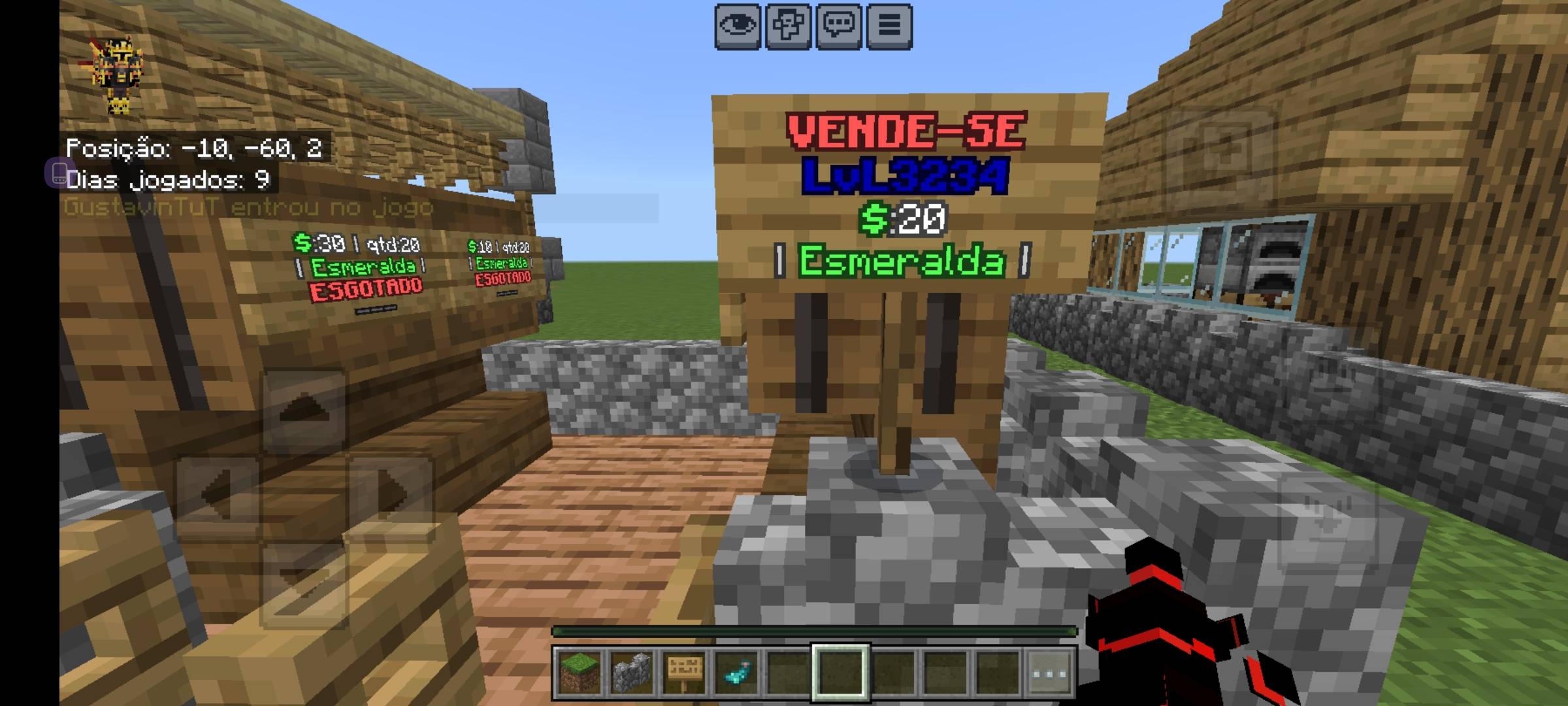
Sell your land On the protection sign, or on a new sign on top of your wall, write anuncio ("ad" in Portuguese) and $:10, replacing 10 with your price.
The sign turns into FOR SALE, showing your nickname, the price and the currency. The default currency is emerald.
Hold any item and click the sign to choose which currency you receive. Edit the number on the sign to change the price.
A buyer clicks the sign and clicks again within 5 seconds to confirm. The buyer pays, and the land is transferred to their nickname. The previous owner loses all access, and the sign goes back to PROTECTED with the new owner's name. If the seller is offline, they receive the payment when they log in.
To cancel the sale, write proteger on the sign again.
Notes Signs use Portuguese keywords: proteger and anuncio. Messages and sign text are in Portuguese.
Players with the admin tag, and operators, can bypass protection. Fire, water, pistons and mobs from outside are not handled yet. Non-owners can still walk through the land, but can't change anything.
Requirements Minecraft Bedrock 1.21.130 or newer Behavior pack only, no experiments needed
================================================================================
Here's the English version, ready to paste:
🛡️ Land Protection + Rent — Update v1.7.0
Protect your land with a wall or fence and a sign, with no complicated commands! You can now also rent out land, sell plots, and collect payments in a stock chest.
✨ What's New
- 🏠 Land renting: rent out your whole land or small plots inside it.
- 🏘️ Multiple rentals and sales on the same land: build a "village" of houses to rent or sell, as many as fit.
- 📦 STOCK chest: money from sales and rent goes straight into your chest, even while you're offline. There's no limit on stock chests.
- 🌳 Fences work like walls: all wooden fences and the Nether brick fence.
- 🚪 Fence gate fixed: the oak fence gate now works and counts as wall whether open or closed.
- ⏱️ Land limit based on playtime: the more you play, the more land you can own, up to 10.
- ⚖️ Fair renting: the owner can't touch the renter's chests, and the renter can't destroy the owner's house.
- 🐛 Bug fixes: plots touching the outer wall are now detected, and several detection problems were fixed.
📜 Commands (write them on a sign)
All commands are written on a sign placed on top of the wall or fence. Upper or lower case both work, with or without accents.
⚠️ The command words are in Portuguese. Type them exactly as shown below.
| Sign text | What it does |
|---|---|
proteger |
Protects the fenced land. The sign shows PROTEGIDO and your name. |
anuncio $:50 diamante |
Puts land up for sale. On the outer wall it sells the whole land; on an inner plot, it sells only that plot. |
imposto $:10 esmeralda |
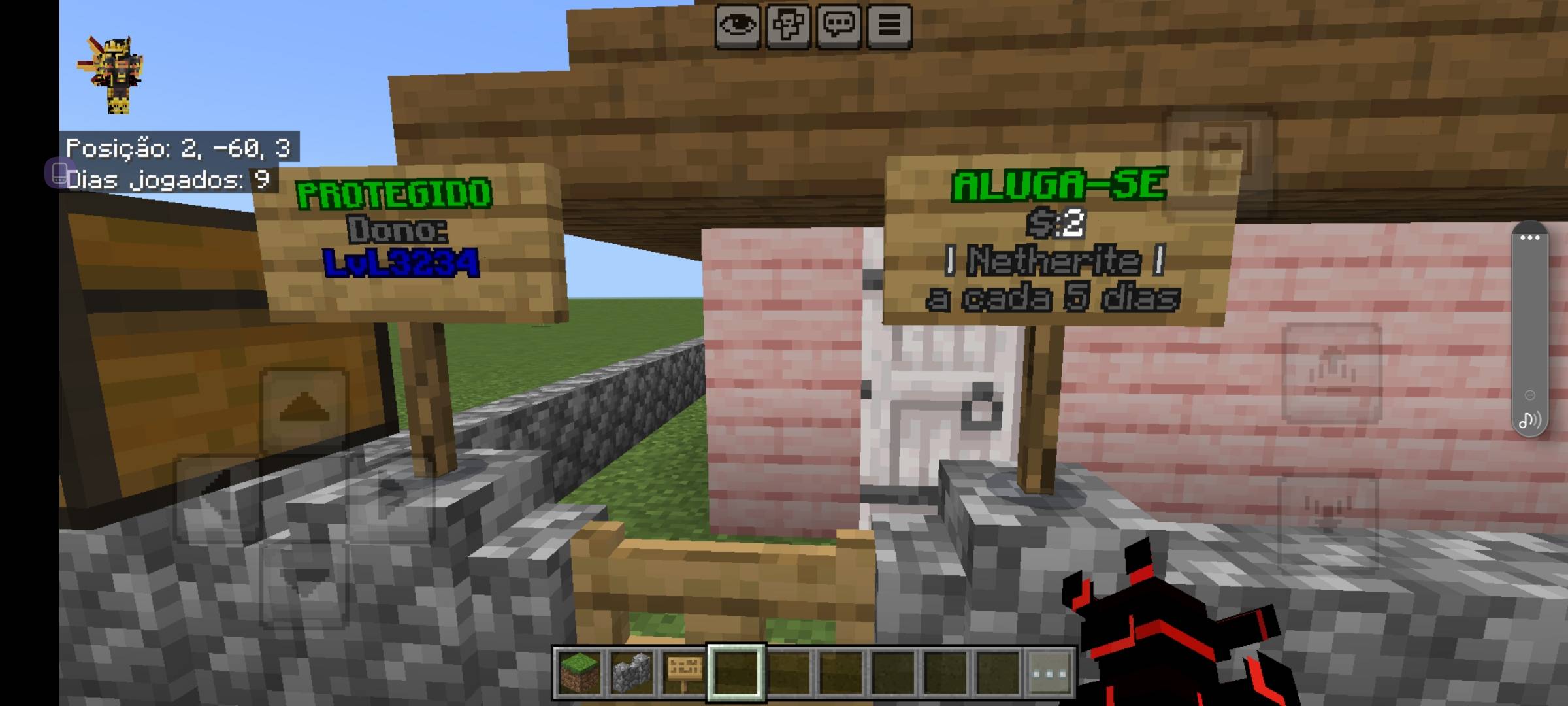
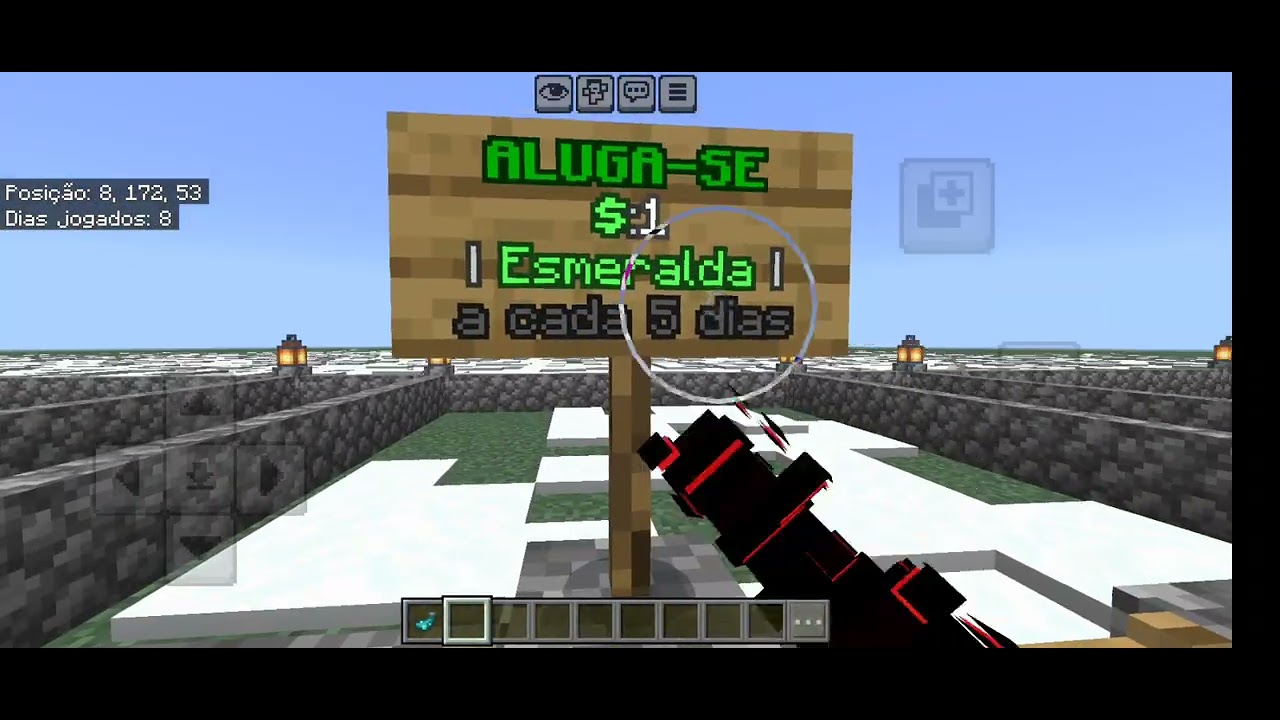
Puts land up for rent. On the outer wall it rents the whole land; on an inner plot, it rents only that plot. Rent is due every 5 in-game days. |
estoque |
A sign attached to a chest or barrel: it becomes your payment chest. |
Accepted currencies (Portuguese names): esmeralda (emerald), ouro (gold), ferro (iron), cobre (copper), diamante (diamond) and netherite. If you don't write one, emerald is used. To use any other item as currency, hold the item and tap the sale or rent sign.
🧱 How to Set Up Your Land
- Surround the whole area with walls, fences or fence gates, with no gaps. You can mix all three.
- The height difference between parts can be at most 1 block.
- Place a sign on top of the wall and write
proteger
4. The land can reach up to 48 blocks in each direction from the sign (about 96 × 96).
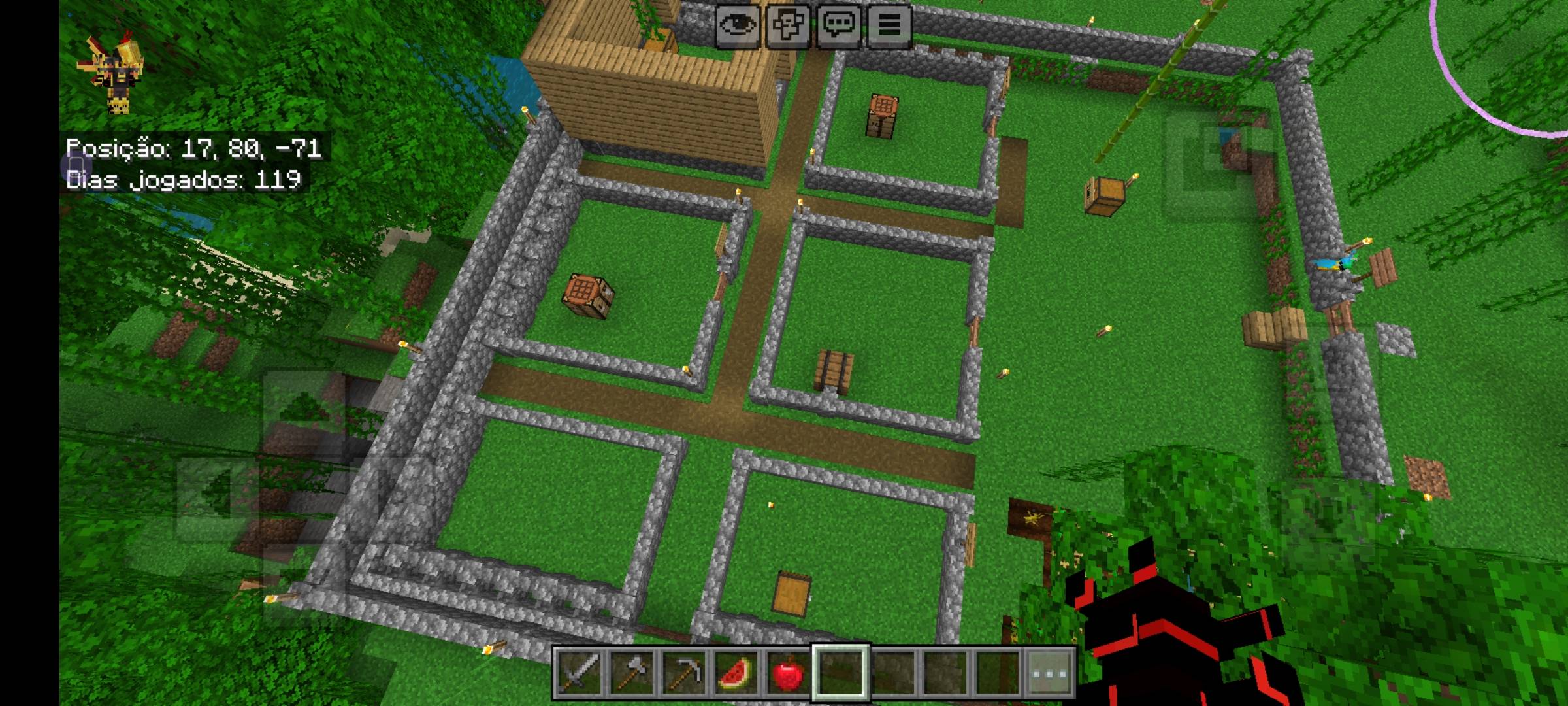
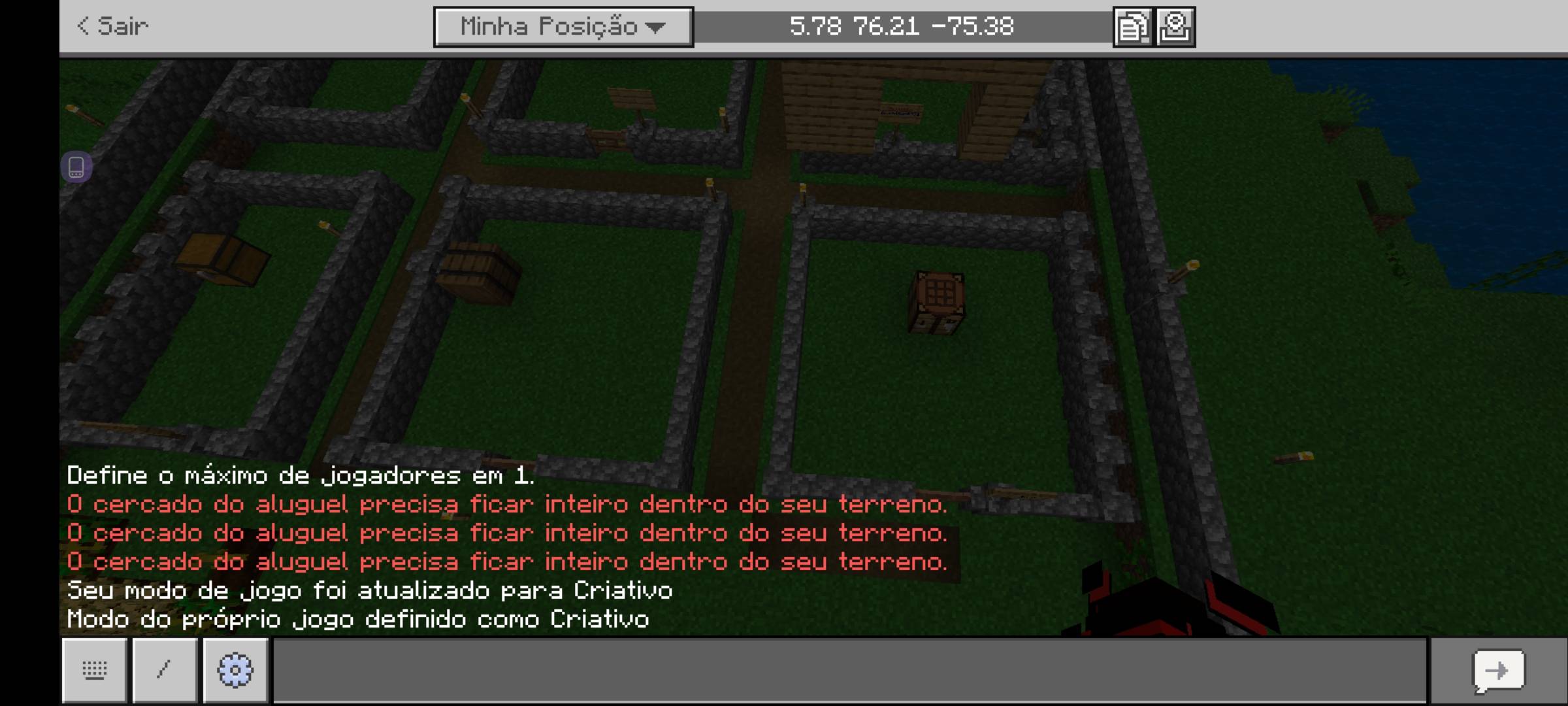
Tip: to rent or sell houses inside your land, build smaller plots inside it, each with its own sign. Put the PROTEGIDO sign on a part of the outer wall that doesn't touch any plot.
🏠 Renting
- To rent: the player holds the currency and taps the ALUGA-SE (For Rent) sign twice.
- The sign changes: it becomes ALUGADO (Rented), showing the renter's name and the days left.
- Renewing: every 5 days the renter pays again on the sign and gets a warning before it's due.
- If they don't pay: they lose access and the sign goes back to ALUGA-SE.
- The renter can: use doors and chests, place blocks, and break only the blocks they placed.
- The owner can't, while the land is rented: open the renter's chests, break the plot's wall, or sell the land.
💰 Selling
- To buy: the player taps the VENDE-SE (For Sale) sign twice.
- Sold plots: the buyer becomes owner of that plot only, with its own protection, and can't break the outer wall of the big land.
- To cancel a sale: write
protegeron the sign again, or break the sign.
📦 STOCK Chest
- What it's for: it automatically stores the money from sales and rent of your land.
- Where the money goes: into the stock chest closest to the land. If it's full, the money goes to the next one; if all are full, it goes to your inventory.
- Protection: only the owner can open or break it. Hoppers, hopper minecarts and attached double chests are blocked.
- How many: you can have as many stock chests as you want.
⏱️ Land Limit
- At the start: each player can own 3 protected lands.
- Over time: every 2 hours of playtime gives +1 land, up to 10.
- Saved playtime: playtime is saved and keeps adding up.
- When you sell: your limit does not go down, the slot just becomes free to use again.
- When joining the world: you see how many lands you own and how long until the next one.
- Sold plots: they don't count toward the limit.
🛡️ Protection
Inside protected land, no one but the owner can break blocks, place blocks, or open chests and doors. Explosions can't destroy the land either.
⚙️ Requirements
- Minecraft Bedrock 1.21.130 or newer
- Compatible with the Loja de Baú e Placa (Chest & Sign Shop) addon
- When updating, remove the old version from your world and activate the new one.
Land Protection: Walls & Signs Team