Kubik Whitelist
- By
Description
Kubik Whitelist
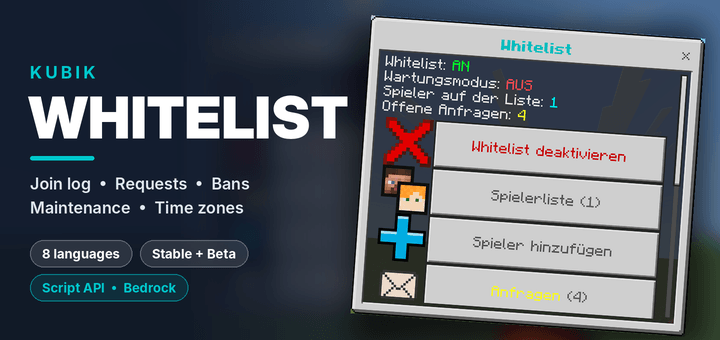
The complete whitelist for Minecraft Bedrock. Control who can join your world or server, see every join attempt with the exact time in your own time zone, and manage everything from one clean in-game menu – in 8 languages.
✨ Features
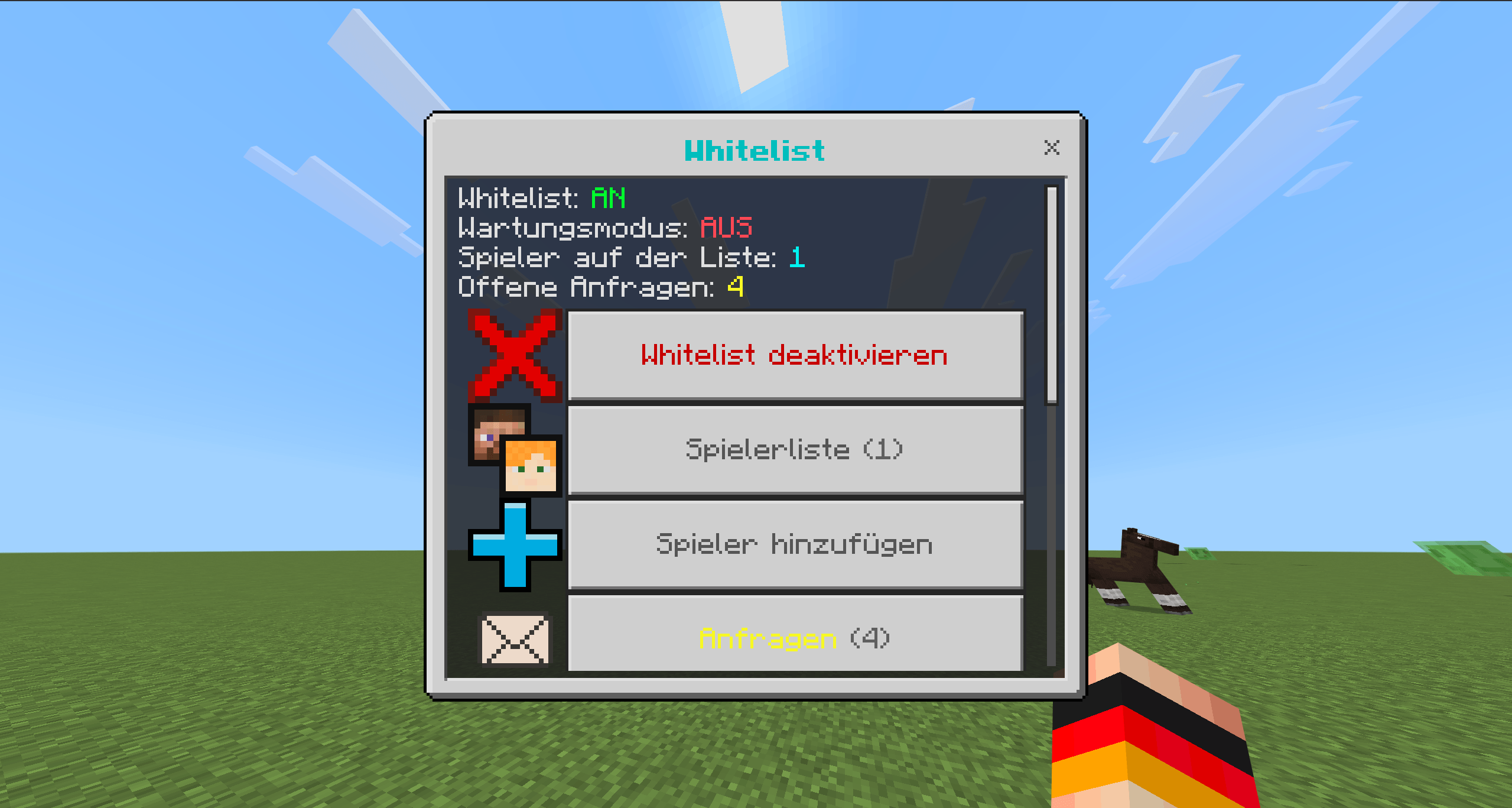
- Whitelist on/off – add and remove players, even when they are offline
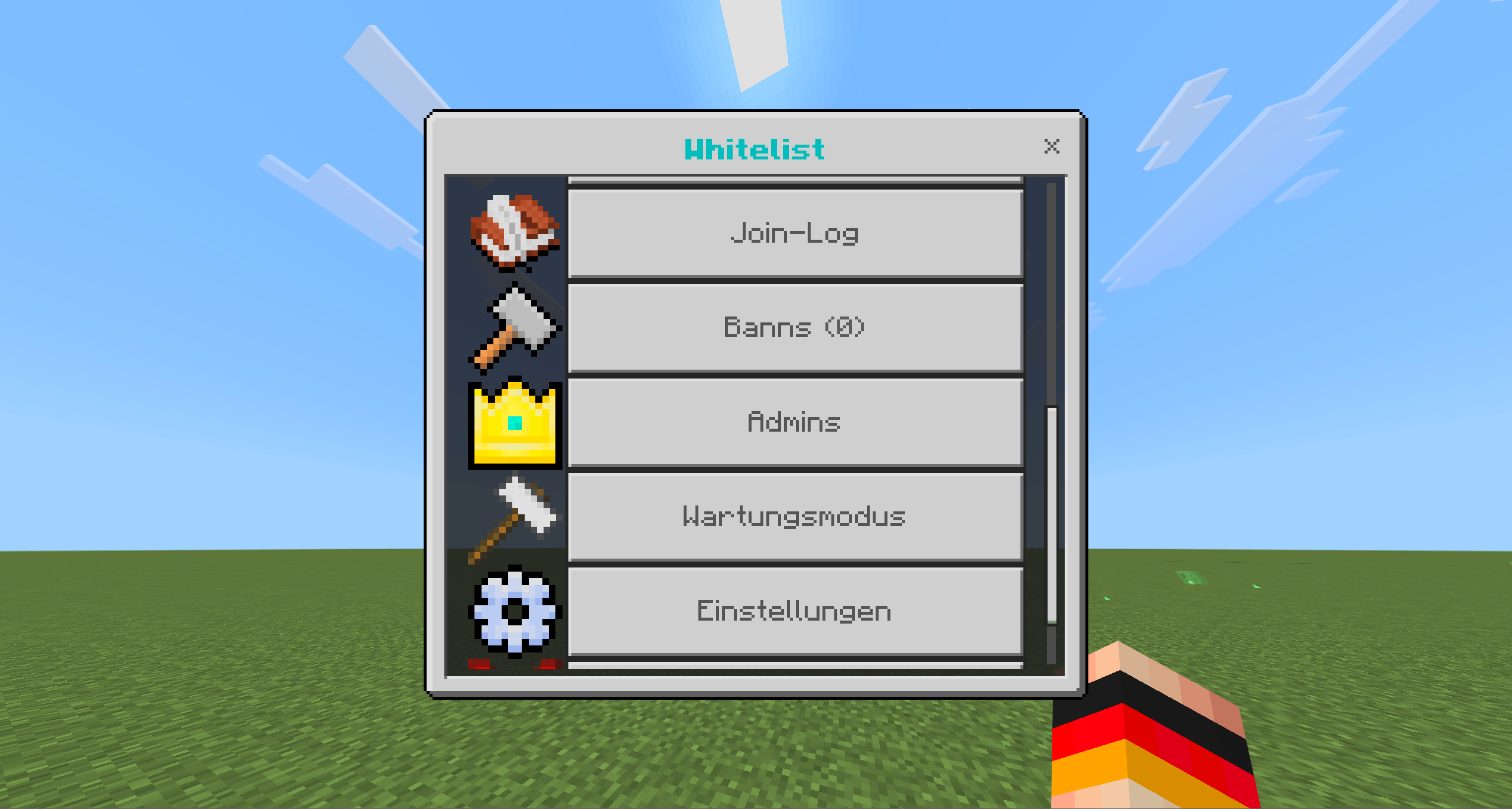
- Join log – every join attempt with time, result and number of attempts. Filter by player, time range and result
- Access requests – rejected players are saved as requests. Accept (permanently or for a limited time), deny, or deny & ban with one click
- Temporary access – 1 hour, 1 day, 7 days, 30 days or a custom duration like
1d12h. Players are removed and kicked automatically when it expires - Bans with reason and duration
- Admins – operators are admins automatically, and you can add more. The owner can never lock themselves out
- Maintenance mode with a custom message, optionally kicks all non-admins
- Player info – first and last join, playtime, platform and language
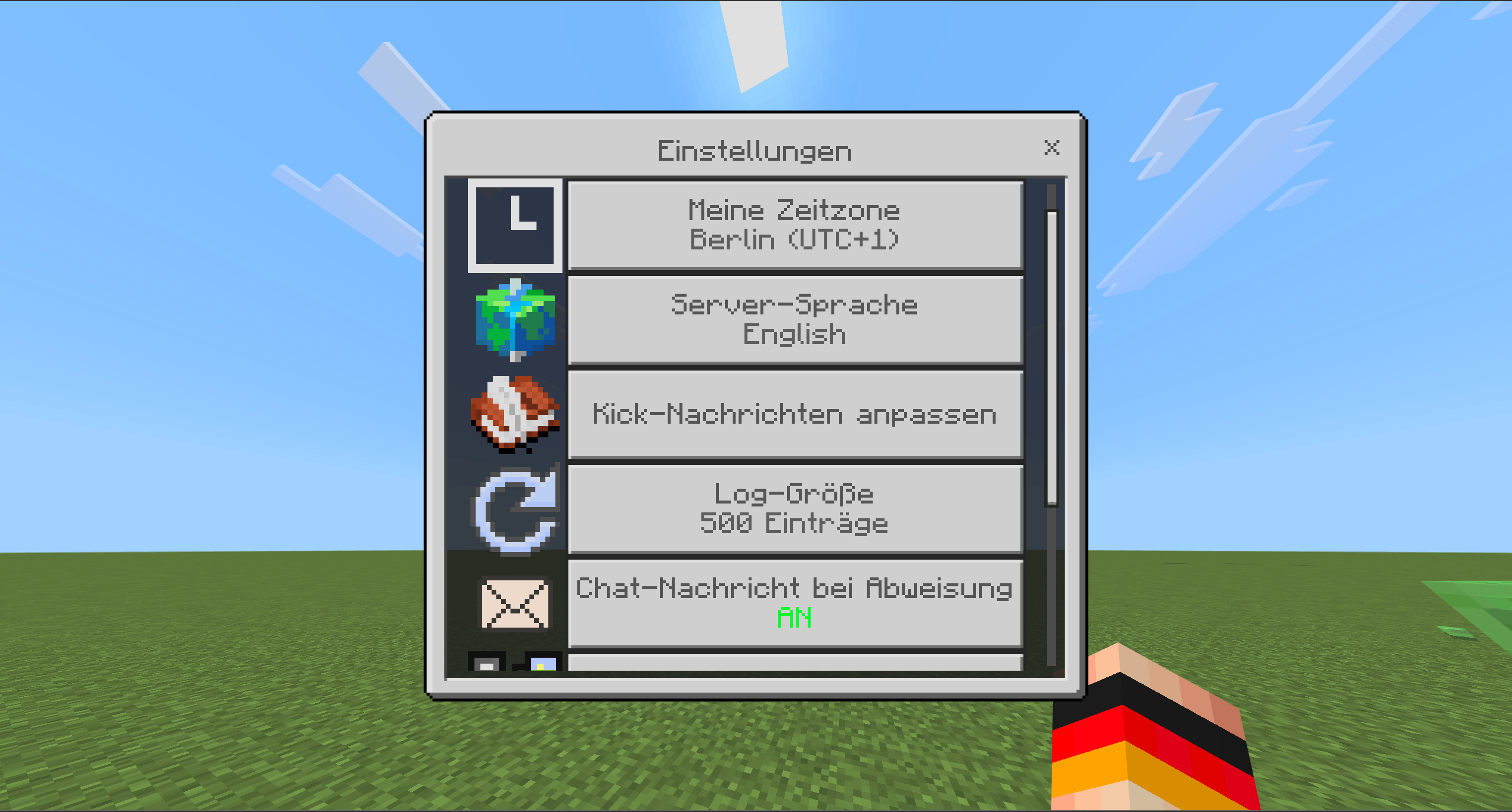
- Time zones – every admin sees all times in their own time zone, including daylight saving time (40 time zones)
- 8 languages – English, German, Spanish, French, Portuguese, Polish, Turkish, Russian. Every player sees menus and messages in their game language
- Chat announcement when someone is turned away, with a custom message, placeholders and a custom sound
- Custom kick messages with placeholders
{player},{reason},{until} - Sounds for every action in the menu
🔀 Stable or Beta?
Use one of the two versions per world:
- Stable – no experiments needed. Rejected players join for a moment and are kicked right away.
- Beta – needs the experiment Beta APIs. Players are checked before they enter the world, detects name changes and can sync with
allowlist.jsonon a Bedrock Dedicated Server.
Both versions store their data separately. If you switch, the list starts empty.
👉 Download: The main download button gives you Stable. For Beta or the Discord module, open the Files tab on this page and pick the file you need.
📥 Installation
- Download the
.mcpack(Stable or Beta) and open it – Minecraft imports it automatically. - Activate the behavior pack in your world. For Beta, also turn on the experiment Beta APIs.
- As an operator (or host), type
/kubik:whitelistto open the menu. - Add your players and enable the whitelist. It is off by default, so nobody gets locked out while installing.
⌨️ Command
One command for everything: /kubik:whitelist [action] [player] [duration]
Without an action it opens the menu. Actions also work from the server console: on, off, add, remove, ban, unban, info, list, log, maint
Examples: /kubik:whitelist add Steve 7d · /kubik:whitelist ban Griefer 1d12h
The short form /whitelist works when the name is free. On a Bedrock Dedicated Server it is already used by the vanilla /allowlist, so use /kubik:whitelist there.
🖥️ Bedrock Dedicated Server
Set allow-list=false in server.properties. Otherwise the server rejects players before the add-on sees them, and there are no logs or requests for them.
💬 Optional: Discord module (BDS only)
Sends join attempts, bans, new players, maintenance and more to a Discord channel via webhook. Install it together with Stable or Beta.
Setup:
- In Discord: Channel settings → Integrations → Webhooks → New Webhook → Copy URL
- On your server, create the folder
config/4bf006fc-0ea4-4609-a850-8c4aedd14c9d/ - Inside it, create
permissions.json:
{ "allowed_modules": ["@minecraft/server", "@minecraft/server-net", "@minecraft/server-admin"] }- And
variables.json(put in your webhook URL):
{
  "webhook_url": "https://discord.com/api/webhooks/...",
  "language": "en",
  "bot_name": "Kubik Whitelist"
}- Activate the module in your world and turn on the experiment Beta APIs, then restart the server.
Optional in variables.json: "events": ["deny", "kicked", "ban", "unban", "add", "remove", "rename", "expired", "maint_on", "maint_off", "wl_on", "wl_off"] – also available: join, admin_add, admin_remove, ban_expired. For language you can use en, de, es, fr, pt, pl, tr or ru.
❤️ More from me
- YouTube: @Prokubik-YT
- TikTok: @prokubik_yt
- Discord: discord.gg/4MPS7c8nZq – questions, bugs and ideas welcome!
Kubik Whitelist Team