KillReward-Sistem
- By
This addon allows admins to create an automatic reward system when players kill certain mobs.
Screenshot_20251009_212805.jpg
Screenshot_20251009_212828.jpg
Screenshot_20251009_212756.jpg
Description
This addon allows admins to create an automatic reward system when players kill specific mobs.
* **GUI Menu:** All settings are managed through an easy-to-use menu item.
* **Flexible Rewards:** Set up rewards such as:
* **Money:** (requires a scoreboard named `money`).
* **Items:** Give any item in a specific amount.
* **Commands:** Execute custom commands for the player.
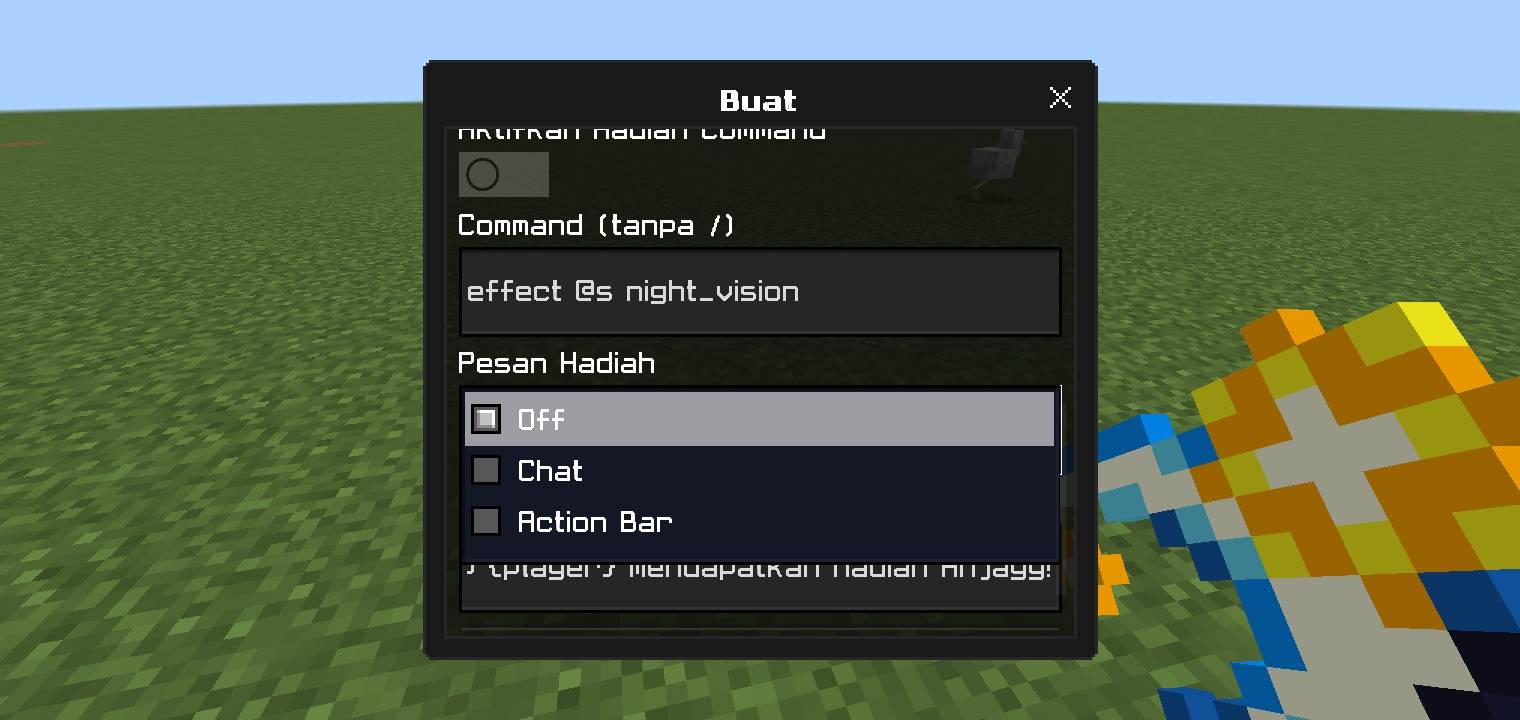
* **Custom Messages:** Set notification messages (in chat or action bar) or disable them when a player receives a reward.
* **Easy Management:** Existing systems can be edited or deleted anytime through the menu.
### **How to Use**
1. **Become an Admin:**
* Only players with the `admin` tag can use the menu.
* Type the command: `/tag @s add admin`
2. **Get the Menu Item:**
* Get the menu item with the command: `/give @s kill:menu`
3. **Open the Menu:**
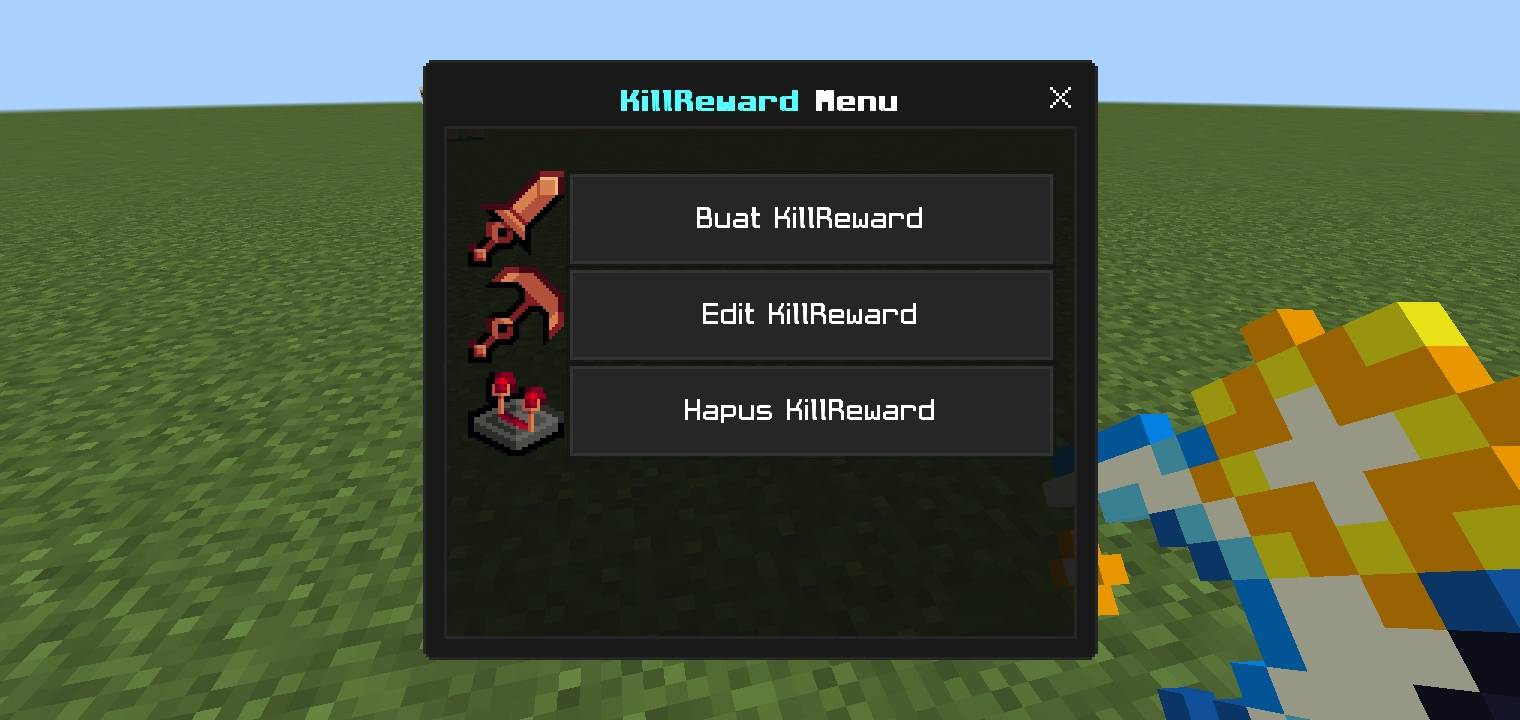
* Hold and use the `kill:menu` item to open the "KillReward Menu" UI.
4. **Create a New System:**
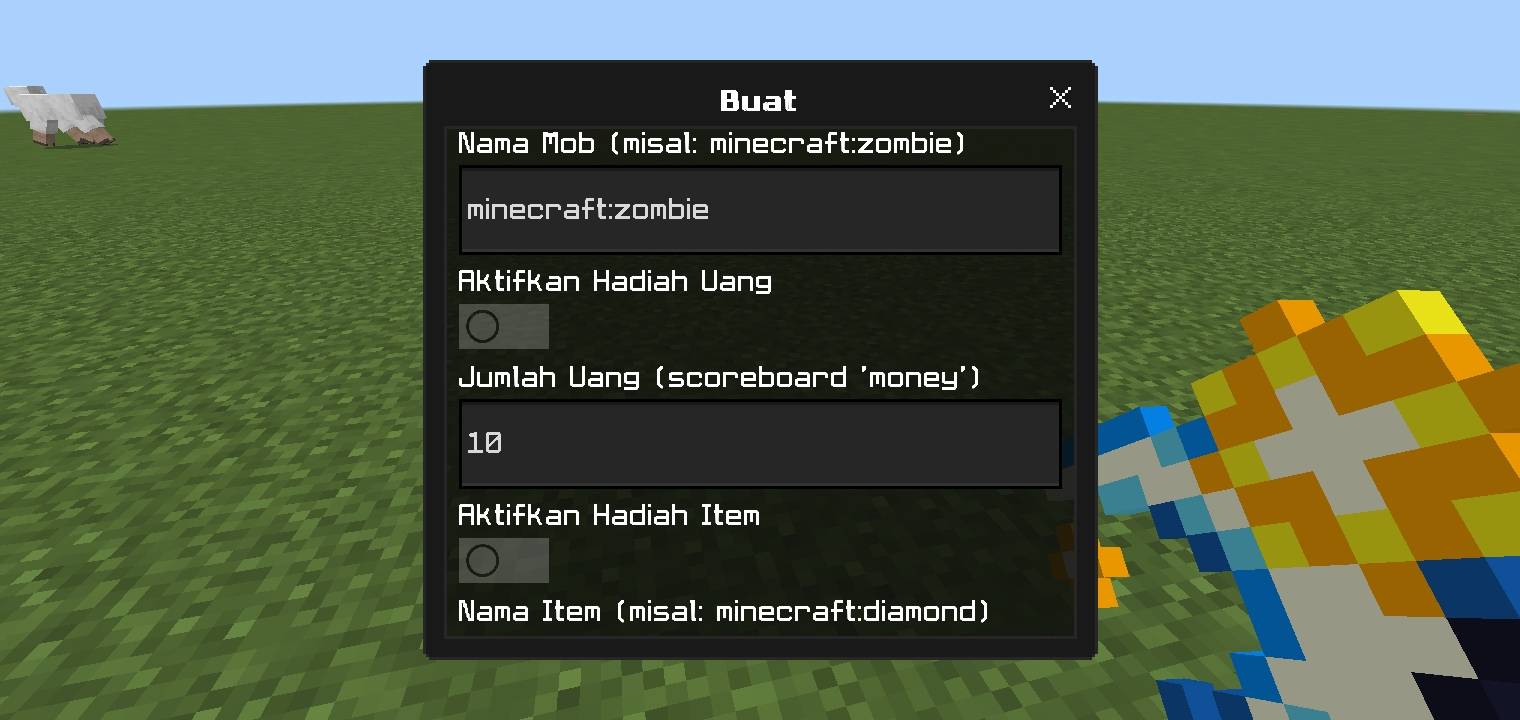
* Select the **"Create KillReward"** button.
* Fill in the mob name (e.g., `minecraft:zombie`).
* Enable the desired reward types (Money, Item, Command) and fill in the details.
* Choose the message type and write the message.
* Click **"Submit"** (the right arrow button).
5. **Edit or Delete:**
* Use the **"Edit"** or **"Delete"** buttons in the main menu to manage existing systems.
**Important Note:** If you want to use the **Money** reward, make sure you have created the scoreboard first with this command: `/scoreboard objectives add money dummy`
KillReward-Sistem Team