Immersive Aircraft, Now on Bedrock!*
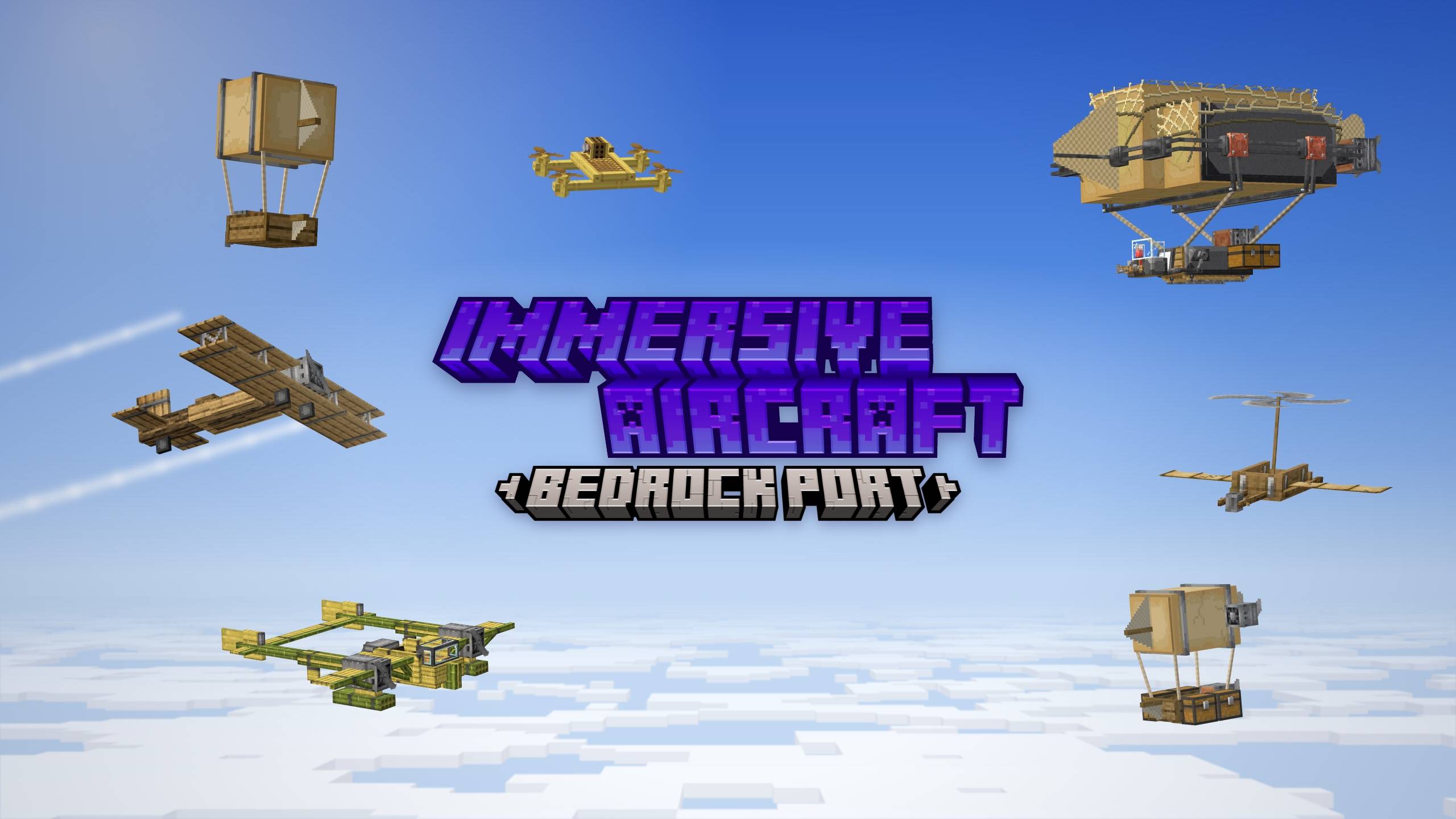
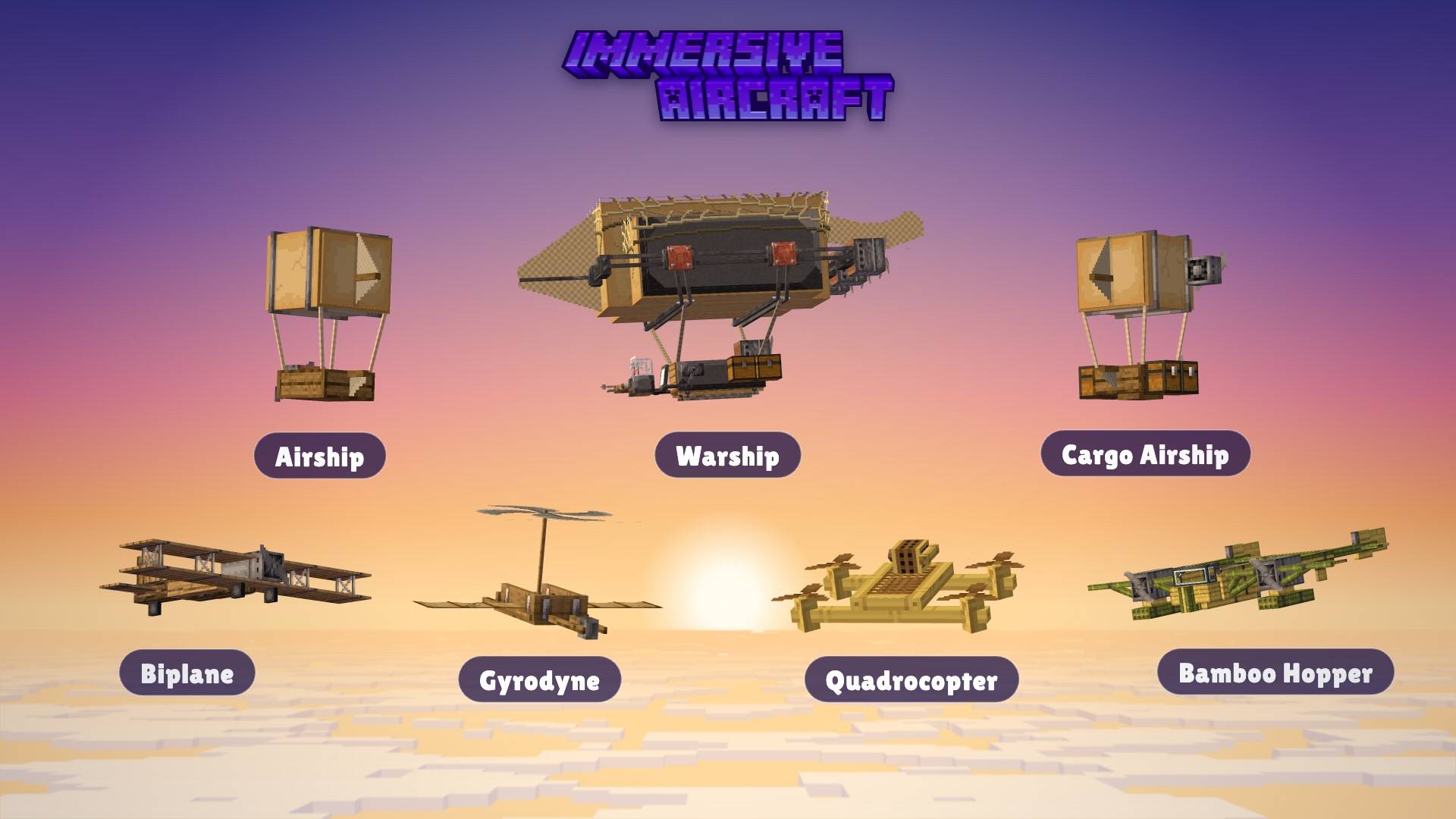
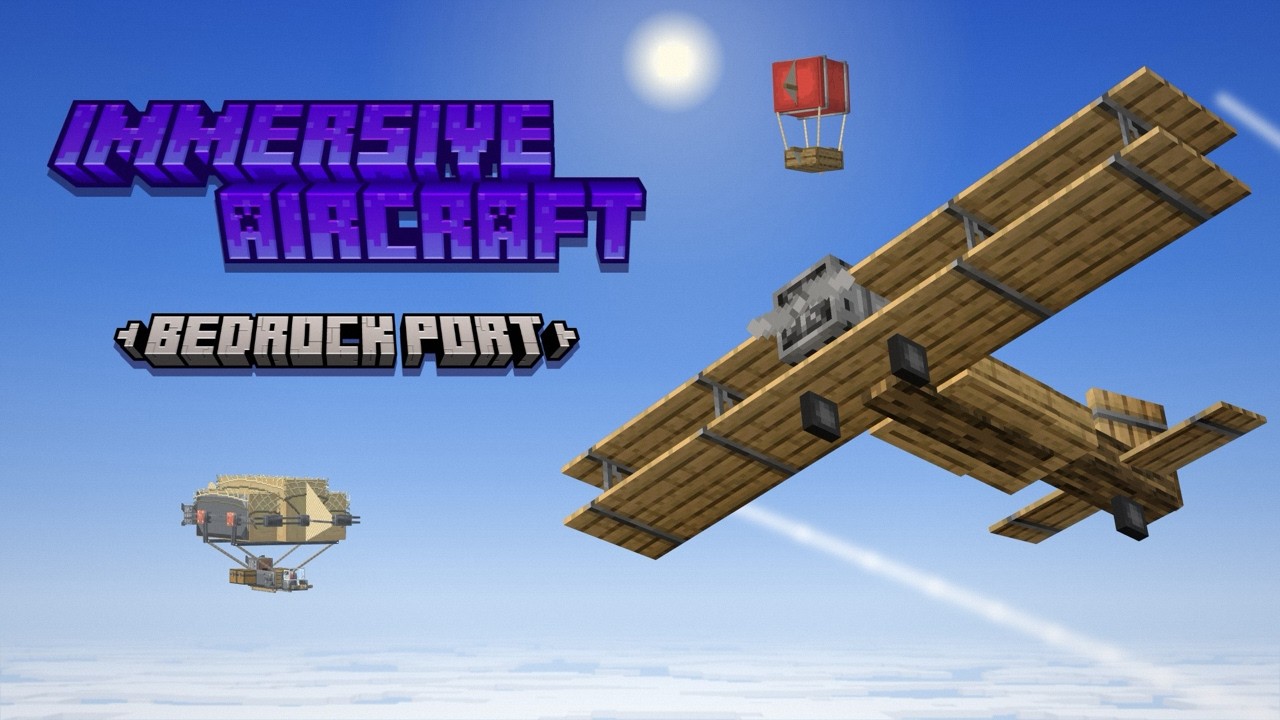
Immersive Aircraft: Bedrock Port (Official) brings all seven vanilla-style aircraft from Conczin's Java Edition Mod, Immersive Aircraft, directly to Bedrock! All of it! Their physics, multiplayer support, fuel, upgrades, weapons, models, animations, and sounds! It is a full port made with Conczin's permission. Vibrant Visuals isn't required, but there are VV features in the pack.
(Some images are not in-game screenshots; they are scenes with the actual aircraft models & textures (courtesy of Conczin!) rendered in BlockBench.)





Aircraft
Several aircraft have been ported, and each has its own unique features!
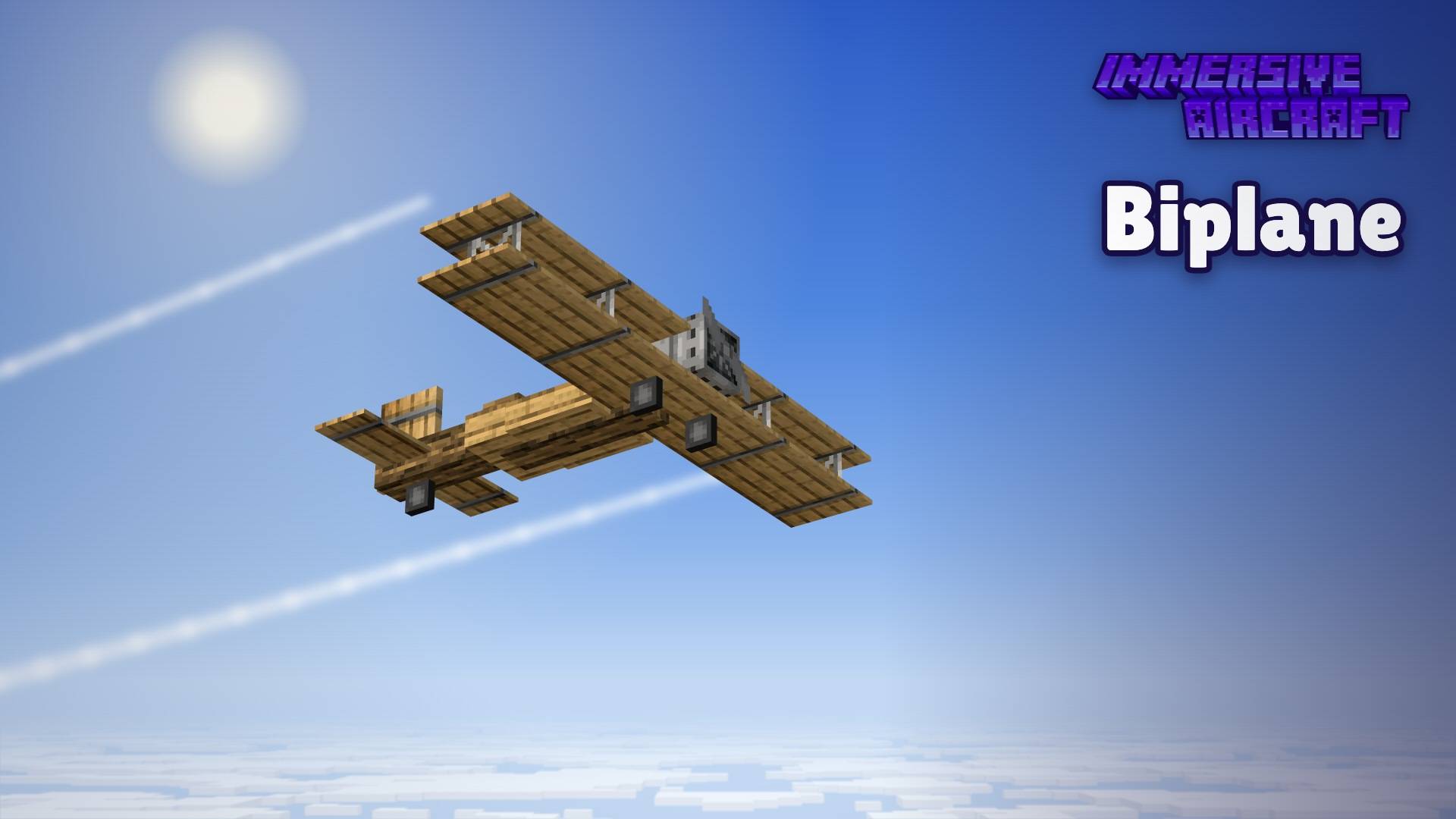
Biplane
The Biplane has one seat. It's powered by a Boiler (furnace fuel). It has 16 cargo slots, 1 weapon slot, and 4 upgrade slots. It needs a runway to take off and has a booster slot for fireworks.
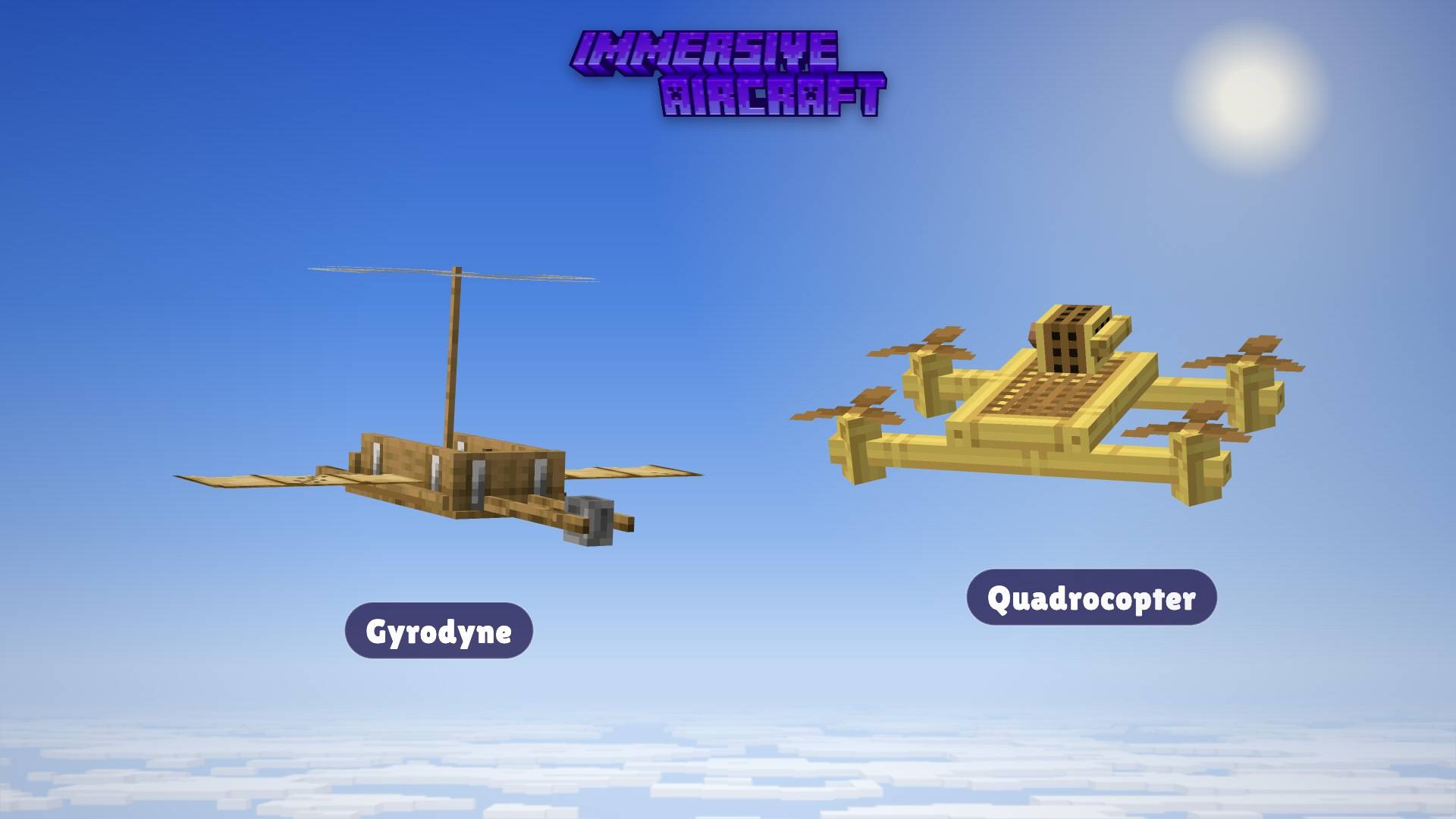
Gyrodyne
This has 2 seats and is powered by, well, nothing! (Okay, it's actually powered by your food, so bring snacks.) It has 18 cargo slots, 1 weapon slot, and 3 upgrade slots. Hold the W key to spin the rotor, then lift off. (For mobile players, hold the Forward button / Joystick forward to spin the rotor)
Quadrocopter
This copter has 1 seat and is powered by 1 boiler. It has 6 cargo slots, 1 weapon slot, & 1 upgrade slot. This mainly hovers in place and moves very precisely. It is built from bamboo.
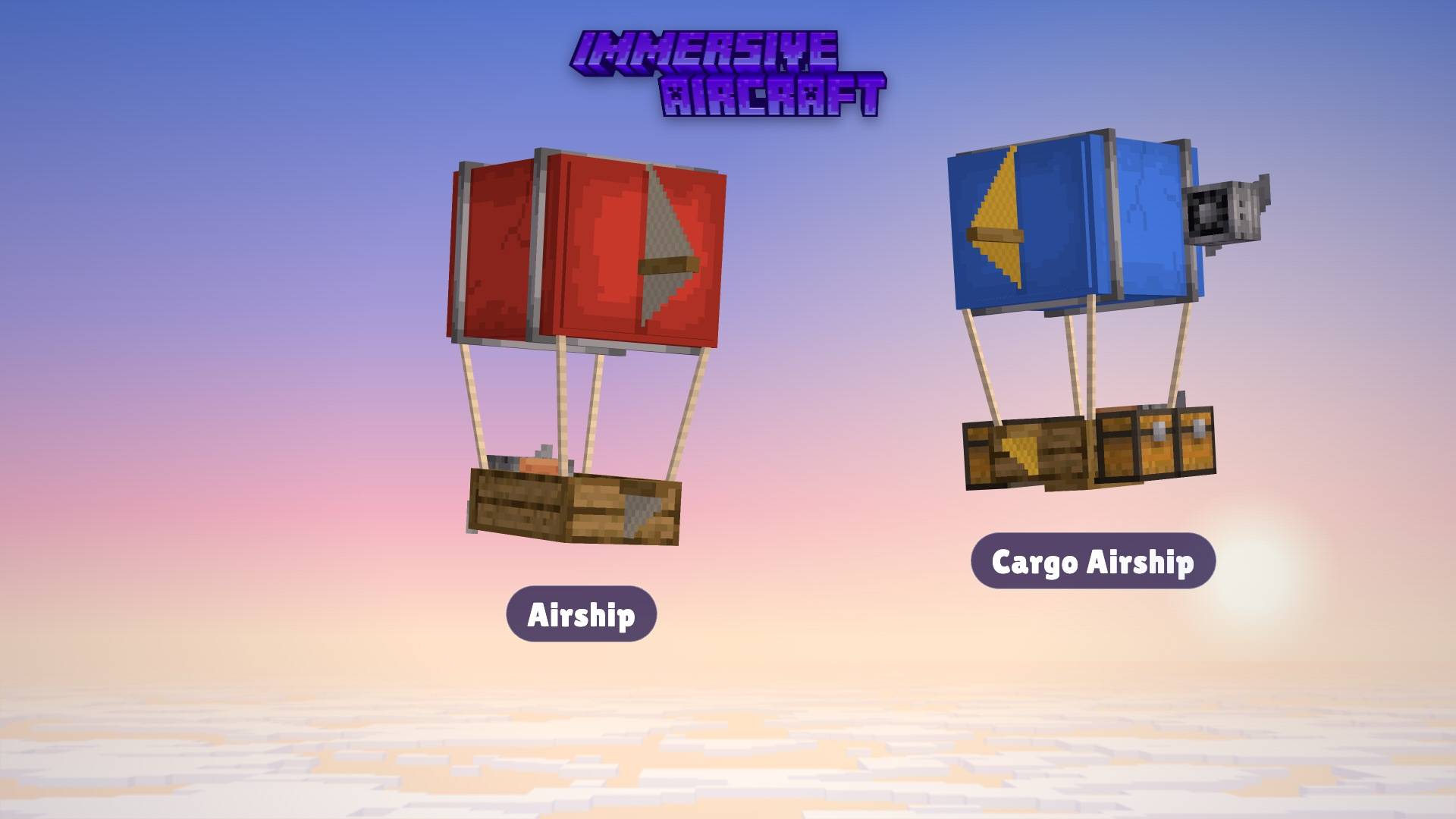
Airship
The Airship has 2 seats, is powered by a boiler, and is easy to fly. It has 16 cargo slots, 1 weapon slot, & 3 upgrade slots. It is slow & steady, can climb altitude vertically (can move straight up), and has dyeable sails & banners!
Cargo Airship
This huge cargo ship has 2 seats, runs on a single boiler, and has 80 cargo slots (all on one screen), 0 weapon slots, & 4 upgrade slots. It's basically a huge flying warehouse, with, again, dyeable sails & banners!
Warship
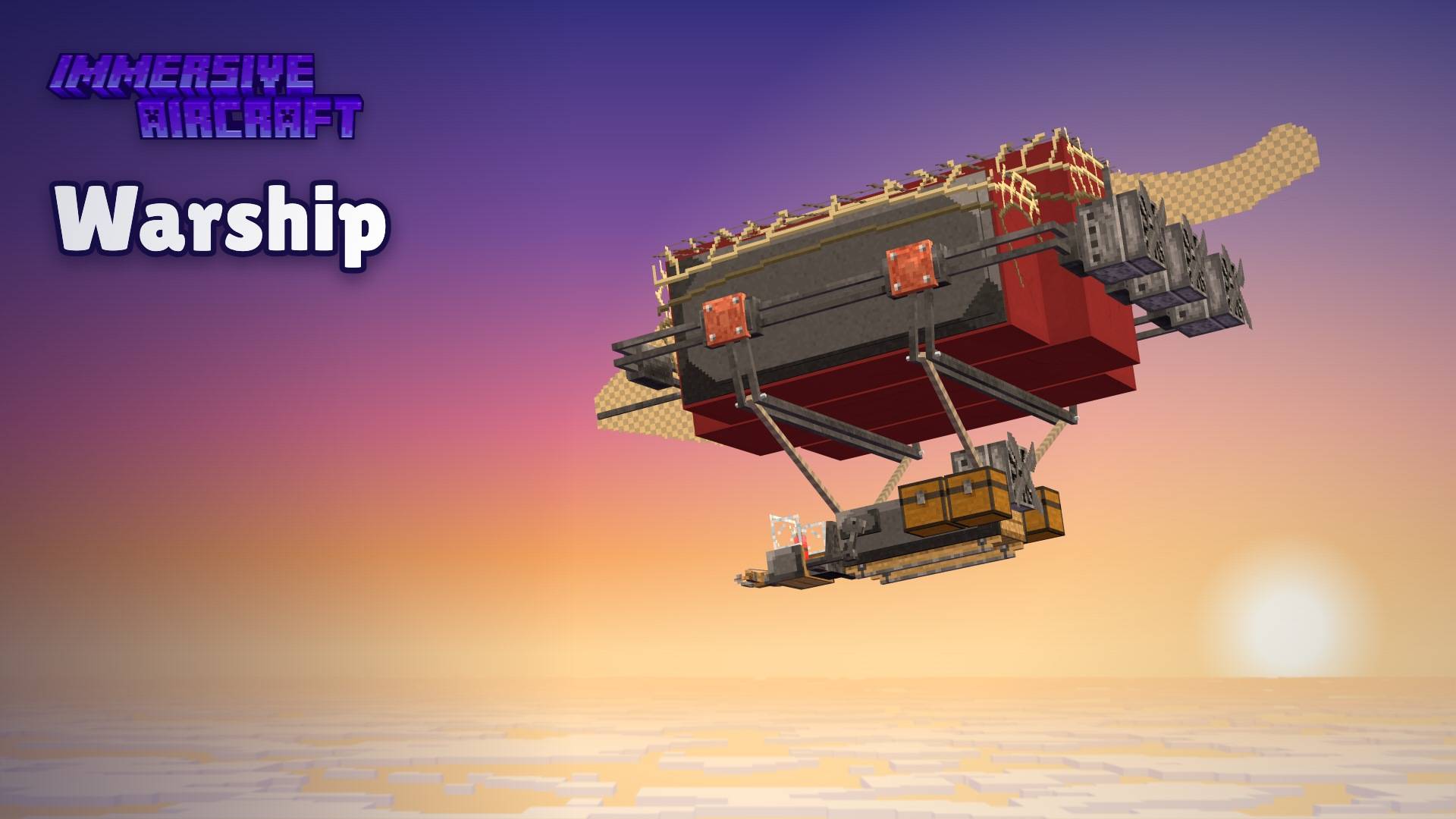
This beast is the only thing you need for war. And that too, the best thing! It has 4 seats, needs 3 boilers, 66 cargo slots, 2 weapon slots, and 6 upgrade slots. The pilot can fly while gunners aim turrets at things. Has 3x the hull strength & a booster slot.
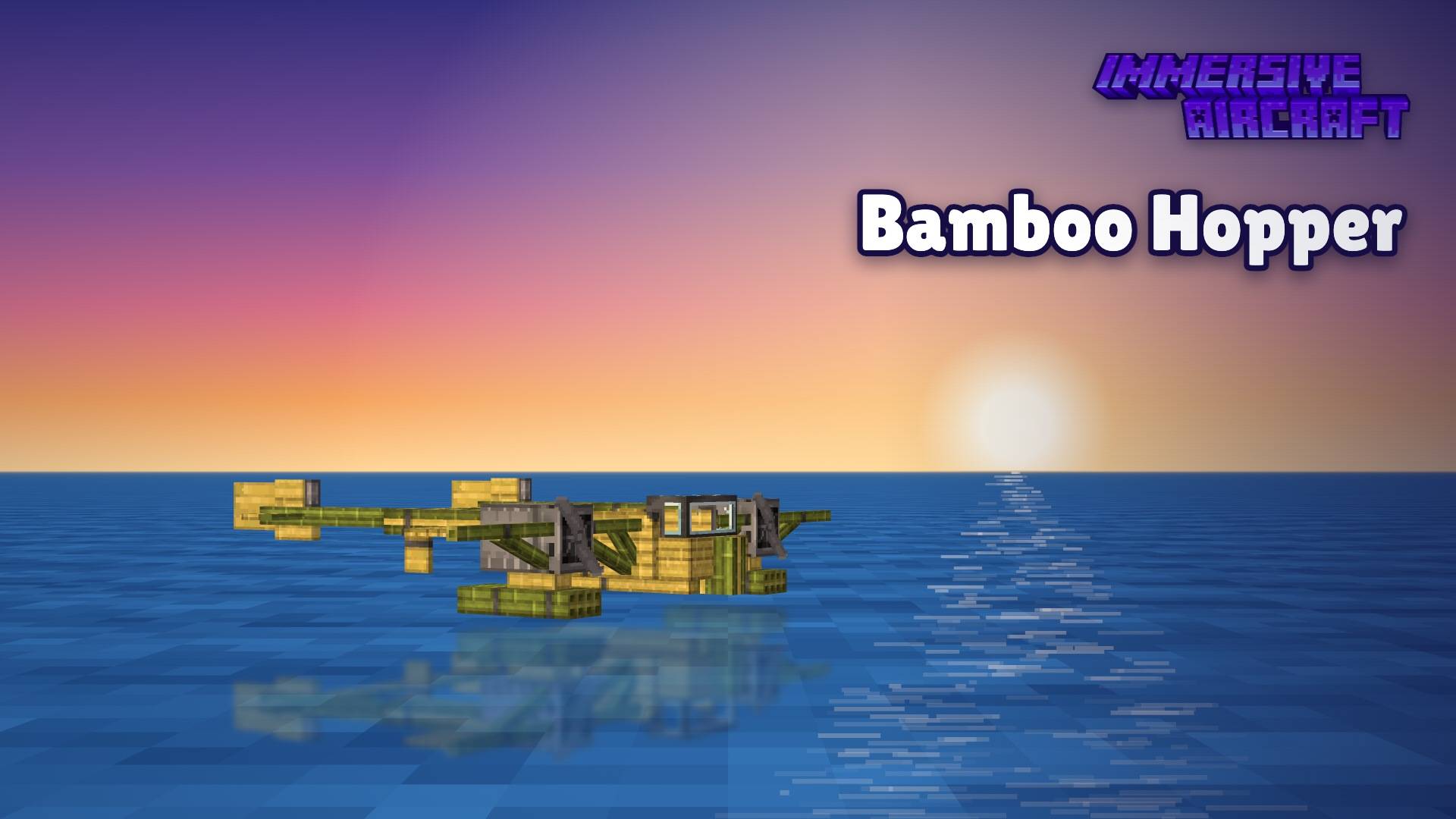
Bamboo Hopper
This ship has 3 seats and only needs one boiler. It has 16 cargo slots, 2 weapon slots, and 4 upgrade slots. It's a seaplane made of, well, you guessed it, bamboo. It can float and take off from water. It also has a booster slot!
Upgrades
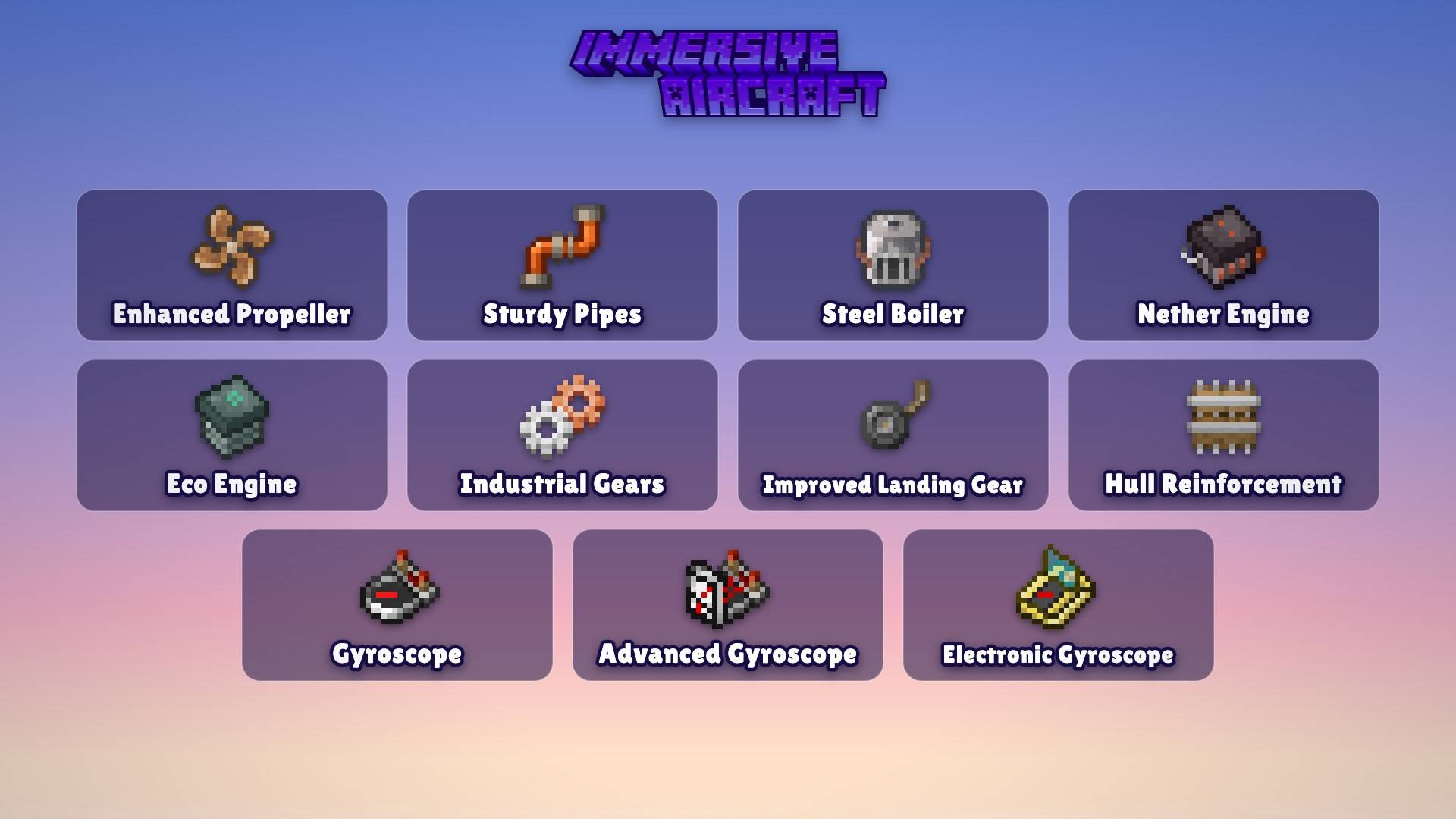
You can install upgrades in an aircraft's upgrade slots. Different upgrades stack (each one fits once per aircraft), and each aircraft "remembers" its upgrades if you break it & pick it up again. Here's a helpful table!:
| Upgrade |
Effect |
| Enhanced Propeller |
+5% engine speed, −75% friction |
| Sturdy Pipes |
+8% engine speed |
| Steel Boiler |
+20% engine speed, +50% fuel use |
| Nether Engine |
+30% engine speed, +30% fuel use |
| Eco Engine |
−20% engine speed, −75% fuel use |
| Industrial Gears |
−20% fuel use |
| Improved Landing Gear |
+75% acceleration |
| Hull Reinforcement |
+100% durability |
| Gyroscope |
No wind drift, +3% stabilizer |
| Advanced Gyroscope |
Gyroscope effects plus a dial readout (airspeed, altitude, vertical speed, heading, warning lights) |
| Electronic Gyroscope |
Gyroscope effects plus a full flight HUD (airspeed, altitude, heading, attitude, warnings) |
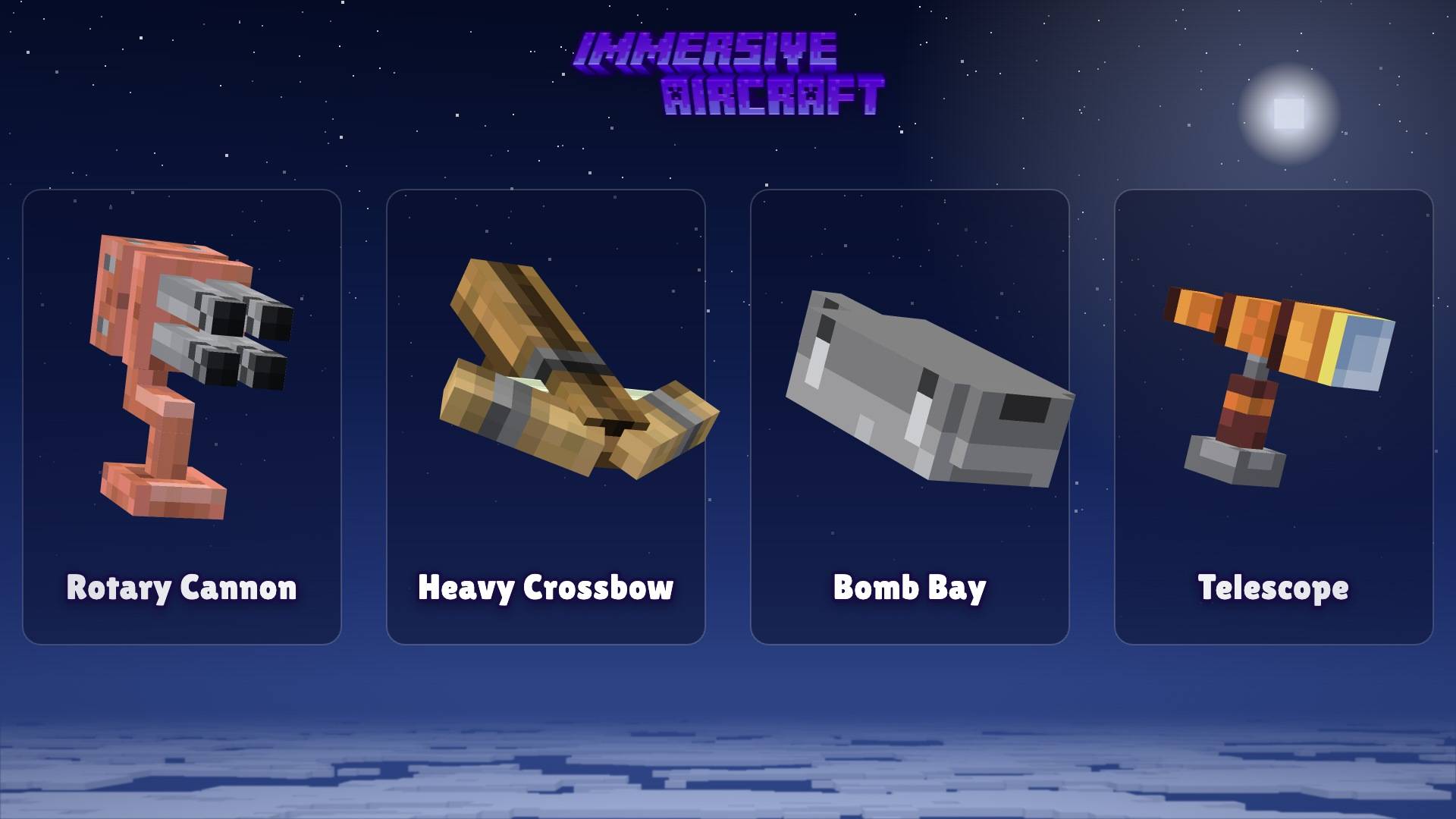
Weapons
| Weapon |
Mount |
Ammo |
What it does |
| Rotary Cannon |
Rotating, aims where you look |
Gunpowder (10 shots each) |
5 rounds per second, 5 damage per hit |
| Heavy Crossbow |
Fixed, facing forward |
Arrows (2 shots each) |
Heavy, fast bolts |
| Bomb Bay |
Underneath |
TNT (5 bombs each) |
Drops small TNT bombs that explode on a fuse |
| Telescope |
Rotating |
None |
Click to zoom in, click again to zoom out |
Click to fire, or tap anywhere on mobile. It works whatever you're holding, and tapping your own aircraft fires instead of damaging it. Ammo goes in the cargo slots. On warships each attacker can control only their weapon. The weapons do not break blocks normally, but you can change that with Weapons break blocks in the world settings.
Crafting
Check the recipe book in game. (Fun fact: the Bamboo Hopper takes two whole Biplanes to craft!)
Controls
These work the same on keyboard, controller and touch. You fly with the movement stick & where you look.
| Action |
How |
| Place an aircraft |
Use the aircraft item on the ground |
| Board |
Interact with the aircraft |
| Open the inventory |
Press your inventory key while seated, or sneak next to the aircraft + Interact (the Open button on mobile) |
| Install an upgrade, weapon, banner or dye |
Interact with the aircraft while holding it |
| Load fuel or firework rockets |
Sneak + Interact while holding them |
| Airplanes: throttle |
Stick forward raises it, back lowers it (and brakes on the ground) |
| Airplanes: pitch & turn |
The nose follows where you look |
| Helicopters and airships |
Stick forward, back & turn. Look up to climb, down to descend |
| Gyrodyne |
Hold forward to spin the rotor up |
| Free look |
Switch steering to stick only in the aircraft panel |
| Fire |
Attack (click, or tap anywhere on mobile) |
| Telescope |
Click to zoom in, click again to zoom out |
| Boost |
Use a firework rocket while flying (it burns rockets from the booster slot) |
| Dismount |
Sneak (or the dismount button on mobile) |
| Aircraft panel |
Sneak + hit the aircraft |
| Repair |
Interact with a damaged aircraft (costs a little hunger) |
How to Play
Any furnace fuel works in the boiler along with blaze powder. The engine spins up gradually, and sputters and dies when fuel is low or out.
The planes need airspeed to generate lift, and will stall & glide. Airships and rotorcraft hover. Wind can get stronger in rain & thunder unless a gyroscope is installed.
Hitting the ground hard damages the hull of the craft. And a very hard crash wrecks the craft, also creating a small explosion. Damaged aircraft smoke. Interact with them to patch them up.
A broken aircraft drops as an item that still has its upgrades & weapons. The tooltip in the inventory shows how many items it's carrying. Cargo isn't held. It gets strewn all over the ground.
You can customize your aircraft by dyeing it. You dye them by dipping them in cauldrons with dyed water, like you do with leather armor. You can tint their sails via the dye slot. And then fly your banner!
Other players can ride in extra seats, and mobs automatically board just like in boats (kick them out from the aircraft panel). Distance flown, time in air, fuel burned, damage taken, and crashes are all tracked on scoreboards.
Flight Camera
New in the Flight Camera Update (1.2.0)! You now tilt with the aircraft when it climbs, dives, or banks. Your FOV widens as you speed up, kicks out when you boost, and there's some light turbulence at high speed. You can also switch to free look (stick-only steering) to look around while you fly! Turn the effects off for yourself in the aircraft panel, or for the whole world in the world settings.
Settings and the Aircraft Panel
World settings live in Settings > Behavior Packs > Immersive Aircraft > the gear icon. Speed, lift, fuel, wind, crashes, weapons, repair, drops, and the flight camera, all per world. No commands needed!
Sneak + hit an aircraft to open its panel (don't worry, it never damages the aircraft). Condition, fuel, ammo, upgrade summary stuff. Slot manager, boost, steering mode, flight camera effects, the 3rd-person camera toggle, kicking out passengers, and a controls page as well.
/ia:dev is for operators with cheats on. It has every option from the original mod's config, plus buttons to give one of every aircraft or every upgrade & weapon.
Vibrant Visuals
All textures in this add-on have MERS & normal maps. With Vibrant Visuals on, metal parts (copper, steel, engines, and gauges) shine, everything else (wood, canvas, bamboo, and glass) stays matte, surfaces have real depth, and the Cargo Airship's furnace glows!
Differences from Java Mod
There are some differences from the original mod that I may add to Bedrock later. But for now, the engine has a few limits compared to what Java Edition can do.
You tilt with the aircraft, but the first-person camera doesn't roll (Bedrock doesn't let add-ons roll the camera). The cockpit gauges and HUD are shown as action bar text instead of drawn instruments. Banners show their base color, not their patterns. The telescope is click to zoom in & click again to zoom out, since Bedrock can't tell add-ons when a button is held. Aircraft are also a bit faster by default, so set the speed multiplier & plane lift assist to 1 in the world settings for the exact Java feel.
Credits, Links, & Licensing
The original mod, its code logic, models, textures, animations, sounds, and translations are by Conczin (Luke100000) and his repository contributors.
This port is made with his permission. Bedrock port by Draco12191712. It is licensed under the GNU GPL v3, the same as the original. Source code: GitHub. Please report bugs in the port there, not to the original mod.
GitHub Source Code
Discord Server
YouTube Channel
CurseForge Account
*This mod is still in beta, expect bugs and changes!