Hoplite Weapons
- By
Hoplite Weapons is an add-on made by beyond64 that adds legendary weapons from the popular server Hoplite.gg to Minecraft Bedrock.
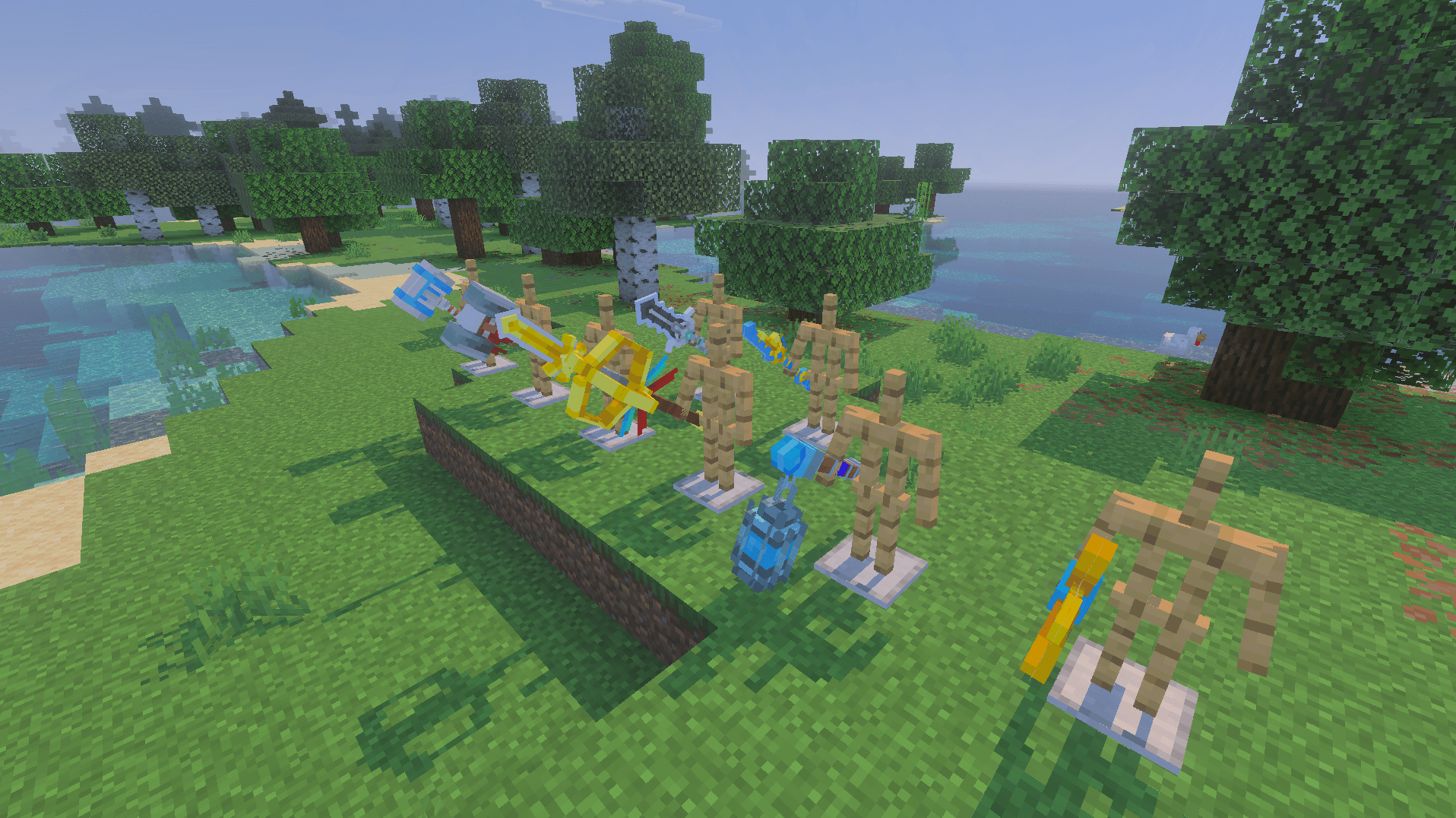
image_2025-11-06_193059852.png
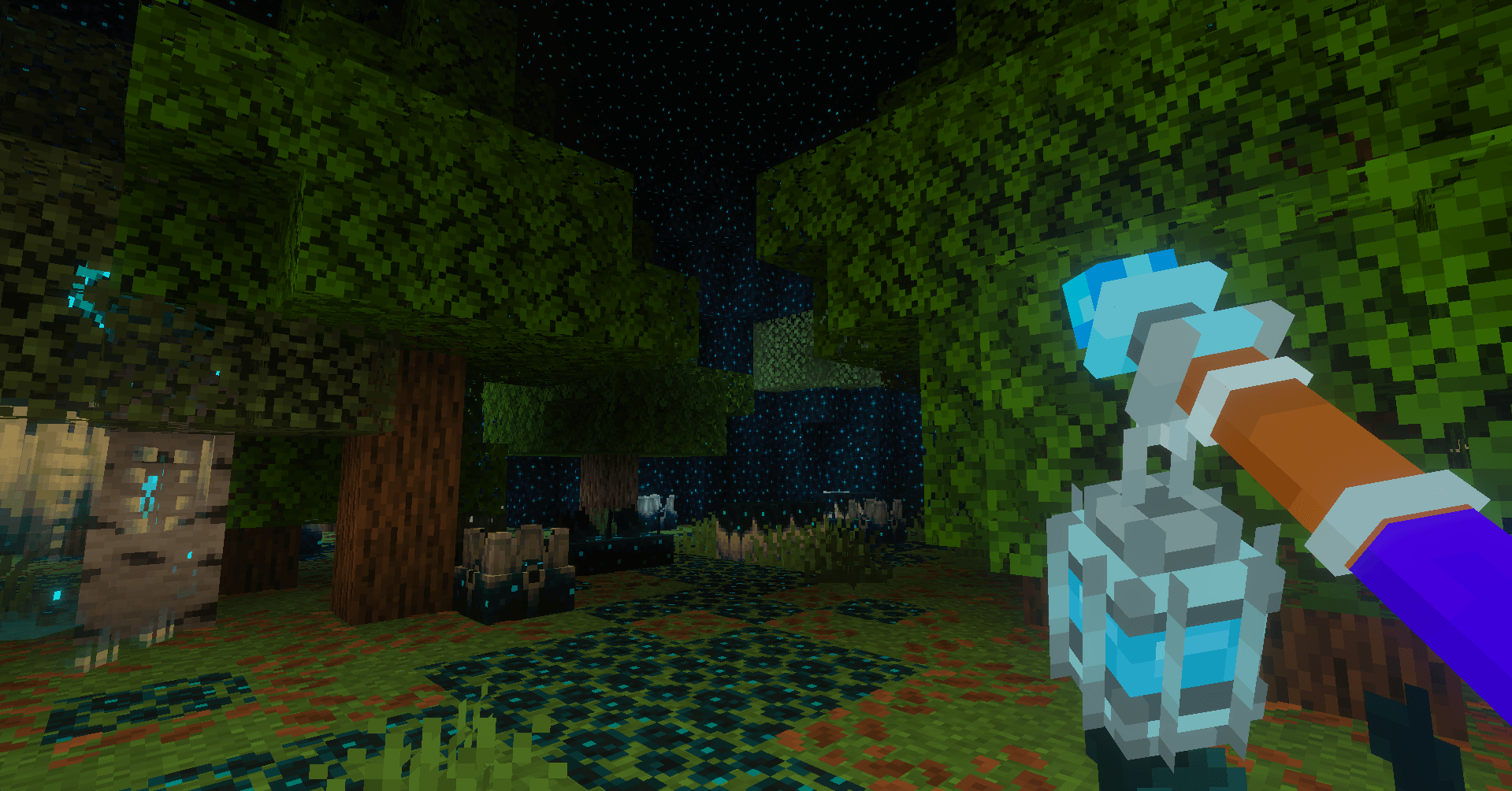
image_2025-11-06_193156931.png
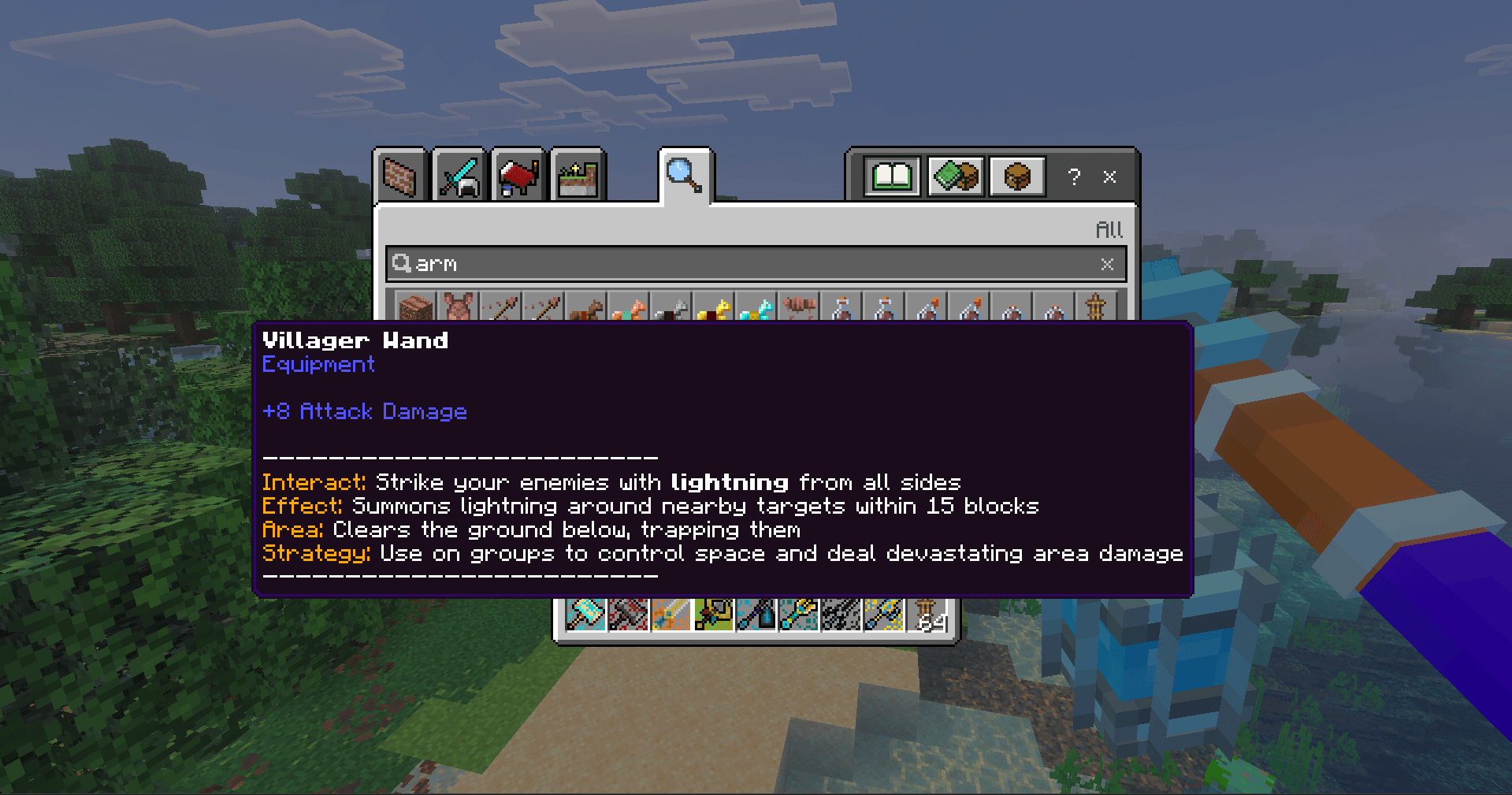
image_2025-11-06_193234510.png
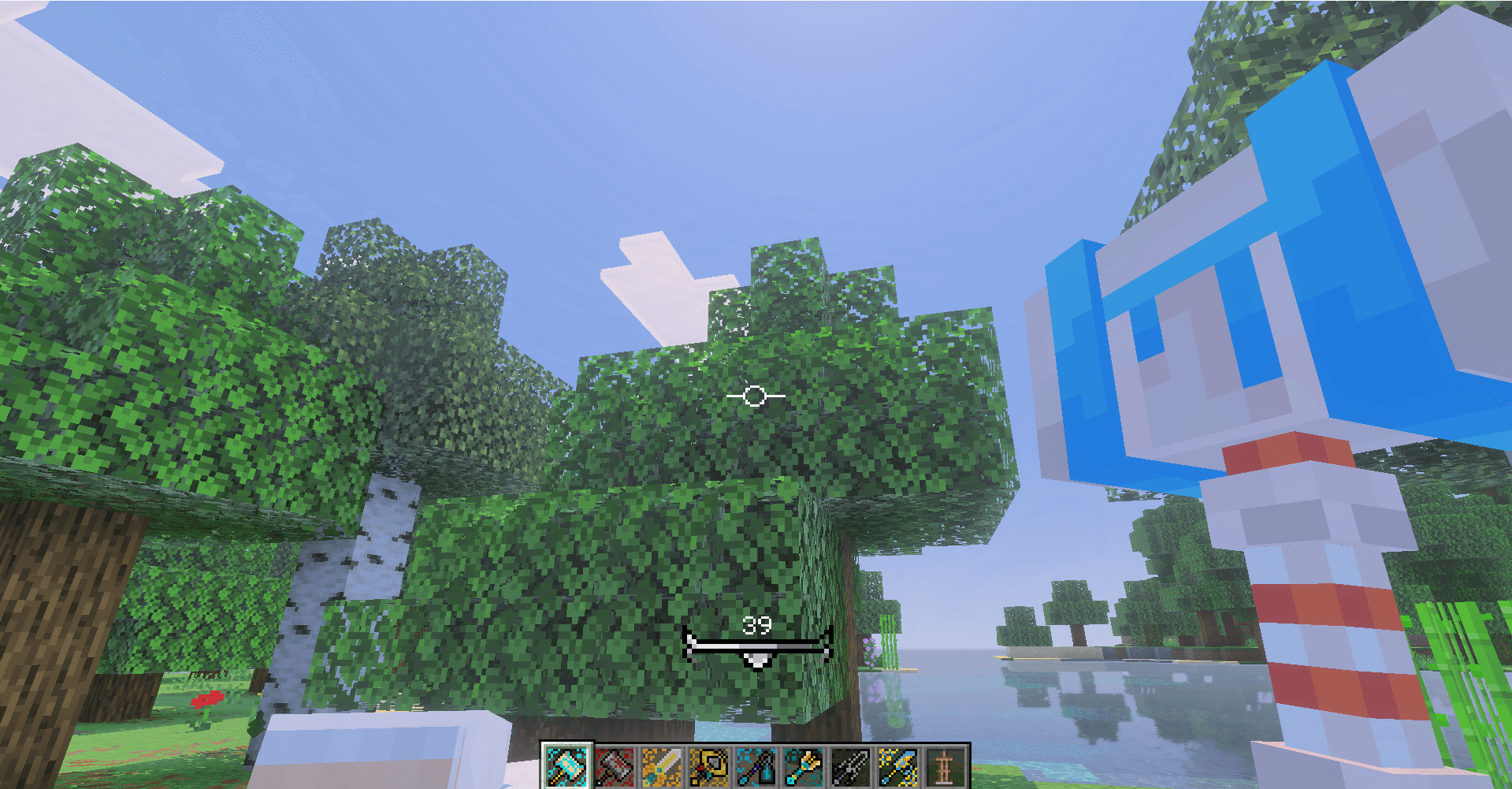
image_2025-11-06_193327730.png
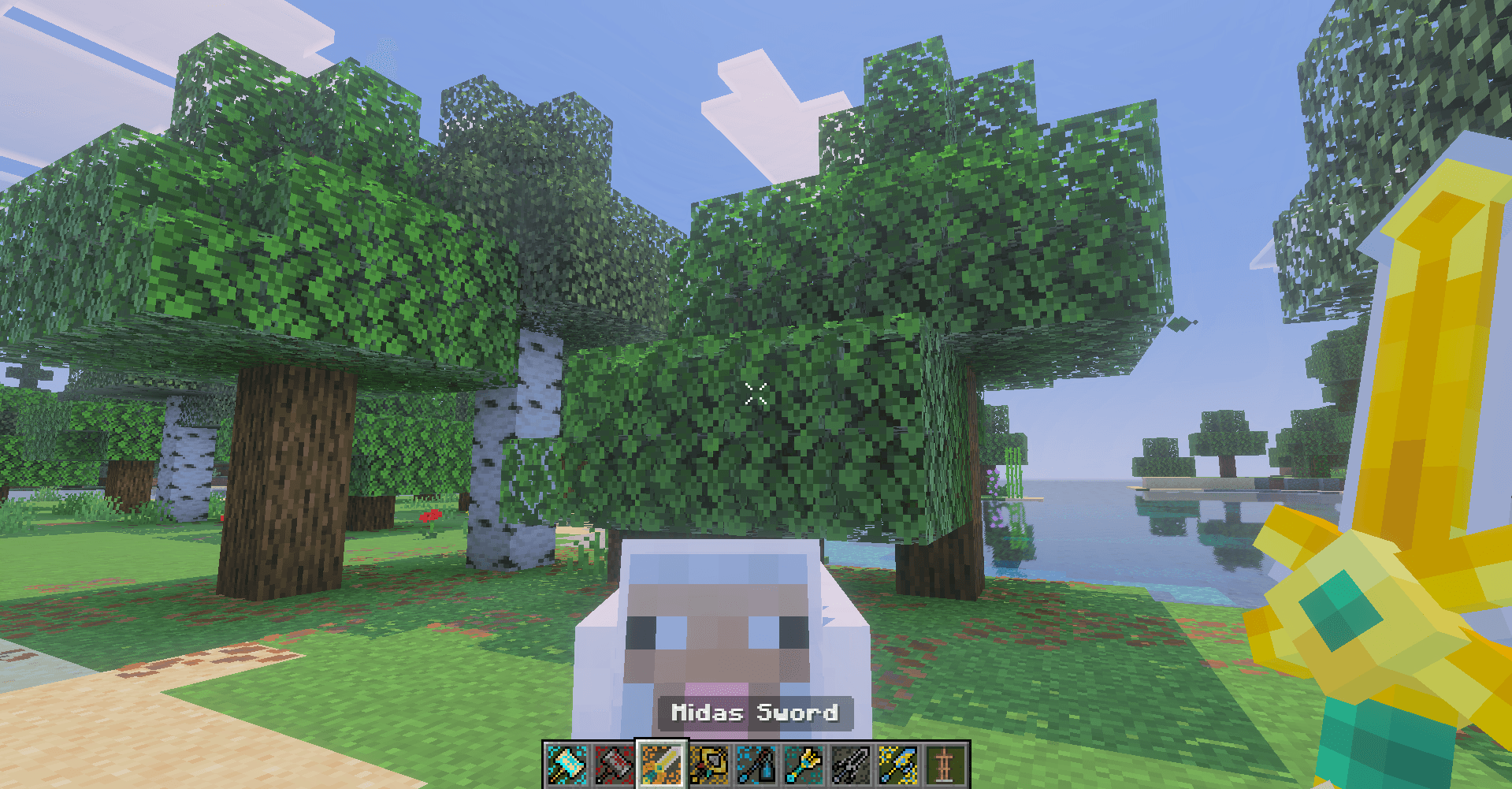
image_2025-11-06_193355368.png
Description

This mod need no exprimental to run
Hoplite Weapons is a remake of SpeedSilver Weapons addon that adds the legendary weapons from the popular Java server hoplite.gg. This addon is perfect for multiplayer play, PvP and for SMP or just a simple way to spice up your survival world. Here are all the features from this addon
Compatible with Beyond's Java PvP Addon
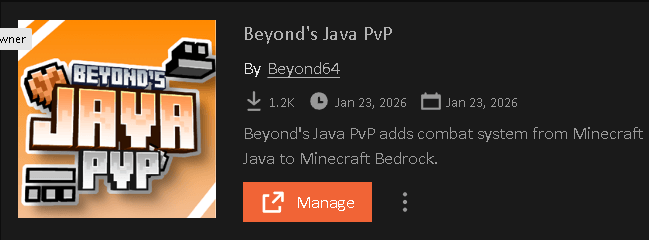
Beyond's Java PvP introduces the weapon attack speed and combat system from Minecraft Java to Minecraft Bedrock in a clean and simple way. Adding this addon will give all the weapons in the addon Java style attack animation and attack speed.
Click Here To Download Beyond's Java PvP Addon
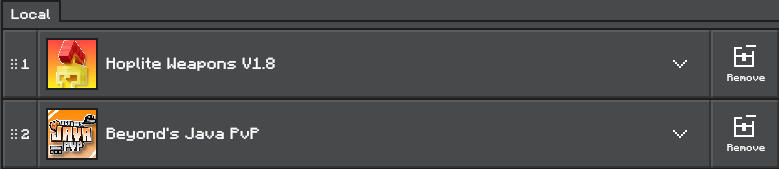
Make sure that Beyond's Java PvP addons bp and rp are bellow all the other addons. It will work otherwise but keeping it bellow is recommended.
Q: What was the goal of the remake?
A: The main goal with the remake was to make this addon more expandable, add more features to the addon and improve performance as much as possible
WEAPONS:
Here are all the weapons currently in the addon. More will be added in future updates.
- Aiglos
- Golem Hammer
- Midas Sword
- Mjolnir
- Poseidon Trident
- Sculkweaver Lantern
- Shadow Blade
- Villager Wand
- Ender Bow
- Emerald Sword
- Dragon Katana
- Crimson Chain Sword
- Cloud Sword
- Horn Of The Winter
- Ravager Horn
- Excalibur
- Gerald The Sniffer
- Eagle Eye Bow
- Chrono Sword
WARNING: If you are updating this addon on a existing world which had the old version enabled, you will have to in the new version, access the hoplite codex as a admin/owner (with bey:hoplite_admin/bey:hoplite_owner tag) then click the reset all recipe or the new weapon recipe will not appear
Q: How do I know what a weapon does ?
A: When you hold the weapon in your main hand the weapon will show description then when you click on the weapon in your inventory you will be able to see what the weapon does.
Q: How do I obtain the weapons ?
A: Once you enter your world you will be give a item called Hoplite Codex. You can interact with that item to open a new ui where you can click on craft weapon then click on the weapon you want to craft. It will show you what items you need to craft the weapon. If you have all the required item and hit craft it will give you the weapon.
Additional Features:
- Custom Crosshair: Each weapon has it's own types of crosshair when you hold them, these are to resemble what that weapon does. Like if its a sword, throwable or interactable.
- Weapon Details: In your Hoplite Codex you can click on Weapon Details then the weapon you want to know about. Then you can see what the weapon does before you craft it.
- Admin Control: You can use the Admin Control tab in you Hoplite Codex to add or remove recipe also you can access some toggles like world announcement when weapon crafted or only once weapon craft. YOU NEED TO HAVE bey:hoplite_admin or bey:hoplite_owner TAG TO ACCESS THESE FEATURES
- If you or anyone else has the admin/owner tag it will show Admin/Owner next to their name. - Chaos Mode: You can enable chaos mode through the Hoplite Codex while having the admin/owner tags. Once Chaos mode is activated all cooldown all weapons will be lowered by 80%.
WARNING: Please make sure you do not have any resource packs active that modifies ActionFormData or HUD screen. If you are confused please contact me on Discord.
Visual Feature:
- Custom Attack Animation: All Sword/Meele Class weapon have their own type of attack animation. Attack animation changes according to if you and hitting the attack once or spamming (Currently Remove as 1.21.130 update broke it, we are trying to find a fix)
- 3D Icons and Drops: When the item is in your inventory it will show that items 3d icon and when the item is dropped it will have its 3d model rather then icon.
- Item Display: When placing the item in a item frame it will have a big model which you can use to showcase your weapon.
- Armor Durability Displayer: When you wear any armor, that armors 3d icon and durability "%" will be shown in your screen. You can turn in on or off and change its position using the Hoplite Codex as a admin/owner or a player. As a player the option will be in visual settings and as a admin/owner the option will be in the admin control.
WARNING: This addon uses player.json file for the resource pack.
Credits:
Special Thanks:
- Morderfisch: For first person attack animations, Bow animations, Entity and item outline
For more updates or any additional questions reach us on Discord.
Update Log V1.9 :
- Bug Fix: Being able to spam posidons trident throw
- Bug Fix: Crimson Chain Swords broken 3rd person animation
- New weapon: Hypnosis Staff
- Compatibility with Beyond's Java PvP addon
Update Log V1.8
- New Weapon Eagel Eye Bow:
- While falling use the bow to slow your fall
- Headshots do extra damage - New Weapon Chrono Sword
- Interact to trigger a time warp, go back to your old position after 7 sec
- Keep items if u die mid ability - Removed 2d icons and replaced them with 3d icons in weapon craft selcetion screen
- Better Ender Bow animation both 3rd and 1st person, the same animation apply to the new Eagle Eye Bow
Update Log V1.7:
- Excalibur
- Gerald The Sniffer
- Better Compatability With Accessories DLC
Update Log V1.6
- Fixed Slow Loading Of UI Elements
- New Weapon Ravager Horn
- Accessory DLC Coming Soon
Change Log V1.5a
- Fixed Chat Spam Issue
- Fixed Horn Of The Winter Recipe Not Showing Up
Update Log V1.5:
- New Weapon Horn Of The Winter
- New Visual To Cooldown
- Fixed All The Issue with 1.21.130 Update
- Removed Attack animation untill we find a way to fix it
Update Log V1.4
- Added armor durability display
- Added options to customize durability style
- Added Crimson Chain Sword
- Piglins now have a 10% chance to drop their heads
- Increased minimum swing height on the Golem Hammer
- Added Cloud Sword
- Improved weapon swing animations
Update Log V1.3
- Fixed Emerald Blade's Emerald Sharpness
- Fixed Item Lore Not Applying When Item Not In Mainhand
- Added New Weapon Dragon Katana
- Added New Attack Animation To Sword/Meele Class Weapons
- Added New 3D Models as weapon icons
- Added 3D Dropped Items
The Hoplite Weapons Team


Owner