Half a heart
- By
This Bedrock Challenge addon changes the player’s maximum health from the default value of 20, down to just 1!
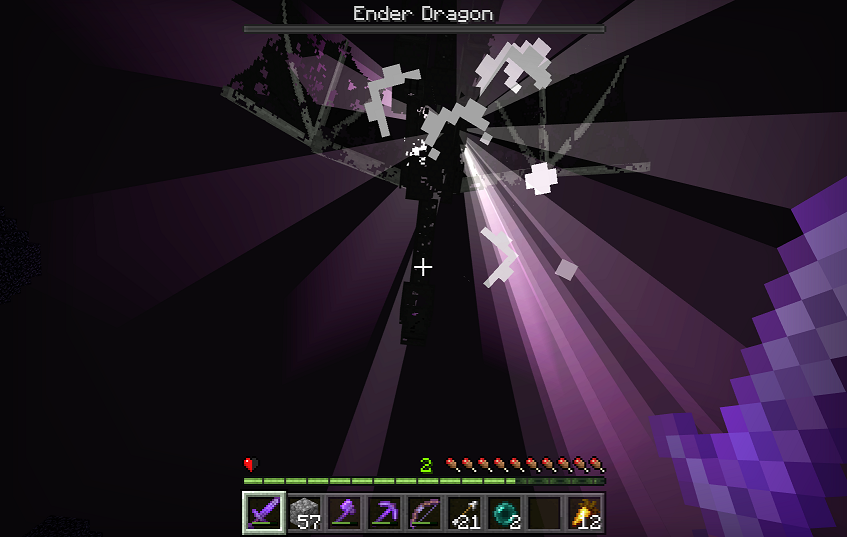
End_capture
pack_icon_double_size
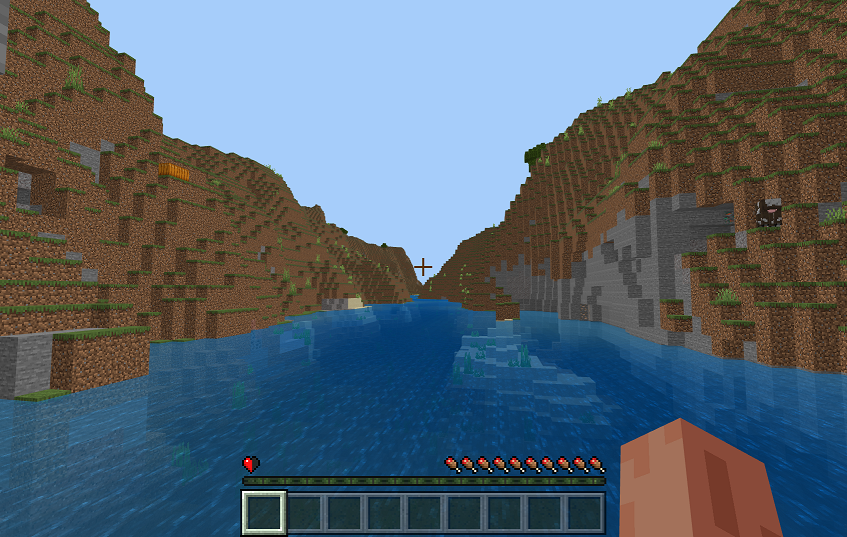
Starting_capture
Icon
Deaths_capture
Experiments_capture
Description
Info:
As this is supposed to be a challenge, it is intended to be played in survival mode and on hard difficulty, but that is not forced from the code side … so you do you.
It is designed to be played on any world seed and works on both single and multiplayer worlds (when hosting multiplayer, ensure that the “Require players to accept resource packs to join” box is checked).
Out of Bounds:
There are no off-limit areas to the generated world, as this addon does not contain any command blocks, structure blocks, custom ticking area, etc.
Starting the challenge:
The challenge will start as soon as the world loads and the player starts moving.
Ending the challenge:
There is no programmed “end” to the challenge, it is intended that this challenge be permanently part of the world.
Additional features:
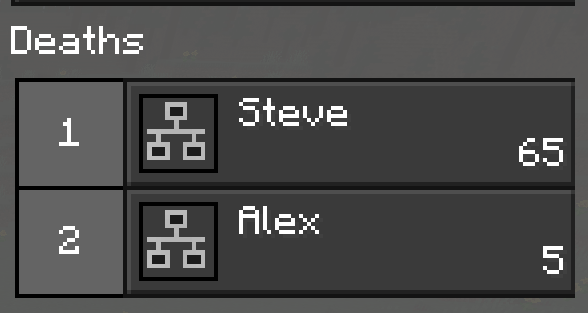
Player deaths count – tracked on the menu screen under each player’s name
Solo insta sleep – one person climbing into a bed, at night, instantly changes the game time to just after sunrise of the next day
Required minimum Minecraft Bedrock version:
1.18.0
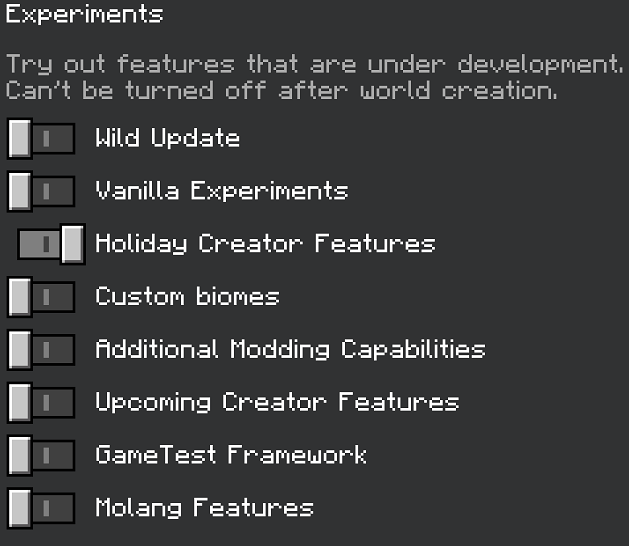
This pack requires the following experimental game toggles to be on:
Holiday Creator Features
Compatibility with other addon packs:
This pack overrides the default entity player.json file, so it may not work as intended if it is not the top behavior pack in the list.
Credit:
If you make a review, gameplay, or showcase about this addon, please give credit and/or put a link to this page.
Thanks, good luck, and enjoy this Bedrock Challenge!
As this likely isn’t the first addon pack you’ve tried (and there are numerous links and YouTube videos on the subject), you probably don’t need installation steps … but just in case you do, here are some verbose instructions.
From the .zip file:
Download the .zip file.
Rename the file extension from .zip to .mcaddon.
From the .mcaddon file:
Download the .mcaddon file.
Installing:
Make sure Minecraft is closed, then double click on the .mcaddon file.
Minecraft will run and, once the title screen loads, it will install the pack(s).
Creating a world with the pack included:
Go to the create world screen and configure your desired settings as you normally would.
BEFORE CREATING THE WORLD, go to the Experiments section, turn on Holiday Creator Features, and click “Activate Experiments” on the pop-up warning.
(NOTE: This step can be skipped for single player worlds) Go to Resource Packs and click on the box that says, “Require players to accept resource packs to join.”
Click on MY PACKS, find the pack, click on it, click the Activate button, and click yes on the pop-up warning.
Finally, click on the button to create the world.
Half a heart Team