Sus Sand And Gravel
Changes the suspicious sand and gravel to these sus among us characters!
- 54
- August 25, 2026

Sus Sand And Gravel
Changes the suspicious sand and gravel to these sus among us characters!
- 54
- August 25, 2026



IMG_0131.jpeg
IMG_0132.png
IMG_0133.png
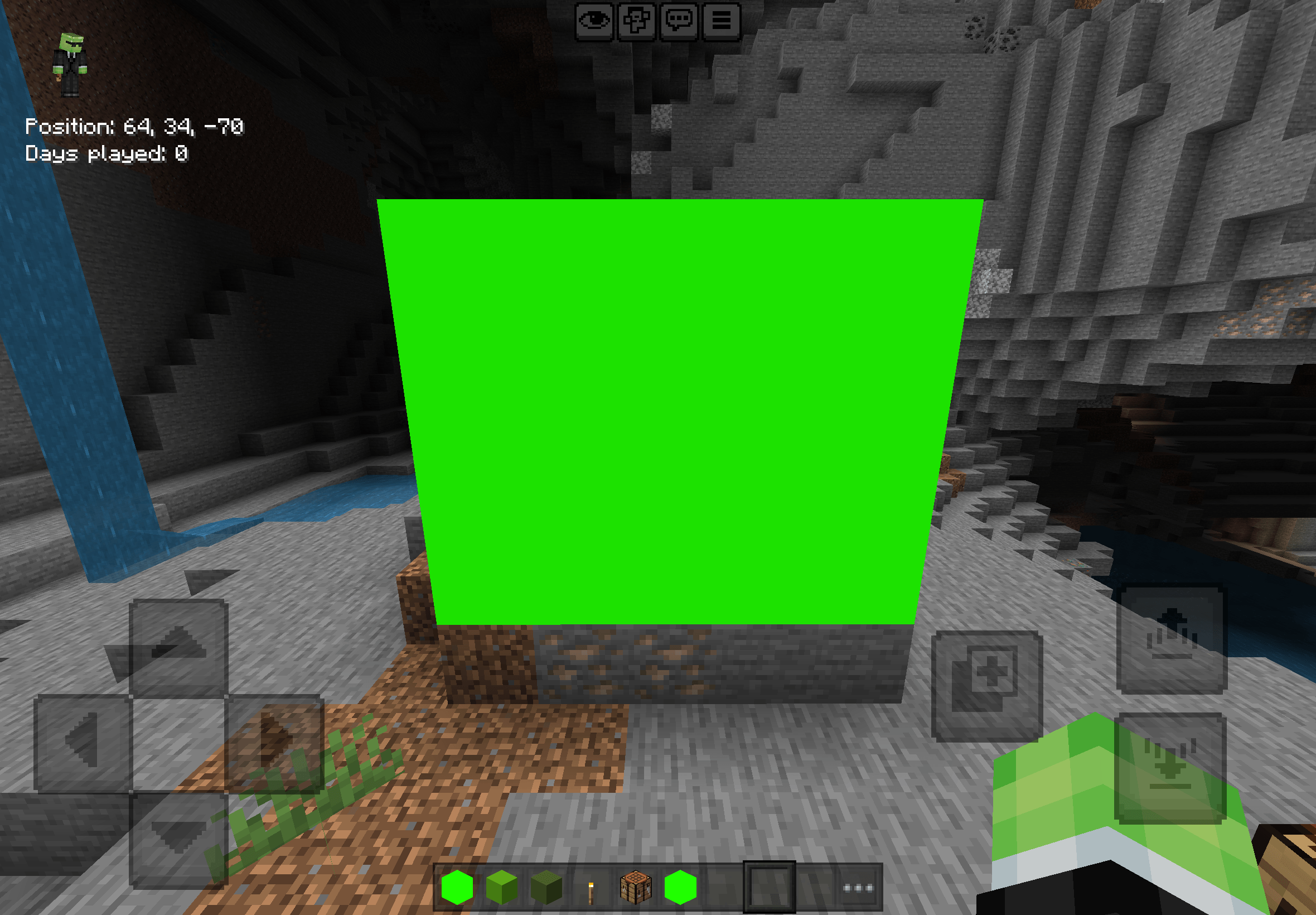
Green Screen Block Add-On
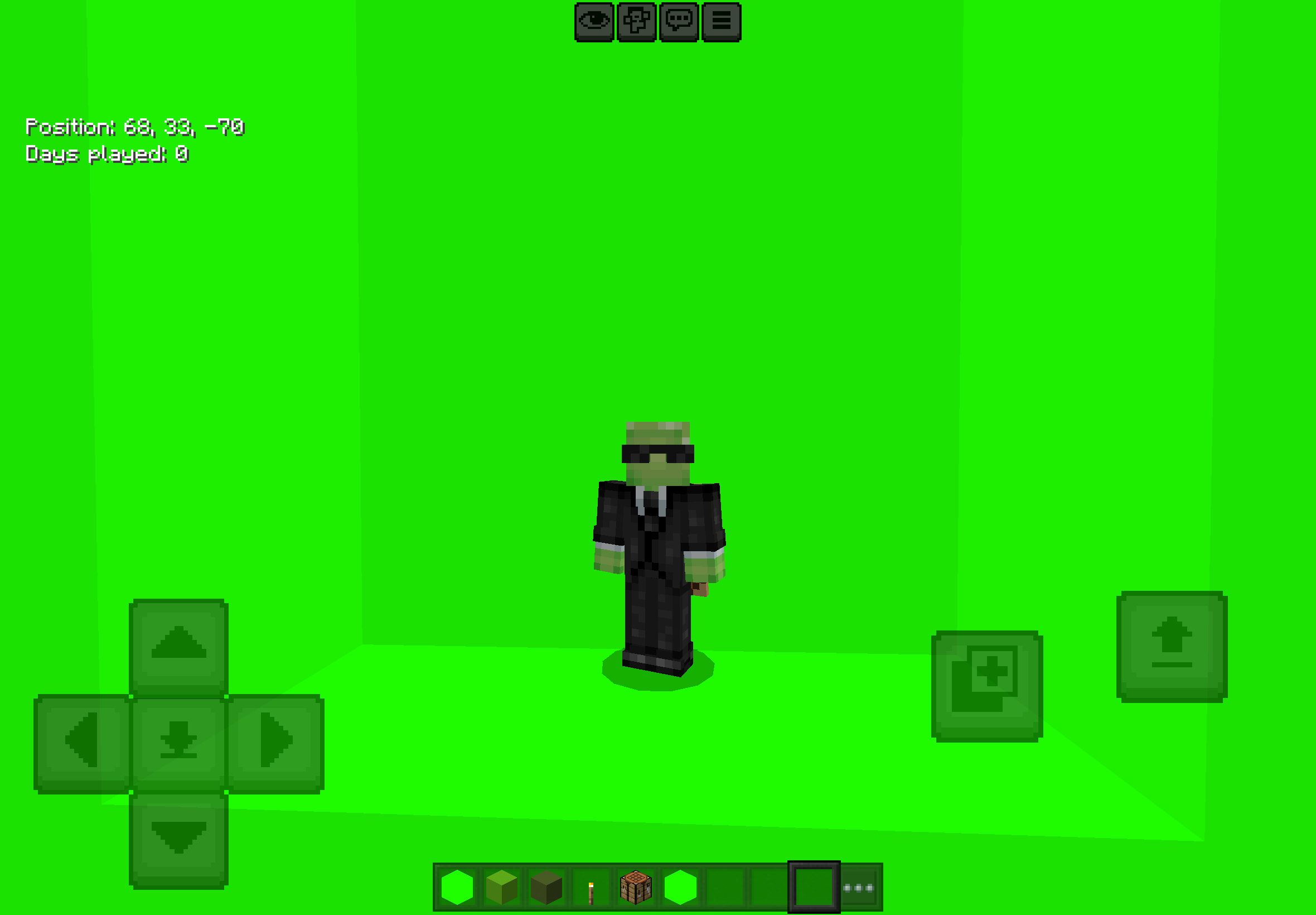
Take your video editing and screenshots to the next level in Minecraft Bedrock Edition! This add-on adds a seamless, solid green screen block to your game, making chroma keying and background removal fast and effortless.
Key Features:
• Perfect Chroma Keying: Features a pure green, shadowless texture designed specifically for video editors and content creators.
• Easy Building: Place as many blocks as you need to build studio walls, floors, or full backdrop rooms.
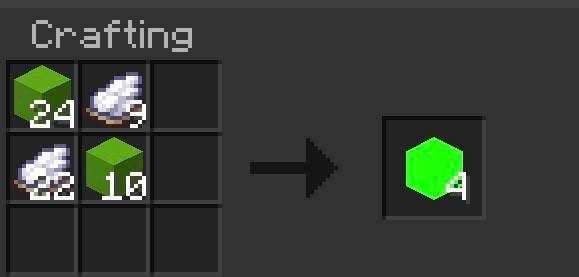
• Survival & Creative Friendly: Obtainable in Creative mode or crafted easily in Survival.
How to Use:
1. Get the Block: Grab it directly from the Creative inventory or craft it using the recipe.
2. Build Your Studio: Set up a flat wall or studio box behind your player, mob, or build.
3. Record & Edit: Record your clip and use any video editor (CapCut, Premiere Pro, OBS, DaVinci Resolve) to key out the green color!
Installation:
Make sure to activate both the Resource Pack and Behavior Pack in your world settings before loading in!
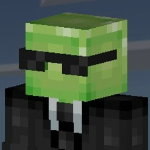
Changes the suspicious sand and gravel to these sus among us characters!
Changes the suspicious sand and gravel to these sus among us characters!