


Gravity Guns v2
- By
Gravity Guns, Repulsor, Singularity Cannon, Stasis Rifle, all fully customizable!
Screenshot 2026-04-17 042307.png
Screenshot 2026-04-17 042339.png
Screenshot 2026-04-17 061916.png
Description
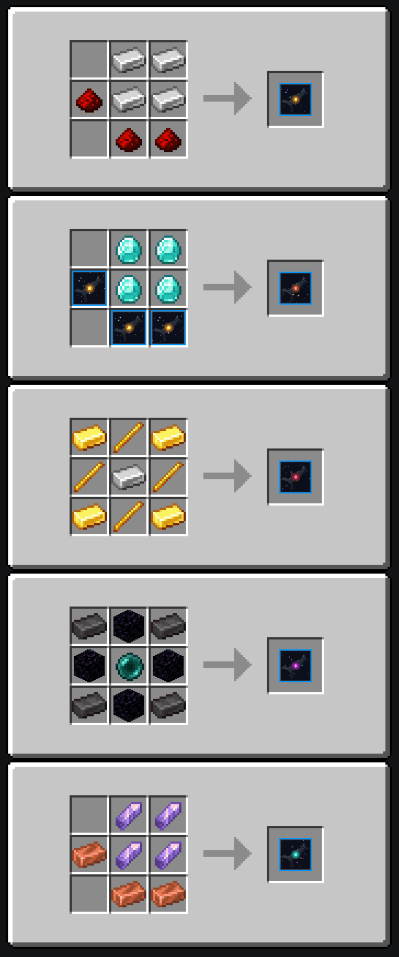
Bring advanced physics manipulation to your Minecraft Bedrock world! Gravity Guns v2 introduces a completely custom arsenal of five distinct, high-tech weapons that let you grab, launch, freeze, and crush mobs with the power of gravity.
Featuring fully detailed 3D models, custom pixel-art, custom sound effects, and zero-lag performance, this is the definitive physics toolset for Bedrock Edition.
The Arsenal
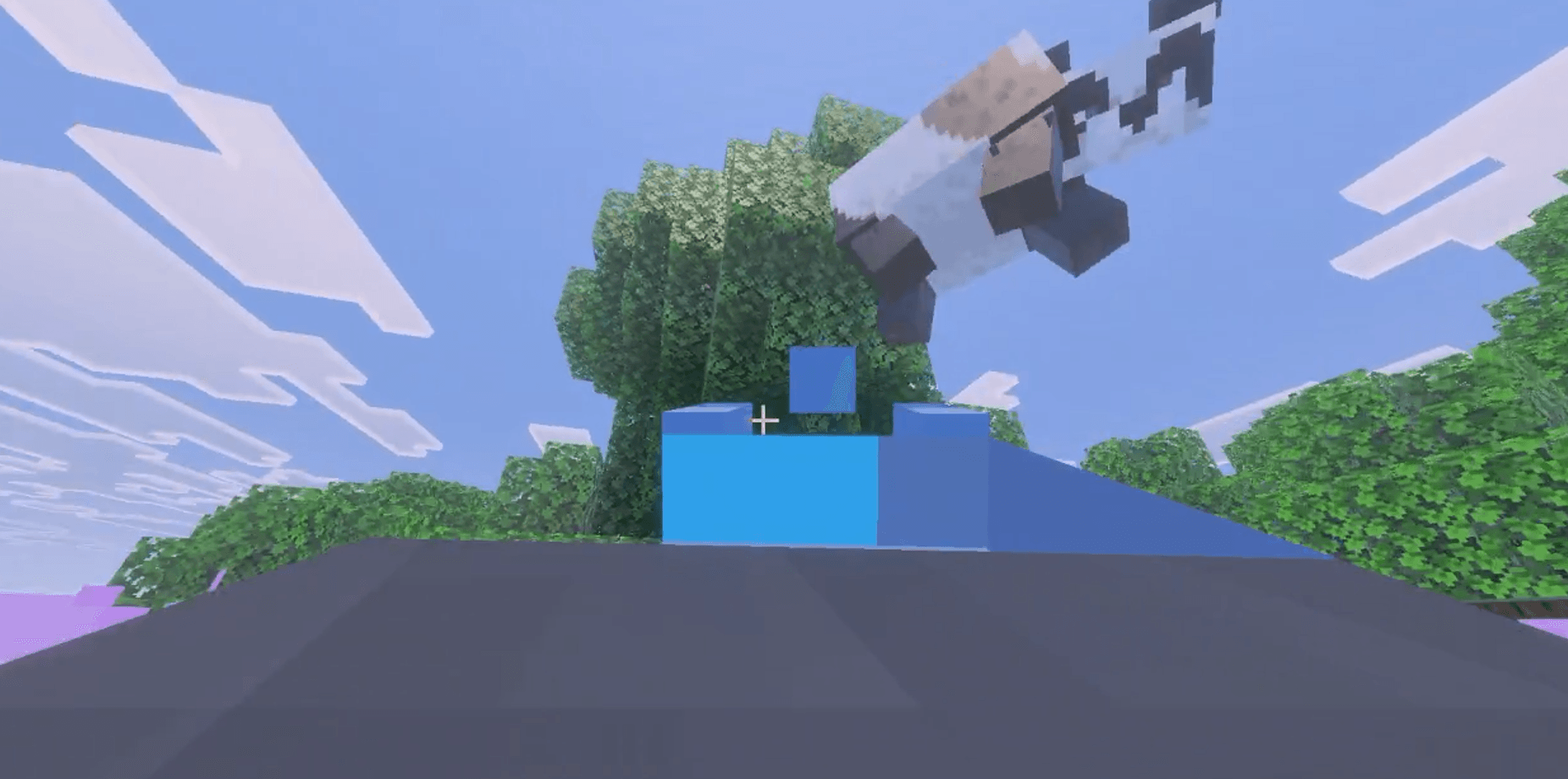
- 🔵 Gravity Gun: The classic workhorse. Target a mob to pull it toward you, hold it suspended in mid-air, and click again to launch it into the stratosphere!
- 🟣 Heavy Gravity Gun: Built for crowd control. Grabs multiple mobs at once in a wide cone. It features a slower firing rate but devastating, massive launch power.
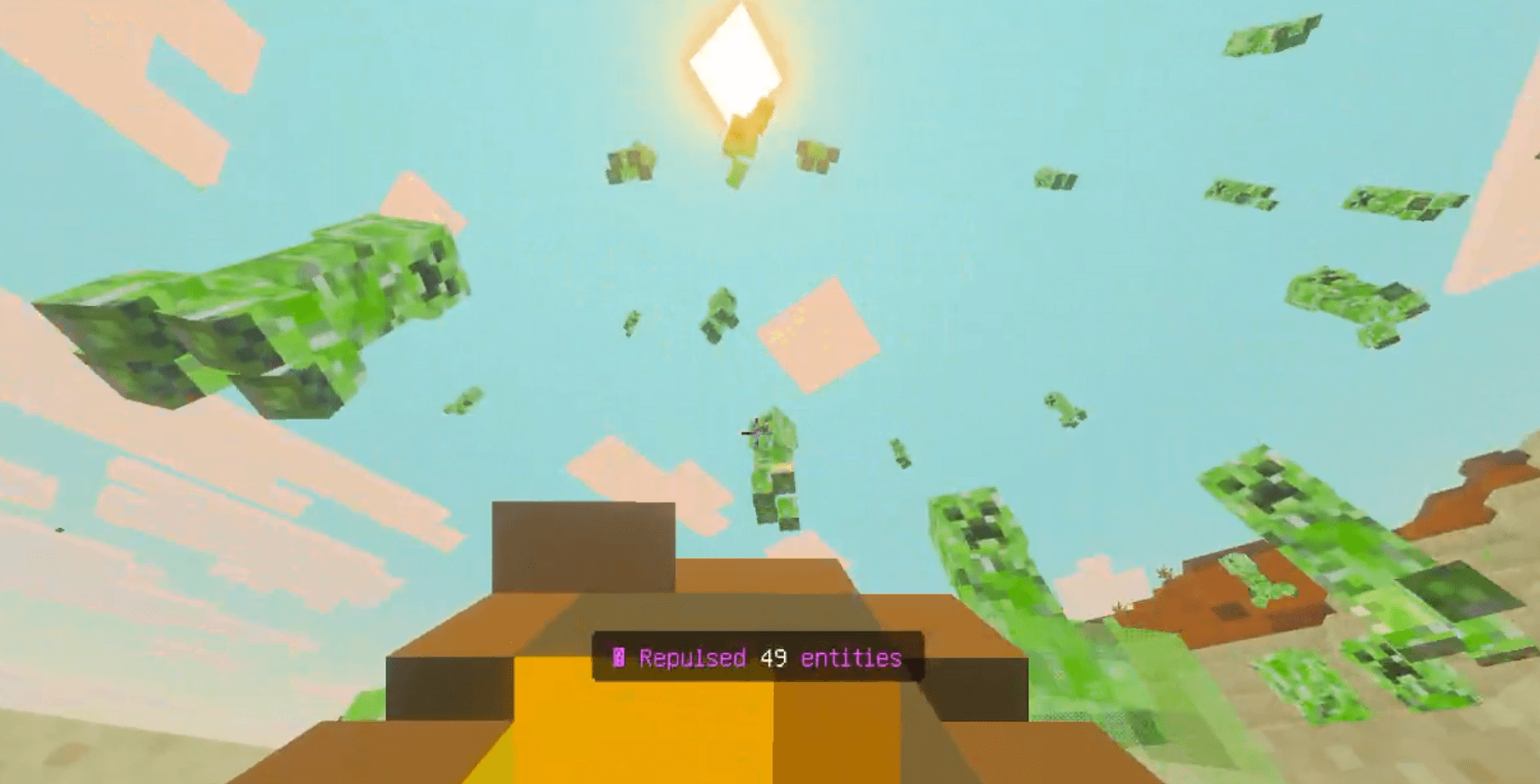
- 🟡 Repulsor: Need personal space? This weapon has no hold mode. Instead, it fires an immediate shockwave that blasts all nearby enemies away from you. Sneak and fire to shoot a focused, high-power kinetic beam at a single target.
- 🌌 Singularity Cannon: Fire a deployable gravity well that acts like a black hole! It continuously sucks in all nearby entities toward its center for several seconds before dissipating. Completely hands-free!
- 🧊 Stasis Rifle: Lock your enemies in time. Firing this rifle completely freezes a target in place—they cannot move, fall, or attack while in stasis. Sneak and click to release them early.
⚙️ Full Customization (In-Game UI)
Every single gun is fully customizable! Simply Sneak + Use while looking straight down and holding a weapon (and not actively targeting an entity) to open an in-game Settings Menu.
- Adjust grab distances and holding ranges.
- Tweak launch power and AoE blast radius.
- Change durations for Singularity and Stasis fields.
- Toggle "Freeze Modes" and "Rotation Modes" for held entities.
🎮 How to Use
- Use (Right Click / Long Press): Primary Fire (Grab, Shoot, Deploy).
- Sneak + Use: Secondary Fire / Open Settings UI.
- If you are an admin or playing in creative, you can quickly get all weapons by typing:
/function give_guns - Increase simulation distance to stop mobs disappearing if you launch them too high.
⚠️ Important Installation Notes
- You MUST enable Beta APIs in your world's Experiments settings before loading the world.
- Apply both the Behavior Pack and Resource Pack to your world.
The Gravity Guns v2 Team
