Giant Buttons – Block Cover
- By
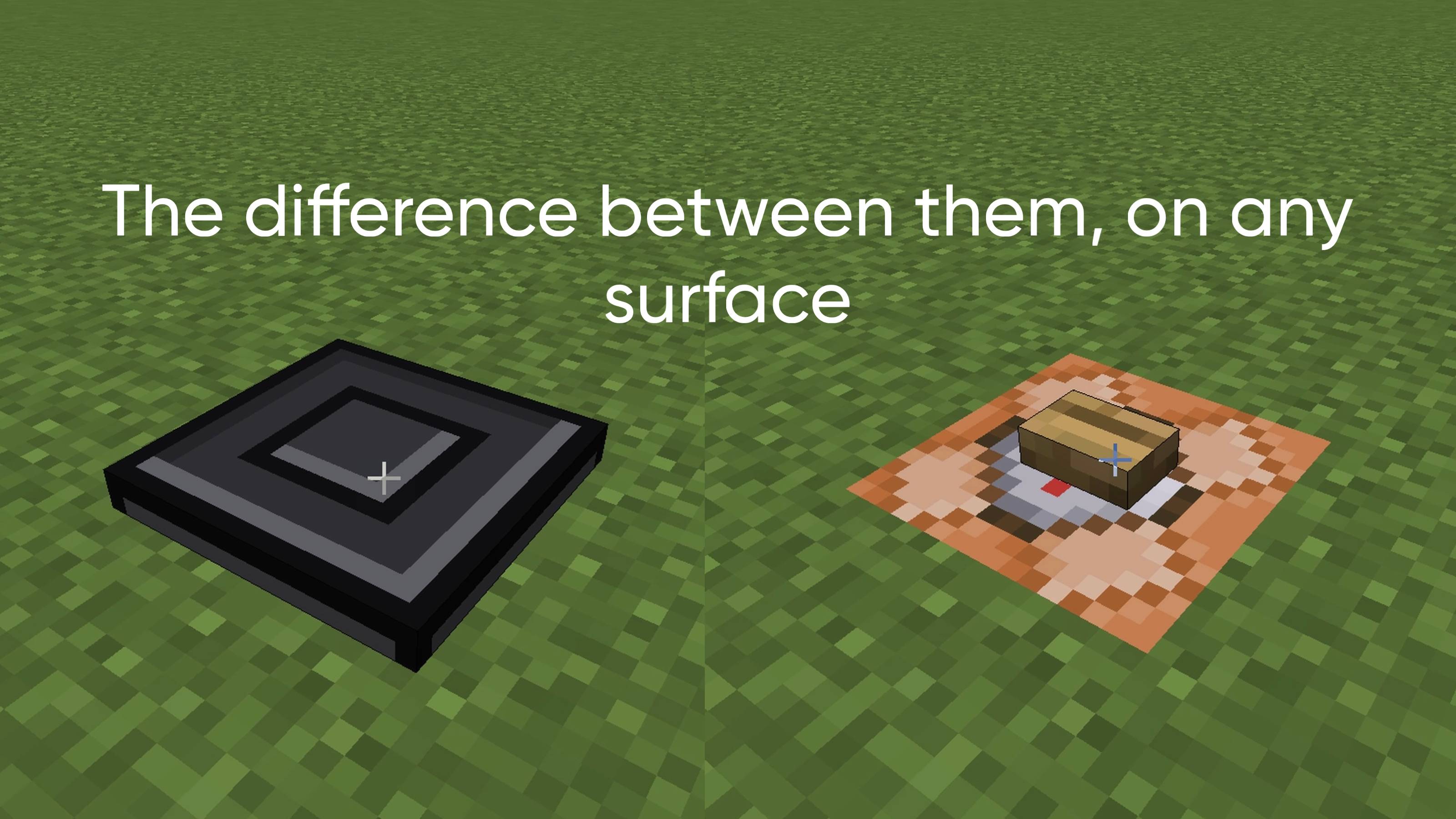
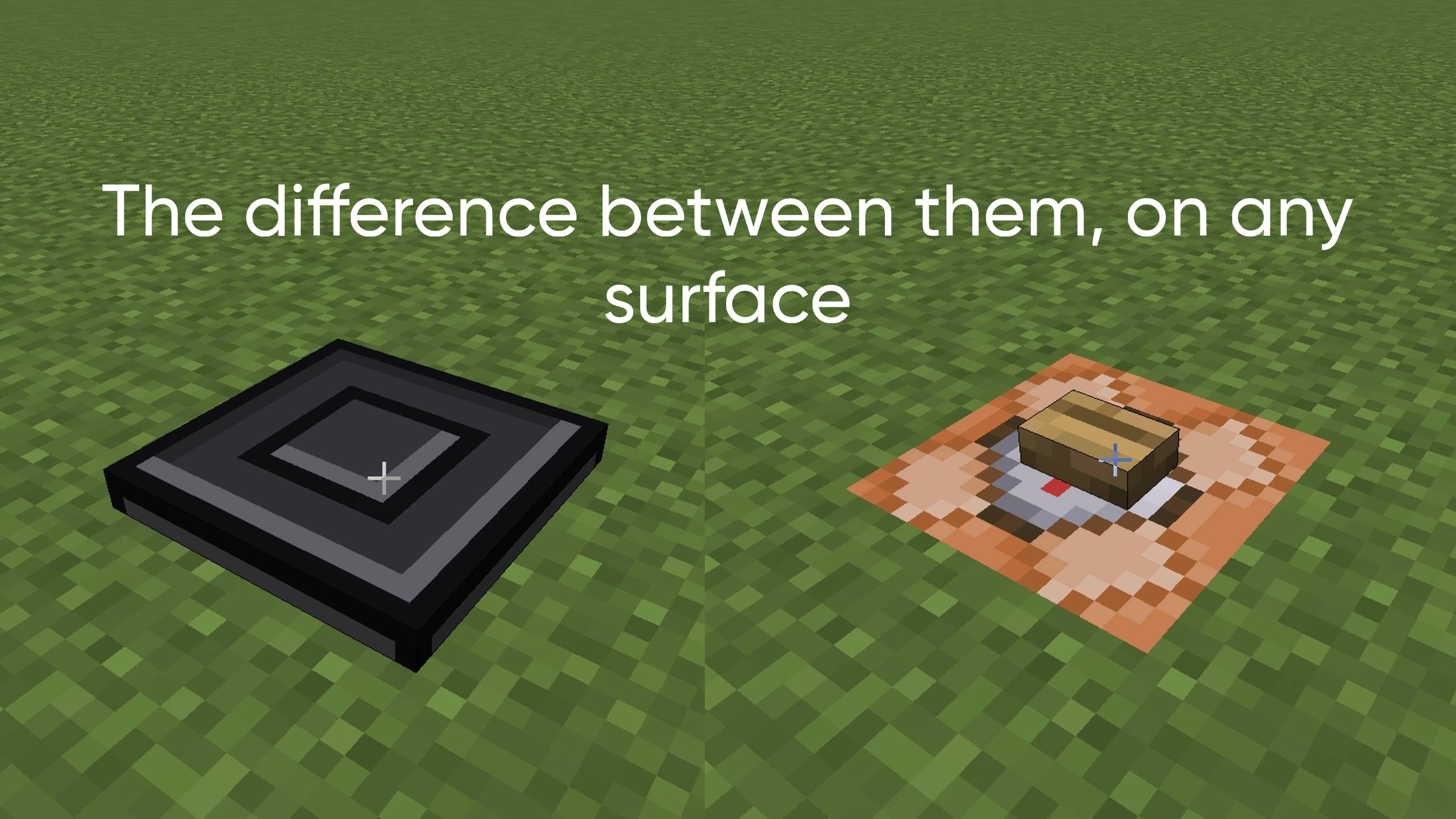
Full-size redstone buttons in 9 colors that cover command blocks and work like a normal button, perfect for map makers.
9D36DE7F-9F77-441C-9654-87C8F71CE5A2.jpeg
IMG_7978.jpeg
IMG_7983.jpeg
IMG_7977.jpeg
9D36DE7F-9F77-441C-9654-87C8F71CE5A2.jpeg
Description
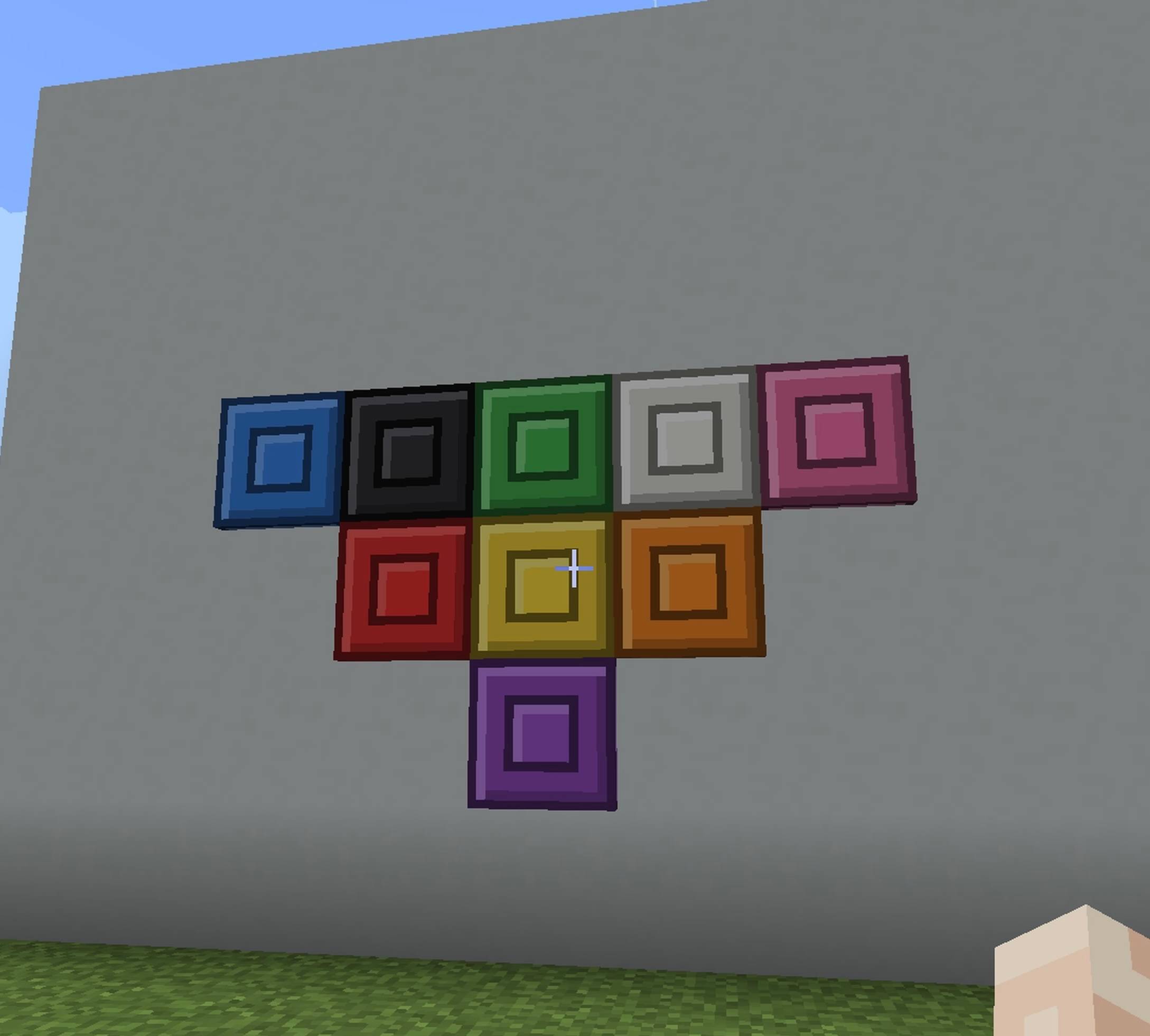
This addon goes way beyond just covering command blocks. It features Full Directional Placement (6-Axis), meaning you can place these giant buttons on floors, walls, and ceilings seamlessly. Additionally, it is fully integrated with Minecraft's Redstone system. You can use these giant buttons to instantly trigger and toggle doors, iron doors, trapdoors, windows, redstone lamps, lighting systems, and any other interactive block in the game. It is perfect for Adventure Maps and Control Rooms
Giant Buttons – Command Block Cover
Full-size redstone buttons that cover an entire block. Place one on top of a command block (or any block) to hide it completely, while it still works like a normal button.
Why use it?
Perfect for map makers who want command blocks hidden and out of the players' way. Press the button to send a redstone signal, just like a regular button, but bigger.
Features
- 9 colors available
- Full-block size: covers a command block completely
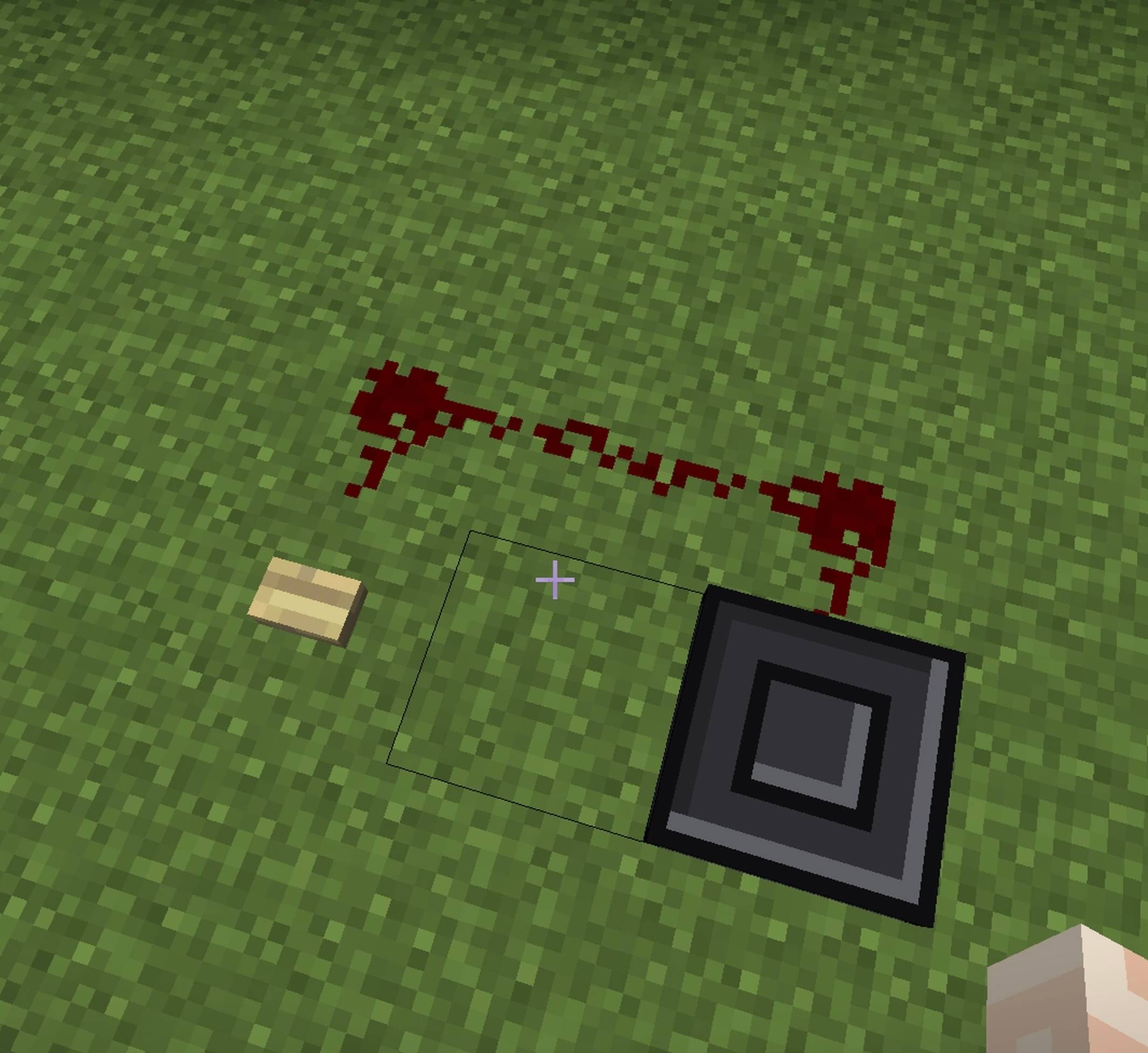
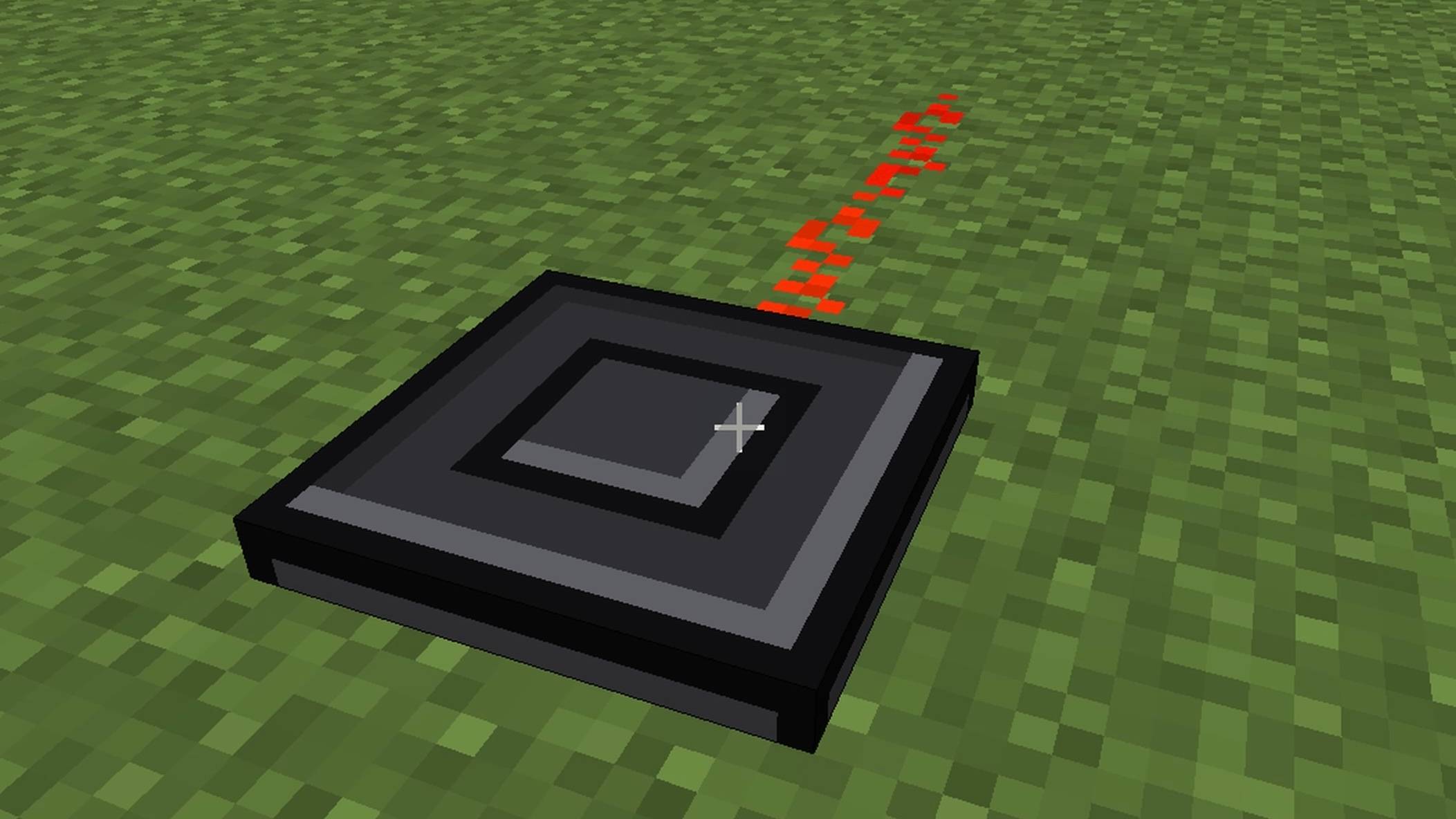
- Gives a redstone signal like a normal button
- Can be placed on any surface
- Great for adventure maps, minigames and servers
Available Colors
Red | Orange | Yellow | Green | Blue | Purple | Pink | Black | White
How to Use
- Import the .mcaddon file
- Enable both the Behavior Pack and the Resource Pack in your world settings
- Find the buttons in the Creative inventory (Construction tab)
- Place a button on top of your command block
- Press it to trigger the redstone signal
Requirements
Minecraft Bedrock 1.21.120 or newer.
Free to use in your maps. Credit is appreciated!
Giant Buttons – Block Cover Team