
Player Genders
- By

photo2
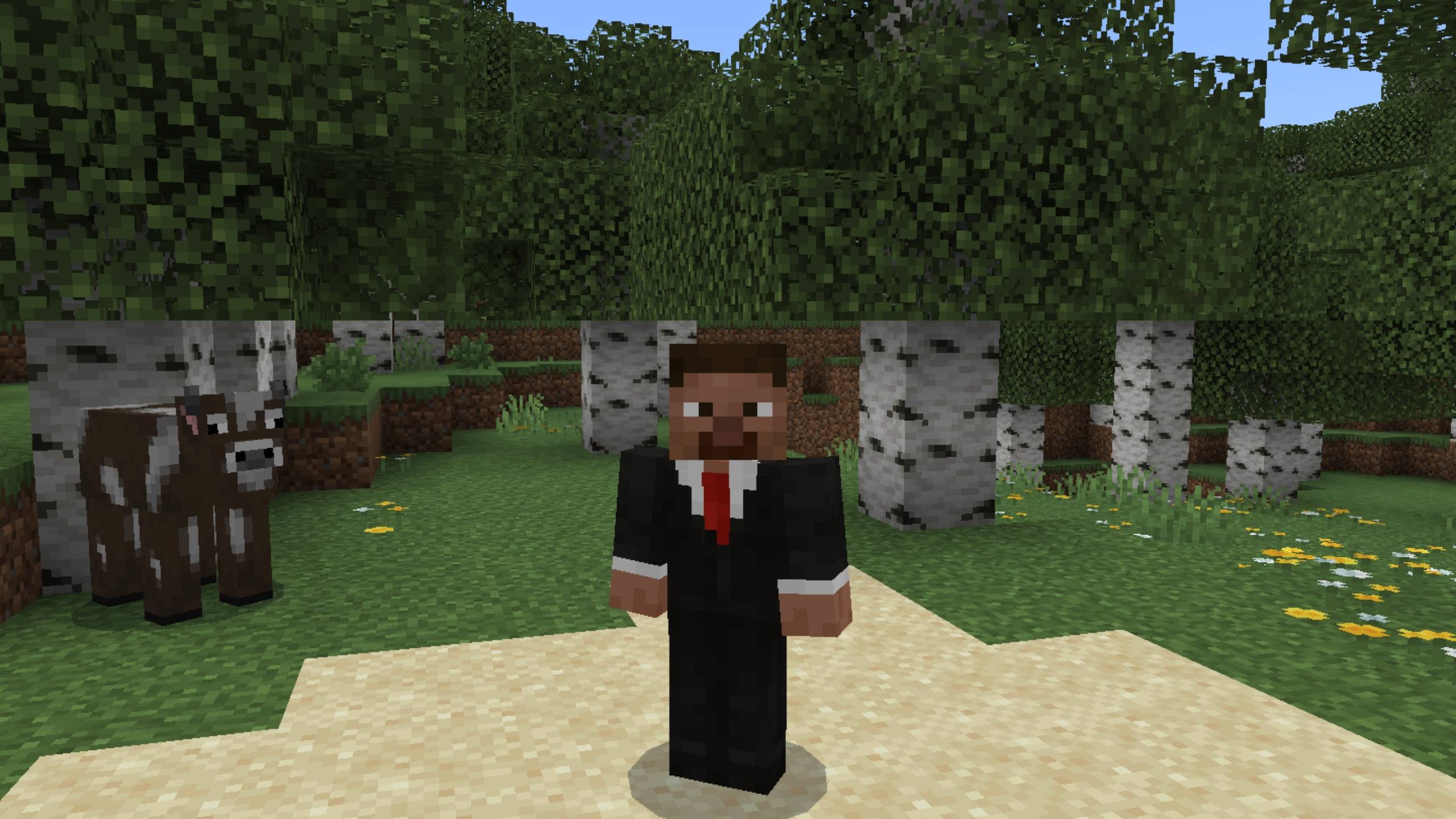
photo1
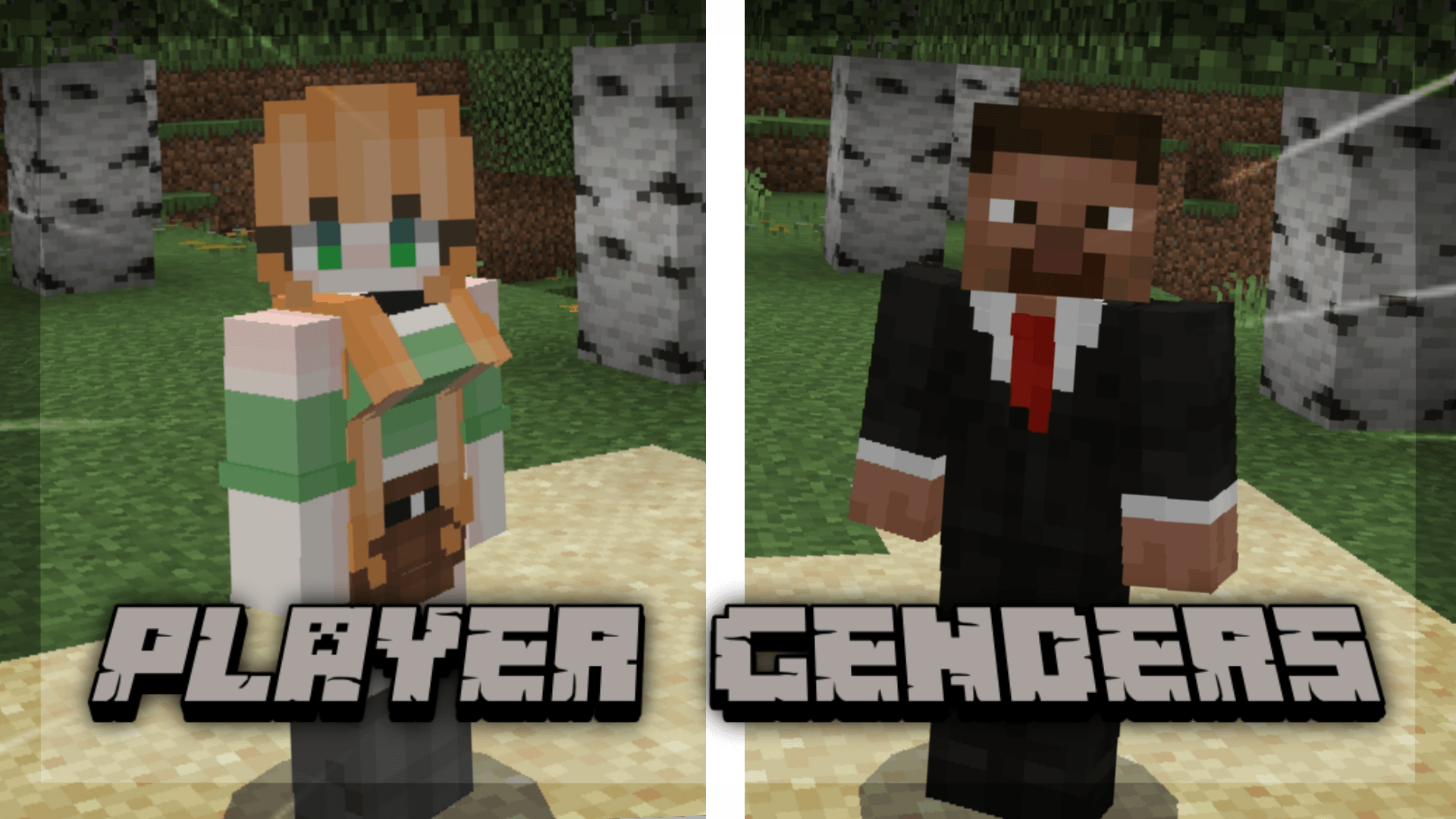
MCPEDL.png
Description
Development of Player Genders started back in 2021.
First public release was in late 2025.
Player Genders lets players choose their gender by customizing their skin PNG. With this addon, you can set your in-game appearance to better match your identity. It’s simple, lightweight, and works seamlessly with Minecraft Bedrock Edition.
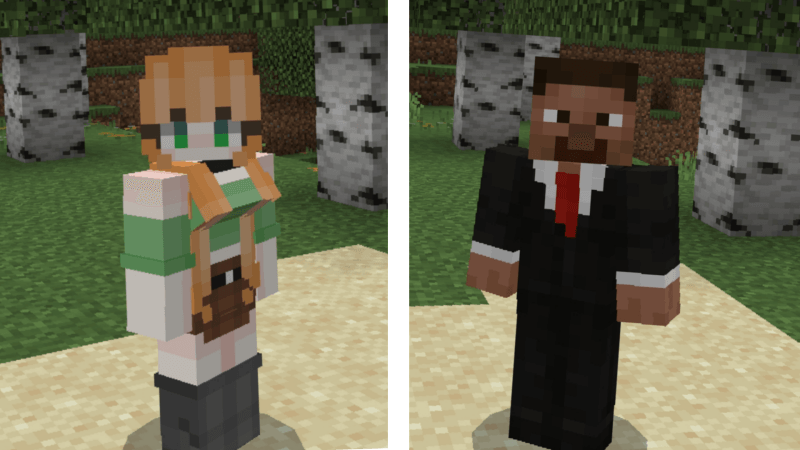
Example(female):
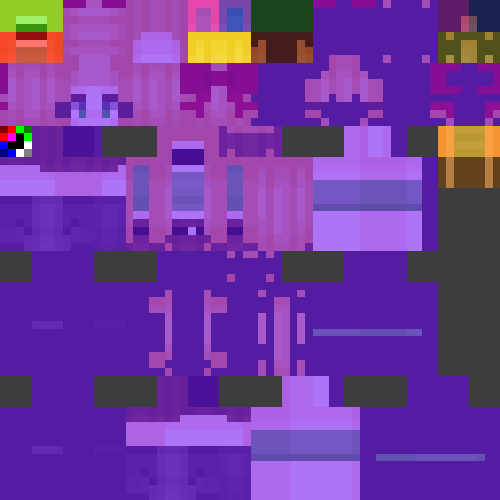
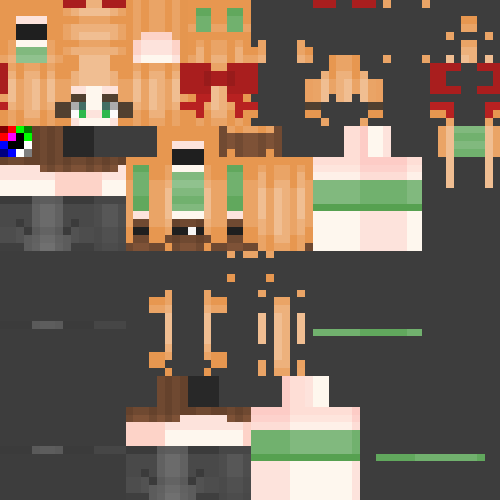
Example(male):
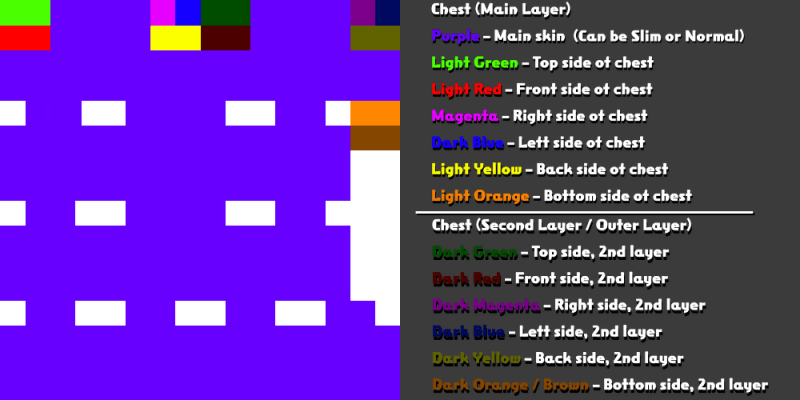
[Regular format of minecraft skins]
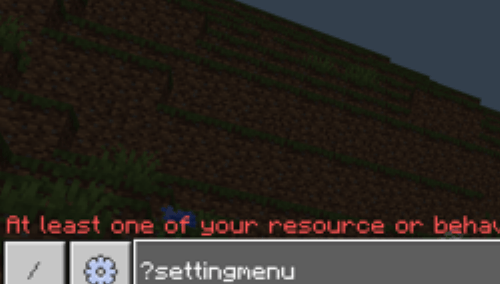
Customization Menu:
Access the customization menu by typing the command ?settingmenu
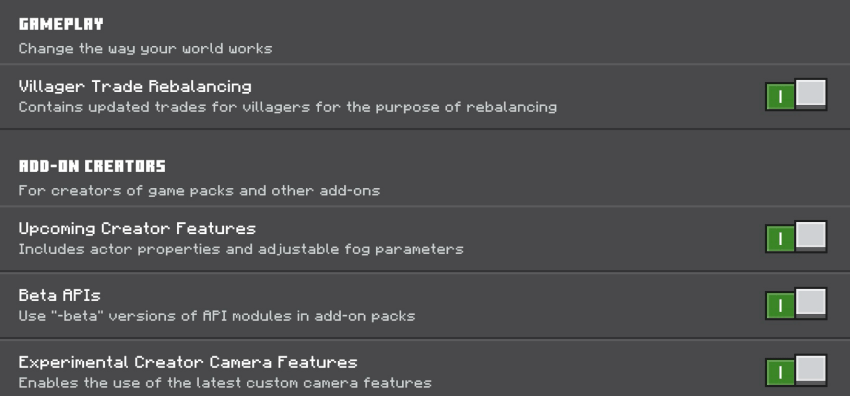
Expermental Features Options
After activating the behavior pack, make sure all Experimental Features are enabled in the game settings while creating the world.
Model & Animation Settings
This addon adds a simple slider in the settings menu that lets you choose your player model and animation style In Global Resources Tab
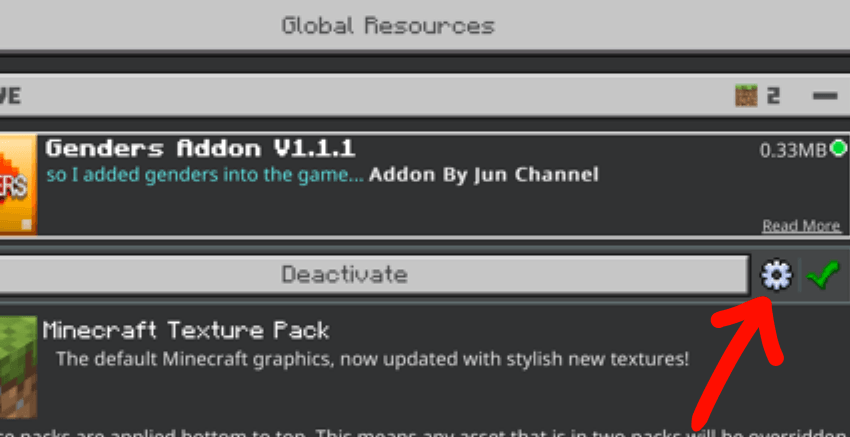
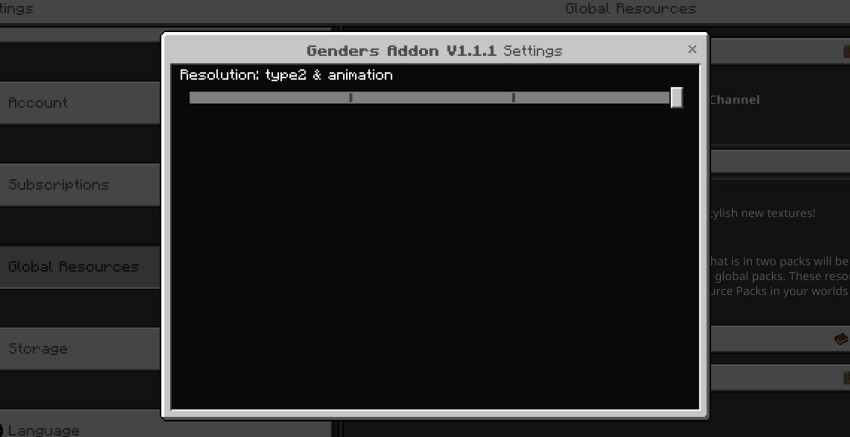
Options:
Type 1 – Uses the Type 1 player model with default Minecraft animations.
Type 2 – Uses the Type 2 player model with default Minecraft animations.
Type 1 & Animation – Type 1 player model with custom animations made for this addon.
Type 2 & Animation – Type 2 player model with custom animations made for this addon.
Pick the style you like and switch anytime in the settings!
Note:
!!Do NOT use this addon to make NSFW contents, as this project is not intended to be that!!
File Format: It must be PNG.
Image Size: 64x64 or 128x128 (modern minecraft skin format)
!Keep the background of your skin transparent!
My Skin Converter:
This addon uses a custom player model that requires a modified skin layout.
To make things easier, I created a small online converter that automatically converts your skin to the desired format.
(hosted on Tiiny Host)
Skin Converter:
[Click here to open the skin converter website]
How to use:
- Open the website.
- Upload your Minecraft skin PNG.
- You can upload skins in 64x64 or 128x128 format.
Choose the correct option on the site:
- Option 1 → for 64x64 skins
- Option 2 → for 128x128 skins
(The website will generate you a converted skin PNG specifically for this addon.)
Once the PNG is generated:
- Download the converted skin.
- Activate the addon pack in Minecraft.
- Change your skin to the converted PNG (the same way you normally change your Minecraft skin)
(The converter copies the necessary texture regions into the transparent areas used by the custom model so your original skin appearance is preserved.)
License & Distribution Notice
This project is only officially available on CurseForge and MCPEDL.
- No reuploads
- No third-party mirrors
- No redistribution of any kind without explicit permission
Unauthorized distribution is strictly prohibited!!
Downloads from third-party websites may be unsafe, outdated, or modified without permission.
If you find this project hosted elsewhere, please report it!
Tutorial(video demonstration):
The Player Genders Team


