


Script REPL
Script REPL (read–eval–print loop) Add-On is a debugging tool for Minecraft Scripting, that allows user to run JavaScript code in Minecraft: Bedrock Edition. This powerful add-on is great to use for debugging, prototyping, and learning JavaScript and Minecraft's scripting API.
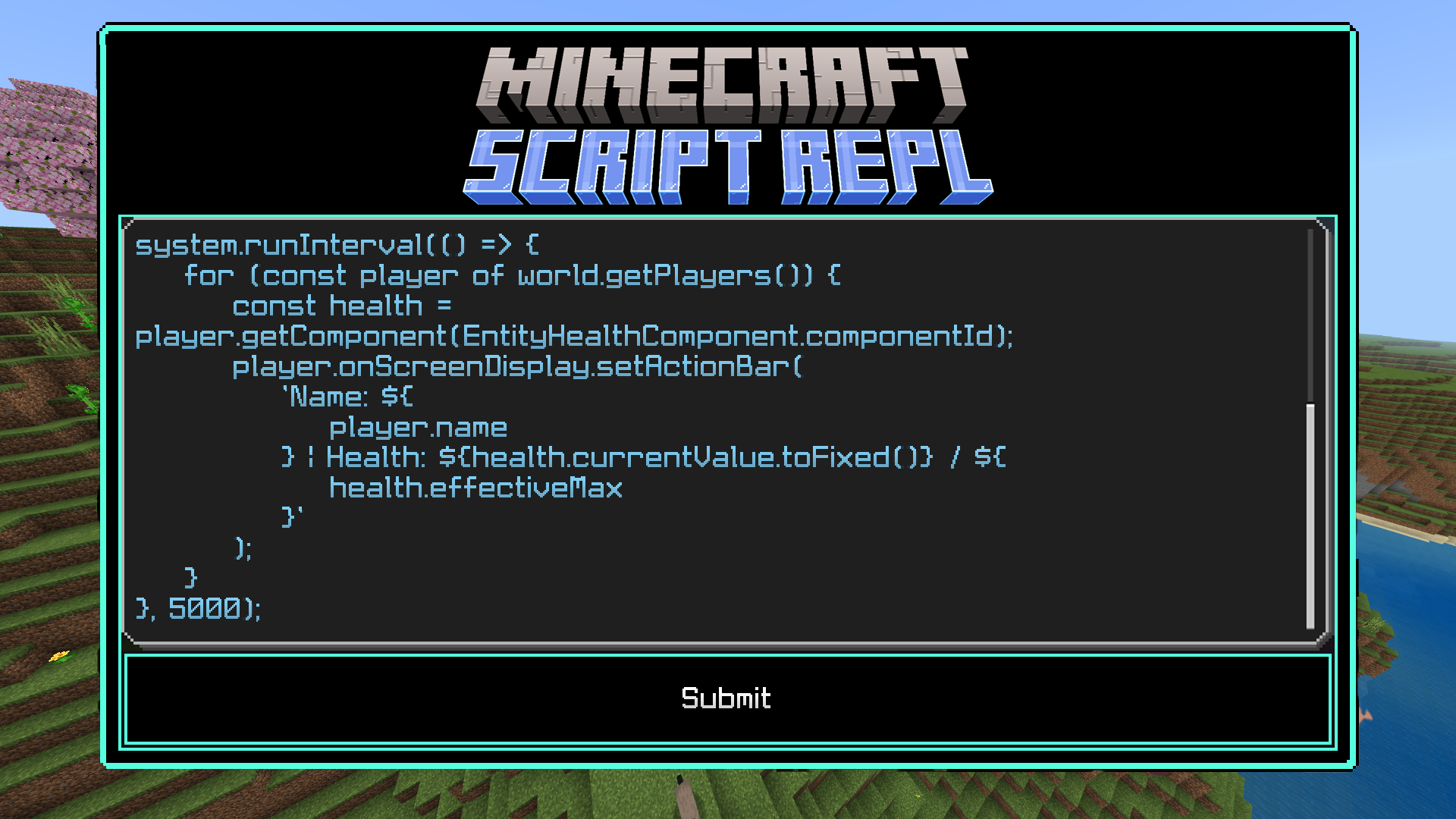
Currenly JavaScript is the only programming language that allow developers to use Script APIs from within their code.
Learning Minecraft's Script API
You are advised to learn JavaScript free from online courses available online before learning how to use Minecraft's Scripting API, such as the following:
- MDN JavaScript: JavaScript language overview
- Codecademy: Introduction to JavaScript
- freeCodeCamp.org: JavaScript Algorithms and Data Structures
There are somewhat decent amount of resources available online related to script API. Important links have a ⭐.
-
⭐ Sample GameTests from Microsoft - Sample GameTest behavior files for Minecraft Bedrock Edition. Minecraft supports GameTests - a combination of JavaScript + MCStructures - for validating facets of Minecraft behavior.
-
⭐ Official Script API Documentation - Microsoft's official documentation of high-level introduction of experimental Script API
-
Script API Examples - JavaScript code snippets that uses Script API modules only
-
Jayly's Script API Documentation - Jayly's Script API documentation with guides and easy to use and understand API references for programming beginners.
Examples
Here are some examples executing JavaScript in-game:
- This script makes the world / script engine say "running"
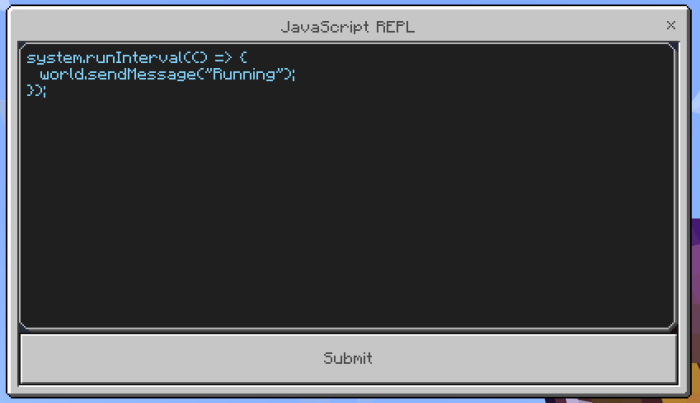
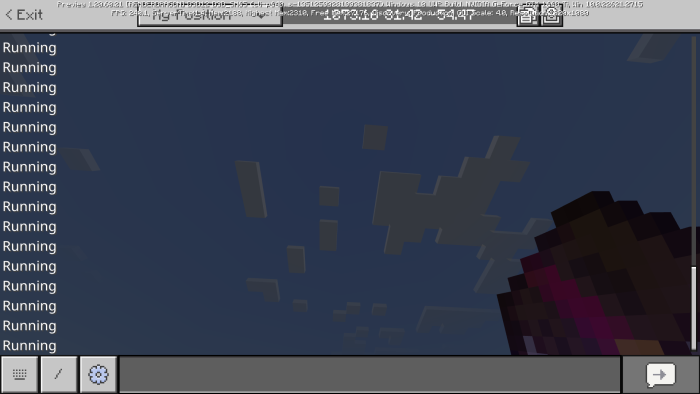
- This script shows the script has error.
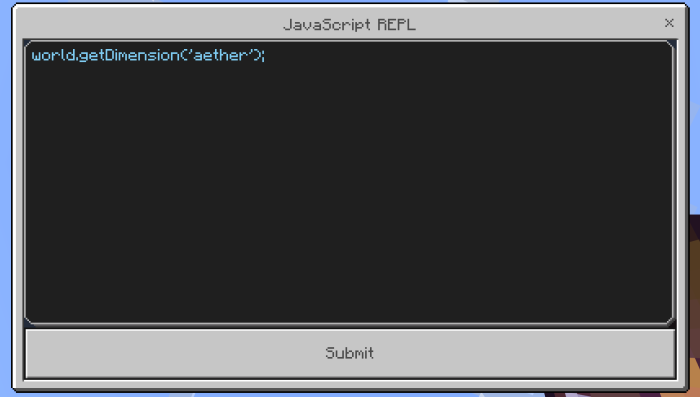
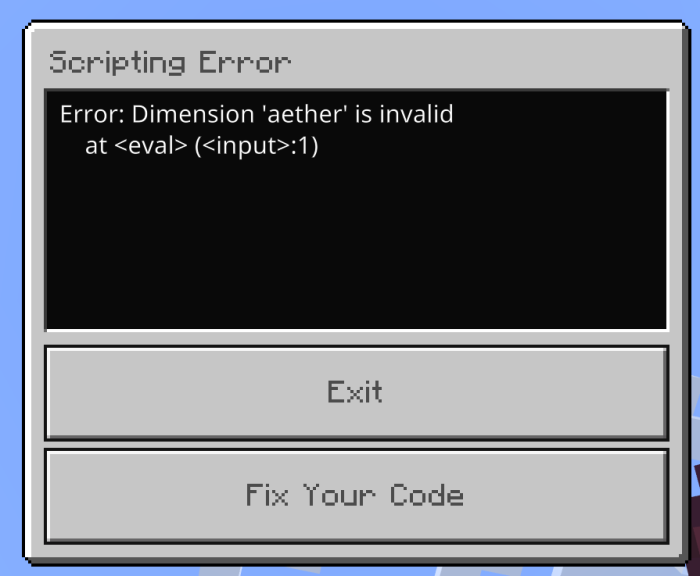
Get it? Cause Aether dimension does not exist in Minecraft.
Usage

- You can get the
JavaScript REPL [Use]item through the following methods:
- Script event command
/scriptevent interpreter:js - Chat Command
!javascriptImportant
This feature is only available behind beta versions of interpreter only.
- Use the enchantment book with the name
JavaScript REPL [Use]to open the interpreter - Type your javascript code in the form. Best thing is this form has multi-line supported, meaning you can write multiple lines of code here.
- Press Submit button to start executing your code
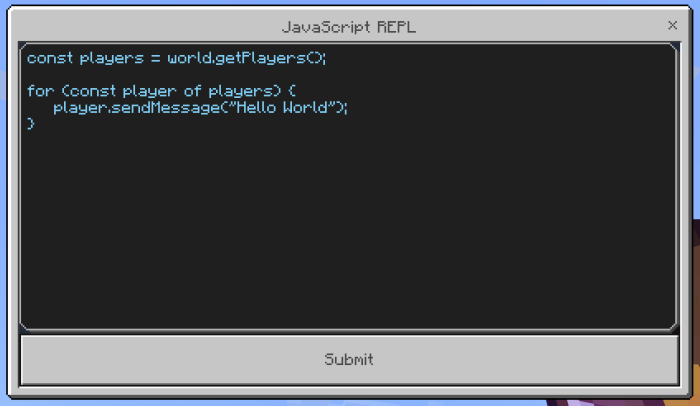
In case you want to disable your code, you have to run /reload command which requires operator permission to execute the command.
Script Block
Note: This feature is only available behind beta versions of interpreter only.

If you want to have multiple JavaScript code stored in the world, script block helps you store the JavaScript code similar to a command block. However the code can only be executed from the player who interacted and press 'Submit' button in the form.
The code data will not be lost from the block moving with pistons, unless the block is destroyed from explosion or breaking blocks.
Trailer
This is a very old showcase video of the add-on, fun fact the video includes the ability to run TypeScript code because this add-on used to be able to run TypeScript code.
Installation
First you go to the download section and click "Download Script REPL" (with or without experimentals), then the add-on will be downloaded to your device.
Using Interpreter with Beta API features
Import the add-on to Minecraft.
Important: Enable Holiday Creator Features and Beta APIs experiments in world settings. These experiments are needed to run Script REPL with Beta API features.

Enable Experiments in New Create World Screen
Using Interpreter without Beta API features
No experimental toggles needed to be enabled.
Preview Installations
If you want to use this Add-On in Minecraft Preview, please visit https://jaylydev.github.io/posts/script-repl-minecraft/ to download preview builds for this Add-On. Thank you.
Script REPL Team
