Description
This Freecam add-on for Minecraft Bedrock Edition lets you move the camera freely without moving your player, allowing you to fly through blocks and inspect your world easily.
This add-on is available under the CC BY-NC-ND License. Non-commercial use with attribution only, but you may not modify or adapt it in any way.
🚀 Features
🧿 Freecam Controls
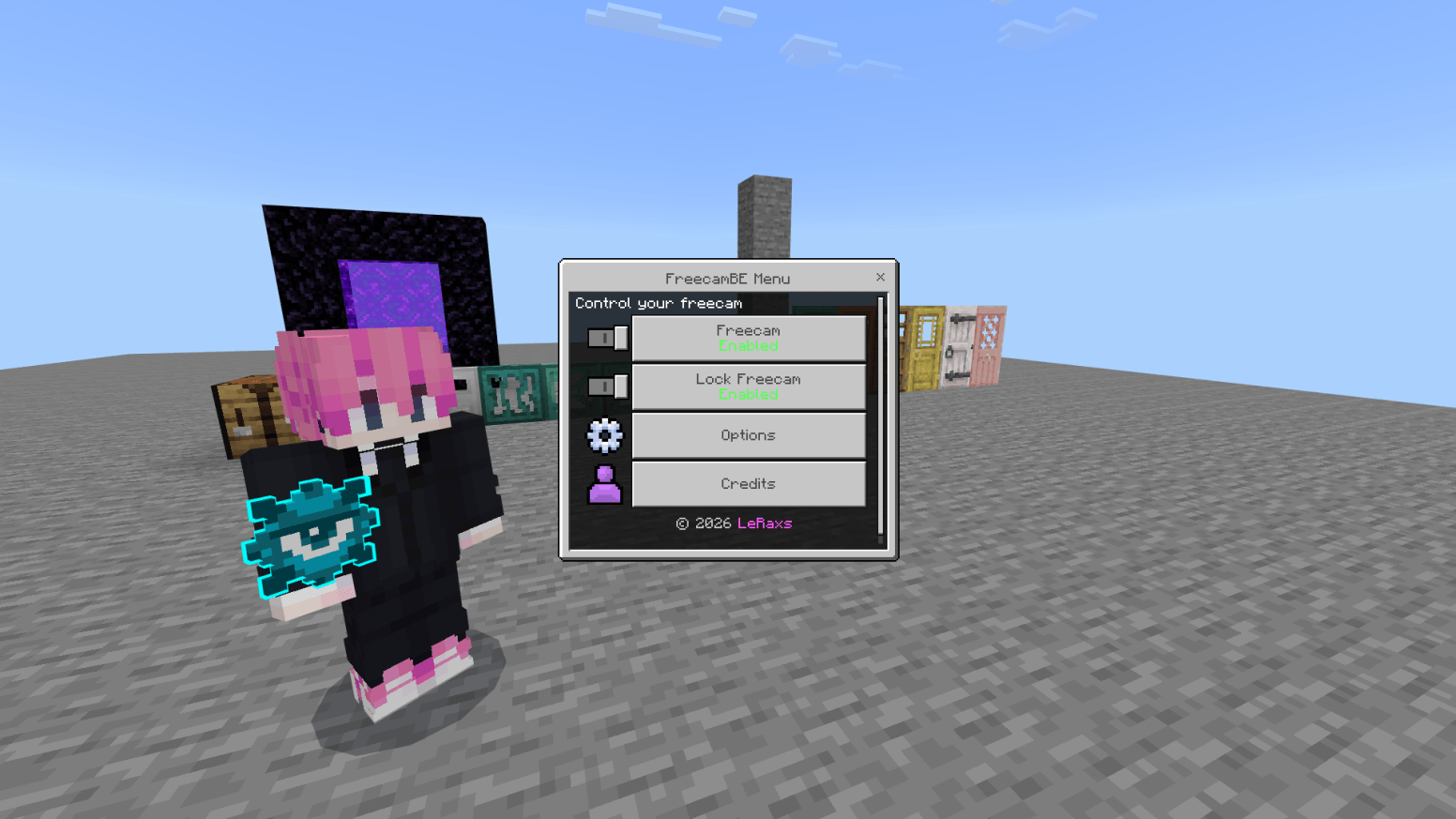
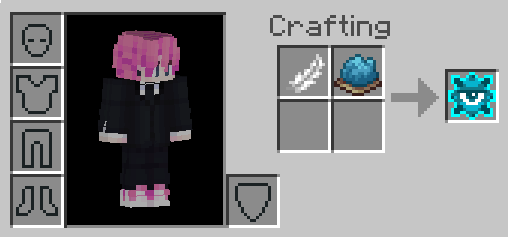
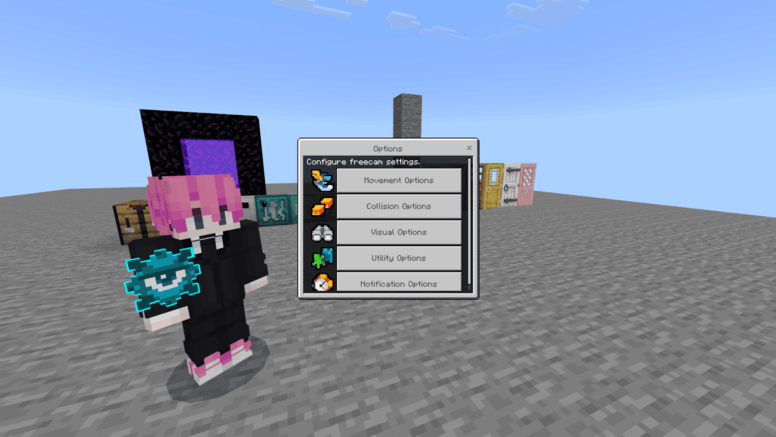
Open the FreecamBE Menu by using the FreecamBE item in your hand to toggle freecam on/off, lock/unlock the camera, and access all settings.
| Category | Option | Description | |
|---|---|---|---|
| Movement | Horizontal & Vertical Speed | Adjust camera speed (0–100, default: 1.0) | |
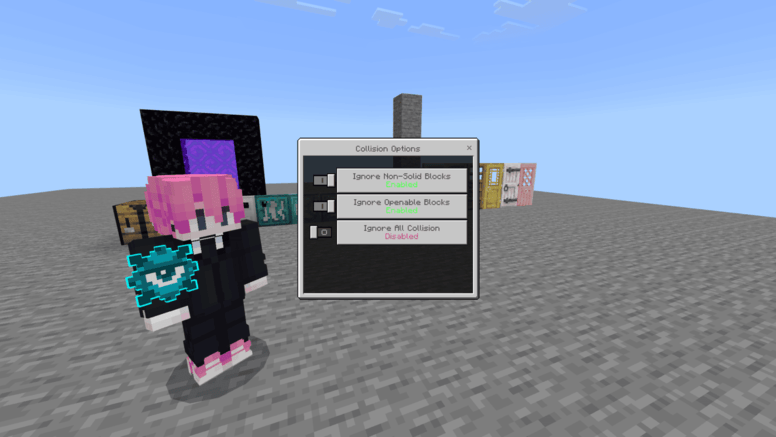
| Collision | Ignore Non-Solid Blocks | Pass through leaves, grass, etc. | |
| Ignore Openable Blocks | Pass through doors, trapdoors, and fence gates | ||
| Ignore All Collision | Pass through everything (requires OP or Creative mode) | ||
| Visual | Freecam Spawn Position | Inside Player (default), In Front of Player, or Behind Player | |
| Utility | Close on Damage | Automatically exit freecam when you take damage | |
| Notification | Action Bar | Messages appear on the action bar | |
| Chat (Private Message) | Messages appear in chat privately | ||
| Disabled | No notifications shown |
🔒 Camera Lock
Freeze the camera in place with a locked rotation.
🌍 Support language
- English
- Dansk (Danmark)
- Deutsch (Deutschland)
- Español (España)
- Español (México)
- Filipino (Philippines) [Required Pack: Universal Language]
- Français (Canada)
- Français (France)
- Indonesia (Indonesia)
- Italiano (Italia)
- 日本語 (日本)
- 한국어 (대한민국)
- Português (Brasil)
- Português (Portugal)
- Русский (Россия)
- ภาษาไทย (ประเทศไทย) [ต้องใช้งานร่วมกับแพ็ค: THLanguage Bedrock]
- Türkçe (Türkiye)
- 中文 (简体)
- 中文 (繁體)
Example picture:
🎬 Video / Review Add-On
📧 Support
You can join Discord to be notified of any new additions to the addon.
Note: Videos of the addon are also allowed, but you must link to either CurseForge or MCPEDL for downloading
Note: This addon need BetaAPIs 🤝
FreecamBE Team