ForgeWorks Elemental Blades (add on)
- By
Bedrock add-on for ForgeWorks: forge your Crying Alloy Sword into one of ten Elemental Blades - Wind, Fire, Frost, Lightning, Radiant, Void, Venom, Tide, Earth and Ender - each with its own on-hit power and right-click ability.
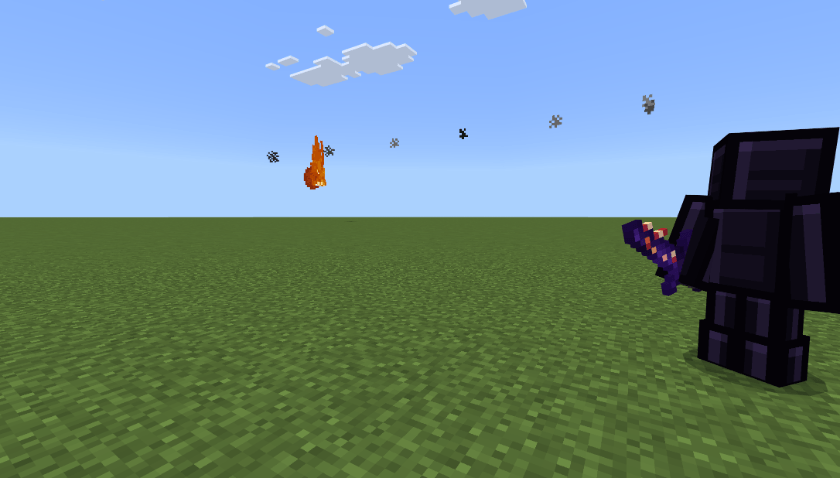
elemental_ember_fireball.png
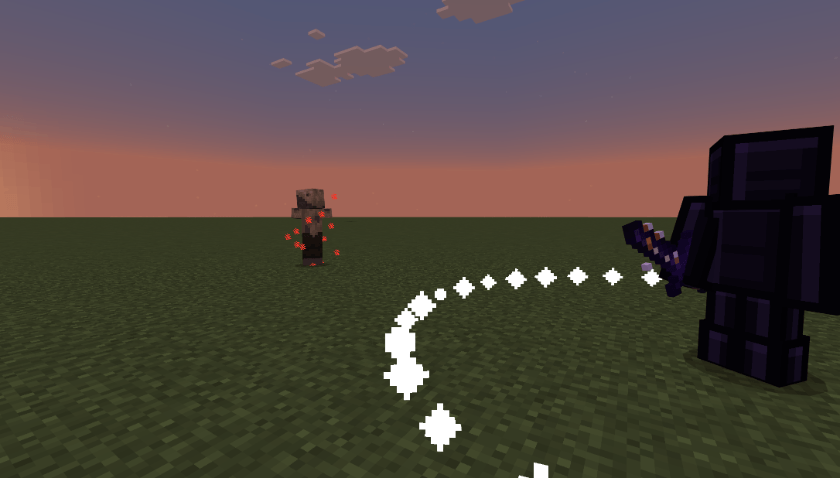
elemental_dawn_sunburst.png
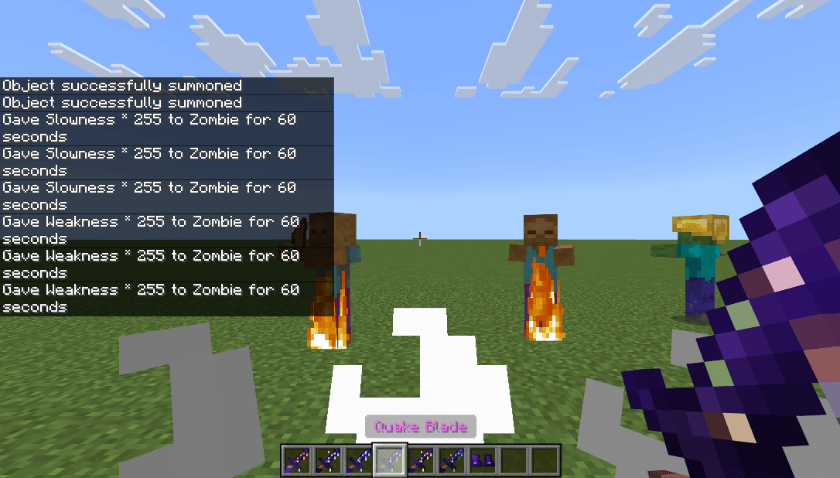
elemental_quake_slam.png
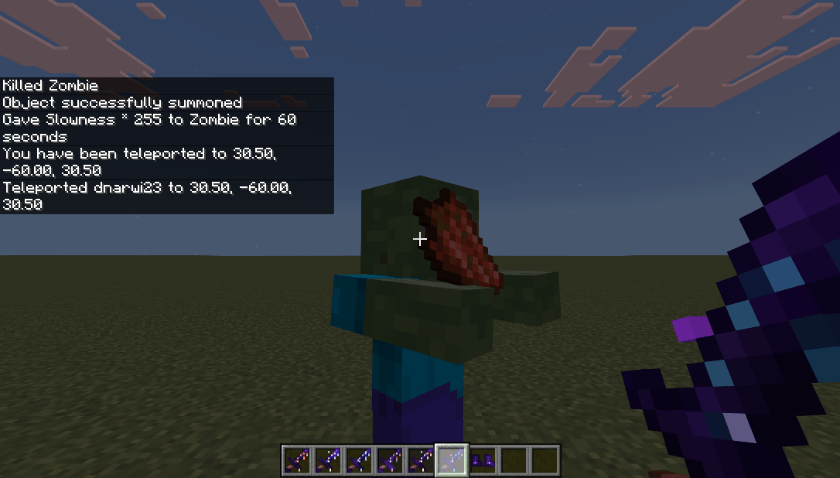
elemental_rift_blink.png
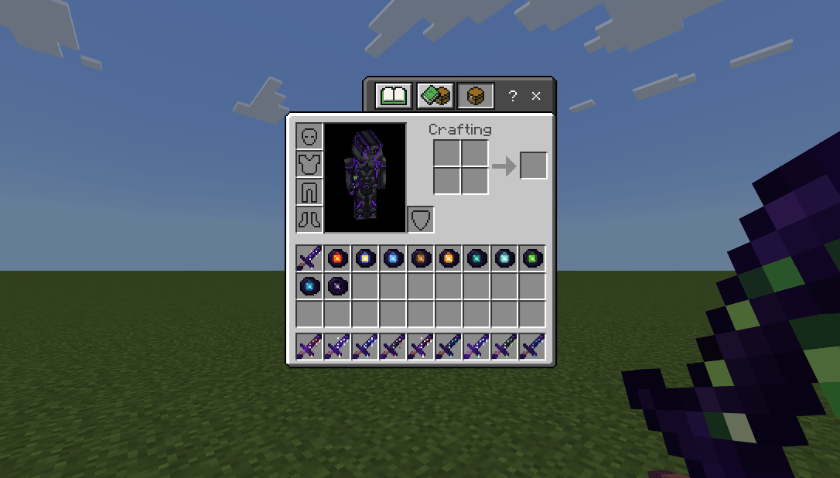
elemental_all_items.png
Description
ForgeWorks Elemental Blades for Bedrock** requires the
ForgeWorks Crying Obsidian Armor & Tools
Add-on for ForgeWorks: forge your Crying Alloy Sword into one of ten Elemental Blades, each with its own on-hit power and a right-click ability.
The blades
- Gale Blade (Wind): hits launch enemies back. Right-click: gust.
- Ember Blade (Fire): hits set enemies on fire. Right-click: fireball.
- Rime Blade (Frost): hits slow enemies. Right-click: frost nova.
- Storm Blade (Lightning): every third hit calls down lightning.
- Dawn Blade (Radiant): extra damage to the undead. Right-click: sunburst.
- Wither Blade (Void): hits wither foes and heal you.
- Fang Blade (Venom): hits inflict Poison II.
- Riptide Blade (Tide): hits drag enemies in; stronger in water or rain.
- Quake Blade (Earth): hits stagger. Right-click: ground slam.
- Rift Blade (Ender): right-click: blink behind your target.
How to make them
Craft an Elemental Core, then combine it with a Crying Alloy Sword in a crafting table. The sword keeps its enchantments, name and durability. Abilities have short cooldowns.
Install
Requires ForgeWorks for Bedrock. Open the .mcaddon file and turn on both ForgeWorks and Elemental Blades in your world. No experimental toggles. Minecraft Bedrock 1.26.60+.
Bedrock notes
- Storm's lightning is a visual strike (a real Bedrock bolt would also hit you).
- Rime slows instead of freezing, and blade textures don't animate on Bedrock.
Also on Java (NeoForge, Forge and Fabric). Website: dnarwimods.com.
Built for a family survival server. All art and code is original.
ForgeWorks Elemental Blades (add on) Team