Force Creative And Spectator
- By
Get Creative And Spectator Modes In Your Survival World Without Turning Off Achievements.
Mcpedl
Description
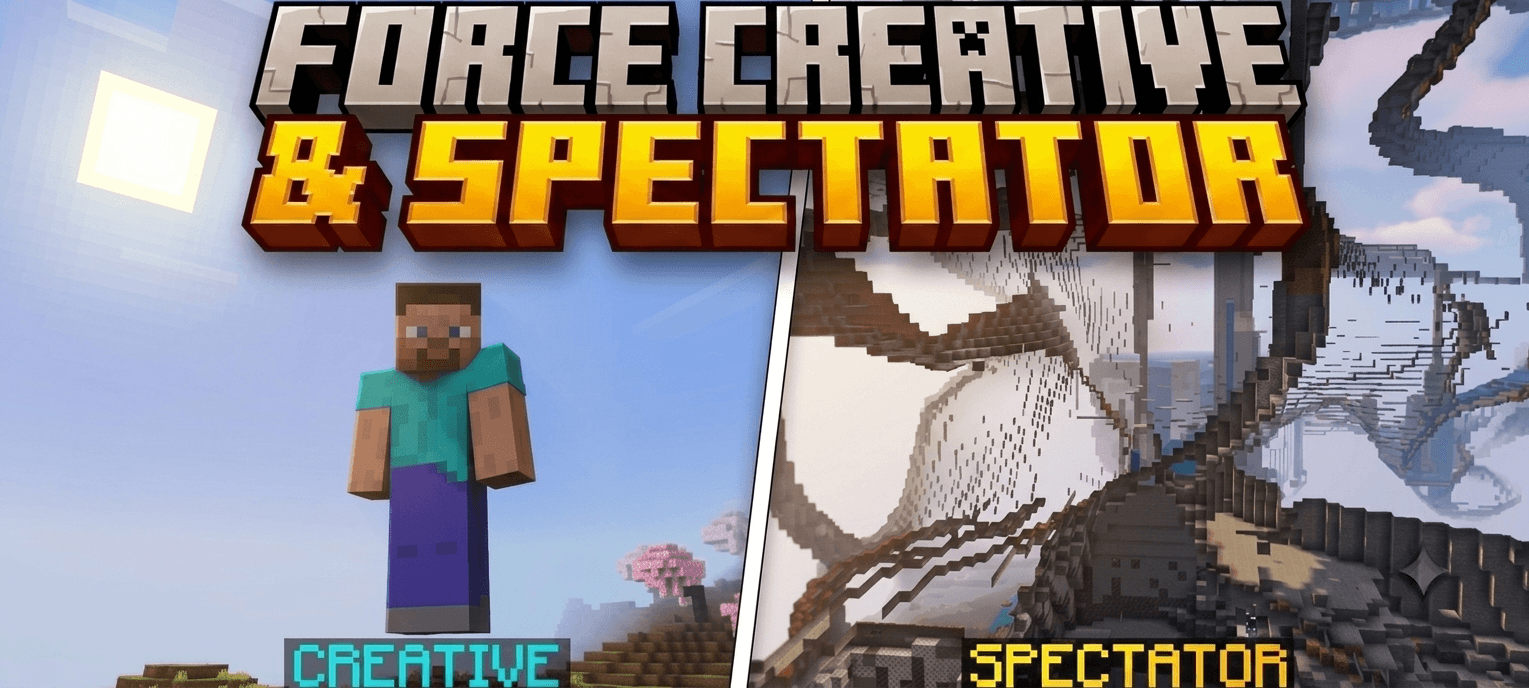
Force Creative & Spectator
Switch effortlessly between Creative, Survival, and Spectator modes without juggling multiple add-ons. This unified Bedrock utility pack gives you total control over your game mode while keeping your vanilla progression completely intact.
What It Does
- Three Modes, One Pack: Seamlessly toggle between Creative, Survival, and Spectator modes without swapping out different files.
- Plug-and-Play Utility: Skip the complex setups. Just apply the pack to your world and instantly gain access to all three modes.
- Reduced Clutter: Eliminates the frustration of downloading, updating, and managing separate spectator and creative packs.
Why Choose This Over Other Mods?
- 100% Achievement Friendly: Built to ensure your world remains eligible for Xbox Live achievements. You get the utility you need without sacrificing your hard-earned progress.
- No Experimental APIs Needed: Operates entirely on stable mechanics. You do not need to enable Beta APIs or experimental toggles, ensuring your world won't break during future game updates.
- Lightweight & Optimized: Because it avoids heavy experimental scripting, it runs incredibly smoothly across all Bedrock platforms without causing lag.
Compatibility
- Game Version: Minecraft Bedrock Edition v1.21.80 and higher.
- Platforms: Works universally across Android, iOS, Windows, and consoles.
How to Install
- Download the provided
.mcpackfile to your device. - Open the file directly. Minecraft will automatically launch and display an "Import Started" message.
- Navigate to your World Settings by clicking the pencil icon next to your world.
- Select the Behavior Packs tab under the Add-Ons section.
- Activate the All-In-One Gamemode Switcher and launch your world.
Note - This Only Works In Singleplayer World
Force Creative And Spectator Team

Owner