


FluxShop Addon
- By
Screenshot (2).png
asdawd.png
Screenshot (10).png
Screenshot (4).png
Screenshot (5).png
Screenshot (6).png
Screenshot (3).png
Screenshot (7).png
Screenshot (9).png
Screenshot (8).png
Description
The FluxShop add-on lets players create automated, persistent shops using standard Minecraft containers on Bedrock servers.
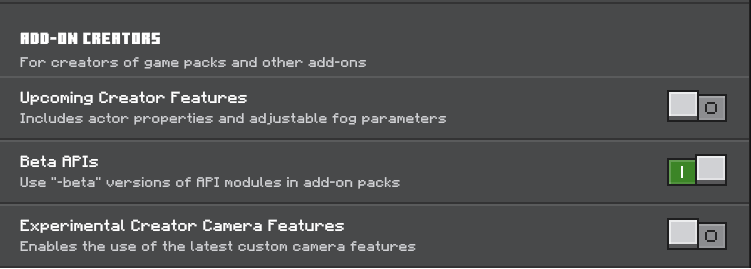
ENABLE BETA API's IN EXPERIMENT TAB
🛒 Core Features
Shop Creation
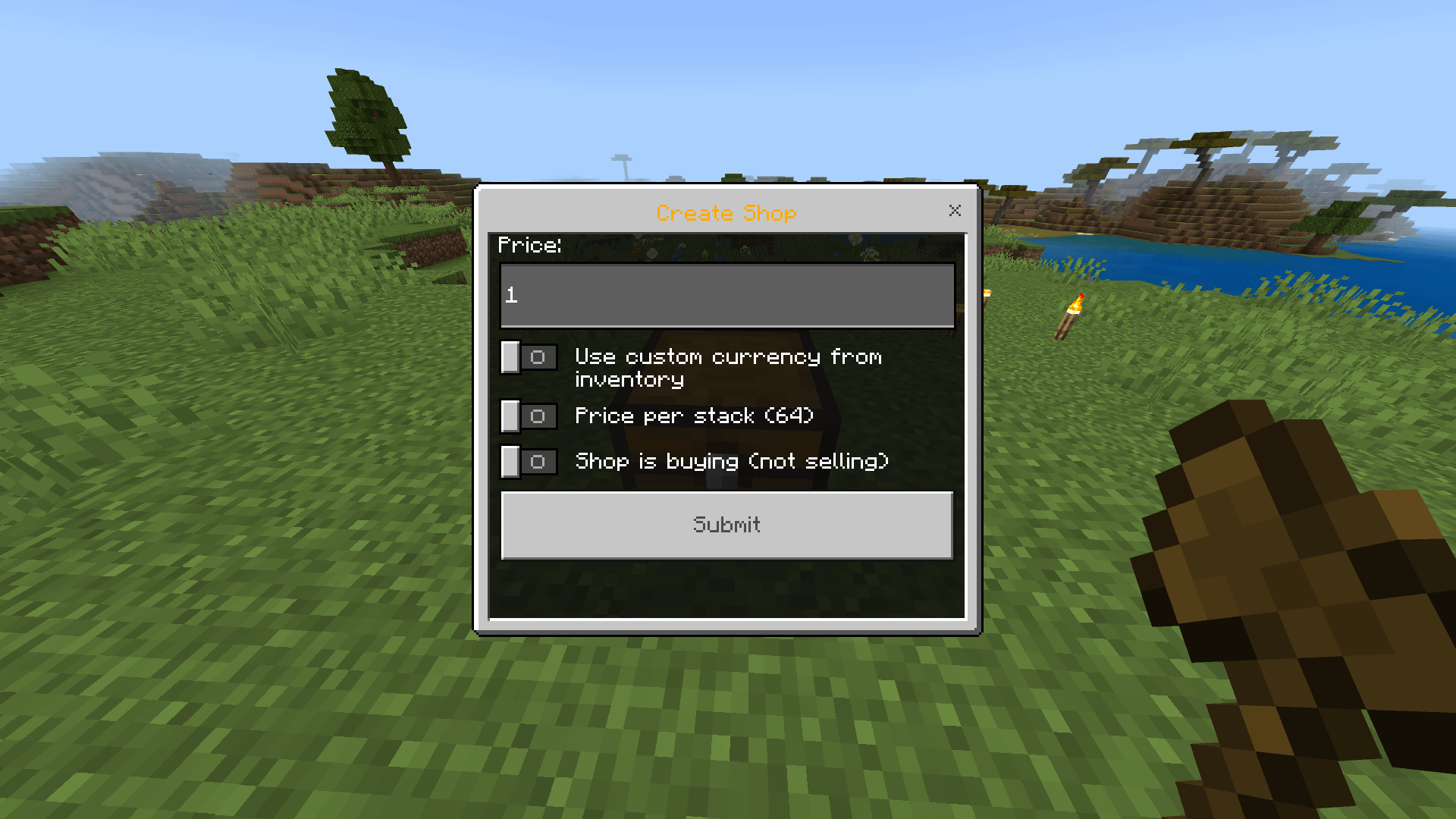
Players can easily set up shops using in-game containers:
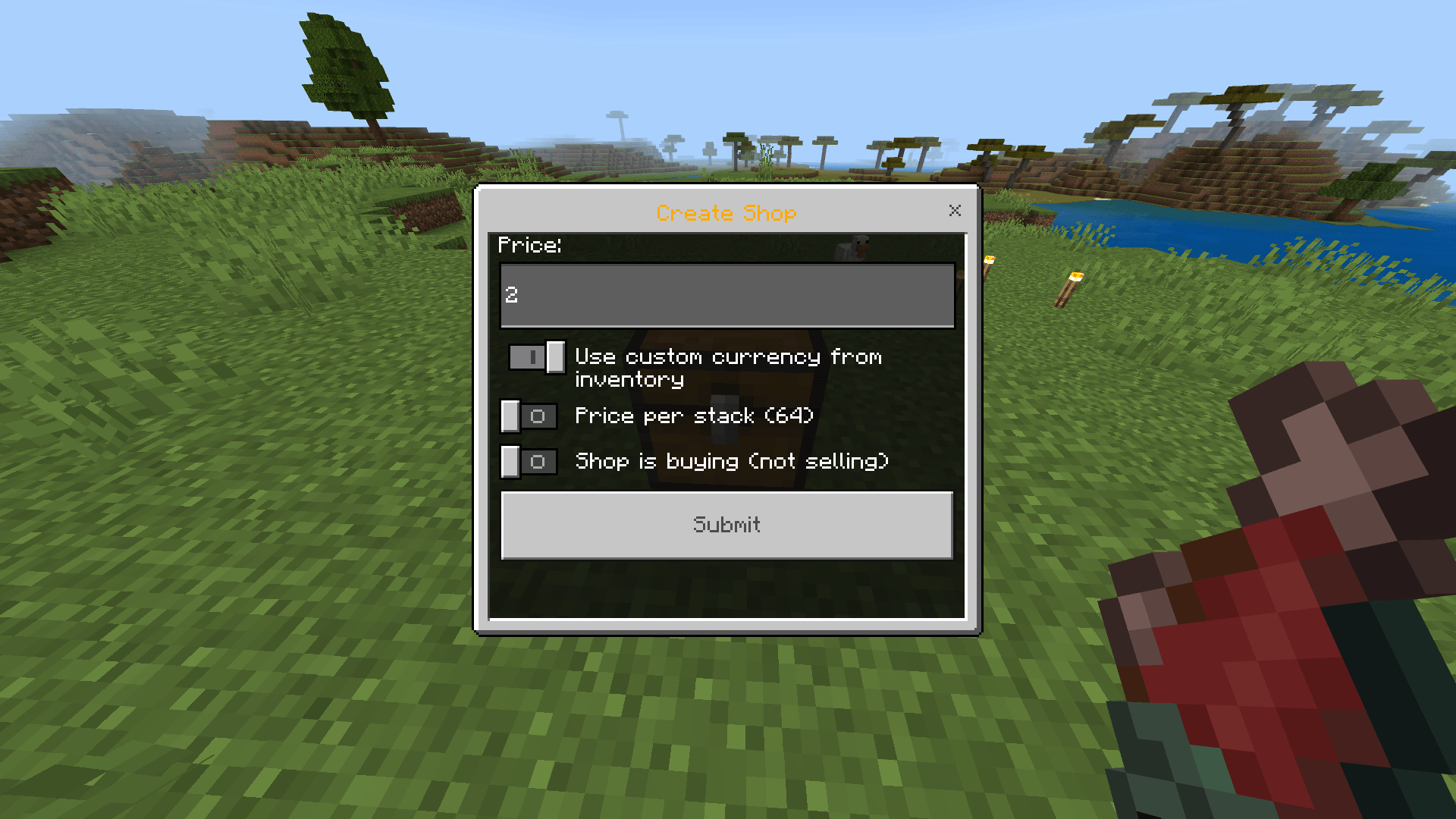
- How to Create: While sneaking and holding the desired trade item, interact with a valid container block (Chest, Barrel, or Trapped Chest).
- This begins a quick setup process that links the item and the container to form a shop.
Visual Indicators
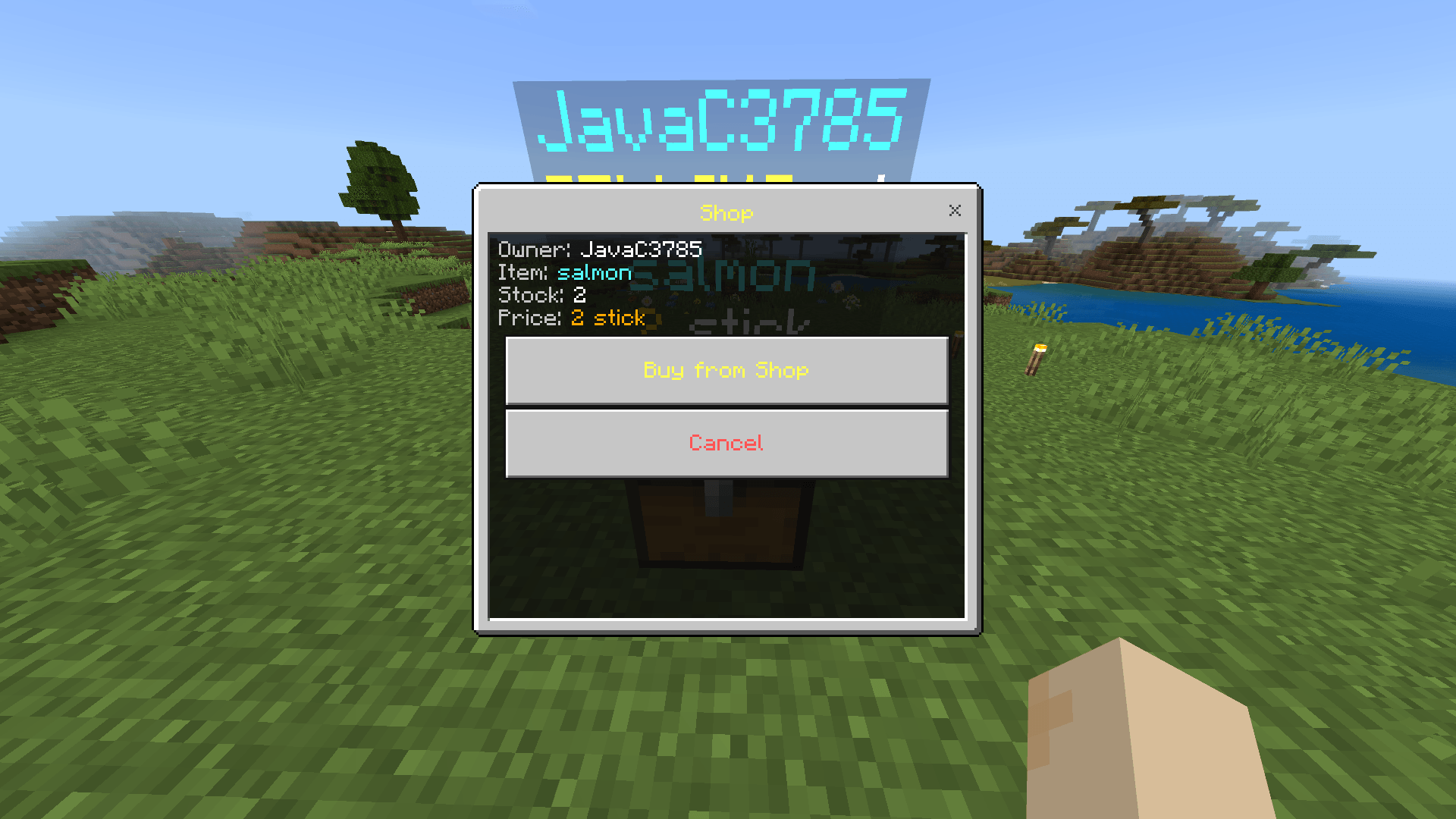
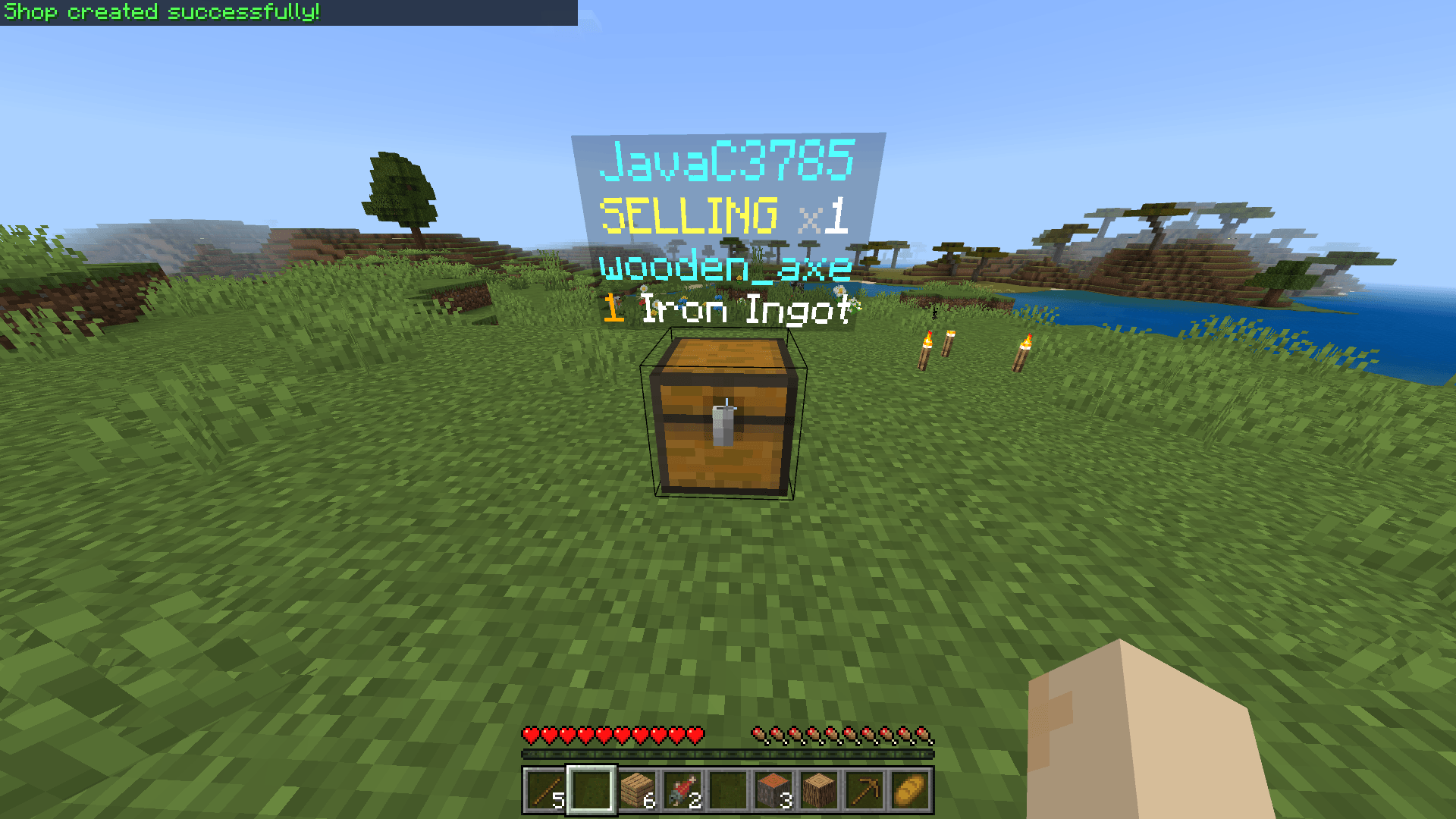
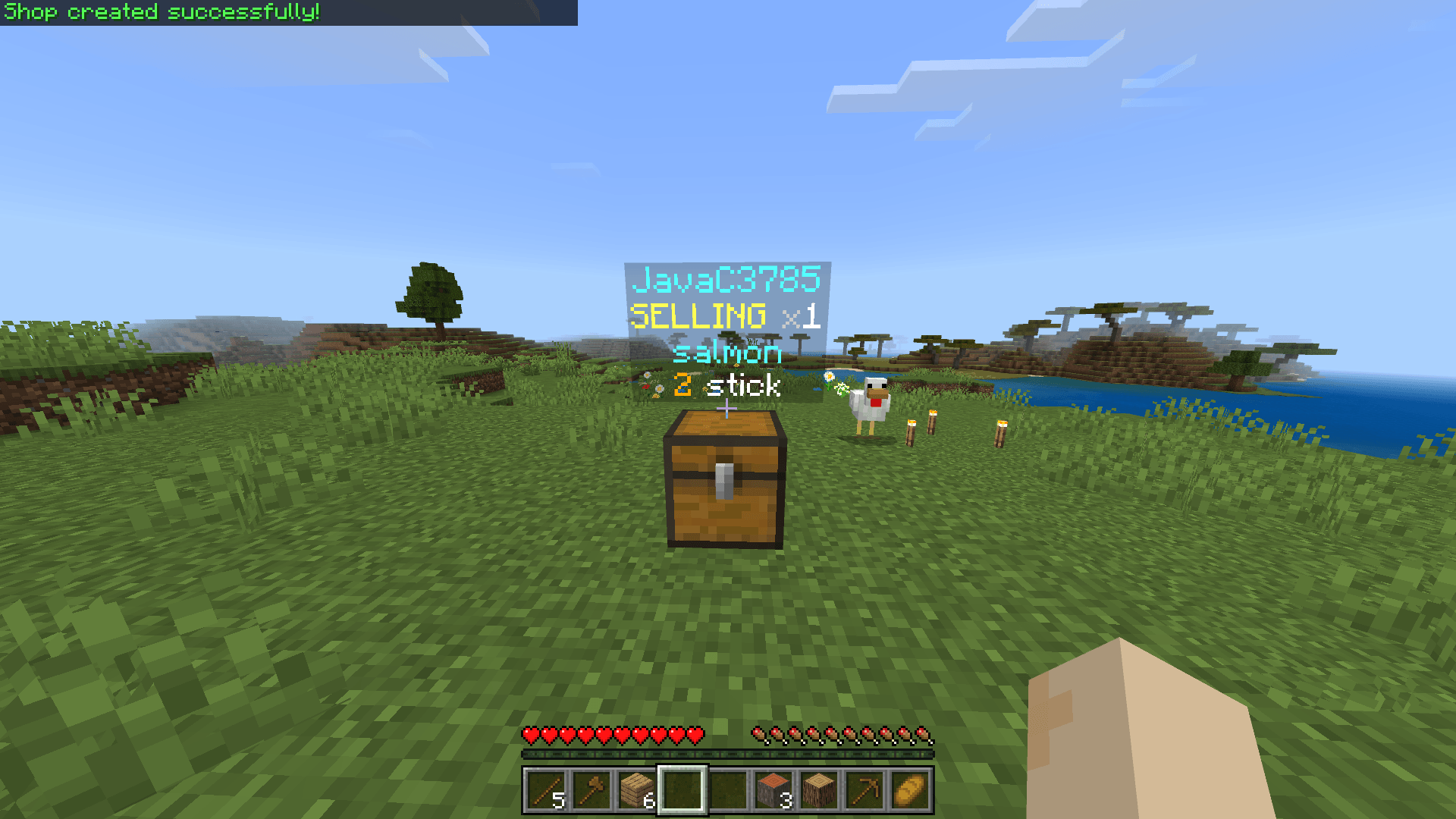
Each shop automatically displays:
- An item display entity showing the traded item.
Floating text that lists:
- The item name
- The price
- The currency type
- The current stock (for selling shops)
Trade Modes
Shops can operate in two distinct modes:
-
Selling Mode:
The shop sells items to other players and collects currency. It must contain stock of the item to sell. -
Buying Mode:
The shop purchases items from players and pays them using the currency stored in the container.
Custom Currencies
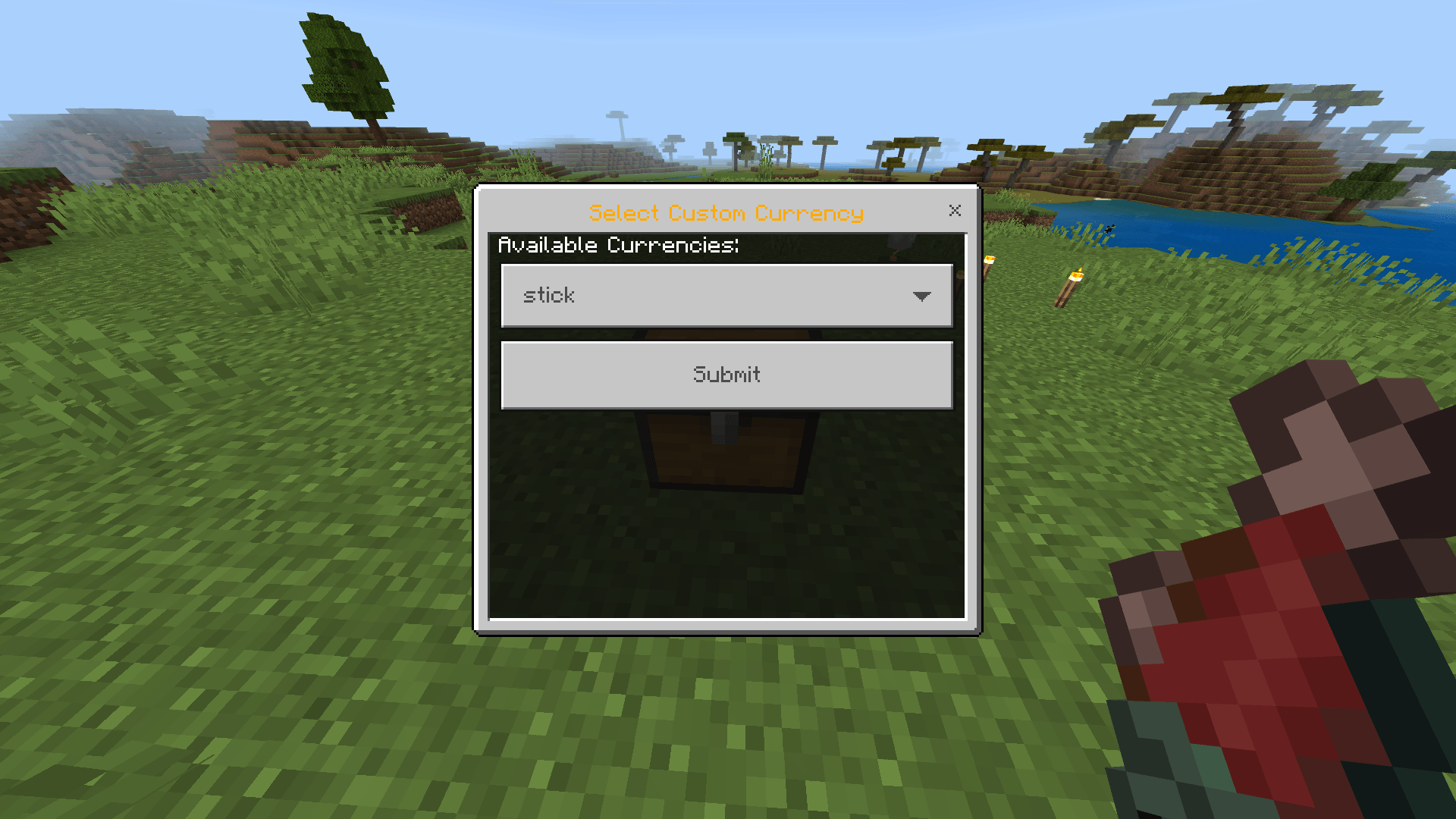
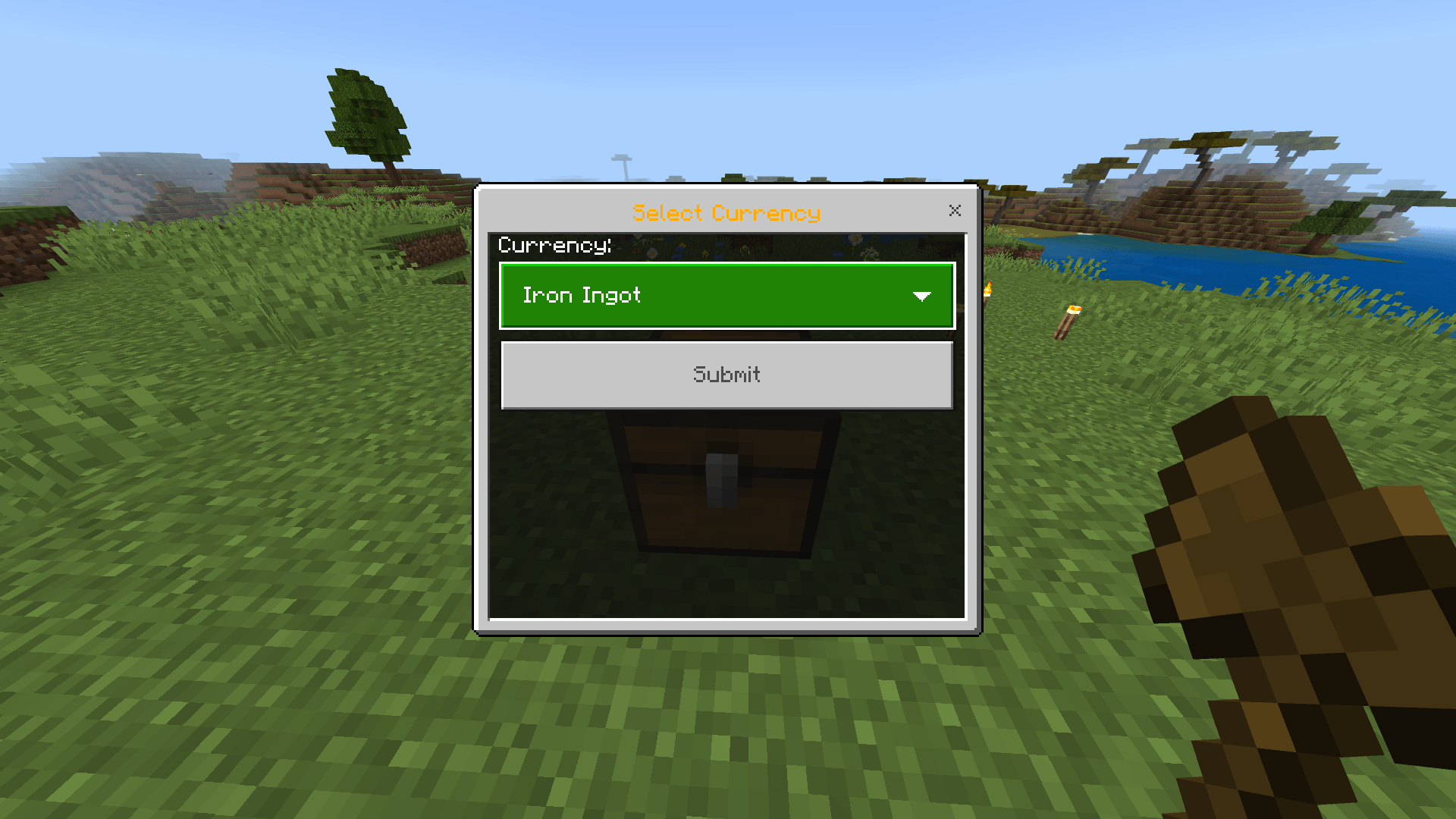
Shops can use common currency items (Iron Ingots, Diamonds, Emeralds, etc.) or any custom item from the owner’s inventory as the shop’s currency.
⚙️ Management & Security
Owner Access:
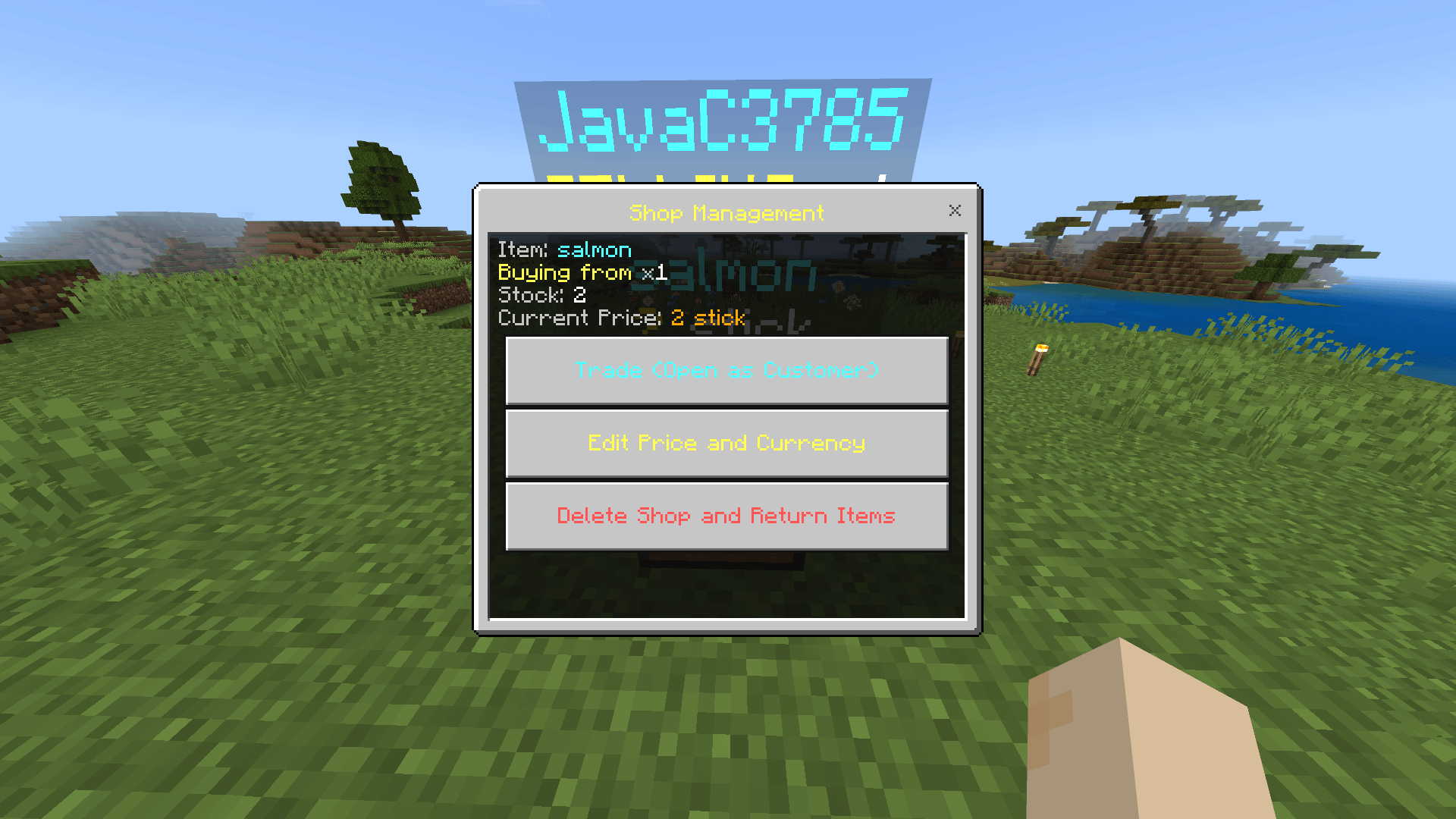
Shop owners can open a management menu by interacting with their shop container. From there, they can:
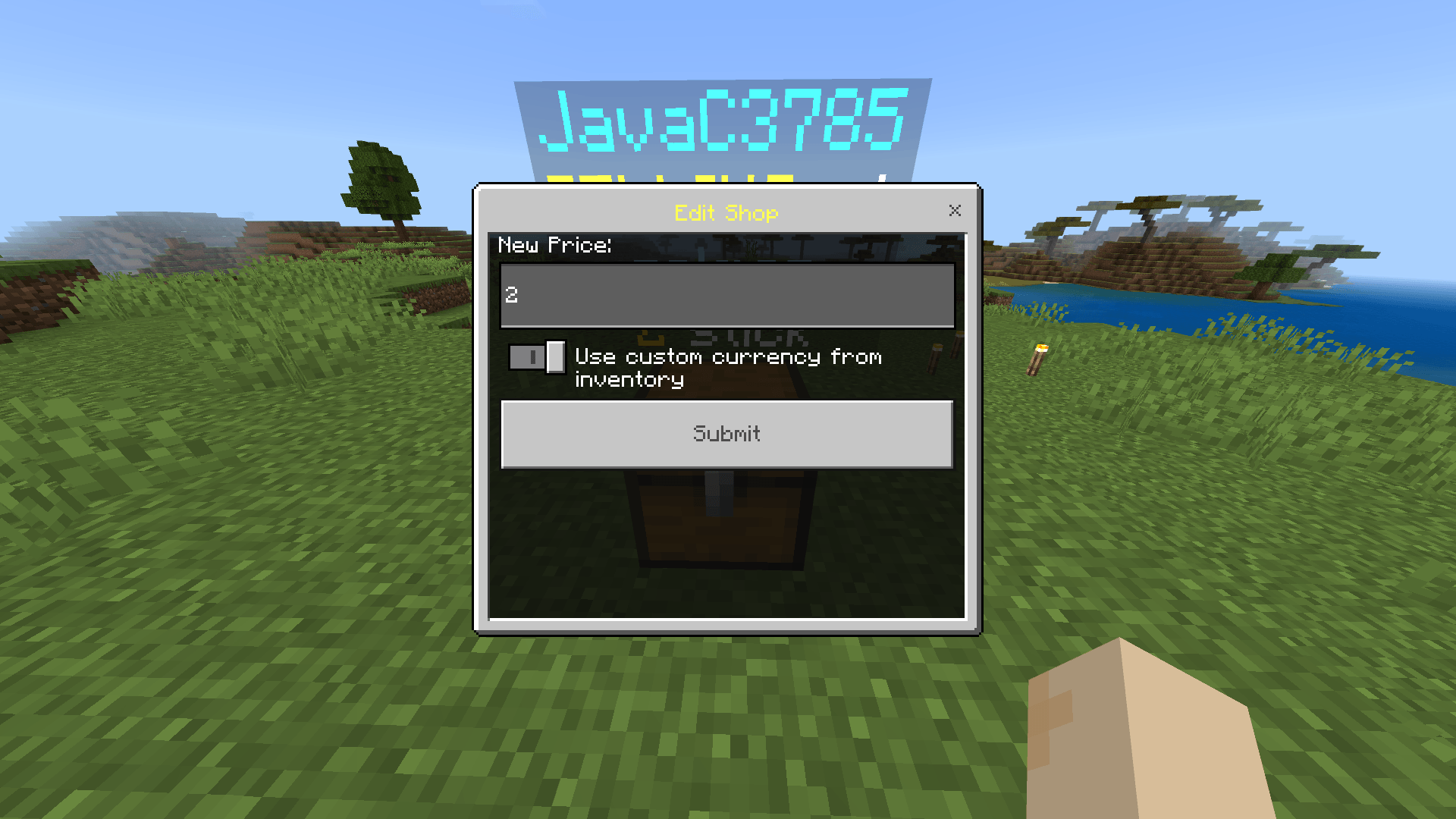
- Adjust the price or currency
- Safely delete the shop
Safe Removal:
Deleting a shop through the menu automatically:
- Returns all items and the container to the owner
- Drops any overflow items if the owner’s inventory is full
Protection:
- Only the shop owner or a server administrator can break or delete a shop container.
Player Limits:
- Each player can own up to 15 shops at a time.
FluxShop Addon Team
