InShot_20261113_233622108.jpg
Screenshot_20261113-221323.png
Screenshot_20261113-221115.png
Screenshot_20261113-220753.png
Screenshot_20261113-220533.png
Description

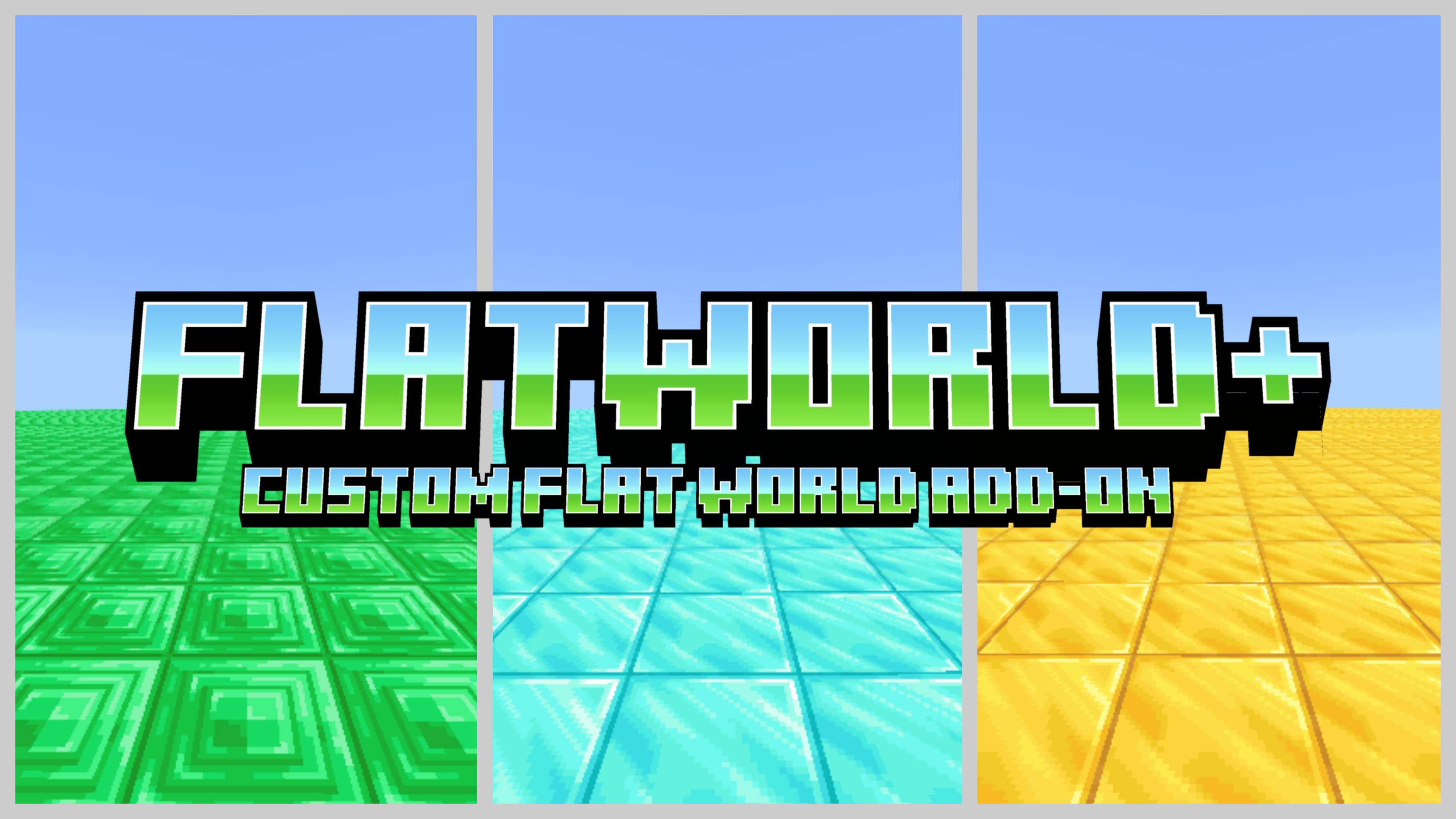
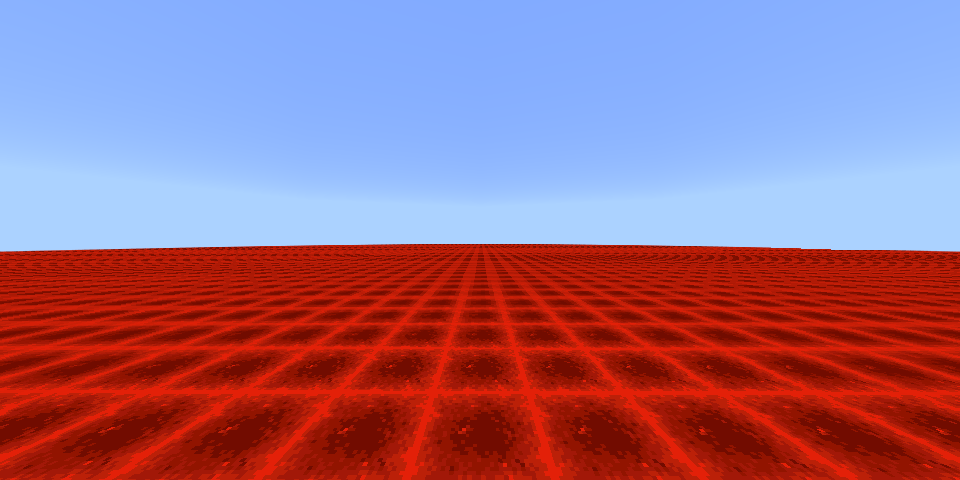
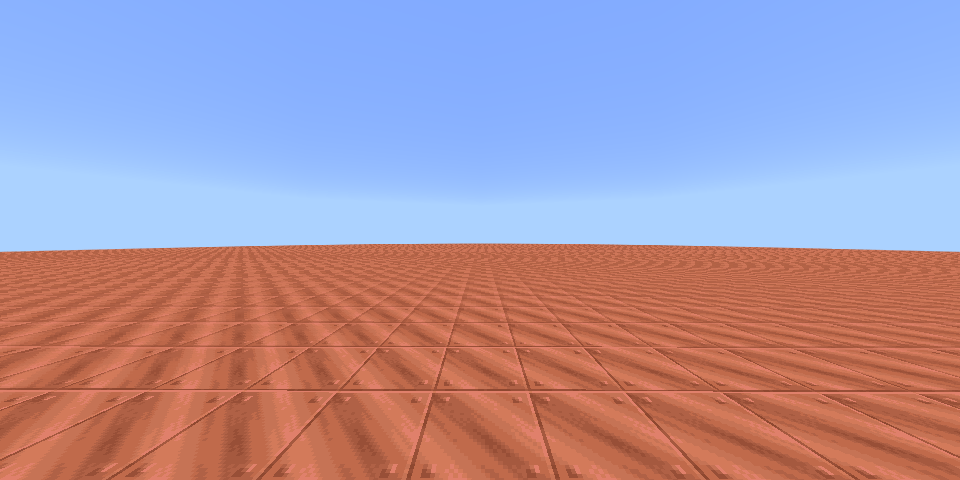
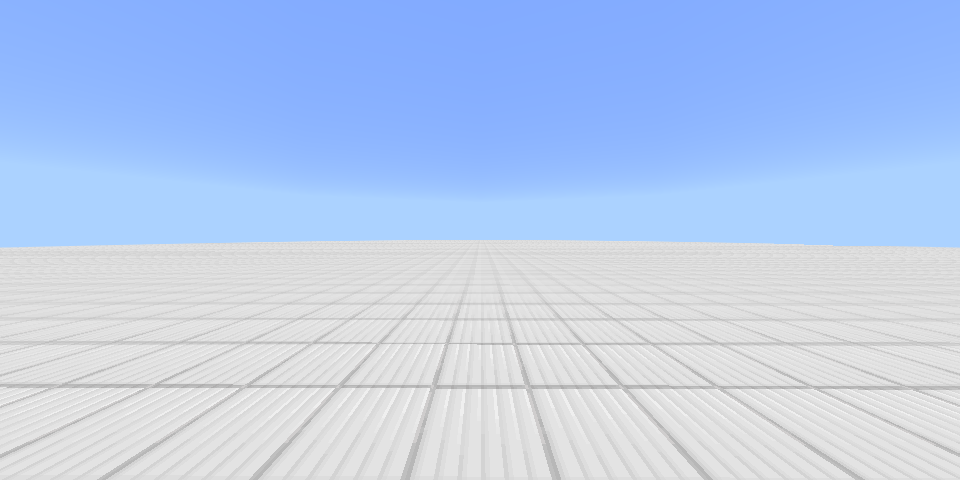
With the Flatworld+ add-on, it is possible to create various flat worlds or make various changes to those worlds, without even having to leave the world you are in. You can create these worlds in the world you are in.
But how can these worlds be created?
For this you need the book flatworld+, you can get this book from the creative mode inventory
but unfortunately there is currently no recipe for this book but it will be added in a future update

Open the book and click on the "create flat world" button
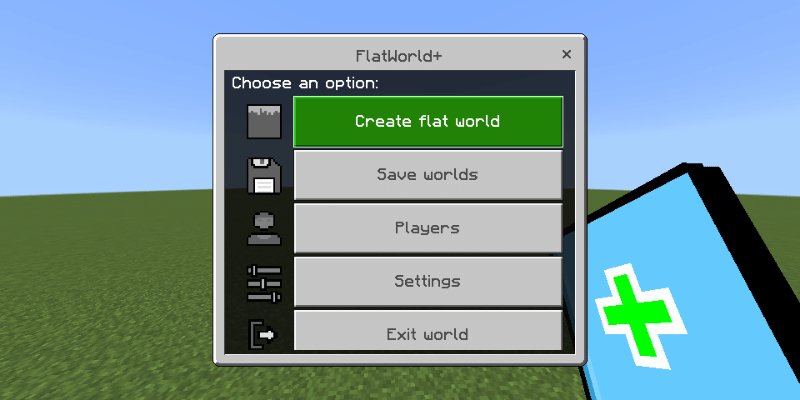
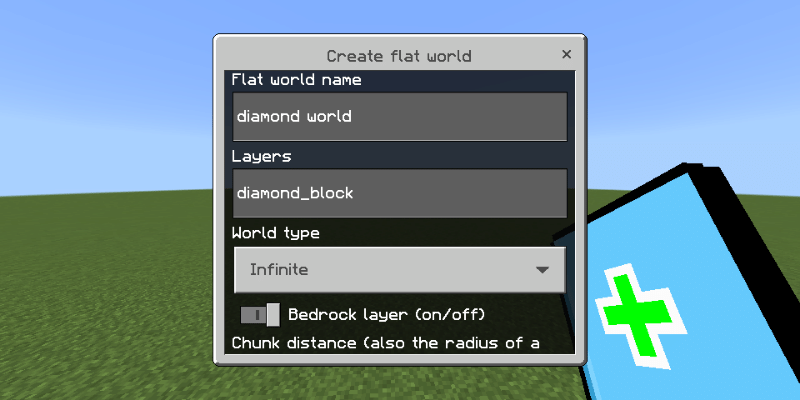
Then, in the section labeled "layers", type the ID of the block you want, for example "diamond_block" or "gold_block"
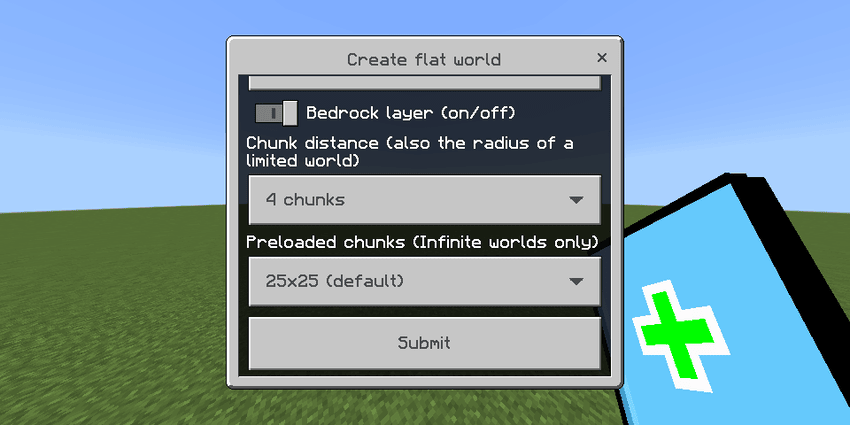
Then click the "submit" button.
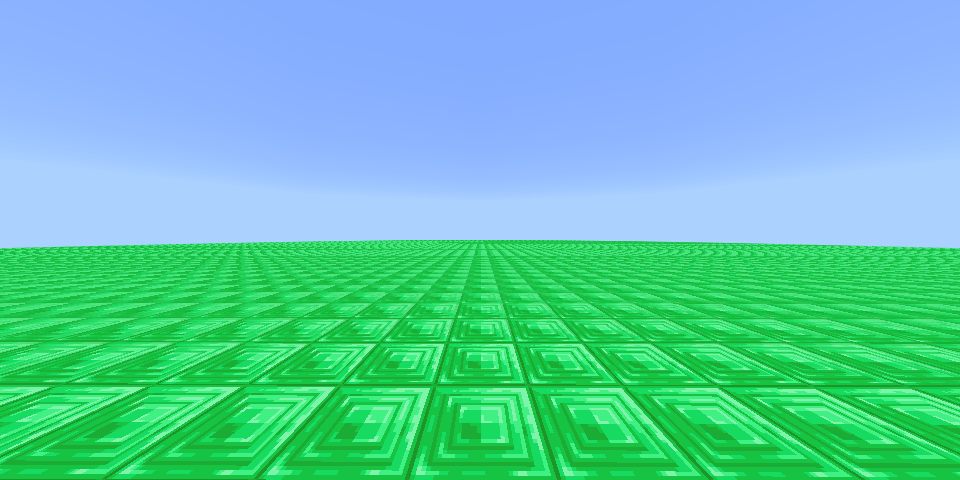
And your world was ready.
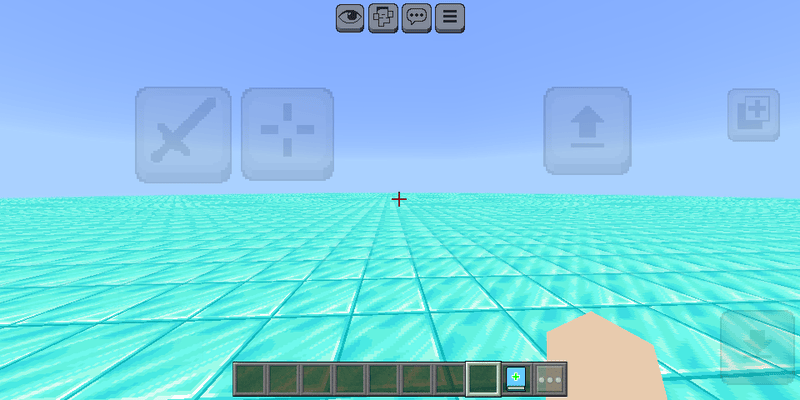
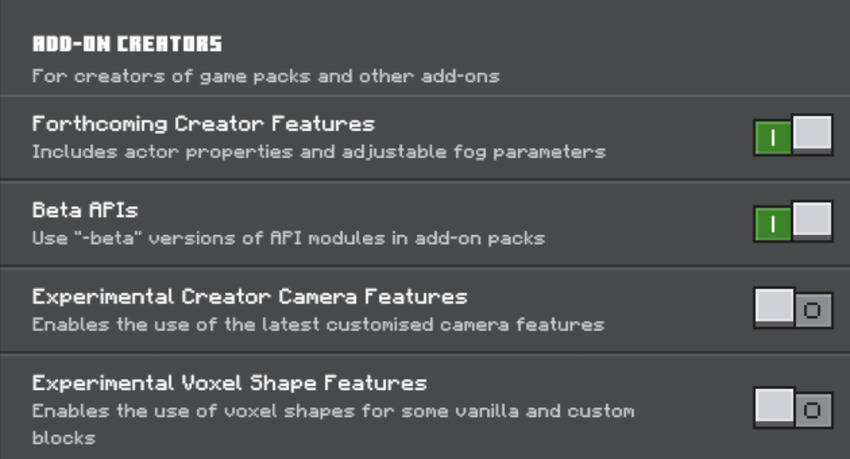
Enable beta API to work with versions 1.26.20, 1.26.30 and 1.26.40 of the add-on
FlatWorld+ Team