Fast Gamemode
- By
Quickly switch between Survival, Creative, Adventure, and Spectator modes with an easy in-game GUI menu
As many players know, Minecraft Java Edition offers a quick way to switch game modes. Now, with this add-on, Bedrock players can enjoy a similar experience. Simply press Shift + Jump to open a clean, easy-to-use menu for changing your game mode instantly
How to use
1. This add-on isn’t automatically available to all players in the world. You’ll need to enable it by adding the free gamemode tag to yourself. You can do this either by running the usual command or by using the special item found in Creative mode. This item makes the process simple, and you can click it again to disable the feature
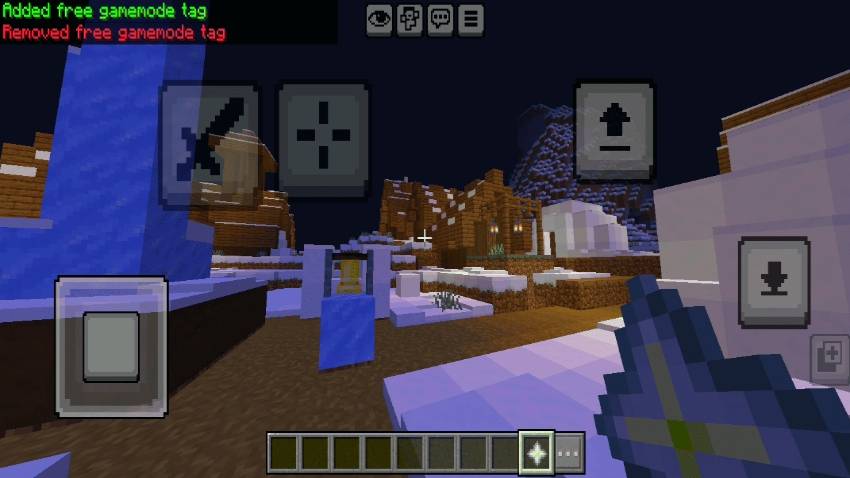
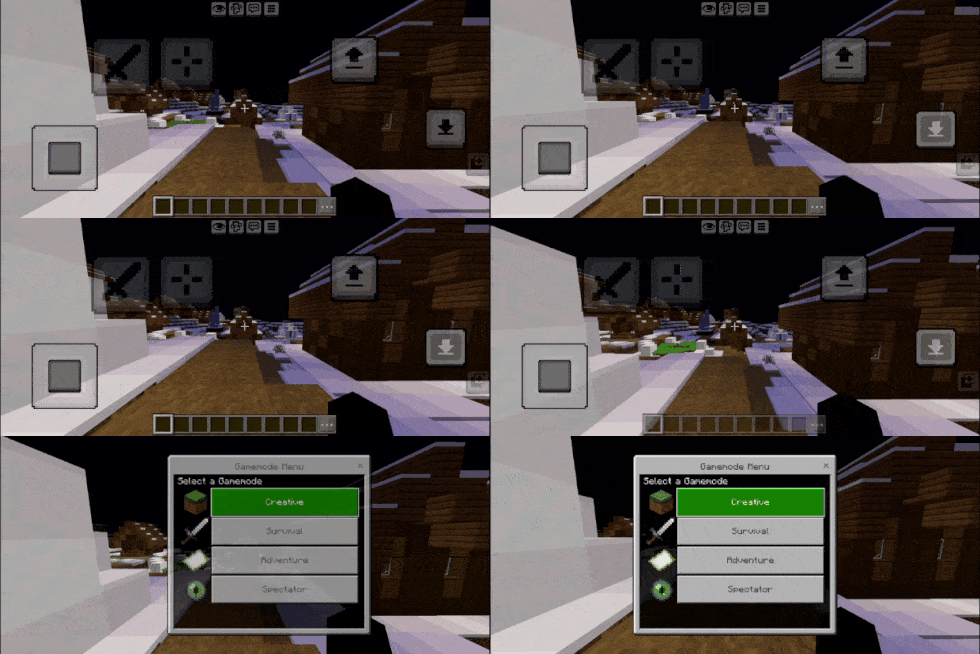
2. Once enabled, pressing Shift + Jump in any mode will instantly bring up the menu to switch modes.

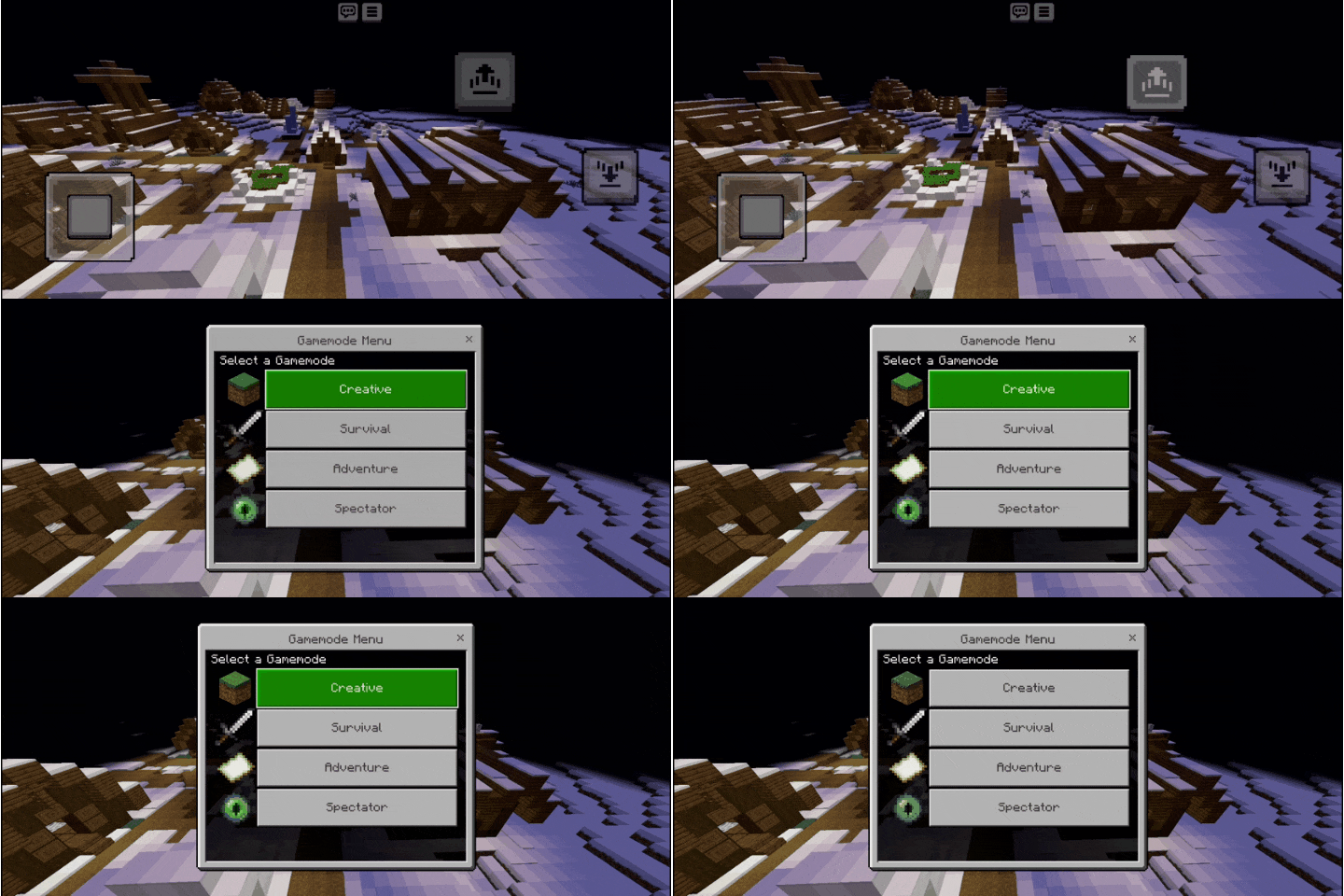
3. In Spectator mode, the method is sligh tly different. To open the menu, quickly descend and ascend to trigger the gamemode menu."

Fast Gamemode Team