MCPEDL
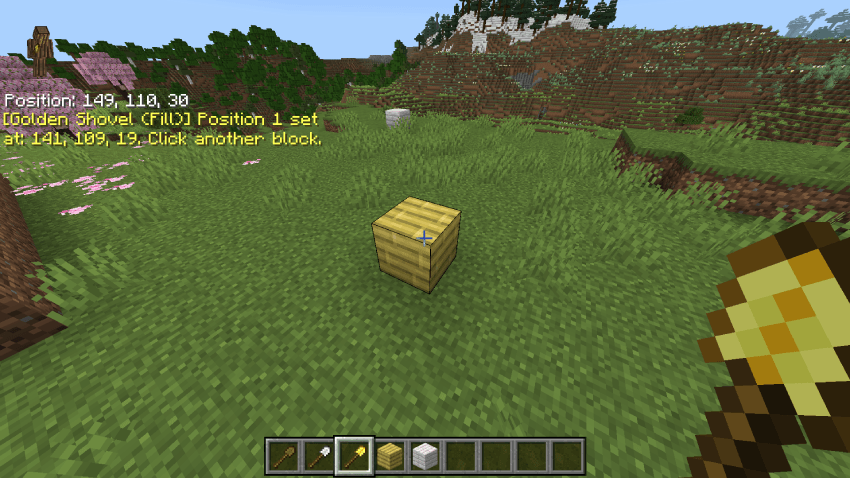
block a.png
block b.png
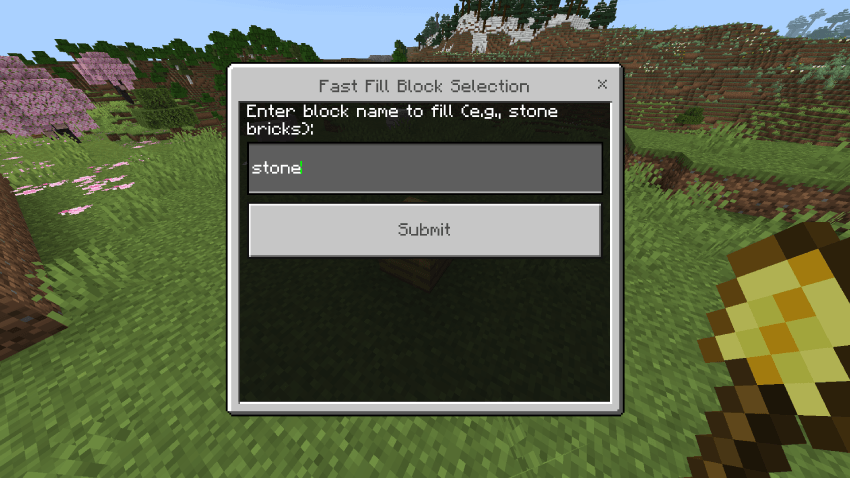
menu.png
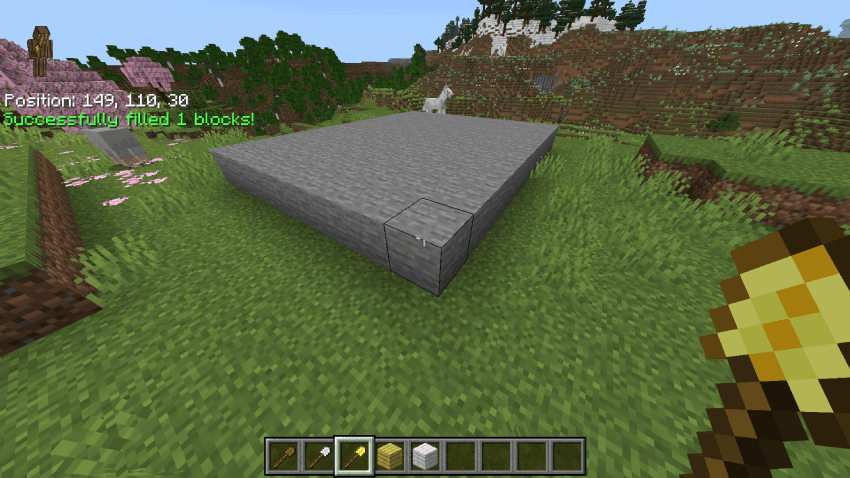
filled.png
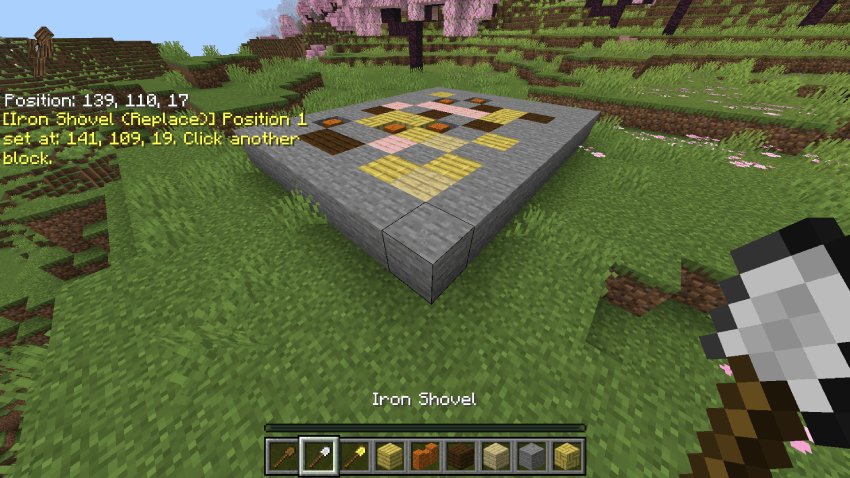
iron block a.png
iron block b.png
iron menu.png
filled.png
Description
Fast Fill & Replace Creative Tool (by AhgCraft)
Tired of typing long, clunky
/fill coordinates every time you want to build or texture an arena? Fast Fill & Replace is a lightweight, high-performance utility addon designed specifically for creative builders. It converts standard vanilla shovels into powerful world-editing tools that skip the coordinate typing entirely.Best of all, it keeps data strictly inside temporary script memory—meaning you can use it to build your world fast, and safely delete or remove the addon when you are finished without leaving behind messy tags, entities, or corruptions in your save files!
🛠️ How It Works (The Tools)
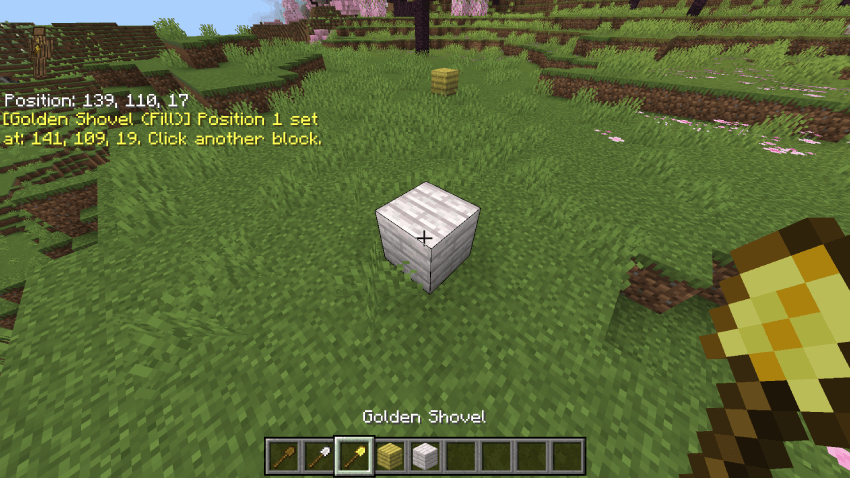
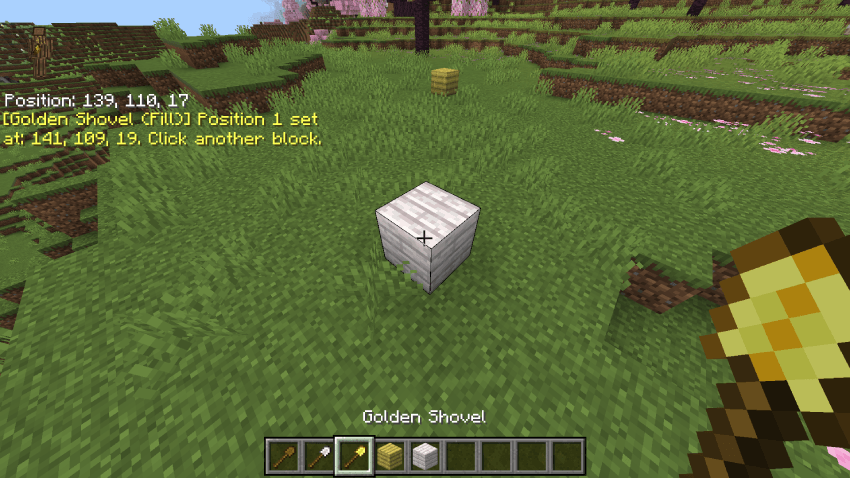
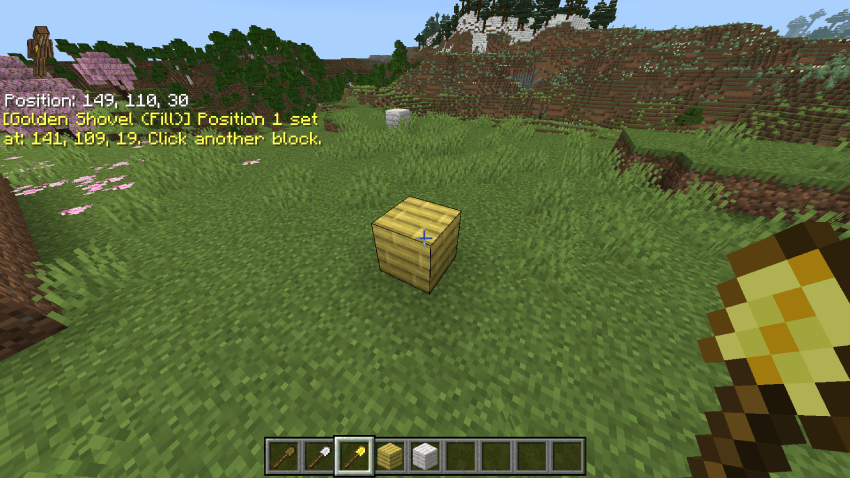
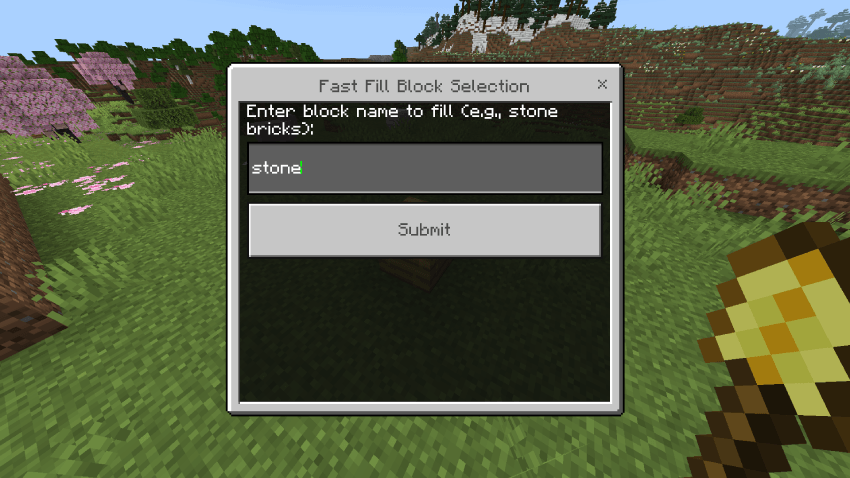
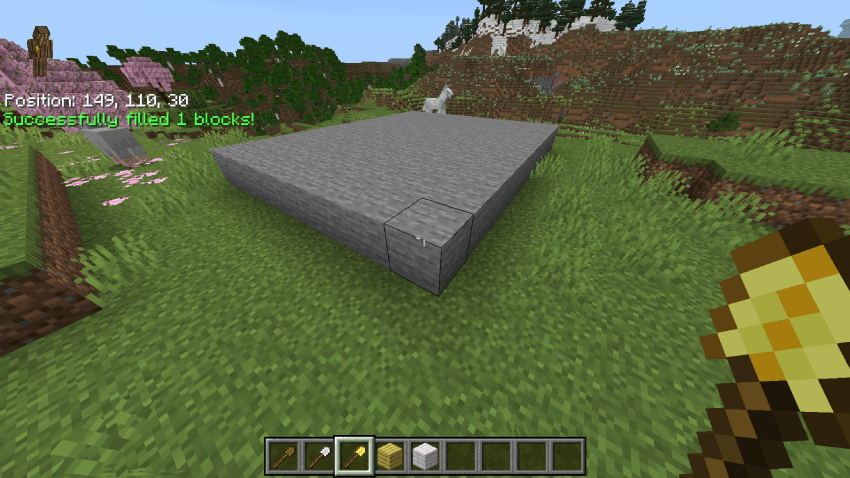
🥇 Golden Shovel — Standard Fill Mode
- Action: Right-click Block A, then walk over and right-click Block B.
- Result: A custom UI menu instantly pops up. Type the block you want, press submit, and the entire region fills in automatically!
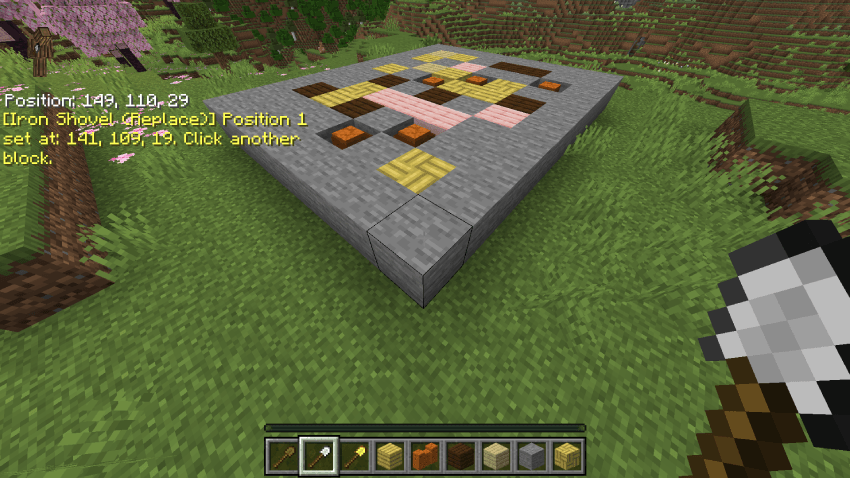
🥈 Iron Shovel — Selective Replace Mode
- Action: Right-click Block A, then right-click Block B.
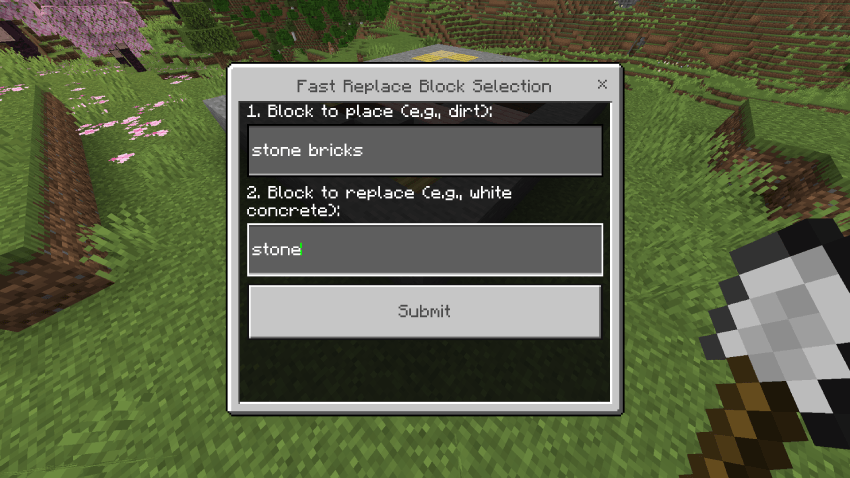
- Result: A dual-input UI menu opens.
- Box 1: Enter the block you want to place (e.g., stone bricks).
- Box 2: Enter the block you want to target (e.g.,
stone).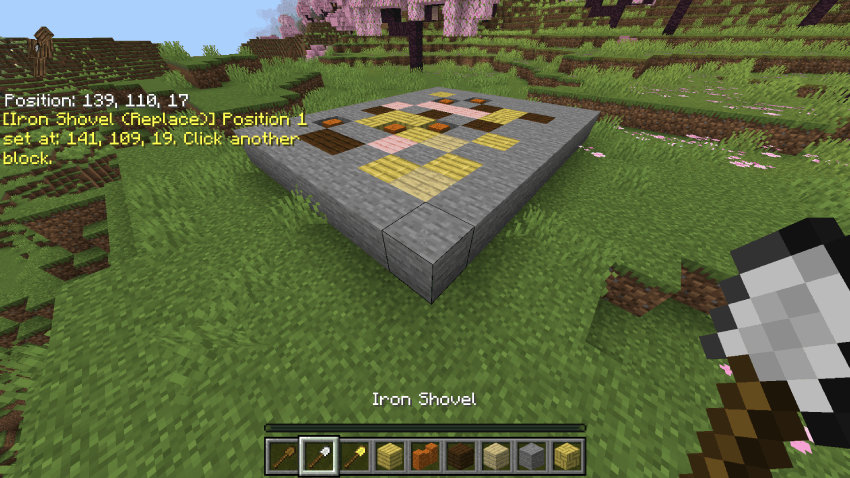
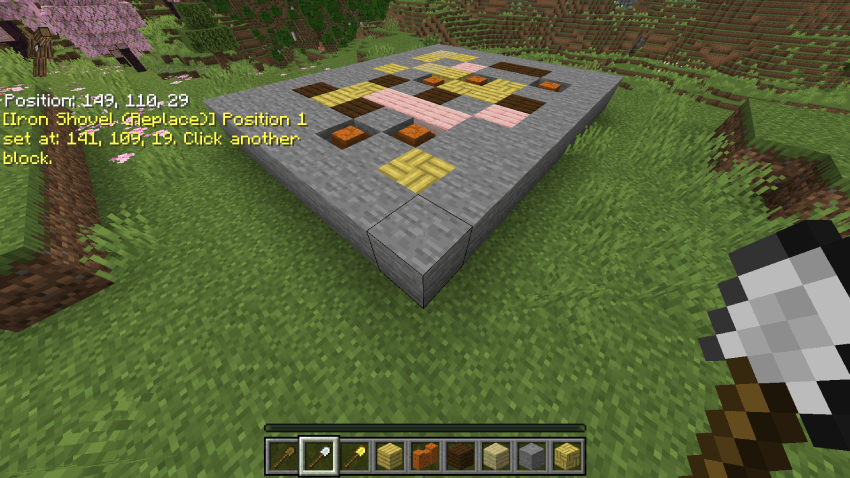
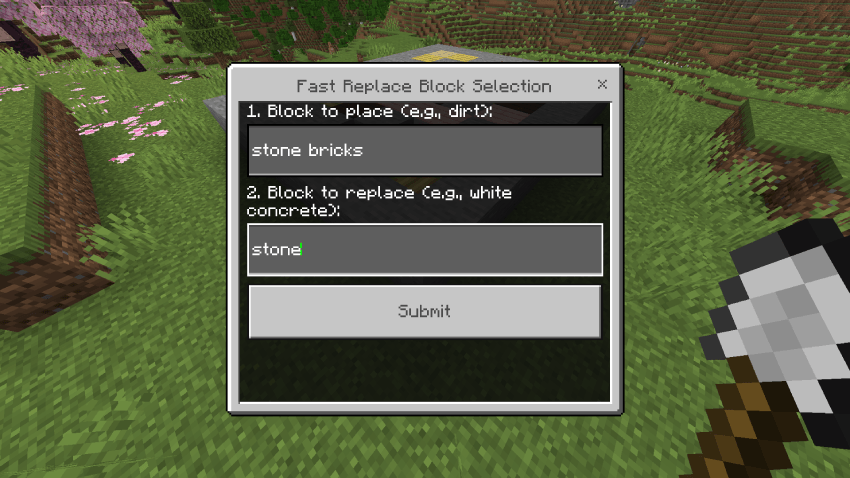
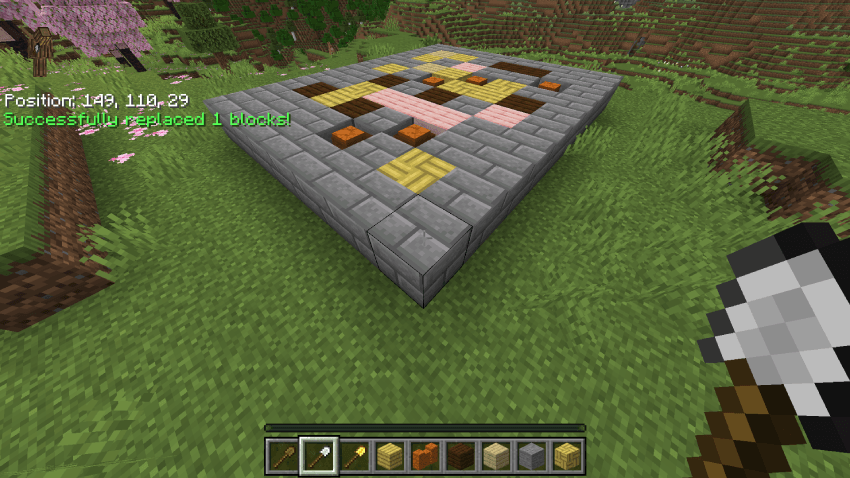
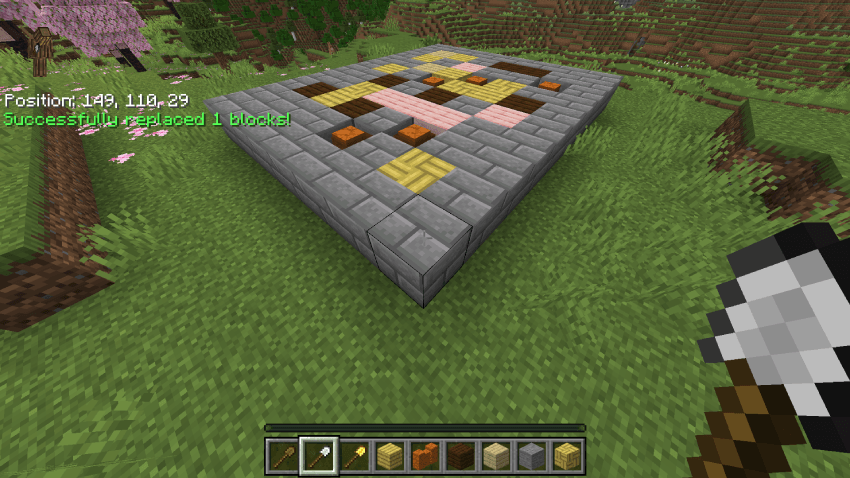
- It will replace only your target block, leaving planks, walls and surrounding patterns completely untouched. Perfect for texturing.
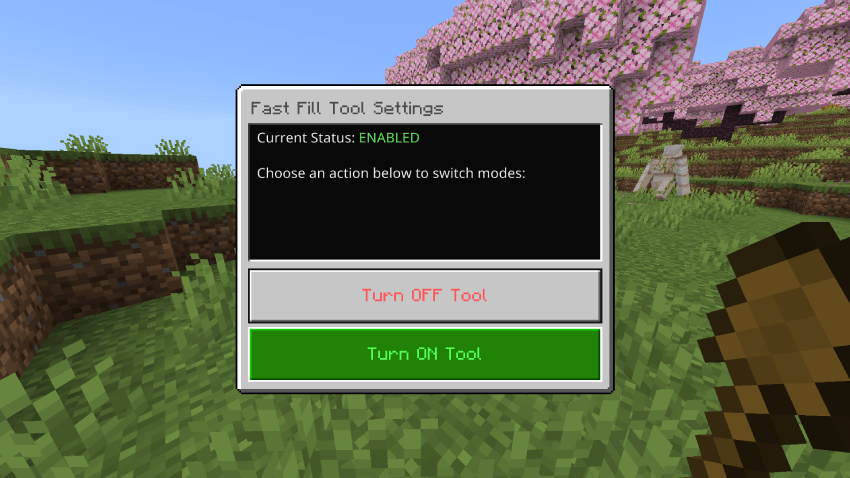
🪵 Wooden Shovel — Master Settings Menu
- Action: Right-click anywhere.
- Result: Instantly opens an On/Off Settings Dashboard. Turn the entire addon on or off with a single click. When turned off, all your shovels instantly go back to acting like regular vanilla shovel.
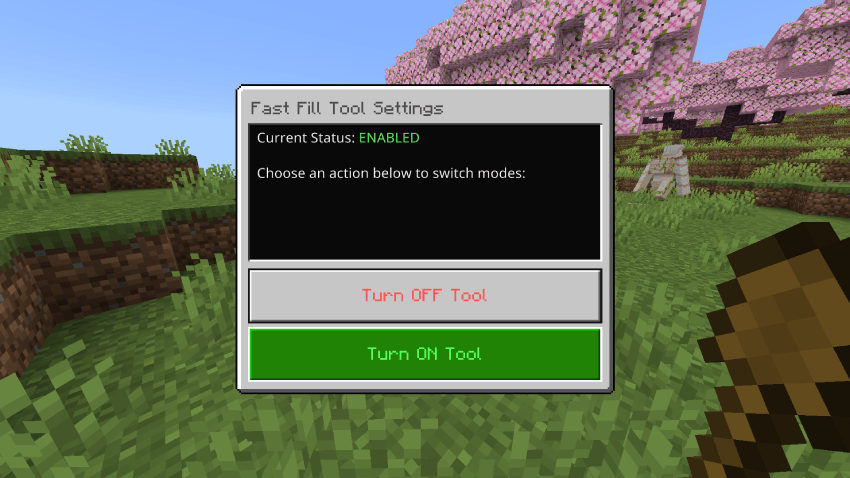
✨ Pro Features Built For Builders
- ⚠️ Vanilla-Accurate Error Reporting: If your selection goes over the game's block limit or touches unrendered chunks, the addon sends error messages into your chat.
- 🔄 Smart Cancel: Switching slots, dropping a shovel, or taking it out of your hand mid-selection will instantly cancel your current coordinate path and notify you in chat.
⚙️ Installation Requirements
- Download and apply the Fast Fill Behavior Pack to your world.
- Ensure you toggle Beta APIs to ON under your world's Experiments menu tab before loading in.
- Grab your shovels and start building!
Fast Fill Creative Tool Team