🌾 FarmLoader Player Keep Your Farms Running!
Keep your farms active, even when you're far away!
FarmLoader Player is a utility add-on for Minecraft Bedrock Edition that introduces a special chunk-loading block designed to keep farm areas active while you explore, mine, build, or travel across your world.
✨ Features
-
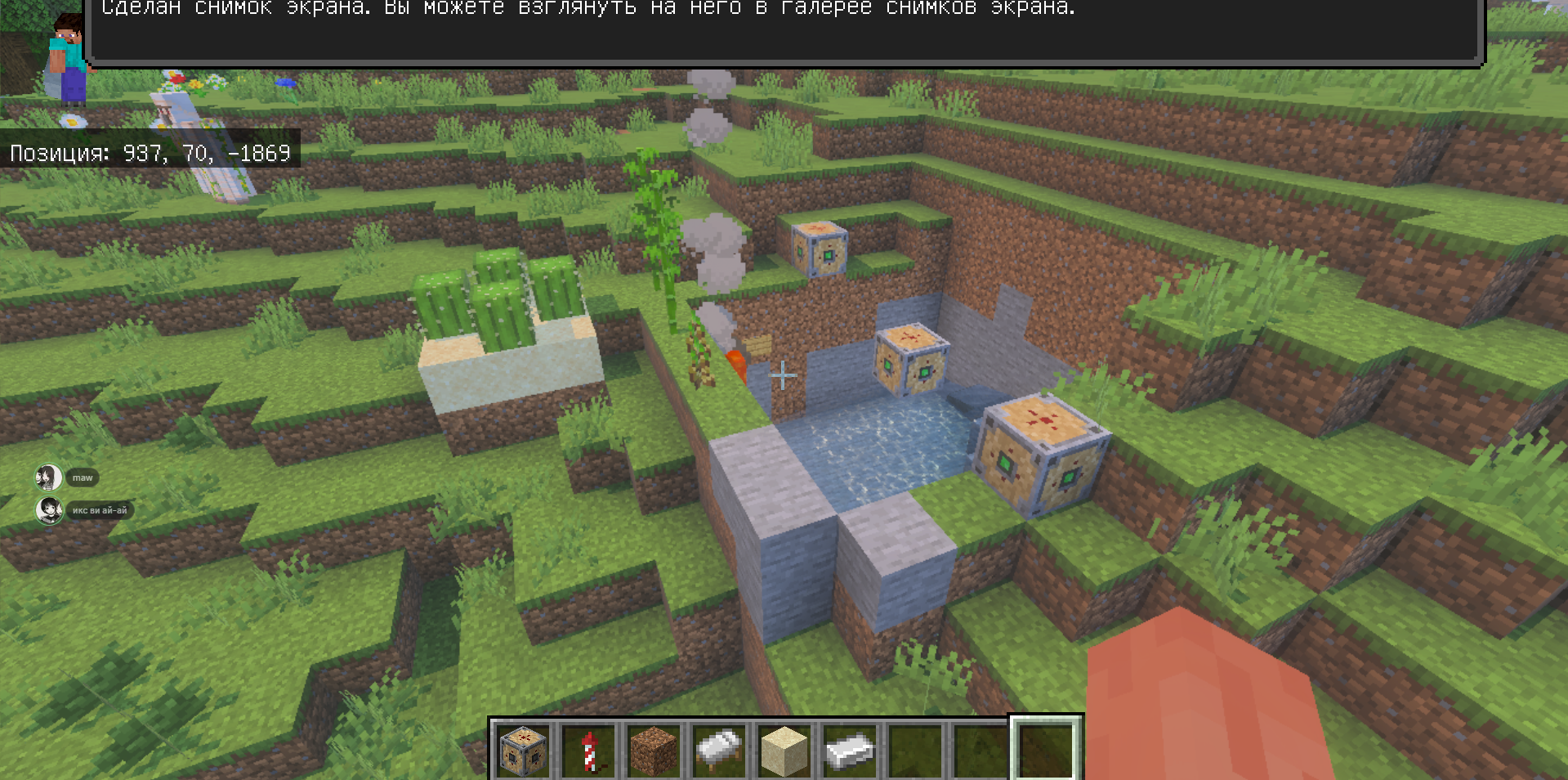
Chunk Loader Block — Place a special block near your farm to help keep the surrounding area active.
-
Invisible Helper — The loader creates an invisible helper entity to support its functionality.
-
Automatic Restoration — The helper is automatically restored when you leave and re-enter the world.
-
Easy Removal — Deactivating or breaking the loader block removes its helper.
-
Farm Support — Designed for automated farms and other systems that benefit from active chunks.
📦 Installation
-
Download the .mcaddon file.
-
Open it with Minecraft Bedrock Edition.
-
Wait for the add-on to import.
-
Open your world's settings.
-
Activate the required Behavior Pack and Resource Pack.
-
Enable Beta APIs under Experimental Features.
-
Enter your world.
🎮 How to Use
-
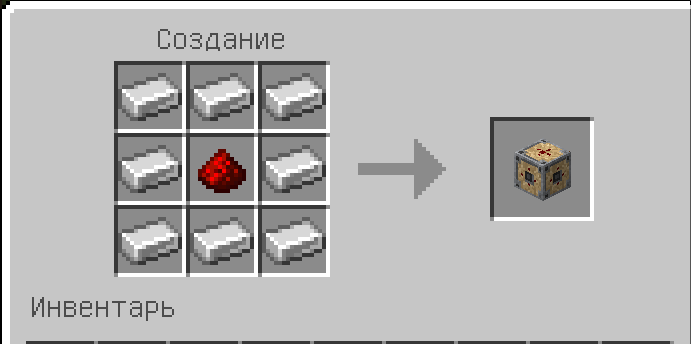
Obtain the FarmLoader block.
-
Place it near the farm you want to keep active.
-
The block will create an invisible helper.
-
You can now move away from the farm while the loader works.
-
Deactivate or break the block to remove the helper.
⚠️ Important Information
-
Beta APIs must be enabled for this add-on to work.
-
Farm performance depends on the farm type, layout, and loader placement.
-
Some farms require additional game conditions and may not work with chunk loading alone.
-
The add-on works only while the Minecraft world is running. It cannot continue simulation after a local single-player world has been closed.
-
Back up your world before enabling experimental features.
Developed by PotokStudio
Bringing creative ideas to life!