F3 Panel
- By
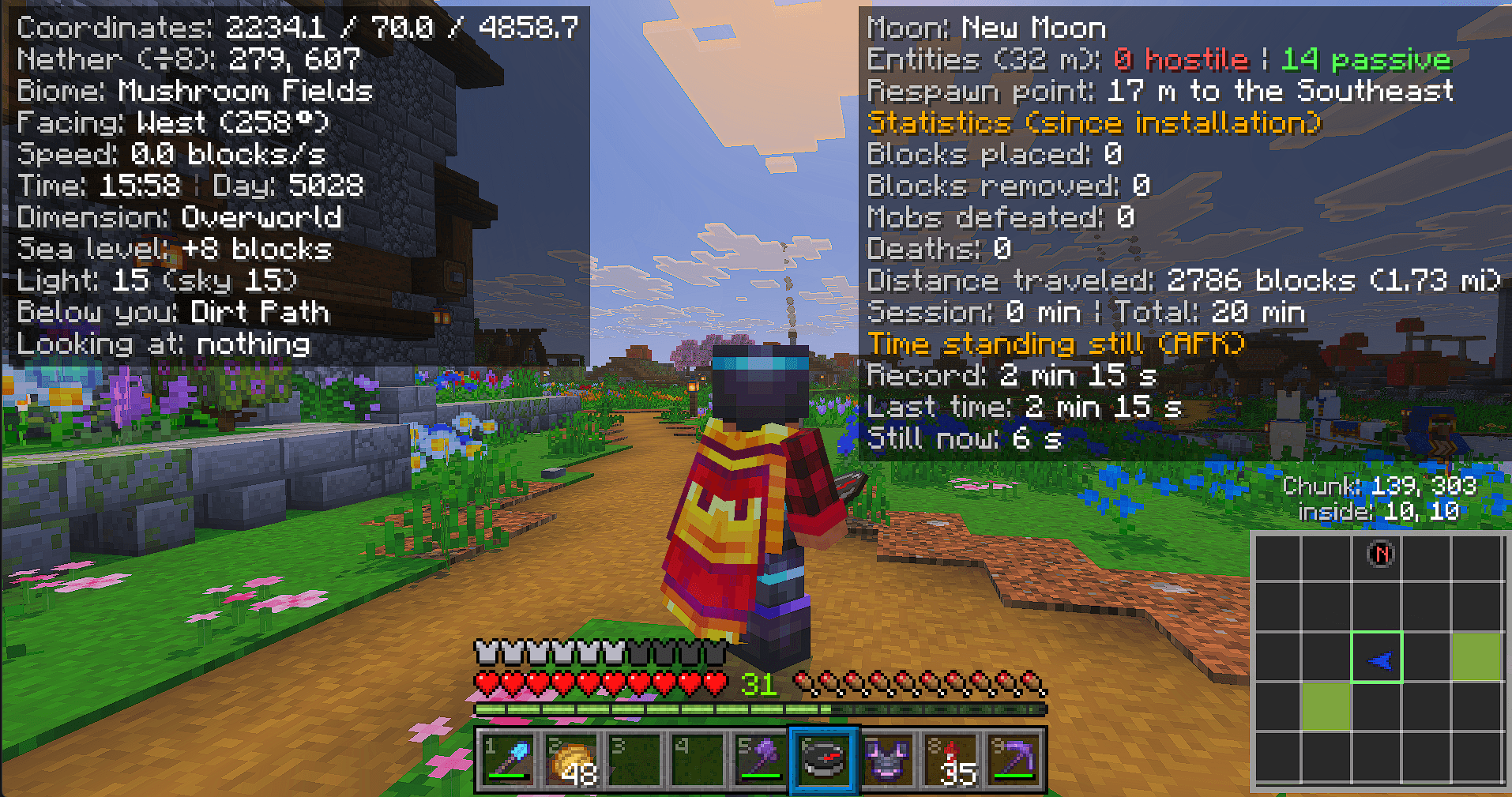
F3-style info panel for Bedrock: coordinates, biome, stats and a chunk minimap, shown while you hold a compass named "F3".
Description
F3 Panel brings a Java-style F3 debug screen to Minecraft Bedrock, with an added chunk minimap. Hold a compass renamed "F3" (rename it in an anvil) and the panel appears in the corners of your screen. Put the compass away and it disappears.
Left panel
Coordinates (with Nether ↔ Overworld conversion), biome, facing direction in degrees, speed in blocks/s If the game's own "Show Coordinates" option is on, the panel hides its coordinates line so they aren't shown twice In-game time and day, dimension, sea level offset, light level (block and sky) The block under your feet and what you're looking at (blocks and entities, with distance; entities also show their health)
Right panel
Moon phase and nearby entities within 32 blocks (hostile / passive) Distance and direction to your spawn point Stats since installation: blocks placed and broken, mobs defeated, deaths, distance traveled, session and total play time AFK tracker: current idle time, record and last streak
Chunk minimap (bottom-right)
Shows the 3×3 chunks around you, with your current chunk outlined in green Blue arrow for your facing direction and a red N for north Chunk coordinates and your position inside the chunk, right above the map Slime chunks highlighted in light green (Overworld)
Settings menu
Right-click (or use the item) with the "F3" compass to open a small menu Toggle the minimap on or off. When it's hidden, the chunk info moves to the left panel Your choice is saved per player
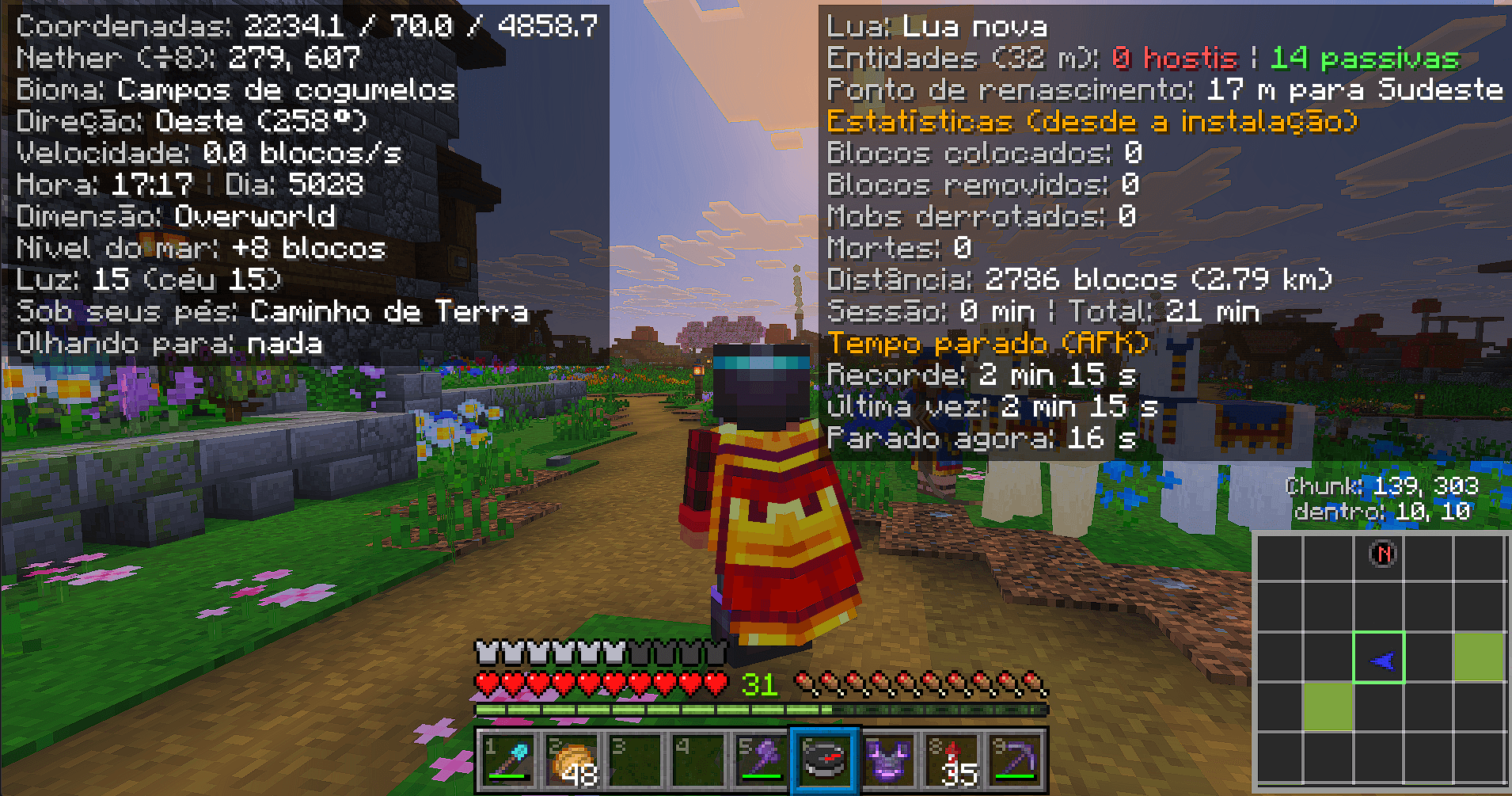
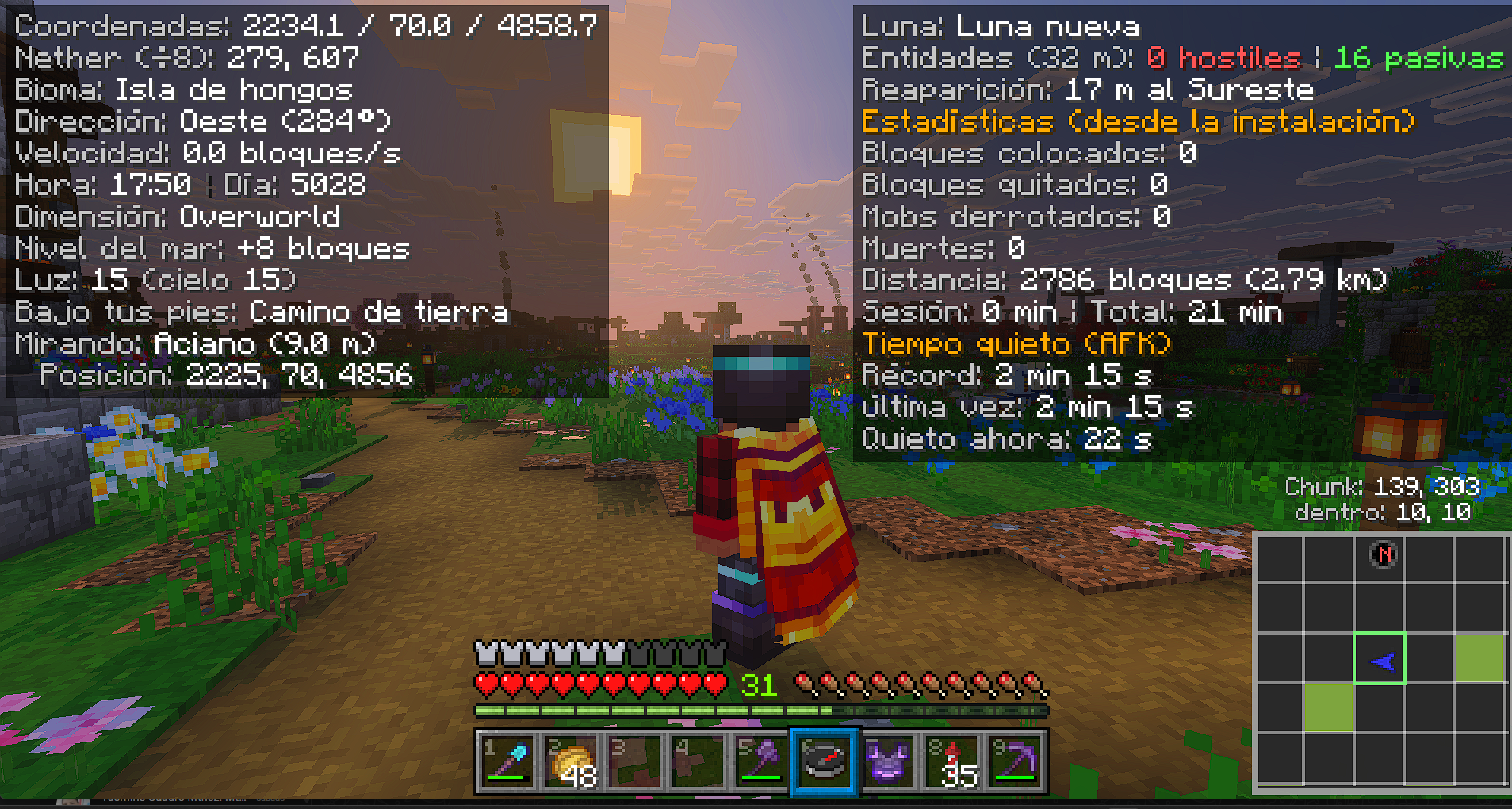
Languages: 29 languages, chosen automatically from your game language.
Requirements: Minecraft Bedrock 1.21.100 or newer. Install both packs (behavior and resource) and enable them in your world.
Note: like any add-on with a behavior pack, enabling it disables achievements in that world. Use it in a separate world if you want to keep earning them.
Created by YegariPro.
F3 Panel Team